푸터 콘텐츠로 바로가기
제품 비교

Java PDF 라이브러리 오픈 소스(무료 및 유료 도구 비교)

PDF, or Portable Document Format, has revolutionized how we share and interact with documents in the digital age. PDF format is a versatile and universally accepted format that preserves a document's layout, fonts, images, and graphics, regardless of the device or software used to view it. Open-source Java PDF libraries provide developers with powerful tools to programmatically create, manipulate, and manage PDF documents.

By leveraging open-source solutions, developers can integrate PDF functionality into their Java applications without expensive proprietary software. This reduces costs and fosters innovation through community collaboration and contributions. This article will explore multiple open-source Java PDF libraries and IronPDF Java.

Apache PDFBox

Apache PDFBox is a widely recognized open-source Java Tool that works with PDF documents. Initially developed by the Apache Software Foundation, it is released under the Apache License 2.0.

PDFBox is known for its robustness and flexibility. It provides a comprehensive suite of tools for creating, editing, and rendering PDF documents. The latest stable version, 3.0.0, supports various PDF functionalities, including extracting text, splitting and merging PDFs, and converting PDFs to images. While it operates from the command line, several GUIs are available that can provide a more user-friendly interface. Its extensive support for PDF standards and formats makes it a reliable choice for developers looking to integrate PDF capabilities into their Java applications.

While Apache PDFBox offers a wide range of features and flexibility, it does have some drawbacks. One notable con is its performance when handling very large or complex PDF files, which can be slower than other PDF libraries. Additionally, while the library is comprehensive, its extensive feature set can make it somewhat challenging for beginners to learn and use effectively.

PDFSam

Java PDF Library Open Source (Free, and Paid Tools Comparison): Figure 1 - PDFSam homepage

PDFSam (PDF Split and Merge) is an open-source software tool that manipulates PDF files. Developed by Andrea Vacondio and released under the GNU General Public License, PDFSam provides a suite of features to simplify PDF management. Users can easily split, merge, rotate, and mix PDF files.

Its modular design enables users to add or remove functionalities based on their needs, making it adaptable to various use cases. PDFSam supports all major operating systems, including Windows, macOS, and Linux, ensuring broad compatibility.

However, PDFSam does have some limitations. While it offers a free version with essential features, advanced functionalities are available only in the paid version, PDFSam Enhanced. Additionally, users may encounter occasional performance issues when processing exceptionally large or complex PDF documents.

PDF Clown

PDF Clown for Java is an open-source library designed for PDF manipulation and is released under the GNU Lesser General Public License (LGPL). This powerful tool lets developers easily create, modify, and manage PDF documents. Initially developed by Stefano Chizzolini, PDF Clown has become a versatile solution for handling a wide range of PDF operations.

PDF Clown supports various PDF features, including text extraction, annotation, and form handling. Its comprehensive API allows developers to perform complex PDF tasks programmatically. The library is written in Java, making it compatible with any platform that supports Java, thus ensuring broad accessibility.

However, PDF Clown does have some limitations. While it covers a wide range of PDF functionalities, some advanced features available in commercial PDF libraries may be lacking. Additionally, users may find the library's performance less optimized for very large or complex PDF documents.

OpenPDF

OpenPDF is an open-source library for manipulating PDF documents in Java. Licensed under the GNU Affero General Public License, OpenPDF enables developers to create, modify, and manage PDF files seamlessly. Originally derived from the iText library, OpenPDF has evolved to provide comprehensive features for handling PDF documents.

OpenPDF supports a variety of PDF functionalities, including text extraction, encryption, digital signatures, and form handling. Its API is designed to be intuitive and easy to use, allowing developers to integrate PDF capabilities into their Java applications efficiently. The library is compatible with all platforms that support Java, ensuring widespread usability. One of OpenPDF's key advantages is its active community and regular updates, which help maintain its reliability and feature set. The library focuses on preserving the integrity of PDF content during manipulation, ensuring that the visual layout and structure of documents remain intact.

However, OpenPDF does have some drawbacks. While it offers robust features, it may lack some advanced functionalities in commercial PDF libraries. Additionally, performance issues can arise when processing very large or complex PDF documents.

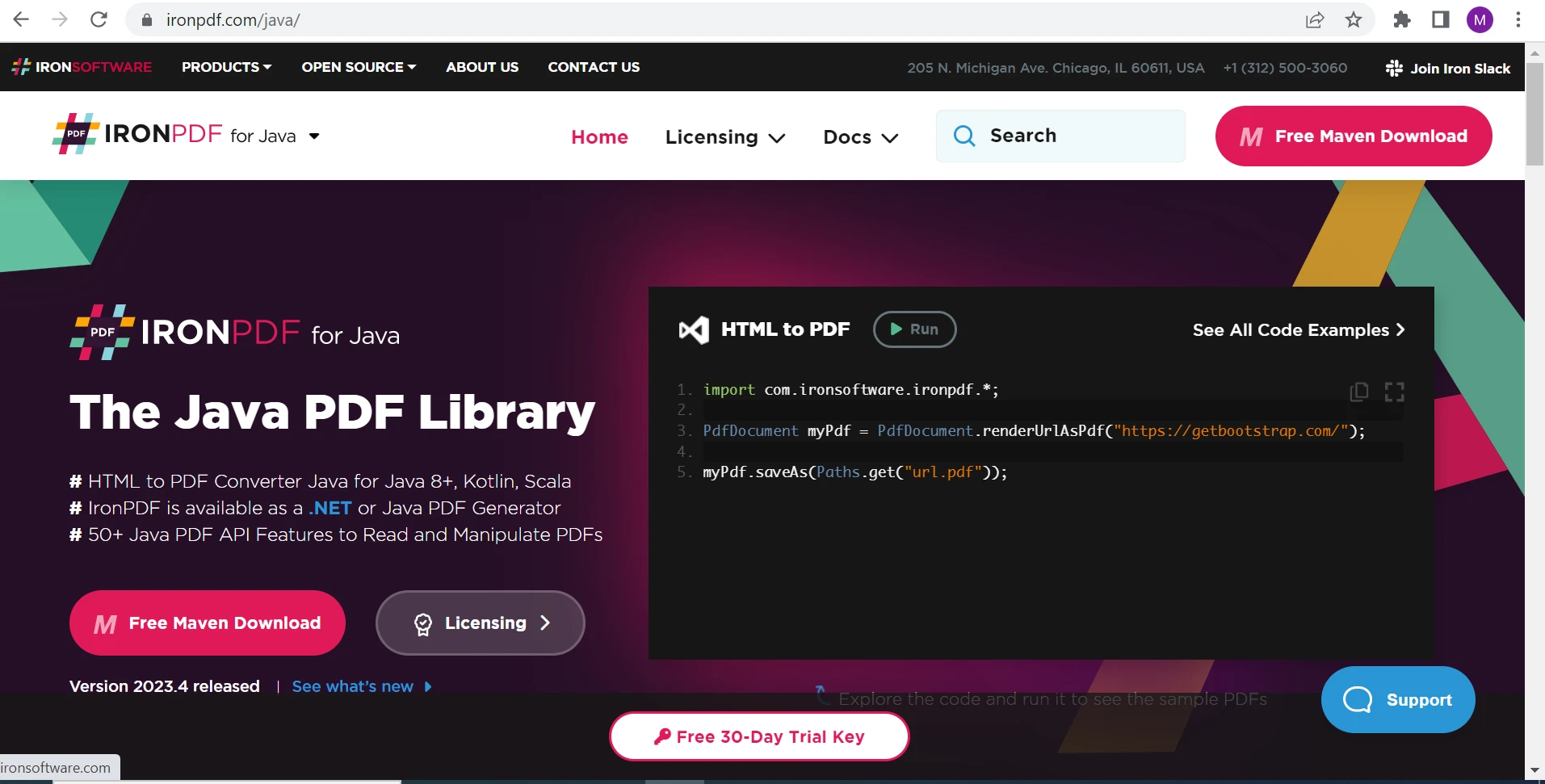
IronPDF for Java PDF Library

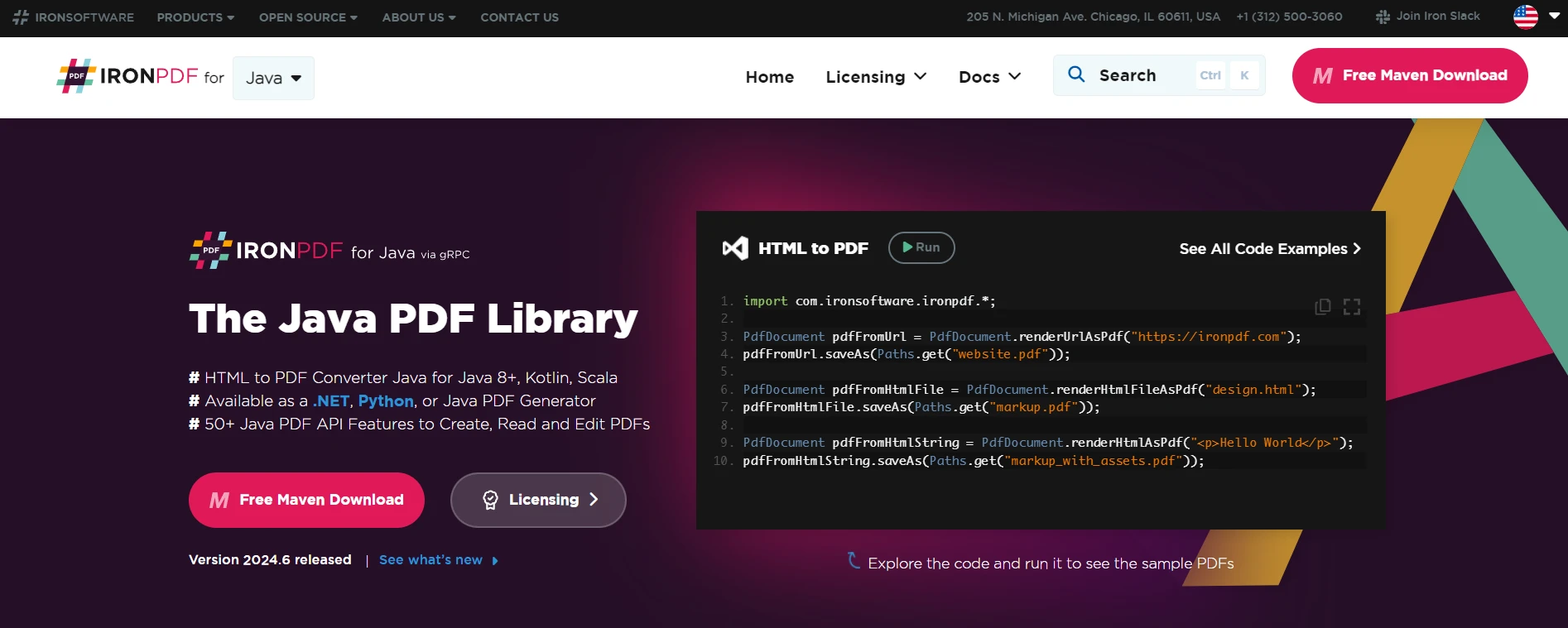
Java PDF Library Open Source (Free, and Paid Tools Comparison): Figure 2 - IronPDF: The Java PDF Library

IronPDF for Java is a Java library created to streamline creating, editing, and extracting content from PDF documents within Java applications. This library is designed to cater to developers working in Java 8+, Kotlin, and Scala, providing a robust solution for PDF manipulation. Developed and maintained by Iron Software, IronPDF leverages its .NET counterpart's reliability and functionality, ensuring it remains a powerful tool for Java developers.

The library allows developers to generate PDFs from various sources, including HTML, URLs, JavaScript, CSS, and image formats. Moreover, IronPDF supports comprehensive editing capabilities, such as adding headers, footers, watermarks, digital signatures, attachments, and password protection, making it an all-encompassing solution for PDF document management.

IronPDF is optimized for performance, with full support for multithreading and asynchronous operations. This ensures that even large documents can be processed efficiently, making them suitable for small and large-scale applications. The library is also built with compatibility, ensuring it works seamlessly with various JVM languages.

Advantages of IronPDF

  • IronPDF can generate new PDF documents from various file formats such as HTML, URLs, JavaScript, CSS, and image files and formats.
  • The library supports adding headers, footers, watermarks, attachments, PDF forms, and security features like password protection.
  • You can merge multiple PDF files using IronPDF Java.
  • This library supports digitally signed PDF files using its digital signature features.
  • With full support for multithreading and asynchronous operations, IronPDF ensures efficient handling of large documents.
  • IronPDF allows for the extraction of text and images from existing documents. This feature is helpful in repurposing content or extracting specific data for further processing.
  • Developers can easily combine PDF files, split a single PDF into multiple documents, and manage a PDF form inside a PDF.
  • IronPDF includes robust logging and debugging capabilities through the SLF4J logger.

Below is the code to create PDF files from an HTML file:

import com.ironsoftware.ironpdf.*;
import java.io.IOException;
import java.nio.file.Paths;

public class PdfGenerator {

    // Main method to execute the PDF creation
    public static void main(String[] args) {
        try {
            // Apply your license key
            License.setLicenseKey("YOUR-LICENSE-KEY-HERE");

            // Set a log path
            Settings.setLogPath(Paths.get("C:/temp/IronPdf_Log.log"));

            // Render the HTML as a PDF. Stored in generatedPdf as type PdfDocument
            PdfDocument generatedPdf = PdfDocument.renderHtmlFileAsPdf("sample.html");

            // Save the PdfDocument to a file
            generatedPdf.saveAs(Paths.get("output_pdf_document.pdf"));
        } catch (IOException e) {
            e.printStackTrace();
        }
    }
}
import com.ironsoftware.ironpdf.*;
import java.io.IOException;
import java.nio.file.Paths;

public class PdfGenerator {

    // Main method to execute the PDF creation
    public static void main(String[] args) {
        try {
            // Apply your license key
            License.setLicenseKey("YOUR-LICENSE-KEY-HERE");

            // Set a log path
            Settings.setLogPath(Paths.get("C:/temp/IronPdf_Log.log"));

            // Render the HTML as a PDF. Stored in generatedPdf as type PdfDocument
            PdfDocument generatedPdf = PdfDocument.renderHtmlFileAsPdf("sample.html");

            // Save the PdfDocument to a file
            generatedPdf.saveAs(Paths.get("output_pdf_document.pdf"));
        } catch (IOException e) {
            e.printStackTrace();
        }
    }
}
JAVA

In the code snippet above, we are working with IronPDF to render an HTML file as a PDF document and save it to the filesystem:

  • License.setLicenseKey: This method is used to authenticate the IronPDF library with the required license key.

  • Settings.setLogPath: Defines the path for storing the log details generated during the PDF creation process.

  • PdfDocument.renderHtmlFileAsPdf: Converts the specified HTML file ("sample.html") into a PDF document. The result is stored in the generatedPdf variable.

  • generatedPdf.saveAs: Saves the created PDF document in "output_pdf_document.pdf" path.

This code effectively demonstrates how to convert an HTML file into a PDF using IronPDF and save it to the specified location.

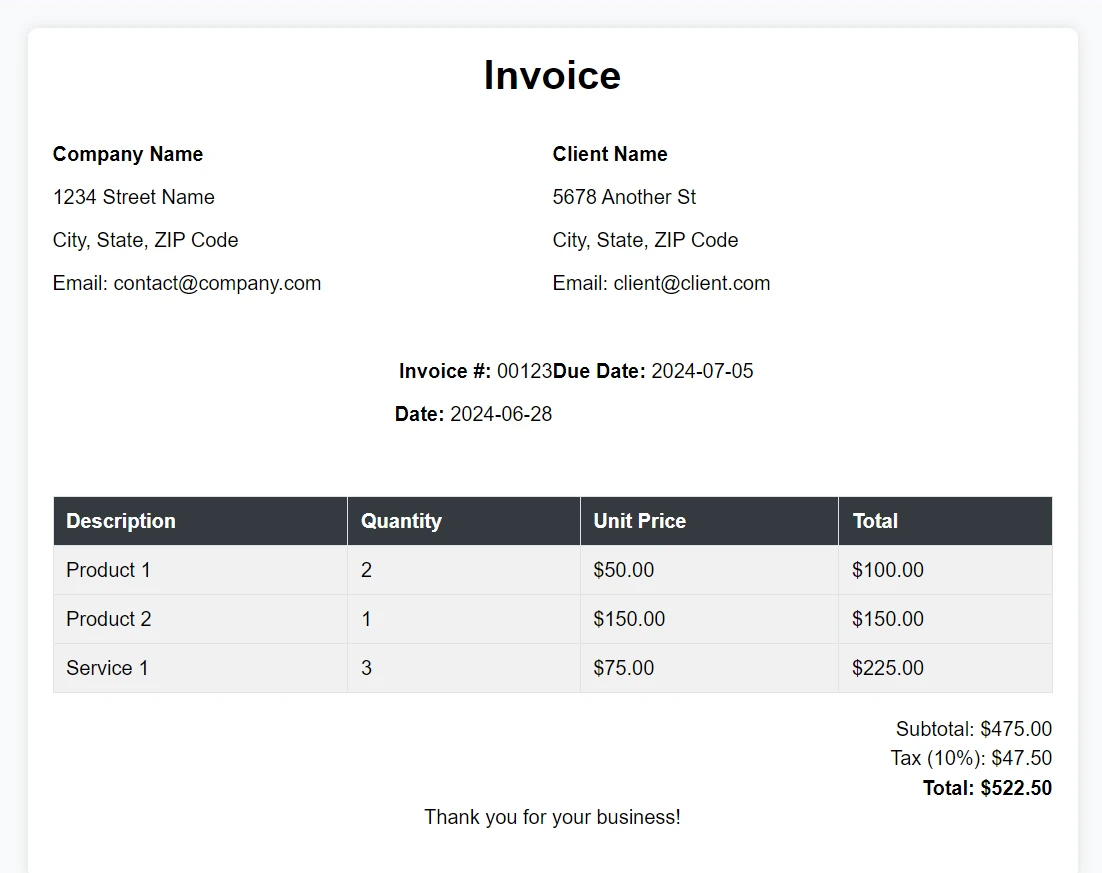
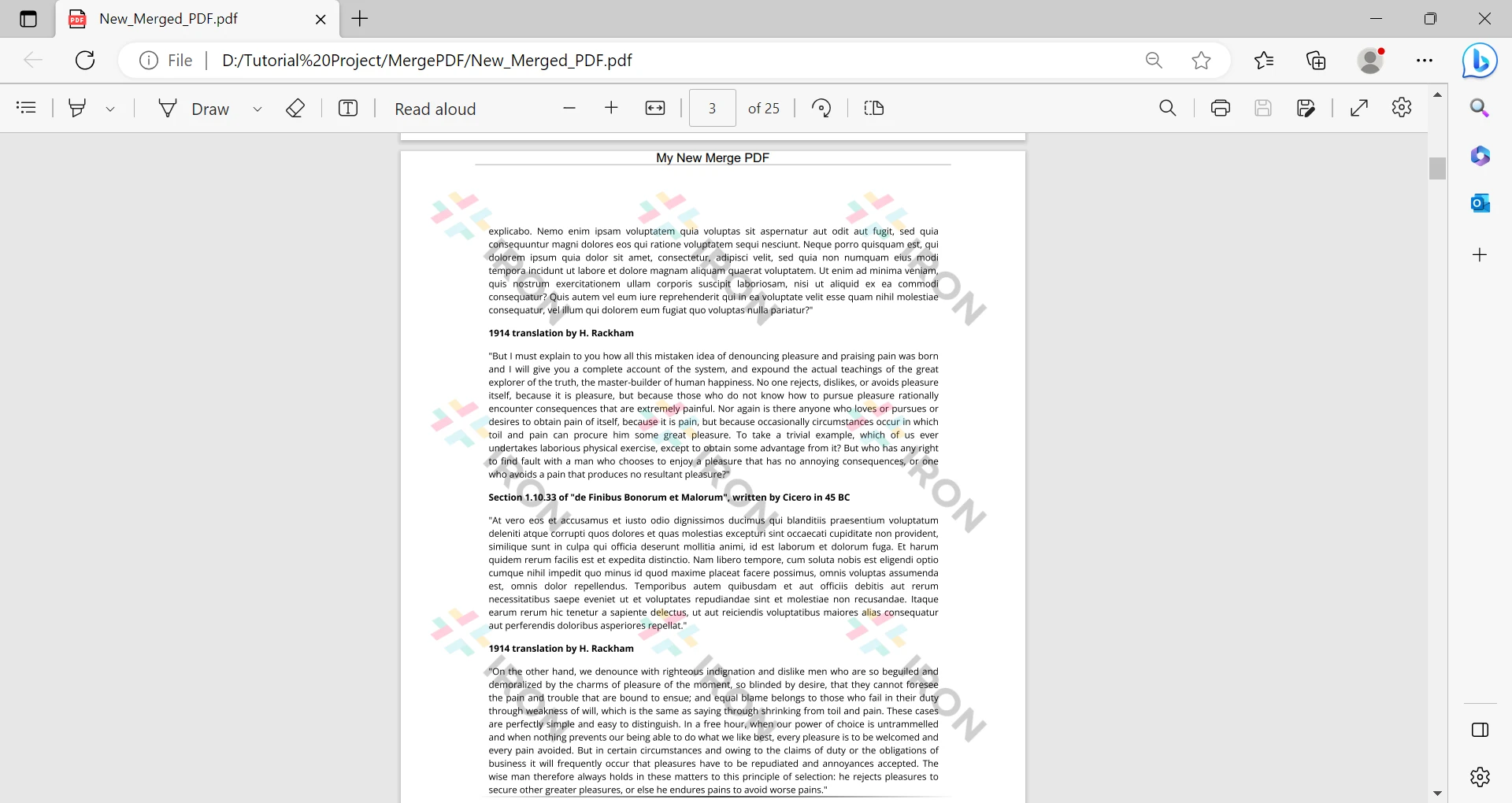
Here is the generated PDF file:

Java PDF Library Open Source (Free, and Paid Tools Comparison): Figure 3 - Generated PDF from the example above utilizing IronPDF

Conclusion

Java PDF Library Open Source (Free, and Paid Tools Comparison): Figure 4 - IronPDF licensing pricing

Open-source Java PDF libraries offer flexibility and the ability to customize solutions using their source code. However, they often lack dedicated support teams and comprehensive documentation, which can pose challenges for developers, especially beginners. Libraries like Apache PDFBox provide robust functionality, but navigating their complexities without extensive tutorials or sample code can be daunting.

IronPDF for Java, on the other hand, provides a seamless experience with extensive support and precise documentation. It integrates seamlessly with various Java environments and supports multiple PDF functionalities, from essential viewing and editing to advanced features like OCR and digital signatures. IronPDF simplifies complex tasks with its user-friendly API and reliable performance. It offers a cost-effective solution with a development edition, a free trial, and a lifetime license included in the bundle at no extra cost, starting from $799. For developers seeking a dependable and well-supported PDF library, IronPDF stands out as a practical choice.

참고해 주세요Apache PDFBox, PDFSam, PDF Clown, OpenPDF, and iText are registered trademarks of their respective owner. This site is not affiliated with, endorsed by, or sponsored by Apache PDFBox, PDFSam, PDF Clown, OpenPDF, or iText. All product names, logos, and brands are the property of their respective owners. Comparisons are for informational purposes only and reflect publicly available information at the time of writing.

자주 묻는 질문

Java에서 HTML을 PDF로 변환하려면 어떻게 해야 하나요?

IronPDF의 RenderHtmlAsPdf 메서드를 사용하여 HTML 콘텐츠를 PDF로 변환할 수 있습니다. 이 메서드는 HTML 문자열, URL에서 변환할 수 있으며 JavaScript와 CSS를 지원합니다.

오픈 소스 Java PDF 라이브러리 사용의 어려움은 무엇인가요?

오픈 소스 Java PDF 라이브러리는 상용 도구에서 사용할 수 있는 고급 기능이 부족할 수 있고, 용량이 크거나 복잡한 문서에서는 성능에 제한이 있을 수 있으며, 사용자 지원 및 문서가 부족한 경우가 많습니다.

Apache PDFBox는 다른 Java PDF 라이브러리와 어떻게 다른가요?

Apache PDFBox는 견고함과 유연성으로 잘 알려져 있지만 초보자에게는 복잡하고 대용량 PDF 파일에서는 속도가 느릴 수 있습니다. IronPDF는 특히 복잡한 작업을 위해 보다 사용자 친화적인 API와 향상된 성능 기능을 제공합니다.

PDFSam에서는 어떤 PDF 조작 기능을 사용할 수 있나요?

PDFSam은 PDF 파일 분할, 병합, 회전 및 혼합과 같은 기능을 제공합니다. 그러나 고급 기능은 유료 버전으로 제한되어 있는 반면, IronPDF는 추가 비용 없이 포괄적인 조작 기능을 제공합니다.

오픈 소스 라이브러리보다 Java용 IronPDF를 사용하면 어떤 이점이 있나요?

IronPDF는 광범위한 지원, 사용자 친화적인 API 및 정확한 문서를 제공하여 복잡한 작업을 더 간단하게 만듭니다. Java 환경과 잘 통합되며 오픈 소스 대안에서 종종 제한되는 안정적인 성능을 제공합니다.

Java용 IronPDF는 비동기 PDF 작업을 처리할 수 있나요?

예, IronPDF는 비동기 작업과 멀티스레딩을 지원하므로 Java 애플리케이션에서 대규모 PDF 처리 작업을 효율적으로 처리하는 데 적합합니다.

IronPDF는 Java 개발자를 위해 어떤 라이선스 옵션을 제공하나요?

IronPDF는 무료 평가판과 번들에 평생 라이선스가 포함된 비용 효율적인 라이선스 모델을 제공합니다. 따라서 광범위한 지원과 함께 신뢰할 수 있는 PDF 라이브러리를 찾는 개발자에게 경제적인 선택이 될 수 있습니다.

커티스 차우
기술 문서 작성자

커티스 차우는 칼턴 대학교에서 컴퓨터 과학 학사 학위를 취득했으며, Node.js, TypeScript, JavaScript, React를 전문으로 하는 프론트엔드 개발자입니다. 직관적이고 미적으로 뛰어난 사용자 인터페이스를 만드는 데 열정을 가진 그는 최신 프레임워크를 활용하고, 잘 구성되고 시각적으로 매력적인 매뉴얼을 제작하는 것을 즐깁니다.
커티스는 개발 분야 외에도 사물 인터넷(IoT)에 깊은 관심을 가지고 있으며, 하드웨어와 소프트웨어를 통합하는 혁신적인 방법을 연구합니다. 여가 시간에는 게임을 즐기거나 디스코드 봇을 만들면서 기술에 대한 애정과 창의성을 결합합니다.