푸터 콘텐츠로 바로가기
제품 비교

FastAPI Python(개발자를 위한 작동 방식)

FastAPI is a modern, high-performance web framework for building APIs with Python. It is designed to be easy to use and learn while providing powerful features like automatic validation, serialization, and automatic interactive API documentation. Additionally, it works with any template engine and allows you to use any default template configuration needed for your project.

Let’s dive into the details of FastAPI, its features, and how to use it effectively. Later in this article, we will also look into IronPDF, a PDF generation Python package from Iron Software.

Key Features of FastAPI

  1. High Performance: FastAPI is one of the fastest Python frameworks available, comparable to Node.js and Go, thanks to its use of Starlette for the web parts and Pydantic for the data parts.
  2. Ease of Use: It is designed to be intuitive and reduce the time spent reading documentation. The framework leverages standard Python-type hints for data validation and serialization.
  3. Automatic Interactive Documentation: FastAPI automatically generates interactive API documentation using OpenAPI and JSON Schema, accessible via /docs (Swagger UI) and /redoc (ReDoc). Any updates to the API are automatically reflected in the documentation.
  4. Editor Support: Excellent support for code completion and type checking in editors like VS Code, making development faster and reducing errors.
  5. Standards-Based: It is based on (and fully compatible with) the open standards for APIs: OpenAPI and JSON Schema.

Installation

You can install FastAPI and Uvicorn (an ASGI server) using pip:

pip install fastapi
pip install "uvicorn[standard]"
pip install fastapi
pip install "uvicorn[standard]"
SHELL

Creating Your First FastAPI Application

Here’s a simple example to get you started with FastAPI and expose Python data through a user interface:

from fastapi import FastAPI

# Create a FastAPI 'app' instance
app = FastAPI()

# Root path operation
@app.get("/")
def read_root():
    return {"Hello": "World"}

# Path operation for items including query parameter 'q'
@app.get("/items/{item_id}")
def read_item(item_id: int, q: str = None):
    return {"item_id": item_id, "q": q}
from fastapi import FastAPI

# Create a FastAPI 'app' instance
app = FastAPI()

# Root path operation
@app.get("/")
def read_root():
    return {"Hello": "World"}

# Path operation for items including query parameter 'q'
@app.get("/items/{item_id}")
def read_item(item_id: int, q: str = None):
    return {"item_id": item_id, "q": q}
PYTHON

To run the application, use Uvicorn:

uvicorn main:app --reload
SHELL

This command will start a development server and automatically reload for code changes. You can access the interactive API documentation at http://127.0.0.1:8000/docs.

Advanced Features

FastAPI supports a wide range of advanced features, making it suitable for complex applications:

  1. Dependency Injection: FastAPI provides a powerful dependency injection system that allows you to manage dependencies cleanly and efficiently.
  2. Background Tasks: You can define background tasks to be run after returning a response, useful for tasks like sending emails or processing data.
  3. WebSockets: FastAPI supports WebSockets, enabling real-time communication between the client and server.
  4. Security: FastAPI includes tools for handling security, including OAuth2, JWT tokens, and more.
  5. Database Integration: FastAPI can be easily integrated with databases using libraries like SQLAlchemy or Tortoise-ORM.

Example: Building a CRUD API

Let’s build a simple CRUD (Create, Read, Update, Delete) API for managing items.

  1. Define the Data Model:
from pydantic import BaseModel

# Define a Pydantic model for the item with default description and tax
class Item(BaseModel):
    name: str
    description: str = None
    price: float
    tax: float = None
from pydantic import BaseModel

# Define a Pydantic model for the item with default description and tax
class Item(BaseModel):
    name: str
    description: str = None
    price: float
    tax: float = None
PYTHON
  1. Create the FastAPI Application:
from fastapi import FastAPI, HTTPException

# Initialize 'app' instance and an empty 'items' dictionary
app = FastAPI()
items = {}

# Create operation: Add a new item
@app.post("/items/")
def create_item(item: Item):
    item_id = len(items) + 1
    items[item_id] = item
    return item

# Read operation: Retrieve an item by 'item_id'
@app.get("/items/{item_id}")
def read_item(item_id: int):
    if item_id not in items:
        raise HTTPException(status_code=404, detail="Item not found")
    return items[item_id]

# Update operation: Replace an existing item
@app.put("/items/{item_id}")
def update_item(item_id: int, item: Item):
    if item_id not in items:
        raise HTTPException(status_code=404, detail="Item not found")
    items[item_id] = item
    return item

# Delete operation: Remove an item by 'item_id'
@app.delete("/items/{item_id}")
def delete_item(item_id: int):
    if item_id not in items:
        raise HTTPException(status_code=404, detail="Item not found")
    del items[item_id]
    return {"message": "Item deleted"}
from fastapi import FastAPI, HTTPException

# Initialize 'app' instance and an empty 'items' dictionary
app = FastAPI()
items = {}

# Create operation: Add a new item
@app.post("/items/")
def create_item(item: Item):
    item_id = len(items) + 1
    items[item_id] = item
    return item

# Read operation: Retrieve an item by 'item_id'
@app.get("/items/{item_id}")
def read_item(item_id: int):
    if item_id not in items:
        raise HTTPException(status_code=404, detail="Item not found")
    return items[item_id]

# Update operation: Replace an existing item
@app.put("/items/{item_id}")
def update_item(item_id: int, item: Item):
    if item_id not in items:
        raise HTTPException(status_code=404, detail="Item not found")
    items[item_id] = item
    return item

# Delete operation: Remove an item by 'item_id'
@app.delete("/items/{item_id}")
def delete_item(item_id: int):
    if item_id not in items:
        raise HTTPException(status_code=404, detail="Item not found")
    del items[item_id]
    return {"message": "Item deleted"}
PYTHON

Introducing IronPDF

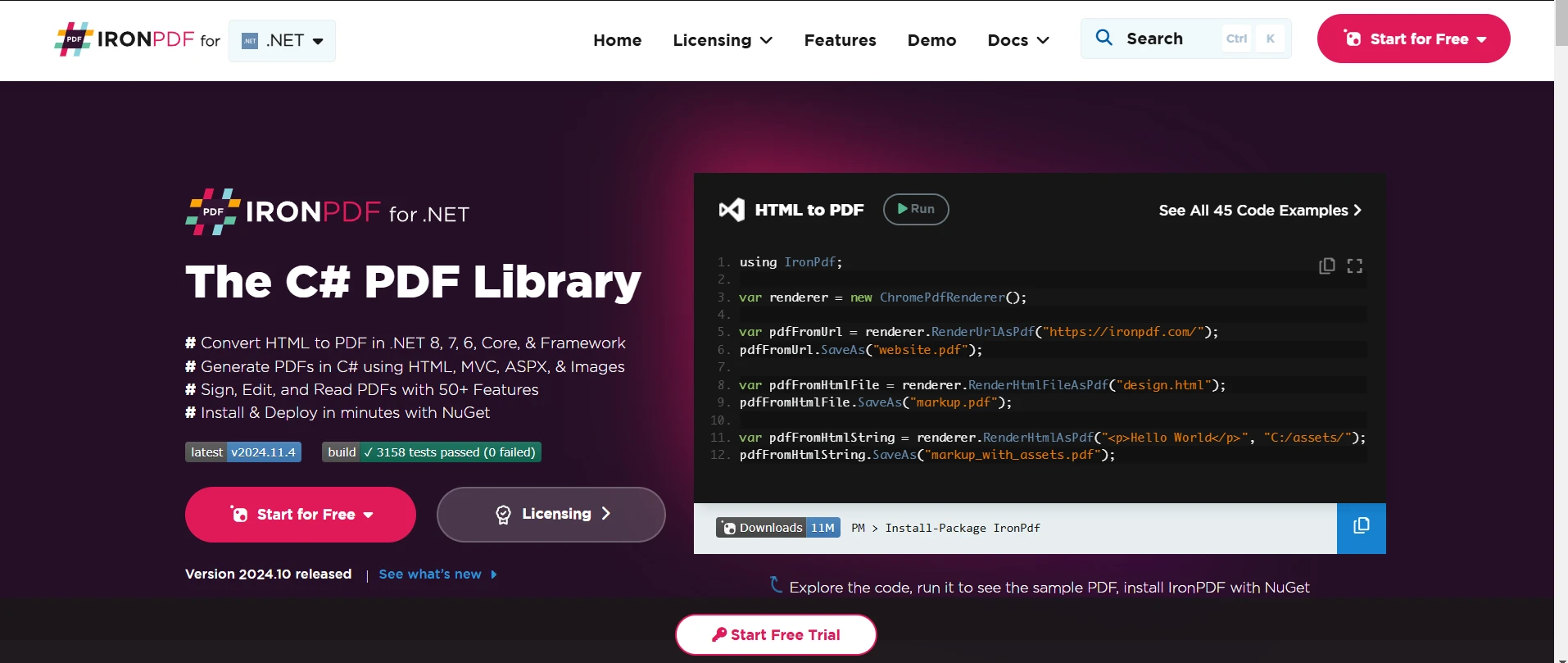
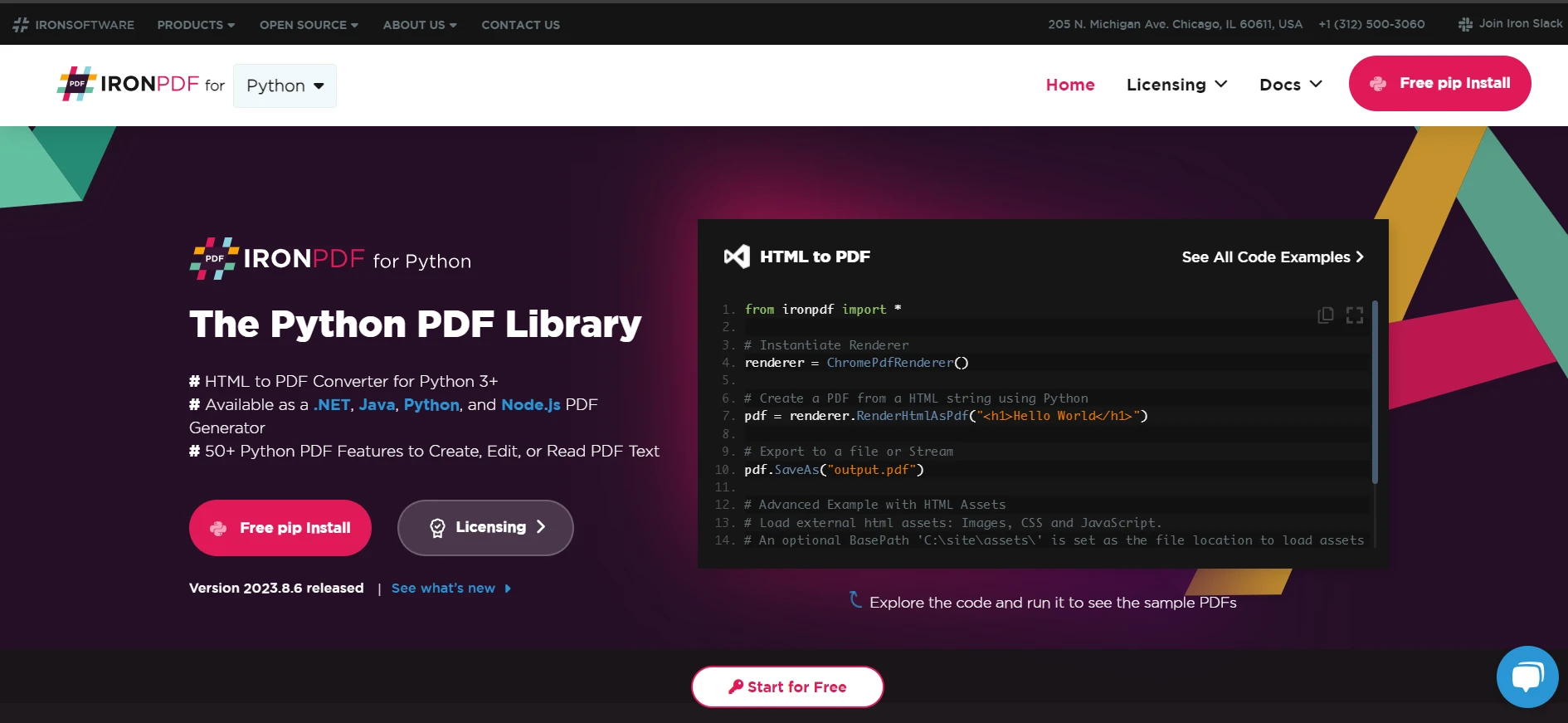
FastAPI Python (How It Works For Developers): Figure 1

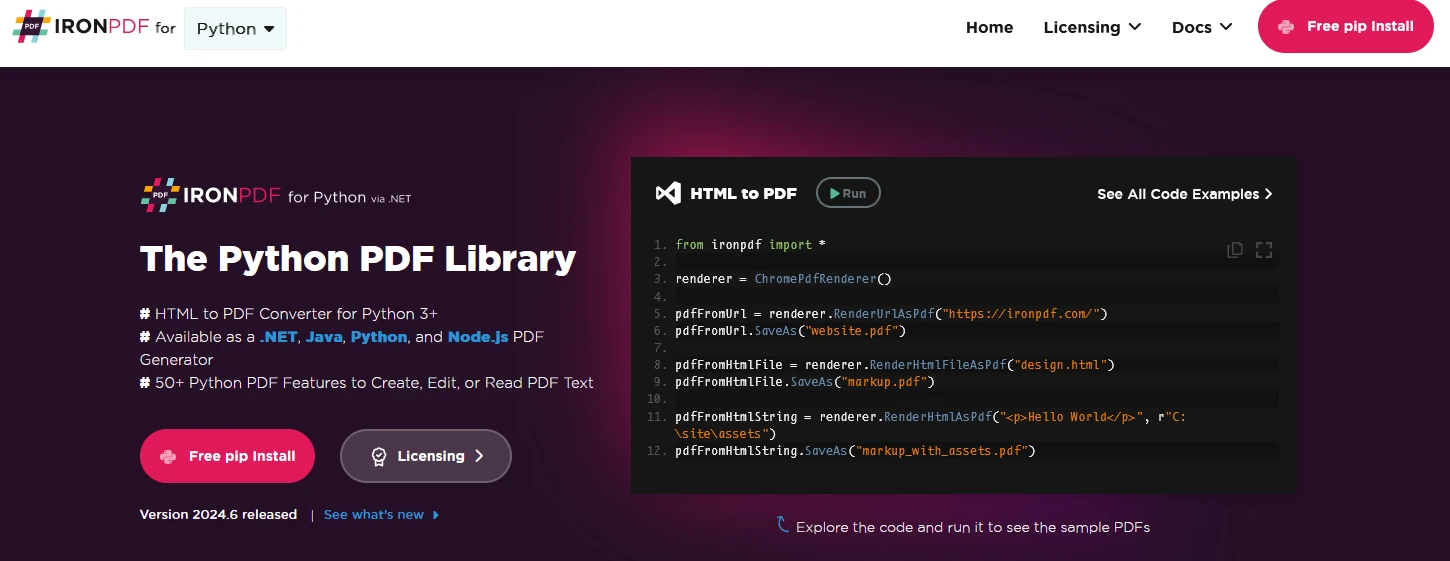
IronPDF is a powerful Python library designed for creating, editing, and signing PDFs from HTML, CSS, images, and JavaScript. It offers commercial-grade performance with a low memory footprint. Key features include:

HTML to PDF Conversion

Convert HTML files, HTML strings, and URLs to PDFs. For example, render a webpage as a PDF using the Chrome PDF renderer.

Cross-Platform Support

Compatible with various .NET platforms, including .NET Core, .NET Standard, and .NET Framework. It supports Windows, Linux, and macOS.

Editing and Signing

Set properties, add security with passwords and permissions, and apply digital signatures to your PDFs.

Page Templates and Settings

Customize PDFs with headers, footers, page numbers, and adjustable margins. Supports responsive layouts and custom paper sizes.

Standards Compliance

Adheres to PDF standards such as PDF/A and PDF/UA. Supports UTF-8 character encoding and handles assets like images, CSS, and fonts.

Generate PDF Documents using IronPDF and FastAPI

pip install fastapi
pip install ironPDF
pip install fastapi
pip install ironPDF
SHELL
from fastapi import FastAPI
from fastapi.responses import FileResponse
from ironpdf import *

# Apply your IronPDF license key
License.LicenseKey = "key"

# Initialize 'app' instance
app = FastAPI()

# Route for simple greeting
@app.get("/")
def read_root():
    return {"Hello": "IronPDF"}

# Route that reads items with path and query parameters
@app.get("/items/{item_id}")
def read_item(item_id: int, q: str = None):
    return {"item_id": item_id, "q": q}

# Route for generating a PDF document
@app.get("/pdf")
async def get_pdf(greet1: str = None, greet2: str = None):
    # Use ChromePdfRenderer to create PDF from HTML
    renderer = ChromePdfRenderer()
    content = "<h1>Document Generated using IronPDF with FastAPI GET</h1>"
    content += "<p> Demonstrate PDF generation using User Inputs</p>"
    content += f"<p>Greetings from: {greet1}</p>"
    content += f"<p>And Greetings from: {greet2}</p>"
    pdf = renderer.RenderHtmlAsPdf(content)

    # Save the PDF to a file
    pdf.SaveAs("fastapi.pdf")

    # Create a response with the generated PDF
    headers = {
        "Content-Disposition": "inline; filename=sample.pdf"
    }
    return FileResponse("fastapi.pdf", media_type="application/pdf", headers=headers)
from fastapi import FastAPI
from fastapi.responses import FileResponse
from ironpdf import *

# Apply your IronPDF license key
License.LicenseKey = "key"

# Initialize 'app' instance
app = FastAPI()

# Route for simple greeting
@app.get("/")
def read_root():
    return {"Hello": "IronPDF"}

# Route that reads items with path and query parameters
@app.get("/items/{item_id}")
def read_item(item_id: int, q: str = None):
    return {"item_id": item_id, "q": q}

# Route for generating a PDF document
@app.get("/pdf")
async def get_pdf(greet1: str = None, greet2: str = None):
    # Use ChromePdfRenderer to create PDF from HTML
    renderer = ChromePdfRenderer()
    content = "<h1>Document Generated using IronPDF with FastAPI GET</h1>"
    content += "<p> Demonstrate PDF generation using User Inputs</p>"
    content += f"<p>Greetings from: {greet1}</p>"
    content += f"<p>And Greetings from: {greet2}</p>"
    pdf = renderer.RenderHtmlAsPdf(content)

    # Save the PDF to a file
    pdf.SaveAs("fastapi.pdf")

    # Create a response with the generated PDF
    headers = {
        "Content-Disposition": "inline; filename=sample.pdf"
    }
    return FileResponse("fastapi.pdf", media_type="application/pdf", headers=headers)
PYTHON

Code Explanation

This code snippet demonstrates the integration of IronPDF with FastAPI to dynamically generate PDF documents based on user inputs and serve them as a downloadable response.

  1. Setting License Key: Applies the IronPDF license key to enable its features.

  2. FastAPI Initialization: Initializes a FastAPI instance (app) to handle HTTP requests.

  3. Basic Route Handlers:

    • read_root(): Responds with a simple JSON message indicating "Hello IronPDF" when accessing the root URL (/).
    • read_item(): Accepts an item_id path parameter and an optional q query parameter. Returns a JSON response with these parameters.
  4. PDF Generation Route (/pdf):

    • get_pdf(): This async function handles GET requests to the /pdf endpoint with optional query parameters named greet1 and greet2.
    • Constructs an HTML string (content) that includes:
      • A header indicating the document's origin and purpose.
      • A paragraph demonstrating PDF generation using user inputs (greet1 and greet2).
    • Uses ChromePdfRenderer() from IronPDF to render the HTML content into a PDF (pdf = renderer.RenderHtmlAsPdf(content)).
    • Saves the generated PDF as "fastapi.pdf" (pdf.SaveAs("fastapi.pdf")).
  5. Serving the PDF:
    • Configures response headers to specify that the PDF should be viewed inline in the browser ("Content-Disposition": "inline; filename=sample.pdf").
    • Creates a FileResponse object pointing to the generated PDF file with the appropriate media type ("application/pdf").
    • Returns the FileResponse object, which triggers the download of the PDF document when the /pdf endpoint is accessed.

This code snippet illustrates how IronPDF can be seamlessly integrated with FastAPI to dynamically generate and serve PDF documents based on user inputs. It showcases the ability to convert HTML content into PDFs, making it suitable for applications requiring on-the-fly document generation and delivery over HTTP.

Output

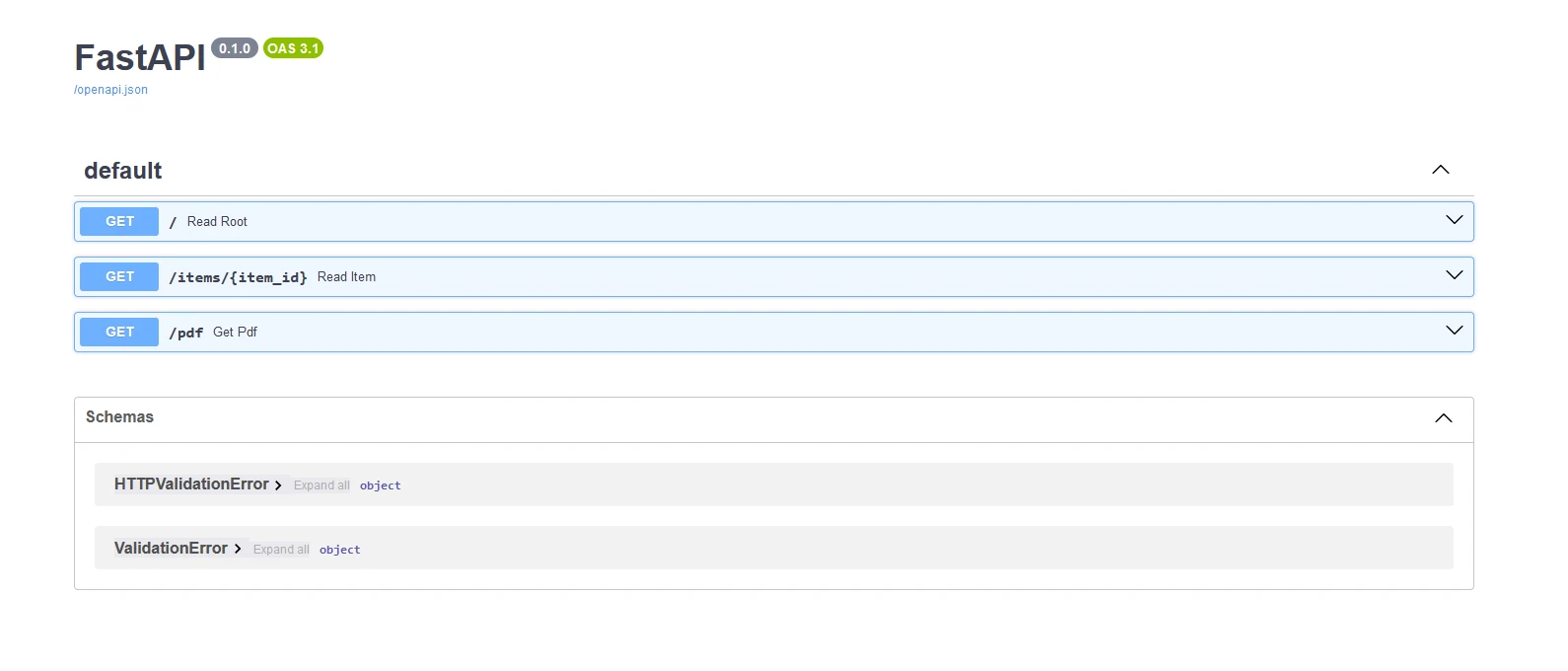
Below shows the swagger output generated from the APIs

FastAPI Python (How It Works For Developers): Figure 2

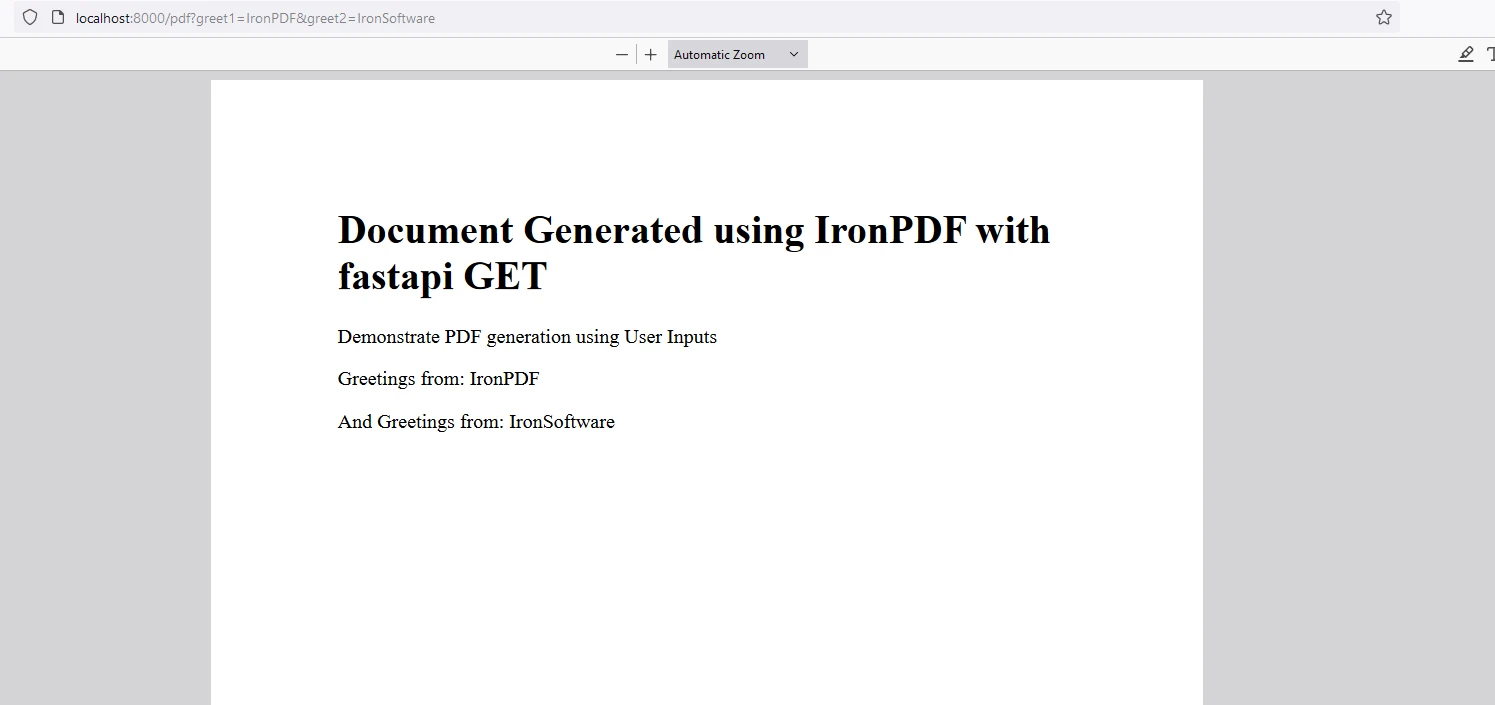
PDF

FastAPI Python (How It Works For Developers): Figure 3

IronPDF License

IronPDF runs on the license key for Python. IronPDF for Python offers a free trial license key to allow users to check out features before purchase.

Place the License Key at the start of the script before using the IronPDF package:

from ironpdf import *
# Apply your license key
License.LicenseKey = "key"
from ironpdf import *
# Apply your license key
License.LicenseKey = "key"
PYTHON

Conclusion

FastAPI is a powerful and easy-to-use framework for building APIs in Python. FastAPI has high performance, automatic documentation, and advanced features make it an excellent choice for both beginners and experienced developers. Whether you’re building a simple API or a complex web application, FastAPI provides the tools you need to succeed.

IronPDF is a robust Python library for creating, manipulating, and rendering PDF documents from HTML content. It offers features like HTML to PDF conversion, interactive form creation, PDF manipulation (merging, splitting), and text extraction. Ideal for generating dynamic PDFs with ease and integrating into various Python applications.

자주 묻는 질문

Python 애플리케이션에서 HTML 콘텐츠를 PDF로 변환하려면 어떻게 해야 하나요?

IronPDF의 ChromePdfRenderer를 사용하여 HTML, CSS 및 JavaScript 콘텐츠를 PDF 파일로 변환할 수 있습니다. 이를 통해 웹 콘텐츠에서 PDF 문서를 생성하기 위한 Python 애플리케이션에 원활하게 통합할 수 있습니다.

API 구축에 FastAPI를 사용하면 어떤 이점이 있나요?

FastAPI는 고성능, 자동 유효성 검사, 직렬화 및 대화형 API 문서를 제공합니다. Starlette 및 Pydantic을 활용하여 Node.js 및 Go에 필적하는 속도와 효율성을 보장하는 동시에 OpenAPI와 같은 개방형 표준을 지원합니다.

FastAPI에서 PDF 문서를 제공하려면 어떻게 해야 하나요?

IronPDF로 PDF 문서를 생성하고 FastAPI의 FileResponse를 사용하여 반환함으로써 FastAPI에서 PDF 문서를 제공할 수 있습니다. 이 접근 방식을 사용하면 클라이언트 요청에 따라 PDF를 동적으로 생성하고 제공할 수 있습니다.

FastAPI가 실시간 애플리케이션에 적합한 이유는 무엇인가요?

FastAPI는 클라이언트와 서버 간의 실시간 통신을 가능하게 하는 웹소켓을 지원하므로 즉각적인 데이터 업데이트나 실시간 상호 작용이 필요한 애플리케이션에 이상적인 선택입니다.

FastAPI는 데이터 유효성 검사 및 직렬화를 어떻게 처리하나요?

FastAPI는 Pydantic 모델과 표준 Python 유형 힌트를 사용하여 데이터 유효성 검사 및 직렬화를 처리합니다. 이를 통해 입력 데이터가 올바르게 검증되고 원하는 형식으로 변환되어 오류 발생 가능성을 줄일 수 있습니다.

FastAPI는 어떤 보안 기능을 제공하나요?

FastAPI는 OAuth2, JWT 인증 및 종속성 주입을 비롯한 강력한 보안 기능을 제공하여 개발자가 최소한의 노력으로 안전한 애플리케이션을 구축할 수 있도록 지원합니다.

IronPDF를 크로스 플랫폼 애플리케이션에서 사용할 수 있나요?

예, IronPDF는 Windows, Linux 및 macOS를 지원하는 크로스 플랫폼으로 설계되었습니다. 따라서 다양한 운영 체제에서 실행되는 애플리케이션에 PDF 생성을 통합하려는 개발자에게 다목적 선택이 될 수 있습니다.

FastAPI는 개발자의 생산성을 어떻게 향상시키나요?

FastAPI는 자동 API 문서화, 코드 완성 및 유형 검사 기능을 제공하여 개발자의 생산성을 향상시킵니다. 이를 통해 광범위한 수동 문서의 필요성을 줄이고 개발 프로세스 초기에 오류를 발견하는 데 도움이 됩니다.

커티스 차우
기술 문서 작성자

커티스 차우는 칼턴 대학교에서 컴퓨터 과학 학사 학위를 취득했으며, Node.js, TypeScript, JavaScript, React를 전문으로 하는 프론트엔드 개발자입니다. 직관적이고 미적으로 뛰어난 사용자 인터페이스를 만드는 데 열정을 가진 그는 최신 프레임워크를 활용하고, 잘 구성되고 시각적으로 매력적인 매뉴얼을 제작하는 것을 즐깁니다.
커티스는 개발 분야 외에도 사물 인터넷(IoT)에 깊은 관심을 가지고 있으며, 하드웨어와 소프트웨어를 통합하는 혁신적인 방법을 연구합니다. 여가 시간에는 게임을 즐기거나 디스코드 봇을 만들면서 기술에 대한 애정과 창의성을 결합합니다.