已更新 2026年4月21日
Java 通过引用传递 (开发人员如何运作)
在 Java 编程语言中,参数传递总是通过值传递。当处理对象时,引用变量被值传递
阅读更多

IronPDF 是一个 Java 库,旨在简化 PDF 的创建和操作。 这是为开发人员处理文档生成和报告解决方案的理想选择。 通过将 IronPDF 与 Java 的 printf 功能 集成,您可以使用精确的文本格式增强 PDF 输出。 它提高了符合特定布局和格式要求的专业文档的质量。 IronPDF 强大的文档操作功能和 Java 灵活的格式化输出使其更容易高效地生成动态报告、发票和其他结构化文档。
Java 中的字符串格式化提供了一种使用格式说明符创建格式化输出的方法。 您可以控制各种数据类型的格式输出和显示,包括十进制整数、Unicode 字符、浮点数和布尔值。
格式字符串包含文本和格式说明符。 每个格式说明符以字符 '%' 开头,并以转换字符结束。 通用语法是:
%[flags][width][.precision]conversion十进制整数格式化: 使用%d进行十进制整数格式化。 例:
System.out.printf("Score: %d", 100);
// Output: Score: 100浮点数: 使用%f进行浮点数格式化。 您可以控制小数点精度。 例:
System.out.printf("Pi: %.2f", Math.PI);
// Output: Pi: 3.14科学计数法: 使用%e对浮点数进行科学计数法格式化。 例:
System.out.printf("Large number: %e", 1234567.89);
// Output: Large number: 1.234568e+06字符格式化: 使用%c进行字符格式化,包括Unicode字符。 例:
System.out.printf("Unicode heart: %c", '\u2665');
// Output: Unicode heart: 布尔格式化: 使用%b进行布尔格式化。 例:
System.out.printf("Is Java fun? %b", true);
// Output: Is Java fun? true字符串格式化: 使用%s进行字符串格式化。 例:
System.out.printf("Hello, %s!", "World");
// Output: Hello, World!
要在您的Java项目中开始使用IronPDF,第一步是使用pom.xml安装IronPDF试用版。 该库提供了一整套工具来以编程方式创建、修改和保护 PDF 文件。
IronPDF 支持与现代框架和环境兼容的 Java 版本,包括 Windows、Linux 和 macOS 系统。 在安装 IronPDF 之前,请确保您的开发环境已配置了兼容的 JDK(Java 开发工具包)。
要在基于Maven的Java项目中安装IronPDF,请将以下依赖项添加到您的pom.xml文件中:
<dependency>
    <groupId>com.ironsoftware</groupId>
    <artifactId>ironpdf-engine-windows-x64</artifactId>
    <version>20xx.xx.xxxx</version>
</dependency>将版本替换为 IronPDF 的当前版本号。 添加依赖项后,运行mvn install下载并将IronPDF集成到您的项目中。
将 IronPDF 添加到项目的依赖项后,您可以导入必要的类并开始使用该库:
import com.ironsoftware.ironpdf.PdfDocument;Java的printf函数对于生成格式化文本非常宝贵,然后可以将这些文本注入到您的PDF中。 使用printf可以控制文本对齐、间距和格式化,这在创建结构化报告或发票时可能至关重要。
// Format a string with name and salary using specific format specifiers
String formattedText = String.format("Employee Name: %s | Salary: $%,.2f", "Iron Dev", 55000.50);上面的格式字符串确保了数值以逗号和两位小数显示。 通过串联多个String.format调用,可以实现复杂的文本格式化。 例如,如果您想创建一个表格结构,可以使用多行格式化文本,并保持一致的间距和对齐。
使用PdfDocument类将此文本注入到PDF中。
// Retrieve the license key for IronPDF from the system environment variables
String licenseKey = System.getenv("IRONPDF_LICENSE_KEY");
License.setLicenseKey(licenseKey);

// Format text to include employee information
String formattedText = String.format("Employee Name: %s | Salary: $%,.2f", "Iron Dev", 55000.50);

// Create a PDF document from the formatted text
PdfDocument pdf = PdfDocument.renderHtmlAsPdf(formattedText);

// Save the generated PDF document
pdf.saveAs("formatted_report.pdf");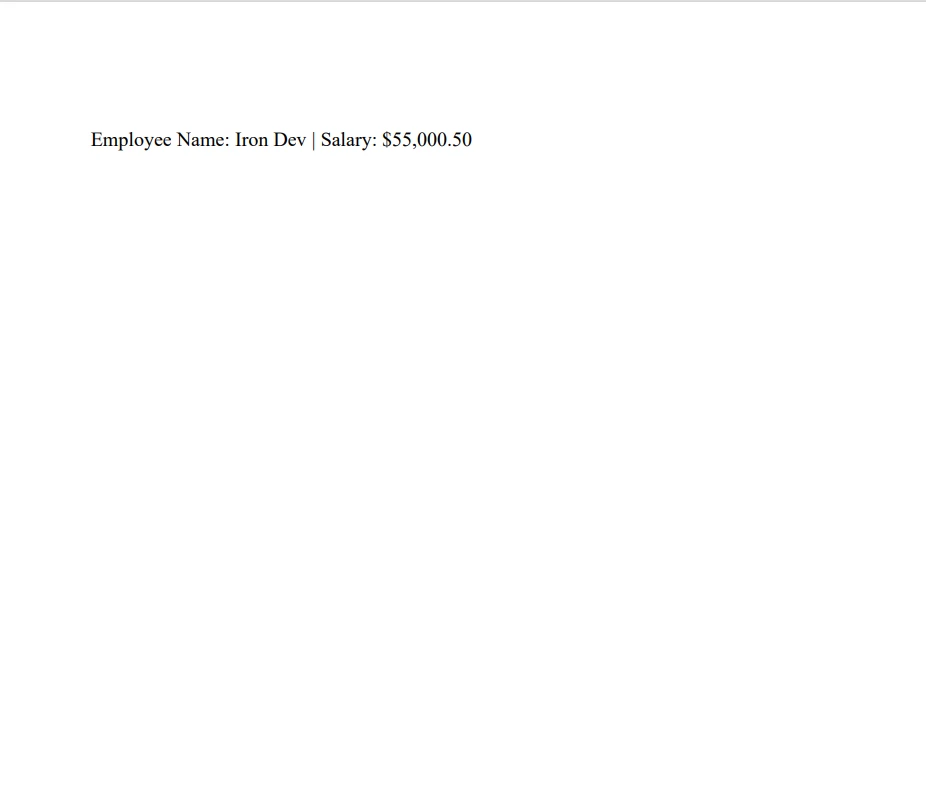
此代码段创建一个新的 PDF,并将先前生成的格式化文本添加为段落。
以下是一个示例 Java 代码段,展示了 Java 的 printf 与 IronPDF 的完整集成,以生成格式化的 PDF 报告:
import com.ironsoftware.ironpdf.License;
import com.ironsoftware.ironpdf.PdfDocument;

public class PDFReport {
    public static void main(String[] args) {
        // Get IronPDF license key from environment variables and set it
        String licenseKey = System.getenv("IRONPDF_LICENSE_KEY");
        License.setLicenseKey(licenseKey);

        // Define headers and rows using String.format for consistent formatting
        String title = String.format("%-20s %10s %15s", "Employee", "Department", "Salary");
        String row1 = String.format("%-20s %10s %15.2f", "Iron Dev 1", "IT", 75000.00);
        String row2 = String.format("%-20s %10s %15.2f", "Iron HR", "HR", 65000.00);

        // Create an HTML formatted string including the data rows
        String htmlContent = String.format(
            "<html><body>" +
            "<h1>Employee Report</h1>" +
            "<pre>" +
            "%s\n%s\n%s" +
            "</pre>" +
            "</body></html>",
            title, row1, row2
        );

        // Generate a PDF document from the HTML content
        PdfDocument pdf = PdfDocument.renderHtmlAsPdf(htmlContent);

        // Save the created PDF with a specified file name
        pdf.saveAs("EmployeeReport.pdf");
    }
}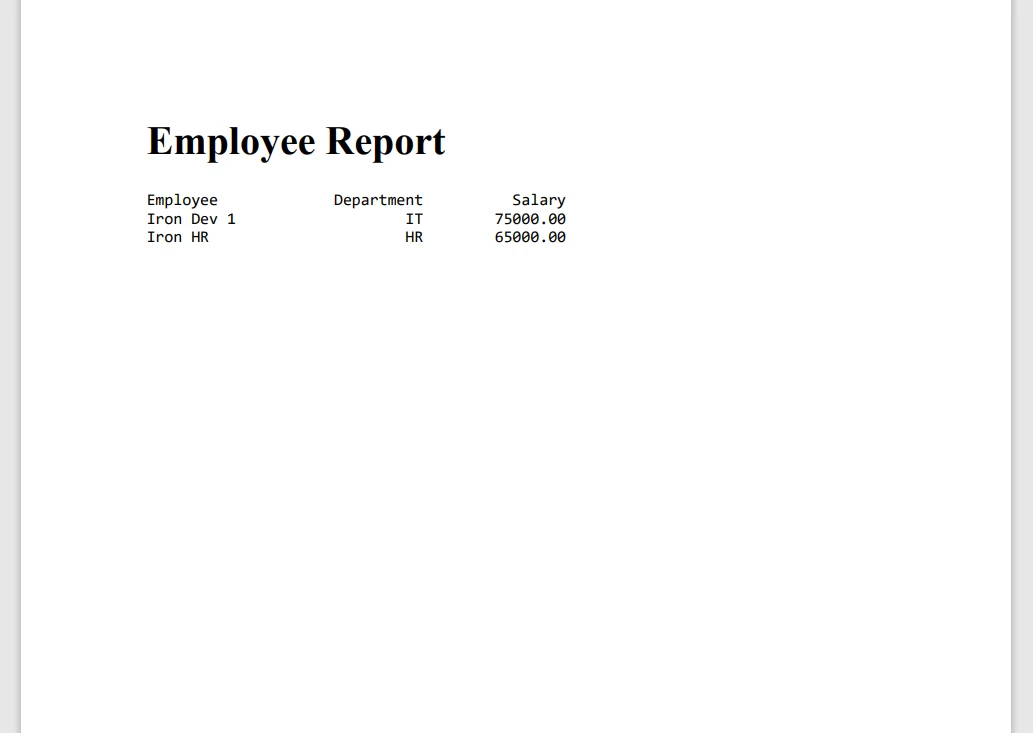
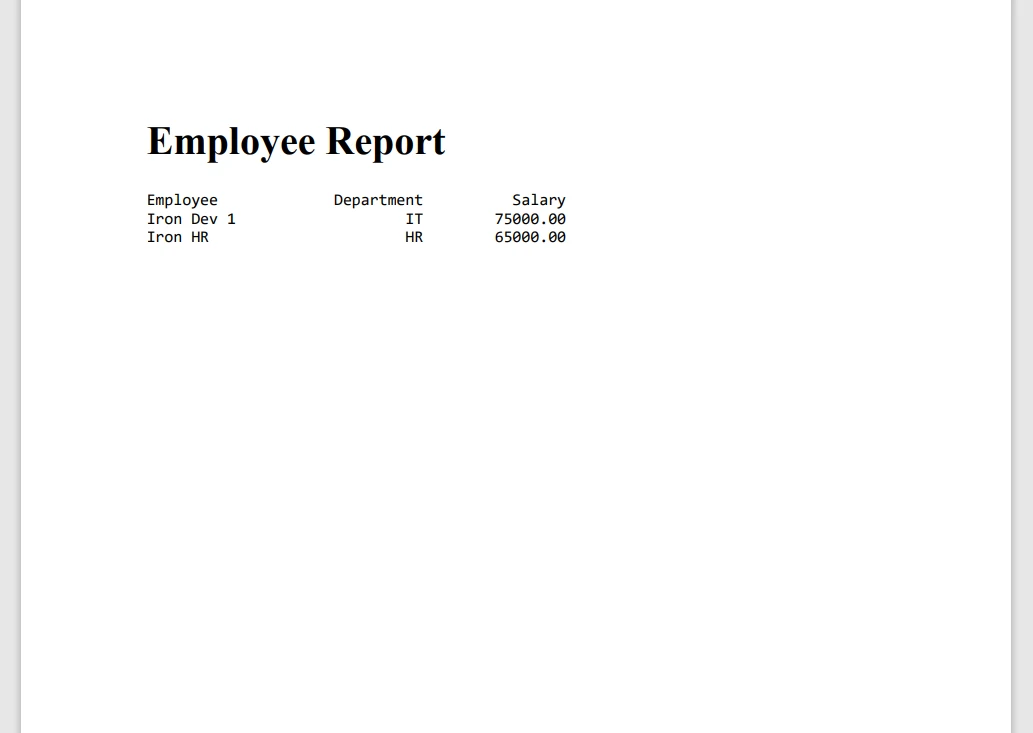
此示例使用printf格式化员工数据行,然后将这些行添加到新的PDF文档中。 最终文档保存为EmployeeReport.pdf。
通过将IronPDF与Java的printf结合使用,您可以用最少的努力创建高度结构化且外观专业的文档。 此集成特别有助于生成报告、发票和其他对文本展示的精确性和一致性有要求的格式化输出。
IronPDF 旨在使 Java 应用程序中的 PDF 生成变得简单高效。 它提供了高性能和可靠性,即便是带有复杂格式和大型文档的快速 PDF 创建。 IronPDF 有效处理错误,将 PDF 处理过程中的中断降到最低。
它具有用户友好的 API,简化了开发过程。 您可以使用pom.xml轻松将IronPDF添加到现有的Java项目中,并且它与流行框架的兼容性确保了无缝集成。 您不需要进行大量的配置,大多数设置只需几行代码即可启动。
IronPDF 还提供了详尽的文档、教程和代码示例。 这使得开始使用和寻找高级用例的解决方案变得容易。 支持团队响应迅速,帮助解决出现的任何问题,使其成为长期项目的可靠选择。
IronPDF 简化了在 Java 中生成和操作 PDF 文档的过程。 通过提供高性能、易用性和可靠的支持,它解决了与 PDF 处理相关的许多挑战。 无论您是希望创建动态报告还是将 PDF 集成到更大的应用程序中,IronPDF 都是开发工具集的一个有价值的补充。
为了充分利用您的 IronPDF 体验,考虑使用试用版本并探索其高级功能,如数字签名、加密和表单处理。 这将帮助您了解 IronPDF 可以实现的完整范围,以及它如何增强以 PDF 为基础的工作流程。 许可证从$999开始,提供对完整功能集和专门支持的访问。

Curtis Chau 拥有卡尔顿大学的计算机科学学士学位,专注于前端开发,精通 Node.js、TypeScript、JavaScript 和 React。他热衷于打造直观且美观的用户界面,喜欢使用现代框架并创建结构良好、视觉吸引力强的手册。

当您需要PDF看起来像HTML时,速度快。