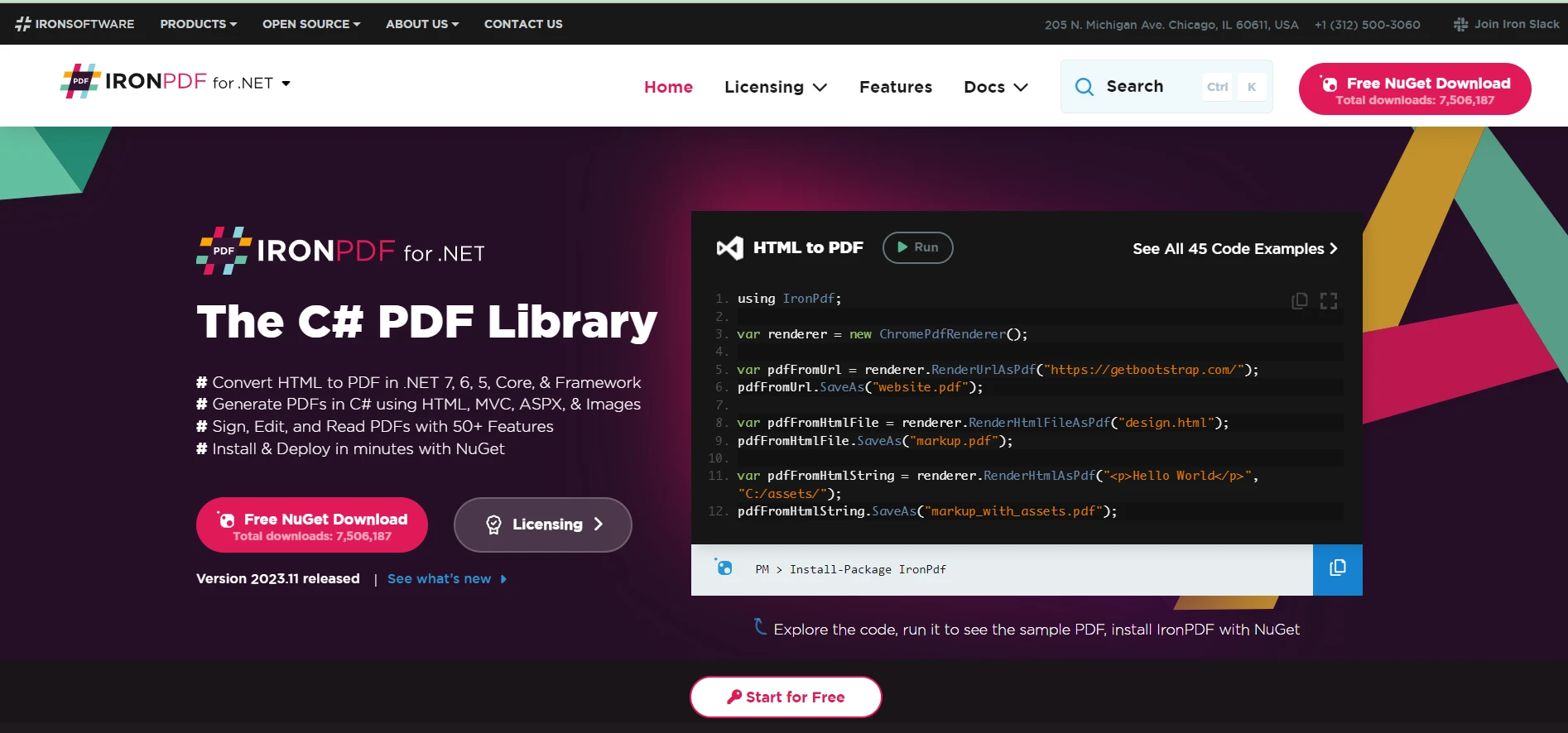
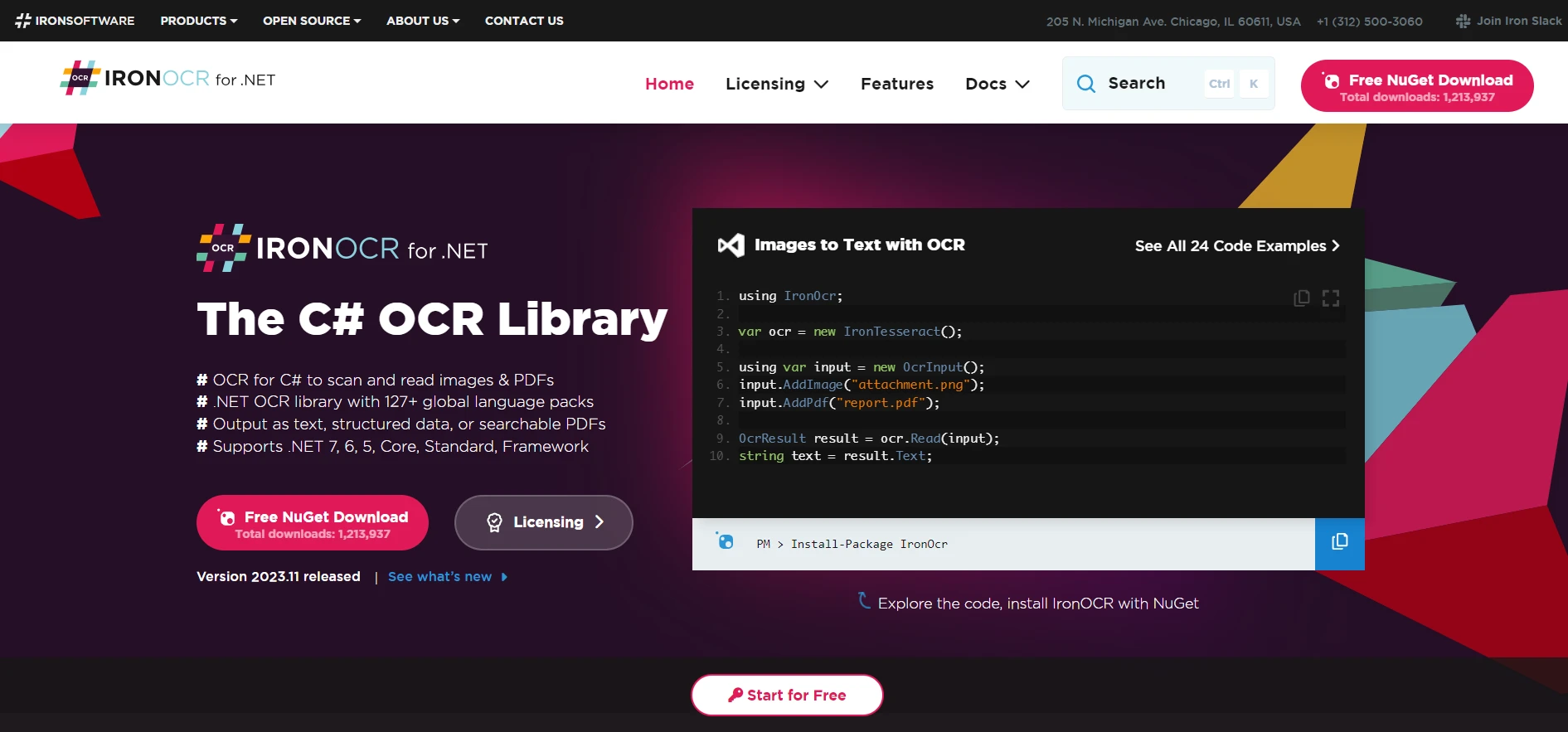
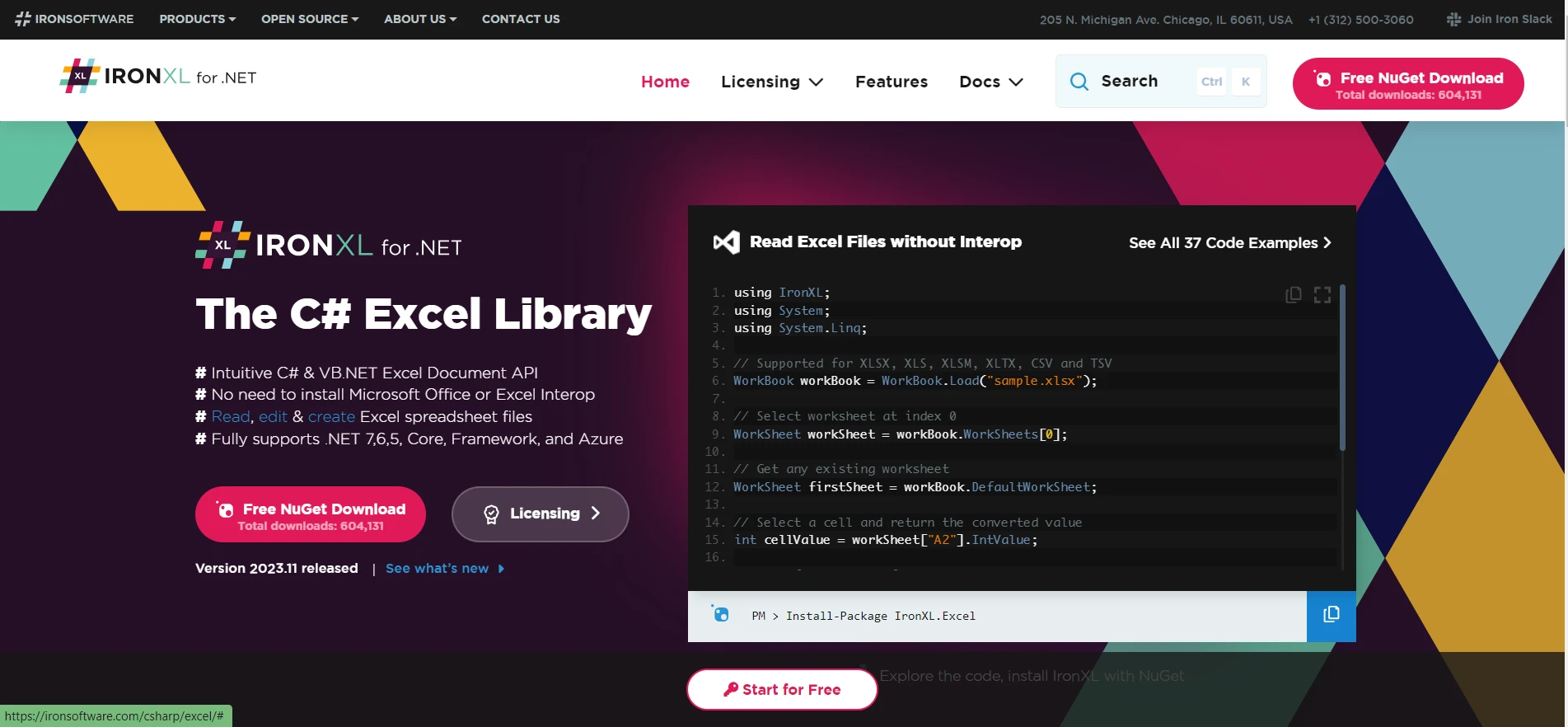
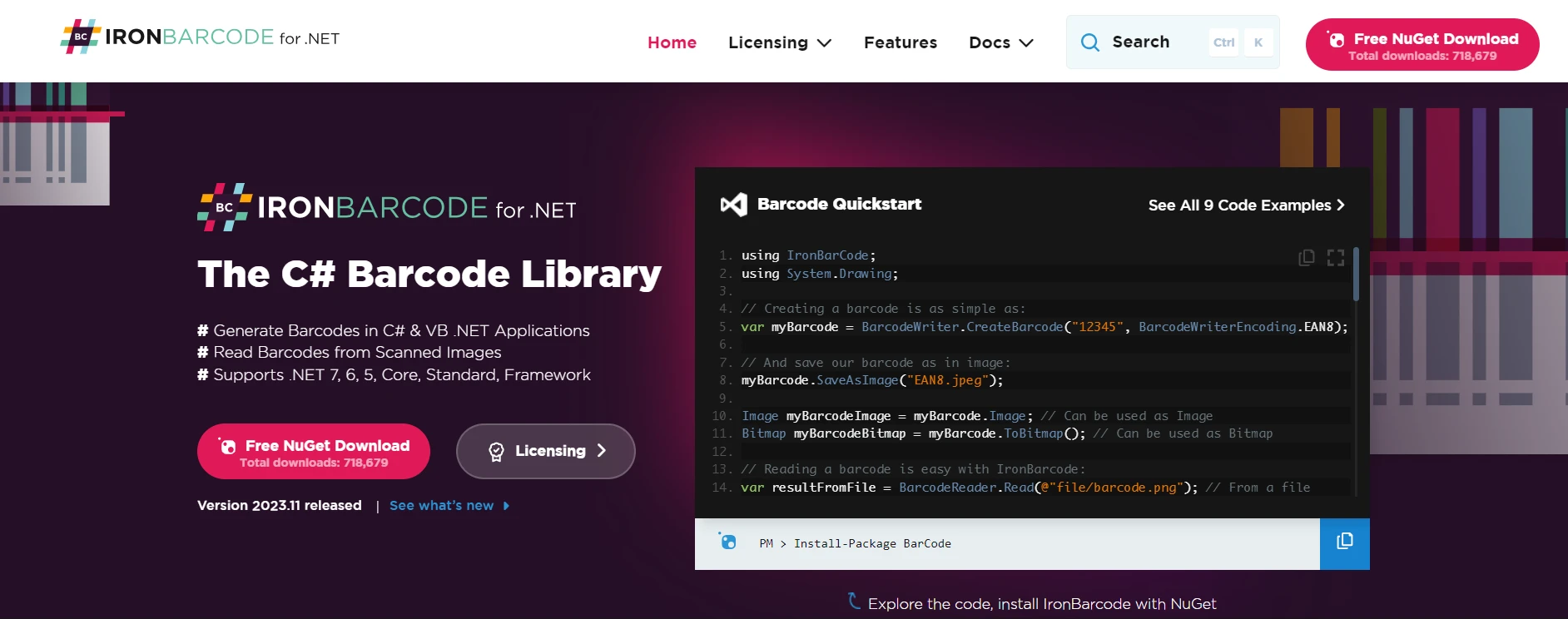
.NET 도움말 Visual Studio Code C# (How it Works For Developers) 커티스 차우 업데이트됨:7월 28, 2025 다운로드 IronPDF NuGet 다운로드 DLL 다운로드 윈도우 설치 프로그램 무료 체험 시작하기 LLM용 사본 LLM용 사본 LLM용 마크다운 형식으로 페이지를 복사하세요 ChatGPT에서 열기 ChatGPT에 이 페이지에 대해 문의하세요 제미니에서 열기 제미니에게 이 페이지에 대해 문의하세요 Grok에서 열기 Grok에게 이 페이지에 대해 문의하세요 혼란 속에서 열기 Perplexity에게 이 페이지에 대해 문의하세요 공유하다 페이스북에 공유하기 트위터에 공유하기 LinkedIn에 공유하기 URL 복사 이메일로 기사 보내기 Visual Studio Code (VS Code) has emerged as a versatile and powerful code editor for various programming languages, including C#. In this article, we delve into using Visual Studio Code for C# development, emphasizing its unique features and tools that cater to the needs of developers. Setting Up the Environment Installing Visual Studio Code and the .NET Software Development Kit To begin, you need to install Visual Studio Code and the .NET SDK (Software Development Kit). VS Code, known for its lightweight design and robust features, supports C# through extensions and built-in functionalities. The .NET SDK is essential for C# development as it provides the necessary libraries and runtime for building and running C# applications. Unlike Visual Studio, which offers three product types to choose from—Visual Studio Community Edition, Visual Studio Professional, and Visual Studio Enterprise—Visual Studio Code is all-encompassing with just the one product type to download. Integrating the C# Dev Kit and Extensions Once you have installed VS Code, you should add the C# dev kit by searching for the C# extension in the extensions view (Ctrl+Shift+X). This extension enriches VS Code with base language services support for C#, including features like IntelliSense, debugging, and code navigation. Configuring Visual Studio Code for C# After installing the C# extension, Visual Studio Code automatically configures itself to offer AI-powered development features. These features enhance coding efficiency and accuracy. The extension uses the Language Server Protocol to provide comprehensive coding assistance. Creating a C# Project in VS Code Starting a New Project with dotnet new console To create a new C# console app, open the command palette (Ctrl+Shift+P) and use the following command in the new terminal window: dotnet new console dotnet new console SHELL This command sets up a basic console application, which is a great starting point for C# learning and development. Navigating the Solution Explorer and Solution Management Visual Studio Code simplifies solution management. After creating a new project, use the 'Open Folder' option to open the project directory. Inside, you will find the Solution Explorer feature helpful for navigating through your source code and managing different components of your project. Integrating Iron Software Suite with Visual Studio Code for Enhanced C# Development In the realm of C# development using Visual Studio Code, the Iron Software Suite presents a compelling set of tools for developers. This suite, specifically tailored for .NET, offers a variety of functionalities that can significantly enhance productivity and capabilities within the VS Code environment. Key Features of the Iron Software Suite IronPDF PDF Manipulation with IronPDF: IronPDF Documentation provides the ability to create, read, and edit PDF files directly within .NET applications. This utility can be especially useful for C# developers working on applications that require dynamic PDF generation or manipulation. IronOCR Optical Character Recognition with IronOCR: Explore IronOCR's Features offers a powerful optical character recognition (OCR) capability, enabling image-to-text conversion in 125 languages. This tool can be integrated into C# projects in Visual Studio Code, allowing developers to incorporate advanced text recognition features into their applications. IronXL Excel File Management with IronXL: For those dealing with Excel files, IronXL Product Overview provides a no Office Interop required solution, facilitating the handling of Excel and CSV files within .NET. This feature is particularly useful for developers who need to interact with spreadsheets or perform data analysis within their C# applications. IronBarcode Barcode and QR Code Functionality with IronBarcode: Discover IronBarcode Capabilities extends the suite's capabilities to include reading and writing of barcodes and QR codes, a feature increasingly important in various applications, from inventory management to mobile applications. Integration with Visual Studio Code Integrating these tools into a Visual Studio Code environment enhances the C# development experience by providing a range of capabilities that are essential in modern software development. Developers can leverage these tools to extend the functionality of their C# applications, automate complex tasks, and streamline their development workflows. Conclusion The Iron Software Suite, when used in conjunction with Visual Studio Code, presents a powerful combination for C# developers. By incorporating these tools into their development process, programmers can tackle a broader range of challenges, increase their productivity, and ultimately deliver more sophisticated and feature-rich applications. Iron Software Suite offers a Free Trial of Iron Software Suite for developers, allowing you to explore its extensive features before making a purchase. Each individual product in the suite, tailored to enhance your .NET and C# projects, starts with a license price of $liteLicense, providing a cost-effective solution for professional-grade software development tools. This pricing structure makes it accessible for developers and teams to integrate advanced functionalities into their Visual Studio Code environment, enhancing their C# development capabilities. 자주 묻는 질문 Visual Studio Code를 사용하여 C# 애플리케이션 개발을 시작하려면 어떻게 해야 하나요? Visual Studio Code에서 C# 애플리케이션 개발을 시작하려면 먼저 VS Code와 .NET SDK를 설치하세요. 그런 다음 확장 보기에서 IntelliSense, 디버깅 및 코드 탐색 지원을 위한 C# 확장을 추가합니다. 닷넷 새 콘솔 명령을 사용하여 새 프로젝트를 시작할 수 있습니다. VS Code에서 PDF 조작 도구를 통합하면 C# 개발자에게 어떤 이점이 있나요? PDF 조작 도구를 통합하면 C# 개발자가 애플리케이션 내에서 직접 PDF 파일을 만들고, 읽고, 편집할 수 있습니다. 이는 VS Code 환경을 벗어나지 않고도 동적 PDF 생성 또는 조작이 필요한 프로젝트에 특히 유용합니다. Visual Studio Code를 사용하여 광학 문자 인식(OCR)을 C# 프로젝트에 어떻게 통합할 수 있나요? 이미지에서 텍스트로 변환할 수 있는 OCR 툴을 사용하여 C# 프로젝트에 OCR을 통합할 수 있습니다. 이를 통해 개발자는 고급 텍스트 인식 기능을 애플리케이션에 통합하여 여러 언어를 지원하고 기능을 향상시킬 수 있습니다. C# 개발에서 Excel 파일 관리 도구는 어떤 역할을 하나요? Excel 파일 관리 도구를 사용하면 개발자가 Office Interop 없이도 .NET 응용 프로그램 내에서 Excel 및 CSV 파일을 처리할 수 있습니다. 이는 C# 프로젝트에서 직접 데이터 분석을 수행하거나 스프레드시트와 상호 작용할 때 유용합니다. Visual Studio Code의 C# 프로젝트에 바코드 및 QR 코드 기능을 추가하려면 어떻게 해야 하나요? 바코드 도구를 활용하면 개발자는 C# 프로젝트에 바코드 및 QR코드 기능을 쉽게 추가할 수 있습니다. 이는 바코드 읽기 및 쓰기가 중요한 기능인 재고 관리 및 모바일 앱과 같은 애플리케이션에 필수적입니다. Visual Studio Code에서 C# 개발 환경을 향상시킬 수 있는 도구에는 어떤 것이 있나요? PDF 조작, OCR, Excel 파일 관리 및 바코드 기능을 포함한 일련의 도구는 Visual Studio Code에서 C# 개발 환경을 크게 향상시킬 수 있습니다. 이러한 도구는 작업을 자동화하고 애플리케이션 기능을 확장합니다. 개발 도구를 구매하기 전에 사용해 볼 수 있나요? 예, 많은 개발 도구 제품군은 무료 평가판을 제공하여 개발자가 구매하기 전에 기능을 살펴볼 수 있도록 합니다. 이를 통해 고급 도구를 C# 프로젝트에 통합할 수 있는 비용 효율적인 방법을 제공합니다. Visual Studio와 C# 개발용 Visual Studio Code의 차이점은 무엇인가요? Visual Studio는 여러 버전으로 제공되는 종합적인 IDE이며, Visual Studio Code는 가볍고 다재다능한 편집기입니다. C# 개발의 경우 VS Code는 .NET SDK 및 C# 확장자가 필요하므로 간소화된 환경을 선호하는 개발자에게 적합합니다. 커티스 차우 지금 바로 엔지니어링 팀과 채팅하세요 기술 문서 작성자 커티스 차우는 칼턴 대학교에서 컴퓨터 과학 학사 학위를 취득했으며, Node.js, TypeScript, JavaScript, React를 전문으로 하는 프론트엔드 개발자입니다. 직관적이고 미적으로 뛰어난 사용자 인터페이스를 만드는 데 열정을 가진 그는 최신 프레임워크를 활용하고, 잘 구성되고 시각적으로 매력적인 매뉴얼을 제작하는 것을 즐깁니다. 커티스는 개발 분야 외에도 사물 인터넷(IoT)에 깊은 관심을 가지고 있으며, 하드웨어와 소프트웨어를 통합하는 혁신적인 방법을 연구합니다. 여가 시간에는 게임을 즐기거나 디스코드 봇을 만들면서 기술에 대한 애정과 창의성을 결합합니다. 관련 기사 업데이트됨 12월 11, 2025 Bridging CLI Simplicity & .NET : Using Curl DotNet with IronPDF Jacob Mellor has bridged this gap with CurlDotNet, a library created to bring the familiarity of cURL to the .NET ecosystem. 더 읽어보기 업데이트됨 12월 20, 2025 RandomNumberGenerator C# Using the RandomNumberGenerator C# class can help take your PDF generation and editing projects to the next level 더 읽어보기 업데이트됨 12월 20, 2025 C# String Equals (How it Works for Developers) When combined with a powerful PDF library like IronPDF, switch pattern matching allows you to build smarter, cleaner logic for document processing 더 읽어보기 NUnit or xUnit .NET Core (How it Works For Developers)C# Switch Statement (How it Works F...
업데이트됨 12월 11, 2025 Bridging CLI Simplicity & .NET : Using Curl DotNet with IronPDF Jacob Mellor has bridged this gap with CurlDotNet, a library created to bring the familiarity of cURL to the .NET ecosystem. 더 읽어보기
업데이트됨 12월 20, 2025 RandomNumberGenerator C# Using the RandomNumberGenerator C# class can help take your PDF generation and editing projects to the next level 더 읽어보기
업데이트됨 12월 20, 2025 C# String Equals (How it Works for Developers) When combined with a powerful PDF library like IronPDF, switch pattern matching allows you to build smarter, cleaner logic for document processing 더 읽어보기