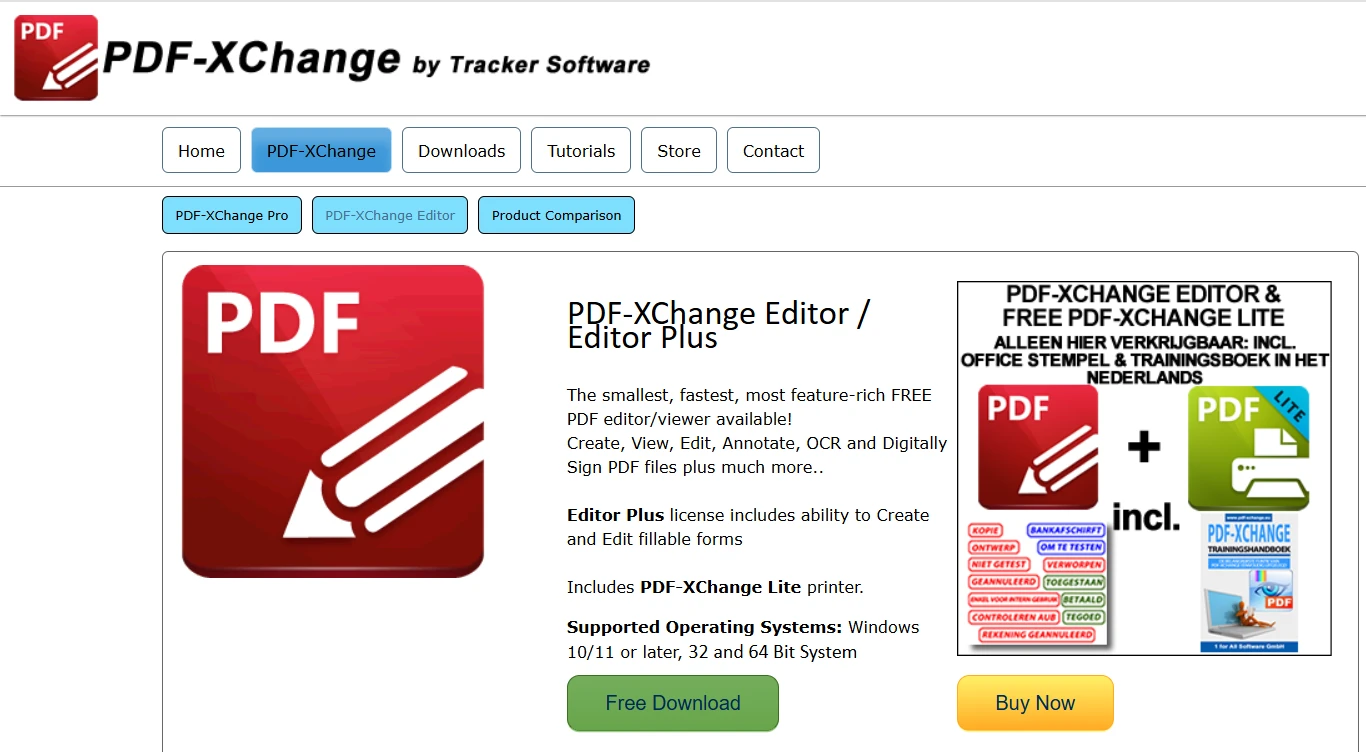
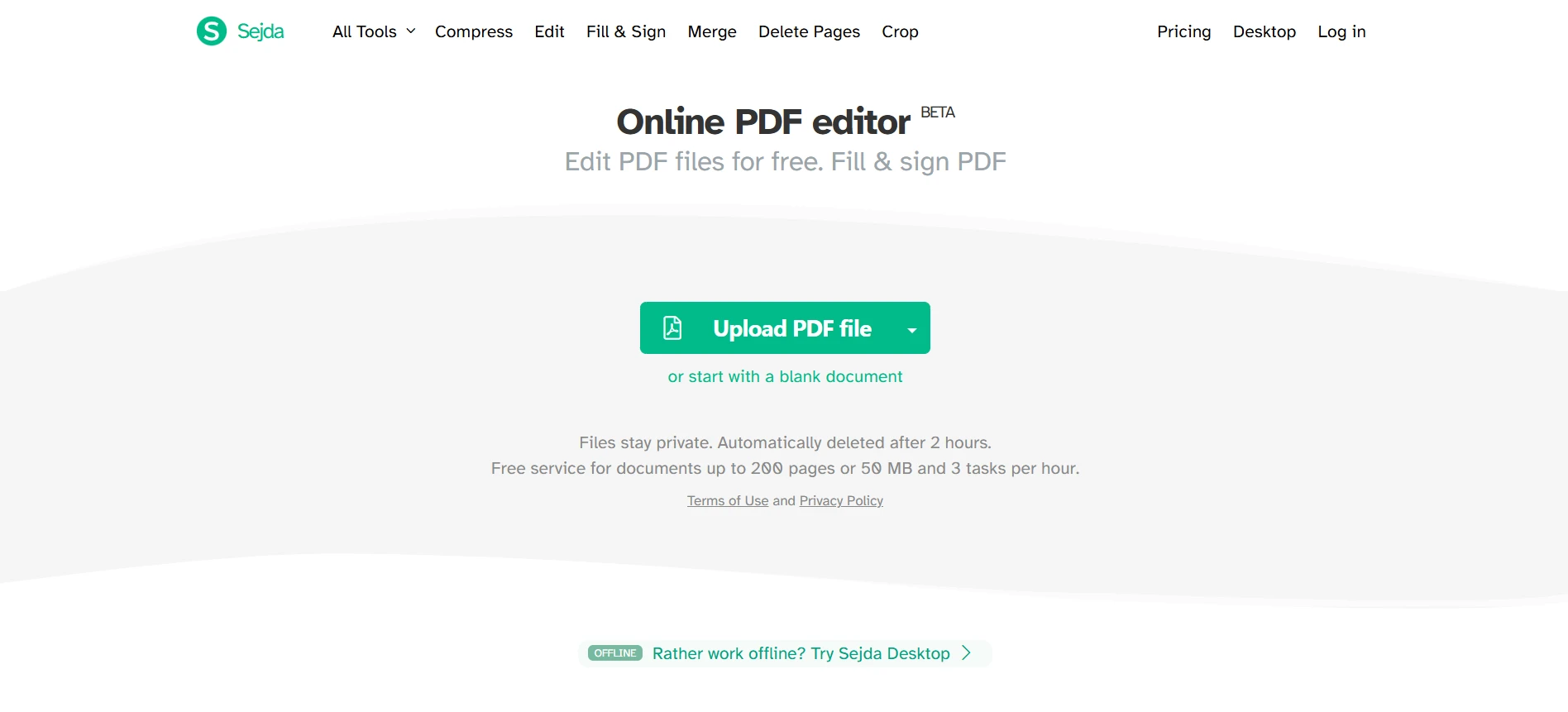
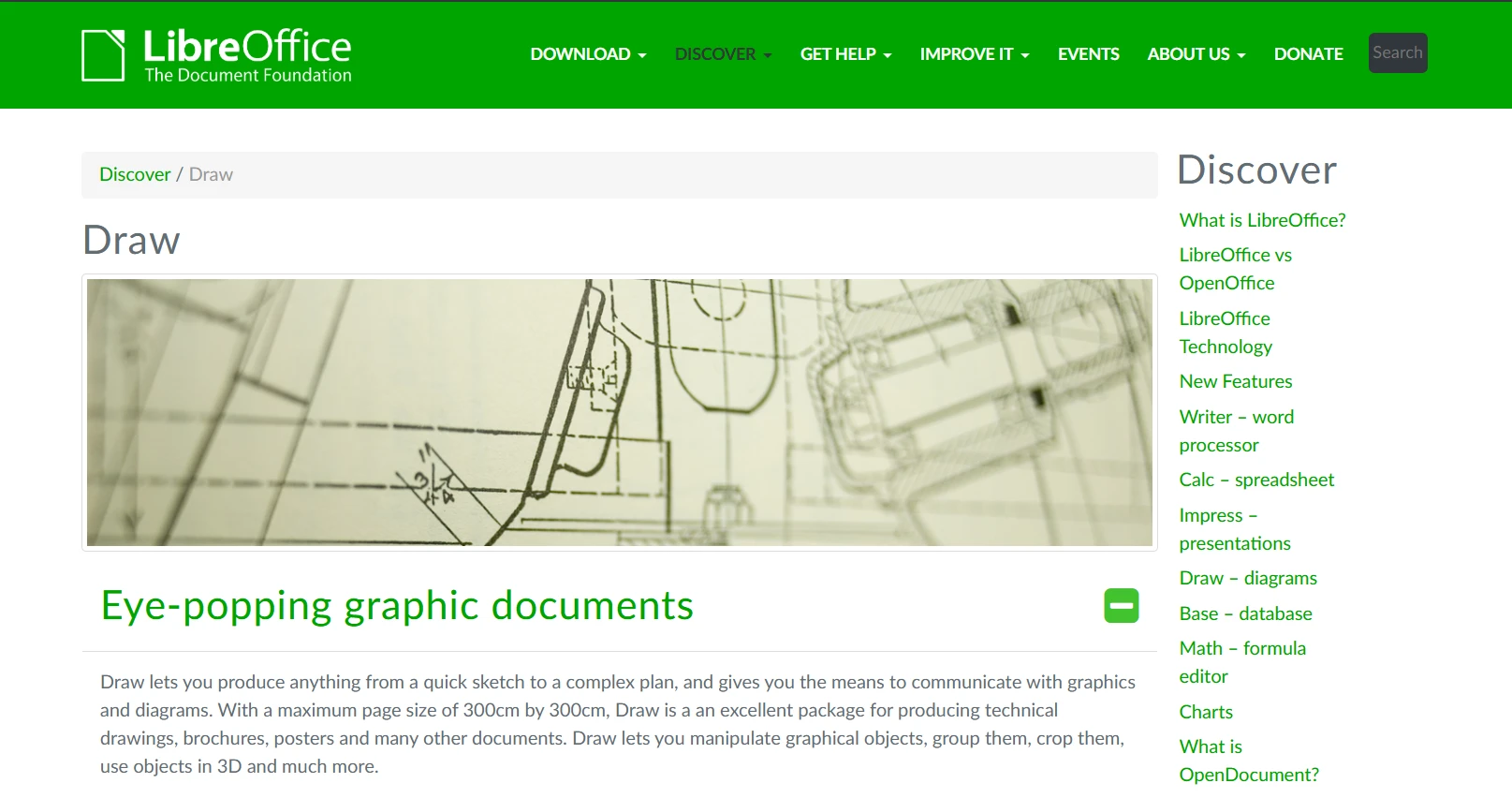
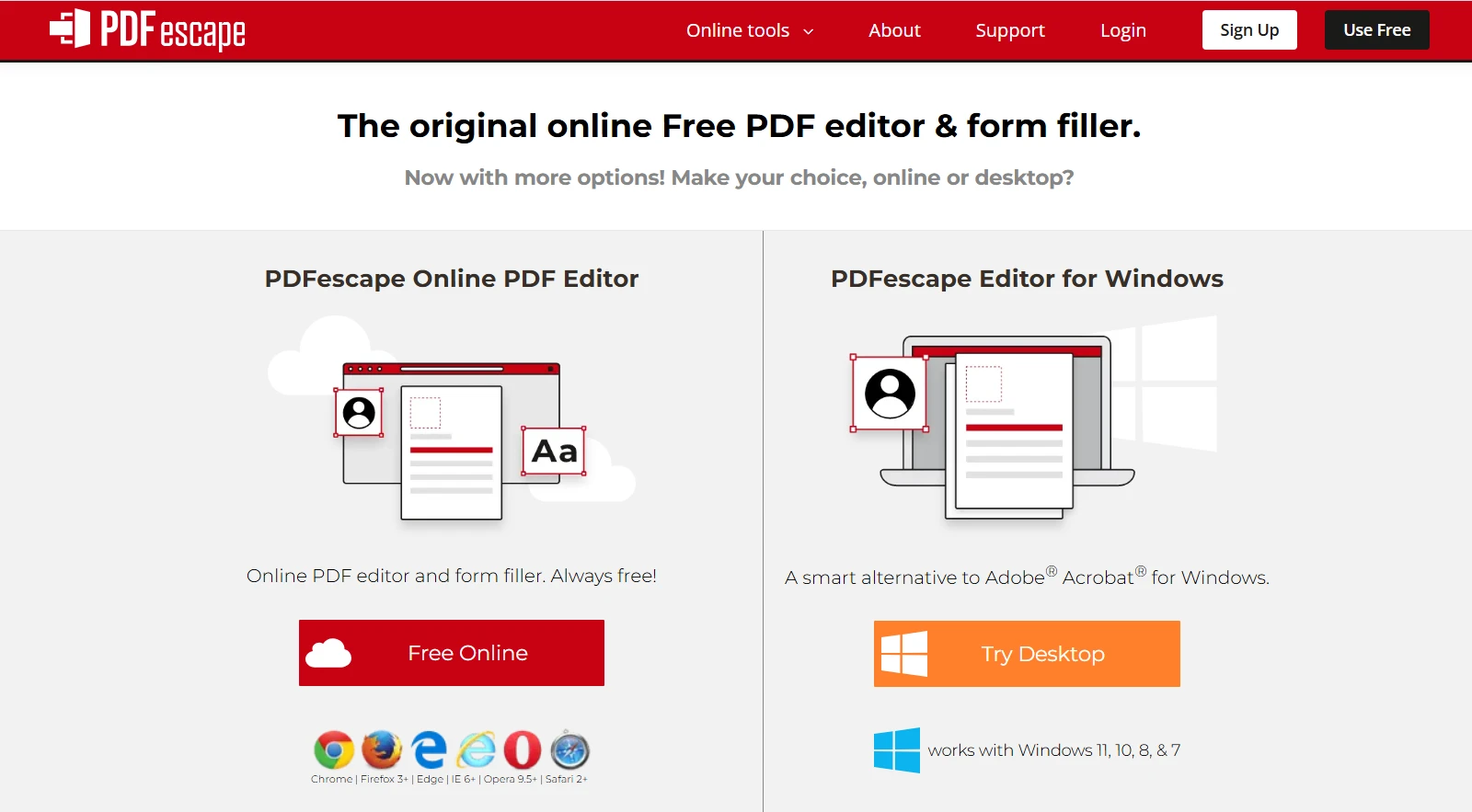
PDF 도구 Discover the Best Free PDF Editors in 2025 커티스 차우 업데이트됨:7월 28, 2025 다운로드 IronPDF NuGet 다운로드 DLL 다운로드 윈도우 설치 프로그램 무료 체험 시작하기 LLM용 사본 LLM용 사본 LLM용 마크다운 형식으로 페이지를 복사하세요 ChatGPT에서 열기 ChatGPT에 이 페이지에 대해 문의하세요 제미니에서 열기 제미니에게 이 페이지에 대해 문의하세요 Grok에서 열기 Grok에게 이 페이지에 대해 문의하세요 혼란 속에서 열기 Perplexity에게 이 페이지에 대해 문의하세요 공유하다 페이스북에 공유하기 트위터에 공유하기 LinkedIn에 공유하기 URL 복사 이메일로 기사 보내기 PDF files are one of the most common document formats used for business, education, and personal purposes. While PDFs are great for maintaining formatting consistency, editing them can be tricky without the right tools. Fortunately, several free PDF editors allow users to modify text, annotate documents, and even perform OCR on scanned files. In this article, we will explore some of the best free PDF editors available today. Additionally, for developers looking to integrate PDF editing into their applications, we will introduce IronPDF, a powerful C# library for programmatic PDF manipulation. 1. PDF-XChange Editor Best for: Annotation, OCR, and lightweight editing PDF-XChange Editor is one of the most feature-rich free PDF editors available. It offers a comprehensive set of tools that allow users to modify text, add annotations, and even recognize text in scanned documents using Optical Character Recognition (OCR). The free version includes many useful features, though some advanced tools leave a watermark. However, for most users, PDF-XChange Editor provides an excellent balance between functionality and ease of use. Key Features: Edit text and images in PDFs Add annotations, comments, and highlights Perform OCR on scanned documents Lightweight and fast performance 2. Sejda PDF Editor Best for: Quick online PDF editing Sejda PDF Editor is a web-based tool that allows users to edit PDFs directly from their browser without needing software installation. Unlike many free online PDF editors, Sejda lets you edit existing text without adding watermarks—making it a great choice for those who need occasional PDF modifications. One limitation is that the free version allows only three tasks per day, which may not be enough for frequent users. However, it is an excellent option for quick edits. Key Features: Edit text and images online Sign PDFs electronically Merge, split, and compress PDFs No watermark on free usage (limited to three tasks per day) 3. LibreOffice Draw Best for: Open-source PDF editing on desktop LibreOffice Draw is a part of the LibreOffice suite, making it a powerful open-source alternative for PDF editing. Unlike other editors, LibreOffice Draw works offline and allows users to modify text, images, and even vector elements within a PDF file. While it lacks advanced features like OCR, it is completely free and does not impose limitations like watermarks or daily usage caps. Key Features: Open-source and free to use Edit text and images in PDFs Works offline without limitations Supports various document formats 4. PDFescape Best for: Basic online PDF editing and form filling PDFescape is another free online PDF editor that allows users to edit PDFs without requiring installation. While it does not allow direct editing of existing text, it provides tools for adding annotations, inserting new text, and filling out PDF forms. The free online version has a file size limit of 10MB and 100 pages, but it is a great tool for quick modifications. Key Features: Works entirely online, no software needed Allows adding text, annotations, and form filling No account required for basic editing Supports basic shape and drawing tools An Alternative for C# Developers: IronPDF While the free tools above work well for individual users, developers who need programmatic PDF editing often require more advanced solutions. This is where IronPDF comes in. IronPDF is a powerful C# PDF library that allows developers to create, edit, and manipulate PDFs within their applications. It supports modifying text, adding images, inserting tables, and even extracting content from existing PDFs. Why Choose IronPDF? Modify text, images, and annotations via C# Convert HTML to PDF with full formatting Extract and edit existing PDF content High-quality OCR support for scanned documents Enterprise-level performance and security For practical and detailed examples, please visit this documentation and code examples page. To get a detailed tutorial on editing PDF files, check out this complete tutorial: How to Edit a PDF in C#. IronPDF integrates seamlessly with ASP.NET Core, .NET, and C# applications, making it an excellent choice for developers who need to work with PDFs dynamically. Final Thoughts If you need a free PDF editor, PDF-XChange Editor, Sejda PDF Editor, LibreOffice Draw, and PDFescape are all great options, each with unique strengths. However, if you're a developer looking for programmatic control over PDF editing, IronPDF provides a powerful, flexible solution for working with PDFs in C# applications. Interested in exploring IronPDF? Start your free trial today and discover the powerful capabilities for creating, editing, and converting PDFs within your .NET applications. For more information, visit the IronPDF official website. 커티스 차우 지금 바로 엔지니어링 팀과 채팅하세요 기술 문서 작성자 커티스 차우는 칼턴 대학교에서 컴퓨터 과학 학사 학위를 취득했으며, Node.js, TypeScript, JavaScript, React를 전문으로 하는 프론트엔드 개발자입니다. 직관적이고 미적으로 뛰어난 사용자 인터페이스를 만드는 데 열정을 가진 그는 최신 프레임워크를 활용하고, 잘 구성되고 시각적으로 매력적인 매뉴얼을 제작하는 것을 즐깁니다. 커티스는 개발 분야 외에도 사물 인터넷(IoT)에 깊은 관심을 가지고 있으며, 하드웨어와 소프트웨어를 통합하는 혁신적인 방법을 연구합니다. 여가 시간에는 게임을 즐기거나 디스코드 봇을 만들면서 기술에 대한 애정과 창의성을 결합합니다. 관련 기사 업데이트됨 6월 22, 2025 Discover the Best PDF Redaction Software for 2025 Explore top PDF redaction solutions for 2025, including Adobe Acrobat Pro DC, Nitro PDF Pro, Foxit PDF Editor, and PDF-XChange Editor. Learn how IronPDF automates redaction in .NET for enhanced security and compliance. 더 읽어보기 업데이트됨 6월 22, 2025 Best PDF Reader for iPhone (Free & Paid Tools Comparison) In this article, we will explore some of the best PDF readers for iPhone and conclude why IronPDF stands out as the best option. 더 읽어보기 업데이트됨 6월 26, 2025 Best Free PDF Editor for Windows (Free & Paid Tools Comparison) This article explores the top free PDF editors available in 2025 and concludes with the most powerful and flexible option: IronPDF. 더 읽어보기 Best Free PDF Editor for Windows (Free & Paid Tools Comparison)Discover the Best PDF Editors for M...
업데이트됨 6월 22, 2025 Discover the Best PDF Redaction Software for 2025 Explore top PDF redaction solutions for 2025, including Adobe Acrobat Pro DC, Nitro PDF Pro, Foxit PDF Editor, and PDF-XChange Editor. Learn how IronPDF automates redaction in .NET for enhanced security and compliance. 더 읽어보기
업데이트됨 6월 22, 2025 Best PDF Reader for iPhone (Free & Paid Tools Comparison) In this article, we will explore some of the best PDF readers for iPhone and conclude why IronPDF stands out as the best option. 더 읽어보기
업데이트됨 6월 26, 2025 Best Free PDF Editor for Windows (Free & Paid Tools Comparison) This article explores the top free PDF editors available in 2025 and concludes with the most powerful and flexible option: IronPDF. 더 읽어보기