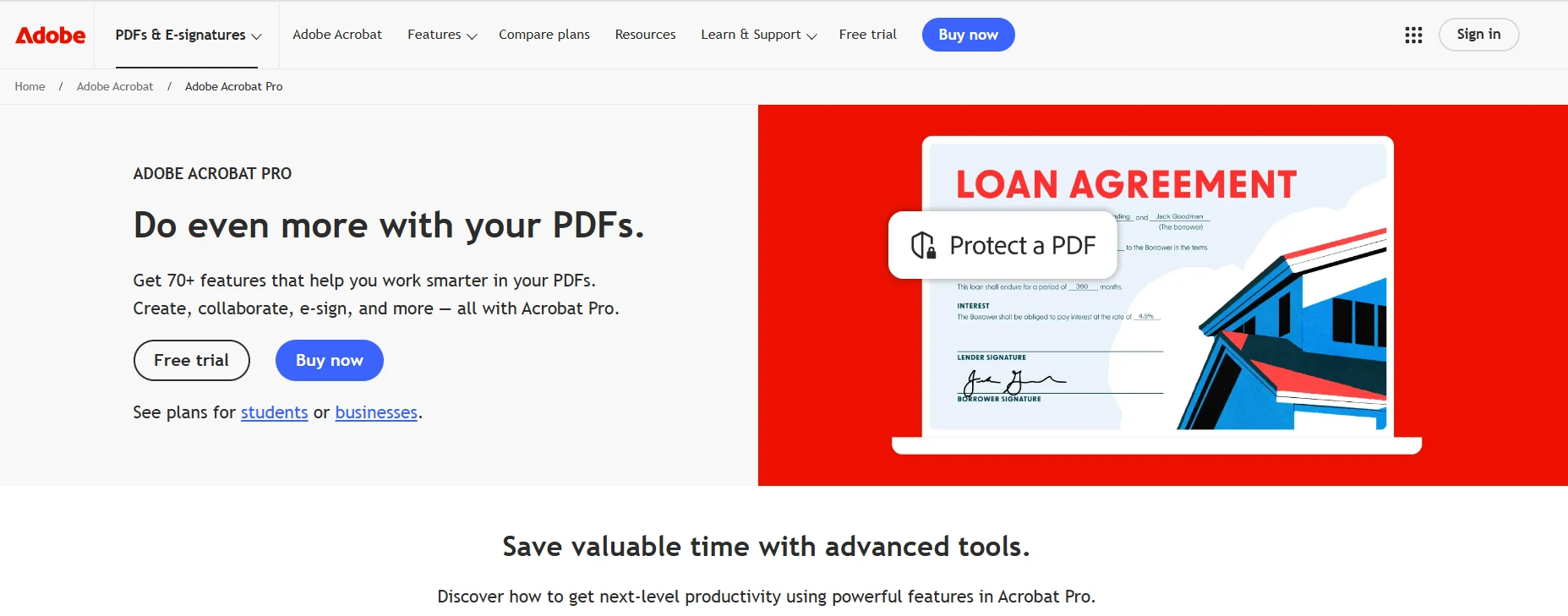
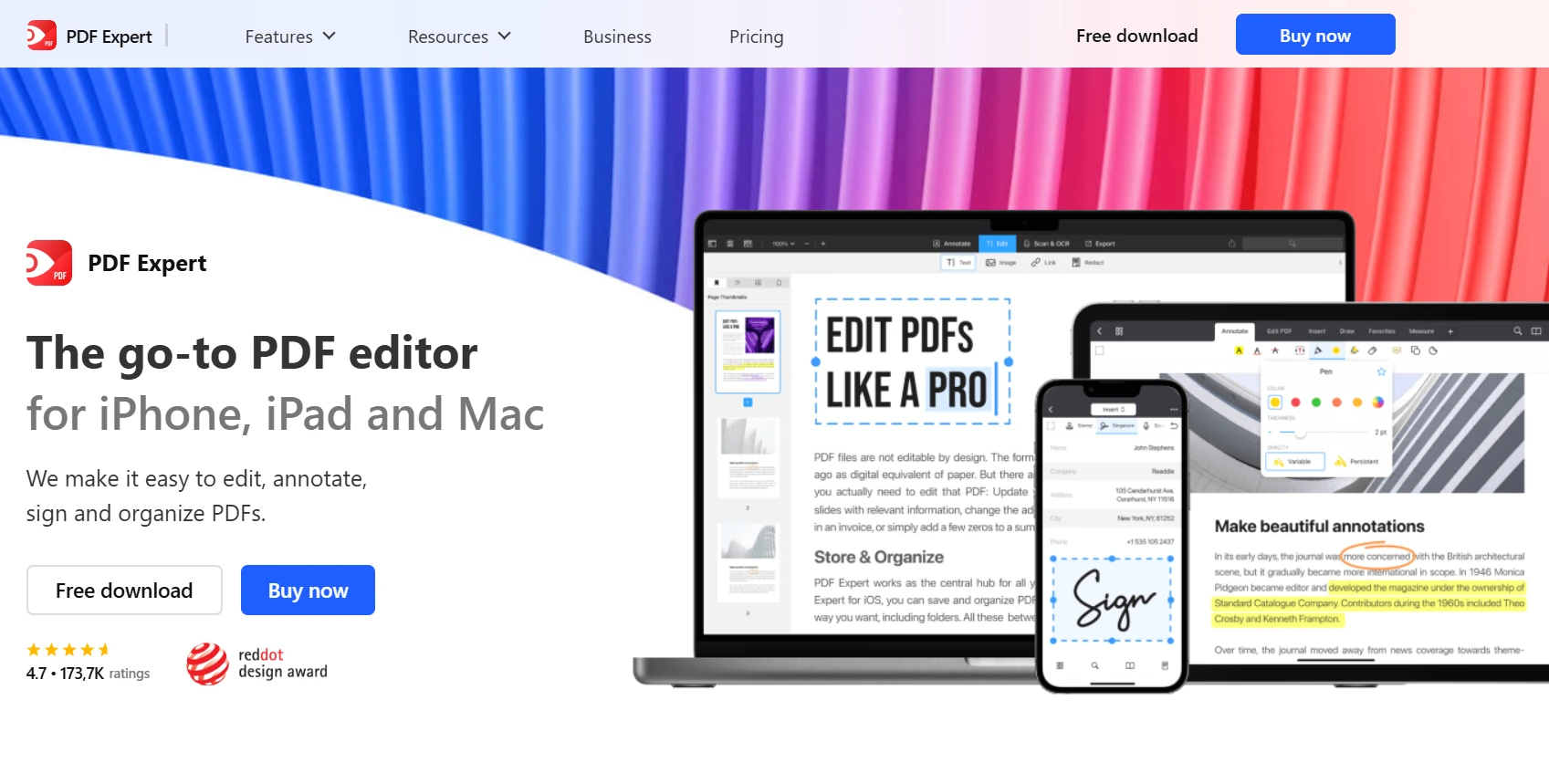
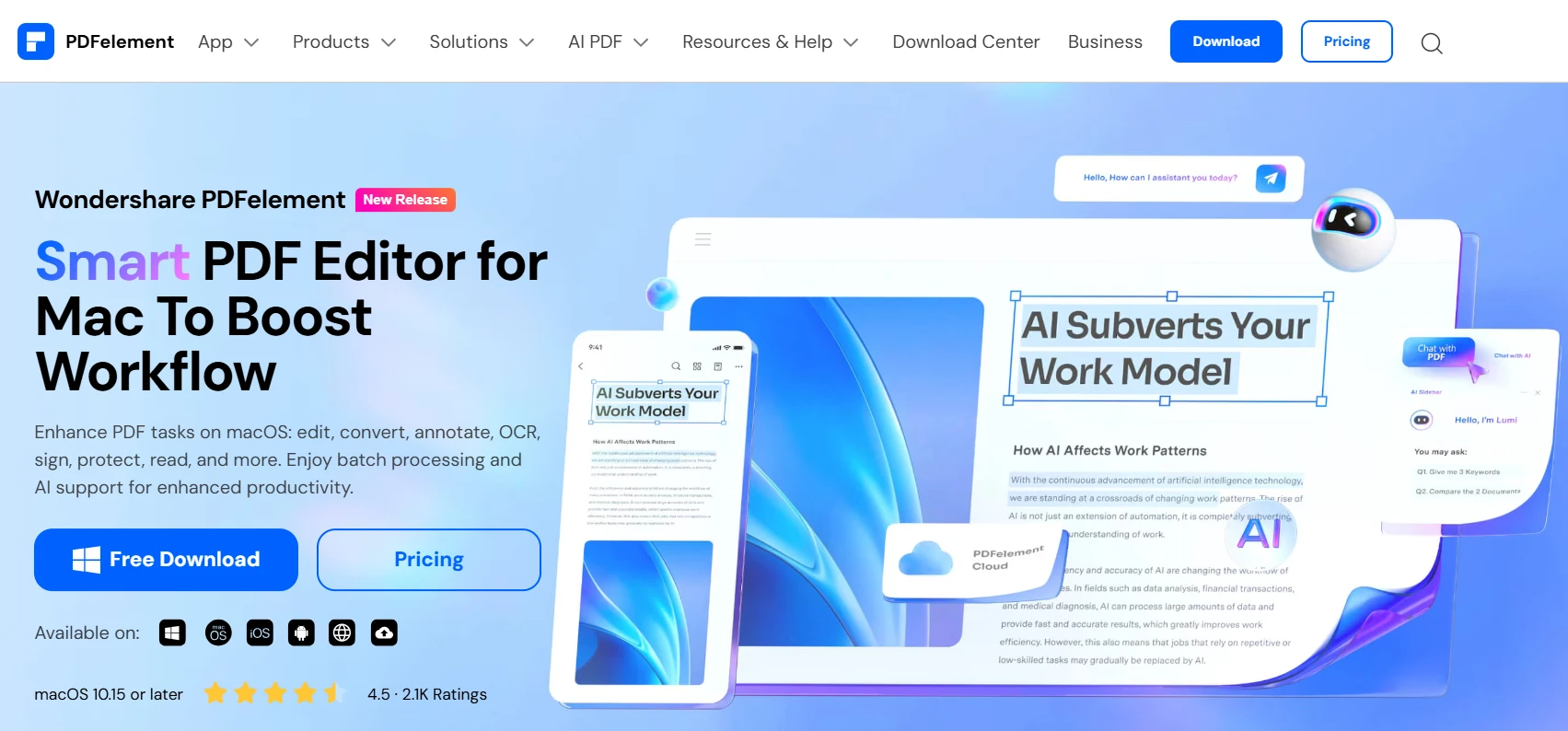
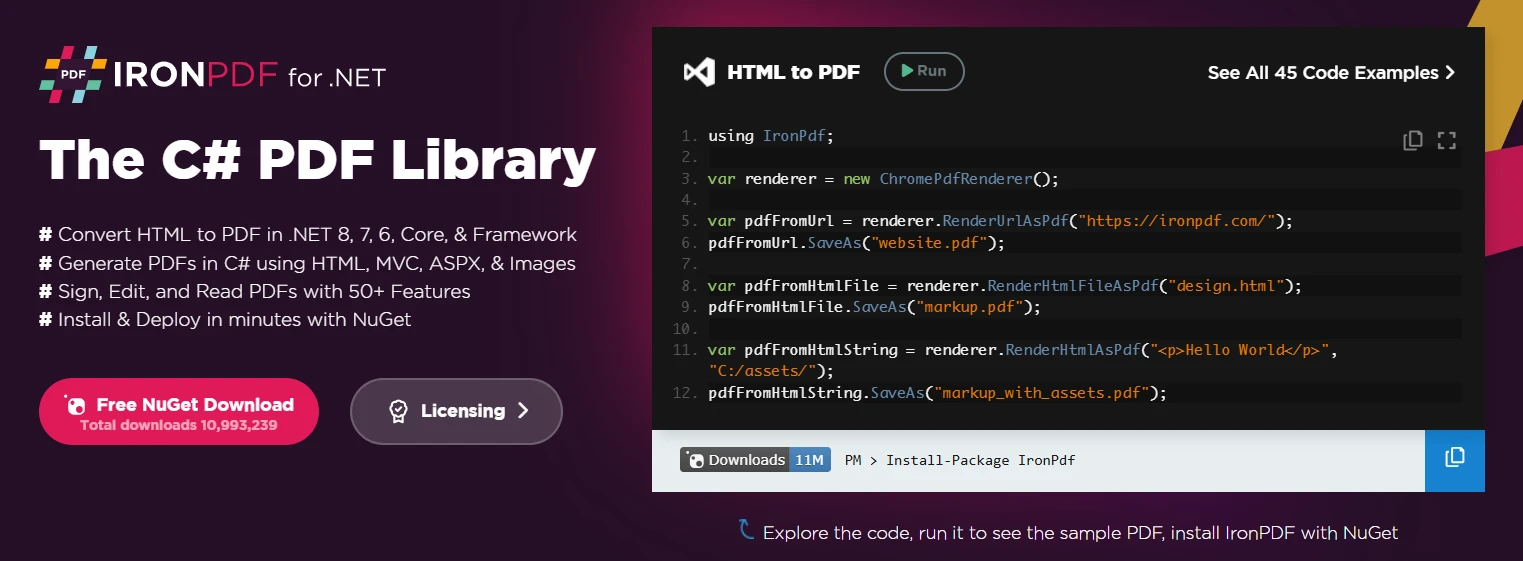
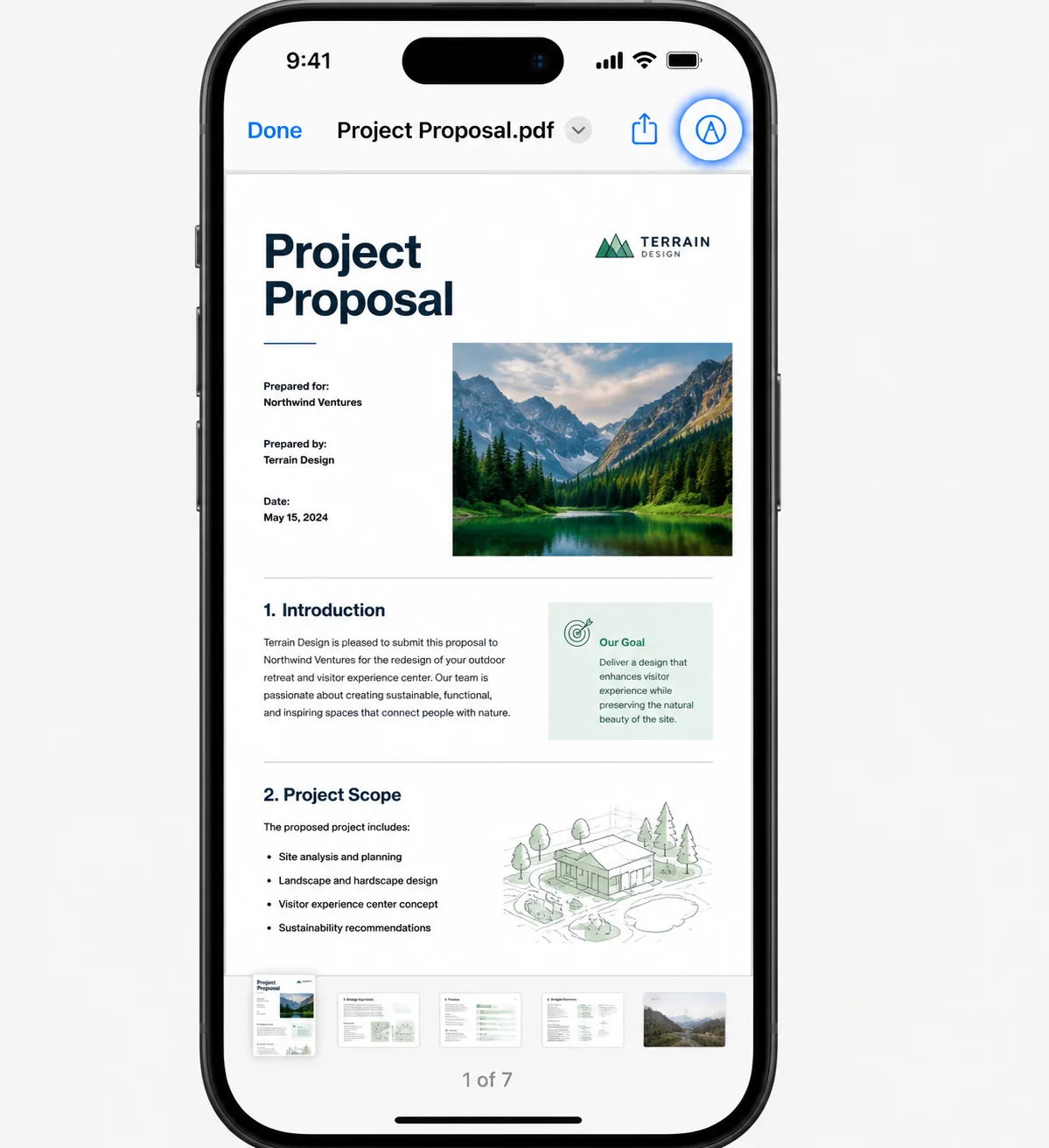
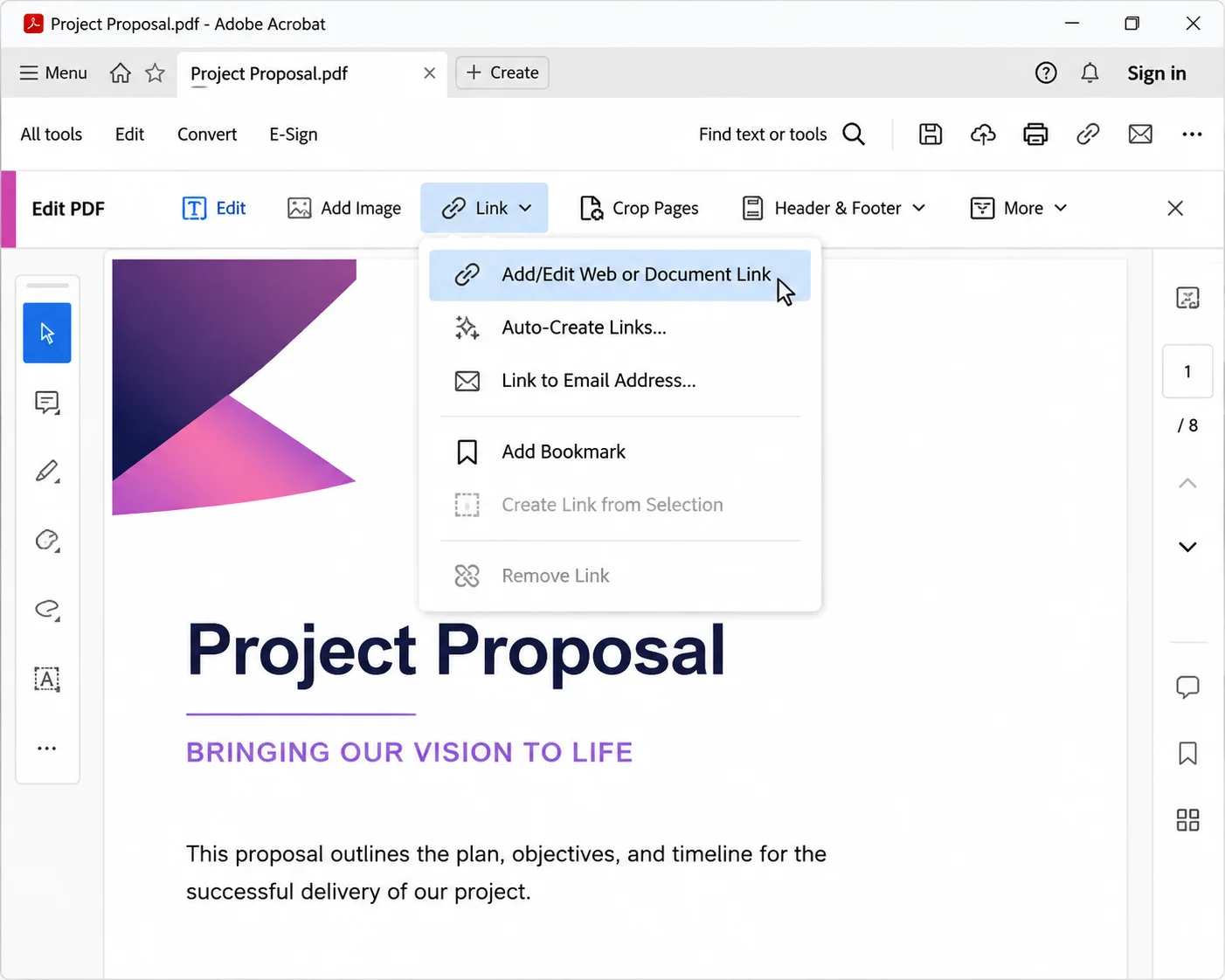
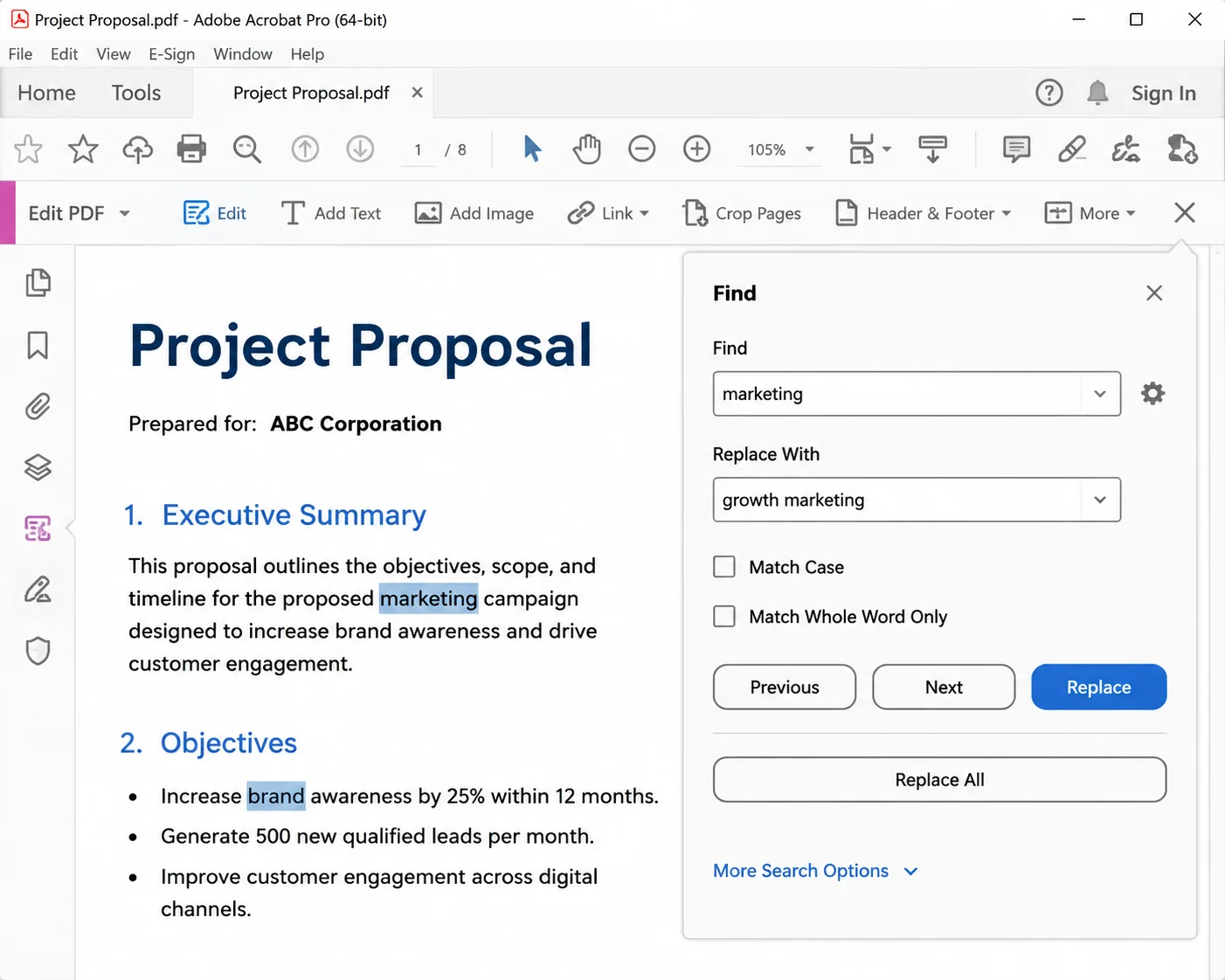
PDF 도구 Discover the Best PDF Editors for Mac in 2025 커티스 차우 업데이트됨:7월 28, 2025 다운로드 IronPDF NuGet 다운로드 DLL 다운로드 윈도우 설치 프로그램 무료 체험 시작하기 LLM용 사본 LLM용 사본 LLM용 마크다운 형식으로 페이지를 복사하세요 ChatGPT에서 열기 ChatGPT에 이 페이지에 대해 문의하세요 제미니에서 열기 제미니에게 이 페이지에 대해 문의하세요 Grok에서 열기 Grok에게 이 페이지에 대해 문의하세요 혼란 속에서 열기 Perplexity에게 이 페이지에 대해 문의하세요 공유하다 페이스북에 공유하기 트위터에 공유하기 LinkedIn에 공유하기 URL 복사 이메일로 기사 보내기 Mac users often need a reliable PDF editor to modify documents, add annotations, sign forms, or even convert PDFs into different formats. While macOS includes Preview, which offers basic PDF editing, it lacks advanced features like text editing, OCR, and form creation. In this article, we’ll explore the best PDF editors for Mac, both free and paid, that provide powerful tools for handling PDF documents. Additionally, for developers looking to integrate PDF editing into Mac applications, we will introduce IronPDF, a C# library for PDF manipulation. 1. Adobe Acrobat Pro DC Best for: Professional-grade PDF editing and advanced features Adobe Acrobat Pro DC is the industry standard for PDF editing and offers the most comprehensive set of tools. It allows Mac users to edit text and images, create and fill forms, convert PDFs, and apply OCR to scanned documents. Although it is a paid tool, its free trial and extensive feature set make it the best choice for professionals handling PDFs daily. Key Features: Edit text and images in PDFs seamlessly Convert PDFs to Word, Excel, and other formats Apply OCR to scanned documents Advanced form creation and signing tools Cloud integration with Adobe Document Cloud 2. PDF Expert Best for: Fast and intuitive PDF editing on Mac PDF Expert is a lightweight yet powerful PDF editor designed specifically for macOS. It offers a clean, user-friendly interface while supporting text editing, annotations, form filling, and document signing. Unlike Adobe Acrobat, PDF Expert is a one-time purchase rather than a subscription, making it a great choice for Mac users who need a balance between functionality and affordability. Key Features: Edit text, images, and links in PDFs Sign and fill PDF forms easily Merge and split PDF documents Sync with iCloud and Dropbox One-time purchase (no recurring fees) 3. Preview (Built-in on macOS) Best for: Basic PDF editing and annotation Preview is Apple’s default PDF viewer, and while it lacks advanced editing capabilities, it is completely free and includes useful tools for annotations, signing documents, and basic modifications. If you only need to highlight text, add notes, or sign PDFs, Preview is a great built-in option. However, it does not allow editing of existing text or applying OCR to scanned documents. Key Features: Free and pre-installed on macOS Annotate PDFs with highlights and notes Sign documents using a trackpad or camera Fill out PDF forms easily Limited editing capabilities 4. PDFelement for Mac Best for: Affordable alternative to Adobe Acrobat PDFelement is a budget-friendly PDF editor that offers powerful text editing, OCR, and file conversion at a lower price compared to Adobe Acrobat. It provides an easy-to-use interface and supports batch processing, making it ideal for users who work with multiple PDFs regularly. Key Features: Edit text and images in PDFs Convert PDFs to various formats Apply OCR for scanned document editing Create and edit PDF forms One-time purchase option available An Alternative for C# Developers: IronPDF If you’re a developer looking to edit PDFs programmatically on macOS, IronPDF is an excellent option. It is a C# PDF library that allows developers to create, modify, and process PDFs in .NET applications. Unlike traditional PDF editors, IronPDF is designed for automation, making it perfect for businesses that need to handle bulk PDF processing, document generation, and digital workflows. Whether you need to generate invoices, process reports, or extract data from PDFs, IronPDF provides a powerful API that simplifies PDF manipulation in C#. Why Choose IronPDF? Edit text, images, and annotations using C# Convert HTML to PDF with full formatting Extract and manipulate existing PDF content Apply OCR to recognize text in scanned documents Generate PDFs from templates dynamically Supports macOS via .NET Core and .NET 6+ Enterprise-grade performance and security For a detailed guide on how to use IronPDF on macOS, please visit this page: IronPDF Support for macOS with .NET Core. To edit PDF files check out this complete tutorial: How to Edit a PDF in C#. With its developer-friendly API and extensive functionality, IronPDF is a great choice for Mac developers who need programmatic PDF control in their .NET applications. Final Thoughts If you’re a Mac user looking for a feature-rich PDF editor, Adobe Acrobat Pro DC, PDF Expert, PDFelement, and Preview are among the best options, each catering to different needs and budgets. However, if you’re a developer needing automated PDF editing, IronPDF provides a robust and flexible solution for integrating PDF manipulation into macOS applications. Would you like to explore IronPDF further? Try it for free today! Download the free trial version and experience powerful PDF generation, conversion, and manipulation in your .NET applications. For more details, visit the IronPDF official website. 커티스 차우 지금 바로 엔지니어링 팀과 채팅하세요 기술 문서 작성자 커티스 차우는 칼턴 대학교에서 컴퓨터 과학 학사 학위를 취득했으며, Node.js, TypeScript, JavaScript, React를 전문으로 하는 프론트엔드 개발자입니다. 직관적이고 미적으로 뛰어난 사용자 인터페이스를 만드는 데 열정을 가진 그는 최신 프레임워크를 활용하고, 잘 구성되고 시각적으로 매력적인 매뉴얼을 제작하는 것을 즐깁니다. 커티스는 개발 분야 외에도 사물 인터넷(IoT)에 깊은 관심을 가지고 있으며, 하드웨어와 소프트웨어를 통합하는 혁신적인 방법을 연구합니다. 여가 시간에는 게임을 즐기거나 디스코드 봇을 만들면서 기술에 대한 애정과 창의성을 결합합니다. 관련 기사 업데이트됨 6월 22, 2025 Discover the Best PDF Redaction Software for 2025 Explore top PDF redaction solutions for 2025, including Adobe Acrobat Pro DC, Nitro PDF Pro, Foxit PDF Editor, and PDF-XChange Editor. Learn how IronPDF automates redaction in .NET for enhanced security and compliance. 더 읽어보기 업데이트됨 6월 22, 2025 Best PDF Reader for iPhone (Free & Paid Tools Comparison) In this article, we will explore some of the best PDF readers for iPhone and conclude why IronPDF stands out as the best option. 더 읽어보기 업데이트됨 6월 26, 2025 Best Free PDF Editor for Windows (Free & Paid Tools Comparison) This article explores the top free PDF editors available in 2025 and concludes with the most powerful and flexible option: IronPDF. 더 읽어보기 Discover the Best Free PDF Editors in 2025PDF vs PDF/A (Comparison and How to Use)
업데이트됨 6월 22, 2025 Discover the Best PDF Redaction Software for 2025 Explore top PDF redaction solutions for 2025, including Adobe Acrobat Pro DC, Nitro PDF Pro, Foxit PDF Editor, and PDF-XChange Editor. Learn how IronPDF automates redaction in .NET for enhanced security and compliance. 더 읽어보기
업데이트됨 6월 22, 2025 Best PDF Reader for iPhone (Free & Paid Tools Comparison) In this article, we will explore some of the best PDF readers for iPhone and conclude why IronPDF stands out as the best option. 더 읽어보기
업데이트됨 6월 26, 2025 Best Free PDF Editor for Windows (Free & Paid Tools Comparison) This article explores the top free PDF editors available in 2025 and concludes with the most powerful and flexible option: IronPDF. 더 읽어보기