푸터 콘텐츠로 바로가기
제품 비교

Node.js PDF 라이브러리 비교(무료 및 유료 도구)

Node.js has gained significant traction as a popular server-side platform for building web applications. PDFs (Portable Document Format) are a universally accepted document format widely used for sharing and presenting data. With the right tools, developers can create, manipulate, and modify PDF documents directly from their Node.js applications.

This is where PDF libraries for Node.js come in handy. These libraries allow developers to create, edit, merge, and convert PDFs programmatically. In this article, we will compare four PDF libraries for Node.js: IronPDF for Node.js, PDFKit, pdf-lib, and pdf-parse.

IronPDF for Node.js

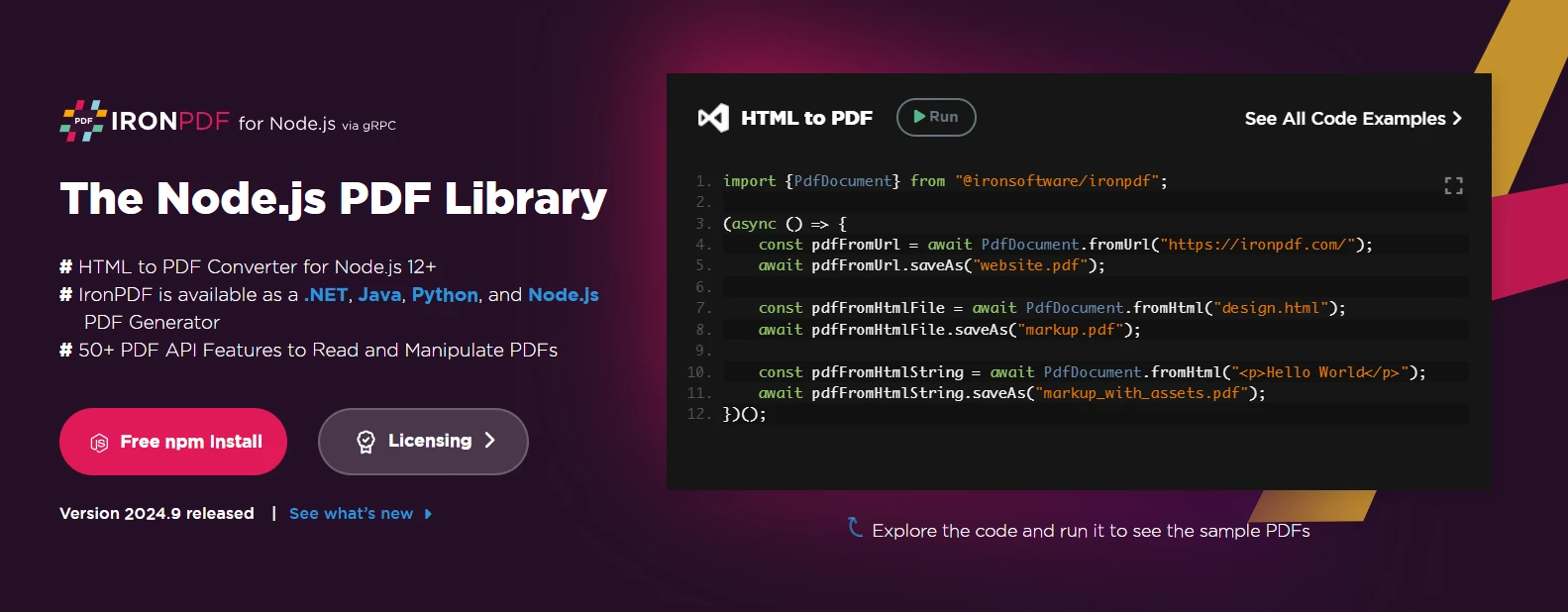
Node.js PDF Library Comparison (Free & Paid Tools): Figure 1 - IronPDF webpage

IronPDF is a premium PDF library designed by Iron Software to make PDF generation and manipulation straightforward for developers. Originally known for its .NET implementation, IronPDF also supports Node.js, offering a wide range of features that allow developers to create and manipulate PDF documents in their Node.js PDF generator applications.

IronPDF leverages the power of Chromium for high-quality rendering, making it particularly adept at converting an HTML file, including complex layouts and dynamic content, into PDFs. Whether you're building web applications that require document automation, invoice generation, or dynamic content rendering, IronPDF has all the tools at its disposal to help.

Key Features

Here are a few of its important key features:

  • Convert HTML, String, or URL from web pages to PDF documents with pixel-perfect accuracy.
  • Merge, split, and modify existing PDF documents.
  • Add watermarks, images, and text annotations.
  • Supports CSS, JavaScript, and responsive design elements.
  • Fully documented API and sample code examples.

For more detailed information on IronPDF and its features, please visit this documentation page.

Pros

  • High-fidelity HTML conversion: IronPDF uses Chromium rendering to ensure accurate conversion from web content to a PDF file.
  • Wide feature set: Offers everything from simple PDF creation to complex PDF document manipulation.
  • Excellent documentation: Comprehensive tutorials and sample code make integration easy.

Cons

  • Commercial: IronPDF requires a paid license, which may be a consideration for smaller projects or developers with limited budgets.

License

IronPDF offers a commercial license available, allowing developers to test the library's features before committing to a purchase.

Node.js PDF Library Comparison (Free & Paid Tools): Figure 2 - IronPDF licensing page

The PDFKit Library

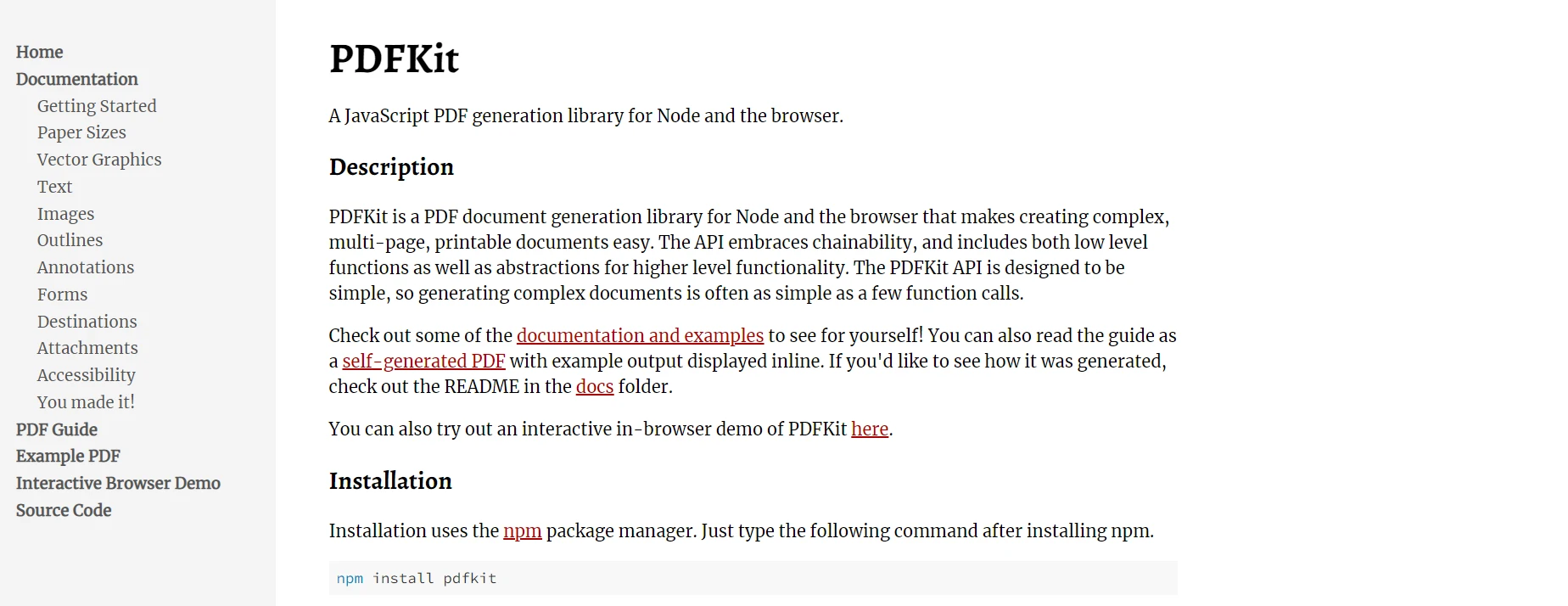
Node.js PDF Library Comparison (Free & Paid Tools): Figure 3 - PDFKit webpage

PDFKit is a popular open-source Node.js library that provides a simple and effective solution for generating PDFs from scratch. It allows developers to create PDFs programmatically with features like adding text, images, vector graphics, and more. One of the key strengths of PDFKit is its ability to handle the generation of large PDFs by streaming the output directly, rather than loading the entire document into memory, which is highly beneficial for applications dealing with large datasets or reports.

The simplicity and lightweight nature of PDFKit make it an ideal choice for developers who only need basic PDF generation features. It's well-suited for applications such as dynamically generating reports, invoices, or printable documents. PDFKit allows customization of text, fonts, colors, and even lets you draw custom shapes and lines within the PDF. The community around PDFKit is also quite active, which ensures it stays up to date and receives regular improvements.

Key Features

Here are a few key features of PDFKit:

  • Create PDFs with text, images, and vector graphics.
  • Supports embedding fonts and customizing styles.
  • Stream-based generation, allowing for large file handling.

For more detail on features and usage, you can download this PDF Guide from here.

Pros

  • Lightweight and fast: PDFKit is efficient and offers a clean, minimal API.
  • Open-source and free: It’s completely free to use under the MIT license.

Cons

  • Limited advanced features: Lacks more advanced features like PDF form handling, digital signatures, or HTML-to-PDF conversion.
  • Basic functionality: Best suited for simple document creation rather than complex PDF manipulation.

The PDF-LIB Library

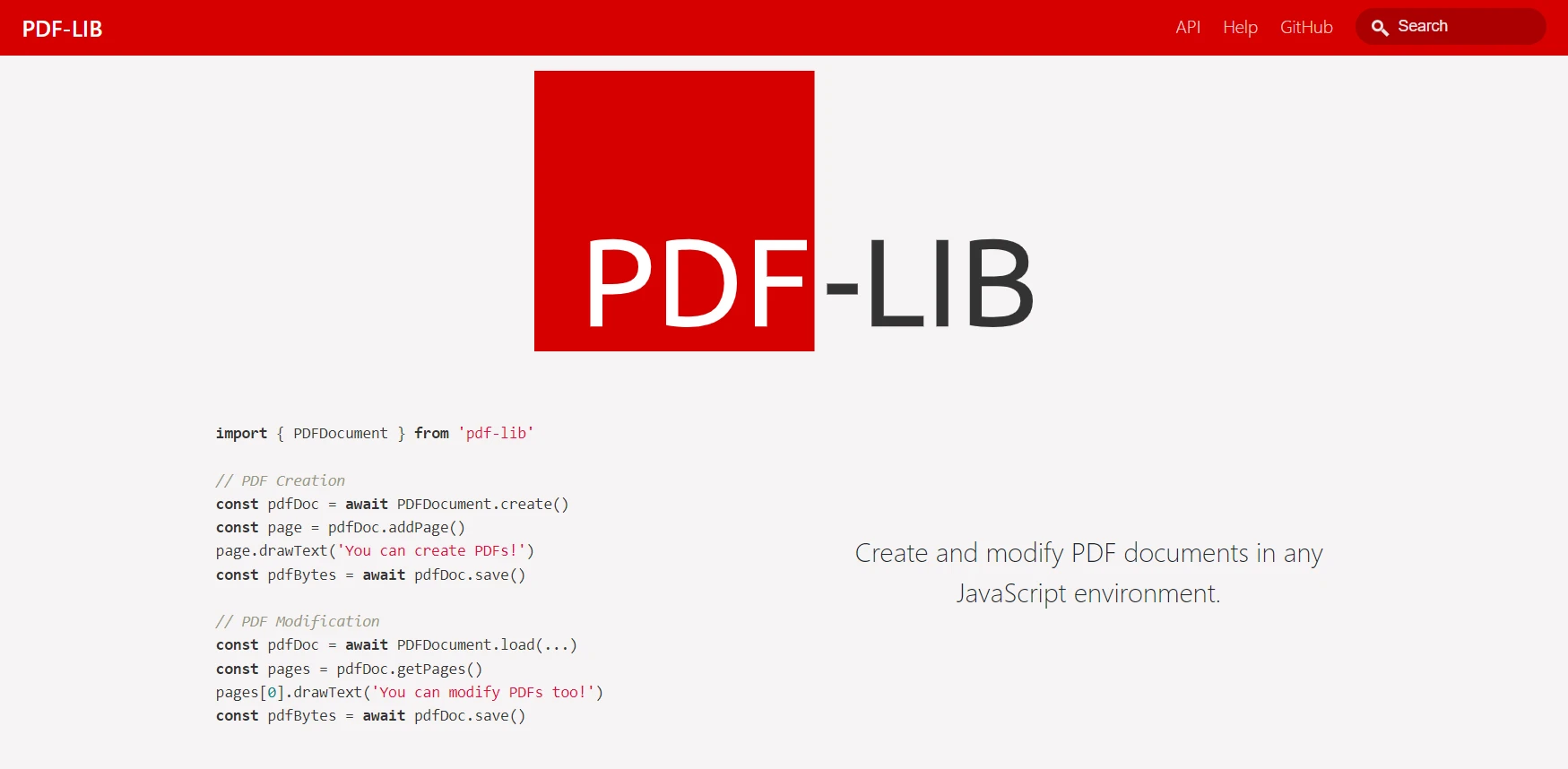
Node.js PDF Library Comparison (Free & Paid Tools): Figure 4 - PDF-LIB webpage

PDF-LIB is an open-source library that excels at both creating new PDFs and modifying existing ones. Unlike PDFKit, which is primarily focused on PDF creation, pdf-lib offers a more versatile set of features, allowing developers to not only generate new PDFs but also manipulate existing documents. This makes pdf-lib a powerful tool for a wide range of use cases, such as filling out forms, adding text or images to existing PDFs, and even merging or splitting PDF files.

One of the key features of pdf-lib is its ability to work with form fields. This is especially useful for applications where users need to fill out or sign PDF documents, such as contracts or legal documents. Developers can pre-fill form fields or extract data from existing forms using the library. It also supports embedding custom fonts, drawing graphics, and applying annotations, making it a flexible tool for more complex PDF tasks. Additionally, pdf-lib is designed to be used entirely client-side, so developers can implement PDF functionality directly in the browser, opening up a whole new range of possibilities for web applications.

Key Features

Here are some important key features of PDF-LIB:

  • Edit existing PDFs: Add or modify text, images, and shapes.
  • Supports working with form fields, including filling out and extracting data.
  • Draw graphics and embed custom fonts.

Pros

  • Flexibility: PDF-LIB provides robust capabilities for both PDF creation and manipulation.
  • Free and open-source: Available under the MIT license.

Cons

  • No built-in HTML-to-PDF support: Developers must handle content rendering manually or use another library in tandem.

The pdf-parse Library

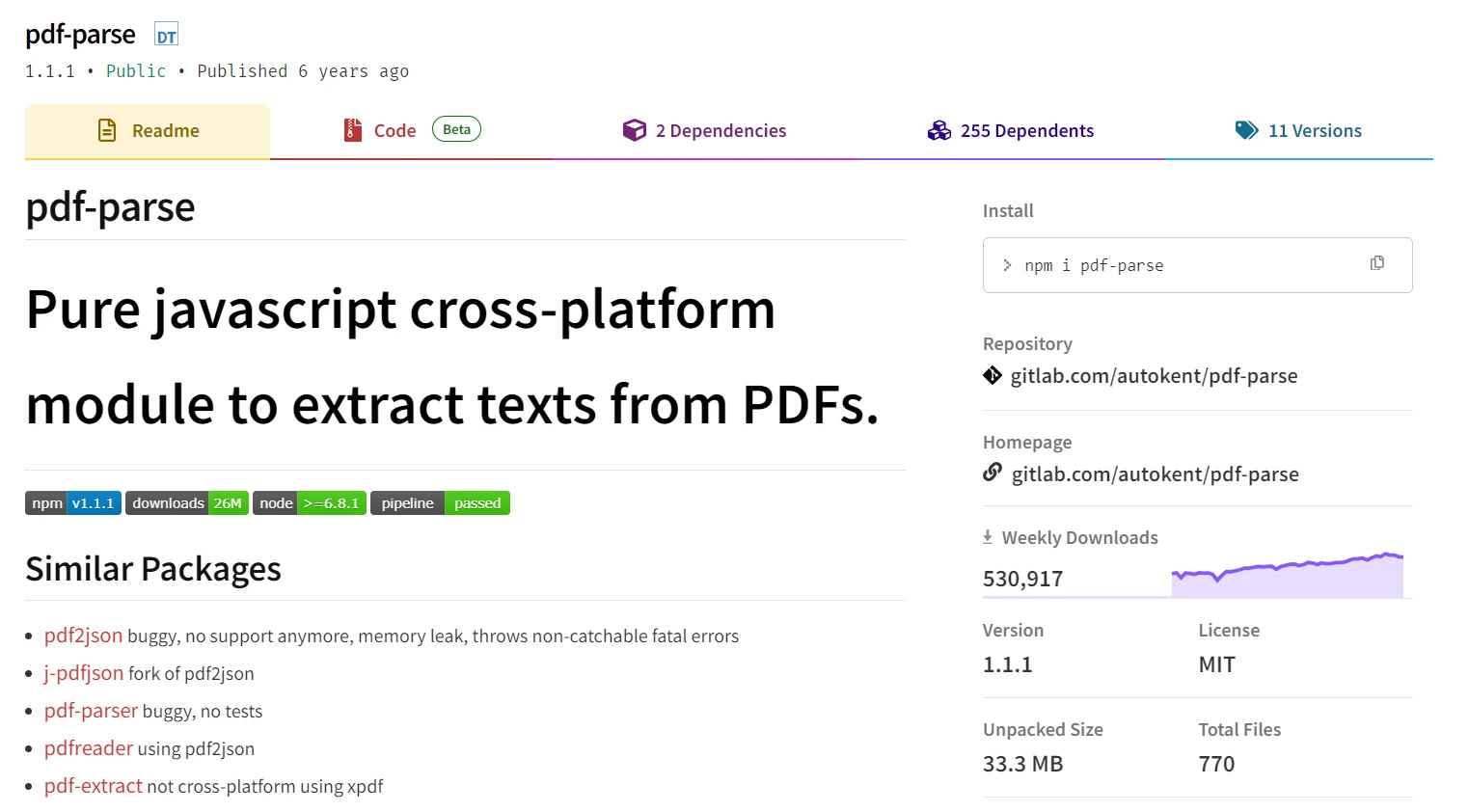
Node.js PDF Library Comparison (Free & Paid Tools): Figure 5 - pdf-parse webpage

pdf-parse is a specialized Node.js library focused on extracting data from PDFs rather than creating or modifying them. It’s an open-source tool built to help developers extract text, metadata, and other content from existing PDF documents. This is especially useful for applications that need to process and analyze PDF files, such as search engines, data processing tools, or systems that require document analysis and extraction.

The pdf-parse tool excels in simplicity and ease of use. With just a few lines of code, developers can parse a PDF document and retrieve its text content or metadata. This makes it ideal for use cases where PDF files need to be indexed, searched, or converted into other formats. It’s also a great choice for applications that need to extract text from scanned documents using OCR (Optical Character Recognition) in conjunction with another OCR tool. pdf-parse can handle a variety of PDFs, even complex ones with multiple columns of text or images interspersed with text.

However, pdf-parse is limited in that it doesn’t offer any functionality for creating or editing PDFs. If your project requires more advanced features, such as manipulating PDFs or filling out forms, you’ll need to combine it with another library. Additionally, pdf-parse can sometimes struggle with extracting text from heavily formatted or encrypted PDFs, which may require additional processing steps. Nonetheless, for simple text extraction tasks, pdf-parse remains a reliable and easy-to-use option in the Node.js ecosystem.

Key Features

  • Extract text and metadata from PDFs.
  • Supports text layout analysis, making it suitable for data extraction.

Pros

  • Simple to use: It offers a clean and easy API for extracting PDF content.
  • Free: It’s open-source under the MIT license.

Cons

  • Limited to extraction: pdf-parse is only useful for extracting information from PDFs, not for creating or editing them.

Conclusion

Each of these Node.js PDF libraries offers unique advantages, depending on the project requirements. IronPDF for Node.js stands out for its extensive feature set and ability to convert complex HTML content into PDF with high fidelity, though it comes with a commercial license. PDFKit is perfect for simpler, free PDF generation needs, while pdf-lib balances creation and modification functionality in a free package. Finally, pdf-parse is your go-to for text extraction from PDFs.

When selecting a PDF library for your Node.js project, it's essential to assess your application's needs. If your project requires advanced manipulation of complex PDF documents and HTML rendering, IronPDF is a strong choice. For basic PDF creation, PDFKit or pdf-lib are excellent free alternatives, and if your focus is data extraction, pdf-parse might be the tool you need.

참고해 주세요PDFKit, pdf-lib, and pdf-parse are registered trademarks of their respective owners. This site is not affiliated with, endorsed by, or sponsored by PDFKit, pdf-lib, or pdf-parse. All product names, logos, and brands are property of their respective owners. Comparisons are for informational purposes only and reflect publicly available information at the time of writing.

자주 묻는 질문

Node.js에서 HTML을 PDF로 변환하려면 어떻게 해야 하나요?

Node.js에서 HTML을 PDF로 변환하는 데 IronPDF를 사용할 수 있습니다. Chromium을 사용하여 고품질 렌더링을 제공하므로 복잡한 레이아웃과 동적 콘텐츠에 이상적입니다.

PDF 생성에 IronPDF를 사용하면 어떤 이점이 있나요?

IronPDF는 HTML 변환, 문서 조작에 대한 광범위한 지원을 제공하며 포괄적인 문서를 제공합니다. 고충실도 문서 자동화가 필요한 프로젝트에 이상적입니다.

PDF-LIB를 HTML에서 PDF로 변환하는 데 사용할 수 있나요?

아니요, PDF-LIB는 내장된 HTML-PDF 변환 기능을 제공하지 않습니다. 양식 필드 및 클라이언트 측 사용을 지원하여 PDF를 만들고 수정하는 데 더 적합합니다.

텍스트 추출을 위한 최고의 Node.js PDF 라이브러리는 무엇인가요?

pDF 문서에서 텍스트와 메타데이터를 추출하는 데 특화되어 있으므로 Node.js의 텍스트 추출에 가장 적합한 도구는 pdf-parse입니다.

간단한 PDF 생성에 적합한 Node.js 라이브러리는 무엇인가요?

PDFKit은 텍스트, 이미지 및 벡터 그래픽을 추가할 수 있는 가볍고 빠른 솔루션을 제공하는 간단한 PDF 생성에 적합한 선택입니다.

PDF 파싱을 통해 PDF 생성 또는 편집이 가능한가요?

아니요, PDF-parse는 PDF에서 정보를 추출하기 위해 특별히 설계되었으며 PDF 문서의 생성 또는 편집을 지원하지 않습니다.

Node.js PDF 라이브러리를 선택할 때 고려해야 할 사항은 무엇인가요?

고급 PDF 조작, HTML 변환 또는 텍스트 추출 기능 등 프로젝트의 특정 요구 사항을 고려하세요. 라이브러리마다 다양한 강점과 한계가 있습니다.

PDFKit을 PDF 생성에 사용하면 어떤 제한이 있나요?

PDFKit은 PDF 양식 처리, 디지털 서명, HTML-PDF 변환과 같은 고급 기능이 없기 때문에 간단한 PDF 문서 작성에 가장 적합합니다.

IronPDF는 다른 Node.js PDF 라이브러리와 어떻게 비교되나요?

IronPDF는 높은 충실도로 HTML을 PDF로 변환하는 데 탁월한 상용 도구입니다. 복잡한 문서 자동화에 이상적인 반면 PDFKit 및 pdf-lib는 기본적인 요구 사항에 적합한 무료 대안을 제공합니다.

커티스 차우
기술 문서 작성자

커티스 차우는 칼턴 대학교에서 컴퓨터 과학 학사 학위를 취득했으며, Node.js, TypeScript, JavaScript, React를 전문으로 하는 프론트엔드 개발자입니다. 직관적이고 미적으로 뛰어난 사용자 인터페이스를 만드는 데 열정을 가진 그는 최신 프레임워크를 활용하고, 잘 구성되고 시각적으로 매력적인 매뉴얼을 제작하는 것을 즐깁니다.

커티스는 개발 분야 외에도 사물 인터넷(IoT)에 깊은 관심을 가지고 있으며, 하드웨어와 소프트웨어를 통합하는 혁신적인 방법을 연구합니다. 여가 시간에는 게임을 즐기거나 디스코드 봇을 만들면서 기술에 대한 애정과 창의성을 결합합니다.