

faye NPM (개발자를 위한 작동 방식)

IronPDF 와 Faye는 웹 개발에서 서로 다른 역할을 맡고 있지만, 그들의 기술은 서로 시너지 효과를 냅니다. NPM 패키지 Faye 덕분에 WebSocket 또는 기타 호환 가능한 전송 방식을 사용하면 서버와 웹 클라이언트는 실시간으로 통신할 수 있습니다. 이 시스템은 확장 가능하고 즉각적인 데이터 공유 웹 애플리케이션을 구현할 수 있는 간단하지만 효과적인 발행/구독 메시징 시스템을 제공합니다. Faye의 최신 버전은 4년 전에 출시된 1.4.0입니다. 반대로, IronPDF 라는 또 다른 npm 패키지를 사용하면 개발자는 Node.js 환경에서 PDF 문서를 프로그래밍 방식으로 생성, 수정 및 변환할 수 있습니다.
개발자는 Faye를 IronPDF 와 통합하여 실시간 PDF 생성 기능을 통해 웹 애플리케이션을 개선할 수 있습니다. PDF 보고서를 즉시 생성하거나, 사용자 입력 또는 실시간 데이터 변경에 따라 문서를 동적으로 생성하거나, 공동 문서 편집 시나리오가 필요한 애플리케이션은 이 연결을 매우 유용하게 활용할 수 있습니다. IronPDF의 PDF 생성 도구와 Faye의 실시간 간편 게시-구독 메시징 기능을 활용하면 개발자는 다양한 사용자 및 비즈니스 목표를 충족하는 데이터 기반의 대화형 및 적응형 웹 앱을 설계할 수 있습니다.
페이는 누구인가요?
Faye 라는 Node.js 플러그인을 사용하면 클라이언트와 서버가 WebSocket 또는 기타 호환 가능한 전송 및 WebSocket 프로토콜을 사용하여 실시간으로 통신하는 것이 더 쉬워집니다. Faye는 웹 애플리케이션 통신을 확장 가능하고 효율적으로 만들어주는 발행/구독 메시징 메커니즘을 제공합니다. 클라이언트와 서버 간의 연결 및 메시지 라우팅을 원활하게 처리함으로써, Faye는 실시간 기능(예: 실시간 업데이트, 알림, 협업 상호작용)의 배포를 간소화하는 것을 목표로 합니다. Faye는 개발자들이 사용자와 서버 간의 실시간 데이터 전송을 필요로 하는 협업, 상호작용 및 반응형 기능을 통해 앱을 개선하기 위해 자주 통합됩니다.
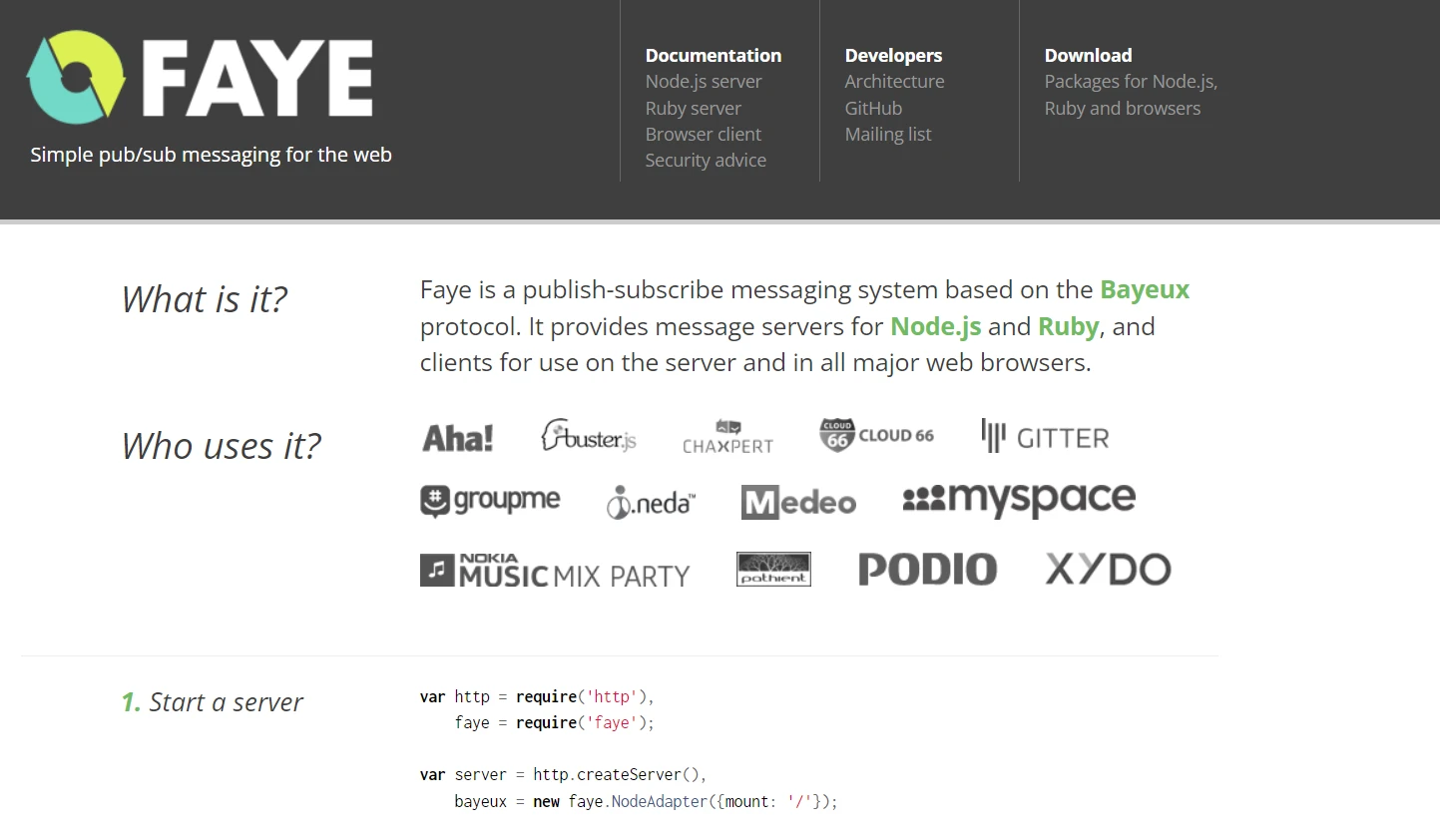
페이의 특징
Faye NPM 모듈은 여러 가지 중요한 기능을 제공하므로 실시간 이벤트 메시징을 웹 애플리케이션에 통합하는 데 유용한 도구입니다.
WebSocket 및 전송 프로토콜 지원: Faye는 WebSocket을 지원하고 HTTP 롱 폴링과 같은 대체 전송 프로토콜로의 폴백 방식을 통해 다양한 브라우저 및 네트워크 구성에서 실시간 통신 채널을 유지할 수 있습니다.
발행/구독 메시징: Faye의 발행/구독 메시징 패턴을 활용하면 사용자는 특정 채널(주제)을 구독하여 해당 채널에 업데이트나 메시지가 게시되는 즉시 받아볼 수 있습니다.
확장성: 확장 가능한 아키텍처 덕분에 다수의 동시 연결과 메시지를 효율적으로 관리할 수 있어 뛰어난 성능과 응답성이 요구되는 애플리케이션에 적합합니다.
클라이언트 측 및 서버 측 통합: Faye는 클라이언트 측(브라우저)과 서버 측(Node.js)을 모두 통합하여 웹 클라이언트와 서버 간의 원활한 통신을 지원합니다.
보안: 채널 및 메시지에 대한 접근을 규제하기 위해 WebSocket 연결을 보호하는 기술과 인증 및 권한 부여 절차를 통합합니다.
사용 편의성: 개발자는 Faye의 직관적인 API를 사용하여 실시간 통신을 설정하고 관리함으로써 최소한의 설정만으로 실시간 업데이트, 알림, 채팅 시스템 등의 기능을 만들 수 있습니다.
신뢰성: Faye는 재연결 관리 및 메시지 전달 신뢰성 보장을 통해 네트워크 장애에 강한 견고한 통신 채널을 유지합니다.
- 맞춤 설정 및 확장성: 플러그인, 확장 기능 및 특수 어댑터를 사용하여 개발자는 Faye의 기능을 확장하고 특정 애플리케이션 요구 사항을 충족하는 특수 솔루션을 제공할 수 있습니다.
Faye 생성 및 구성
Node.js 환경에서 NPM을 사용하여 Faye를 구축하고 구성하려면 클라이언트 측 통합과 서버 측 Faye 인스턴스 모두를 설정해야 합니다. 시작하는 데 도움이 되는 사용 설명서를 소개합니다.
서버 측 설정
페이를 설치하세요
먼저 Faye 패키지를 설치하세요.
npm install fayenpm install faye페이 서버 생성
Node.js에서 server.js 파일을 생성하여 Faye 서버가 구성되었는지 확인하십시오:
// server.js

const http = require('http');
const faye = require('faye');

// Create an HTTP server
const server = http.createServer();

// Mount the Faye server at '/faye'
const bayeux = new faye.NodeAdapter({ mount: '/faye', timeout: 45 });

// Attach Faye to the HTTP server
bayeux.attach(server);

// Start the HTTP server
const PORT = 8000;
server.listen(PORT, () => {
    console.log(`Faye server listening on port ${PORT}`);
});
// server.js
const http = require('http');
const faye = require('faye');
// Create an HTTP server
const server = http.createServer();
// Mount the Faye server at '/faye'
const bayeux = new faye.NodeAdapter({ mount: '/faye', timeout: 45 });
// Attach Faye to the HTTP server
bayeux.attach(server);
// Start the HTTP server
const PORT = 8000;
server.listen(PORT, () => {
console.log(`Faye server listening on port ${PORT}`);
});이 경우, 포트 8000에서 리스닝하는 HTTP 서버는 Faye 서버를 /faye에 마운트합니다. 사용하는 애플리케이션 버전에 맞게 포트와 마운트 경로를 조정하십시오.
클라이언트 측 설정
Faye 클라이언트 라이브러리를 HTML 페이지에 추가하거나 Webpack 또는 Browserify와 같은 모듈 번들러를 사용하여 추가하세요.
<!DOCTYPE html>
<html lang="en">
  <head>
    <meta charset="UTF-8" />
    <title>Faye Client Example</title>
  </head>
  <body>

    <script
      type="text/javascript"
      src="http://localhost:8000/faye/client.js"
    ></script>

    Enter the Message:
    <input type="text" id="messageInput">
    <button onclick="sendMessage()">Send</button>

    <script>
      // Initialize Faye client
      const client = new Faye.Client('http://localhost:8000/faye');

      // Subscribe to a channel
      client.subscribe('/channel', function(message) {
          console.log('Received message:', message);
          // Handle received messages
      });

      // Function to publish a message
      function sendMessage() {
          const message = document.getElementById('messageInput').value;
          client.publish('/channel', { text: message });
      }
    </script>
  </body>
</html>
<!DOCTYPE html>
<html lang="en">
<head>
<meta charset="UTF-8" />
<title>Faye Client Example</title>
</head>
<body>
<script
type="text/javascript"
src="http://localhost:8000/faye/client.js"
></script>
Enter the Message:
<input type="text" id="messageInput">
<button onclick="sendMessage()">Send</button>
<script>
// Initialize Faye client
const client = new Faye.Client('http://localhost:8000/faye');
// Subscribe to a channel
client.subscribe('/channel', function(message) {
console.log('Received message:', message);
// Handle received messages
});
// Function to publish a message
function sendMessage() {
const message = document.getElementById('messageInput').value;
client.publish('/channel', { text: message });
}
</script>
</body>
</html>Faye 서버 URL (http://localhost:8000/faye)과 Faye 클라이언트 스크립트(client.js)의 소스 코드 및 URL을 구성에 맞게 조정하십시오.
다음 지침에 따라 Faye 패키지를 구성하면 Node.js 웹 애플리케이션에 실시간 메시징 기능을 효과적으로 추가할 수 있습니다. 특정 애플리케이션의 아키텍처 및 요구 사항에 맞게 예제를 수정하십시오.
시작하기
IronPDF 사용하여 동적 PDF를 생성하고 Faye를 사용하여 실시간 통신을 하려면, 먼저 Faye 연결 및 PDF 생성 요청을 처리할 수 있는 Node.js 서버를 설정해야 합니다. 자세한 방법은 다음과 같습니다.
IronPDF 란 무엇인가요?
IronPDF Node.js용 는 HTML 데이터를 매우 높은 품질의 PDF 파일로 변환하도록 설계된 강력한 Node.js 프로그램입니다. 이 도구는 원본 온라인 콘텐츠를 손상시키지 않고 HTML, CSS 및 기타 JavaScript 파일을 적절한 형식의 PDF로 변환하는 과정을 가속화합니다. 이는 송장, 인증서, 보고서와 같은 동적이고 인쇄 가능한 문서를 생성해야 하는 웹 애플리케이션에 매우 유용한 도구입니다.
IronPDF 사용자 정의 가능한 페이지 설정, 머리글, 바닥글, 글꼴 및 이미지 추가 옵션 등 여러 기능을 제공합니다. 이 프로그램은 복잡한 스타일과 레이아웃을 관리하여 모든 테스트 PDF 출력물이 사양을 충족하도록 보장합니다. 또한 IronPDF HTML 내의 JavaScript 실행을 제어하여 정확하고 동적이며 상호 작용적인 콘텐츠 렌더링을 가능하게 합니다.
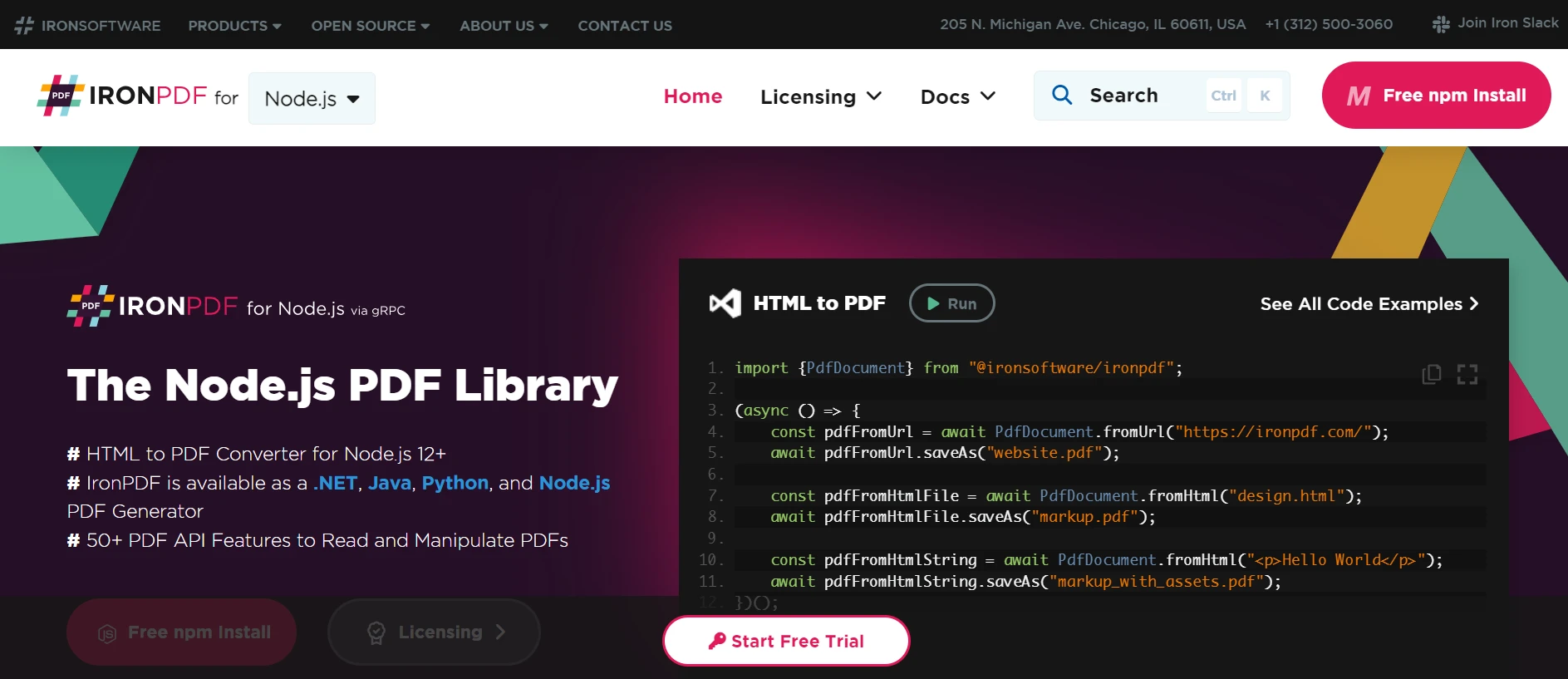
IronPDF 의 특징
HTML에서 PDF 생성: HTML, CSS 및 JavaScript PDF로 변환합니다. 미디어 쿼리와 반응형 디자인이라는 두 가지 최신 웹 표준을 지원합니다. HTML과 CSS를 사용하여 PDF 문서, 송장 및 보고서를 동적으로 꾸미는 데 유용합니다.
PDF 편집: 기존 PDF 파일에 텍스트, 이미지 및 기타 자료를 추가할 수 있습니다. PDF 파일에서 텍스트와 이미지를 추출합니다. 여러 PDF 파일을 하나의 파일로 병합합니다. PDF 파일을 여러 개의 개별 문서로 분할합니다. 머리글, 바닥글, 주석 및 워터마크를 추가하세요.
- 성능 및 신뢰성: 산업 현장에서는 높은 성능과 신뢰성이 바람직한 설계 특성입니다. 대용량 문서 세트를 손쉽게 처리합니다.
IronPDF를 설치하세요
Node.js 프로젝트에서 PDF 작업을 위한 도구를 얻으려면 IronPDF 패키지를 설치하세요. 다음 명령어를 실행하세요:
npm과 @ironsoftware/ironpdf
Faye와 IronPDF 결합하세요
IronPDF 이용한 PDF 생성과 Faye를 이용한 실시간 메시징을 결합한 기본적인 Node.js 서버를 구축하세요.
// server.js

const http = require('http');
const faye = require('faye');
const IronPdf = require('@ironsoftware/ironpdf');

// Configure IronPDF license (if required)
var config = IronPdf.IronPdfGlobalConfig;
config.setConfig({
    licenseKey: "",  // Set your license key here
});

// Create an HTTP server
const server = http.createServer();

// Create a Faye server
const bayeux = new faye.NodeAdapter({ mount: '/faye', timeout: 45 });

// Attach the Faye server to the HTTP server
bayeux.attach(server);

// Handle Faye client connections
bayeux.on('handshake', function(clientId) {
    console.log(`Client connected: ${clientId}`);
});

// Handle incoming messages for PDF generation
bayeux.on('publish', async function (clientId, channel, data) {
    if (channel === '/generate_pdf') {
        console.log(`Received PDF generation request from client ${clientId}: ${data.htmlContent}`);
        // Generate PDF using IronPDF
        let pdfData = await generatePdf(data.htmlContent);
        var base64String = btoa(String.fromCharCode.apply(null, new Uint8Array(pdfData)));
        bayeux.getClient().publish(`/pdf_result/${clientId}`, { pdfData: base64String });
    }
});

// Function to generate PDF using IronPDF
const generatePdf = async (htmlContent) => {
    const pdfDocument = IronPdf.PdfDocument;
    let result = (await pdfDocument.fromHtml(htmlContent));
    const pdfBuffer = await result.saveAsBuffer();
    return pdfBuffer;
};

// Start the HTTP server
const PORT = 3000;
server.listen(PORT, function() {
    console.log(`Server listening on port ${PORT}`);
});
// server.js
const http = require('http');
const faye = require('faye');
const IronPdf = require('@ironsoftware/ironpdf');
// Configure IronPDF license (if required)
var config = IronPdf.IronPdfGlobalConfig;
config.setConfig({
licenseKey: "", // Set your license key here
});
// Create an HTTP server
const server = http.createServer();
// Create a Faye server
const bayeux = new faye.NodeAdapter({ mount: '/faye', timeout: 45 });
// Attach the Faye server to the HTTP server
bayeux.attach(server);
// Handle Faye client connections
bayeux.on('handshake', function(clientId) {
console.log(`Client connected: ${clientId}`);
});
// Handle incoming messages for PDF generation
bayeux.on('publish', async function (clientId, channel, data) {
if (channel === '/generate_pdf') {
console.log(`Received PDF generation request from client ${clientId}: ${data.htmlContent}`);
// Generate PDF using IronPDF
let pdfData = await generatePdf(data.htmlContent);
var base64String = btoa(String.fromCharCode.apply(null, new Uint8Array(pdfData)));
bayeux.getClient().publish(`/pdf_result/${clientId}`, { pdfData: base64String });
}
});
// Function to generate PDF using IronPDF
const generatePdf = async (htmlContent) => {
const pdfDocument = IronPdf.PdfDocument;
let result = (await pdfDocument.fromHtml(htmlContent));
const pdfBuffer = await result.saveAsBuffer();
return pdfBuffer;
};
// Start the HTTP server
const PORT = 3000;
server.listen(PORT, function() {
console.log(`Server listening on port ${PORT}`);
});클라이언트 측 설정
클라이언트 측에서 Faye를 구성하여 서버와 상호 작용하고 PDF 생성 요청을 제출하도록 합니다.
<!DOCTYPE html>
<html lang="en">
<head>
    <meta charset="UTF-8">
    <title>Faye + IronPDF Example</title>
</head>
<body>
    <button onclick="generatePdf()">Generate PDF</button>

    <script src="https://cdn.jsdelivr.net/npm/faye/browser/faye-browser.min.js"></script>

    <script>
        // Initialize Faye client
        const client = new Faye.Client('http://localhost:3000/faye');

        // Subscribe to receive PDF result messages
        client.subscribe('/pdf_result/*', function(message) {
            console.log('PDF received:', message);
            displayPdf(message.pdfData);
        });

        // Function to request PDF generation
        function generatePdf() {
            // Example: HTML content to generate PDF
            const htmlContent = '<html><body><h1>Hello IronPDF!</h1></body></html>';

            // Send HTML content to server for PDF generation
            client.publish('/generate_pdf', { htmlContent: htmlContent });
        }

        // Function to display the generated PDF
        function displayPdf(pdfData) {
            // Example: Display or download PDF data received from server
            const pdfBlob = new Blob([Uint8Array.from(atob(pdfData), c => c.charCodeAt(0))], { type: 'application/pdf' });
            const pdfUrl = URL.createObjectURL(pdfBlob);
            window.open(pdfUrl, '_blank');
        }
    </script>
</body>
</html>
<!DOCTYPE html>
<html lang="en">
<head>
<meta charset="UTF-8">
<title>Faye + IronPDF Example</title>
</head>
<body>
<button onclick="generatePdf()">Generate PDF</button>
<script src="https://cdn.jsdelivr.net/npm/faye/browser/faye-browser.min.js"></script>
<script>
// Initialize Faye client
const client = new Faye.Client('http://localhost:3000/faye');
// Subscribe to receive PDF result messages
client.subscribe('/pdf_result/*', function(message) {
console.log('PDF received:', message);
displayPdf(message.pdfData);
});
// Function to request PDF generation
function generatePdf() {
// Example: HTML content to generate PDF
const htmlContent = '<html><body><h1>Hello IronPDF!</h1></body></html>';
// Send HTML content to server for PDF generation
client.publish('/generate_pdf', { htmlContent: htmlContent });
}
// Function to display the generated PDF
function displayPdf(pdfData) {
// Example: Display or download PDF data received from server
const pdfBlob = new Blob([Uint8Array.from(atob(pdfData), c => c.charCodeAt(0))], { type: 'application/pdf' });
const pdfUrl = URL.createObjectURL(pdfBlob);
window.open(pdfUrl, '_blank');
}
</script>
</body>
</html>서버 측: Node.js 서버에 의해 Faye 서버(bayeux)가 통합되며, HTTP 서버도 구성됩니다. /generate_pdf 채널에서 들어오는 메시지와 클라이언트 연결을 감시합니다. PDF 생성 요청을 받으면, 제공된 HTML 정보를 IronPDF 사용하여 PDF로 변환하고, 완성된 PDF 데이터를 사용하기 쉬운 메시지 형태로 클라이언트에게 반환합니다.
클라이언트 측: 생성된 PDF 데이터를 얻기 위해 브라우저 클라이언트는 서버에 Faye 연결(client)을 생성하고 /pdf_result/* 채널을 구독합니다. "PDF 생성" 버튼은 사용자가 서버에 HTML 콘텐츠 요청을 보내게 하고, 서버는 이를 client.publish('/generate_pdf', { htmlContent: htmlContent })을 사용하여 PDF를 생성하는 데 사용합니다. PDF 데이터를 수신한 후 PDF 파일을 표시하거나 다운로드합니다.
결론
Faye를 IronPDF 와 통합함으로써 동적 PDF 생성과 실시간 메시징의 장점을 결합하여 최신 웹 애플리케이션에 적합한 안정적인 솔루션을 제공할 수 있습니다. Faye의 발행/구독 메시징 시스템은 즉각적인 클라이언트-서버 통신을 가능하게 하며, 버그 추적, 알림 및 팀워크 기능과 같이 실시간 업데이트가 필요한 애플리케이션을 지원합니다. 이와는 대조적으로, IronPDF PDF 문서의 프로그래밍 방식 생성, 수정 및 변환을 가능하게 하여 사용자 입력이나 실시간 데이터에 따라 보고서, 송장 및 기타 문서를 동적으로 생성할 수 있도록 합니다.
이러한 기술들을 통합하면 동적으로 생성된 콘텐츠와 즉각적인 피드백을 제공하여 사용자 경험을 향상시킬 수 있습니다. 예를 들어, 소비자는 일괄 처리 시간을 기다리거나 웹사이트를 새로 고침할 필요 없이 즉시 처리되는 PDF 보고서 요청을 받을 수 있습니다. 이러한 원활한 상호 작용 덕분에 웹 애플리케이션은 더욱 반응성이 뛰어나고 효율적이 되어 상호 작용성과 사용자 친화성이 향상됩니다.
IronPDF 와 Iron Software 통합하면 OCR, 바코드 스캔, PDF 출력, Excel 연동 등 다양한 기능을 Node.js 앱 개발 도구에 추가하여 활용도를 높일 수 있습니다. Iron Software의 방대한 커뮤니티 지원 플러그인 라이브러리와 고도로 구성 가능한 기술을 통해 개발자는 기능과 웹 앱을 더욱 빠르게 만들 수 있습니다.
개발자는 구매를 결정하기 전에 무료 평가판 라이선스와 회사에서 제공하는 다양한 소스 코드 샘플을 통해 IronPDF의 여러 기능을 활용해 볼 수 있습니다. IronPDF의 영구 라이선스에 대한 자세한 내용은 라이선스 페이지를 참조하십시오. IronPDF 사용 시작 방법에 대한 자세한 내용은 프로젝트 문서 페이지를 참조하십시오.








 무료로 시작하세요
 무료로 시작하세요
 무료 라이브 데모 예약하기





 신용카드나 계정 생성은 필요하지 않습니다.










