

Python용 IronPDF와 PDFium Python의 비교

PDFs are a universal standard for documents, and their reliability and consistency across different platforms make them a preferred choice in all fields. As such, the tools, third-party components, and libraries that developers use to manage PDFs can significantly influence the efficiency and effectiveness of an application.
This blog post delves into a comprehensive comparison between two prominent PDF file libraries: IronPDF for Python and PDFium Python. These libraries offer developers powerful tools for creating, editing, and converting PDF page documents within their source tree applications. However, choosing the right library can often be a daunting task. Through this comparison, we aim to highlight the unique features, performance, and use-case scenarios of each PDF rendering library, providing insights that will help you make an informed decision for your development needs.
Overview of IronPDF for Python
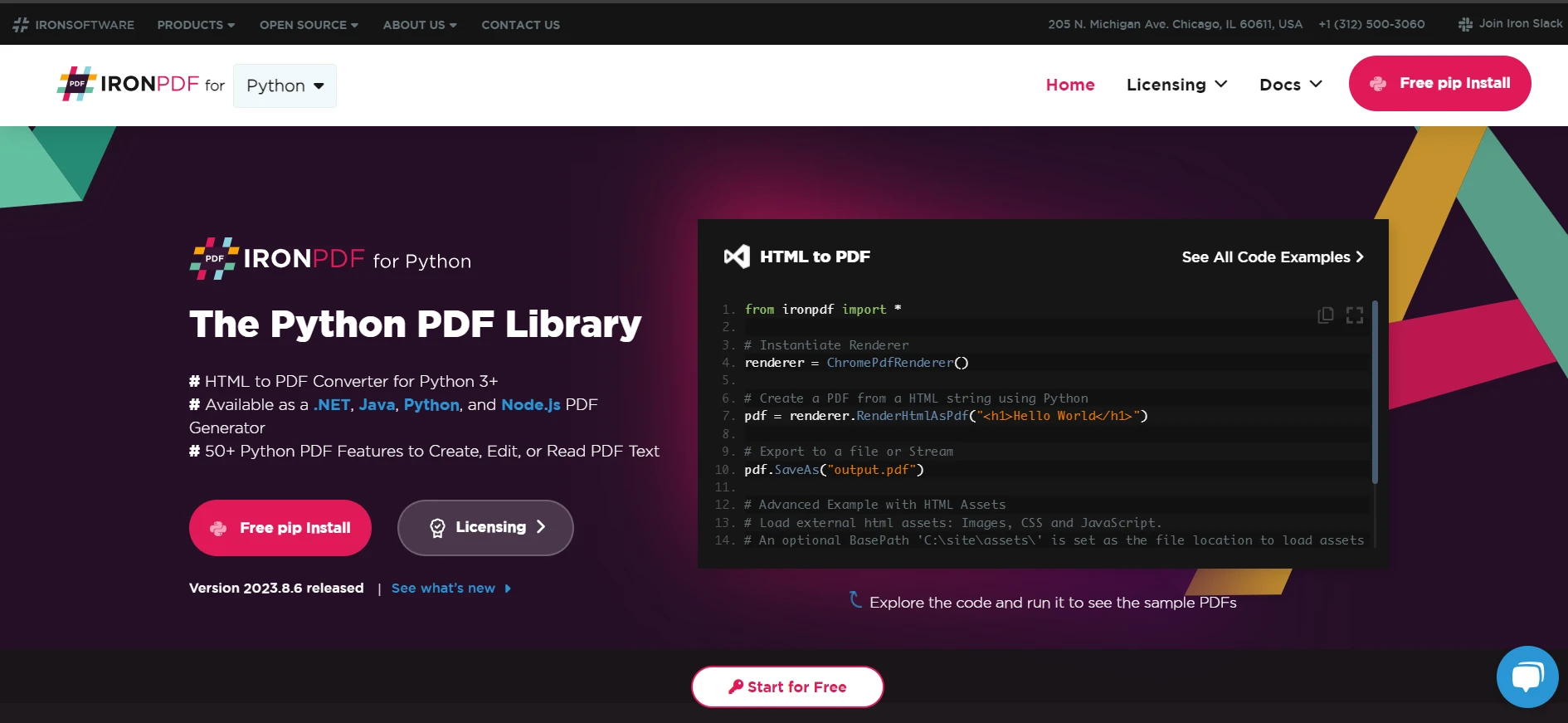
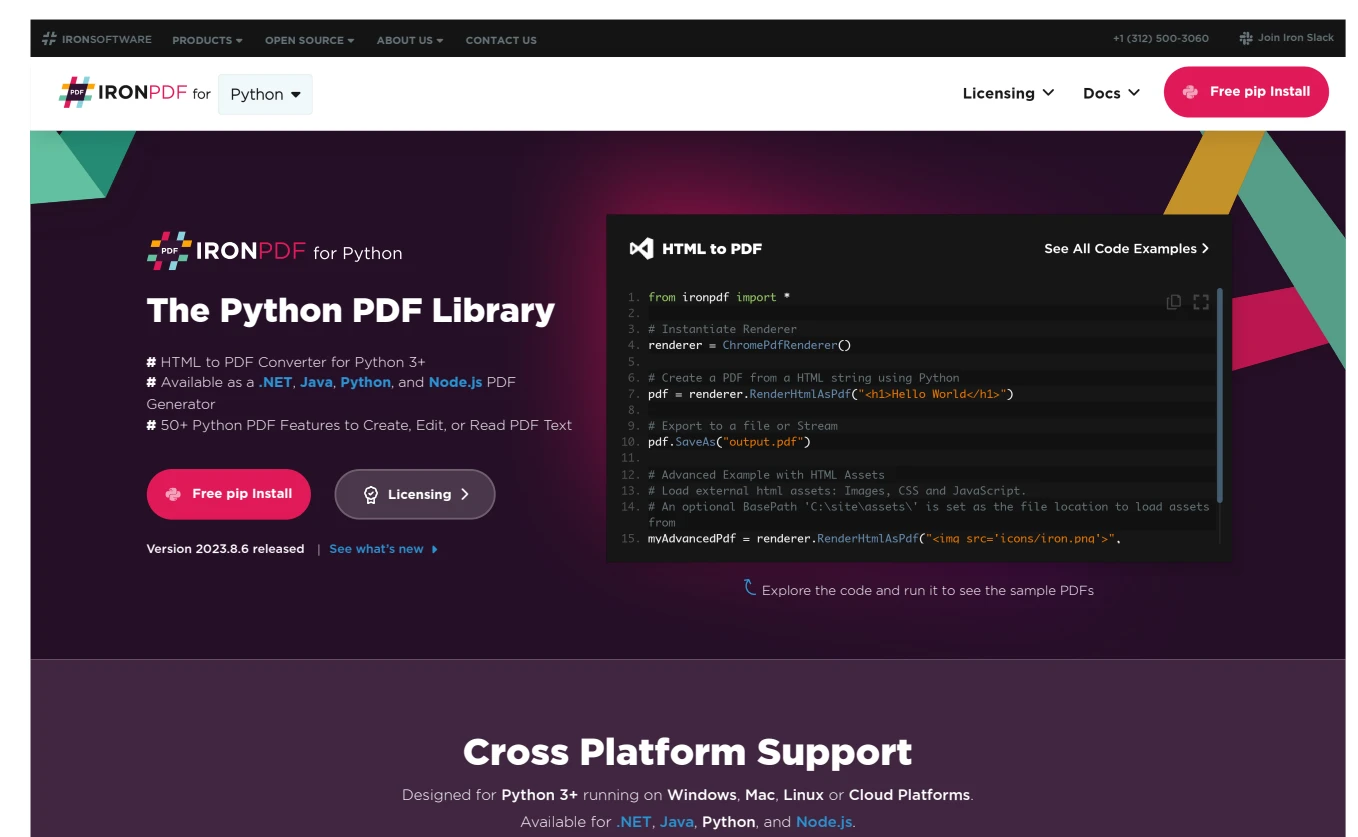
IronPDF for Python is a PDF library designed for Python applications, enabling developers to create, edit, and extract content from PDF files. It offers a wide range of functionalities, including the generation of PDF documents from various sources like HTML, URLs, JavaScript, CSS, and numerous image formats. Users can also enhance their PDFs by adding elements such as headers, footers, signatures, and attachments and implementing passwords and security features. Here are the key highlights of IronPDF for Python.
Features and Benefits
PDF Generation: IronPDF can generate a PDF file from various sources like HTML, URLs, JavaScript, CSS, and multiple image formats. Here is the example code:
from ironpdf import ChromePdfRenderer, PdfDocument

# Instantiate the renderer to convert URLs into PDFs
renderer = ChromePdfRenderer()

# Render a URL into a PDF document
pdf = renderer.RenderUrlAsPdf("https://ironpdf.com/python/")

# Save the generated PDF document to a file
pdf.SaveAs("url.pdf")
from ironpdf import ChromePdfRenderer, PdfDocument
# Instantiate the renderer to convert URLs into PDFs
renderer = ChromePdfRenderer()
# Render a URL into a PDF document
pdf = renderer.RenderUrlAsPdf("https://ironpdf.com/python/")
# Save the generated PDF document to a file
pdf.SaveAs("url.pdf")Here are the output images:
Extensive Feature Set: IronPDF for Python provides multiple features, including the ability to add headers/footers, signatures, attachments, and implement password security to safeguard sensitive information within a PDF document.
from ironpdf import PdfDocument

# Load the existing PDF document
pdf = PdfDocument.FromFile("url.pdf")

# Set a password for the PDF document to restrict access
pdf.Password = "my-password"

# Save the updated PDF document with encryption enabled
pdf.SaveAs("url_protected.pdf")
from ironpdf import PdfDocument
# Load the existing PDF document
pdf = PdfDocument.FromFile("url.pdf")
# Set a password for the PDF document to restrict access
pdf.Password = "my-password"
# Save the updated PDF document with encryption enabled
pdf.SaveAs("url_protected.pdf")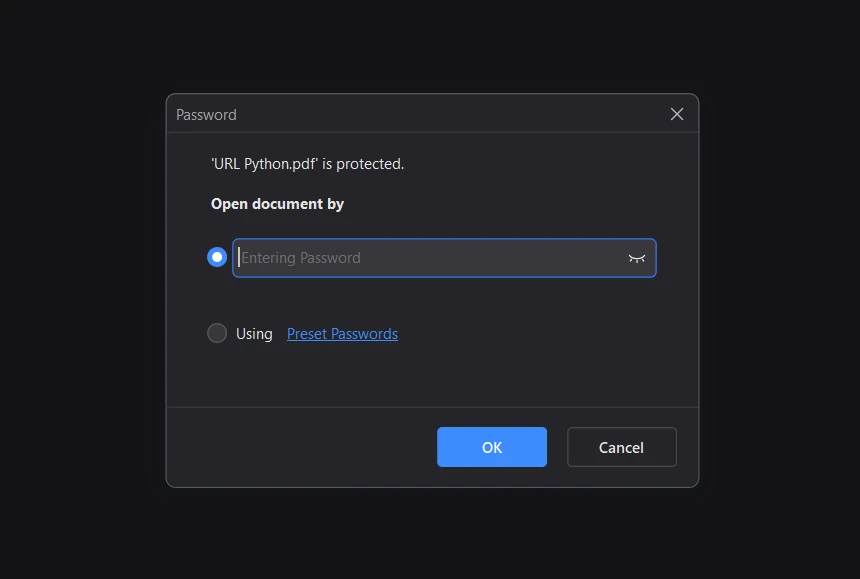
Performance Optimization: With full support for multithreading and asynchronous operations, IronPDF for Python ensures optimal performance, making it suitable for handling large-scale PDF operations in high-demand environments.
Cross-Platform Support: Developers can deploy IronPDF for Python across various platforms. It supports Python 3.7+ and is compatible with Windows, macOS, Linux, Docker, Azure, and AWS, offering flexibility and scalability.
Ease of Installation and Use
IronPDF for Python simplifies the developer's journey from installation to implementation. It is based on .NET 6.0, necessitating the installation of the .NET 6.0 runtime. Once the runtime is set up, developers can easily install IronPDF for Python using pip and swiftly integrate it into their projects.
pip install ironpdf
After running this command in a command-line tool, IronPDF will be installed automatically.
The library's straightforward syntax and extensive documentation empower developers to start converting HTML to PDF and URLs to PDF with minimal setup.
Advanced PDF Manipulation
In addition to basic functionalities, IronPDF for Python excels in advanced PDF manipulation. This includes setting custom headers/footers, specifying paper sizes, extracting text, managing margins, and more, catering to the advanced requirements of PDF generation and editing. You can also compress PDF images to decrease the PDF size.
Documentation and Support
Comprehensive API documentation, code examples, tutorials, and live chat support back IronPDF for Python. This extensive resource pool ensures that developers have access to all the information and assistance they need, making the integration and utilization of IronPDF for Python a seamless experience.
Overview of PDFium Python
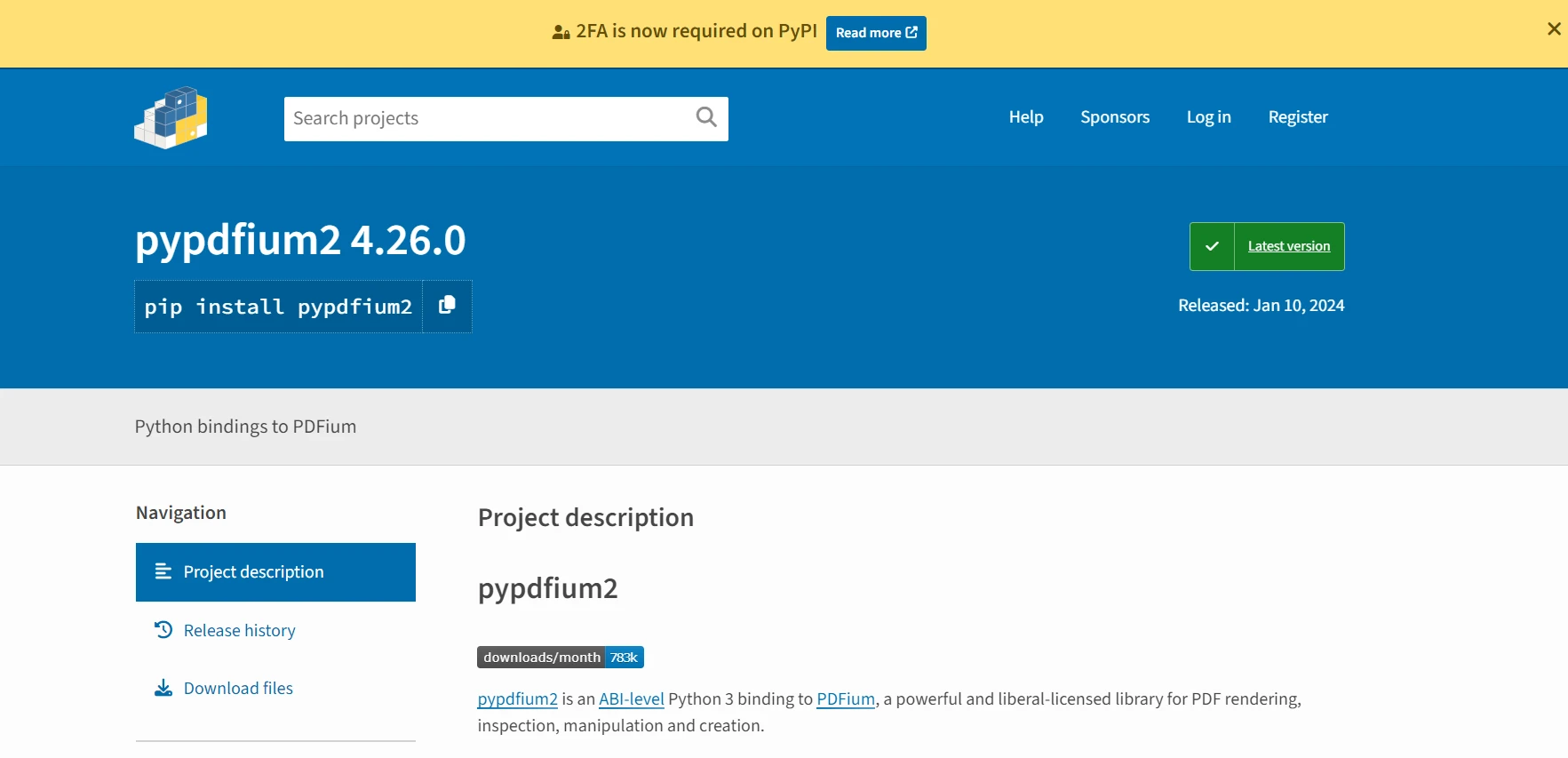
PDFium Python is a versatile library that offers a comprehensive set of functionalities for PDF rendering and manipulation. It's designed to cater to the needs of developers who require a reliable and efficient solution for handling PDFs in their applications. Here's an in-depth look at the features and capabilities of PDFium Python.
Key Features and Capabilities
PDF Rendering and Manipulation: At its core, Pypdfium2 excels in rendering PDFs and provides a rich set of features for inspecting, manipulating, and creating PDF documents using PDFium's public interface.
No Mandatory Runtime Dependencies: One of the notable aspects of Pypdfium2 is its minimal dependency requirements. Apart from Python itself, there are no mandatory runtime dependencies. Optional features might require additional packages, such as Pillow for image handling and NumPy for scientific computing.
For code examples, visit the PyPI page of pypdfium2.
Feature Comparison: IronPDF for Python vs PDFium Python
When selecting a PDF library for your development project, understanding the distinct features and advantages of each option is crucial. In this section, we compare IronPDF for Python and PDFium Python across several key aspects to help you make an informed decision.
Extensive Feature Set
IronPDF for Python: IronPDF has over 50 features, making it one of the most comprehensive PDF libraries available. It excels in areas such as HTML to PDF conversion, PDF manipulation, PDF security, and rich content handling, including headers, footers, and attachments.
PDFium Python (Pypdfium2): Focuses more on rendering capabilities and basic PDF interactions, with additional features available through optional dependencies.
Performance and Scalability
IronPDF for Python: With full support for multithreading and asynchronous operations, IronPDF for Python is engineered for performance, catering to high-load environments and ensuring efficient resource utilization.
PDFium Python (Pypdfium2): Provides a solid performance foundation, with a focus on efficient memory management and the ability to handle large PDF files. However, it may require additional setup for optimal performance in high-demand scenarios.
Documentation and Community Support
IronPDF for Python: Stands out with its comprehensive documentation, live chat, and a wealth of code examples and tutorials. This extensive support network is invaluable for both beginner and experienced developers.
PDFium Python (Pypdfium2): Offers detailed documentation, especially around its API layers and memory management features. However, it might not provide the same level of direct support or community-driven resources as IronPDF for Python.
Use-Case Scenarios: When to Choose IronPDF for Python
The choice of a PDF library often hinges on specific project requirements and use-case scenarios. In this section, we'll outline scenarios where IronPDF for Python emerges as the superior choice, highlighting its adaptability and robustness in various development contexts.
High-Performance Requirements
For applications that demand high-performance PDF processing, IronPDF for Python is an exceptional choice. Its multithreading and async support ensure that PDF operations do not bottleneck your application, making it ideal for scenarios with high concurrency or large document-handling requirements.
Complex PDF Manipulation Needs
When your project involves intricate PDF manipulation, such as adding sophisticated headers, footers, and watermarks, or managing security features like encryption and access permissions, IronPDF for Python's extensive feature set becomes invaluable. Its comprehensive API provides developers with the tools needed to implement complex requirements with relative ease.
Cross-Platform Deployment
Projects that target a range of operating environments, including cloud platforms like Azure and AWS or containerization with Docker, will find IronPDF for Python's cross-platform compatibility highly beneficial. This library ensures consistent performance and functionality across different platforms, simplifying deployment and maintenance.
Comprehensive Documentation and Support
For teams that prioritize reliable support and extensive documentation, IronPDF for Python stands out. The availability of live chat support, detailed documentation, and a plethora of code examples means that help is readily available, ensuring that your team can resolve issues and implement features without unnecessary delays.
In choosing IronPDF for Python, developers not only gain access to a powerful PDF library but also the assurance of ongoing support and a wealth of resources to facilitate their project's success.
Conclusion
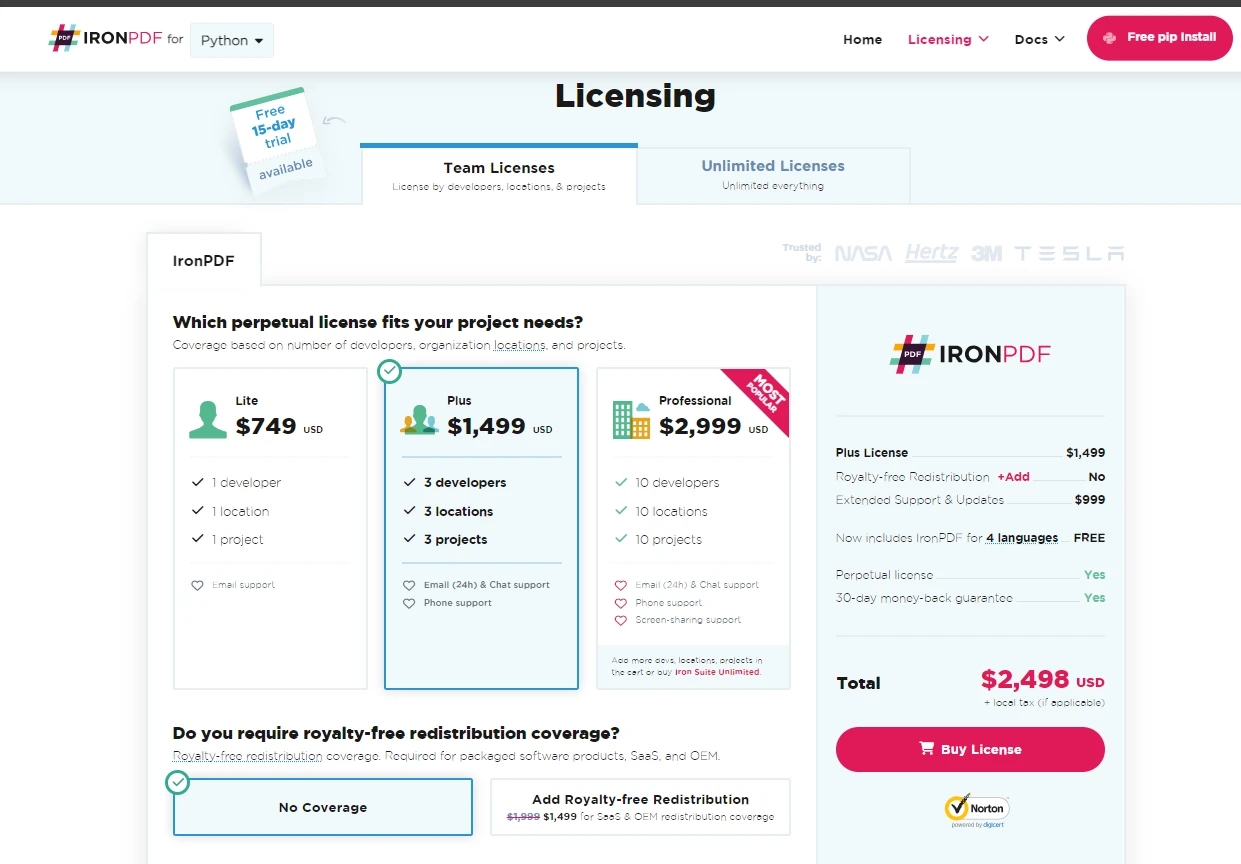
Throughout this comprehensive comparison, we have discussed the features, advantages, and use-case scenarios of IronPDF for Python and PDFium Python. While both libraries bring significant value to the table, IronPDF for Python stands out for its extensive feature set, robust performance, and unparalleled support. PDFium is mainly used for rendering PDF documents in Google Chrome. But it lacks the editing features its complex codebase used for building PDFium makes it very difficult to use it in Python applications. It requires proper training to use PDFium in Python projects.
On the other hand, IronPDF is designed to simplify complex tasks, offering a wide array of features, such as HTML to PDF conversion, PDF editing, and document management, all within a single library. What truly sets IronPDF for Python apart is its attention to detail regarding developer needs.
In contrast to PDFium, IronPDF for Python has easy-to-follow documentation and an excellent support system. It includes live chat, too, which helps you to resolve your issues and queries quickly. It ensures smooth integration and delivers consistent performance, making it a preferred choice for professionals aiming to enhance their projects with reliable PDF functionalities.
IronPDF for Python provides a free trial for users to explore its capabilities before making a purchase. For those looking to integrate IronPDF into their projects, licensing options are available, with prices starting from $799.
자주 묻는 질문
Python 애플리케이션에 PDF 기능을 통합하려면 어떻게 해야 하나요?
HTML, URL 및 다양한 이미지 형식에서 PDF 파일을 생성, 편집 및 변환할 수 있는 포괄적인 기능을 제공하는 Python용 IronPDF를 사용하여 Python 애플리케이션에 PDF 기능을 통합할 수 있습니다.
IronPDF와 Python용 PDFium의 주요 차이점은 무엇인가요?
Python용 IronPDF는 고급 PDF 조작, 보안 기능, 크로스 플랫폼 지원 등 광범위한 기능을 제공하는 반면, PDFium Python은 최소한의 종속성으로 렌더링과 기본 조작에 중점을 둡니다.
IronPDF는 수요가 많은 환경에서 어떻게 성능을 보장하나요?
Python용 IronPDF는 멀티스레딩 및 비동기 작업을 지원하여 수요가 많은 환경에서도 성능을 보장하므로 대규모 PDF 작업을 효율적으로 처리할 수 있습니다.
크로스 플랫폼 PDF 관리를 위해 IronPDF를 사용하면 어떤 이점이 있나요?
Python용 IronPDF는 크로스 플랫폼이며 Windows, macOS, Linux, Docker, Azure 및 AWS에서의 배포를 지원하여 다양한 환경에서 작업하는 개발자에게 유연성과 확장성을 제공합니다.
Python용 IronPDF를 사용하는 개발자에게는 어떤 지원 옵션이 제공되나요?
Python용 IronPDF는 상세한 문서, 코드 예제, 튜토리얼, 실시간 채팅 지원 등 광범위한 지원을 제공하여 초보자와 숙련된 개발자 모두를 만족시킵니다.
Python 라이브러리를 사용하여 HTML 콘텐츠를 PDF로 변환할 수 있나요?
예, Python용 IronPDF를 사용하면 HTML 문자열의 경우 RenderHtmlAsPdf, HTML 파일의 경우 RenderHtmlFileAsPdf와 같은 메서드를 사용하여 HTML 콘텐츠를 PDF로 변환할 수 있습니다.
Python용 IronPDF를 사용해 볼 수 있는 평가판이 있나요?
예, Python용 IronPDF는 무료 평가판을 제공하여 사용자가 구매 결정을 내리기 전에 기능을 살펴볼 수 있으며 통합을 위한 유연한 라이선스 옵션을 사용할 수 있습니다.
Python PDF 라이브러리를 선택할 때 어떤 기능을 고려해야 하나요?
Python PDF 라이브러리를 선택할 때는 PDF 생성 및 편집 기능, 보안 옵션, 크로스 플랫폼 지원, 포괄적인 문서 및 지원의 가용성 등의 기능을 고려하세요.
PDFium Python은 대용량 PDF 파일을 어떻게 처리하나요?
PDFium Python은 효과적인 메모리 관리를 통해 대용량 PDF 파일을 처리하는 데 효율적이지만 Python용 IronPDF가 제공하는 광범위한 편집 기능과 직접적인 지원은 부족합니다.
PDFium Python을 사용하기 위한 설정 요구 사항은 무엇인가요?
PDFium Python은 Python 자체 외에 최소한의 종속성이 필요하지만, 성능 향상과 고급 기능에 대한 액세스를 위해 추가 설정이 필요할 수 있습니다.

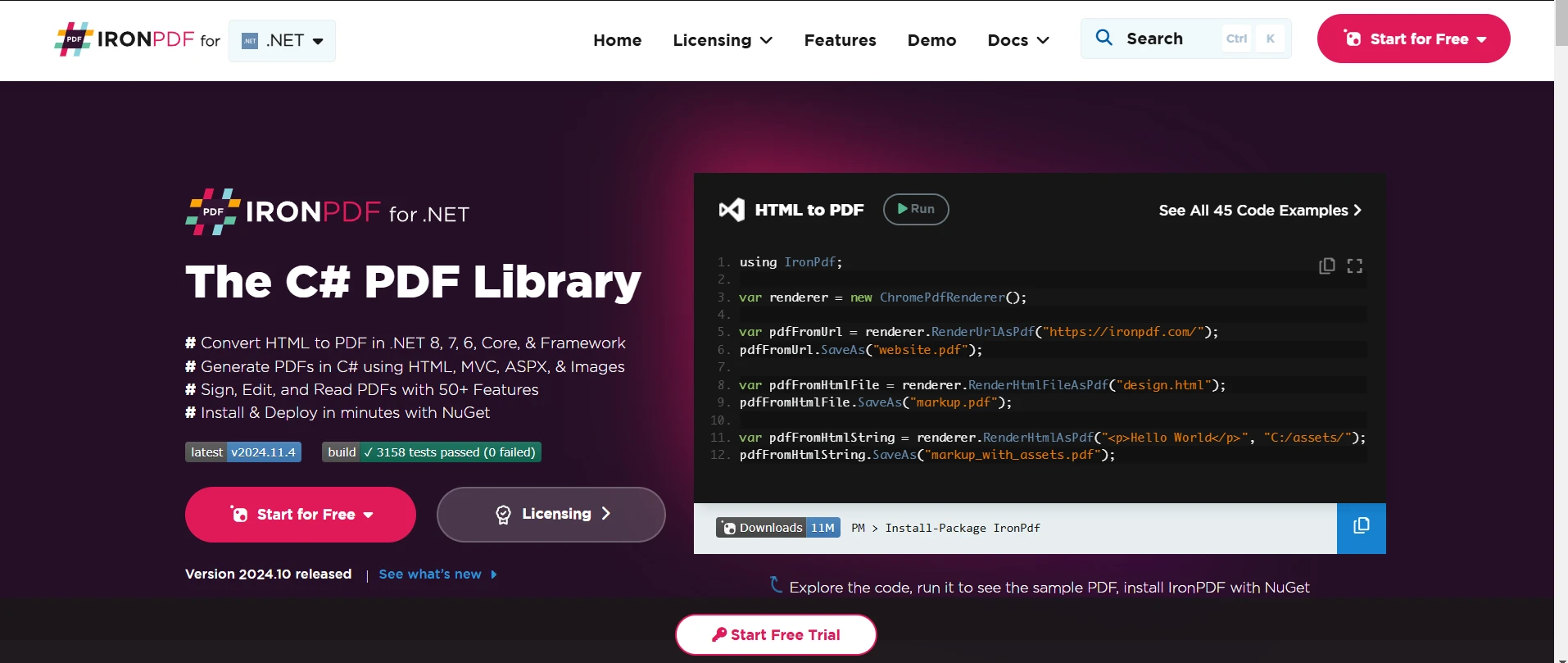
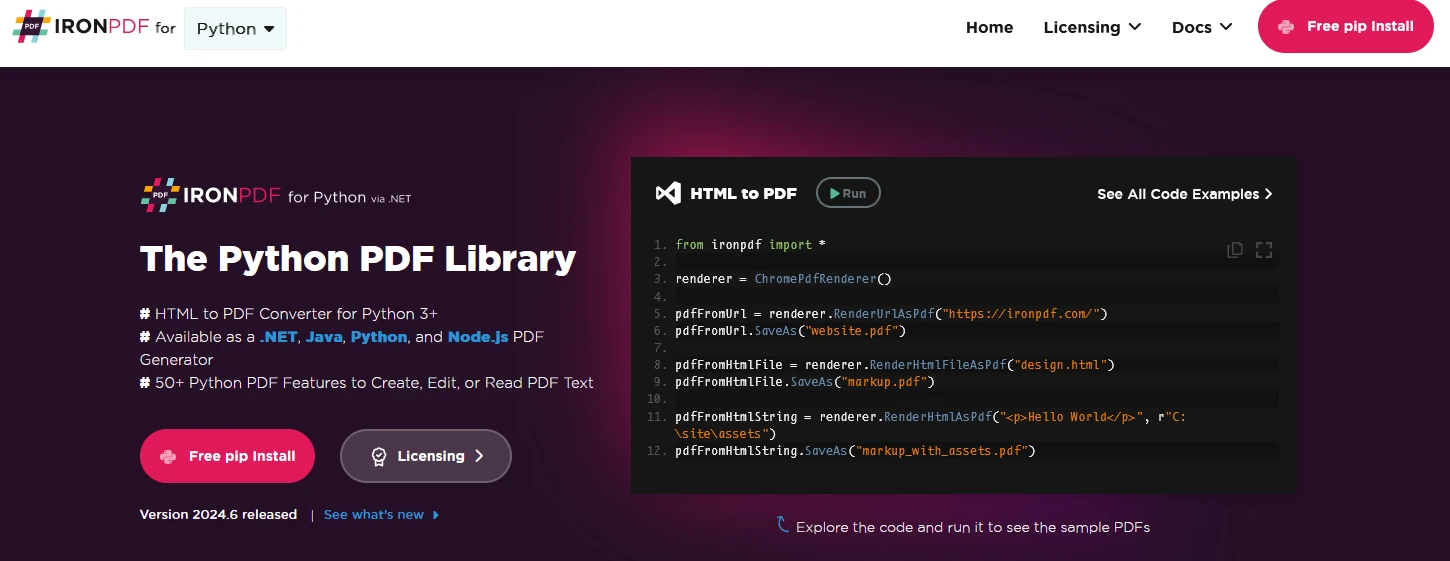
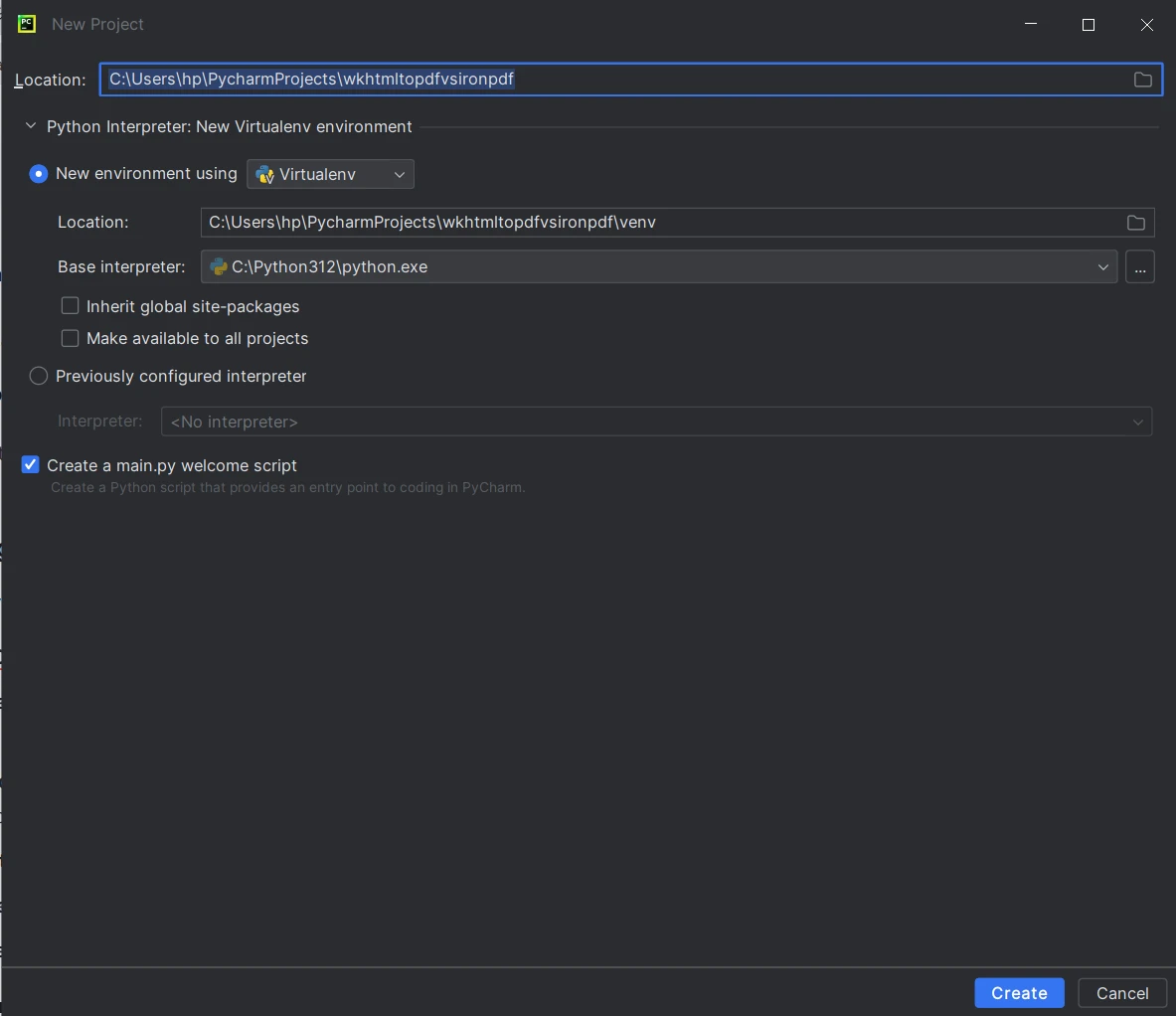






 무료로 시작하세요
 무료로 시작하세요
 무료 라이브 데모 예약하기



 신용카드나 계정 생성은 필요하지 않습니다.









