

El Mejor Lector de PDF for Python (Herramientas Gratuitas y de Pago)

Este artículo profundiza en las mejores bibliotecas de Python para trabajar con archivos PDF, destacando sus características y cómo satisfacen las necesidades específicas de los científicos de datos, desarrolladores, y cualquiera que necesite manejar fuentes de datos no estructuradas.
IronPDF - La biblioteca PDF de Python líder
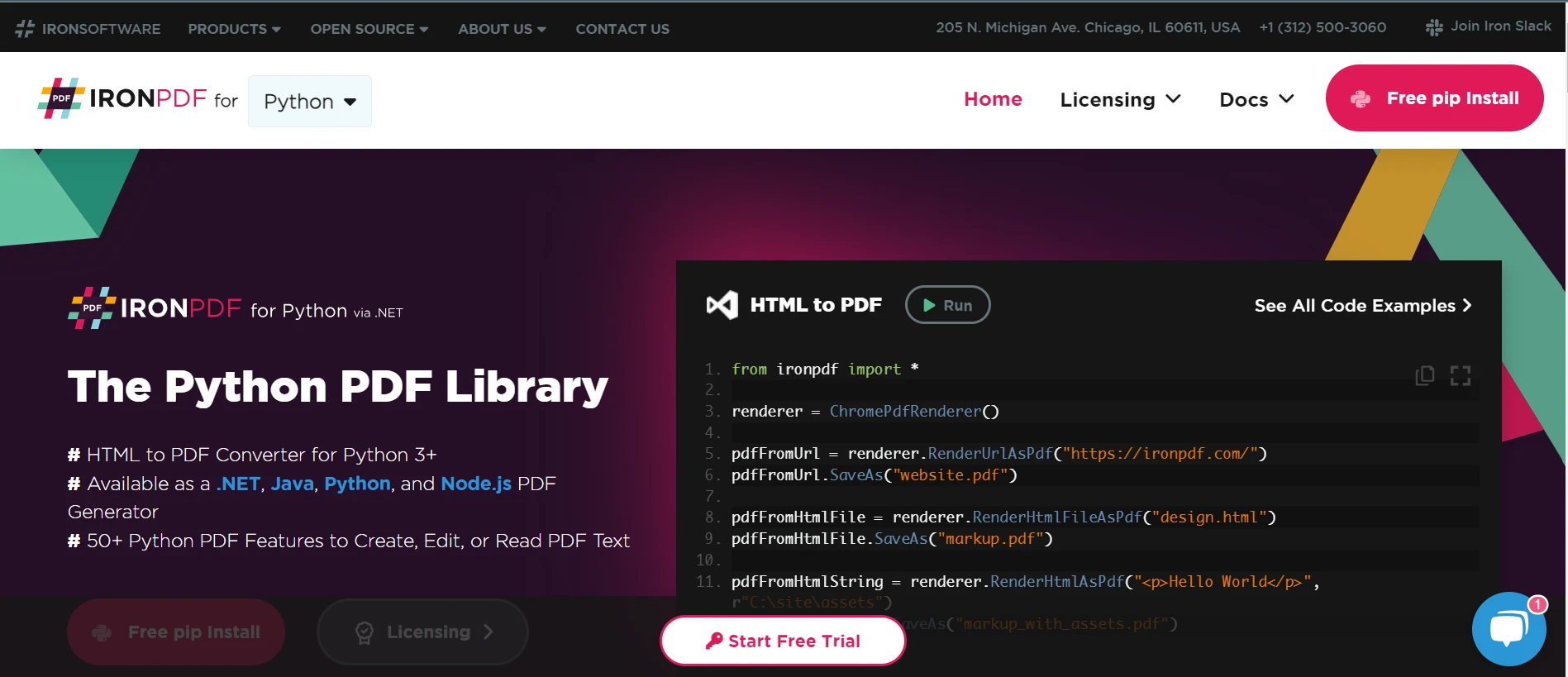
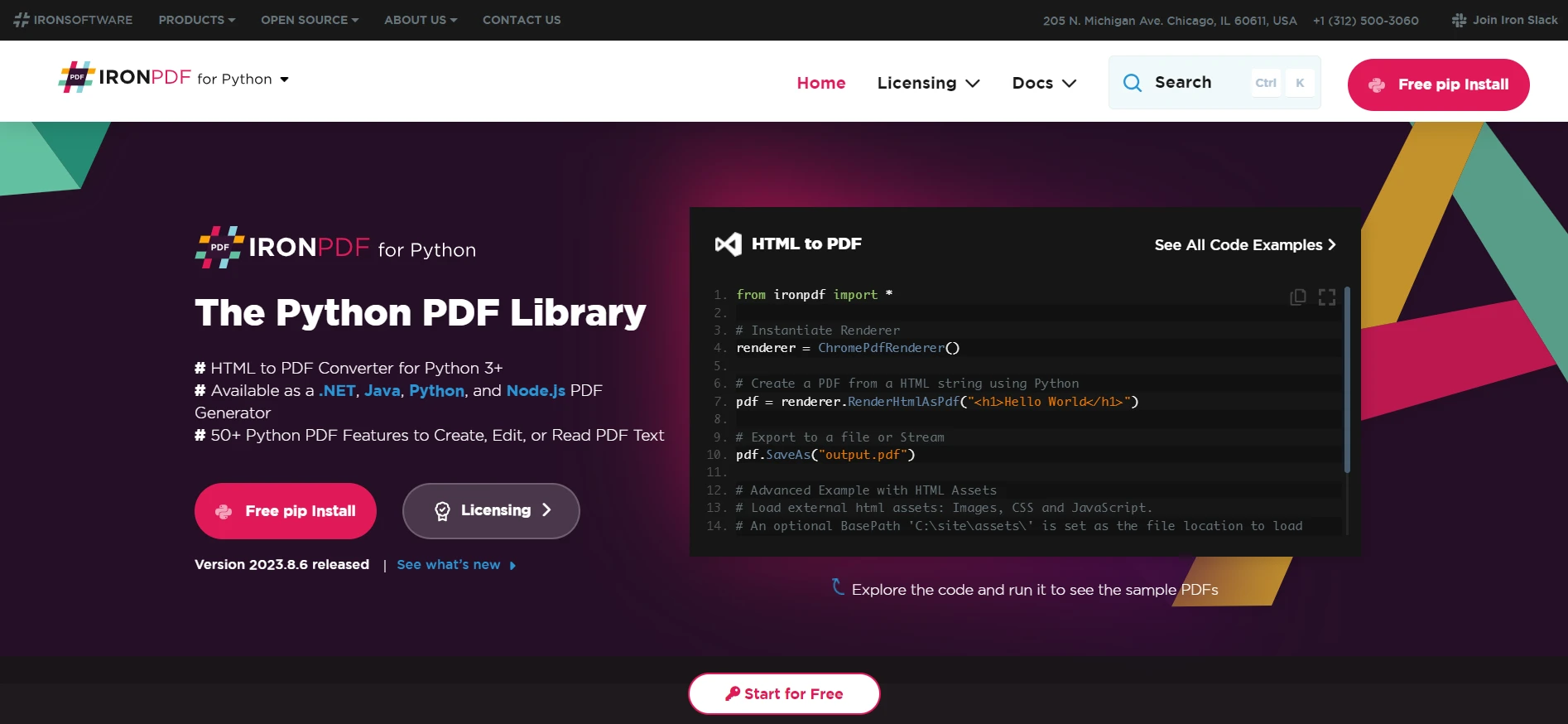 IronPDF for Python
Cuando se trata de manipular archivos PDF con Python, IronPDF destaca como una opción premium. No es una biblioteca de PDF hecha en Python puro, pero sus capacidades en procesamiento de PDF son extensas. Ofrece una interfaz explícita para convertir documentos PDF a otros formatos. Los desarrolladores pueden transformar archivos PDF en imágenes o HTML, permitiendo que un archivo de salida versátil se muestre en páginas web o se edite en editores de imágenes.
IronPDF admite características avanzadas como análisis de texto, proporcionando herramientas para que los científicos de datos extraigan texto y analicen datos textuales. Además, puede manejar múltiples páginas dentro de un documento PDF, permitiendo operaciones como rotar páginas PDF, recortar páginas e incluso buscar texto en una ubicación exacta.
La biblioteca también es una excelente opción para implementar funciones como la funcionalidad de impresión de archivos PDF en sus aplicaciones. Asegura un alto nivel de compatibilidad y rendimiento, convirtiéndola en una solución de referencia para profesionales que necesitan una herramienta confiable y poderosa.
Pros y contras
Ventajas
- Capacidades integrales de manipulación de PDF.
- Permite la conversión de PDFs a otros formatos como imágenes y HTML.
- Características avanzadas para extracción de texto y análisis.
- Soporta manejo de múltiples páginas, rotación y recorte.
Contras
- No es una biblioteca pura de Python, lo que podría no adaptarse a todos los entornos.
- La complejidad de su conjunto de características podría ser excesiva para tareas simples.
Precios
IronPDF for Python ofrece un modelo de licencia por niveles, con un precio mínimo para una licencia Lite establecido en $799. Esta opción es ideal para un desarrollador individual y permite la implementación dentro de una aplicación.
La estructura de precios escala a través de licencias más inclusivas, como la Plus y Profesional, adaptándose a equipos más grandes y múltiples aplicaciones, e incluso se extiende a una licencia de Redistribución Libre de Regalías/SaaS/OEM para una amplia distribución sin tarifas de regalías.
Cada compra incluye un año de soporte y actualizaciones, con la opción de extender por cinco años adicionales a un costo separado. IronPDF también ofrece una prueba gratuita.
PyPDF2 - Una herramienta versátil para la manipulación de PDF
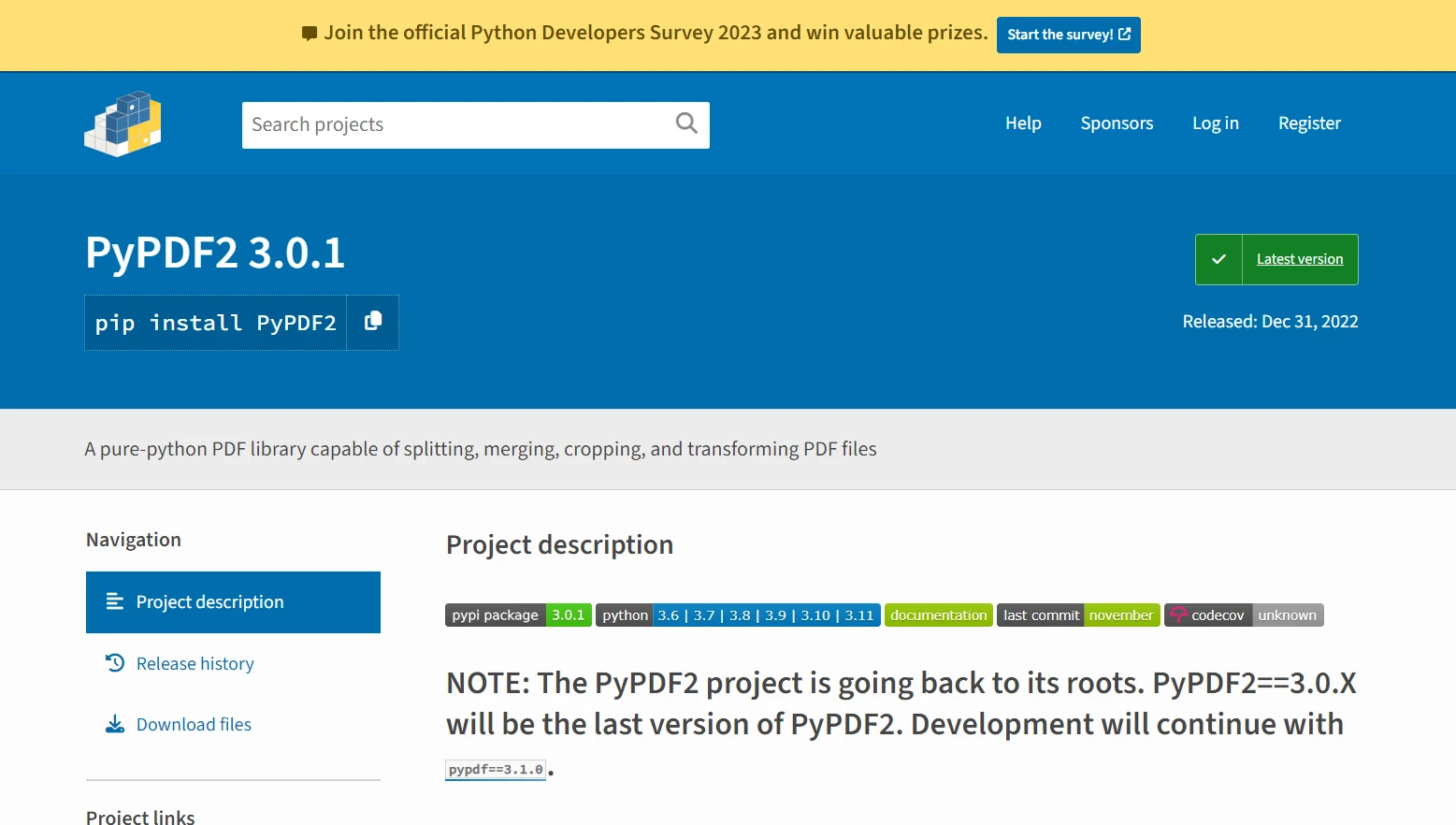 PyPDF2
PyPDF2 es una biblioteca de PDF for Python ampliamente utilizada que sobresale en la lectura y escritura de archivos PDF en Python. Ofrece un enfoque sencillo para manipular documentos PDF, incluyendo fusión de documentos, división de páginas PDF y rotación de páginas PDF.
Aquí tienes un fragmento de código básico que demuestra cómo fusionar dos archivos PDF usando PyPDF2:
from PyPDF2 import PdfReader, PdfWriter

# Create a PdfWriter object for output
output = PdfWriter()

# List of PDFs to be merged
input_pdfs = ["file1.pdf", "file2.pdf"]

# Iterate over the list of PDF file paths
for pdf in input_pdfs:
    # Open each PDF file
    reader = PdfReader(pdf)
    # Add all pages from the current PDF to the writer
    for page in range(len(reader.pages)):
        output.add_page(reader.pages[page])

# Finally, write the combined PDF to a new file
with open("merged.pdf", "wb") as output_stream:
    output.write(output_stream)
from PyPDF2 import PdfReader, PdfWriter
# Create a PdfWriter object for output
output = PdfWriter()
# List of PDFs to be merged
input_pdfs = ["file1.pdf", "file2.pdf"]
# Iterate over the list of PDF file paths
for pdf in input_pdfs:
# Open each PDF file
reader = PdfReader(pdf)
# Add all pages from the current PDF to the writer
for page in range(len(reader.pages)):
output.add_page(reader.pages[page])
# Finally, write the combined PDF to a new file
with open("merged.pdf", "wb") as output_stream:
output.write(output_stream)Explicación
- PdfReader: Se utiliza para leer archivos PDF.
- PdfWriter: se utiliza para escribir páginas en un nuevo PDF.
- El bucle
foritera sobre cada página de los archivos de entrada y los agrega al escritor. - La salida final se guarda como
merged.pdf.
PyPDF2 permite a los desarrolladores acceder fácilmente a objetos de página y extraer texto, convirtiéndolo en una buena opción para tareas básicas de análisis de texto.
Aunque no ofrece un conjunto de características tan extenso como algunas otras bibliotecas de Python para transformar archivos PDF, su simplicidad lo convierte en un excelente punto de partida para principiantes en el lenguaje de programación Python o para aquellos con necesidades de procesamiento de PDF más simples.
Pros y contras
Ventajas
- Gratuito y de código abierto.
- Puede dividir, fusionar, recortar y transformar páginas PDF.
- Agrega datos, opciones de visualización y contraseñas a los PDFs.
- Sencillo de usar con una implementación pura de Python.
Contras
- Conjunto de características menos extensivo en comparación con otras bibliotecas.
- Para cifrado o descifrado AES, se requieren dependencias adicionales.
Precios
PyPDF2 es gratuito para usar como una biblioteca de código abierto bajo la Licencia BSD. No hay costos asociados al uso de la biblioteca en sí, aunque ciertas características avanzadas como el cifrado o descifrado de PDFs con AES requerirán dependencias extras, que pueden tener sus propios costos.
PDFMiner - Especializado en extracción de texto
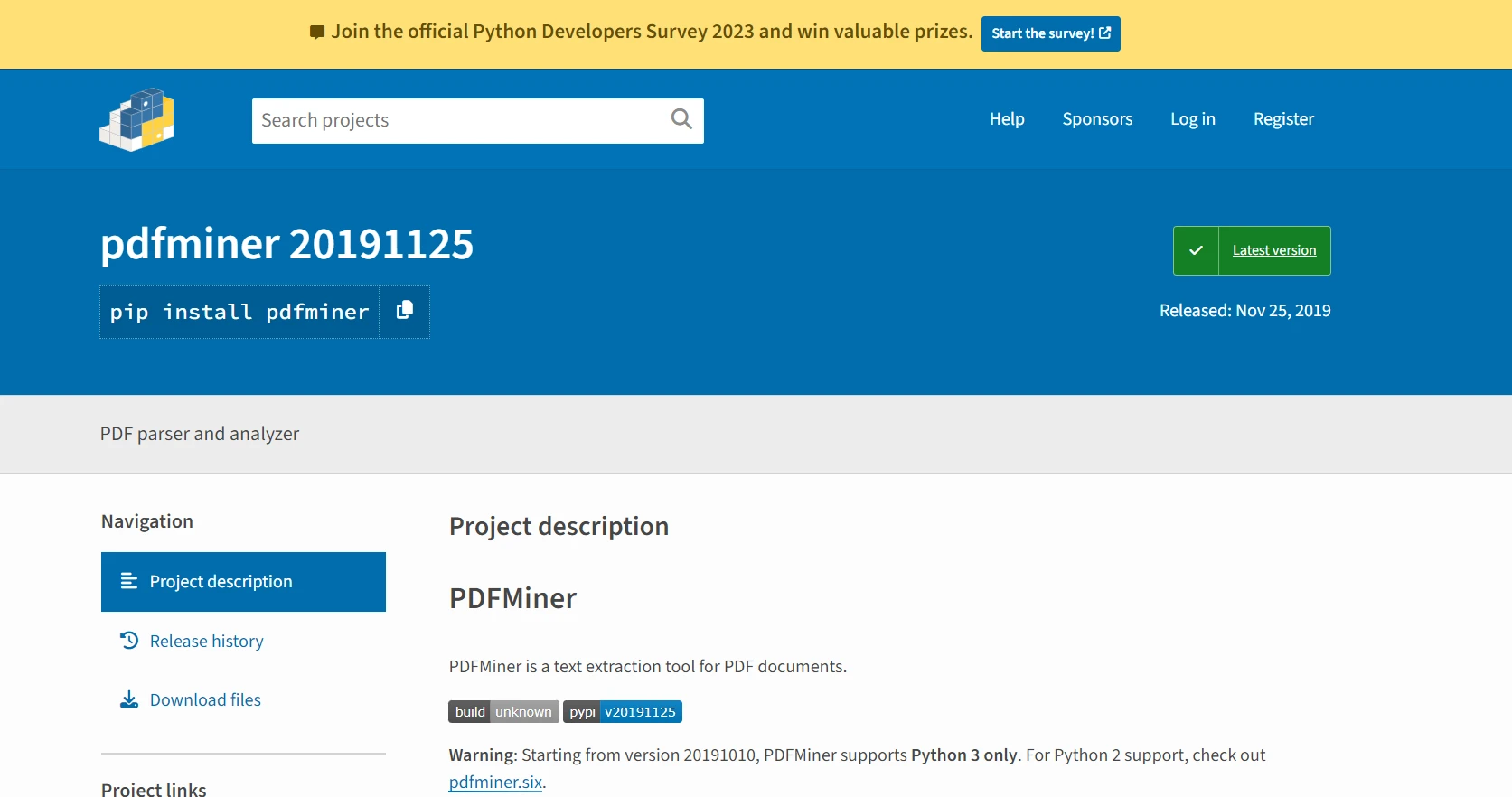 PDFMiner
PDFMiner destaca en la extracción y análisis de texto, convirtiéndose en una herramienta valiosa para científicos de datos y desarrolladores que buscan analizar datos de texto no estructurados. Como una biblioteca de PDF de Python puro, ofrece control detallado sobre los formatos de texto, permitiendo a los usuarios extraer datos personalizados con precisión y manejar fuentes de datos no estructuradas.
Aquí hay un ejemplo que demuestra cómo extraer texto de un PDF usando PDFMiner:
from pdfminer.high_level import extract_text

# Specify the path of your PDF file
pdf_path = "example.pdf"

# Extract text from the PDF
text = extract_text(pdf_path)

# Display the extracted text
print(text)
from pdfminer.high_level import extract_text
# Specify the path of your PDF file
pdf_path = "example.pdf"
# Extract text from the PDF
text = extract_text(pdf_path)
# Display the extracted text
print(text)Explicación
- extract_text: una función API de alto nivel en PDFMiner que extrae todo el contenido de texto de un archivo PDF determinado.
- El texto extraído se imprime en la consola. Esto es útil para aplicaciones de procesamiento de datos que necesitan analizar o manipular los datos de texto extraídos.
Su capacidad para localizar la ubicación exacta del texto dentro de una página PDF lo hace particularmente útil para aplicaciones que requieren alta precisión en el análisis de texto, como procesamiento de lenguaje natural o aprendizaje automático. La biblioteca PDFMiner también puede manejar múltiples páginas y convertir documentos PDF en otros formatos de texto.
Pros y contras
Ventajas
- Especializada en extracción de texto con información precisa de ubicación y diseño.
- Python puro y soporta PDF-1.7 en gran medida.
- Puede convertir PDFs a otros formatos como HTML/XML.
- Soporta lenguajes CJK y escrituras verticales.
- Analizador PDF extensible para diversos propósitos.
Contras
- El enfoque en la extracción de texto significa que puede carecer de algunas características de manipulación encontradas en otras bibliotecas.
- Solo soporta Python 3, lo que puede ser una limitación para entornos que usan Python 2.
Precios
PDFMiner está disponible bajo la Licencia MIT, una licencia de software libre permisiva. Al igual que PyPDF2, es de código abierto y gratuito para usar. No hay tarifas por utilizar PDFMiner en tus proyectos, convirtiéndolo en una opción económicamente atractiva para tareas de extracción y análisis de texto.
Conclusión
Seleccionar la mejor biblioteca de PDF for Python depende principalmente de las necesidades específicas de procesamiento de PDF. IronPDF es un candidato fuerte para la manipulación integral de archivos PDF, ofreciendo muchas características y capacidades poderosas de análisis de texto.
Para aquellos que necesitan bibliotecas de PDF puramente Python que sean fáciles de usar, PyPDF2 y PDFMiner son excelentes opciones, cada una con sus propias fortalezas en el manejo y extracción de datos de texto. Para crear documentos PDF complejos con diseños personalizados, ReportLab proporciona las herramientas necesarias.
Ya seas un científico de datos que busca extraer texto de archivos PDF, un desarrollador que pretende convertir archivos PDF, o necesitas manipular archivos PDF de cualquier otra manera, hay una biblioteca Python adaptada a tus necesidades.
Python continúa apoyando a su comunidad con bibliotecas robustas, confirmando su estatus como un lenguaje interpretado versátil ideal para trabajar con diversas fuentes de datos no estructurados.
Preguntas Frecuentes
¿Cuál es la mejor manera de convertir HTML a PDF en Python?
Puedes usar IronPDF para convertir HTML a PDF en Python. La biblioteca proporciona métodos como RenderHtmlAsPdf para convertir cadenas de HTML y RenderHtmlFileAsPdf para archivos HTML.
¿Cómo puedo extraer texto de un PDF usando Python?
IronPDF permite la fácil extracción de texto de PDFs. Puedes usar sus funciones de extracción de texto para acceder y manipular los datos de texto dentro de documentos PDF.
¿Cuáles son las ventajas de usar IronPDF para la manipulación de PDFs en Python?
IronPDF ofrece características avanzadas como convertir PDFs a imágenes y HTML, extracción de texto y gestión de múltiples páginas, lo que lo convierte en una solución integral para la manipulación de PDFs en Python.
¿Hay una prueba gratuita disponible para IronPDF?
Sí, IronPDF ofrece una versión de prueba gratuita, permitiendo a los usuarios explorar sus características antes de comprometerse con una compra.
¿Cuáles son algunos consejos comunes para solucionar problemas al usar bibliotecas de PDF en Python?
Asegúrate de tener instaladas las dependencias correctas y verifica las rutas de tu archivo PDF. Para IronPDF, consulta la documentación para métodos específicos y su uso correcto.
¿Puede usarse IronPDF para rotar páginas de PDF en Python?
Sí, IronPDF brinda funcionalidad para rotar páginas de PDF fácilmente, permitiéndote manipular los diseños de documentos según sea necesario.
¿Cómo se compara IronPDF con otras bibliotecas de PDF como PyPDF2 y PDFMiner?
IronPDF ofrece características más extensas como conversión de HTML y análisis de texto avanzado, mientras que PyPDF2 y PDFMiner son de código abierto y se enfocan en la manipulación básica y extracción de texto, respectivamente.
¿Qué debo considerar al elegir una biblioteca de PDF for Python?
Considera tus requisitos específicos, como la necesidad de funciones avanzadas, facilidad de uso, costos de licencia y si la biblioteca es pura Python o no. IronPDF es recomendado por sus características integrales, mientras que PyPDF2 y PDFMiner son adecuados para necesidades más simples.







 Comience gratis
 Comience gratis
 Reserve demostración en vivo gratis



 No se requiere tarjeta de crédito ni creación de cuenta










