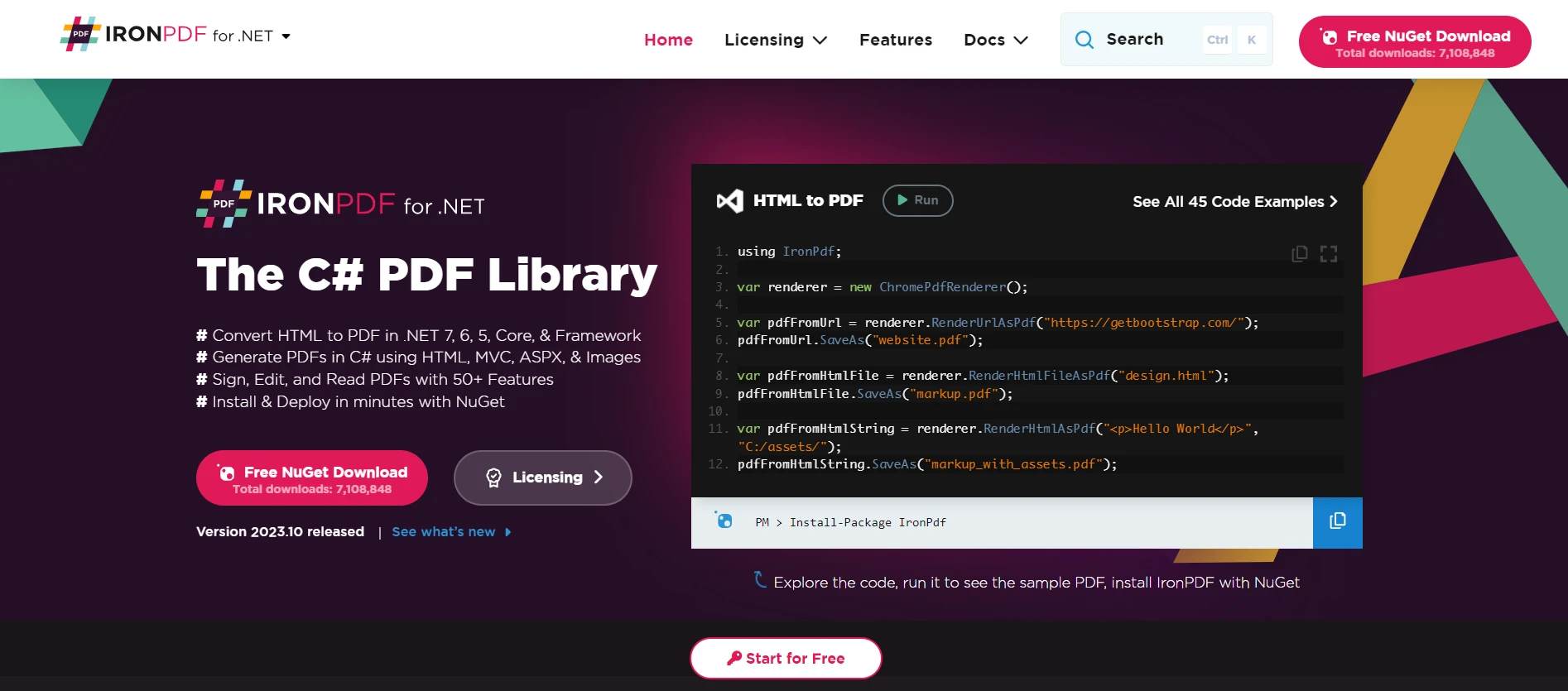
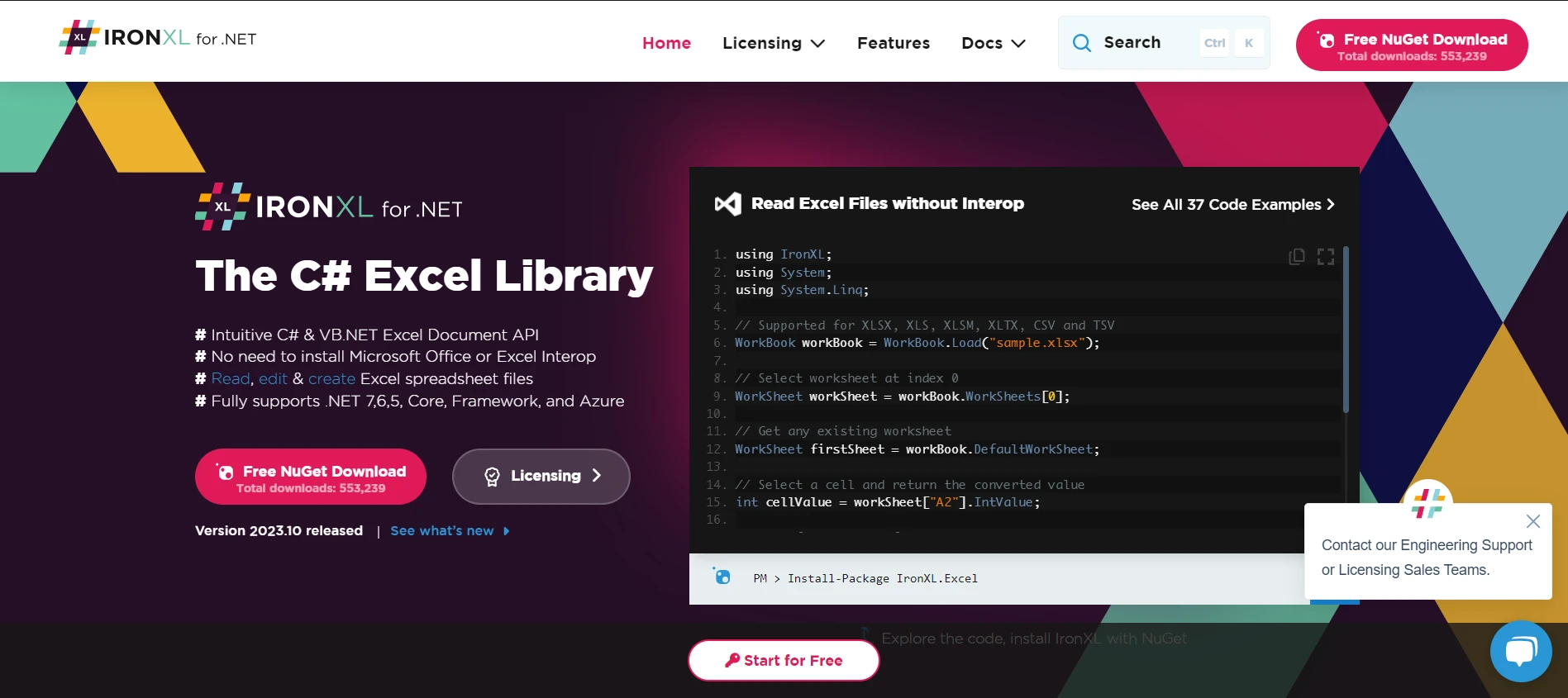
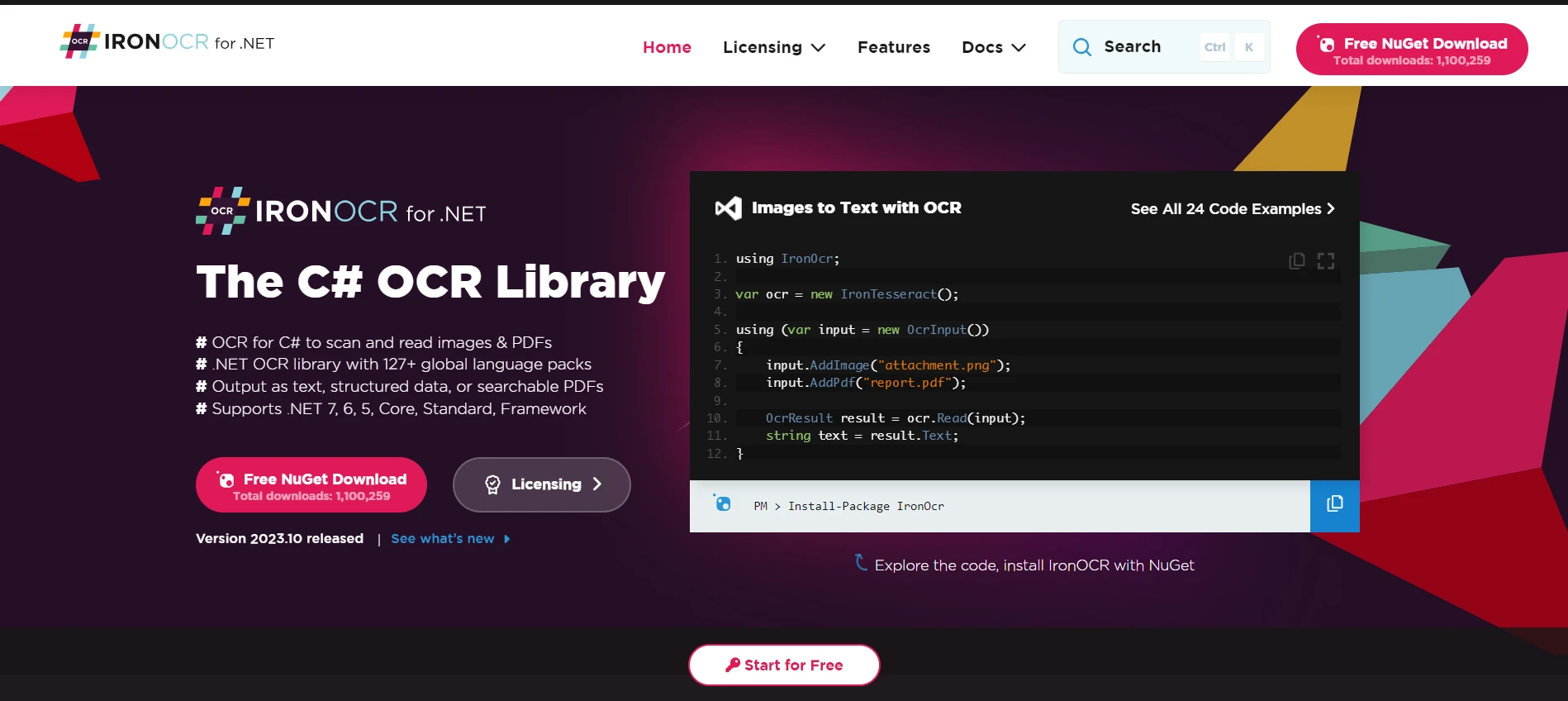
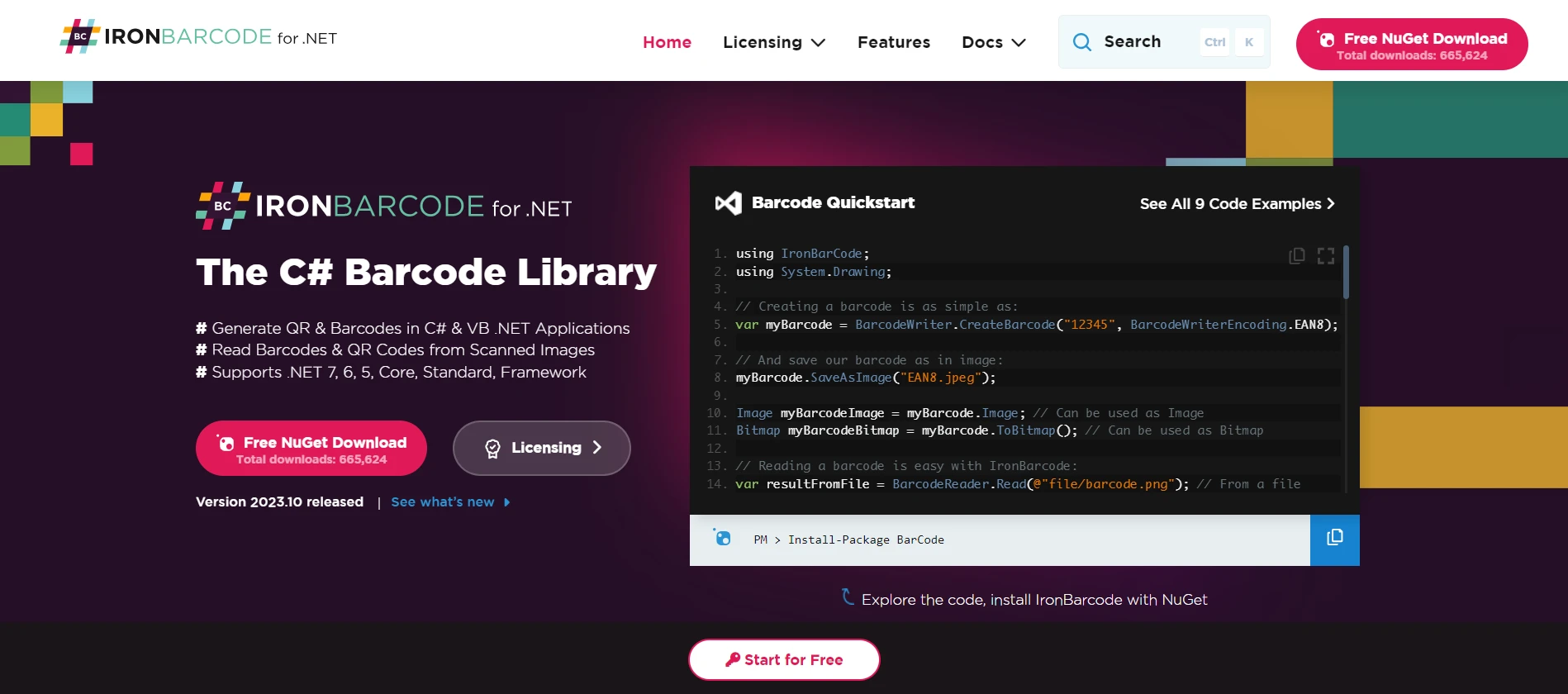
.NET 도움말 C# Web Framework (How it Works for Developers) 커티스 차우 업데이트됨:7월 28, 2025 다운로드 IronPDF NuGet 다운로드 DLL 다운로드 윈도우 설치 프로그램 무료 체험 시작하기 LLM용 사본 LLM용 사본 LLM용 마크다운 형식으로 페이지를 복사하세요 ChatGPT에서 열기 ChatGPT에 이 페이지에 대해 문의하세요 제미니에서 열기 제미니에게 이 페이지에 대해 문의하세요 Grok에서 열기 Grok에게 이 페이지에 대해 문의하세요 혼란 속에서 열기 Perplexity에게 이 페이지에 대해 문의하세요 공유하다 페이스북에 공유하기 트위터에 공유하기 LinkedIn에 공유하기 URL 복사 이메일로 기사 보내기 With the surge in web development technologies, choosing a reliable and scalable platform is vital. One such platform is the C# web framework, a part of the .NET ecosystem. Whether you're a beginner eager to kick-start your journey in the realm of web applications or an intermediate developer aiming to broaden your knowledge, this tutorial is tailored just for you. What is a Web Framework? At its core, a web framework is a software framework designed to support the development of web applications, which includes web services, web resources, and web APIs. Essentially, it provides a standard way to build and deploy web apps on the World Wide Web. The C# Before delving into the intricacies of the web framework, understanding the programming language upon which it stands is paramount. C# (pronounced "See Sharp") is a modern, object-oriented language developed by Microsoft. As a part of the .NET family of programming languages, C# offers a rich set of features that enable the creation of robust, scalable, and efficient applications. .NET Core vs .NET Framework .NET Framework The .NET Framework has been a stalwart in the development world since its inception. It offers a comprehensive runtime and class libraries that enable developers to create Windows-based applications with ease. This includes web apps, services, and desktop applications. It tightly integrates with the Windows operating system and is predominantly Windows-centric. .NET Core Emerging as a cross-platform successor, .NET Core has rapidly gained popularity. It is a software framework that allows developers to build applications that run seamlessly on macOS, Linux, and Windows. If your aim is cross-platform web development, .NET Core is the go-to choice. It brings with it the advantages of the web application framework along with the capability to create console applications. Building Web Applications with C# One of the principal reasons developers flock to C# for web development is the rich set of tools and libraries it offers for building web applications. Let's explore some of these. ASP.NET Core Web API An essential part of modern web development, a Web API allows for the creation and consumption of HTTP-based services. ASP.NET Core's Web API feature facilitates this by providing an infrastructure to build RESTful services using C#. With it, handling HTTP requests, routing, and other essential web tasks becomes a breeze. Entity Framework Core When building a web application, interaction with a database is often inevitable. This is where the Entity Framework comes into play. As a part of the .NET ecosystem, this web application framework simplifies data access with its ORM (Object-Relational Mapping) capabilities. The latest Entity Framework version designed for .NET Core further enhances this experience by being lightweight, extensible, and cross-platform. Razor Pages For developers inclined towards a page-focused framework for building dynamic web apps with C#, Razor Pages is the solution. As a feature of ASP.NET Core, Razor Pages simplifies the web app-building process by coalescing the HTML and the C# code written for a page. Setting Up Your Development Environment Developing in the .NET ecosystem, particularly with the C# web framework, requires a robust and intuitive environment. This ensures that you have the tools and resources at hand to craft efficient, secure, and scalable web applications. Here's a more comprehensive guide on setting it up. Visual Studio Microsoft's Visual Studio is not just an Integrated Development Environment (IDE); it's a powerhouse for developers. Its capabilities extend beyond mere code editing. Here is why we should choose Microsoft Visual Studio: Integrated Support: Visual Studio caters to both .NET Core and the .NET Framework. This means whether you're building a cross-platform web API or a Windows-centric web application, you have the support you need. Debugging Tools: One of the standout features of Visual Studio is its advanced debugging capabilities. These tools allow developers to trace issues, inspect variables, and evaluate expressions at runtime. Database Integration: Visual Studio seamlessly integrates with databases, most notably SQL Server. This integration simplifies tasks like data migration, schema updates, and query testing. Extensibility: The IDE can be tailored to individual needs with its extensive marketplace of plugins and extensions. Introducing Iron Suite: Enhancing C# When you dive deep into the world of C# web development, especially within the .NET ecosystem, there's a myriad of tools and libraries available to enhance your productivity and extend the capabilities of your applications. Among these, Iron Suite stands out as a compelling suite of tools that offers specialized functionalities tailored for common yet intricate tasks. Let's explore the individual products Iron Software Suite offers: IronPDF IronPDF is a game-changer when it comes to PDF processing within your web applications. With a focus on simplicity and effectiveness, IronPDF allows developers to generate, edit, and even convert HTML to PDF documents. Whether you're looking to create reports, invoices, or other PDF-based documents within your web application, IronPDF fits in seamlessly, offering a robust solution without the complexities traditionally associated with PDF processing. IronXL Excel is an integral tool in the business world, and integrating its functionalities into web applications can offer significant advantages. IronXL provides developers the capability to work with Excel spreadsheets directly within their C# applications. From reading and writing data to performing complex calculations, IronXL ensures that working with Excel files becomes a streamlined process, eliminating the need for Interop or other cumbersome methods. IronOCR Optical Character Recognition (OCR) technology is revolutionizing data extraction from images and documents. IronOCR brings this capability directly into your C# web applications. Whether you're looking to extract text from scanned documents, images, or other media, IronOCR offers accurate and fast results. Its relevance becomes even more pronounced when considering web applications that require data extraction or automation based on visual content. IronBarcode Barcodes and QR codes are omnipresent in today's digital age, offering quick data retrieval in various applications. IronBarcode simplifies the process of generating, reading, and working with barcodes within the C# web framework. Whether you're building an inventory system, a ticketing application, or any other system that leverages barcodes, IronBarcode ensures seamless integration and reliable results. Conclusion The world of C# web development is vast, and the tools and libraries available can significantly influence the outcome of your projects. With Iron Software's Suite and its suite of specialized tools, developers can ensure that their applications are not only functional but also stand out in terms of capabilities. Whether you're handling PDFs, working with Excel, extracting data using OCR, or leveraging barcodes, Iron Suite has got you covered. Interestingly, each product under the Iron Suite umbrella is not only efficient but also cost-effective. Individual product licenses start at just $799. To further sweeten the deal, each product offers a free trial of Iron Software products, allowing you to test and evaluate their capabilities within your projects without any initial commitment. And for those looking for maximum value, you can acquire the entire Iron Software Suite for the price of just two products, making it a compelling choice for developers looking for a comprehensive solution at a budget-friendly price point. 자주 묻는 질문 C# 웹 프레임워크란 무엇이며 왜 중요한가요? C# 웹 프레임워크는 웹 애플리케이션, 서비스 및 API 개발을 지원하는 .NET 에코시스템의 일부입니다. 최신 웹 애플리케이션을 효율적으로 구축하기 위한 강력하고 확장 가능한 솔루션을 제공하기 때문에 중요합니다. C# 웹 애플리케이션에서 HTML을 PDF로 변환하려면 어떻게 해야 하나요? IronPDF의 RenderHtmlAsPdf 메서드를 사용하여 C# 웹 애플리케이션 내에서 HTML 문자열을 PDF로 변환할 수 있습니다. 또한 RenderHtmlFileAsPdf를 사용하여 전체 HTML 파일을 PDF로 변환할 수도 있습니다. .NET Framework보다 .NET Core를 사용하면 어떤 이점이 있나요? .NET Framework가 주로 Windows 중심인 반면, .NET Core는 애플리케이션을 macOS, Linux 및 Windows에서 실행할 수 있는 크로스 플랫폼 프레임워크입니다. 따라서 .NET Core는 여러 운영 체제에 배포해야 하는 애플리케이션을 개발하는 데 이상적입니다. C# 웹 애플리케이션에서 OCR을 수행하려면 어떻게 해야 하나요? IronOCR은 C# 웹 애플리케이션 내에서 광학 문자 인식을 수행할 수 있는 기능을 제공합니다. 이를 통해 스캔한 문서와 이미지에서 텍스트를 추출할 수 있어 데이터 추출 및 자동화에 유용합니다. ASP.NET Core Web API란 무엇이며 웹 서비스 구축에 어떤 도움이 되나요? ASP.NET Core Web API는 C#을 사용하여 RESTful 서비스를 구축할 수 있는 인프라를 제공하는 기능입니다. HTTP 요청, 라우팅 및 기타 필수 웹 작업을 처리하는 프로세스를 간소화하여 효율적인 웹 서비스 개발을 촉진합니다. C# 웹 애플리케이션에서 Excel 파일을 처리하려면 어떻게 해야 하나요? IronXL은 개발자가 C# 애플리케이션 내에서 직접 Excel 스프레드시트로 작업할 수 있는 도구입니다. 데이터 읽기 및 쓰기, 계산 수행, 웹 애플리케이션에 Excel 기능 통합을 지원합니다. Razor Pages는 ASP.NET Core 웹 개발에서 어떤 역할을 하나요? 면도기 페이지는 HTML과 C# 코드를 단일 페이지에 통합하여 웹 애플리케이션 개발을 간소화하는 ASP.NET Core의 기능입니다. 이를 통해 간소화된 개발 프로세스로 동적 웹 애플리케이션을 더 쉽게 만들 수 있습니다. PDF 처리 도구가 웹 프로젝트에서 C# 개발자에게 어떤 이점을 제공할 수 있을까요? IronPDF와 같은 PDF 처리 도구를 사용하면 C# 개발자가 HTML을 PDF 문서로 원활하게 생성, 편집 및 변환할 수 있습니다. 이는 웹 애플리케이션 내에서 보고서, 송장 및 기타 문서를 만드는 데 유용합니다. 커티스 차우 지금 바로 엔지니어링 팀과 채팅하세요 기술 문서 작성자 커티스 차우는 칼턴 대학교에서 컴퓨터 과학 학사 학위를 취득했으며, Node.js, TypeScript, JavaScript, React를 전문으로 하는 프론트엔드 개발자입니다. 직관적이고 미적으로 뛰어난 사용자 인터페이스를 만드는 데 열정을 가진 그는 최신 프레임워크를 활용하고, 잘 구성되고 시각적으로 매력적인 매뉴얼을 제작하는 것을 즐깁니다. 커티스는 개발 분야 외에도 사물 인터넷(IoT)에 깊은 관심을 가지고 있으며, 하드웨어와 소프트웨어를 통합하는 혁신적인 방법을 연구합니다. 여가 시간에는 게임을 즐기거나 디스코드 봇을 만들면서 기술에 대한 애정과 창의성을 결합합니다. 관련 기사 업데이트됨 12월 11, 2025 Bridging CLI Simplicity & .NET : Using Curl DotNet with IronPDF Jacob Mellor has bridged this gap with CurlDotNet, a library created to bring the familiarity of cURL to the .NET ecosystem. 더 읽어보기 업데이트됨 12월 20, 2025 RandomNumberGenerator C# Using the RandomNumberGenerator C# class can help take your PDF generation and editing projects to the next level 더 읽어보기 업데이트됨 12월 20, 2025 C# String Equals (How it Works for Developers) When combined with a powerful PDF library like IronPDF, switch pattern matching allows you to build smarter, cleaner logic for document processing 더 읽어보기 Moq C# (How it Works for Developers)Math Floor C# (How it Works for Dev...
업데이트됨 12월 11, 2025 Bridging CLI Simplicity & .NET : Using Curl DotNet with IronPDF Jacob Mellor has bridged this gap with CurlDotNet, a library created to bring the familiarity of cURL to the .NET ecosystem. 더 읽어보기
업데이트됨 12월 20, 2025 RandomNumberGenerator C# Using the RandomNumberGenerator C# class can help take your PDF generation and editing projects to the next level 더 읽어보기
업데이트됨 12월 20, 2025 C# String Equals (How it Works for Developers) When combined with a powerful PDF library like IronPDF, switch pattern matching allows you to build smarter, cleaner logic for document processing 더 읽어보기