푸터 콘텐츠로 바로가기
.NET 도움말

Entity Framework C# (How it Works for Developers)

Entity Framework (often referred to as EF) is a game-changer for .NET developers. It provides an efficient and developer-friendly way to access and manage relational data, transforming it into domain-specific objects. Before delving into the intricacies of Entity Framework, let's understand its importance in today's data-oriented applications.

Why Entity Framework?

In traditional applications, developers often have to write extensive data access code to communicate with underlying database tables. This is not only time-consuming but also prone to errors. The introduction of Entity Framework changed this drastically. It acts as an object-relational mapper (ORM), streamlining the process of reading and writing relational data from a .NET application.

Benefits of Using Entity Framework in C#

  • Abstraction of Underlying Database: With Entity Framework (EF), developers can work at a higher level of abstraction. The underlying database specifics become secondary, allowing developers to focus on the .NET objects.

  • Automatic Database Schema Generation: When your domain classes change, Entity Framework can automatically update the relational database schema.

  • Reduces Data Access Code: EF automates a lot of manual data access code, reducing the amount of boilerplate code in applications.

  • LINQ Support: With EF, you can use LINQ to query data, ensuring type-safety and compile-time checks.

Entity Framework Core vs Entity Framework 6

Entity Framework has seen multiple versions, with Entity Framework 6 (EF6) and Entity Framework Core (EF Core) being the most prominent. While EF6 was primarily targeted for .NET Framework applications, EF Core is a lightweight, extensible, and cross-platform version designed for .NET Core applications. However, it's essential to understand that EF Core isn't merely an upgrade of EF6 but a complete rewrite, offering new capabilities and optimizations.

Setting Up Entity Framework

Installing Entity Framework

To get started with EF, you first need to install it. If you're using Visual Studio, this can be achieved through the NuGet Package Manager Console.

For EF6:

Install-Package EntityFramework

For EF Core:

Install-Package Microsoft.EntityFrameworkCore

Setting up the Entity Data Model

Once installed, the next step is setting up the Entity Data Model (EDM). It serves as a bridge between .NET objects and the underlying database. The EDM consists of three main parts:

  1. Conceptual Model: Represents the domain classes and their relationships.
  2. Storage Model: Describes the underlying database tables, views, stored procedures, and their relationships.
  3. Mapping: Defines how the conceptual model maps to the storage model.

In Entity Framework, this is often defined using a visual designer in Visual Studio or via code-first migrations.

Data Access Code

With the Entity Data Model in place, you can start writing data access code. EF provides DbContext and DbSet classes to interact with the database. These classes provide methods for CRUD operations, ensuring the application's logic remains separate from the data access logic.

Delving Deeper into Entity Framework

Object-Relational Mapping (ORM)

EF is an ORM, meaning it facilitates the mapping between objects in your application and the data in a relational database. This mapping ensures that data from underlying database tables is fetched and cast into .NET objects seamlessly.

Domain Specific Objects

Consider a scenario where you have customer addresses in your database. In EF, instead of directly querying the relational data, you'd create domain classes representing Customer and Address. EF then takes care of transforming database records into instances of these classes.

Database Operations

EF supports various database operations, from simple CRUD actions to complex transactions. Using the command line interface or Visual Studio tools, you can manage database migrations, ensuring your conceptual schema stays in sync with the database schema.

Tips for Maintaining Data-Oriented Applications

  • Keep Domain Classes Clean: Your domain classes should focus on the business logic. Avoid letting database concerns leak into them.
  • Use Migrations Wisely: Whenever you change your domain classes, use migrations to reflect these changes in the database.
  • Stay Updated: With EF Core's rapid development, always stay updated with the latest version to benefit from new features and optimizations.

Expanding EF Capabilities with Iron Suite

While Entity Framework has revolutionized data interaction in the .NET ecosystem, the world of .NET development is vast, with a plethora of tools designed to make specific tasks more efficient. One such suite of tools is the Iron Suite of Libraries, a comprehensive collection of libraries specifically tailored for .NET developers. Iron Suite comprises several products, each catering to a unique domain. Let's delve into these offerings and understand their relevance to our topic.

IronPDF

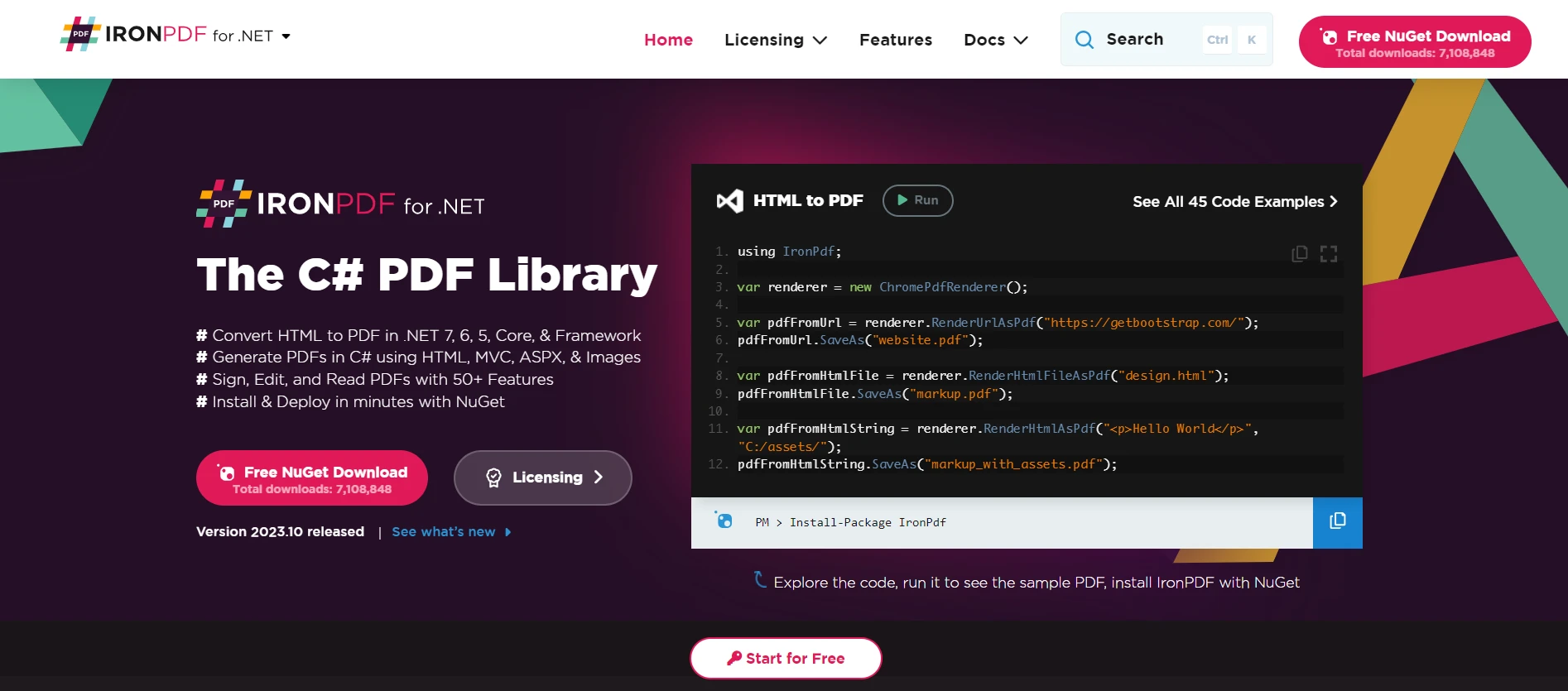
Entity Framework C# (How It Works For Developers) Figure 1 - IronPDF for .NET: The C#

IronPDF stands as a robust library for .NET, designed to facilitate seamless PDF generation, editing, and parsing. How does this relate to Entity Framework? Imagine exporting data from your underlying database to a well-structured PDF report. With Entity Framework managing data access and IronPDF handling PDF generation, the process becomes streamlined. Additionally, IronPDF supports HTML-to-PDF conversion, allowing developers to convert their data-driven web views directly into PDFs.

IronXL

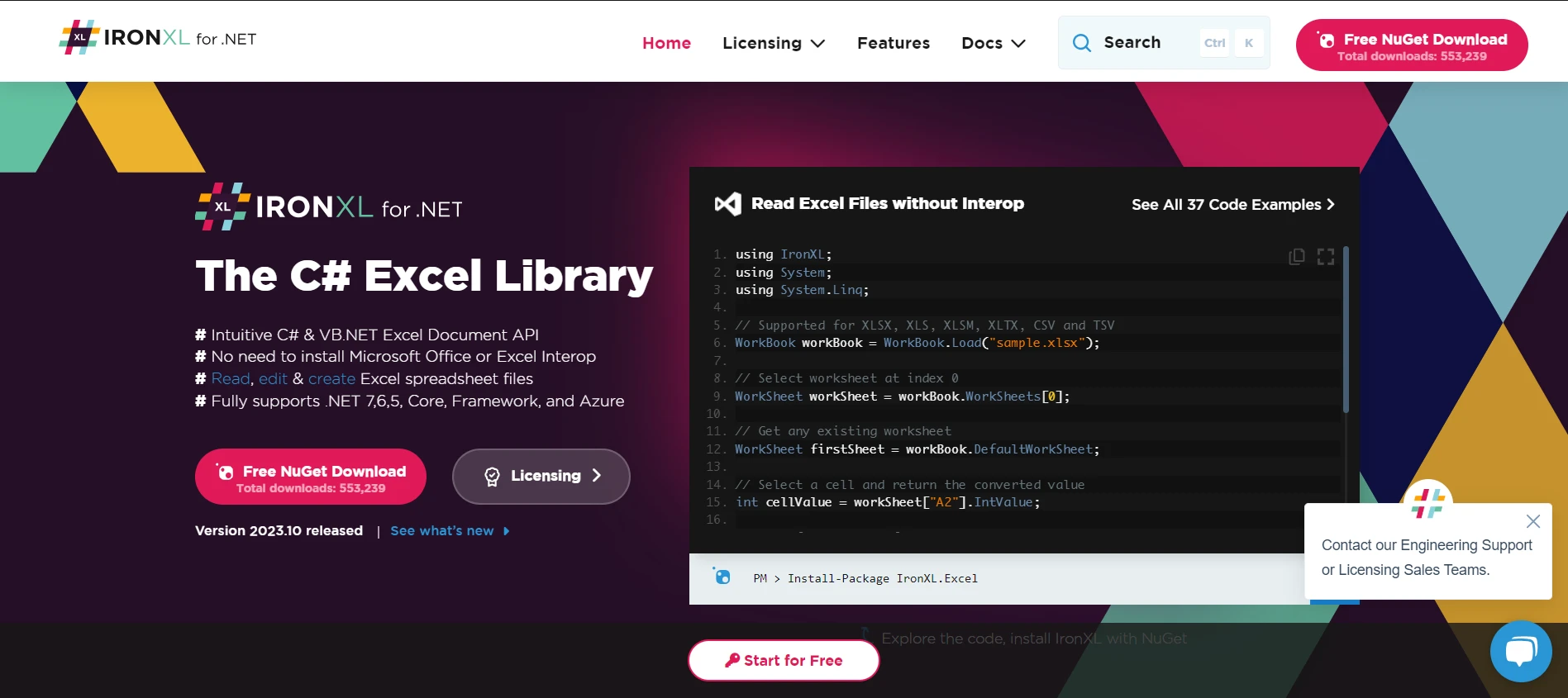
Entity Framework C# (How It Works For Developers) Figure 2 - IronXL for .NET: The C#

Data storage isn’t confined to databases alone. Many organizations rely on Excel spreadsheets for data manipulation, reporting, or even temporary data storage. IronXL empowers .NET developers to read, write, and create Excel workbooks without requiring Interop. Bridging Entity Framework with IronXL enables seamless data transfer between your relational database and Excel files, providing flexibility in how data is accessed and shared.

IronOCR

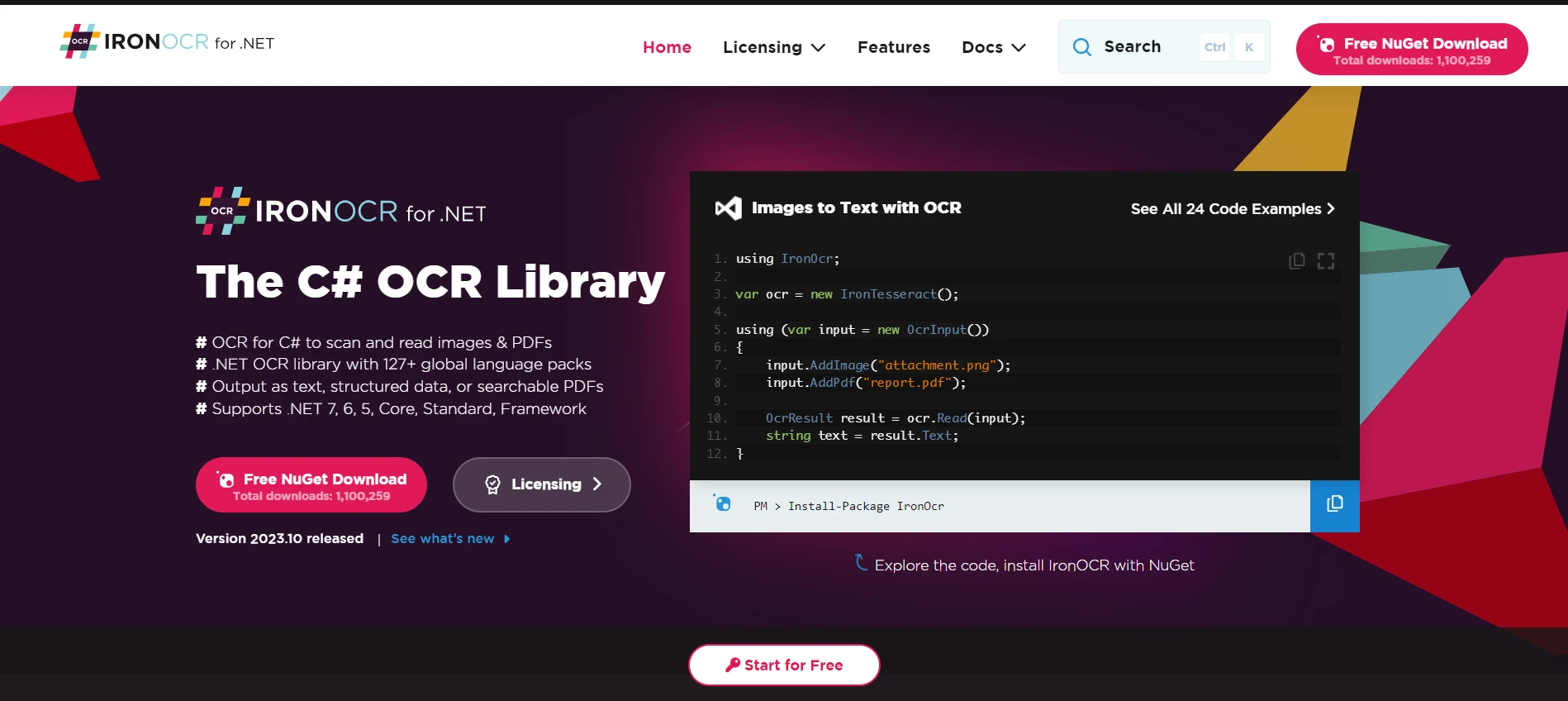
Entity Framework C# (How It Works For Developers) Figure 3 - IronOCR for .NET: The C#

Optical Character Recognition (OCR) has transformed the way we extract text from images and documents. IronOCR brings this capability to .NET developers. Integrating OCR capabilities with data-oriented applications can open new avenues. For instance, if you had scanned documents that need to be parsed and stored in a relational database. Entity Framework can manage the storage aspect, while IronOCR takes care of text extraction, ensuring data is accurately captured and stored.

IronBarcode

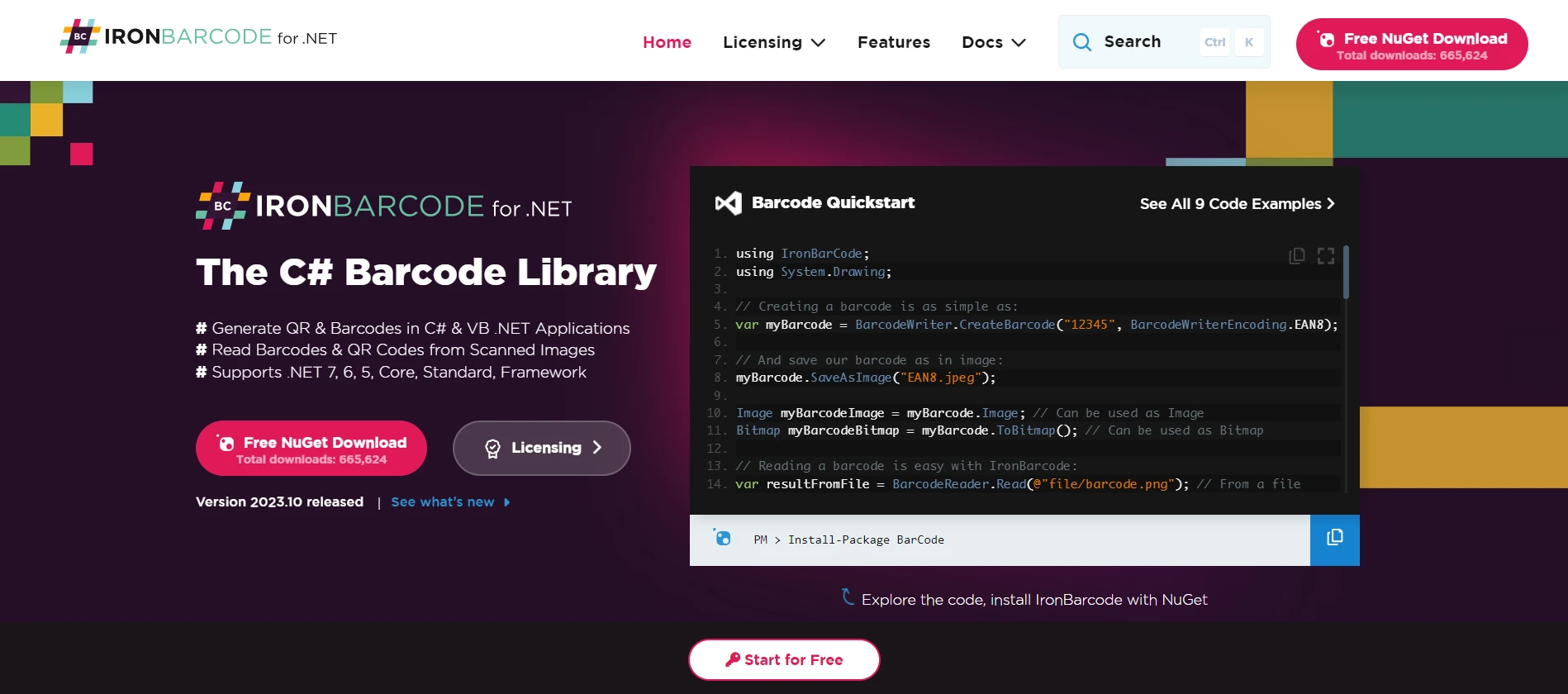
Entity Framework C# (How It Works For Developers) Figure 4 - IronBarcode for .NET: The C#

Barcodes and QR codes are ubiquitous in today's digital age, serving as a bridge between the physical and digital worlds. IronBarcode provides .NET developers with tools to generate, read, and classify barcodes in their applications. Integrating IronBarcode with Entity Framework-driven applications can aid in scenarios like inventory management, where products fetched from a database can be associated with specific barcodes, or vice-versa.

Conclusion

Entity Framework C# (How It Works For Developers) Figure 5 - Iron Suite offers three types of perpetual licenses to fit your project needs: Lite, Professional and Unlimited.

Entity Framework stands as a testament to the power and versatility of .NET. However, when combined with specialized tools like those offered by the Iron Suite of Libraries, the capabilities of .NET applications are further enhanced. It's noteworthy to mention that each product within the Iron Suite, whether it's IronPDF, IronXL, IronOCR, or IronBarcode, offers a license starting from $799. What's even more enticing is the opportunity for developers to test these tools firsthand, as each product provides a free trial for testing the tools.

For those looking for a comprehensive solution, Iron Suite offers an economical bundle: you can acquire the entire suite for the price of just two individual products. By leveraging these tools, developers can create richer, more integrated solutions that cater to a diverse array of business needs.

자주 묻는 질문

엔티티 프레임워크란 무엇이며 왜 중요한가요?

엔티티 프레임워크(EF)는 관계형 데이터를 도메인별 개체로 변환하여 관계형 데이터에 대한 액세스 및 관리를 간소화하는 .NET 개발자용 객체 관계형 매퍼(ORM)입니다. 필요한 상용구 코드의 양을 줄이고 .NET 애플리케이션에서 데이터 작업을 보다 효율적으로 처리할 수 있는 방법을 제공하기 때문에 중요합니다.

C#에서 HTML을 PDF로 변환하려면 어떻게 해야 하나요?

IronPDF의 RenderHtmlAsPdf 메서드를 사용하여 HTML 문자열을 PDF로 변환할 수 있습니다. 또한 RenderHtmlFileAsPdf를 사용하여 HTML 파일을 PDF로 변환할 수 있습니다.

엔티티 프레임워크 6과 엔티티 프레임워크 코어의 주요 차이점은 무엇인가요?

엔티티 프레임워크 6은 .NET 프레임워크 애플리케이션을 대상으로 하며, 엔티티 프레임워크 코어는 .NET Core 애플리케이션을 위해 설계된 가볍고 확장 가능한 크로스 플랫폼 버전입니다. EF Core는 새로운 기능과 최적화를 통해 완전히 재작성되었습니다.

Visual Studio에서 엔티티 프레임워크를 설치하려면 어떻게 하나요?

엔티티 프레임워크는 Visual Studio의 NuGet 패키지 관리자 콘솔을 통해 설치할 수 있습니다. EF6의 경우 Install-Package EntityFramework, EF Core의 경우 Install-Package Microsoft.EntityFrameworkCore를 사용하세요.

C#을 사용하여 데이터베이스의 데이터를 PDF 보고서로 내보내려면 어떻게 해야 하나요?

엔티티 프레임워크와 함께 IronPDF를 사용하면 데이터베이스의 데이터를 잘 구조화된 PDF 보고서로 내보낼 수 있어 데이터 프레젠테이션 프로세스를 간소화할 수 있습니다.

엔티티 프레임워크를 보완하는 Iron Suite 도구에는 어떤 것이 있나요?

Iron 제품군에는 PDF 처리를 위한 IronPDF, Excel 조작을 위한 IronXL, 이미지에서 텍스트 추출을 위한 IronOCR, 바코드 작업을 위한 IronBarcode와 같은 도구가 포함되어 있으며 모두 Entity Framework를 사용하여 데이터 지향 애플리케이션을 향상시킬 수 있습니다.

엔티티 프레임워크는 LINQ 쿼리를 어떻게 지원하나요?

엔티티 프레임워크는 LINQ 쿼리를 지원하므로 개발자가 C#에서 직접 SQL과 유사한 구문을 사용하여 데이터를 쿼리할 수 있습니다. 이를 통해 유형 안전성을 보장하고 컴파일 타임 검사를 활성화하여 런타임 오류를 줄일 수 있습니다.

엔티티 프레임워크의 엔티티 데이터 모델이란 무엇인가요?

엔티티 데이터 모델(EDM)은 개념 모델, 스토리지 모델, 매핑으로 구성된 .NET 객체와 기본 데이터베이스 사이의 다리 역할을 합니다.

Iron 제품군에 사용할 수 있는 라이선스 옵션은 무엇인가요?

Iron Suite는 세 가지 유형의 영구 라이선스를 제공합니다: 라이트, 프로페셔널, 무제한. 개발자는 제품을 구매하기 전에 무료 평가판을 사용해 볼 수도 있습니다.

커티스 차우
기술 문서 작성자

커티스 차우는 칼턴 대학교에서 컴퓨터 과학 학사 학위를 취득했으며, Node.js, TypeScript, JavaScript, React를 전문으로 하는 프론트엔드 개발자입니다. 직관적이고 미적으로 뛰어난 사용자 인터페이스를 만드는 데 열정을 가진 그는 최신 프레임워크를 활용하고, 잘 구성되고 시각적으로 매력적인 매뉴얼을 제작하는 것을 즐깁니다.

커티스는 개발 분야 외에도 사물 인터넷(IoT)에 깊은 관심을 가지고 있으며, 하드웨어와 소프트웨어를 통합하는 혁신적인 방법을 연구합니다. 여가 시간에는 게임을 즐기거나 디스코드 봇을 만들면서 기술에 대한 애정과 창의성을 결합합니다.