푸터 콘텐츠로 바로가기
.NET 도움말

Serilog .NET (How It Works For Developers)

Introduction to Serilog Logger Configuration and Structured Diagnostic Logging Behavior Configuration in .NET Application

In .NET Core, an efficient structured Serilog logging configuration is paramount for diagnosing and understanding application behavior or log events. Among various logging libraries, Serilog stands out for its robust structured logging message capabilities. Unlike traditional logging, structured logging formats log-level messages as structured data, making them easier to analyze and query. This article explores how Serilog elevates the logging process in .NET 6 applications, ensuring that each log event is not just a string but a structured, queryable object. This approach transforms log messages into a strategic asset, enabling more effective monitoring and analysis.

Understanding Serilog's Features

Serilog is a powerful and flexible logging library for .NET applications. It provides various features that enhance the logging experience and make it easier to diagnose and analyze application behavior. This section will explore some of the key features offered by Serilog.

Structured Logging

One of Serilog's standout features is its support for structured logging. Instead of simply logging messages as plain text, Serilog allows you to log structured data. This structured data can be a JSON object, a dictionary, or any other type that can be serialized. By logging structured data, you can easily analyze and query log events using tools like Elasticsearch or Splunk.

Flexible Configuration

Serilog offers flexible configuration options that allow you to customize the logging behavior according to your application's needs. You can configure Serilog programmatically or using configuration files. This flexibility allows you to adjust the logging behavior at runtime without requiring application restarts.

Sink Libraries

Serilog provides various sink libraries that allow you to send log events to different destinations. Some of the popular sink libraries include:

  • Serilog.Sinks.Console: Sends log events to the console.
  • Serilog.Sinks.File: Writes log events to text files.
  • Serilog.Sinks.Seq: Sends log events to Seq, a structured log server.
  • Serilog.Sinks.Elasticsearch: Sends log events to Elasticsearch.

These sink libraries make it easy to integrate Serilog with different logging infrastructure and tools.

Logging Enrichment

Logging enrichment is a feature that allows you to add additional contextual information to your log events. Serilog provides various enrichers that can automatically add information such as timestamp, thread ID, or log level to your log events. You can also create custom enrichers to add application-specific information.

Log Filtering

Serilog allows you to filter log events based on various criteria. You can configure filters to exclude or include log events based on log level, property values, or any other condition. This filtering capability enables you to focus on the log events that are most relevant to your analysis or troubleshooting.

By understanding and leveraging these features, you can harness the power of Serilog to enhance your logging capabilities and gain valuable insights into your application's behavior.

Structured Logging: A Core Feature

Serilog's primary strength lies in turning log messages into structured data. Unlike other logging libraries that output plain text, Serilog generates logs in a structured JSON format, simplifying parsing and querying log data. This capability is crucial for modern applications where log analysis and monitoring are integral to operational intelligence. Structured logs are particularly beneficial when a log message is ingested into systems like the ELK (Elasticsearch, Logstash, Kibana) stack for advanced analysis.

Rich Log Event Details

Serilog enriches log events with contextual information, providing a comprehensive view of what's happening inside an application. Each log event can contain many details beyond a simple log message, including timestamps, log levels, exception details, and custom properties. This makes Serilog superior to other logging libraries in terms of the depth and clarity of the log, offering developers critical insights into the application's behavior and performance.

Implementing Serilog in ASP.NET Core

To integrate Serilog in a .NET 6 ASP.NET Core application, start by configuring Serilog through the appsettings.json file or the Serilog configuration section. This configuration dictates how, where, and what log data is captured.

Via Configuration File

Use the configuration JSON file to define log levels, output destinations (like log files or console), and the log output format. The configuration file approach offers the flexibility to change logging behavior without modifying the code. This is done by specifying settings in the appsettings.json file, which allows you to direct your log output to various sinks such as a console, a file, or even cloud-based log management services.

Programmatically in Code

Alternatively, configure Serilog directly in the code using the LoggerConfiguration class. This method is often used to set up more complex logging scenarios, such as dynamic log levels or custom log sinks. For example, you can configure a rolling log file that creates a new log file at specific intervals or upon reaching a certain size, ensuring efficient log file management.

// Create a logger instance with a rolling log file that creates a new log file every day
var logger = new LoggerConfiguration()
    .WriteTo.File("logs/myapp.txt", rollingInterval: RollingInterval.Day) 
    .CreateLogger();
// Create a logger instance with a rolling log file that creates a new log file every day
var logger = new LoggerConfiguration()
    .WriteTo.File("logs/myapp.txt", rollingInterval: RollingInterval.Day) 
    .CreateLogger();
$vbLabelText   $csharpLabel

Integrating with ASP.NET Core

Integrating Serilog with ASP.NET Core involves adding the Serilog package through the Package Manager Console and setting up the logger in the Program.cs file. The var builder and var app statements in .NET 6 seamlessly plug Serilog into the application's logging infrastructure. This process replaces the default logger with Serilog, ensuring all log messages are processed through the Serilog pipeline.

var builder = WebApplication.CreateBuilder(args);

// Configure Serilog to use settings from appsettings.json and write logs to the console
builder.Host.UseSerilog((ctx, lc) => lc
    .WriteTo.Console()
    .ReadFrom.Configuration(ctx.Configuration));

var app = builder.Build();
var builder = WebApplication.CreateBuilder(args);

// Configure Serilog to use settings from appsettings.json and write logs to the console
builder.Host.UseSerilog((ctx, lc) => lc
    .WriteTo.Console()
    .ReadFrom.Configuration(ctx.Configuration));

var app = builder.Build();
$vbLabelText   $csharpLabel

Integrating Iron Software Suite with Serilog in ASP.NET Core

The Iron Software Suite offers a collection of C# libraries that can significantly enhance the logging capabilities within a .NET 6 application using Serilog. This suite includes various tools like IronPDF, IronOCR, IronXL, IronZIP, IronQR, IronBarcode, and IronWebScraper, each offering unique functionalities that can be integrated into an ASP.NET Core application to enhance its logging and data processing capabilities.

To integrate Iron Software Suite with Serilog in an ASP.NET Core application, follow these general steps:

  1. Install the required Iron Software Suite packages using NuGet or the Package Manager Console.
  2. Configure Serilog using the desired sink libraries, such as Serilog.Sinks.File for log files or Serilog.Sinks.Console for console output.
  3. Use the Iron Software Suite libraries within your application's code to leverage their functionalities and enhance the logging process. This may involve tasks such as generating PDFs, reading barcodes, or scraping web content.

By integrating Iron Software Suite with Serilog, you can extend the logging capabilities of your ASP.NET Core application and leverage the additional functionalities provided by these libraries.

IronPDF

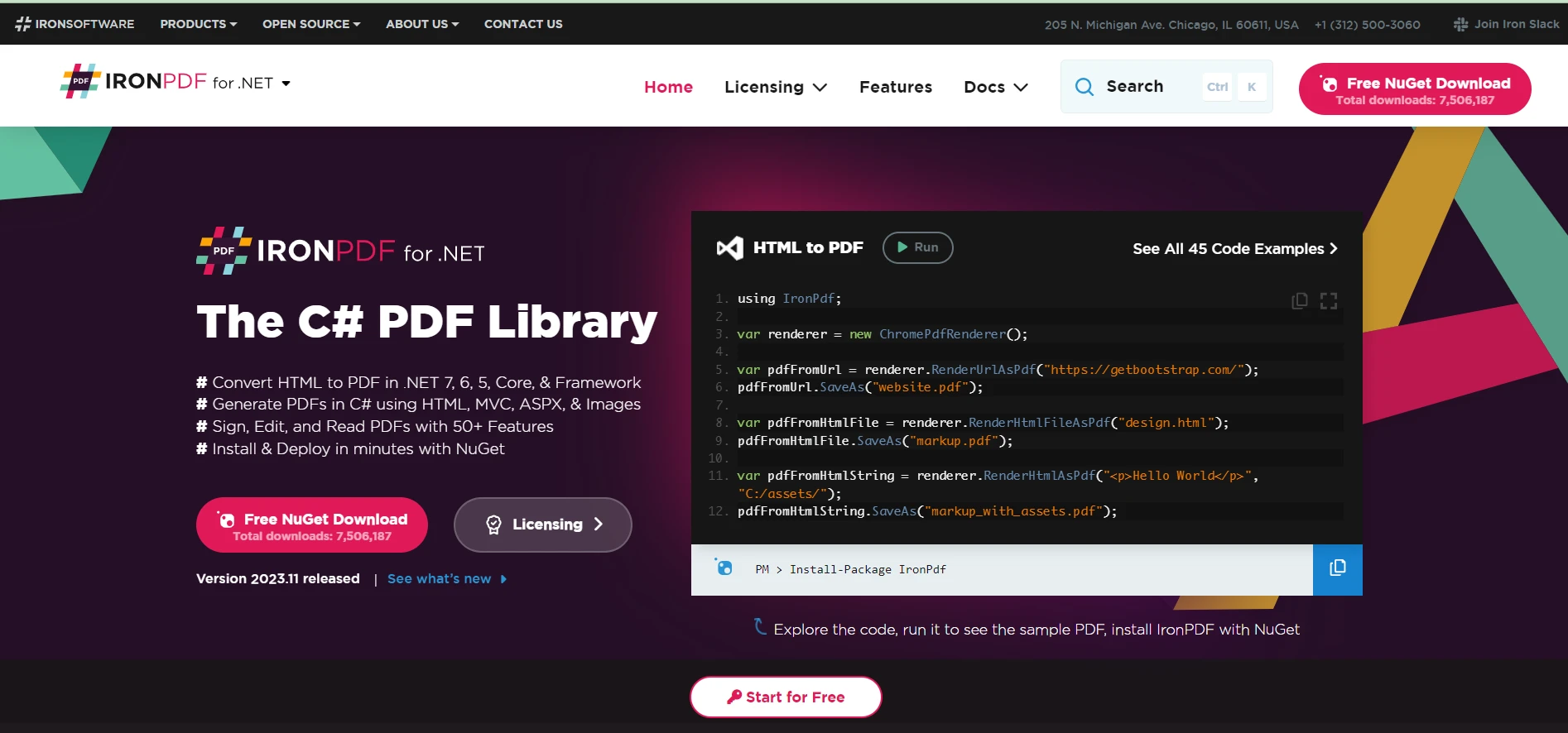
IronPDF allows the creation, reading, and editing of PDFs within .NET applications. This can be particularly useful when combined with Serilog to generate PDF reports of log data, enabling easy distribution and viewing of log information in a standardized format.

Serilog .NET (How It Works For Developer): Figure 1 - IronPDF

IronOCR

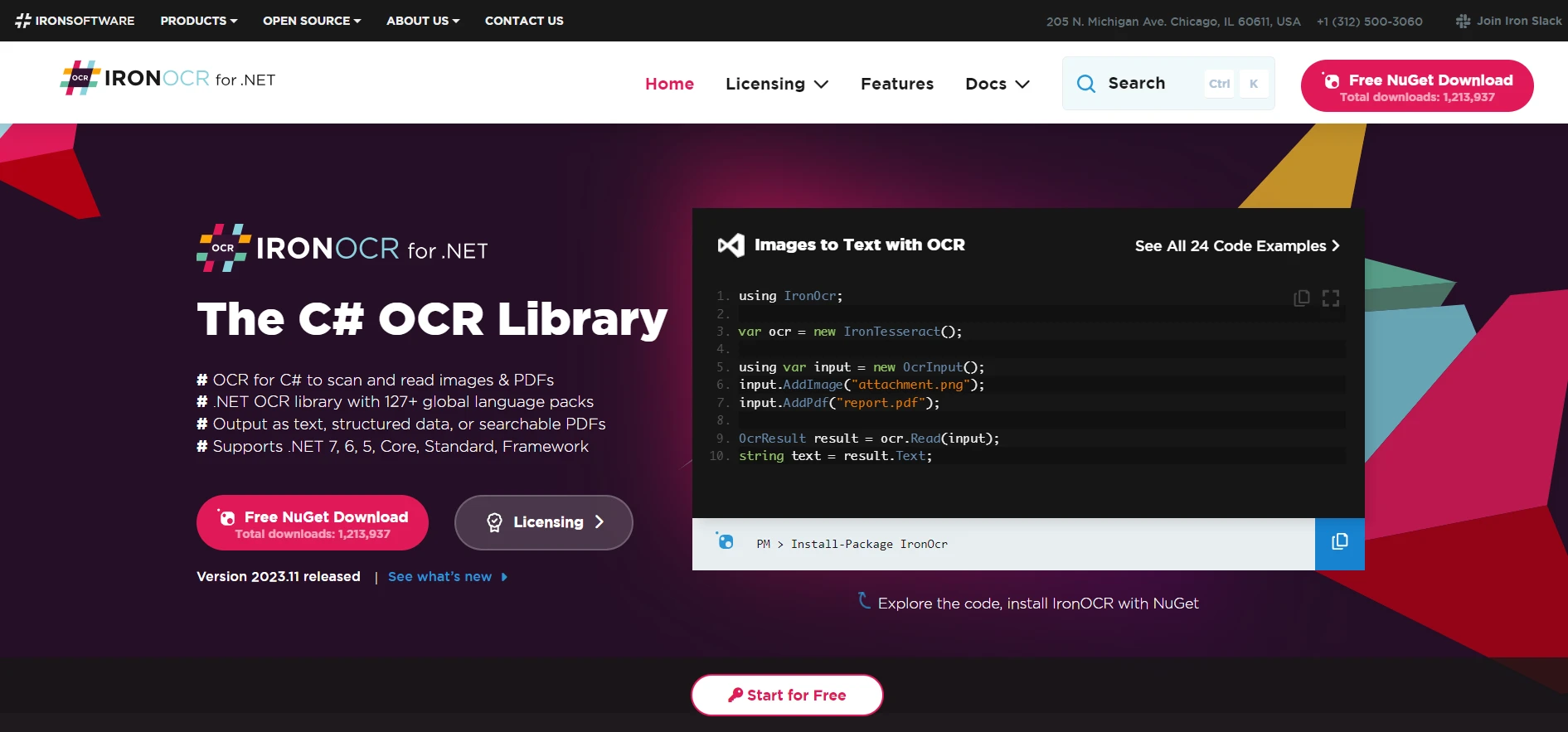
IronOCR is an Optical Character Recognition (OCR) library that can translate images to text in 125 languages. This feature can be utilized in logging scenarios where text data must be extracted from images or scanned documents, thus enriching the log data with more contextual information.

Serilog .NET (How It Works For Developer): Figure 2 - IronOCR

IronXL

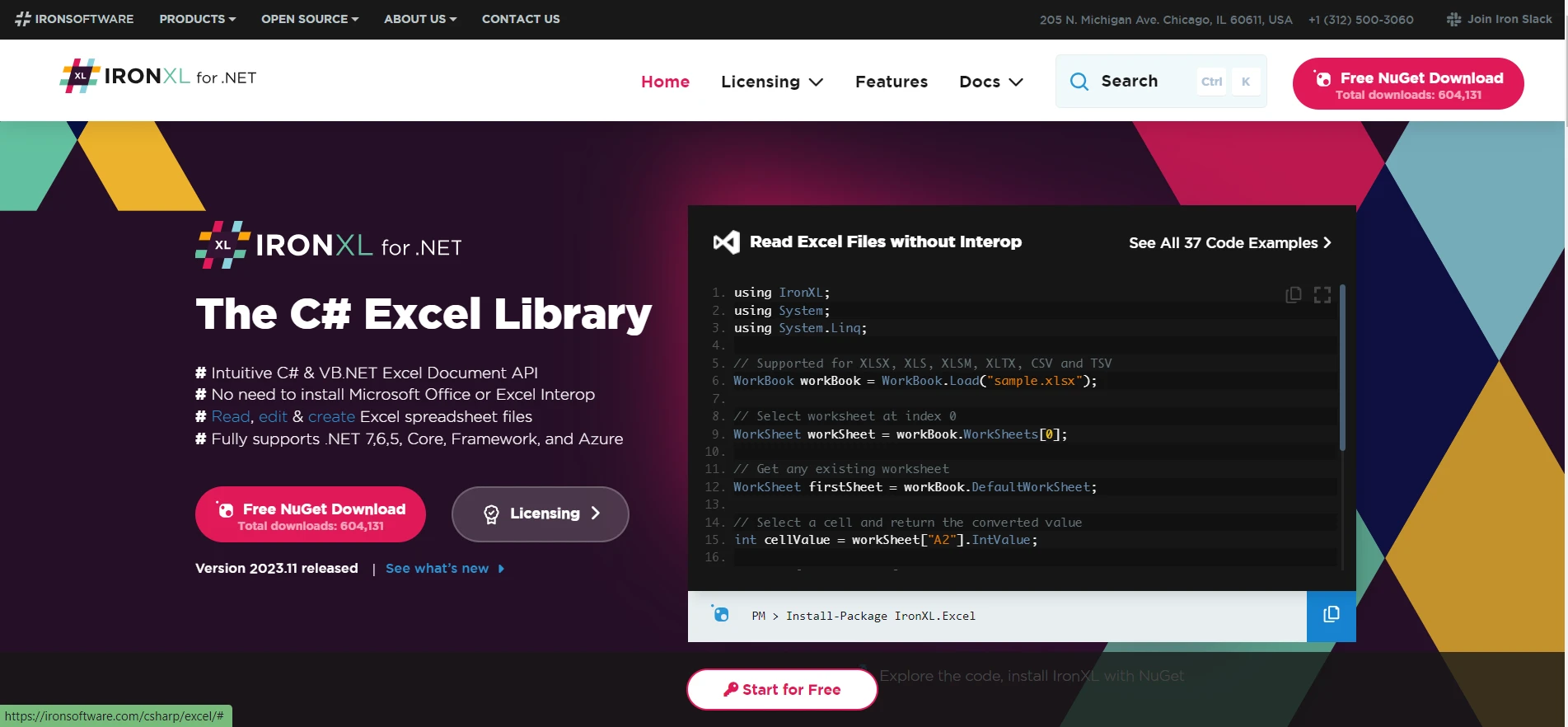
IronXL provides functionality to work with Excel without the need for Office Interop. This can be particularly beneficial for logging purposes, as log data can be exported to Excel for further analysis and reporting, offering a familiar interface for data manipulation and visualization.

Serilog .NET (How It Works For Developer): Figure 3 - IronXL

IronBarcode

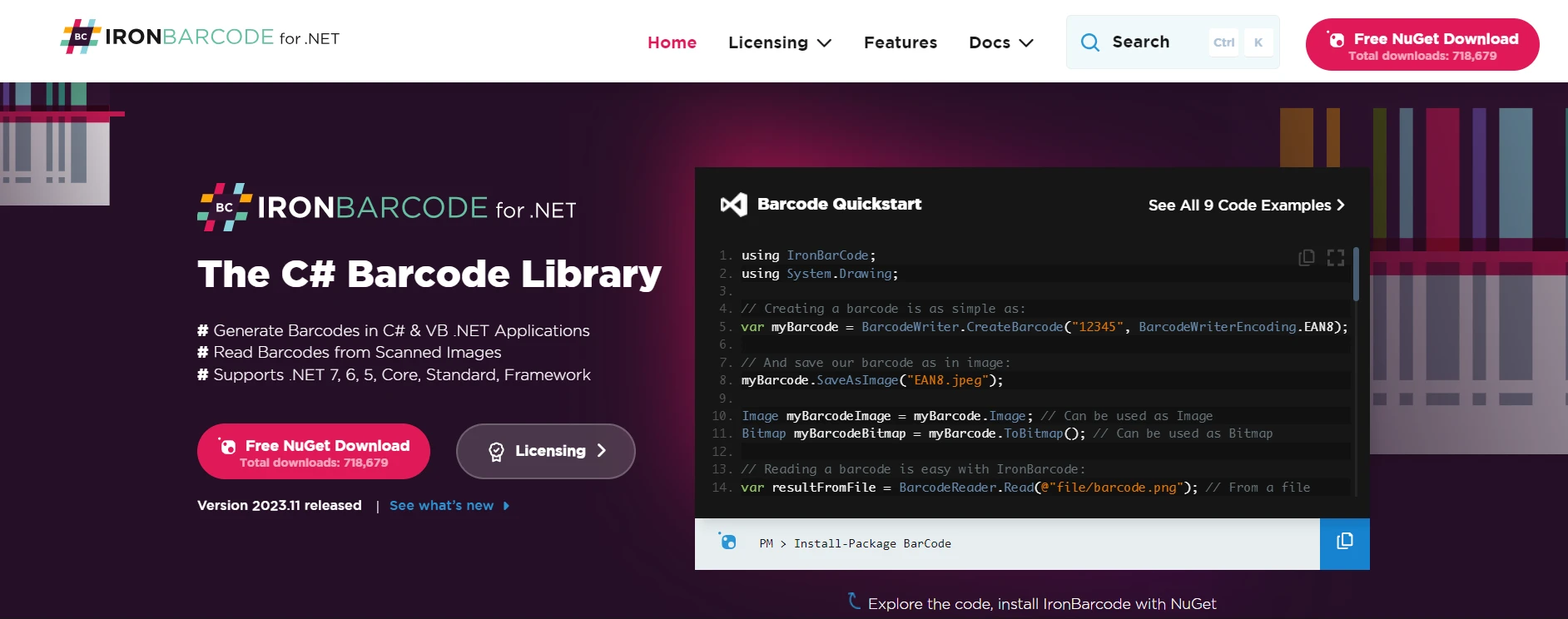
IronBarcode facilitates the reading and writing of QR codes and barcodes. This library can embed or extract encoded information within log files, enhancing the security and traceability of the logged information.

Serilog .NET (How It Works For Developer): Figure 4 - IronBarcode

Conclusion

Integrating Iron Software Suite with Serilog in ASP.NET Core applications not only enriches the logging process but also adds a layer of versatility in handling, presenting, and analyzing log data. Whether it's generating PDF reports, processing image-based logs, handling Excel data, managing log file sizes, securing log information, or scraping web content, the combination of Serilog with Iron Software Suite opens up a myriad of possibilities for advanced logging and data processing in .NET 6 environments.

Iron Software Suite offers a free trial of Iron Software's C# Libraries, providing an excellent opportunity for developers to explore its features and capabilities in enhancing their ASP.NET Core applications, particularly when integrated with Serilog for advanced logging and data processing functionalities.

자주 묻는 질문

Serilog는 .NET 애플리케이션의 로깅을 어떻게 개선하나요?

Serilog는 로그 이벤트를 구조화된 쿼리 가능한 개체로 변환하여 기존의 일반 텍스트 로깅에 비해 더 나은 진단 및 분석을 가능하게 함으로써 .NET 애플리케이션의 로깅을 향상시킵니다.

Serilog와 함께 구조화된 로깅을 사용하면 어떤 이점이 있나요?

Serilog를 사용한 구조화된 로깅은 로그 데이터 구문 분석과 쿼리가 더 쉬워진다는 이점을 제공하며, 이는 Elasticsearch와 같은 도구를 사용한 분석에 유용하여 운영 인텔리전스와 모니터링을 향상시킵니다.

.NET 6 애플리케이션에서 Serilog를 구성하려면 어떻게 해야 하나요?

.NET 6 애플리케이션에서 Serilog는 `LoggerConfiguration` 클래스 또는 `appsettings.json`과 같은 구성 파일을 통해 구성할 수 있으므로 코드 변경 없이 유연한 로깅 동작 조정을 할 수 있습니다.

Serilog는 다양한 로깅 대상에 대해 어떤 통합 옵션을 제공하나요?

Serilog는 통합을 위한 다양한 싱크 라이브러리를 제공하여 로그 이벤트를 콘솔, 텍스트 파일 또는 Elasticsearch나 Seq와 같은 서버와 같은 다양한 대상으로 전송할 수 있습니다.

세릴로그 로깅에서 인리처는 어떤 역할을 하나요?

Serilog의 인리치어는 타임스탬프 및 로그 수준과 같은 컨텍스트 정보를 로그 이벤트에 추가하며, 특정 애플리케이션 데이터를 포함하도록 사용자 정의 인리치어를 생성하여 로그의 정보적 가치를 높일 수 있습니다.

Serilog를 다른 라이브러리와 결합하여 기능을 향상시킬 수 있나요?

예, Serilog는 PDF 생성, OCR 처리, Excel 조작 등의 기능을 제공하는 IronPDF, IronOCR, IronXL과 같은 라이브러리와 결합하여 .NET 애플리케이션의 로깅 프로세스 및 데이터 처리 기능을 강화할 수 있습니다.

.NET을 사용하여 로그 데이터의 PDF 보고서를 생성하려면 어떻게 해야 하나요?

PDF를 만들고, 읽고, 편집할 수 있는 IronPDF와 같은 라이브러리를 사용하여 .NET에서 로그 데이터의 PDF 보고서를 생성하여 로깅 시스템과 통합하여 상세한 로그 보고서를 생성할 수 있습니다.

.NET에서 분석하기 위해 로그 데이터를 Excel로 내보낼 수 있나요?

예, IronXL과 같은 라이브러리를 사용하면 Office Interop 없이도 Excel 파일을 조작할 수 있으므로 로그 데이터를 Excel로 내보내 .NET 애플리케이션에서 추가 분석 및 보고를 할 수 있습니다.

Iron Software 라이브러리는 Serilog와 같은 로깅 시스템에 어떤 이점을 제공하나요?

Iron Software 라이브러리는 .NET 환경에서 데이터 처리 및 보고 기능을 강화하는 PDF 생성, OCR 및 Excel 파일 조작과 같은 추가 기능을 제공하여 Serilog와 같은 로깅 시스템을 향상시킵니다.

커티스 차우
기술 문서 작성자

커티스 차우는 칼턴 대학교에서 컴퓨터 과학 학사 학위를 취득했으며, Node.js, TypeScript, JavaScript, React를 전문으로 하는 프론트엔드 개발자입니다. 직관적이고 미적으로 뛰어난 사용자 인터페이스를 만드는 데 열정을 가진 그는 최신 프레임워크를 활용하고, 잘 구성되고 시각적으로 매력적인 매뉴얼을 제작하는 것을 즐깁니다.

커티스는 개발 분야 외에도 사물 인터넷(IoT)에 깊은 관심을 가지고 있으며, 하드웨어와 소프트웨어를 통합하는 혁신적인 방법을 연구합니다. 여가 시간에는 게임을 즐기거나 디스코드 봇을 만들면서 기술에 대한 애정과 창의성을 결합합니다.