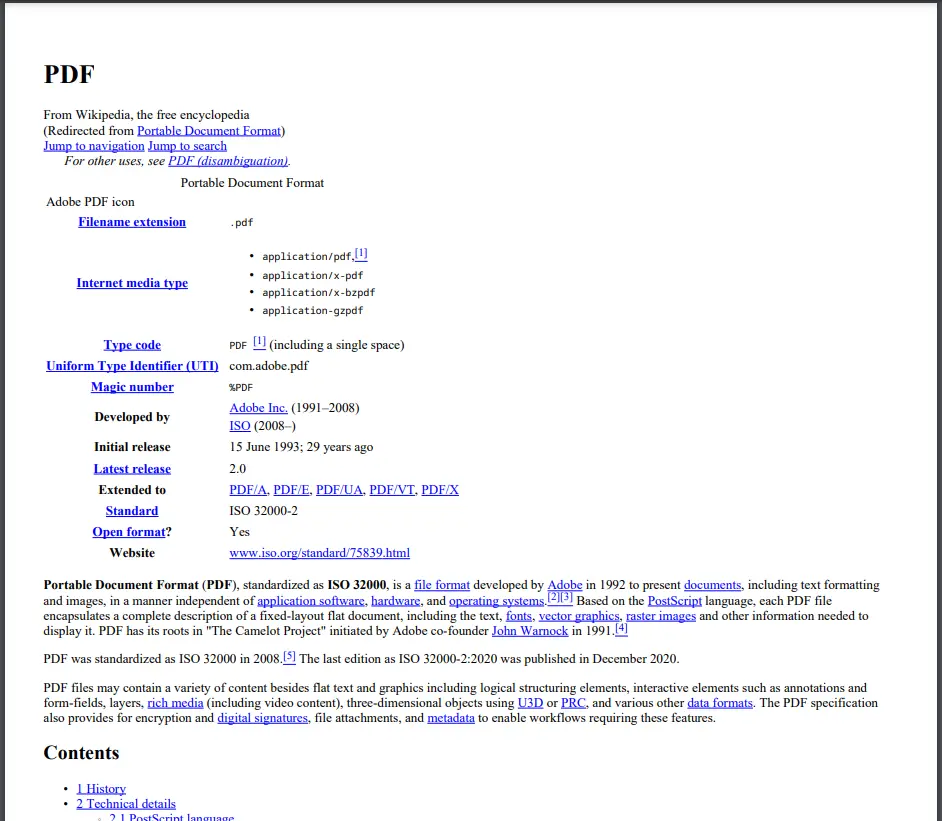
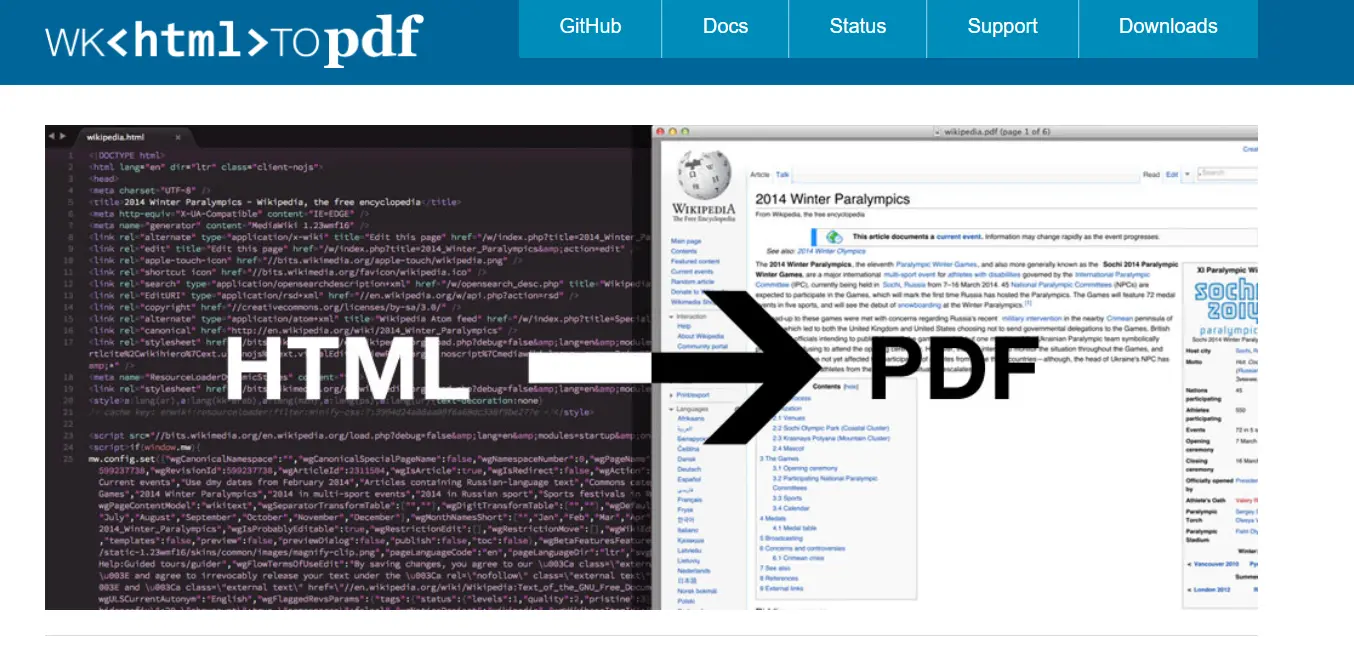
PDF 도구 What is the Best PDF Library for C#? 커티스 차우 업데이트됨:6월 22, 2025 다운로드 IronPDF NuGet 다운로드 DLL 다운로드 윈도우 설치 프로그램 무료 체험 시작하기 LLM용 사본 LLM용 사본 LLM용 마크다운 형식으로 페이지를 복사하세요 ChatGPT에서 열기 ChatGPT에 이 페이지에 대해 문의하세요 제미니에서 열기 제미니에게 이 페이지에 대해 문의하세요 Grok에서 열기 Grok에게 이 페이지에 대해 문의하세요 혼란 속에서 열기 Perplexity에게 이 페이지에 대해 문의하세요 공유하다 페이스북에 공유하기 트위터에 공유하기 LinkedIn에 공유하기 URL 복사 이메일로 기사 보내기 PDF files are the go-to format when it comes to sharing documents. It’s in the name - Portable Document Format. Not only are they universally compatible, but they also preserve the layout of your content and can be easily secured with encryption and password protection. PDF documents are a must for any modern, agile business - and when it comes to creating PDFs in C#, there are a handful of PDF generating libraries that allow you to generate PDF documents more efficiently and at lower costs. Whether it’s converting other file types to PDF or automatically adding custom branding and formatting to your PDF documents, some libraries perform better than others. In this guide, we’ll compare four popular .NET PDF libraries - IronPDF, iText Core, wkhtmltopdf, and PDFSharp - and see how they create PDF documents from this HTML page. IronPDF IronPDF: A Lightweight .NET PDF Library is designed specifically with web developers in mind. PDF conversion is just one of many uses - it makes reading, writing, and manipulating PDFs a breeze, and you can use it in your .NET projects for both desktop and web. The best part - it’s free to try out in a development environment. One of the main advantages of IronPDF is its flexibility. It can be used as a standalone desktop application or integrated into your web application using the IronPDF API. Additionally, IronPDF is compatible with Windows, macOS, and Linux operating systems, making it accessible to a wide range of users. Pros of IronPDF IronPDF is easy to use, even easier to install, and doesn’t require any third-party software to work with your project. IronPDF has near-universal support of the .NET ecosystem - Standard 2.0+, Framework 4.6.2+, and Core 3.1+, 5, 6, 7, and 8. IronPDF also works on all major app environments - Windows, macOS, Linux, Docker, Azure, and AWS. IronPDF is a feature-rich library which allows you to modify PDF files, add password protection, support digital signatures, and more. IronPDF produces pixel-perfect copies of HTML pages. Straightforward functions allow you to generate PDF documents with just a few lines of code. Every license comes with a year’s free support, and the support team is available 24 hours a day, 5 days a week. There is a 30-day free trial for production, and it’s free to use in development environments indefinitely. Lifetime licenses are available for a one-time purchase, while monthly licenses are also an option. Cons of IronPDF IronPDF is just for commercial use in .NET applications. It is not suitable for educational purposes. Any projects created using the free version will have the IronPDF watermark. iText Core iText Core Documentation and iTextSharp Information (previously iText7, and iTextSharp before that) is a .NET PDF library created by Java developers. It provides Java and C# code-based PDF creation and modification functions and a free API for .NET applications. Pros of iText Core It is easy to install the package via the NuGet package manager. iText Core is an open-source library. It can be used in projects under the AGPL license. iText Core is suitable for educational and personal use. Cons of iText Core iText Core only comes with basic functionality. HTML to PDF conversion, PDF redaction, data extraction, and more require add-ons for an additional cost. It can be confusing understanding which versions of iText’s products work with each other, as seen in their compatibility matrix. Unclear documentation makes it difficult to find out full compatibility information without contacting them. Finding out licensing costs requires contacting the business for a bespoke quote. PDF rendering can be inaccurate and poor quality. The library doesn’t recognize CSS or JavaScript, so you can see some display issues when converting complex HTML content to PDF. wkhtmltopdf wkhtmltopdf Project on GitHub is a command line tool that converts HTML to PDF. It’s a WebKit-based HTML-to-PDF converter. The primary function of wkhtmltopdf is to render text, images, and other basic page elements contained inside an HTML file as an image in the PDF file. Pros of wkhtmltopdf wkhtmltopdf is open source and can be used without any cost. You can use wkhtmltopdf directly from the command line. wkhtmltopdf supports a variety of app environments and operating systems. Cons of wkhtmltopdf wkhtmltopdf requires an external executable file for use in a .NET project, potentially causing vulnerabilities in your application. Compilation of wkhtmltopdf requires the codebases of Qt and WebKit. Currently, Qt is outdated and WebKit is too intensive for use. Editing existing PDF documents to include different headers/footers and margin settings require writing very complex code. wkhtmltopdf has difficulty when using special characters. For example, when rendering documents containing Japanese and English text, it will fail to render properly. wkhtmltopdf struggles to render complex web pages, as demonstrated by rendering issues with complex websites. The GitHub repository was archived in January 2023, meaning that no meaningful updates will be made to the product. PDFSharp PDFSharp Library Details on GitHub is an open-source, lightweight library for reading, modifying, and writing PDF documents. It is written in C# and supports Windows. Pros of PDFSharp Installation of PDFSharp is straightforward, using the NuGet package manager. PDFSharp is open-source and can be used for commercial and personal use. Includes basic password and encryption features for increased security. Suitable for smaller HTML files without lengthy CSS rules. The best option for personal and educational use cases. Cons of PDFSharp There are multiple packages of PDFSharp listed on the NuGet website, making it difficult for users to select one according to their project requirements. PDFSharp has cross-platform rendering issues. Code which works on Windows will fail to work on the macOS platform. PDFSharp struggles with complex web pages and HTML documents with sophisticated CSS rule sets. Functionality is quite basic, with only simple text layouts supported and elements such as page breaks requiring manual work. Doesn’t support older versions of .NET. Conclusion Each and every PDF library has its own strengths and weaknesses, but we believe that IronPDF is the best all-round product, suitable for projects of any size and scale, and with an industry-leading support team which no other service can compete with. IronPDF is able to convert complex HTML pages with lengthy CSS styling to PDF documents with pixel-perfect accuracy. Furthermore, its customization, security, and compatibility options are more comprehensive and don’t require any additional software or costs to utilize. Flexibility is key with IronPDF, compatible with many operating systems, .NET versions and project types, and IDEs. On top of the free trial and free development use, there are many different licensing options which can be tailored to your needs. Convert PDF documents, manipulate PDF files, and comprehensive PDF generation features make IronPDF one of the most powerful PDF libraries on the market. Ready to get your hands on IronPDF? You can start with our IronPDF 30-Day Free Trial. It’s also completely free to use for development purposes so you can really get to see what it’s made of. And if you like what you see, IronPDF starts as low as $799 for a basic license. For even bigger savings, check out the Iron Software Suite Pricing where you can get all nine Iron Software tools for the price of two. Happy coding! 커티스 차우 지금 바로 엔지니어링 팀과 채팅하세요 기술 문서 작성자 커티스 차우는 칼턴 대학교에서 컴퓨터 과학 학사 학위를 취득했으며, Node.js, TypeScript, JavaScript, React를 전문으로 하는 프론트엔드 개발자입니다. 직관적이고 미적으로 뛰어난 사용자 인터페이스를 만드는 데 열정을 가진 그는 최신 프레임워크를 활용하고, 잘 구성되고 시각적으로 매력적인 매뉴얼을 제작하는 것을 즐깁니다. 커티스는 개발 분야 외에도 사물 인터넷(IoT)에 깊은 관심을 가지고 있으며, 하드웨어와 소프트웨어를 통합하는 혁신적인 방법을 연구합니다. 여가 시간에는 게임을 즐기거나 디스코드 봇을 만들면서 기술에 대한 애정과 창의성을 결합합니다. 관련 기사 업데이트됨 6월 22, 2025 Discover the Best PDF Redaction Software for 2025 Explore top PDF redaction solutions for 2025, including Adobe Acrobat Pro DC, Nitro PDF Pro, Foxit PDF Editor, and PDF-XChange Editor. Learn how IronPDF automates redaction in .NET for enhanced security and compliance. 더 읽어보기 업데이트됨 6월 22, 2025 Best PDF Reader for iPhone (Free & Paid Tools Comparison) In this article, we will explore some of the best PDF readers for iPhone and conclude why IronPDF stands out as the best option. 더 읽어보기 업데이트됨 6월 26, 2025 Best Free PDF Editor for Windows (Free & Paid Tools Comparison) This article explores the top free PDF editors available in 2025 and concludes with the most powerful and flexible option: IronPDF. 더 읽어보기 How to Edit PDFs on MacBest PDF Viewer Options in 2022
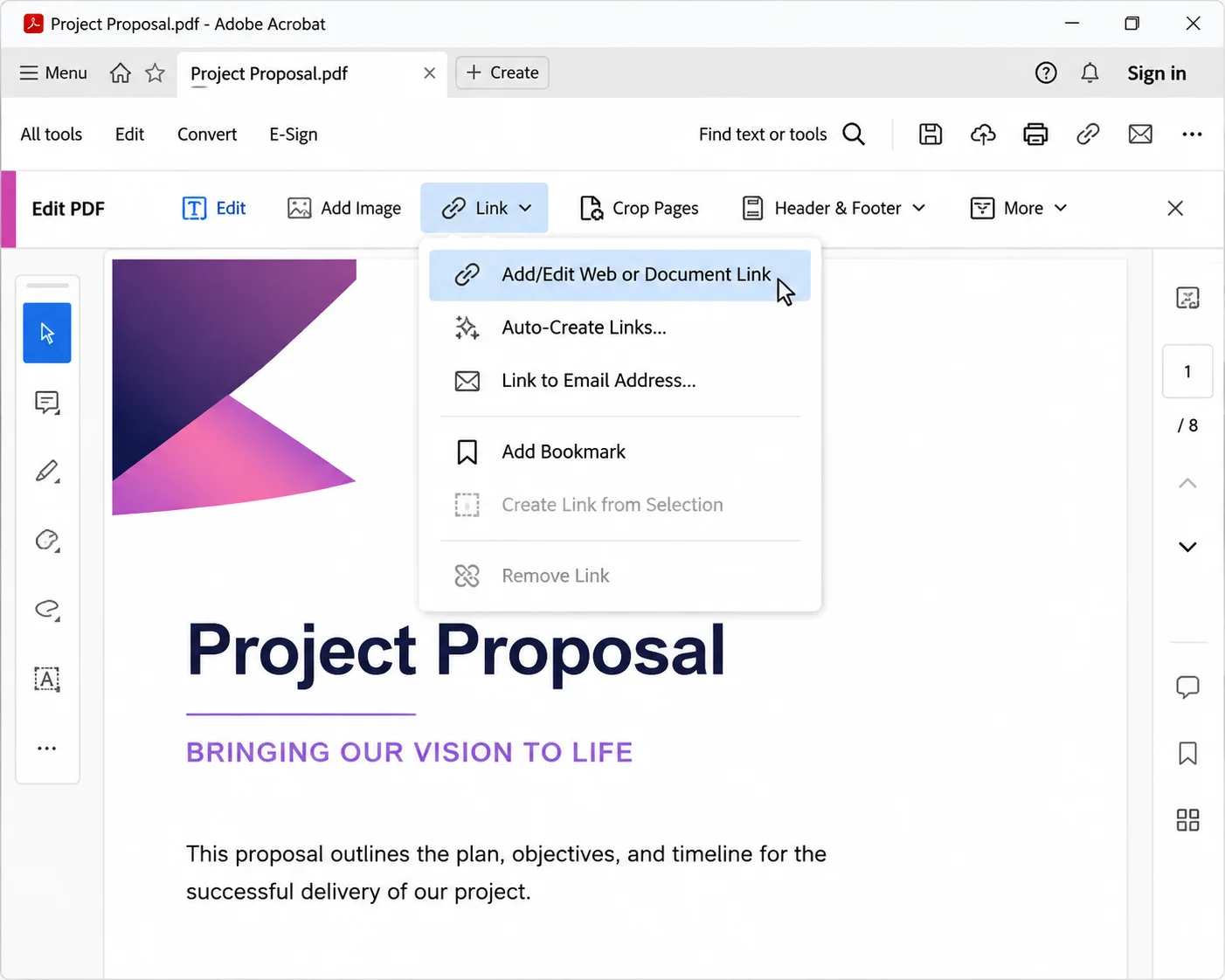
업데이트됨 6월 22, 2025 Discover the Best PDF Redaction Software for 2025 Explore top PDF redaction solutions for 2025, including Adobe Acrobat Pro DC, Nitro PDF Pro, Foxit PDF Editor, and PDF-XChange Editor. Learn how IronPDF automates redaction in .NET for enhanced security and compliance. 더 읽어보기
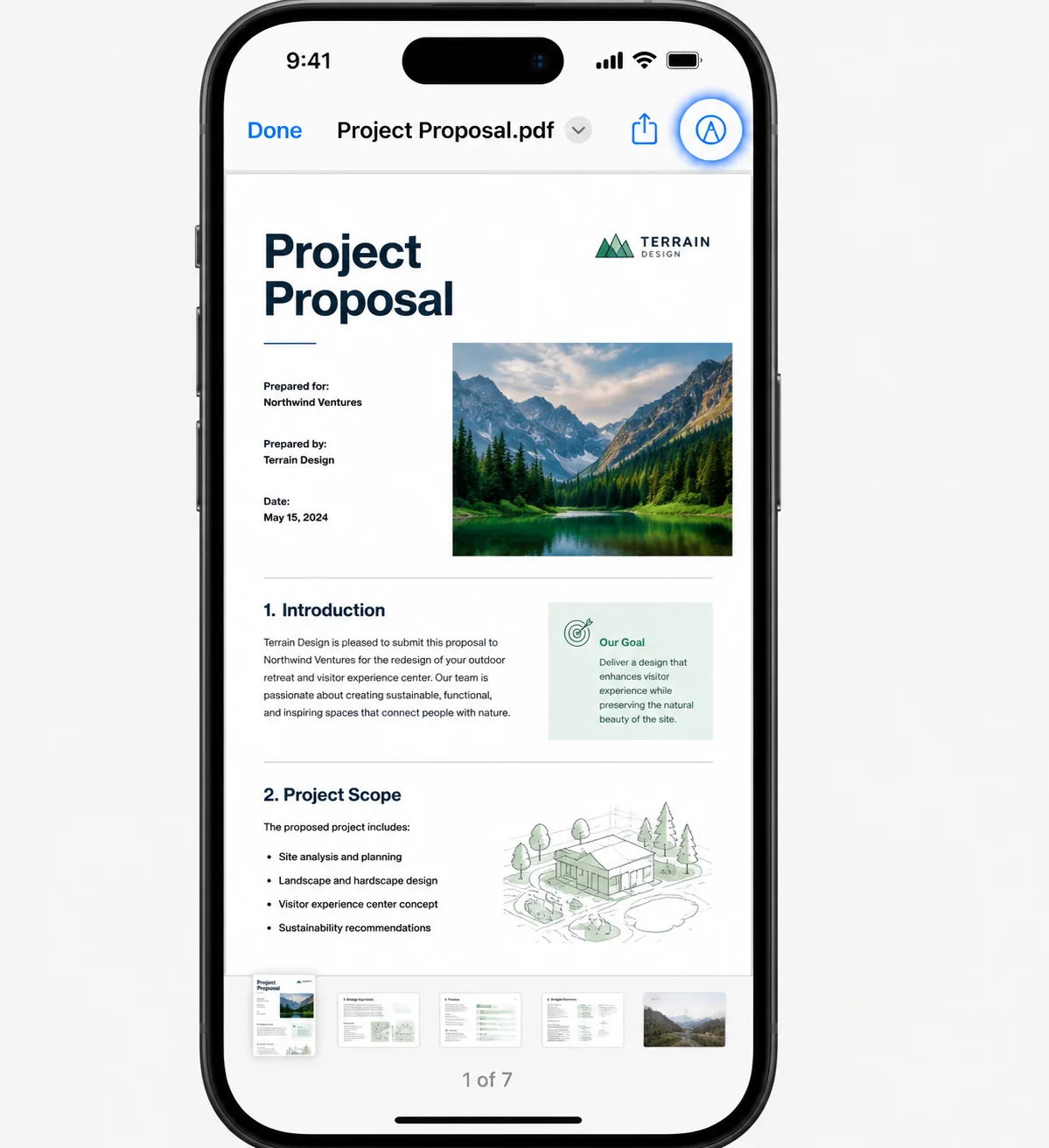
업데이트됨 6월 22, 2025 Best PDF Reader for iPhone (Free & Paid Tools Comparison) In this article, we will explore some of the best PDF readers for iPhone and conclude why IronPDF stands out as the best option. 더 읽어보기
업데이트됨 6월 26, 2025 Best Free PDF Editor for Windows (Free & Paid Tools Comparison) This article explores the top free PDF editors available in 2025 and concludes with the most powerful and flexible option: IronPDF. 더 읽어보기