



업데이트됨 2026년 4월 21일
Java에서 참조에 의한 전달(개발자를 위한 작동 방식)
Java 프로그래밍 언어에서 매개변수 전달은 항상 값으로 전달됩니다. 객체를 다룰 때는 참조 변수가 값으로 전달됩니다.
더 읽어보기

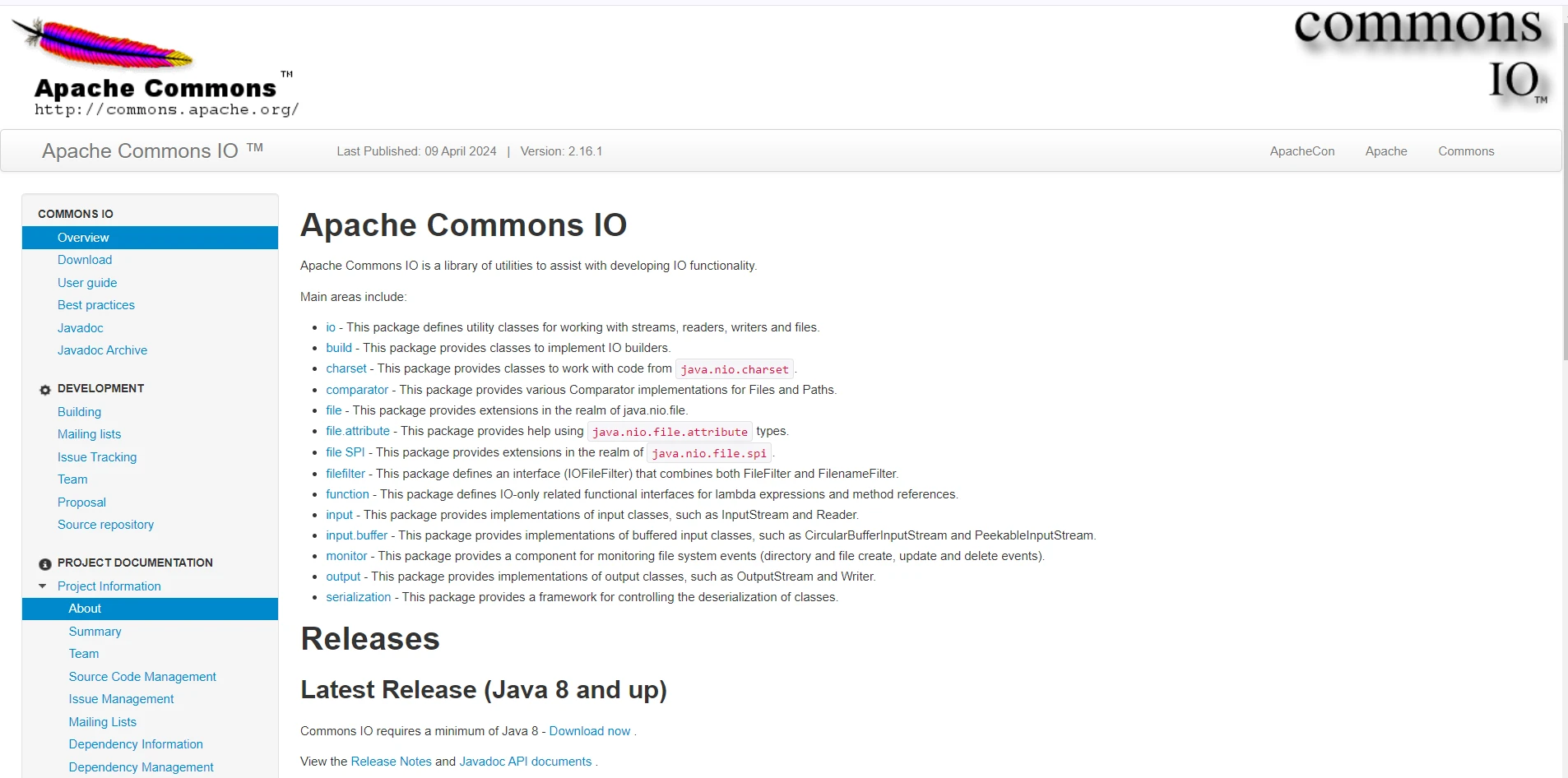
Apache Commons IO는 Java 개발자가 입출력(I/O) 작업을 보다 효율적으로 처리할 수 있도록 도와주는 포괄적인 유틸리티 라이브러리입니다. Apache Commons 프로젝트의 일부인 Commons IO는 Java에서 번거롭고 오류 발생 가능성이 높은 파일 및 스트림 구현을 관리하기 위한 사용하기 쉬운 도구 세트를 제공합니다.
이 글에서는 Apache Commons IO의 주요 특징과 실제 적용 사례를 살펴보고, 이 도구가 모든 자바 개발자의 툴킷에 유용한 이유를 설명합니다.
Apache Commons IO는 개발자가 자주 수행해야 하는 고수준 작업과 저수준 Java I/O 클래스 간의 격차를 해소하도록 설계되었습니다. 최신 릴리스는 파일 읽기 및 쓰기, 파일 시스템 관리, 데이터 스트림 처리와 같은 작업을 간소화하는 최적화된 유틸리티 클래스와 메서드를 제공합니다. 주요 목표는 코드 가독성을 향상시키고, 반복적인 코드 작성을 줄이며, 오류 발생 가능성을 최소화하는 것입니다.
파일 및 디렉터리 유틸리티:
FileUtils: 이 클래스는 파일 복사, 이동, 삭제, 읽기와 같은 일반적인 파일 작업을 위한 정적 메서드를 제공합니다. 예를 들어, FileUtils.copyFile(File srcFile, File destFile)는 파일 복사의 작업을 단순화합니다.DirectoryWalker: 디렉토리 구조의 재귀적 순회를 허용하는 유틸리티로, 디렉토리 트리에서 파일을 쉽게 처리할 수 있습니다.파일 모니터링:
FileAlterationMonitor: 이 클래스는 파일 시스템의 변경 사항을 모니터링하는 간단한 메커니즘을 제공합니다. 파일 생성, 수정 및 삭제 이벤트를 감지할 수 있습니다.스트림 및 독자/작성자:
IOUtils: 이 클래스는 스트림, 리더, 라이터를 다루는 정적 메서드를 포함하고 있습니다. 데이터 전송 및 변환을 용이하게 하는 IOUtils.copy(InputStream input, OutputStream output) 및 IOUtils.toString(InputStream input, String encoding) 같은 메서드들.EndianUtils: 이진 데이터를 다룰 때 자주 필요한 엔디언별 데이터 변환을 처리하는 유틸리티.파일 필터:
SuffixFileFilter, PrefixFileFilter, WildcardFileFilter)을 통해 개발자가 이름 패턴, 확장자 또는 기타 기준에 따라 파일을 쉽게 필터링할 수 있습니다.파일 비교 도구:
파일 조작: Commons IO는 파일 조작 작업을 간소화합니다. 예를 들어, 한 디렉토리의 내용을 다른 디렉토리로 복사하는 것은 아주 쉽게 할 수 있습니다.
import org.apache.commons.io.FileUtils;
import java.io.File;
import java.io.IOException;

public class FileManipulator {
    public static void main(String[] args) {
        File srcDir = new File("/path/to/source");
        File destDir = new File("/path/to/destination");

        try {
            // Copy contents from source directory to destination directory
            FileUtils.copyDirectory(srcDir, destDir);
        } catch (IOException e) {
            e.printStackTrace();
        }
    }
}파일 읽기 및 쓰기: 파일의 내용을 String로 읽기:
import org.apache.commons.io.FileUtils;
import java.io.File;
import java.io.IOException;
import java.nio.charset.StandardCharsets;

public class FileReadWriteExample {
    public static void main(String[] args) {
        File file = new File("/path/to/file.txt");

        try {
            // Read file content into a String
            String content = FileUtils.readFileToString(file, StandardCharsets.UTF_8);
            System.out.println("File Content: " + content);
        } catch (IOException e) {
            e.printStackTrace();
        }
    }
}String을 파일에 쓰기:
import org.apache.commons.io.FileUtils;
import java.io.File;
import java.io.IOException;
import java.nio.charset.StandardCharsets;

public class FileReadWriteExample {
    public static void main(String[] args) {
        File file = new File("/path/to/file.txt");
        String content = "Hello, World!";

        try {
            // Write String content to the specified file
            FileUtils.writeStringToFile(file, content, StandardCharsets.UTF_8);
        } catch (IOException e) {
            e.printStackTrace();
        }
    }
}파일 모니터링: 디렉터리 변경 사항을 감시하는 파일 모니터 설정:
import org.apache.commons.io.monitor.FileAlterationListenerAdaptor;
import org.apache.commons.io.monitor.FileAlterationMonitor;
import org.apache.commons.io.monitor.FileAlterationObserver;
import java.io.File;

public class FileMonitorExample {
    public static void main(String[] args) {
        // Create an observer for the specified directory
        FileAlterationObserver observer = new FileAlterationObserver(new File("/path/to/directory"));

        // Add a listener to handle file create and delete events
        observer.addListener(new FileAlterationListenerAdaptor() {
            @Override
            public void onFileCreate(File file) {
                System.out.println("File created: " + file.getName());
            }

            @Override
            public void onFileDelete(File file) {
                System.out.println("File deleted: " + file.getName());
            }

            // Other override methods for file modification, etc.
        });

        // Set up the file alteration monitor
        FileAlterationMonitor monitor = new FileAlterationMonitor(5000, observer);

        try {
            // Start the monitoring process
            monitor.start();
        } catch (Exception e) {
            e.printStackTrace();
        }
    }
}Iron Software 에서 개발 및 유지 관리하는 IronPDF for Java는 소프트웨어 엔지니어가 Java, Kotlin 및 Scala 프로젝트에서 PDF 콘텐츠를 생성, 편집 및 추출할 수 있도록 지원하는 강력한 라이브러리입니다.
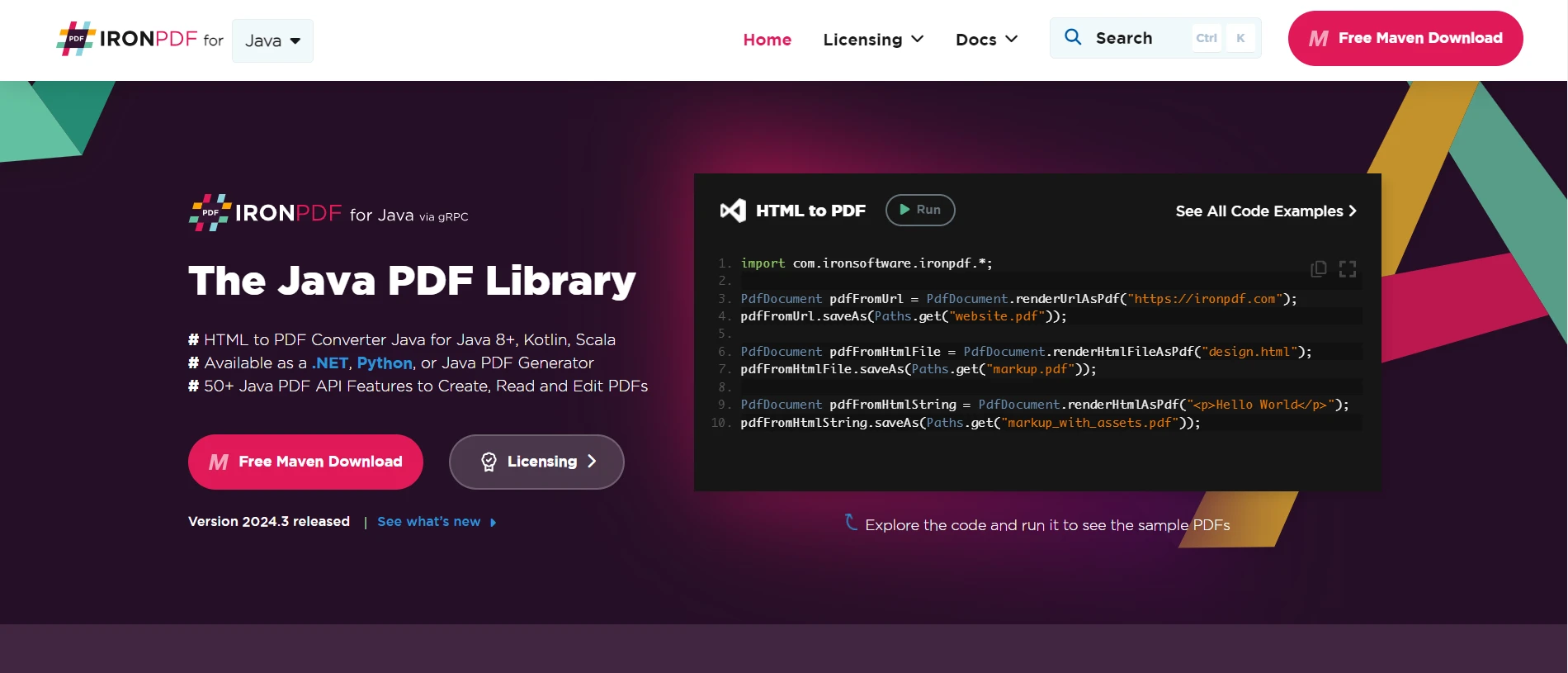
IronPDF 와 Apache Commons IO를 결합하면 개발자는 고급 PDF 생성 기능을 활용하면서 파일 작업을 효율적으로 처리할 수 있습니다. 이 문서에서는 이 두 라이브러리를 함께 사용하여 URL, HTML 파일 및 HTML 문자열에서 PDF를 생성하는 방법을 보여줍니다.
IronPDF for Java는 .NET 버전의 성공을 기반으로 구축되었으며 다음과 같은 광범위한 기능을 제공합니다.
HTML, URL, JavaScript, CSS 및 다양한 이미지 형식을 사용하여 PDF를 생성합니다.
시작하기 전에 IronPDF 와 Apache Commons IO에 필요한 종속성이 프로젝트에 추가되었는지 확인하십시오. 다음은 이러한 라이브러리에 필요한 Maven 종속성입니다.
pom.xml<dependencies>
<!-- Apache Commons IO -->
<dependency>
<groupId>commons-io</groupId>
<artifactId>commons-io</artifactId>
<version>2.11.0</version>
</dependency>
<!-- IronPDF for Java -->
<dependency>
<groupId>com.ironsoftware</groupId>
<artifactId>ironpdf</artifactId>
<version>2024.3.1</version>
</dependency>
<!-- SLF4J Logger for IronPDF -->
<dependency>
<groupId>org.slf4j</groupId>
<artifactId>slf4j-simple</artifactId>
<version>2.0.3</version>
</dependency>
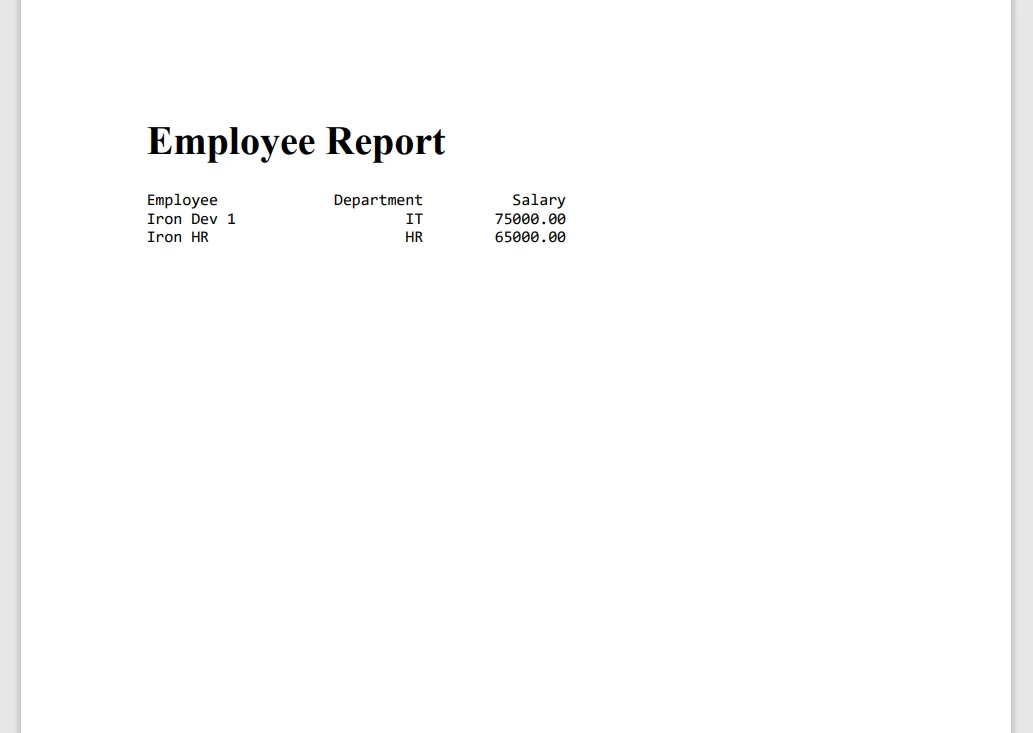
</dependencies>이 예제는 Apache Commons IO를 사용하여 텍스트 파일의 내용을 읽은 다음 IronPDF 사용하여 PDF를 생성하는 방법을 보여줍니다.
Main.javaimport com.ironsoftware.ironpdf.License;
import com.ironsoftware.ironpdf.PdfDocument;
import com.ironsoftware.ironpdf.Settings;
import org.apache.commons.io.FileUtils;
import java.io.File;
import java.io.IOException;
import java.nio.charset.StandardCharsets;
import java.nio.file.Paths;
public class PdfFromTextFileExample {
public static void main(String[] args) {
try {
// Apply your IronPDF license key
License.setLicenseKey("YOUR-LICENSE-KEY");
// Set a log path for IronPDF logging
Settings.setLogPath(Paths.get("C:/tmp/IronPdfEngine.log"));
// Read text content from a file using Apache Commons IO
File textFile = new File("example.txt");
String textContent = FileUtils.readFileToString(textFile, StandardCharsets.UTF_8);
// Render the text content as a PDF
PdfDocument pdfFromTextContent = PdfDocument.renderHtmlAsPdf("<pre>" + textContent + "</pre>");
// Save the PdfDocument using IronPDF's saveAs method
pdfFromTextContent.saveAs(Paths.get("example.pdf"));
System.out.println("PDF generated and saved as example.pdf");
} catch (IOException e) {
e.printStackTrace();
}
}
}다음은 위 코드에 대한 간략한 설명입니다.
필요한 라이브러리를 가져옵니다.
메인 메서드 설정:
main 메서드를 정의하여 실행 로직을 포함합니다.IronPDF 라이선스 설정:
License.setLicenseKey("YOUR-LICENSE-KEY")와 함께 적용합니다. PDF 문서를 생성하려면 라이선스가 필요합니다.로그 경로 설정:
Settings.setLogPath(Paths.get("C:/tmp/IronPdfEngine.log"))와 함께 정의합니다.텍스트 파일 읽기:
example.txt의 내용을 UTF-8로 인코딩된 문자열로 읽어옵니다. readFileToString 메서드는 파일 내용을 String로 변환합니다.PDF로 렌더링:
PdfDocument.renderHtmlAsPdf("<pre>" + textContent + "</pre>")을 사용하여 텍스트 내용을 PDF로 변환합니다.PDF로 저장:
pdfFromTextContent.saveAs(Paths.get("example.pdf"))을 사용하여 생성된 PDF를 example.pdf에 저장합니다.완료 메시지 및 예외 처리:
IOException을 처리하여 디버깅을 위한 스택 트레이스를 출력합니다.IronPDF 에 대한 더 자세한 정보는 문서 페이지를 참조하십시오. IronPDF 의 기능을 더 자세히 살펴보려면 이 코드 예제 페이지를 방문하세요.
Apache Commons IO는 파일 및 스트림 작업을 다루는 Java 개발자에게 매우 유용한 라이브러리입니다. Apache Commons IO를 Java용 IronPDF 와 통합하면 PDF 생성 시 파일 처리 기능을 향상시킬 수 있습니다. 이러한 라이브러리들을 함께 사용하면 자바 애플리케이션에서 PDF를 관리하고 생성하는 강력한 솔루션을 제공합니다. 텍스트 파일, URL, HTML 파일 또는 HTML 문자열에서 PDF를 생성하는 경우든, 이 접근 방식은 Java 프로젝트에서 효율적이고 간편한 PDF 관리를 보장합니다.

커티스 차우는 칼턴 대학교에서 컴퓨터 과학 학사 학위를 취득했으며, Node.js, TypeScript, JavaScript, React를 전문으로 하는 프론트엔드 개발자입니다. 직관적이고 미적으로 뛰어난 사용자 인터페이스를 만드는 데 열정을 가진 그는 최신 프레임워크를 활용하고, 잘 구성되고 시각적으로 매력적인 매뉴얼을 제작하는 것을 즐깁니다.


IronPDF는 IRON SUITE 의 일부입니다.
10개의 .NET API 제품, 당신의 사무 문서를 위해

PDF 파일을 HTML처럼 빠르게 변환해야 할 때.

