Python PDF 라이브러리 비교(무료 및 유료 도구)
Working with PDF files in Python is a must-have skill for developers building CLI application(s) and data processing systems. Whether you need to extract text from documents, retrieve text and tables from complex layouts, or add custom data to existing PDFs, choosing the right Python library is crucial.
Python PDF files library helps developers convert HTML string to PDF, process or add custom data, and perform advanced operations like extracting tables and text with varying degrees of accuracy. This comprehensive guide explores five popular library options including IronPDF, each with distinct capabilities and use cases, to help you select the most suitable solution for your PDF manipulation needs.
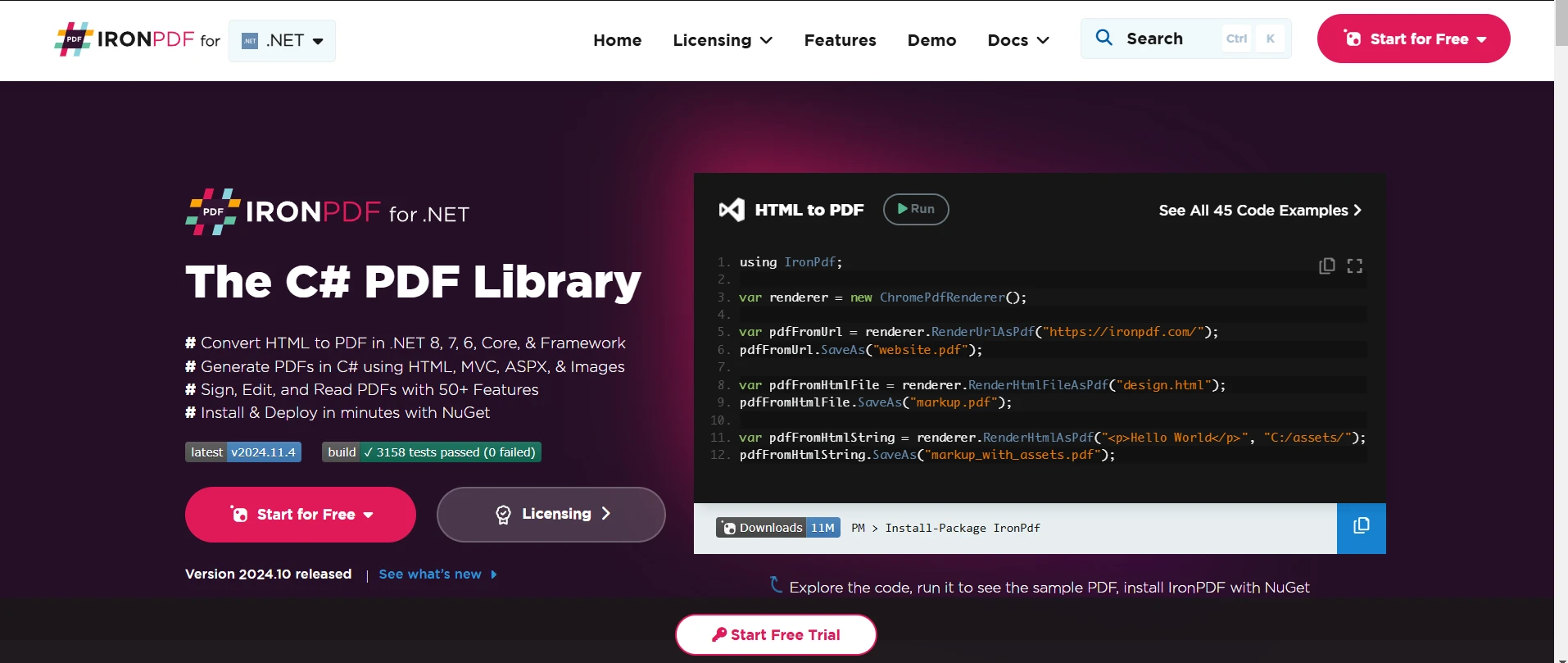
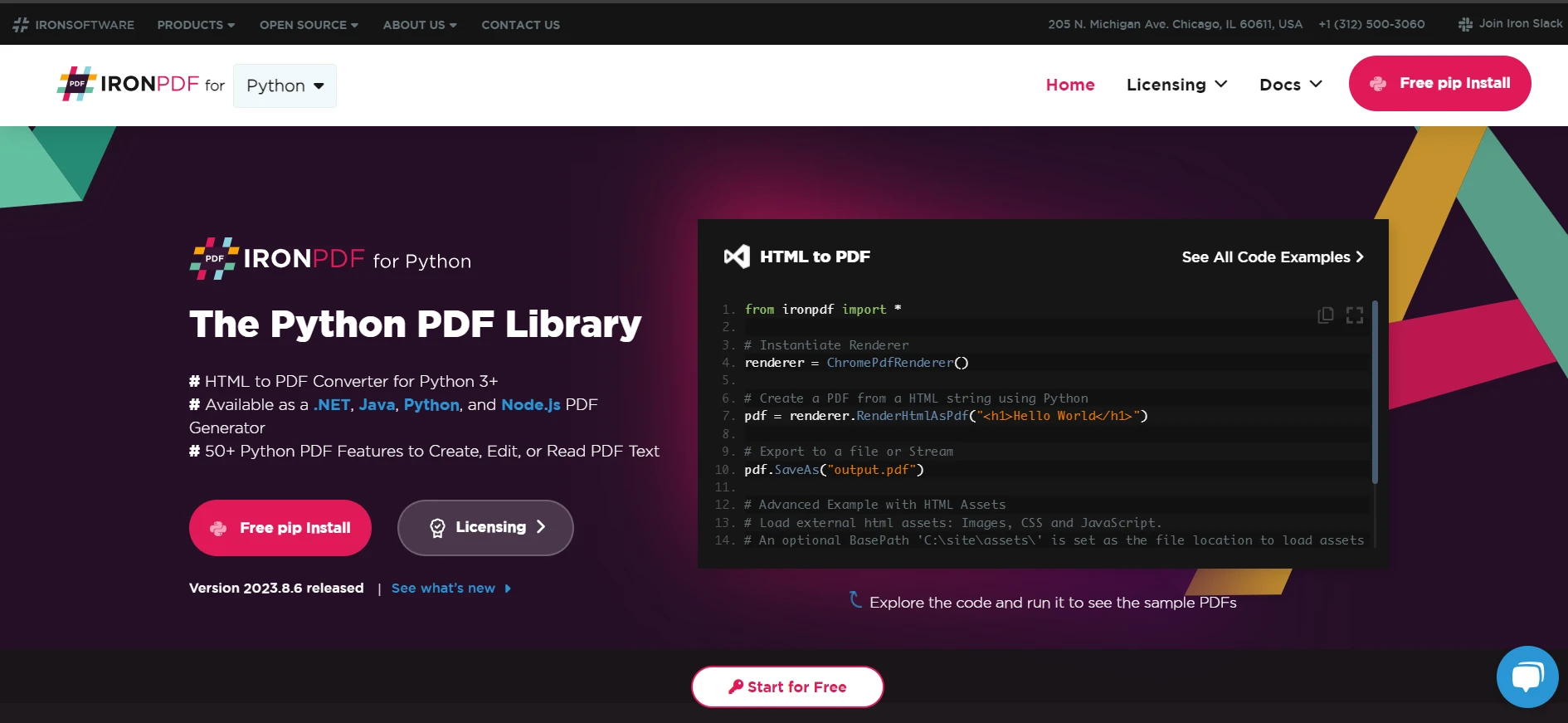
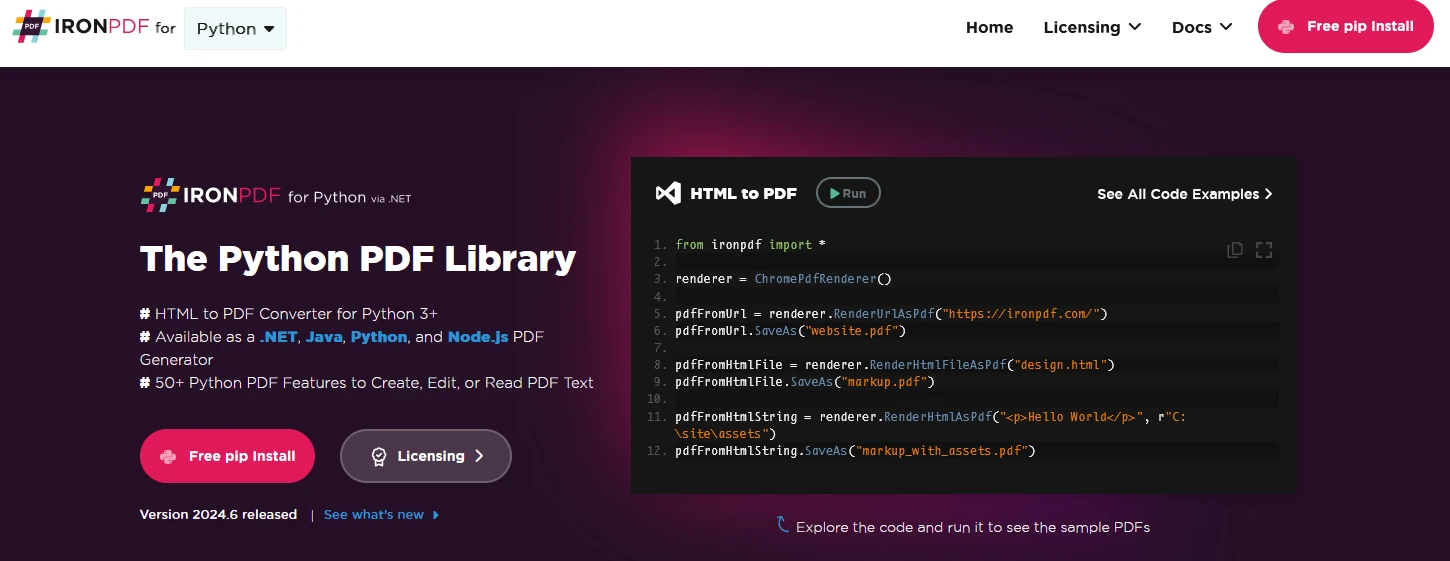
IronPDF- PDF Library

IronPDF stands as a powerful PDF processing solution for Python developers. Built on the robust Chromium engine, it excels at converting HTML to PDF with exceptional accuracy and formatting preservation. It can convert HTML strings and files to PDF. You can use it for extracting text as well from the PDF files. The library was designed specifically for developers who need professional-grade PDF manipulation capabilities in production environments.
It offers seamless integration with existing Python applications and supports both synchronous and asynchronous operations. What sets IronPDF apart is its ability to handle complex layouts, dynamic content, and modern web technologies like CSS3 and JavaScript. The library includes built-in support for headers, footers, pagination, and watermarks. It is best for generating business documents, reports, invoices, and many other PDF-related operations.
Pros
- Feature-rich with over 50+ functionalities
- Excellent HTML/CSS rendering accuracy
- Full multithreading and async support
- Cross-platform compatibility (Windows, macOS, Linux)
- Robust documentation and support
Cons
- Commercial license required (starts at $799)
- Requires .NET 6.0 runtime installation
ReportLab

ReportLab has established itself as the de facto standard for PDF generation in Python over the past two decades. It's the engine behind Wikipedia's PDF export functionality and is used by numerous Fortune 500 companies. The library offers two distinct versions: a commercial edition (ReportLab PLUS) and an open-source toolkit.
At its core, ReportLab provides a robust page layout engine and a powerful graphics canvas API. The library excels at programmatically generating complex documents, especially those requiring precise control over layout and design. It includes features like flowables (elements that can flow across pages), tables, charts, and vector graphics. ReportLab's architecture is designed to handle both small documents and large-scale batch processing of thousands of personalized documents.
Pros
- Excellent for generating complex forms
- Strong support for data-driven PDFs
- Extensive customization options
- Integration with web frameworks like Django
Cons
- Documentation could be better
- Learning curve for complex projects
- API is not very Pythonic
- Installation can be cumbersome
PyPDF2/PyPDF4

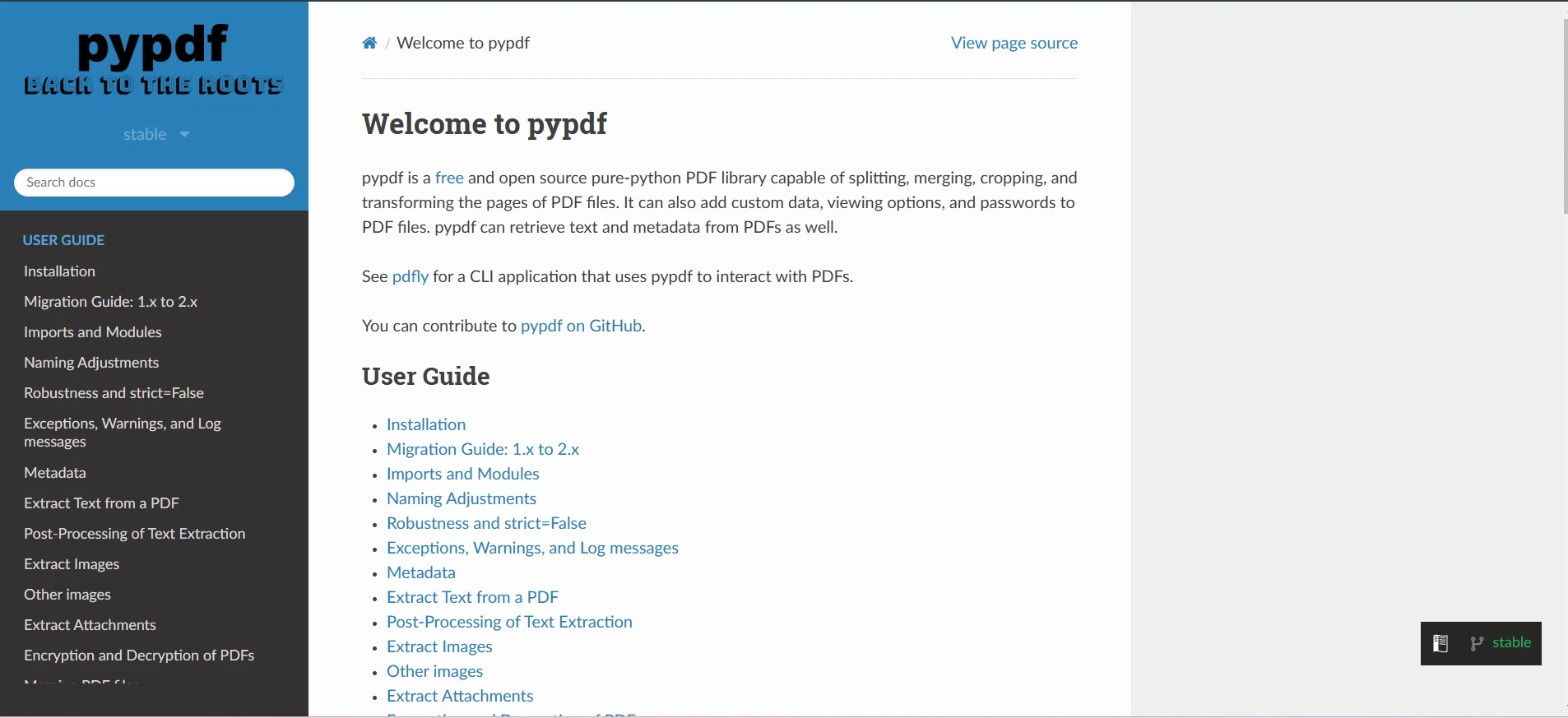
PyPDF2 (and its fork PyPDF4) is a pure Python PDF library in the Python ecosystem. Originally developed as a fork of pypdf, it has evolved into a stable, reliable solution for basic PDF operations. The library is written entirely in Python. It's designed with a focus on PDF manipulation rather than creation. It is effective for tasks like merging, splitting, and transforming existing PDF documents.
It includes robust support for encrypted PDFs and can handle both the reading and writing of PDF metadata. PyPDF2's architecture is modular and it allows developers to work with PDF components at various levels of abstraction. You can install it by this command:
# Install PyPDF2 using pip, a package manager for Python
pip install pypdf2# Install PyPDF2 using pip, a package manager for Python
pip install pypdf2Pros
- No external dependencies
- Simple installation process
- Excellent for basic PDF operations
- Large community support
- 10+ years of established use
Cons
- Limited functionality compared to paid alternatives
- Basic text extraction capabilities
- No advanced features like form-filling
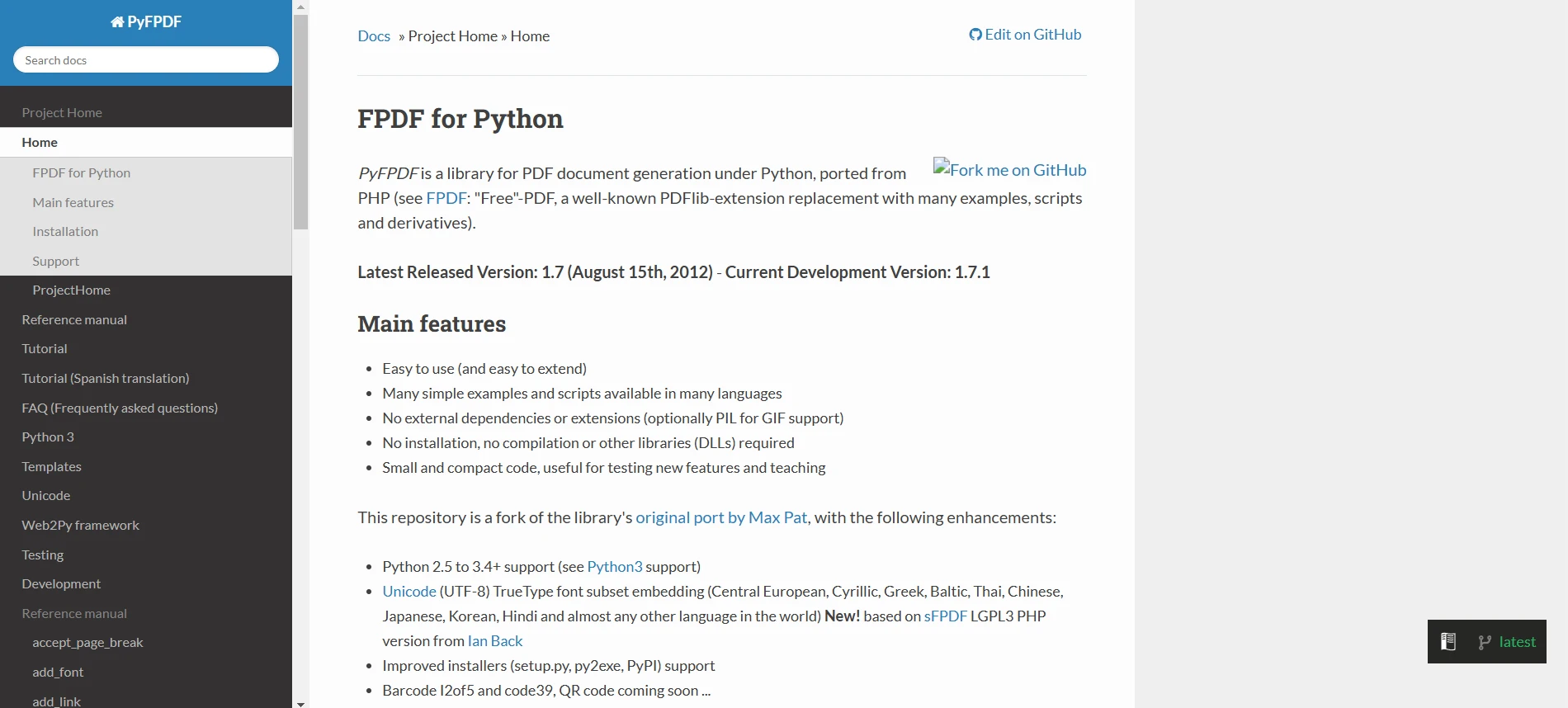
PyFPDF

PyFPDF is a Python port of the popular PHP PDF library of the same name. It provides a straightforward approach to PDF generation, focusing on simplicity and ease of use. The library was designed with the philosophy of making PDF creation as simple as writing plain text files. It handles all the low-level PDF operations while providing a high-level interface for common tasks. PyFPDF includes built-in support for multiple fonts, including TrueType and Type1, and can embed fonts directly into PDF documents. The library also offers basic HTML support through its HTMLMixin class.
Pros
- Easy to use for beginners
- No external dependencies
- Compact and lightweight
- Good for simple document creation
- Unicode support
Cons
- Limited HTML support
- Basic feature set
- Less suitable for complex layouts
PyMuPDF

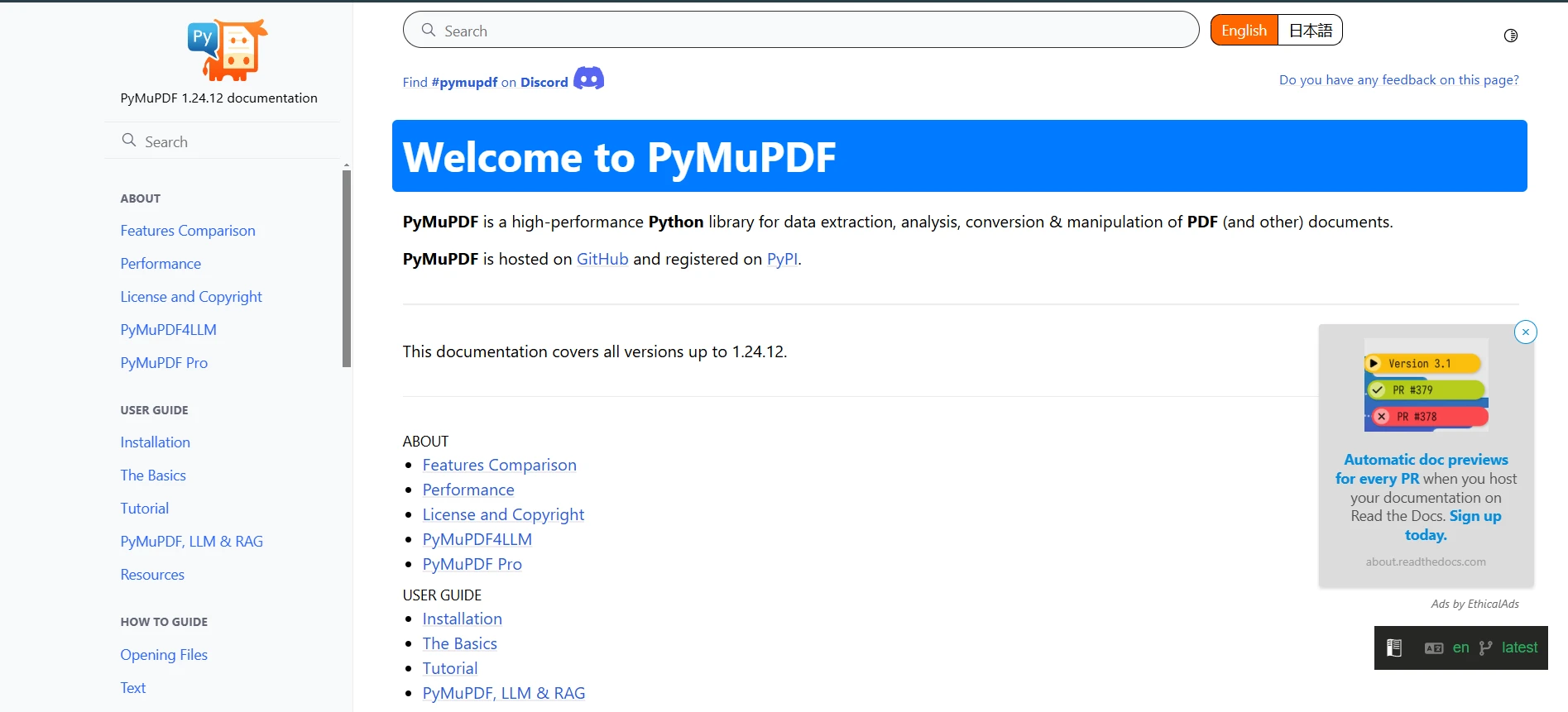
PyMuPDF, also known as Fitz, is a high-performance Python binding for the MuPDF library. It stands out for its versatility in handling multiple document formats beyond just PDFs, including XPS, EPUB, and various image formats. PyMuPDF provides comprehensive document manipulation capabilities, including advanced text extraction with precise positioning information, image extraction and insertion, and annotation handling. The library's architecture is designed to provide both high-level convenience functions and low-level access to PDF structures when needed.
Pros
- Supports multiple file formats (PDF, XPS, EPUB)
- Strong text and image extraction
- Excellent performance
- Comprehensive feature set
- Good documentation
Cons
- Requires C dependencies
- A commercial license needed for some uses
- More complex installation process
- Steeper learning curve
Feature Comparison Table
| Feature | IronPDF | ReportLab | PyPDF2 | FPDF | PyMuPDF |
|---|---|---|---|---|---|
| PDF Creation | Yes | Yes | Limited | Yes | Yes |
| Text Extraction | Advanced | Basic | Basic | No | Advanced |
| Form Filling | Yes | Yes | Limited | No | Yes |
| HTML Support | Advanced | Basic | No | Limited | Basic |
| Image Handling | Yes | Yes | Limited | Yes | Yes |
| Dependencies | .NET | Minimal | None | None | C libs |
| License | Commercial | Dual | MIT | LGPL | GPL/Commercial |
Conclusion

After analyzing these Python PDF libraries, IronPDF emerges as a comprehensive solution for professional PDF development needs. While each library has its strengths, IronPDF's combination of features, performance, and enterprise-grade capabilities makes it suitable for production environments. The library's Chromium-based engine ensures superior HTML-to-PDF conversion accuracy, while its extensive API provides developers with tools for complex PDF manipulations.
For businesses requiring reliable PDF processing capabilities, IronPDF's robust feature set and professional support justify its commercial investment. IronPDF offers a free trial. The commercial license starts at $799 per developer, which includes comprehensive support and regular updates. IronPDF provides the reliability, features, and support needed to deliver professional-grade solutions. While free alternatives exist, IronPDF's complete feature set and enterprise-ready capabilities make it a better choice.
Consider these key factors when choosing:
- Project requirements and complexity
- Budget constraints
- Need for professional support
- Development timeline
- Long-term maintenance considerations
Whether you're building a document management system, generating reports, or processing forms, IronPDF provides the tools and stability needed for successful implementation.
자주 묻는 질문
Python에서 HTML을 PDF로 변환하려면 어떻게 해야 하나요?
IronPDF의 Python 라이브러리를 사용하여 HTML을 PDF로 변환할 수 있습니다. 복잡한 레이아웃과 최신 웹 기술을 지원하여 정확한 변환을 보장합니다.
Python PDF 라이브러리를 선택할 때 고려해야 할 사항은 무엇인가요?
프로젝트 요구 사항, 예산, 전문 지원, 개발 일정, 장기적인 유지 관리 등의 요소를 고려하여 Python PDF 라이브러리를 선택해야 합니다.
HTML을 PDF로 변환하는 다른 Python PDF 라이브러리와 IronPDF는 어떻게 비교하나요?
IronPDF는 복잡한 레이아웃과 동적 콘텐츠를 지원하는 뛰어난 HTML에서 PDF로의 변환 기능을 제공하므로 전문가급 애플리케이션에 선호되는 선택입니다.
Python PDF 라이브러리에서 찾아야 할 일반적인 기능은 무엇인가요?
일반적인 기능으로는 PDF 생성, 텍스트 추출, 양식 채우기, HTML 지원, 이미지 처리, 종속성 및 라이선스 등이 있습니다. 이러한 기능에 따라 특정 작업에 대한 라이브러리의 적합성이 결정됩니다.
개발자가 무료 PDF 라이브러리 대신 상용 PDF 라이브러리를 선택하는 이유는 무엇인가요?
개발자는 전문가급 애플리케이션에 대한 투자를 정당화할 수 있는 포괄적인 기능, HTML-PDF 변환의 높은 정확도, 엔터프라이즈 지원 기능을 갖춘 IronPDF와 같은 상용 라이브러리를 선택할 수 있습니다.
데이터 처리를 위해 Python PDF 라이브러리를 사용하면 어떤 주요 이점이 있나요?
Python PDF 라이브러리는 효율적인 텍스트 추출, 표 검색, PDF에 사용자 지정 데이터 추가를 용이하게 하며, 이는 CLI 애플리케이션 및 데이터 처리 시스템과 관련된 개발자에게 필수적입니다.
다른 라이브러리와 비교하여 PyMuPDF는 어떤 고유한 기능을 제공하나요?
PyMuPDF는 PDF 외에도 다양한 문서 형식을 처리하는 다목적 도구로, 뛰어난 성능과 함께 강력한 텍스트 및 이미지 추출 기능을 제공합니다.
Python PDF 라이브러리 영역에서 ReportLab은 어떻게 차별화되나요?
ReportLab은 강력한 페이지 레이아웃 엔진과 사용자 지정 옵션으로 유명하지만 학습 곡선이 가파르다는 단점이 있습니다. 정밀한 레이아웃 제어를 통해 복잡한 문서를 생성하는 데 이상적입니다.
PyFPDF가 초보자에게 적합한 이유는 무엇인가요?
PyFPDF는 가볍고 사용하기 쉬우며 외부 종속성이 없기 때문에 HTML 지원이 제한적이지만 초보자와 간단한 문서를 작성하려는 사람들에게 이상적입니다.
PyPDF2와 PyPDF4는 어떤 기능을 제공하나요?
PyPDF2와 PyPDF4는 외부 종속성 없이 기존 PDF 병합, 분할, 변환과 같은 기본적인 PDF 작업에 탁월하며 대규모 커뮤니티의 지원을 받고 있습니다.