


 vs
vs
PuppeteerSharp renders the page. IronPDF completes the document.
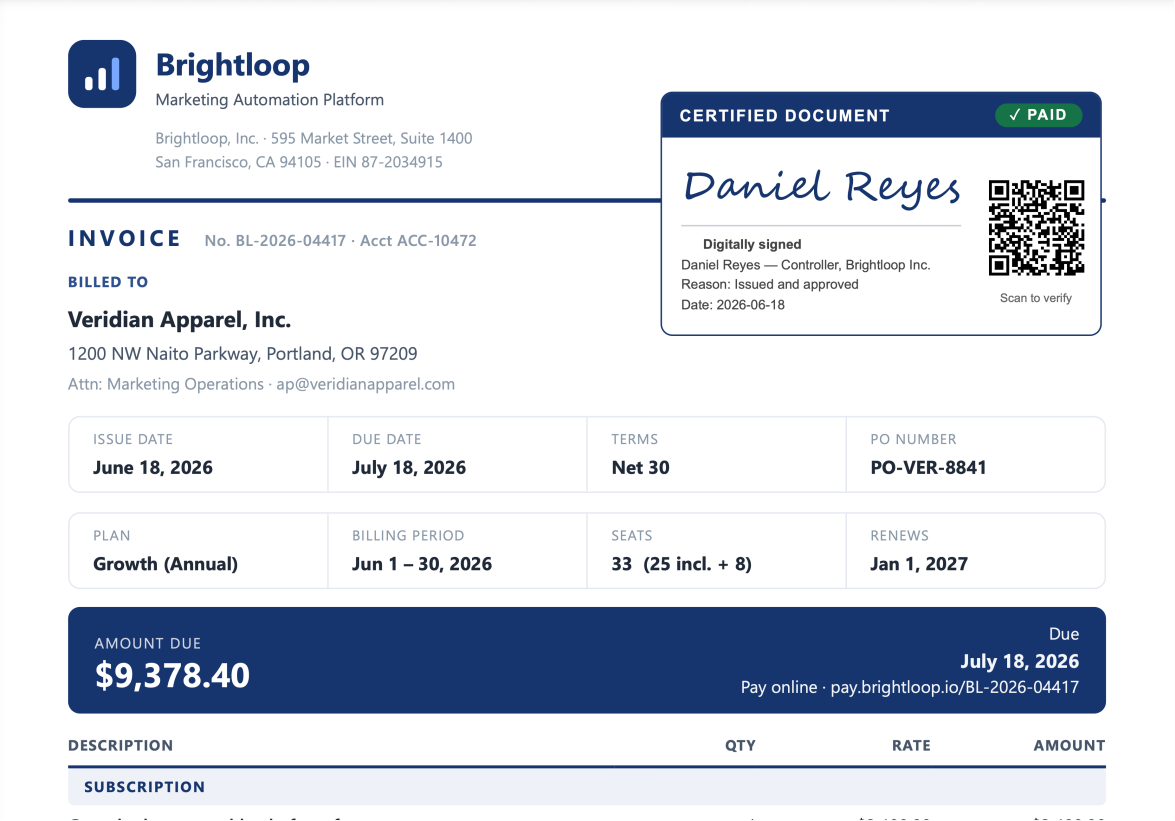
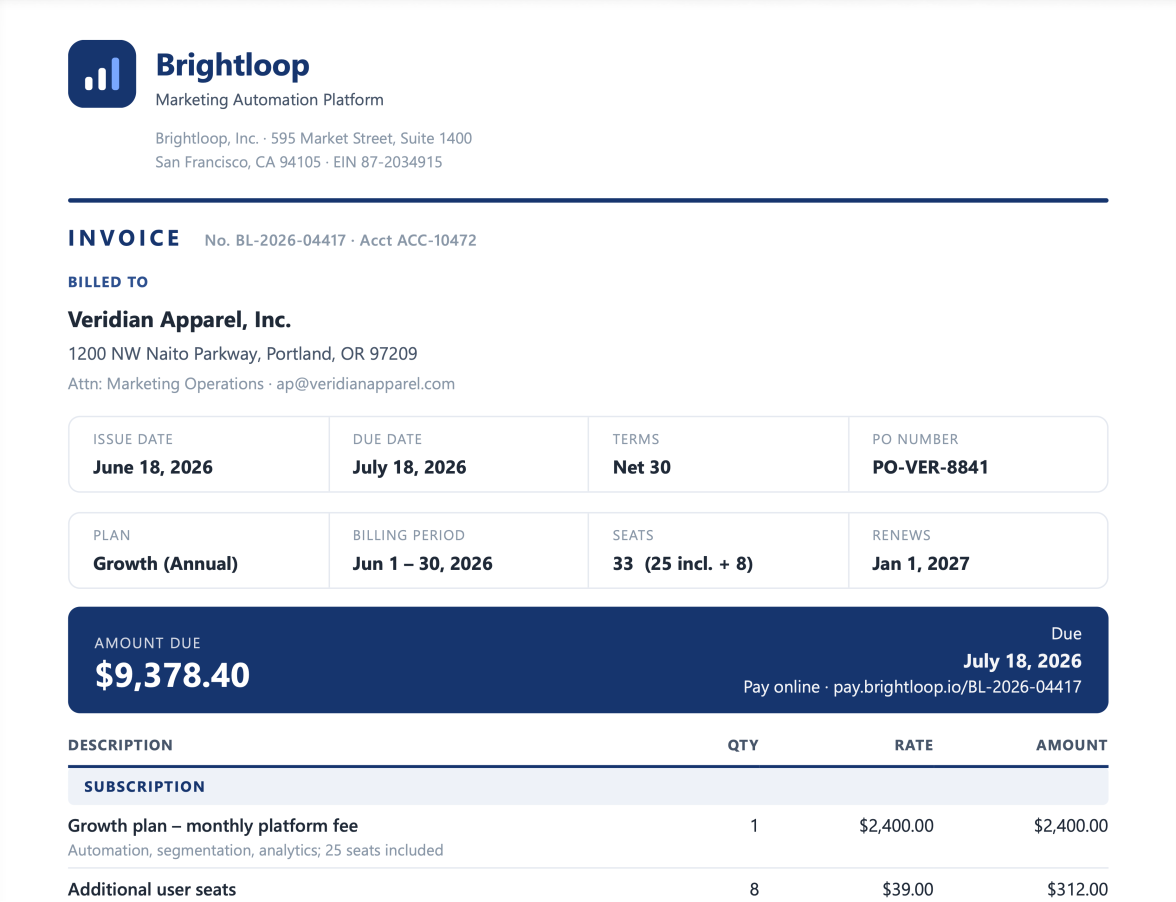
PuppeteerSharp hands you the exported PDF and stops. IronPDF keeps going: merging, splitting, encrypting, filling forms, and signing, all from one NuGet package (possible link for copy).
 IronPDF
Why IronPDF?
Get greater performance with half the complexity and tech support that actually help.

Complete Toolkit
PuppeteerSharp: prints HTML to PDF only.
IronPDF: one package that renders, merges, splits, stamps, fills, and extracts.
Result: the whole PDF job in a single dependency.

Zero Download
PuppeteerSharp: pulls a 413 MB Chromium (v148) at runtime; routinely fails in Docker and blows past serverless limits.
IronPDF: ships its rendering engine inside the package (0 MB download).
Result: predictable deploys up to ~90% smaller; no runtime fetch, no Lambda size headaches.

Faster Renders
PuppeteerSharp: ~8.9s cold start (includes the 413 MB pull) and ~2.1s warm on a 2-page invoice.
IronPDF: ~1.8s cold and ~0.98s warm.
Result: ~5x faster cold start (the decisive, repeatable gap); warm stays competitive.

Less Plumbing
PuppeteerSharp: ~18 lines plus browser-lifecycle code, zombie Chromium processes to babysit, ~200 MB per instance to recycle.
IronPDF: ~12 lines, engine managed for you; thread-safe parallel generation + memory management.
Result: less boilerplate, no browser to nurse, safe concurrency out of the box.

Built-In Security
PuppeteerSharp: no digital signatures, encryption, or PDF/A / PDF/UA (a basic tagged flag at most).
IronPDF: digital signatures, 128/256-bit encryption, VeraPDF-validated PDF/A & PDF/UA.
Result: sign, encrypt, and archive to compliance without extra tools.

Included Support
PuppeteerSharp: community GitHub issues only, no SLA.
IronPDF: email, chat, and phone support with an SLA.
Result: a real channel when a render breaks in production.
1 library instead of 5.
Advanced PDF features come built in, so you skip wiring PuppeteerSharp to a stack of PDF packages. Less code to write, less to maintain.
Stops at export - Render to PDF, then add a separate package to merge, sign, or encrypt

Full document platform - render, merge, watermark, encrypt, and sign in a single API
See what each one really does.
PuppeteerSharp wins on automation, IronPDF on the document itself. Here's the honest split, feature by feature.
| Capability | | |
|---|---|---|
| PDF Conversion | ||
| Word / RTF / Markdown / Razor / ASPX to PDF | ||
| HTML / URL to PDF | ||
| JavaScript in HTML rendered | ||
| PDF Editing & Assembly | ||
| Merge, split & edit existing PDFs | ||
| Create & fill PDF forms | ||
| Watermark, stamp & redact | ||
| Text & image extraction | ||
| Security & Compliance | ||
| Encryption & permissions (128 / 256-bit) | ||
| Digital signatures | ||
| PDF/A & PDF/UA compliance | Tagged flag only, not validated. | |
| OCR for scanned PDFs | ||
| Compatibility | ||
| .NET (latest + Core) and .NET Framework | ||
| Cross-platform (Linux / Windows / macOS) | ||
| Docker & cloud (AWS / Azure) | Runs, but ships 413 MB Chromium. | |
En el que confían millones de ingenieros de todo el mundo























One license, no add-ons, enterprise support.
Size it to your team, buy once, build forever. Complete, supported, and predictable.
| License Category | | |
|---|---|---|
| Licensing Model | Open Source (MIT) | Commercial Perpetual |
| Single Developer | Free (MIT License) | Starts at $999 (Lite) / +$1,999 (OEM add-on) |
| Team & Enterprise | Free (MIT License) | Starts at $1,499 (Plus) / $2,999 (Professional) / $5,999 (Unlimited) |
| Support & Maintenance | Community-driven via GitHub Issues | Included/Paid SLAs, Live Chat, and Dedicated Support |
| Trial & Guarantees | Always Free | 30-Day Trial & Money-Back Guarantee |
Please note: PuppeteerSharp is a trademark of its respective owner. This site is not affiliated with, endorsed by, or sponsored by PuppeteerSharp. All product names, logos, and brands are property of their respective owners. Comparisons are for informational purposes only and reflect publicly available information at the time of writing.
Transición a IronPDF
Si actualmente estás usando Nutrient, PSPDFKit, Aspose o iText, te ayudaremos a cambiar a Iron Software con precios de canje, ayuda para la incorporación y soporte que acorta la transición.
Explorar el plan de migraciónCompetitor Trade-In & Upgrade ProgramSwitch from PuppeteerSharp. Save on renewal fees. Get 24/7 Human Support and more.
Find out more
Cuando necesitas que tu PDF se parezca al HTML, rápido.

