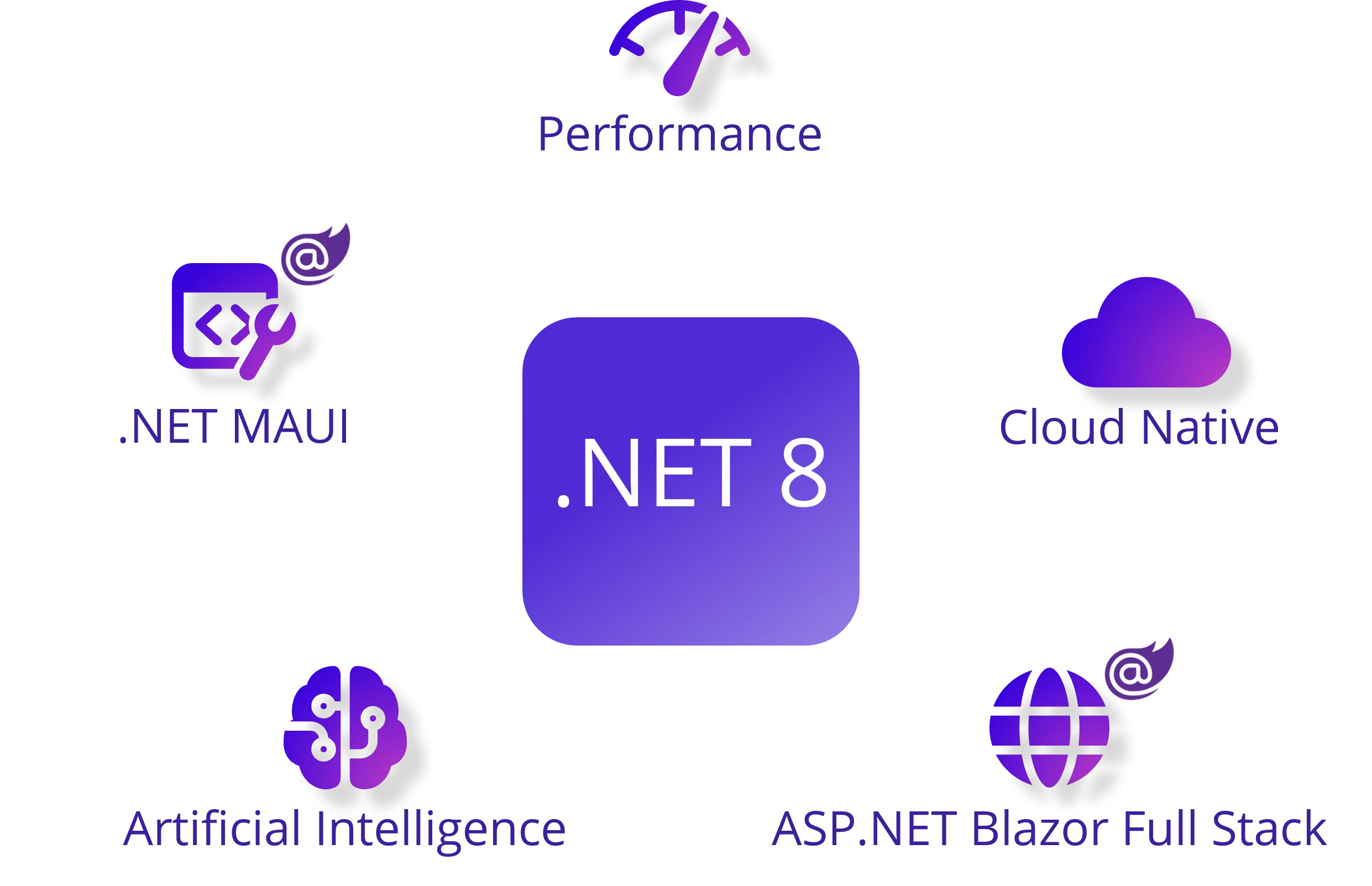
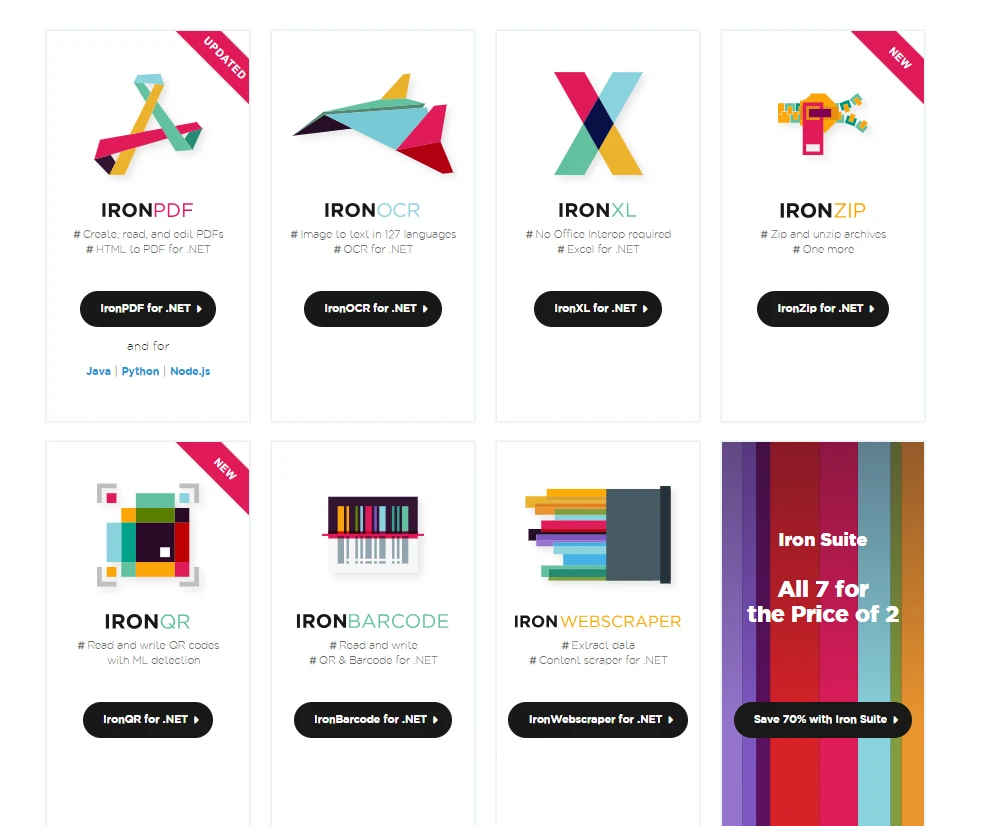
.NET 도움말 Blazor .NET 8 (Developer Tutorial) 커티스 차우 업데이트됨:12월 11, 2025 다운로드 IronPDF NuGet 다운로드 DLL 다운로드 윈도우 설치 프로그램 무료 체험 시작하기 LLM용 사본 LLM용 사본 LLM용 마크다운 형식으로 페이지를 복사하세요 ChatGPT에서 열기 ChatGPT에 이 페이지에 대해 문의하세요 제미니에서 열기 제미니에게 이 페이지에 대해 문의하세요 Grok에서 열기 Grok에게 이 페이지에 대해 문의하세요 혼란 속에서 열기 Perplexity에게 이 페이지에 대해 문의하세요 공유하다 페이스북에 공유하기 트위터에 공유하기 LinkedIn에 공유하기 URL 복사 이메일로 기사 보내기 Blazor, the full-stack web UI framework, has evolved significantly with the release of .NET 8.0. This update brings forth various features and enhancements that empower developers to build interactive and modern web applications using C# and .NET. In this article, we'll delve into the key aspects of Blazor .NET 8.0, exploring the new rendering modes, project templates, tooling improvements, and more. Understanding Blazor Render Modes Blazor in .NET 8.0 introduces three render modes: Static server rendering: Generates static HTML for optimal performance. Interactive Server rendering: Utilizes the server-side ASP.NET Core runtime for initial rendering and interactivity. Interactive WebAssembly rendering: Leverages the .NET WebAssembly runtime on the client for subsequent rendering and interactivity. The Versatile Interactive Auto Rendering One of the highlights is the Interactive Auto rendering mode, which combines server-side rendering for content with subsequent rendering and interactivity on the client using the .NET WebAssembly runtime. This results in a faster app startup experience, making it an attractive option for developers. Introduction of the Blazor Web App Template .NET 8.0 introduces the Blazor Web App template, a unified starting point that combines the strengths of Blazor Server and Blazor WebAssembly hosting models. This template incorporates new features like static server rendering, streaming rendering, enhanced navigation, and form handling. The consolidation of project templates simplifies the development process. Streamlined JS Initializers for Blazor Web Apps The traditional JS initializers have been replaced with a new set for Blazor Web Apps, offering better control over tasks such as customizing the loading process, logging levels, and other options. This change enhances the development experience and aligns with the goal of unifying hosting models in .NET 8.0. Splitting Prerendering and Integration Guidance To provide more focused coverage, the guidance on prerendering and integration has been split into separate articles. This change aims to simplify understanding and implementation, making it easier for developers to follow best practices. Effortless State Persistence in Blazor Web Apps Blazor Web Apps now automatically persist any registered app-level state created during prerendering. This eliminates the need for the Persist Component State Tag Helper, streamlining the persisting and reading component state process. Enhanced Form Handling and Model Binding .NET 8.0 brings improved form-handling capabilities to Blazor components, including model binding and data validation. The framework honors data contract attributes, providing developers with more control over how form data is bound to the model. The introduction of anti-forgery support adds an extra layer of security to form submissions. Enhanced Navigation and Form Handling Static server rendering in Blazor .NET 8.0 introduces a significant improvement in page navigation and form handling. Traditionally, full-page refreshes occurred when navigating or submitting a form. With the enhanced navigation feature, Blazor intercepts the request and performs a fetch request, patching the rendered response content seamlessly into the browser DOM. This avoids full-page refreshes, resulting in faster and smoother page loads while preserving more of the page state. Enhanced navigation is enabled by default when the Blazor script (blazor.web.js) is loaded, and it can be optionally enabled for specific forms. The new enhanced navigation API allows developers to refresh the current page programmatically, providing even more control over the user experience. Streaming Rendering Blazor .NET 8.0 introduces streaming rendering, a powerful feature that enhances the user experience for pages executing long-running asynchronous tasks. With streaming rendering, pages can render placeholder content while asynchronous operations are in progress. Once complete, the updated content is streamed to the client on the same response connection and seamlessly patched into the DOM. This approach ensures that the main layout of the app renders quickly, and the page updates as soon as the content becomes available. Keyed Services Injection Blazor now supports injecting keyed services using the Inject attribute. Keys enable the scoping of service registration and consumption in dependency injection scenarios. The new InjectAttribute.Key property allows developers to specify the key for the service to inject, opening up new possibilities for service scoping. Accessing HttpContext as a Cascading Parameter Blazor .NET 8.0 introduces the ability to access the current HttpContext as a cascading parameter from a static server component. This enhancement is particularly useful for inspecting and modifying headers or other properties related to the HTTP context. Rendering Razor Components Outside of ASP.NET Core Blazor .NET 8.0 opens up the possibility of rendering Razor components outside the context of an HTTP request. This flexibility allows developers to render Razor components directly to a string or stream independently of the ASP.NET Core hosting environment. This feature is especially handy for scenarios where generating HTML fragments, such as emails or static site content, is necessary. Sections Support In Blazor .NET 8.0, the introduction of SectionOutlet and SectionContent components revolutionizes content management. These components allow developers to define placeholders in layouts, later filled in by specific pages. Sections can be referenced using unique names or object IDs, providing flexibility and reusability in constructing dynamic web layouts. Error Page Support Blazor Web Apps in .NET 8.0 now boast robust error page support, allowing developers to define custom error pages for use with the ASP.NET Core exception handling middleware. The default error page (Components/Pages/Error.razor) provides a consistent user experience. Even when interactivity is enabled, the error page renders as a static server component, ensuring stability during exception scenarios. QuickGrid From Experimental to Essential QuickGrid, the high-performance grid component, has graduated from experimental status to become an integral part of the Blazor framework in .NET 8. This component simplifies the display of tabular data while offering powerful features like sorting, filtering, paging, and virtualization. Learn more about QuickGrid in the ASP.NET Core Blazor QuickGrid documentation. Route to Named Elements Blazor .NET 8.0 introduces support for client-side routing to navigate directly to specific HTML elements on a page using standard URL fragments. By specifying an identifier for an HTML element with the standard id attribute, Blazor seamlessly scrolls to that element when the URL fragment matches the element identifier. Root-Level Cascading Values Blazor .NET 8.0 enhances cascading values by introducing root-level cascading values that can be registered for the entire component hierarchy. Named cascading values and subscriptions for update notifications are now supported, providing greater flexibility and control. Virtualize Empty Content The new EmptyContent parameter on the Virtualize component enables developers to supply content when the component has loaded and either item is empty or ItemsProviderResult<T>.TotalItemCount is zero. This empowers developers to create more intuitive and user-friendly interfaces. Circuit Management and SignalR Monitoring Blazor .NET 8.0 introduces the ability to close circuits when there are no remaining interactive server components. This optimization frees up server resources and enhances overall performance. Additionally, developers can now monitor inbound circuit activity in server-side apps using the CreateInboundActivityHandler method on CircuitHandler. Faster Runtime Performance with the Jiterpreter The Jiterpreter, a new runtime feature in .NET 8, introduces partial Just-in-Time (JIT) compilation support when running on WebAssembly. This results in improved runtime performance, offering a smoother experience for users interacting with Blazor WebAssembly applications. Ahead-of-Time (AOT) SIMD and Exception Handling Blazor WebAssembly's AOT compilation now defaults to using WebAssembly Fixed-width SIMD and WebAssembly Exception handling. This strategic choice significantly enhances runtime performance, providing a more efficient and responsive user experience. Webcil Packaging for Web-Friendly Deployment Blazor WebAssembly now utilizes Webcil, a web-friendly packaging of .NET assemblies. This ensures compatibility in environments that block the download or use of .dll files, addressing deployment challenges. Webcil is enabled by default for Blazor WebAssembly apps. Blazor WebAssembly Debugging Improvements Debugging Blazor WebAssembly apps has become more streamlined in .NET 8. The debugger now downloads symbol data from configured locations in Visual Studio preferences, enhancing the debugging experience for apps utilizing NuGet packages. Additionally, debugging is now supported in Firefox, requiring configuration for remote debugging and connecting through the .NET WebAssembly debugging proxy. Content Security Policy (CSP) Compatibility Blazor WebAssembly in .NET 8.0 eliminates the need to enable the unsafe-eval script source when specifying a Content Security Policy (CSP). This enhancement simplifies security configurations, making it easier to enforce a robust CSP for Blazor WebAssembly applications. Handling Exceptions Outside of Component Lifecycle The introduction of ComponentBase.DispatchExceptionAsync allows developers to process exceptions thrown outside a Razor component's lifecycle call stack. This feature permits the component's code to treat exceptions as though they're lifecycle method exceptions, ensuring a more consistent and controlled error-handling mechanism. Introducing Iron Suite Iron Suite, developed by Iron Software, consists of several useful libraries, enabling developers to build powerful Blazor apps. It provides solutions for adding PDF functionality, Excel or CSV file functionality, image-to-text recognition, barcode & QR code generation and reading, and the ability to zip or extract files. Iron Suite is the perfect choice to consider for web development using the Blazor WebAssembly hosting model, or any Microsoft technologies, including the Blazor WebAssembly app, Blazor server app, ASP.NET Core MVC APP, ASP.NET core WEB APIs, or any application built in .NET runtime, be it any version. Libraries of Iron Suite IronPDF for creating, manipulating, and extracting data from PDF files seamlessly. The standout function of IronPDF is converting HTML to PDF, with full layout and style preservation. It’s perfect for generating PDFs from web content, including reports, invoices, and documentation. You can convert HTML files, URLs, or HTML strings into PDF files. using IronPdf; class Program { static void Main(string[] args) { var renderer = new ChromePdfRenderer(); // 1. Convert HTML String to PDF var htmlContent = "<h1>Hello, IronPDF!</h1><p>This is a PDF from an HTML string.</p>"; var pdfFromHtmlString = renderer.RenderHtmlAsPdf(htmlContent); pdfFromHtmlString.SaveAs("HTMLStringToPDF.pdf"); // 2. Convert HTML File to PDF var htmlFilePath = "path_to_your_html_file.html"; // Specify the path to your HTML file var pdfFromHtmlFile = renderer.RenderHtmlFileAsPdf(htmlFilePath); pdfFromHtmlFile.SaveAs("HTMLFileToPDF.pdf"); // 3. Convert URL to PDF var url = "http://ironpdf.com"; // Specify the URL var pdfFromUrl = renderer.RenderUrlAsPdf(url); pdfFromUrl.SaveAs("URLToPDF.pdf"); } } using IronPdf; class Program { static void Main(string[] args) { var renderer = new ChromePdfRenderer(); // 1. Convert HTML String to PDF var htmlContent = "<h1>Hello, IronPDF!</h1><p>This is a PDF from an HTML string.</p>"; var pdfFromHtmlString = renderer.RenderHtmlAsPdf(htmlContent); pdfFromHtmlString.SaveAs("HTMLStringToPDF.pdf"); // 2. Convert HTML File to PDF var htmlFilePath = "path_to_your_html_file.html"; // Specify the path to your HTML file var pdfFromHtmlFile = renderer.RenderHtmlFileAsPdf(htmlFilePath); pdfFromHtmlFile.SaveAs("HTMLFileToPDF.pdf"); // 3. Convert URL to PDF var url = "http://ironpdf.com"; // Specify the URL var pdfFromUrl = renderer.RenderUrlAsPdf(url); pdfFromUrl.SaveAs("URLToPDF.pdf"); } } $vbLabelText $csharpLabel IronOCR (Optical Character Recognition) for extracting text from scanned images or PDFs, enhancing data accessibility. IronXL for reading, writing, and manipulating Excel spreadsheets with efficiency. IronBarcode for generating and reading barcodes in various formats, facilitating data encoding and retrieval. IronQR for creating and reading QR codes using Machine Learning IronWebScraper for extracting valuable data from websites, enhancing the capabilities of web-based applications. IronZIP for compressing and decompressing files, streamlining data storage and transfer processes. What Sets Iron Suite Apart Gain access to the entire suite at the price of just two individual products, maximizing the value of your investment. Whether you're working on Windows, macOS, or Linux, Iron Suite ensures compatibility across (almost) all platforms. Experience a swift journey from download to production, with the ability to be up and running in as little as 5 minutes. Access detailed documentation and examples for all features, providing clarity and guidance throughout the development process. A dedicated team of engineers is available 24/5 to assist you with any queries, ensuring a smooth development experience. Iron Suite comes with a 30-day, no-questions-asked refund policy, providing confidence and peace of mind. Conclusion In conclusion, the release of Blazor .NET 8.0 marks a significant milestone in the evolution of full-stack web UI development with C# and .NET. The introduction of new rendering modes, the Blazor Web App template, enhanced navigation, and a myriad of other features make it a compelling choice for developers aiming to create modern and interactive web applications. Blazor .NET 8.0 also introduces compelling features such as enhanced form handling, streaming rendering, and the ability to inject keyed services, adding depth and flexibility to development. The introduction of Iron Suite by Iron Software complements Blazor's capabilities, offering a comprehensive toolkit for document-related tasks within the .NET ecosystem. Blazor .NET 8.0 empowers developers to create robust and feature-rich web applications by utilizing Iron Suite. The combination of powerful features, improved performance, and the support of a vibrant developer community positions Blazor as a compelling choice for modern web development. 자주 묻는 질문 Blazor 애플리케이션에서 HTML을 PDF로 변환하려면 어떻게 해야 하나요? Blazor 애플리케이션에서 IronPDF의 RenderHtmlAsPdf 메서드를 사용하여 HTML 문자열을 PDF로 변환할 수 있습니다. 이 메서드는 블레이저 서버 및 블레이저 웹어셈블리 모델 모두와 호환됩니다. Blazor .NET 8.0의 새로운 렌더링 모드는 무엇인가요? Blazor .NET 8.0에는 세 가지 새로운 렌더링 모드가 도입되었습니다: 정적 서버 렌더링, 인터랙티브 서버 렌더링, 인터랙티브 웹어셈블리 렌더링으로, 각각 성능과 상호 작용을 최적화하도록 설계되었습니다. Iron Suite는 Blazor 애플리케이션을 어떻게 향상시키나요? Iron Suite는 강력한 웹 애플리케이션 개발에 필수적인 PDF 처리, OCR, Excel 조작, 바코드 생성 등의 기능을 제공함으로써 Blazor 애플리케이션을 향상시킵니다. Blazor .NET 8.0의 인터랙티브 자동 렌더링 모드란 무엇인가요? Blazor .NET 8.0의 인터랙티브 자동 렌더링 모드는 서버 측 렌더링과 클라이언트 측 상호 작용을 결합하여 .NET WebAssembly 런타임을 활용하여 애플리케이션을 더 빠르게 시작할 수 있도록 합니다. Blazor .NET 8.0에서 양식 처리를 개선하려면 어떻게 해야 하나요? Blazor .NET 8.0은 향상된 모델 바인딩, 데이터 유효성 검사 및 위변조 방지 지원으로 양식 처리를 개선하여 개발자가 양식 데이터 관리를 더 잘 제어할 수 있도록 지원합니다. Blazor .NET 8.0에서 스트리밍 렌더링의 목적은 무엇인가요? Blazor .NET 8.0의 스트리밍 렌더링을 사용하면 장기 실행 비동기 작업이 완료되는 동안 플레이스홀더 콘텐츠의 초기 렌더링이 가능하므로 페이지를 원활하게 업데이트하여 사용자 경험을 향상시킬 수 있습니다. Blazor 웹 앱 템플릿은 어떻게 개발을 간소화하나요? .NET 8.0의 Blazor 웹 앱 템플릿은 Blazor 서버와 Blazor 웹어셈블리 모델을 통합하여 향상된 탐색 및 양식 처리로 개발 프로세스를 간소화합니다. Iron Software의 툴킷은 Blazor .NET 8.0을 어떻게 보완하나요? Iron Software의 툴킷은 포괄적인 문서 관련 기능을 제공하여 복잡한 문서 처리 작업을 처리할 수 있는 프레임워크의 기능을 향상시킴으로써 Blazor .NET 8.0을 보완합니다. Blazor 웹 애플리케이션에서 IronPDF를 사용하면 어떤 이점이 있나요? IronPDF는 강력한 PDF 생성 및 조작 기능을 제공하므로 강력한 문서 처리 기능이 필요한 Blazor 웹 애플리케이션을 구축하는 개발자에게 이상적인 선택입니다. Blazor .NET 8.0의 디버깅에는 어떤 개선 사항이 있나요? Blazor .NET 8.0은 향상된 심볼 데이터 다운로드와 Firefox에 대한 추가 지원으로 WebAssembly 앱의 디버깅을 개선하여 디버깅 프로세스를 간소화합니다. 커티스 차우 지금 바로 엔지니어링 팀과 채팅하세요 기술 문서 작성자 커티스 차우는 칼턴 대학교에서 컴퓨터 과학 학사 학위를 취득했으며, Node.js, TypeScript, JavaScript, React를 전문으로 하는 프론트엔드 개발자입니다. 직관적이고 미적으로 뛰어난 사용자 인터페이스를 만드는 데 열정을 가진 그는 최신 프레임워크를 활용하고, 잘 구성되고 시각적으로 매력적인 매뉴얼을 제작하는 것을 즐깁니다. 커티스는 개발 분야 외에도 사물 인터넷(IoT)에 깊은 관심을 가지고 있으며, 하드웨어와 소프트웨어를 통합하는 혁신적인 방법을 연구합니다. 여가 시간에는 게임을 즐기거나 디스코드 봇을 만들면서 기술에 대한 애정과 창의성을 결합합니다. 관련 기사 업데이트됨 12월 11, 2025 Bridging CLI Simplicity & .NET : Using Curl DotNet with IronPDF Jacob Mellor has bridged this gap with CurlDotNet, a library created to bring the familiarity of cURL to the .NET ecosystem. 더 읽어보기 업데이트됨 12월 20, 2025 RandomNumberGenerator C# Using the RandomNumberGenerator C# class can help take your PDF generation and editing projects to the next level 더 읽어보기 업데이트됨 12월 20, 2025 C# String Equals (How it Works for Developers) When combined with a powerful PDF library like IronPDF, switch pattern matching allows you to build smarter, cleaner logic for document processing 더 읽어보기 C# KeyValuePair (How it Works For Developers)BinaryKits.Zpl.Viewer (How it Works...
업데이트됨 12월 11, 2025 Bridging CLI Simplicity & .NET : Using Curl DotNet with IronPDF Jacob Mellor has bridged this gap with CurlDotNet, a library created to bring the familiarity of cURL to the .NET ecosystem. 더 읽어보기
업데이트됨 12월 20, 2025 RandomNumberGenerator C# Using the RandomNumberGenerator C# class can help take your PDF generation and editing projects to the next level 더 읽어보기
업데이트됨 12월 20, 2025 C# String Equals (How it Works for Developers) When combined with a powerful PDF library like IronPDF, switch pattern matching allows you to build smarter, cleaner logic for document processing 더 읽어보기