푸터 콘텐츠로 바로가기
제품 비교

최고의 Java PDF 라이브러리(장단점 비교)

Java is one of the most popular programming languages used by developers worldwide. It is used for developing various kinds of applications, including desktop, web, and mobile applications. In addition, Java also offers a variety of libraries that help developers accomplish complex tasks quickly and efficiently. Among these libraries, PDF libraries are particularly useful for handling PDF documents.

Java PDF libraries are essential for developers who need to work with PDF documents in their applications. These libraries provide many features, from basic PDF creation to more advanced manipulation and encryption. In this article, we will compare the best Java PDF libraries available, discuss their pros and cons, and determine which one is the best overall.

IronPDF

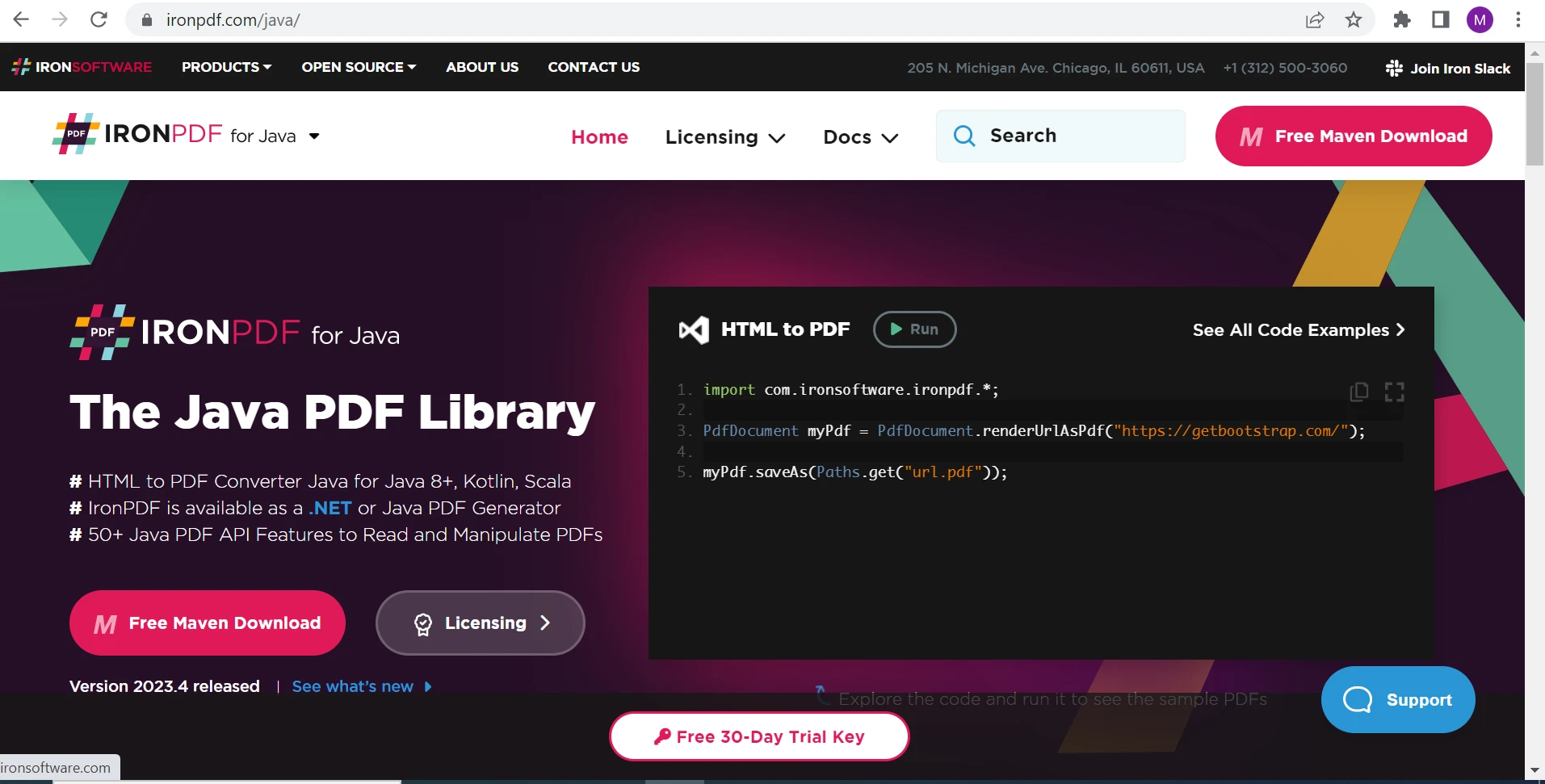
IronPDF, a versatile Java PDF library, is developed and maintained by Iron Software. It provides developers with a simple and intuitive API for creating, reading, and manipulating PDF documents. It offers a wide range of advanced features that make it an excellent choice for developers who need to work with PDF documents in their applications.

Best Java PDF Library (Pros & Cons Comparison): Figure 1 - IronPDF Java PDF Library

The most notable feature of IronPDF is its HTML-to-PDF conversion capabilities. With support for CSS, JavaScript, and HTML5, IronPDF allows developers to convert web pages to PDF documents with ease, making it an ideal tool for generating reports, invoices, and other types of documents. Additionally, IronPDF provides robust support for PDF forms, enabling developers to create and fill interactive forms with ease. This feature is particularly useful for businesses that need to collect data from customers or employees.

IronPDF also provides support for digital signatures, which is essential for businesses that need to ensure the authenticity and integrity of their PDF files. With IronPDF, developers can sign and verify PDF files with ease. Additionally, IronPDF provides support for watermarking, which adds an extra layer of protection and security to a PDF file. Finally, IronPDF allows developers to extract text and images from PDF files, which is useful for data analysis and manipulation. Overall, IronPDF is a feature-rich and versatile Java PDF library that provides developers with a wide range of tools for working with PDF files. Whether you're looking to create PDF files, manipulate their content, or extract data from them, IronPDF is an excellent choice for Java developers.

Pros

  1. Simple and intuitive API. Easy to use for beginners.
  2. Provides support for various PDF file formats.
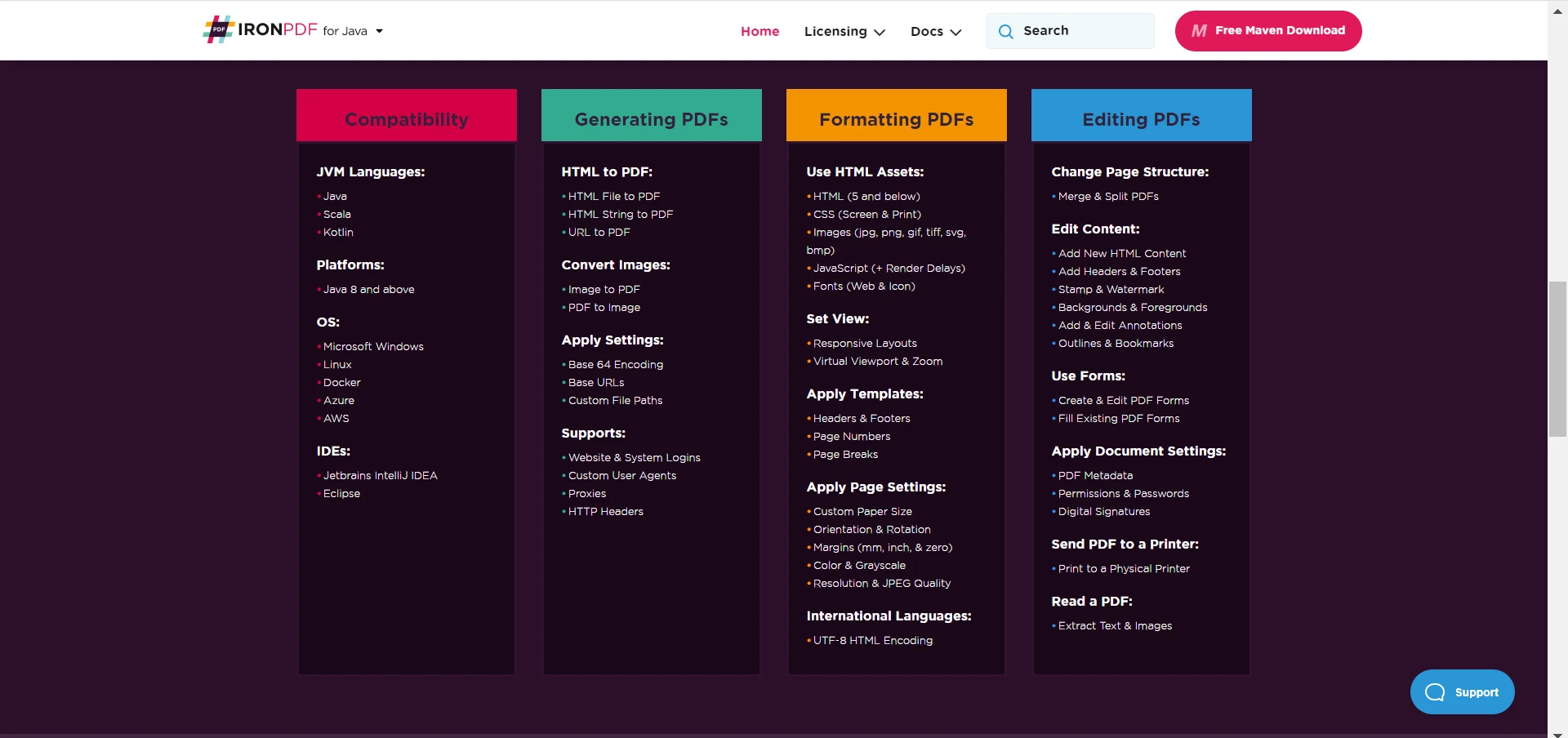
  3. Supports a wide range of advanced features of IronPDF.

    Best Java PDF Library (Pros & Cons Comparison): Figure 2 - Features of IronPDF

  4. Excellent documentation for IronPDF and support.
  5. High performance and efficient handling of high-quality PDFs.
  6. Affordable pricing.

Best Java PDF Library (Pros & Cons Comparison): Figure 3

Cons

  1. Paid for commercial use: while IronPDF offers a free trial for development purposes, it is important to note that the library comes with a cost for commercial use. Despite being priced affordably, it may not be suitable for very low-budget projects.
  2. Lack of a user-friendly interface: IronPDF does not come with a graphical user interface, which means that developers need to work with the library using Java code.

Apache PDFBox

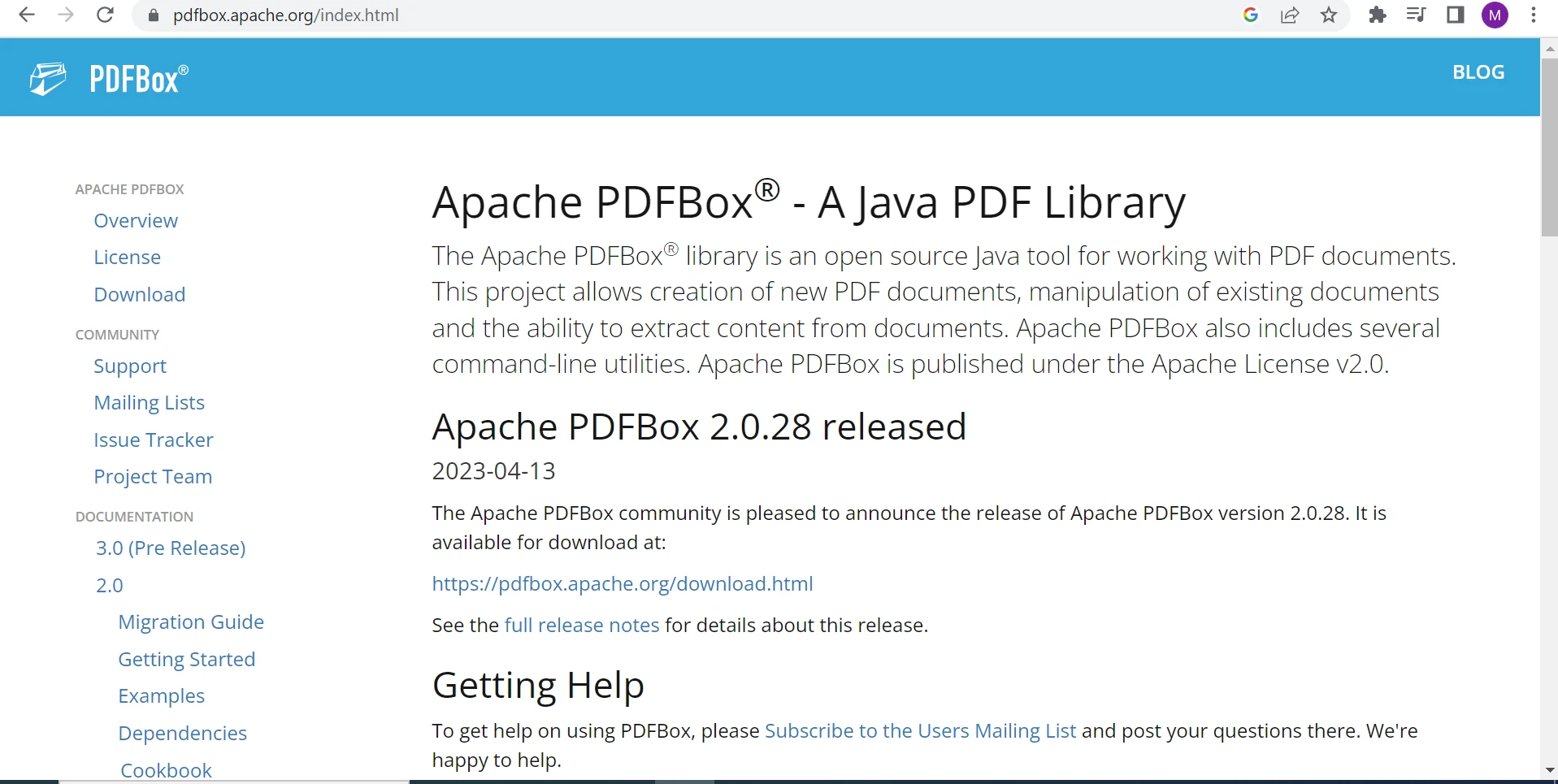
Apache PDFBox is an open-source Java PDF library that allows developers to create new PDF documents, and manipulate and extract data from PDF files. Developed and maintained by the Apache Software Foundation, PDFBox is a powerful tool for working with PDF documents, offering a range of features and functionalities for businesses and developers alike.

Best Java PDF Library (Pros & Cons Comparison): Figure 4

With PDFBox, developers can easily create PDF files, extract text and images, merge and split PDFs, and even digitally sign PDF documents. Additionally, PDFBox supports a range of advanced features such as embedded fonts, encryption, and forms, making it a popular choice for businesses and organizations that require robust PDF capabilities.

Pros

  1. Active maintenance and updates.
  2. Supports a wide range of features.
  3. Efficient handling of large PDF documents.
  4. Active community support.

Cons

  1. Steep learning curve: Apache PDFBox can be difficult to use for beginners, and requires a good understanding of Java programming and PDF concepts.
  2. Limited support for some advanced PDF features: Apache PDFBox may not support some advanced PDF features, such as 3D models, multimedia elements, and layers.
  3. Limited customer support: while Apache PDFBox has an active community of developers, it may be difficult to get dedicated support for specific issues or features.
  4. Lack of a user-friendly interface: Apache PDFBox does not come with a graphical user interface, which means that developers need to work with the library using Java code.

PDF Clown

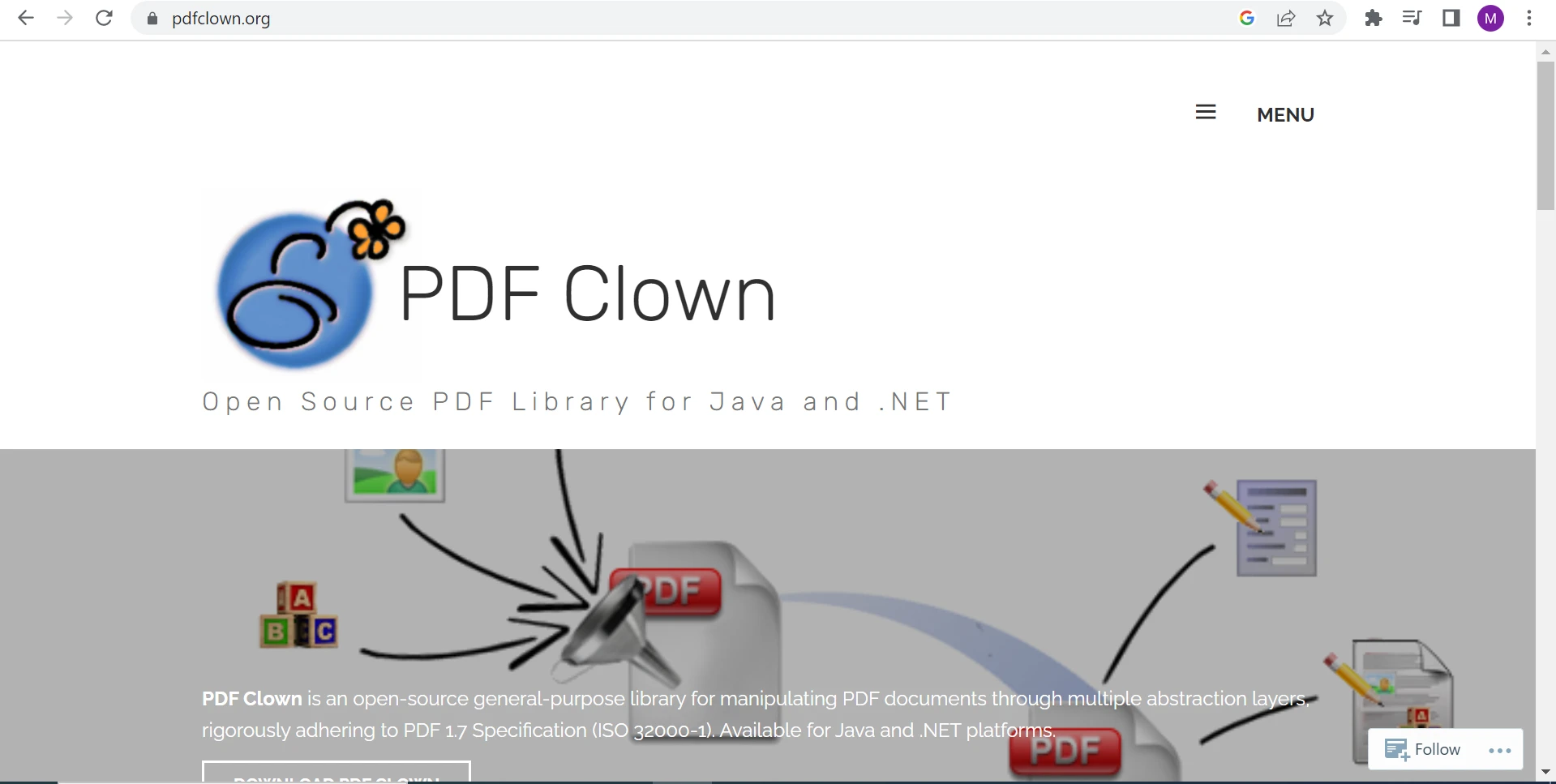
PDF Clown is an open-source Java PDF library that provides developers with a range of tools for creating, manipulating, and extracting data from PDF documents. It is built on top of the Java Virtual Machine (JVM) and offers a range of advanced features for PDF document processing. Developed by Stefano Chizzolini, PDF Clown has a strong focus on providing a flexible and extensible platform for PDF document processing.

Best Java PDF Library (Pros & Cons Comparison): Figure 5

PDF Clown allows developers to create PDF documents from scratch using a range of tools for drawing shapes, text, and images. It also provides a range of tools for manipulating existing PDF documents, such as merging and splitting documents, adding or removing pages, and manipulating text and images. PDF Clown can parse existing PDF files, allowing developers to extract data and metadata from PDF files. It provides tools for extracting text from PDF documents, including support for Unicode and font mapping. Additionally, PDF Clown supports PDF security features such as encryption, digital signatures, and access permissions.

Pros

  1. Open-source with active maintenance and updates.
  2. Supports a wide range of basic features.

Cons

  1. Limited features: while PDF Clown provides a range of tools for working with PDF documents, it may not have as many features as some other libraries. This may limit its suitability for more complex projects.
  2. Steep learning curve: PDF Clown can be difficult to learn for developers who are not familiar with PDF document processing. This may make it a less attractive option for developers who require a simpler and more intuitive solution.

The iText Library

iText is a widely-used Java PDF library that provides developers with an extensive set of tools for generating, manipulating, and extracting data from PDF documents. The library offers a range of features, including the ability to generate PDF files from scratch, manipulate existing documents, extract data from PDF files, and implement PDF security features such as encryption, digital signatures, and access permissions.

Best Java PDF Library (Pros & Cons Comparison): Figure 6

iText provides a flexible and extensible platform for PDF document processing, making it easy for developers to customize the library to meet their specific requirements. The library is available in both open-source and commercial versions, with the commercial version offering additional features and support.

Pros

  1. High performance.
  2. Supports a wide range of features.
  3. Excellent documentation and support.

Cons

  1. Cost: While the open-source version of iText is available for free, the commercial version comes at a cost. This may make it a less attractive option for developers working on low-budget projects.
  2. Steep learning curve: iText can be difficult to learn for developers who are not familiar with PDF document processing. This may make it a less attractive option for developers who require a simpler and more intuitive solution.
  3. License restrictions: the open-source version of iText has some license restrictions that may limit its use in certain projects. In certain cases, developers may need to purchase a commercial license to use the library.

Conclusion

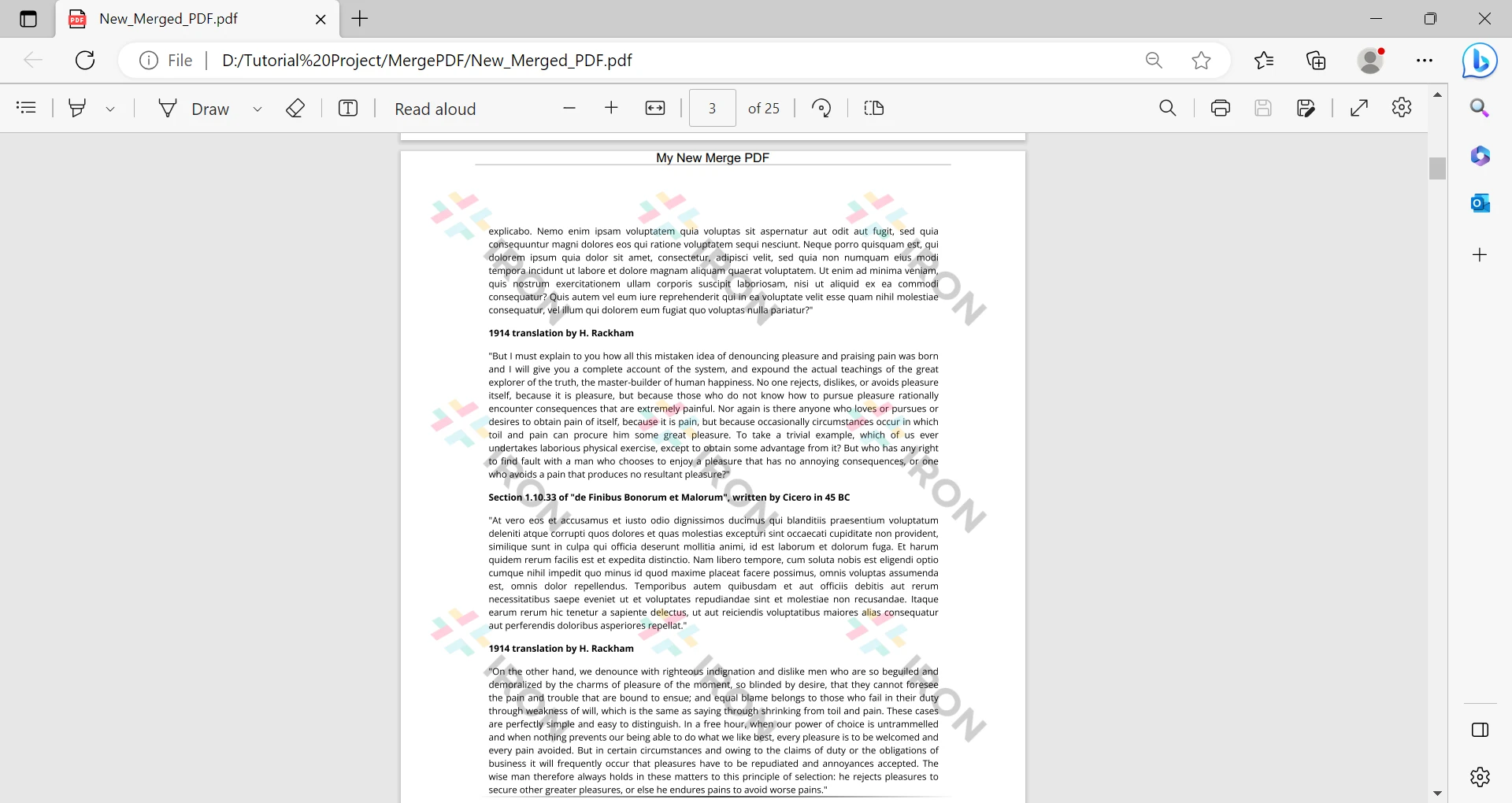
In conclusion, when it comes to choosing a Java library, there are several options available. IronPDF, Apache PDFBox, PDF Clown, and iText are among the most popular libraries that provide developers with a range of features for working with PDF documents. While each library has its own set of pros and cons, IronPDF stands out from other Java PDF libraries due to its comprehensive features, ease of use, and affordable pricing. With features such as HTML-to-PDF conversion, image extraction, merge PDFs, and digital signature capabilities, IronPDF offers simpler and more intuitive methods for generating and manipulating PDF documents, making it a superior choice for developers. One of the standout features of IronPDF is its intuitive API, which abstracts away the complexity of PDF document processing. The API provides a simple and straightforward way for developers to generate PDFs, add content to existing PDFs, and perform other advanced PDF operations, without requiring in-depth knowledge of the underlying PDF file format. This makes IronPDF an ideal choice for developers who want to integrate PDF functionality into their Java applications quickly and easily.

Furthermore, IronPDF offers a highly scalable and performant solution for processing large volumes of PDF documents. IronPDF uses a multithreaded architecture that ensures efficient processing of PDF documents, even when dealing with large files. This means that developers can use IronPDF to process PDF documents in bulk, without worrying about performance issues or memory constraints.

Another significant advantage of IronPDF is its affordable pricing model, which makes it accessible to developers of all levels. IronPDF offers a free development license and a free trial of IronPDF, allowing developers to test the library's capabilities before committing to a purchase. Furthermore, IronPDF's pricing information is very competitive, making it an attractive option for developers looking for a cost-effective solution. Overall, IronPDF for Java is a superior PDF library that offers advanced features, ease of use, and unparalleled performance, making it the ideal choice for developers who require the best PDF processing capabilities. However, developers should evaluate their specific requirements and budget constraints before selecting the most appropriate PDF library for their project.

참고해 주세요Apache PDFBox, PDF Clown, and iText are registered trademarks of their respective owner. This site is not affiliated with, endorsed by, or sponsored by Apache PDFBox, PDF Clown, or iText. All product names, logos, and brands are property of their respective owners. Comparisons are for informational purposes only and reflect publicly available information at the time of writing.

자주 묻는 질문

Java 애플리케이션에서 HTML을 PDF로 변환하려면 어떻게 해야 하나요?

전체 CSS, JavaScript 및 HTML5 호환성을 지원하는 IronPDF의 HTML-to-PDF 변환 기능을 사용할 수 있습니다. 이를 통해 개발자는 웹 페이지 또는 HTML 콘텐츠를 PDF 문서로 원활하게 변환할 수 있습니다.

Java에서 PDF 조작을 위해 IronPDF를 사용하면 어떤 이점이 있나요?

IronPDF는 사용자 친화적인 API와 디지털 서명, 워터마킹, HTML-PDF 변환과 같은 고급 기능을 제공합니다. 또한 사용이 간편하고 가격이 저렴하여 강력한 PDF 처리 기능이 필요한 개발자에게 이상적입니다.

IronPDF와 Apache PDFBox의 주요 차이점은 무엇인가요?

IronPDF는 보다 직관적인 API와 HTML-PDF 변환 및 디지털 서명과 같은 고급 기능을 제공하는 반면, Apache PDFBox는 오픈 소스이며 커뮤니티에서 널리 지원되지만 일부 고급 기능이 부족하고 학습 곡선이 더 가파를 수 있습니다.

Java 애플리케이션에서 IronPDF를 테스트할 수 있는 평가판이 있나요?

예, IronPDF는 개발 목적으로 무료 평가판을 제공하므로 개발자는 프로덕션용 상용 라이선스를 구매하기 전에 기능을 살펴볼 수 있습니다.

Java용 PDF Clown을 사용할 때 개발자가 직면할 수 있는 어려움은 무엇인가요?

PDF Clown은 학습 곡선이 가파르기 때문에 배우기가 어려울 수 있으며 다른 라이브러리에 비해 기능이 제한되어 있어 복잡한 프로젝트에는 적합하지 않을 수 있습니다.

개발자가 Java PDF 라이브러리를 선택할 때 염두에 두어야 할 고려 사항은 무엇인가요?

개발자는 라이브러리의 기능 세트, 사용 편의성, 비용, 지원 및 설명서를 고려해야 합니다. 또한 프로젝트의 특정 요구 사항과 예산 제약을 평가하여 가장 적합한 라이브러리를 선택해야 합니다.

Java 라이브러리를 사용하여 PDF에 디지털 서명을 통합하면 어떤 이점이 있나요?

개발자는 IronPDF를 사용하여 PDF 문서에 디지털 서명을 쉽게 통합하여 보안을 강화하고 법률 및 비즈니스 문서에 필수적인 문서 신뢰성을 보장할 수 있습니다.

IronPDF는 암호화 및 워터마킹과 같은 복잡한 PDF 기능을 처리할 수 있나요?

예, IronPDF는 암호화 및 워터마킹과 같은 고급 PDF 기능을 지원하므로 개발자는 문서를 보호하고 브랜딩 또는 기밀 유지 목적으로 사용자 지정 워터마크를 추가할 수 있습니다.

커티스 차우
기술 문서 작성자

커티스 차우는 칼턴 대학교에서 컴퓨터 과학 학사 학위를 취득했으며, Node.js, TypeScript, JavaScript, React를 전문으로 하는 프론트엔드 개발자입니다. 직관적이고 미적으로 뛰어난 사용자 인터페이스를 만드는 데 열정을 가진 그는 최신 프레임워크를 활용하고, 잘 구성되고 시각적으로 매력적인 매뉴얼을 제작하는 것을 즐깁니다.
커티스는 개발 분야 외에도 사물 인터넷(IoT)에 깊은 관심을 가지고 있으며, 하드웨어와 소프트웨어를 통합하는 혁신적인 방법을 연구합니다. 여가 시간에는 게임을 즐기거나 디스코드 봇을 만들면서 기술에 대한 애정과 창의성을 결합합니다.