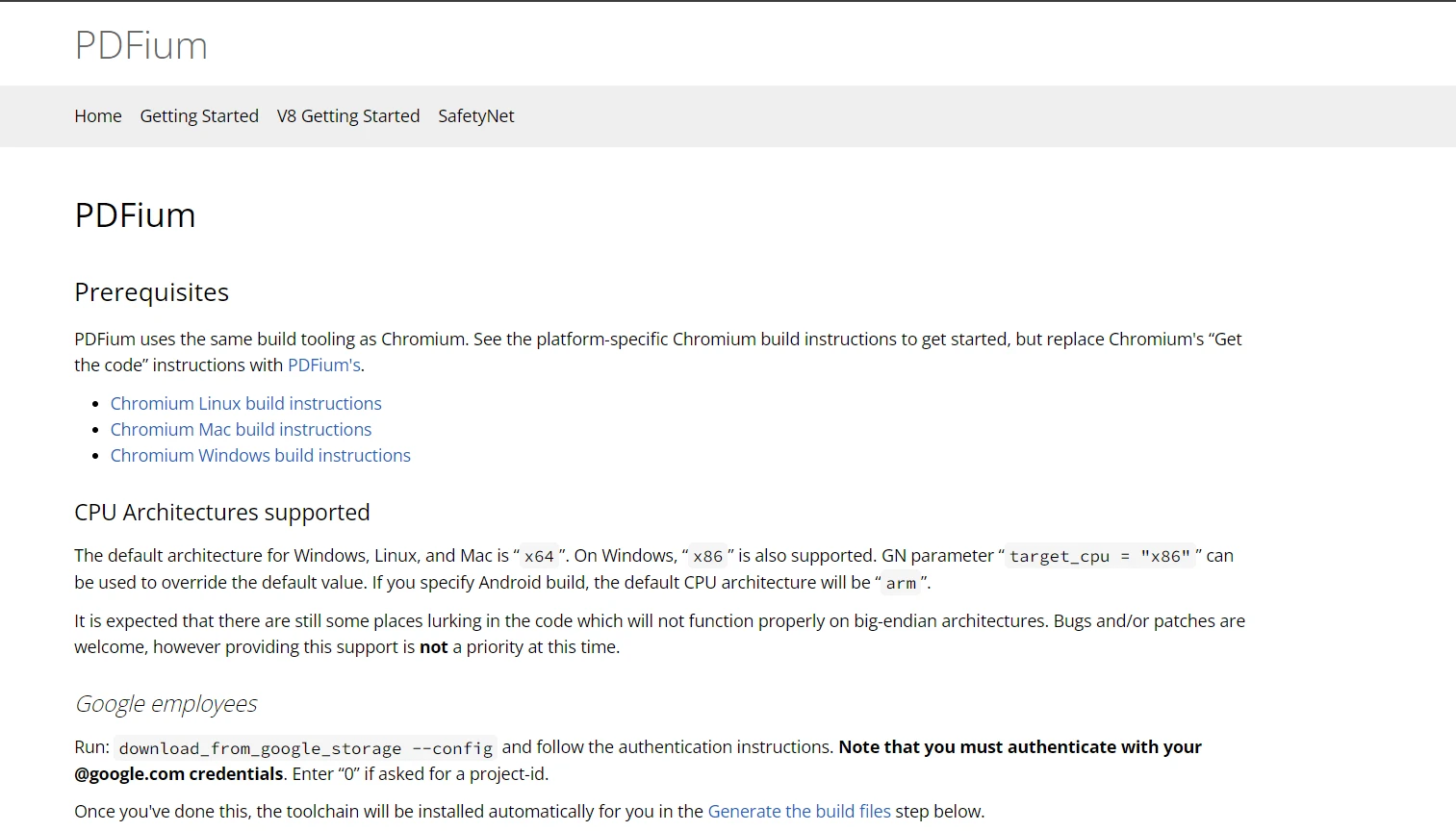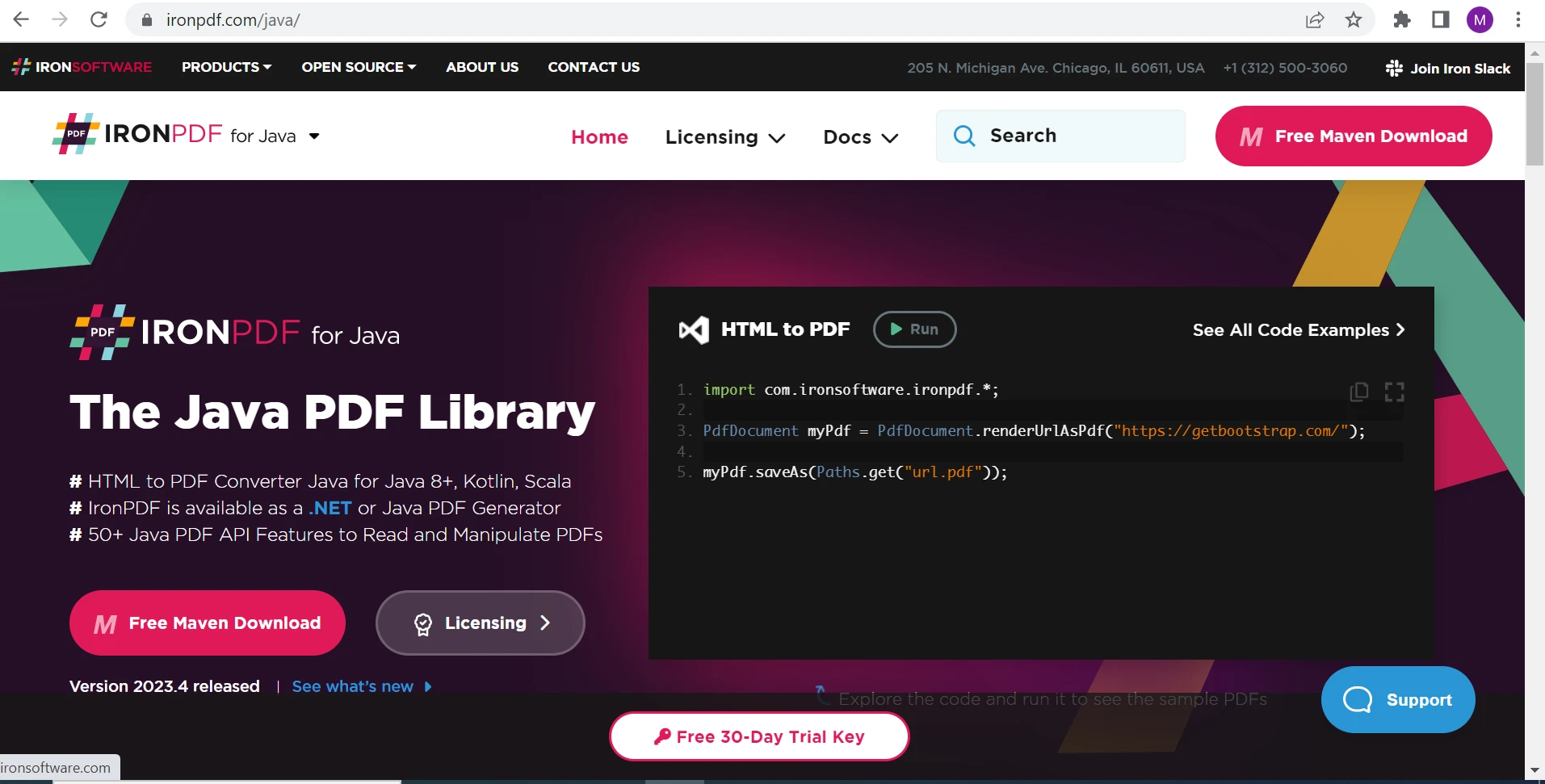
제품 비교 Java용 IronPDF와 PDFium Java의 비교 커티스 차우 업데이트됨:7월 28, 2025 다운로드 IronPDF 메이븐 다운로드 JAR 다운로드 무료 체험 시작하기 LLM용 사본 LLM용 사본 LLM용 마크다운 형식으로 페이지를 복사하세요 ChatGPT에서 열기 ChatGPT에 이 페이지에 대해 문의하세요 제미니에서 열기 제미니에게 이 페이지에 대해 문의하세요 Grok에서 열기 Grok에게 이 페이지에 대해 문의하세요 혼란 속에서 열기 Perplexity에게 이 페이지에 대해 문의하세요 공유하다 페이스북에 공유하기 트위터에 공유하기 LinkedIn에 공유하기 URL 복사 이메일로 기사 보내기 Professionals across various fields, including business and software development, often seek dependable PDF tools to optimize their workflow, manage documents efficiently, and ensure the security of their data. That's where the two outstanding candidates in Java can be found: IronPDF for Java and PDFium Java. IronPDF Java is an easy-to-use, powerful library for creating, editing, and extracting text from PDF files. In contrast, PDFium Java is a more efficient option for rendering PDF on applications such as the Google Chrome browser because Google backs it. This blog post delves into the details of the capabilities, performance, and use cases of IronPDF for Java and PDFium Java, providing you with a comprehensive comparison to help select the best Java PDF library for your PDF requirements. Key Features of IronPDF for Java IronPDF for Java stands out for its comprehensive features that cater to advanced PDF manipulation needs. Here’s a closer look at what IronPDF for Java brings to the table: 1. HTML to PDF Rendering IronPDF makes converting HTML content to PDF straightforward, supporting complex web pages, HTML, CSS, JavaScript, and images, ensuring that the rendered PDF accurately reflects the web content. Here is the code example to create a PDF file from an HTML string: import com.ironsoftware.ironpdf.*; import java.io.IOException; import java.nio.file.Paths; // Apply your license key License.setLicenseKey("YOUR-LICENSE-KEY"); // Set a log path Settings.setLogPath(Paths.get("IronPdfEngine.log")); try { // Render HTML as PDF document PdfDocument pdfDoc = PdfDocument.renderHtmlAsPdf("<h1> IronPDF Java HTML To PDF </h1>"); // Save the PdfDocument to a file pdfDoc.saveAs(Paths.get("html_saved.pdf")); } catch (IOException e) { e.printStackTrace(); } import com.ironsoftware.ironpdf.*; import java.io.IOException; import java.nio.file.Paths; // Apply your license key License.setLicenseKey("YOUR-LICENSE-KEY"); // Set a log path Settings.setLogPath(Paths.get("IronPdfEngine.log")); try { // Render HTML as PDF document PdfDocument pdfDoc = PdfDocument.renderHtmlAsPdf("<h1> IronPDF Java HTML To PDF </h1>"); // Save the PdfDocument to a file pdfDoc.saveAs(Paths.get("html_saved.pdf")); } catch (IOException e) { e.printStackTrace(); } JAVA OUTPUT PDF File 2. Text Extraction & Replacement IronPDF provides text extraction capabilities, allowing you to extract text content from PDFs. It also supports text replacement, which helps you to update PDF content dynamically. try { // Render URL as PDF document PdfDocument pdf = PdfDocument.renderUrlAsPdf("https://ironpdf.com/java/"); // Extract all text from the PDF String text = pdf.extractAllText(); System.out.println("Here is the extracted text: " + text); } catch (IOException e) { e.printStackTrace(); } try { // Render URL as PDF document PdfDocument pdf = PdfDocument.renderUrlAsPdf("https://ironpdf.com/java/"); // Extract all text from the PDF String text = pdf.extractAllText(); System.out.println("Here is the extracted text: " + text); } catch (IOException e) { e.printStackTrace(); } JAVA 3. PDF Forms Processing IronPDF allows you to fill and submit PDF forms programmatically. You can also retrieve and set form field values. 4. Security and Permissions IronPDF takes document security seriously. It supports encryption and decryption of PDF files and allows you to set user permissions to restrict access to content, printing, or modification of your PDF documents. 5. PDF Document Manipulation With IronPDF, you can merge PDF files, split PDFs, and manipulate PDF documents. It gives the option to add or remove PDF pages and combine multiple PDF documents into one. String htmlContent = "<p> Hello IronPDF </p>" + "<p> This is 1st Page </p>" + "<div style='page-break-after: always;'></div>" + "<p> This is 2nd Page</p>" + "<div style='page-break-after: always;'></div>" + "<p> This is 3rd Page</p>"; try { // Render HTML content as a PDF document PdfDocument document = PdfDocument.renderHtmlAsPdf(htmlContent); // Extract the first page PdfDocument firstPageDocument = document.copyPage(0); firstPageDocument.saveAs("Split1.pdf"); // Extract the second and third pages PdfDocument secondThirdPageDocument = document.copyPages(1, 2); secondThirdPageDocument.saveAs("Split2.pdf"); } catch (IOException e) { e.printStackTrace(); } String htmlContent = "<p> Hello IronPDF </p>" + "<p> This is 1st Page </p>" + "<div style='page-break-after: always;'></div>" + "<p> This is 2nd Page</p>" + "<div style='page-break-after: always;'></div>" + "<p> This is 3rd Page</p>"; try { // Render HTML content as a PDF document PdfDocument document = PdfDocument.renderHtmlAsPdf(htmlContent); // Extract the first page PdfDocument firstPageDocument = document.copyPage(0); firstPageDocument.saveAs("Split1.pdf"); // Extract the second and third pages PdfDocument secondThirdPageDocument = document.copyPages(1, 2); secondThirdPageDocument.saveAs("Split2.pdf"); } catch (IOException e) { e.printStackTrace(); } JAVA 6. Annotations & Editing IronPDF supports the creation and editing of PDF annotations. You can add notes, highlights, and comments to your PDFs. 7. Advanced PDF Features Support IronPDF supports advanced PDF features, including digital signatures, bookmarks, and metadata management, providing a comprehensive set of tools for professional PDF manipulation. 8. Performance Optimization IronPDF is optimized for performance, ensuring quick and efficient processing of PDF operations, even with large and complex documents. Key Features of PDFium Java PDFium, developed by Google, is renowned for its high performance and reliability in PDF rendering. Here's a detailed look at the key features that make PDFium Java a strong candidate for PDF processing tasks: 1. High-Performance Rendering At its core, PDFium is designed for speed and efficiency. It's capable of quickly rendering PDFs, making it an ideal choice for applications that require fast load times and smooth user interactions. 2. Cross-Platform Compatibility PDFium can be built and used on multiple platforms, including Windows, Linux, and macOS. This cross-platform support ensures that PDFium-based applications can cater to a wide user base. 3. Use with Android In Android development, PDFium is often used for rendering PDFs. The Android PDF Viewer library (AndroidPdfViewer) is based on PdfiumAndroid and can be used in Android apps. 4. Zero Dependency Rendering PDFium's rendering engine is self-contained, meaning it doesn't rely on external dependencies. This makes it a lightweight and reliable choice for PDF rendering. 5. Open Source Licensing PDFium is open-source and is licensed under the BSD-3-Clause license, allowing for both personal and commercial use without licensing fees. PDFium Java stands out for its performance, comprehensive feature set, and strong community support, making it a robust choice for developers looking for an efficient and reliable PDF rendering solution. Comparative Analysis: IronPDF for Java vs PDFium Java When choosing a PDF solution, it's crucial to understand how IronPDF for Java and PDFium Java stack up against each other. This section provides a detailed comparison based on performance, feature set, use-case scenarios, and ease of use. Performance IronPDF Java is known for its robust performance, especially in handling complex PDF operations and rendering HTML to PDF. It's optimized for server-side use, ensuring that PDF manipulation tasks are executed swiftly. PDFium Java stands out for its high-speed rendering capabilities. Being a native engine, it's generally faster than Java-based engines and is particularly efficient in environments where speed is a critical factor. Feature Set IronPDF Java offers a comprehensive set of features, including HTML to PDF conversion, advanced PDF editing and manipulation, form processing, security features, and more. Its support for modern web standards makes it a versatile choice for various applications. PDFium Java provides a solid feature set focused on rendering, including text and image extraction, form filling, and support for advanced PDF features. Its strength lies in its rendering speed and fidelity. Use-Case Scenarios IronPDF Java is ideal for applications that require complex PDF manipulation, such as dynamic report generation, invoice creation, and automated form processing. Its ease of use and extensive feature set make it suitable for scenarios where developer productivity and feature completeness are priorities. PDFium Java is best suited for applications that prioritize fast rendering of PDFs, such as e-book readers, document management systems, and online document viewers. Its performance and accuracy in rendering make it a go-to choice for high-speed and high-fidelity PDF rendering tasks. Ease of Use and Integration IronPDF Java is praised for its easy-to-use API and comprehensive documentation; IronPDF for Java is easy to integrate and use, reducing the learning curve for developers. While PDFium Java's integration and usage might require a deeper understanding of its API and architecture, especially in cross-platform environments. Both IronPDF for Java and Google's PDFium Java have their unique strengths and are suited for different scenarios. Your choice will depend on the specific requirements of your project, such as the need for speed, feature richness, ease of use, and the specific PDF tasks you need to perform. Conclusion In this article, we've explored the features of IronPDF for Java and PDFium Java. We also compare their features and get to know about their strengths and weaknesses. PDFium Java is good at rendering PDFs in applications but lacks editing capabilities. Its codebase is complex, making it challenging to integrate into various environments. On the other hand, IronPDF for Java Overview is a complete library if you want to integrate advanced PDF functionality into your Java applications. Its exceptional feature set makes it an ideal choice for projects that demand a high level of customization and manipulation of PDFs. You can do all PDF operations using it. IronPDF also has a lot of code examples in the documentation to explain all the features of IronPDF, which makes it very easy to use for even beginner developers. And if you have any queries, unlike PDFium, IronPDF engineering support has your back. IronPDF offers a free trial version of IronPDF Java. For more information on how to use IronPDF, please visit the IronPDF Java Code Examples and IronPDF Java Documentation. 참고해 주세요PDFium Java is a registered trademark of its respective owner. This site is not affiliated with, endorsed by, or sponsored by PDFium Java. All product names, logos, and brands are property of their respective owners. Comparisons are for informational purposes only and reflect publicly available information at the time of writing. 자주 묻는 질문 Java를 사용하여 HTML 페이지를 PDF로 변환하려면 어떻게 해야 하나요? 복잡한 HTML, CSS 및 JavaScript 콘텐츠를 지원하는 Java용 IronPDF의 RenderHtmlAsPdf 메서드를 사용하여 Java에서 HTML 페이지를 PDF로 변환할 수 있습니다. Java용 IronPDF의 주요 기능은 무엇인가요? Java용 IronPDF는 HTML을 PDF로 변환, 텍스트 추출, PDF 양식 처리, 문서 암호화 및 포괄적인 PDF 조작 기능과 같은 기능을 제공합니다. Java용 IronPDF는 PDF에서 텍스트 추출을 어떻게 처리하나요? Java용 IronPDF는 개발자가 PDF 문서에서 텍스트 콘텐츠를 효율적으로 추출하고 조작할 수 있는 텍스트 추출 기능을 제공합니다. Java용 IronPDF에서 사용할 수 있는 보안 기능은 무엇인가요? Java용 IronPDF는 PDF 암호화 및 암호 해독을 지원하므로 개발자가 PDF 문서에 대한 액세스 및 수정을 제어할 수 있는 사용자 권한을 설정할 수 있습니다. Java용 IronPDF를 PDF 양식 처리에 사용할 수 있나요? 예, Java용 IronPDF에는 PDF 양식 처리 기능이 포함되어 있어 개발자가 PDF 양식 데이터를 채우고, 추출하고, 관리할 수 있습니다. Java용 IronPDF가 초보자에게 적합한 이유는 무엇인가요? Java용 IronPDF는 사용자 친화적인 API와 광범위한 문서로 잘 알려져 있어 모든 수준의 개발자가 쉽게 액세스하고 통합할 수 있습니다. 개발자가 Java용 IronPDF 대신 PDFium Java를 선택하는 이유는 무엇인가요? 개발자는 특히 속도와 플랫폼 간 호환성이 중요한 애플리케이션에서 고성능 PDF 렌더링을 위해 PDFium Java를 선택할 수 있습니다. Java용 IronPDF는 크로스 플랫폼 개발을 지원하나요? 예, Java용 IronPDF는 Windows, Linux 및 macOS를 비롯한 다양한 플랫폼에서 사용할 수 있으므로 크로스 플랫폼 애플리케이션 개발에 적합합니다. PDF 문서 조작을 위해 Java용 IronPDF를 사용하면 어떤 이점이 있나요? Java용 IronPDF는 페이지 병합, 분할, 추가, 제거는 물론 여러 PDF를 하나로 결합하는 등 광범위한 PDF 조작 기능을 제공합니다. Java용 IronPDF에 대한 무료 평가판이 있나요? 예, Java용 IronPDF는 무료 평가판을 제공하므로 개발자가 구매하기 전에 광범위한 기능을 살펴볼 수 있습니다. 커티스 차우 지금 바로 엔지니어링 팀과 채팅하세요 기술 문서 작성자 커티스 차우는 칼턴 대학교에서 컴퓨터 과학 학사 학위를 취득했으며, Node.js, TypeScript, JavaScript, React를 전문으로 하는 프론트엔드 개발자입니다. 직관적이고 미적으로 뛰어난 사용자 인터페이스를 만드는 데 열정을 가진 그는 최신 프레임워크를 활용하고, 잘 구성되고 시각적으로 매력적인 매뉴얼을 제작하는 것을 즐깁니다. 커티스는 개발 분야 외에도 사물 인터넷(IoT)에 깊은 관심을 가지고 있으며, 하드웨어와 소프트웨어를 통합하는 혁신적인 방법을 연구합니다. 여가 시간에는 게임을 즐기거나 디스코드 봇을 만들면서 기술에 대한 애정과 창의성을 결합합니다. 관련 기사 업데이트됨 7월 28, 2025 Java PDF 라이브러리 오픈 소스(무료 및 유료 도구 비교) 이 문서에서는 여러 오픈 소스 Java PDF 라이브러리와 IronPDF Java를 살펴봅니다. 더 읽어보기 업데이트됨 7월 28, 2025 Java용 IronPDF와 BFO Java PDF 라이브러리 비교 BFO Java(Big Faceless Organization Java)는 PDF 문서 생성 및 조작을 위한 Java 라이브러리로 높은 평가를 받고 있습니다. 광범위한 기능 세트와 강력한 기능을 갖추고 있습니다. 더 읽어보기 업데이트됨 7월 28, 2025 최고의 Java PDF 라이브러리(장단점 비교) Java PDF 라이브러리는 애플리케이션에서 PDF 문서로 작업해야 하는 개발자에게 필수적입니다. 이러한 라이브러리는 기본적인 PDF 생성부터 고급 조작 및 암호화에 이르기까지 다양한 기능을 제공합니다. 더 읽어보기 Java PDF 라이브러리 오픈 소스(무료 및 유료 도구 비교)Java용 IronPDF와 BFO Java PDF 라...
업데이트됨 7월 28, 2025 Java PDF 라이브러리 오픈 소스(무료 및 유료 도구 비교) 이 문서에서는 여러 오픈 소스 Java PDF 라이브러리와 IronPDF Java를 살펴봅니다. 더 읽어보기
업데이트됨 7월 28, 2025 Java용 IronPDF와 BFO Java PDF 라이브러리 비교 BFO Java(Big Faceless Organization Java)는 PDF 문서 생성 및 조작을 위한 Java 라이브러리로 높은 평가를 받고 있습니다. 광범위한 기능 세트와 강력한 기능을 갖추고 있습니다. 더 읽어보기
업데이트됨 7월 28, 2025 최고의 Java PDF 라이브러리(장단점 비교) Java PDF 라이브러리는 애플리케이션에서 PDF 문서로 작업해야 하는 개발자에게 필수적입니다. 이러한 라이브러리는 기본적인 PDF 생성부터 고급 조작 및 암호화에 이르기까지 다양한 기능을 제공합니다. 더 읽어보기