


업데이트됨 2026년 4월 21일
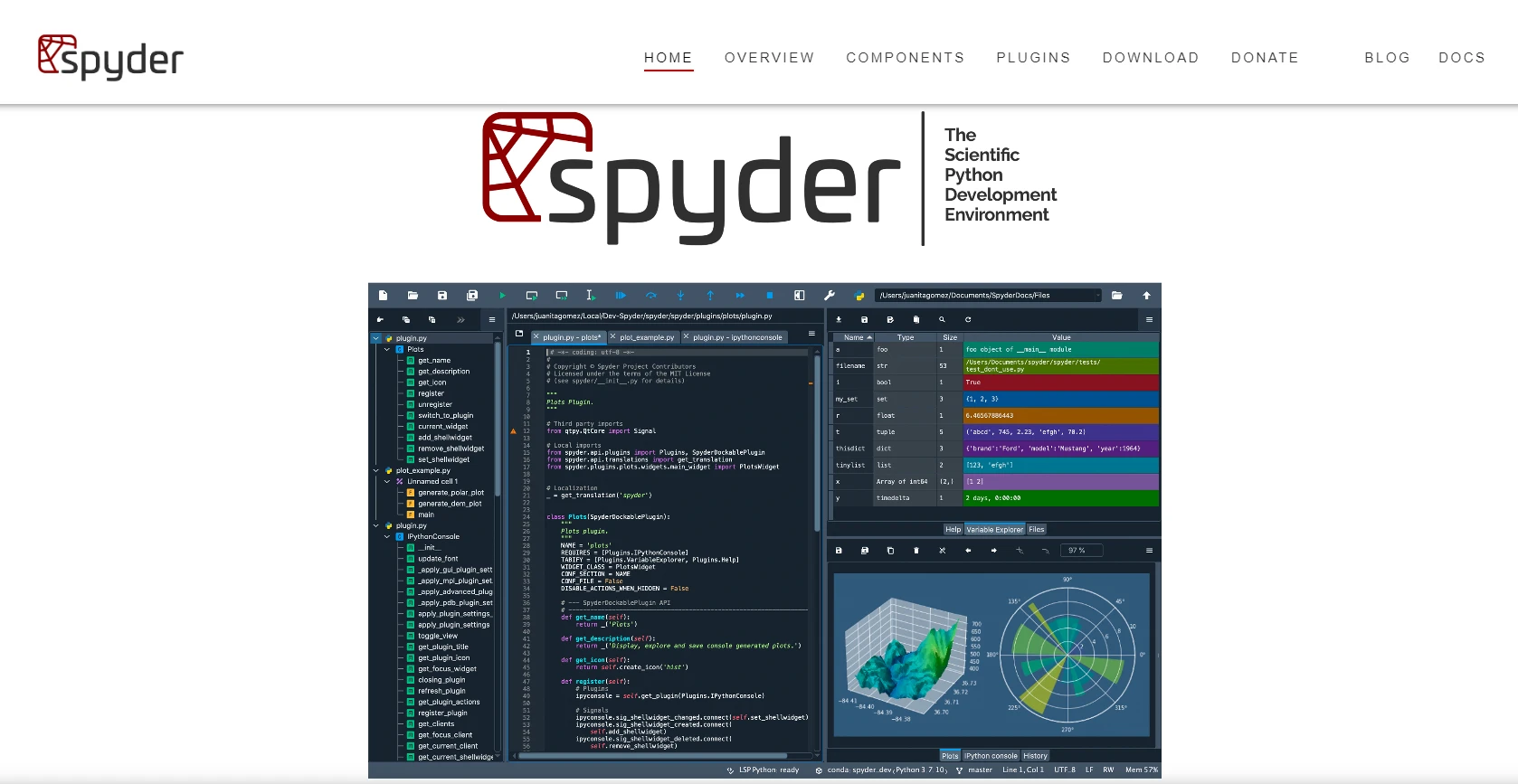
Spyder Python IDE: 완벽 가이드
이 글에서는 Spyder가 무엇인지, 설치 방법, 그리고 주요 기능 사용법을 살펴보겠습니다.
더 읽어보기

리스트는 Python의 기본적인 데이터 구조로, 순서가 있는 데이터 모음을 저장하는 데 자주 사용됩니다. 목록에서 특정 요소를 찾는 것은 데이터 분석, 필터링 및 조작과 같은 다양한 작업에 있어 매우 중요한 작업입니다.
Python은 다재다능하고 강력한 프로그래밍 언어로, 간결성과 가독성으로 잘 알려져 있습니다. Python에서 리스트를 다룰 때는 다른 어떤 프로그래밍 언어보다 훨씬 쉽습니다. Python에서 리스트의 요소를 찾는 다양한 방법을 살펴보세요. in 연산자, index 메서드, 리스트 컴프리헨션 등 실용적인 검색 기법을 안내합니다.
in 연산자 사용index 메소드 사용count 메소드 사용any 및 all 함수 사용Python 리스트에서 값을 찾는 것은 기본적이고 자주 접하는 작업입니다. in, index, count, 리스트 컴프리헨션, any, all, 그리고 사용자 정의 함수와 같은 다양한 메서드를 이해하고 숙달하면 리스트 내의 데이터를 효율적으로 찾고 조작할 수 있어 깔끔하고 효율적인 코드를 작성할 수 있습니다. 특정 요구 사항과 검색 기준의 복잡성에 따라 가장 적절한 방법을 선택하기 위해 목록에서 특정 요소를 찾는 다양한 방법을 살펴보겠습니다. 하지만 그 전에 시스템에 Python이 설치되어 있어야 합니다.
Python 설치는 간단한 과정이며 몇 가지 간단한 단계만으로 완료할 수 있습니다. 운영 체제에 따라 단계가 약간씩 다를 수 있습니다. 여기서는 윈도우 운영체제 사용자를 위한 지침을 제공하겠습니다.
Python 다운로드:
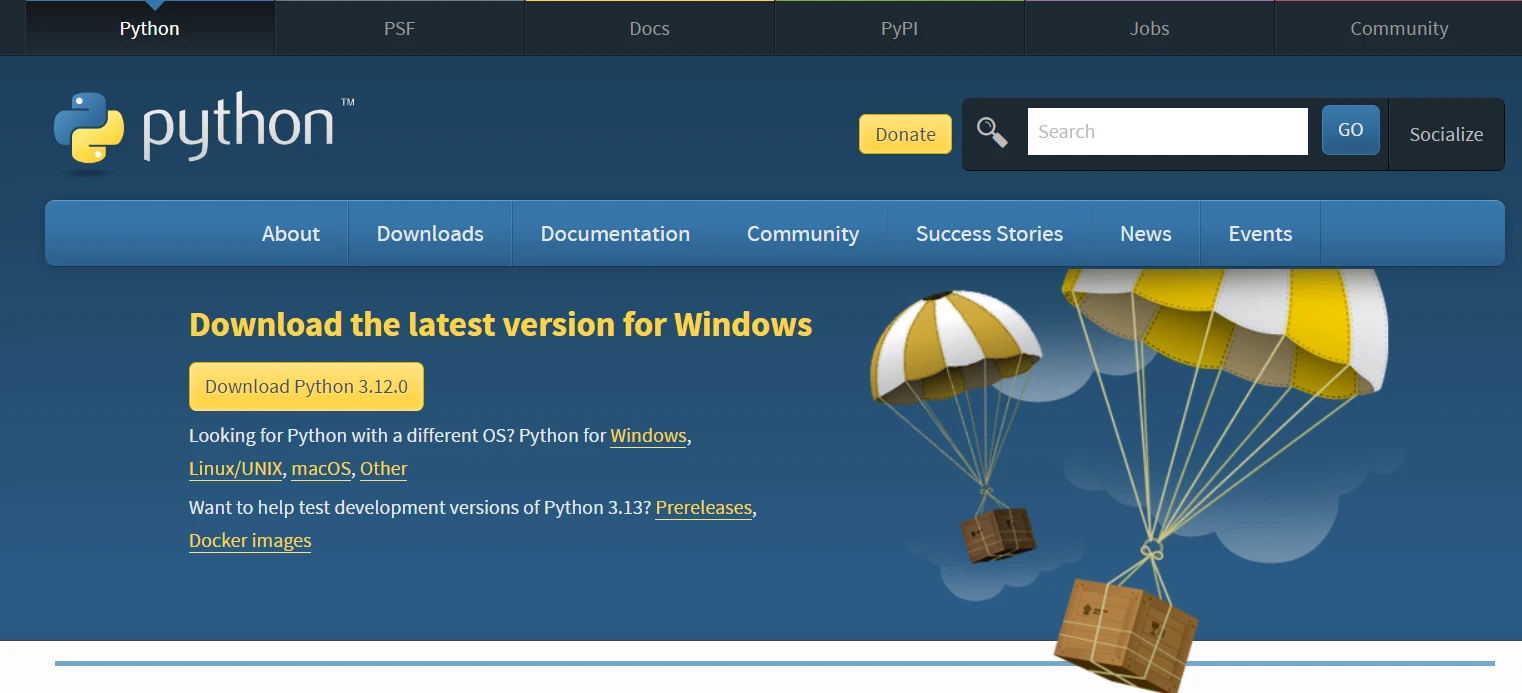
설치 프로그램을 실행하세요:
Python 설정:
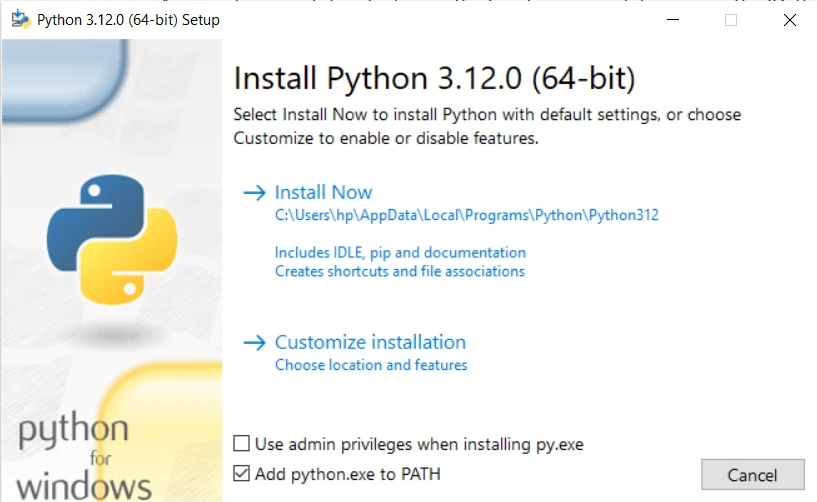
Python을 설치하세요:
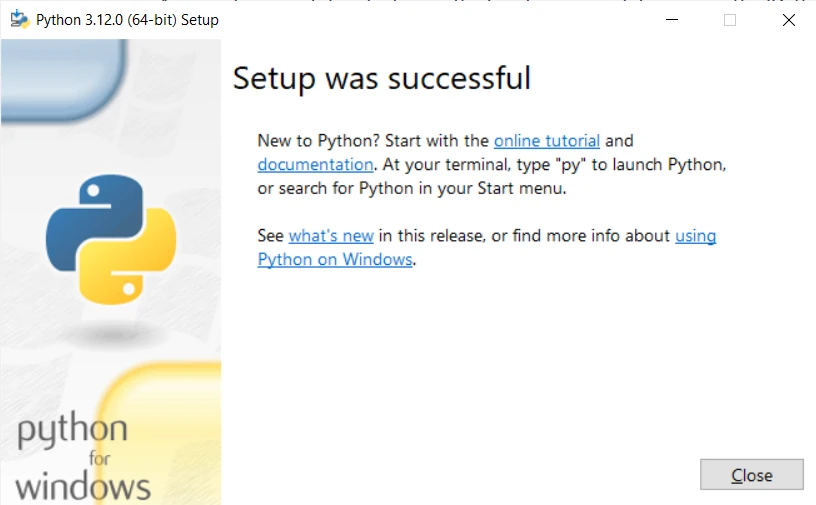
설치 확인:
python --version 또는 python -V를 입력하세요. 설치된 Python 버전을 확인할 수 있습니다.Python이 설치되었으니, 이제 특정 요소를 찾거나 찾은 후 중복 요소를 제거하는 Python 리스트 메서드를 살펴보겠습니다.
Python과 함께 설치된 기본 Python IDLE을 열고 코딩을 시작하세요.
in 연산자 사용리스트에서 요소가 존재하는지 확인하는 가장 간단한 방법은 in 연산자를 사용하는 것입니다. 리스트에 요소가 존재하면 True를 반환하고 그렇지 않으면 False를 반환합니다.
my_list = ["apple", "banana", "orange"]
element = "banana"
if element in my_list:
    print("Element found!")
else:
print("Element not found.")index 리스트 메소드 사용index 메소드는 리스트 내 지정된 요소의 첫 번째 인덱스를 반환합니다. 요소를 찾을 수 없으면 ValueError 예외를 발생시킵니다.
# Example usage of index method
element = "banana"
try:
    element_index = my_list.index(element)
    print(f"Element found at index: {element_index}")
except ValueError:
print("목록에서 해당 요소를 찾을 수 없습니다.")문법: my_list.index() 메소드의 문법은 간단합니다:
my_list.index(element, start, end)list.index() 메소드의 기본 사용법을 설명하기 위해 다음 예제를 시작해 봅시다:
fruits = ['apple', 'banana', 'orange', 'grape', 'banana']
# Find the index of 'orange' in the list
index = fruits.index('orange')
print(f"The index of 'orange' is: {index}")산출:
현재 요소의 Python 리스트 인덱스를 표시합니다.
'오렌지'의 인덱스는 2입니다.ValueErrors 처리지정된 리스트 요소가 리스트에 존재하지 않으면 list.index() 메소드가 ValueError를 발생시킨다는 점을 유의하세요. 이 문제를 해결하려면 try-except 블록을 사용하는 것이 좋습니다.
fruits = ['apple', 'banana', 'orange', 'grape', 'banana']
try:
    index = fruits.index('watermelon')
    print(f"The index of 'watermelon' is: {index}")
except ValueError:
print("목록에서 해당 요소를 찾을 수 없습니다.")산출:
목록에서 해당 요소를 찾을 수 없습니다.시작 및 종료 매개변수를 사용하면 검색을 수행할 범위를 지정할 수 있습니다. 이 방법은 해당 요소가 목록의 특정 하위 집합에만 존재한다는 것을 알고 있을 때 특히 유용합니다.
numbers = [1, 2, 3, 4, 5, 2, 6, 7, 8]
# Find the index of the first occurrence of '2' after index 3
index = numbers.index(2, 3)
print(f"The index of '2' after index 3 is: {index}")산출:
인덱스 3 다음에 오는 '2'의 인덱스는 5입니다.지정된 요소가 리스트에 여러 번 나타나면 list.index() 메소드는 첫 번째 발생의 인덱스를 반환합니다. 모든 발생 위치의 인덱스가 필요한 경우, 반복문을 사용하여 목록을 순회하면 됩니다.
fruits = ['apple', 'banana', 'orange', 'grape', 'banana']
# Find all indices of 'banana' in the list
indices = [i for i, x in enumerate(fruits) if x == 'banana']
print(f"The indices of 'banana' are: {indices}")산출:
'바나나'의 인덱스는 [1, 4]입니다.count 메소드 사용count 메소드는 리스트 내 지정된 요소의 발생 횟수를 반환합니다.
element_count = my_list.count(element)
print(f"Element appears {element_count} times in the list.")리스트 컴프리헨션은 조건에 따라 리스트에서 요소를 필터링하는 간결한 방법을 제공합니다. 이 메서드는 각 항목을 순회하며 해당 요소가 존재하면 반환합니다.
filtered_list = [item for item in my_list if item == element]
print(f"Filtered list containing element: {filtered_list}")any 및 all 함수 사용any 함수는 리스트의 요소 중 하나라도 주어진 조건을 만족하는지 확인합니다. all 함수는 모든 요소가 조건을 만족하는지 확인합니다.
any 함수의 예제any_fruit_starts_with_a = any(item.startswith("a") for item in fruits)
print(f"Does any fruit start with 'a': {any_fruit_starts_with_a}")all 함수의 예제all_fruits_start_with_a = all(item.startswith("a") for item in fruits)
print(f"All fruits start with 'a': {all_fruits_start_with_a}")복잡한 검색 조건을 위해서는 원하는 조건을 충족하는지 여부를 확인하는 값을 반환하는 자체 함수를 정의할 수 있습니다.
def is_even(number):
    return number % 2 == 0

numbers = [1, 2, 3, 4, 5, 6, 7, 8]
filtered_list = list(filter(is_even, numbers))
print(f"Filtered list containing even numbers: {filtered_list}")IronPDF 는 Iron Software 에서 개발한 강력한 .NET 라이브러리로, 다양한 프로그래밍 환경에서 PDF 파일을 쉽고 유연하게 조작할 수 있도록 설계되었습니다. Iron Suite 의 일부인 IronPDF 개발자에게 PDF 문서에서 콘텐츠를 원활하게 생성, 편집 및 추출할 수 있는 강력한 도구를 제공합니다. IronPDF 포괄적인 기능과 호환성을 바탕으로 PDF 관련 작업을 간소화하고, PDF 파일을 프로그래밍 방식으로 처리할 수 있는 다재다능한 솔루션을 제공합니다.
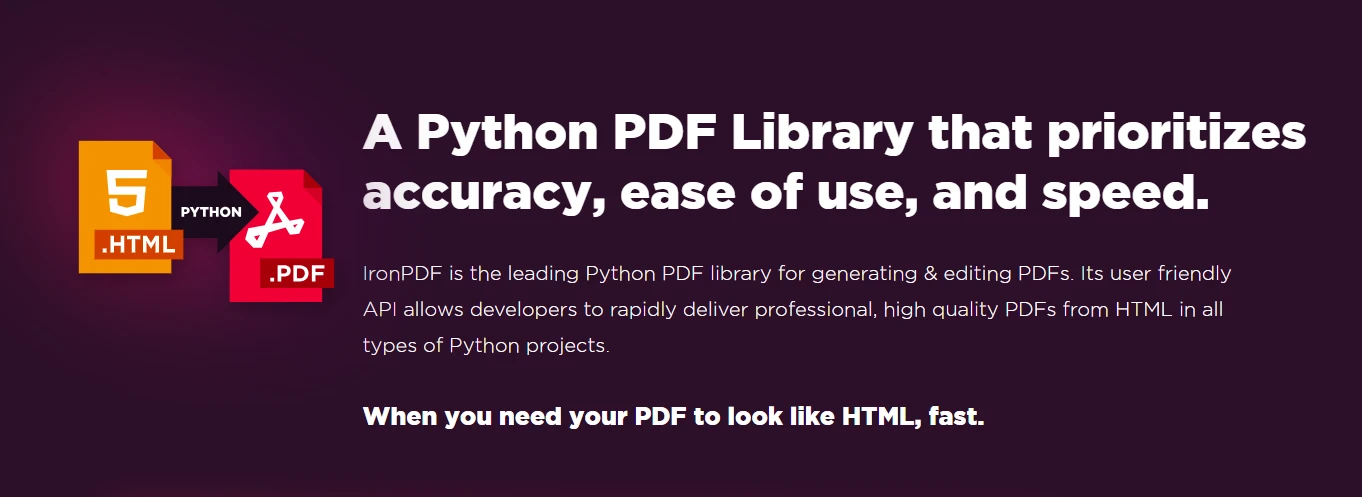
개발자는 Python 리스트를 사용하여 IronPDF 문서를 쉽게 다룰 수 있습니다. 이 목록들은 PDF에서 추출한 정보를 정리하고 관리하는 데 도움이 되므로 텍스트 처리, 표 작업, 새로운 PDF 콘텐츠 생성과 같은 작업을 훨씬 쉽게 수행할 수 있습니다.
IronPDF 추출한 텍스트를 사용하여 Python 리스트 연산을 구현해 보겠습니다. 다음 코드는 추출된 콘텐츠 내에서 특정 텍스트를 찾기 위해 in 연산자를 사용하는 방법을 보여주며 각 키워드의 발생 횟수를 계산합니다. 리스트 컴프리젠션 방법을 사용하여 키워드를 포함하는 완전한 문장을 찾을 수도 있습니다.
from ironpdf import *

# Load existing PDF document
pdf = PdfDocument.FromFile("content.pdf")

# Extract text from PDF document
all_text = pdf.ExtractAllText()

# Define a list of keywords to search for in the extracted text
keywords_to_find = ["important", "information", "example"]

# Check if any of the keywords are present in the extracted text
for keyword in keywords_to_find:
    if keyword in all_text:
        print(f"Found '{keyword}' in the PDF content.")
    else:
        print(f"'{keyword}' not found in the PDF content.")

# Count the occurrences of each keyword in the extracted text
keyword_counts = {keyword: all_text.count(keyword) for keyword in keywords_to_find}
print("Keyword Counts:", keyword_counts)

# Use list comprehensions to create a filtered list of sentences containing a specific keyword
sentences_with_keyword = [sentence.strip() for sentence in all_text.split('.') if any(keyword in sentence for keyword in keywords_to_find)]
print("Sentences with Keyword:", sentences_with_keyword)

# Extract text from a specific page in the document
page_2_text = pdf.ExtractTextFromPage(1)결론적으로, 데이터 분석 및 조작과 같은 작업에서 Python 리스트의 요소를 효율적으로 찾는 것은 구조화된 데이터에서 특정 정보를 찾을 때 매우 중요합니다. Python은 in 연산자, index 메소드, count 메소드, 리스트 내포, any 및 all 함수 사용 등 목록에서 요소를 찾기 위한 다양한 방법을 제공합니다. 각 메서드 또는 함수는 목록에서 특정 항목을 찾는 데 사용할 수 있습니다. 전반적으로 이러한 기술을 숙달하면 코드 가독성과 효율성이 향상되어 개발자가 Python으로 다양한 프로그래밍 문제를 해결할 수 있게 됩니다.
위 예시들은 다양한 Python 리스트 메서드를 IronPDF 와 원활하게 통합하여 텍스트 추출 및 분석 프로세스를 향상시키는 방법을 보여줍니다. 이를 통해 개발자는 읽을 수 있는 PDF 문서에서 지정된 텍스트를 추출할 수 있는 더 많은 옵션을 갖게 됩니다.
IronPDF 는 개발 목적으로는 무료이지만 상업적 용도로 사용하려면 라이선스를 취득해야 합니다. 무료 체험판을 제공하며 여기 에서 다운로드할 수 있습니다.

커티스 차우는 칼턴 대학교에서 컴퓨터 과학 학사 학위를 취득했으며, Node.js, TypeScript, JavaScript, React를 전문으로 하는 프론트엔드 개발자입니다. 직관적이고 미적으로 뛰어난 사용자 인터페이스를 만드는 데 열정을 가진 그는 최신 프레임워크를 활용하고, 잘 구성되고 시각적으로 매력적인 매뉴얼을 제작하는 것을 즐깁니다.
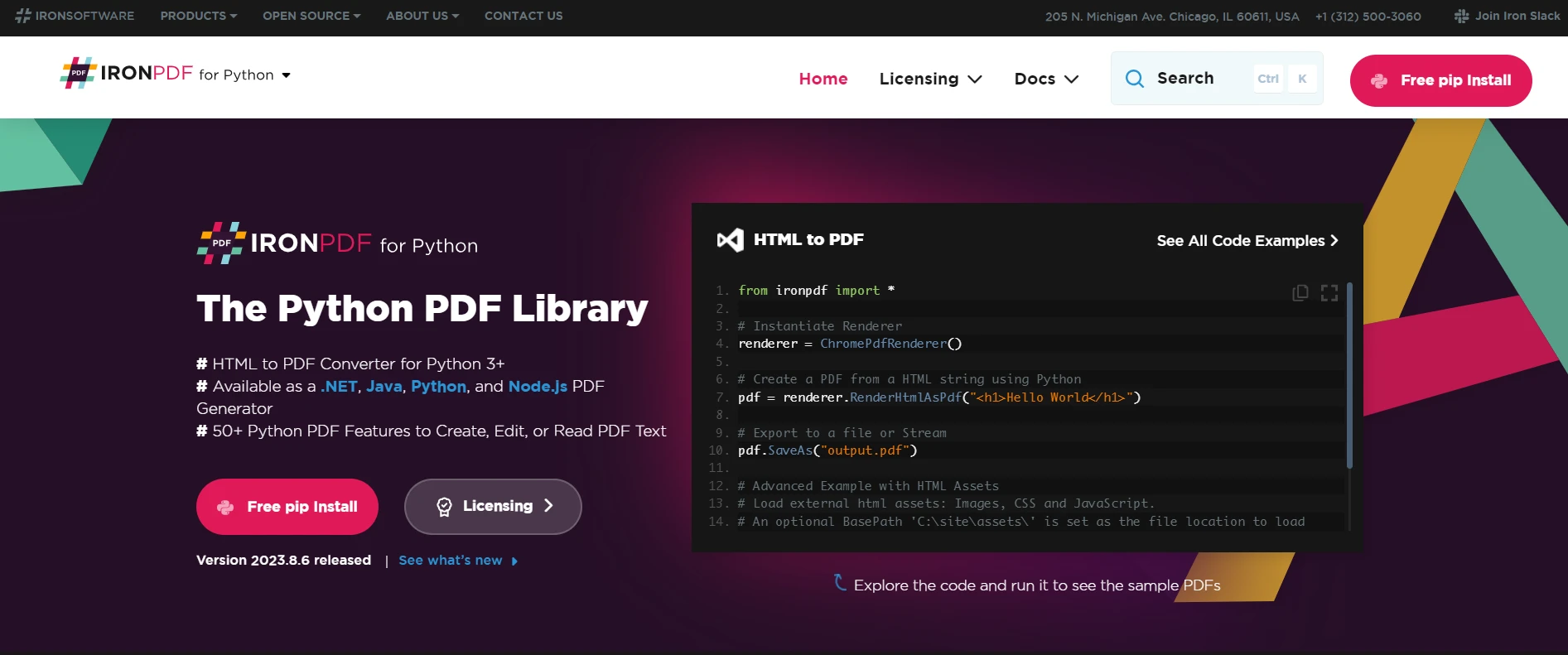
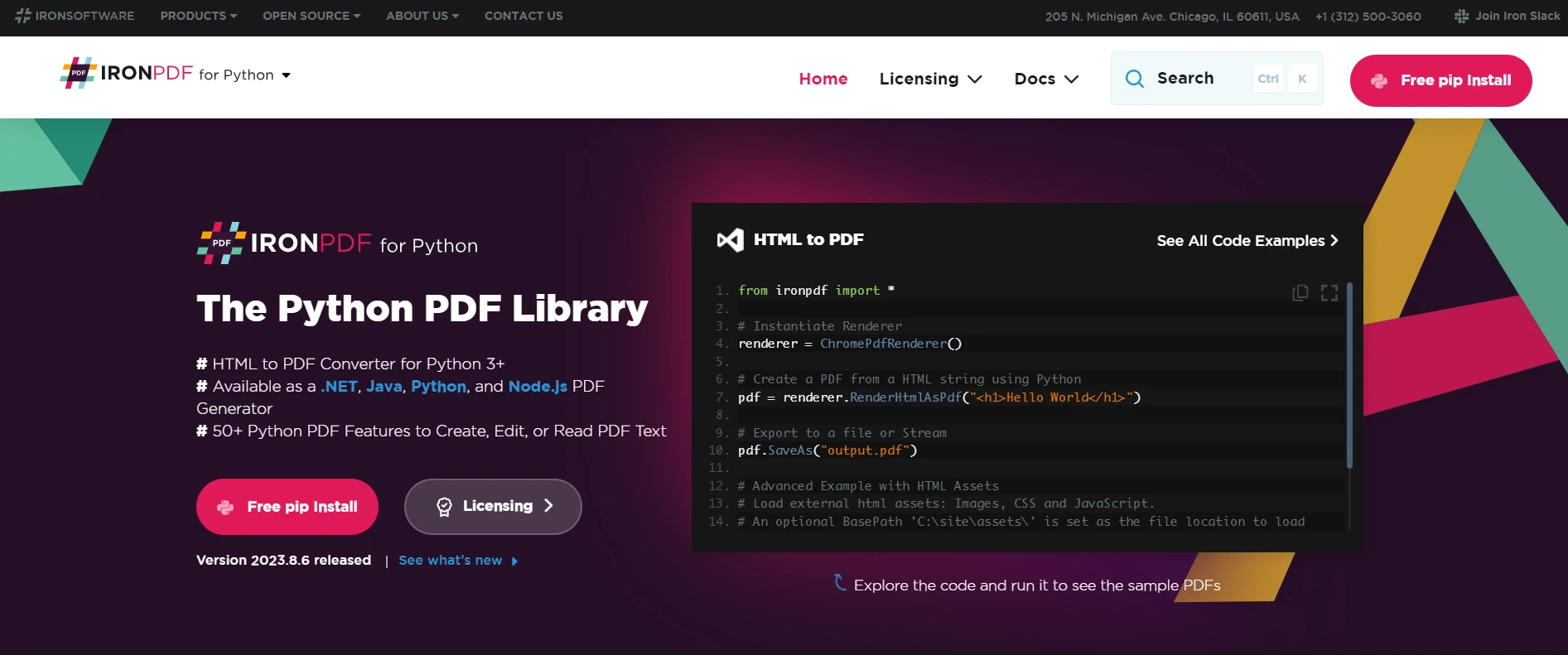

IronPDF는 IRON SUITE 의 일부입니다.
10개의 .NET API 제품, 당신의 사무 문서를 위해











PDF 파일을 HTML처럼 빠르게 변환해야 할 때.

