已更新 2026年4月21日
Spyder Python IDE:完整指南
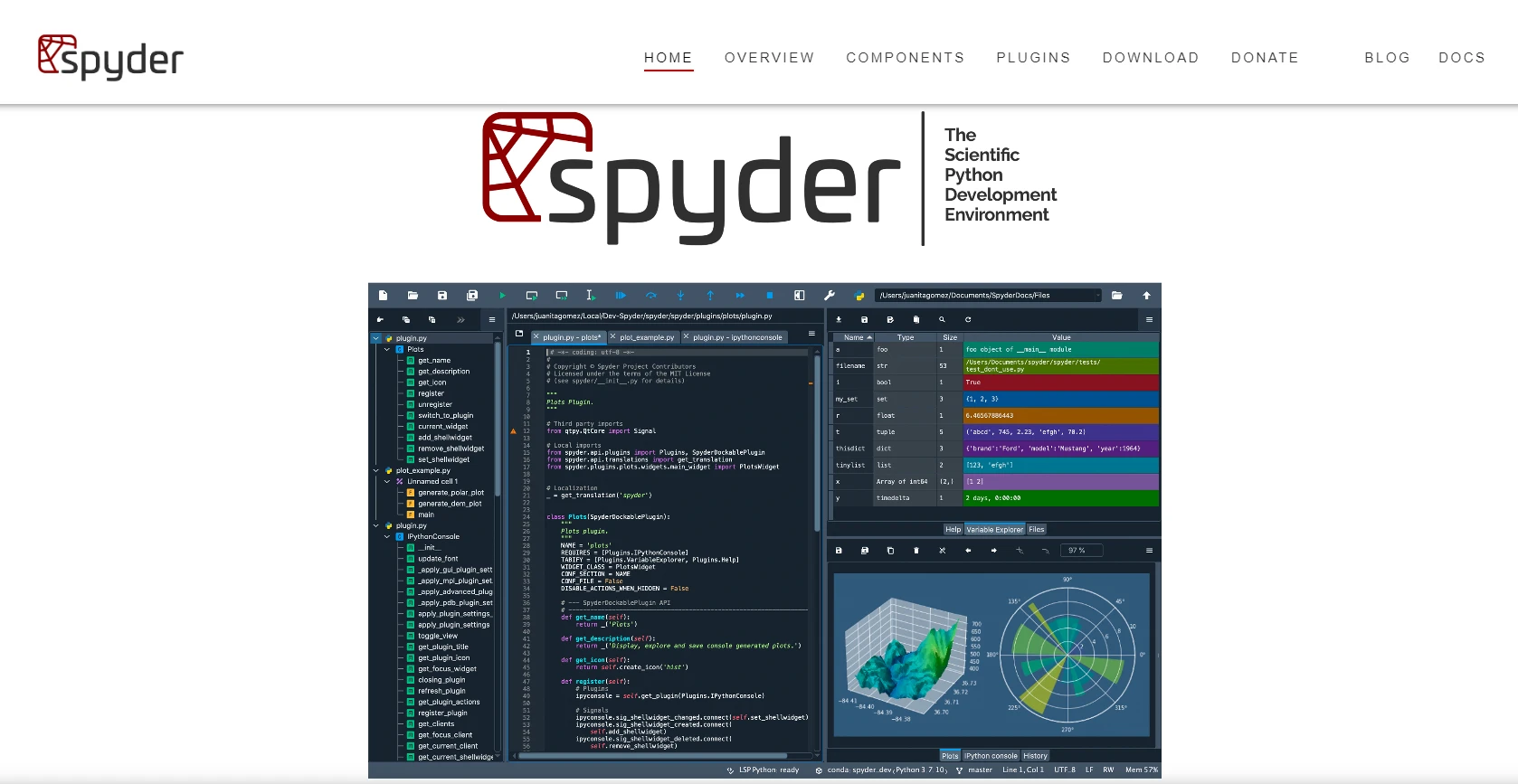
在本文中,我们将探索什么是 Spyder,如何安装它,以及如何使用其关键功能。
阅读更多

列表是Python中的基本数据结构,通常用于存储有序数据集合。 在列表中查找特定元素是执行各种任务的关键步骤,例如数据分析、过滤和操作。
Python是一种多功能且强大的编程语言,以其简单性和可读性著称。 在Python中处理列表使事情比任何其他编程语言更容易。 本文探索了使用 Python 在列表中查找任何元素时的各种方法,它将为您提供可用选项及其应用的全面理解。
in运算符index方法count方法all函数在Python列表中查找值是一个基本且经常遇到的任务。 理解并掌握in、index、count、列表推导式、any、all以及自定义函数等多种方法,可以帮助您高效地定位和操作列表中的数据,为编写清晰高效的代码铺平道路。 根据您的特定需求和搜索条件的复杂性来选择最合适的方法,让我们来看看在列表中查找给定元素的不同方法,但在此之前,需要先在您的系统上安装Python。
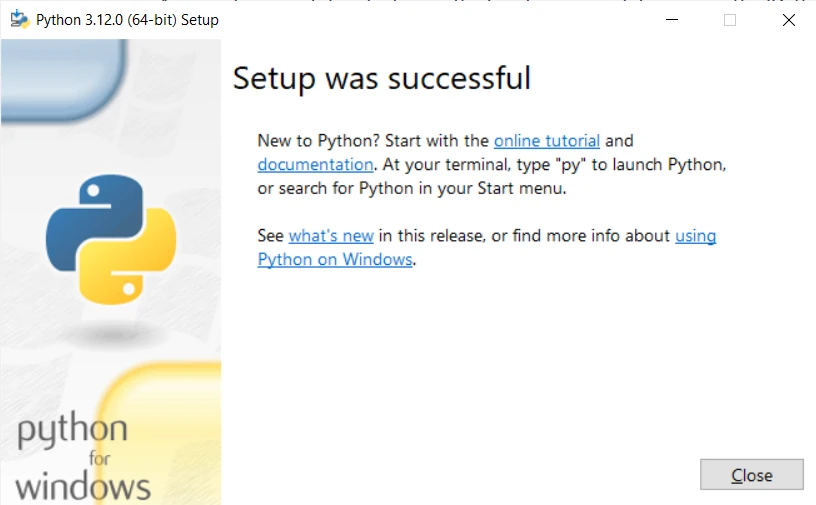
安装Python是一个简单的过程,只需几个简单的步骤即可完成。 步骤可能会根据您的操作系统稍有不同。 在这里,我将提供Windows操作系统的说明。
1.下载 Python:
访问Python官方网站:Python下载。

2.运行安装程序:
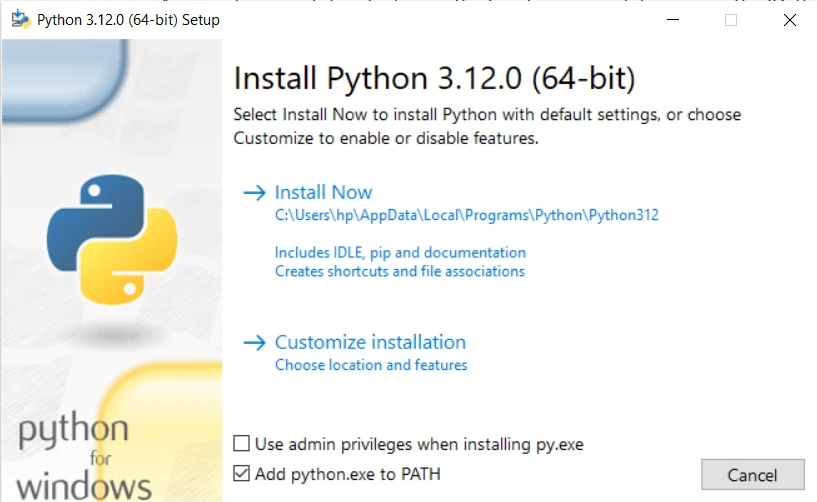
4.安装 Python:
5.验证安装:
python -V。 您应该会看到安装的Python版本。Python已安装,因此让我们转到Python列表方法,以便在找到某些元素后寻找某个元素或甚至删除重复的元素。
打开Python安装时自带的默认Python IDLE并开始编码。
in运算符检查元素是否存在于列表中的最简单方法是使用in运算符。 如果列表中的元素存在,它返回False。
my_list = ["apple", "banana", "orange"]
element = "banana"
if element in my_list:
    print("Element found!")
else:
print("Element not found.")index列表方法ValueError异常。
# Example usage of index method
element = "banana"
try:
    element_index = my_list.index(element)
    print(f"Element found at index: {element_index}")
except ValueError:
print("列表中未找到元素。")语法:my_list.index()方法的语法非常简单:
my_list.index(element, start, end)让我们从以下例子开始,说明list.index()方法的基本用法:
fruits = ['apple', 'banana', 'orange', 'grape', 'banana']
# Find the index of 'orange' in the list
index = fruits.index('orange')
print(f"The index of 'orange' is: {index}")输出:
显示当前元素的Python列表索引:
'orange'的索引是:2ValueErrors需要注意的是,如果指定的列表元素不存在于列表中,ValueError。 为了处理这个问题,建议使用try-except块:
fruits = ['apple', 'banana', 'orange', 'grape', 'banana']
try:
    index = fruits.index('watermelon')
    print(f"The index of 'watermelon' is: {index}")
except ValueError:
print("列表中未找到元素。")输出:
列表中未找到元素。start和end参数允许您指定应在何种范围内进行搜索。 当您知道元素仅存在于列表的某个子集时,这特别有用:
numbers = [1, 2, 3, 4, 5, 2, 6, 7, 8]
# Find the index of the first occurrence of '2' after index 3
index = numbers.index(2, 3)
print(f"The index of '2' after index 3 is: {index}")输出:
'2'在索引3之后的索引是:5如果指定元素在列表中多次出现,list.index()方法返回它首次出现的索引。 如果您需要所有出现情况的索引,可以使用循环遍历列表:
fruits = ['apple', 'banana', 'orange', 'grape', 'banana']
# Find all indices of 'banana' in the list
indices = [i for i, x in enumerate(fruits) if x == 'banana']
print(f"The indices of 'banana' are: {indices}")输出:
'banana'的索引是:[1, 4]count方法count方法返回列表中指定元素的出现次数。
element_count = my_list.count(element)
print(f"Element appears {element_count} times in the list.")列表推导提供了一种简洁的方式来根据条件过滤列表中的元素。 该方法会遍历每个项目,如果存在则返回元素。
filtered_list = [item for item in my_list if item == element]
print(f"Filtered list containing element: {filtered_list}")all函数any函数检查列表中的任何元素是否满足给定条件。 all函数检查所有元素是否满足该条件。
any函数示例any_fruit_starts_with_a = any(item.startswith("a") for item in fruits)
print(f"Does any fruit start with 'a': {any_fruit_starts_with_a}")all函数示例all_fruits_start_with_a = all(item.startswith("a") for item in fruits)
print(f"All fruits start with 'a': {all_fruits_start_with_a}")对于复杂的搜索条件,您可以定义自己的函数以返回值来检查元素是否满足所需条件。
def is_even(number):
    return number % 2 == 0

numbers = [1, 2, 3, 4, 5, 6, 7, 8]
filtered_list = list(filter(is_even, numbers))
print(f"Filtered list containing even numbers: {filtered_list}")IronPDF是Iron Software开发的一个强大的.NET库,旨在轻松灵活地在各种编程环境中操作PDF文件。 作为Iron Suite的一部分,IronPDF为开发人员提供了强大的工具,可以无缝地创建、编辑和提取PDF文档中的内容。 凭借其全面的功能和兼容性,IronPDF简化了与PDF相关的任务,提供了一种以编程方式处理PDF文件的多功能解决方案。
开发人员可以轻松地使用Python列表与IronPDF文档一起工作。 这些列表有助于组织和管理从PDF中提取的信息,使处理文本、操作表格和创建新的PDF内容变得轻而易举。
让我们将Python列表操作与IronPDF提取的文本结合起来。 以下代码演示如何使用in运算符在提取内容中查找特定文本,然后计算每个关键词的出现次数。 我们还可以使用列表推导方法来查找包含关键字的完整句子:
from ironpdf import *

# Load existing PDF document
pdf = PdfDocument.FromFile("content.pdf")

# Extract text from PDF document
all_text = pdf.ExtractAllText()

# Define a list of keywords to search for in the extracted text
keywords_to_find = ["important", "information", "example"]

# Check if any of the keywords are present in the extracted text
for keyword in keywords_to_find:
    if keyword in all_text:
        print(f"Found '{keyword}' in the PDF content.")
    else:
        print(f"'{keyword}' not found in the PDF content.")

# Count the occurrences of each keyword in the extracted text
keyword_counts = {keyword: all_text.count(keyword) for keyword in keywords_to_find}
print("Keyword Counts:", keyword_counts)

# Use list comprehensions to create a filtered list of sentences containing a specific keyword
sentences_with_keyword = [sentence.strip() for sentence in all_text.split('.') if any(keyword in sentence for keyword in keywords_to_find)]
print("Sentences with Keyword:", sentences_with_keyword)

# Extract text from a specific page in the document
page_2_text = pdf.ExtractTextFromPage(1)总之,在Python列表中高效查找元素对于数据分析和操作任务的重要性在寻找结构化数据中特定详细信息时是巨大的。 Python提供了多种在列表中查找元素的方法,例如使用all函数。 每种方法或函数都可以用于在列表中查找特定项目。 总体而言,掌握这些技术可以增强代码的可读性和效率,使开发人员能够应对Python中的各种编程挑战。
上述示例展示了如何无缝集成各种Python列表方法与IronPDF以增强文本提取和分析过程。 这为开发人员提供了更多选项来从可读的PDF文档中提取指定文本。

Curtis Chau 拥有卡尔顿大学的计算机科学学士学位,专注于前端开发,精通 Node.js、TypeScript、JavaScript 和 React。他热衷于打造直观且美观的用户界面,喜欢使用现代框架并创建结构良好、视觉吸引力强的手册。

当您需要PDF看起来像HTML时,速度快。