已更新 2026年4月21日
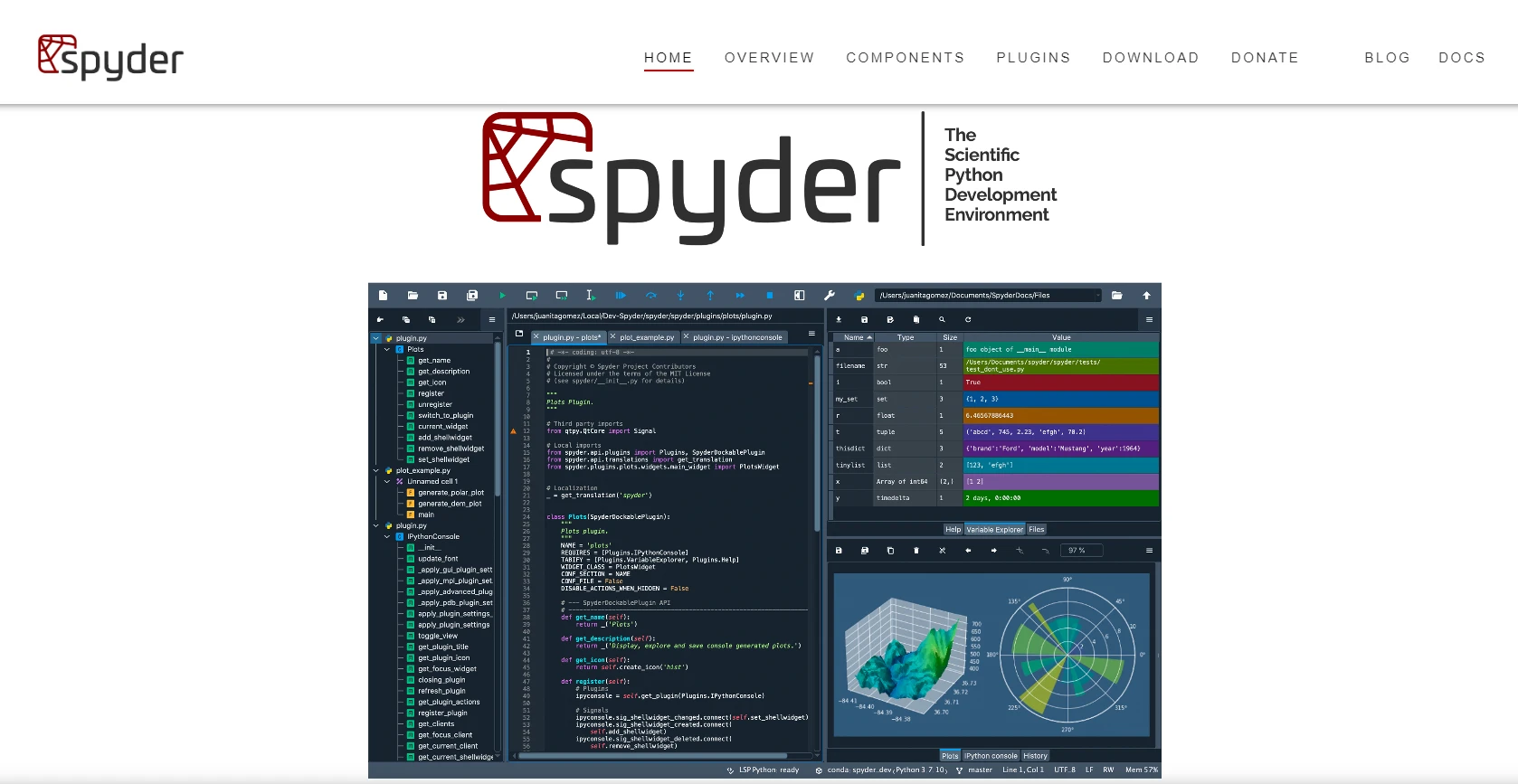
Spyder Python IDE:完整指南
在本文中,我們將探索什麼是 Spyder,如何安裝它,以及如何使用其關鍵功能。
閱讀更多

列表是Python中基本的資料結構,通常用於儲存有序資料的集合。 在列表中查找特定元素是各種任務中的關鍵任務,例如資料分析、過濾和操作。
Python是一種多功能且強大的程式語言,以其簡單性和可讀性著稱。 在Python中使用列表時,比起其他程式語言,這讓事情更加簡單。 本文探討使用Python,在列表中查找任何元素的多種方法,這將爲您提供關於可用選項及其應用程式的全面瞭解。
in操作符index方法count方法all函数在Python列表中查找值 是一項基本且常見的任務。 理解並掌握各種方法,如in、index、count、列表生成式、any、all和自定義函式,可以幫助您有效地在列表中定位和操作資料,爲實現清晰高效的程式碼鋪平道路。 爲了根據您的特定需求和搜索條件的複雜性選擇最合適的方法,讓我們先看看列表中的不同搜索方式,但在此之前,您需要在系統上安裝Python。
安裝Python是一個簡單的過程,可以通過幾個簡單的步驟完成。 根據您的操作系統,步驟可能會略有不同。 在這裏,我將提供Windows操作系統的指示。
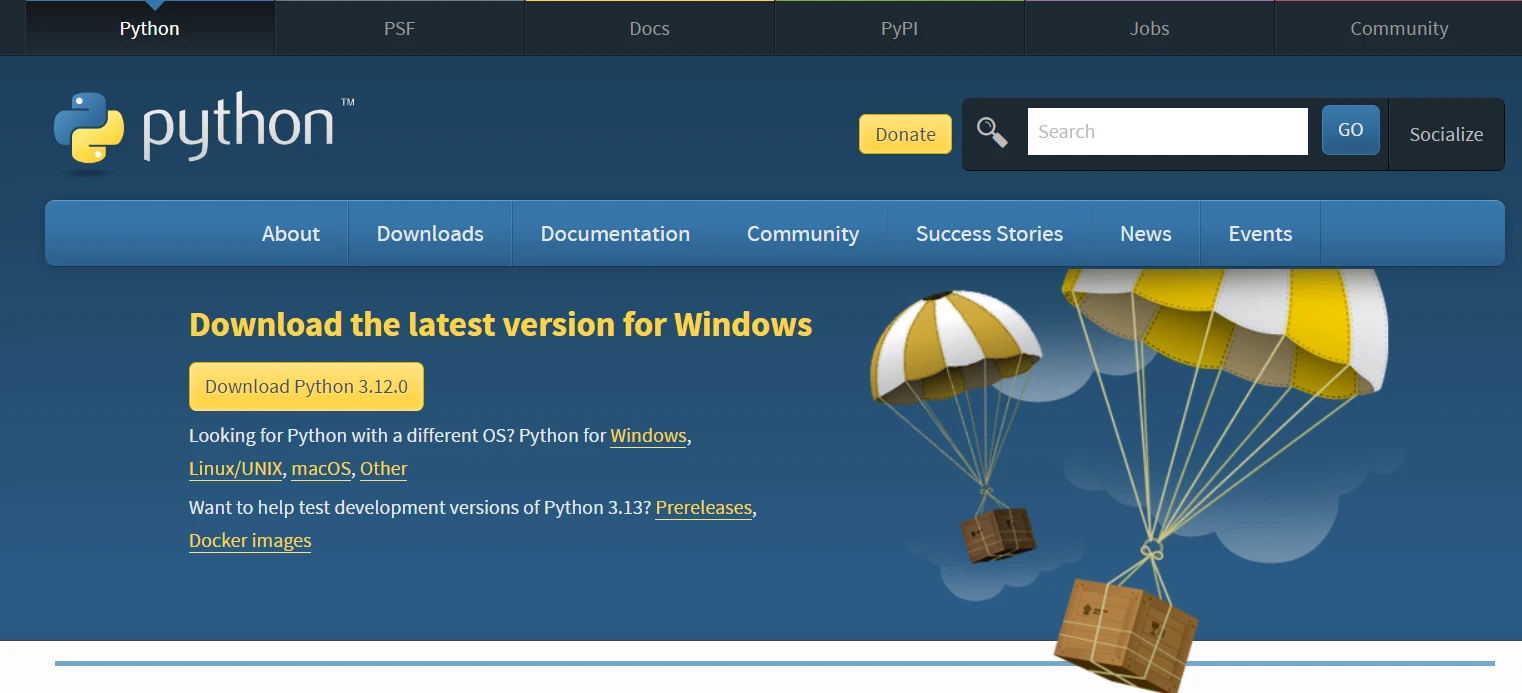
下載Python:
運行安裝程式:
配置Python:
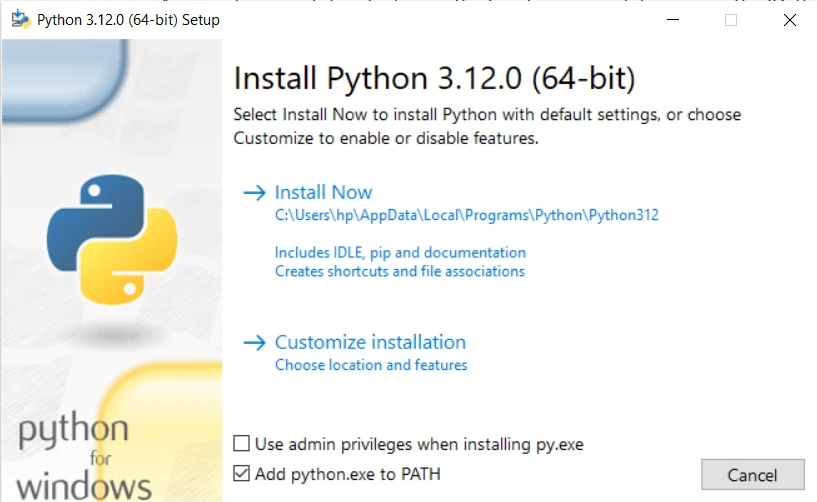
安裝Python:
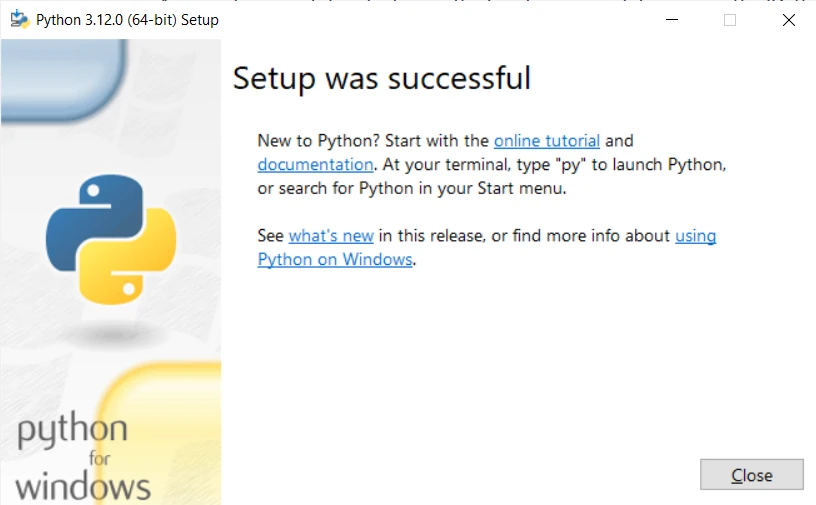
驗證安裝:
python -V。 您應該看到安裝的Python版本。Python已安裝,現在讓我們進入Python列表方法以查找某個元素,甚至在查找到它們後刪除重複元素。
打開與Python一起安裝的預設Python IDLE並開始編寫程式碼。
in操作符檢查元素是否存在於列表中最簡單的方法是使用in操作符。 如果列表中存在該元素,返回False。
my_list = ["apple", "banana", "orange"]
element = "banana"
if element in my_list:
    print("Element found!")
else:
print("Element not found.")index列表方法index方法返回指定元素在列表中的第一個索引。 如果未找到元素,則會引發ValueError異常。
# Example usage of index method
element = "banana"
try:
    element_index = my_list.index(element)
    print(f"Element found at index: {element_index}")
except ValueError:
print("列表中找不到元素。")語法: my_list.index()方法的語法非常簡單:
my_list.index(element, start, end)讓我們從以下範例開始,來說明list.index()方法的基本用法:
fruits = ['apple', 'banana', 'orange', 'grape', 'banana']
# Find the index of 'orange' in the list
index = fruits.index('orange')
print(f"The index of 'orange' is: {index}")輸出:
顯示當前元素的Python列表索引:
'orange'的索引是:2ValueErrors重要的是要注意,如果指定的列表元素不存在於列表中,則ValueError。 要解決這個問題,建議使用try-except塊:
fruits = ['apple', 'banana', 'orange', 'grape', 'banana']
try:
    index = fruits.index('watermelon')
    print(f"The index of 'watermelon' is: {index}")
except ValueError:
print("列表中找不到元素。")輸出:
列表中找不到元素。開始 和 結束 參數允許您指定需要進行搜索的範圍。 這尤其有用,當您知道元素僅存在於列表的某個子集中時:
numbers = [1, 2, 3, 4, 5, 2, 6, 7, 8]
# Find the index of the first occurrence of '2' after index 3
index = numbers.index(2, 3)
print(f"The index of '2' after index 3 is: {index}")輸出:
'2'在索引3之后的索引是:5如果指定元素在列表中多次出現,list.index()方法返回其第一次出現的索引。 如果您需要所有出現的索引,您可以使用迴圈遍歷列表:
fruits = ['apple', 'banana', 'orange', 'grape', 'banana']
# Find all indices of 'banana' in the list
indices = [i for i, x in enumerate(fruits) if x == 'banana']
print(f"The indices of 'banana' are: {indices}")輸出:
'banana'的索引是:[1, 4]count方法count方法返回列表中指定元素的出現次數。
element_count = my_list.count(element)
print(f"Element appears {element_count} times in the list.")列表生成式提供了一種簡潔的方法來根據某個條件過濾列表中的元素。 此方法會迭代每個項目,並在存在時返回元素。
filtered_list = [item for item in my_list if item == element]
print(f"Filtered list containing element: {filtered_list}")all函数any函式檢查列表中的任何元素是否滿足給定條件。 all函数检查所有元素是否满足条件。
any函数範例any_fruit_starts_with_a = any(item.startswith("a") for item in fruits)
print(f"Does any fruit start with 'a': {any_fruit_starts_with_a}")all函数範例all_fruits_start_with_a = all(item.startswith("a") for item in fruits)
print(f"All fruits start with 'a': {all_fruits_start_with_a}")對於複雜的搜索條件,您可以定義自己的函式以返回一個值,用於檢查元素是否符合所需條件。
def is_even(number):
    return number % 2 == 0

numbers = [1, 2, 3, 4, 5, 6, 7, 8]
filtered_list = list(filter(is_even, numbers))
print(f"Filtered list containing even numbers: {filtered_list}")IronPDF是由Iron Software設計的一個強大的.NET庫,用於在各種編程環境中輕鬆和靈活地操作PDF文件。 作爲Iron Suite的組成部分,IronPDF爲開發人員提供了強大的工具,使他們能夠順利地建立、編輯和提取PDF文件中的內容。 憑藉其全面的功能和相容性,IronPDF簡化了與PDF有關的任務,提供了一個多功能的解決方案,用於程式化地處理PDF文件。
開發人員可以輕鬆使用Python列表與IronPDF文件進行工作。 這些列表幫助組織和管理從PDF提取的資訊,使處理文字、操作表格和建立新的PDF內容等任務變得輕而易舉。
讓我們結合IronPDF提取的文字進行Python列表操作。 下面的程式碼演示瞭如何使用in操作符在提取的内容中查找特定文字,然後計算每個關鍵字的出現次數。 我們還可以使用列表生成式方法來查找包含關鍵字的完整句子:
from ironpdf import *

# Load existing PDF document
pdf = PdfDocument.FromFile("content.pdf")

# Extract text from PDF document
all_text = pdf.ExtractAllText()

# Define a list of keywords to search for in the extracted text
keywords_to_find = ["important", "information", "example"]

# Check if any of the keywords are present in the extracted text
for keyword in keywords_to_find:
    if keyword in all_text:
        print(f"Found '{keyword}' in the PDF content.")
    else:
        print(f"'{keyword}' not found in the PDF content.")

# Count the occurrences of each keyword in the extracted text
keyword_counts = {keyword: all_text.count(keyword) for keyword in keywords_to_find}
print("Keyword Counts:", keyword_counts)

# Use list comprehensions to create a filtered list of sentences containing a specific keyword
sentences_with_keyword = [sentence.strip() for sentence in all_text.split('.') if any(keyword in sentence for keyword in keywords_to_find)]
print("Sentences with Keyword:", sentences_with_keyword)

# Extract text from a specific page in the document
page_2_text = pdf.ExtractTextFromPage(1)總之,高效地在Python列表中查找元素對於資料分析和操作等任務來說至關重要,尤其是在從結構化資料中找到一些特定細節時。 Python提供了多種在列表中查找元素的方法,例如使用all函式。 每種方法或功能都可以用於在列表中查找特定項目。 總的來說,掌握這些技巧可以增強程式碼的可讀性和效率,使開發人員能夠應對Python中的多種編程挑戰。
上述範例展示瞭如何將各種Python列表方法與IronPDF無縫整合,以增強文字提取和分析過程。 這爲開發人員提供了更多選項來從可讀PDF文件中提取指定文字。

Curtis Chau擁有Carleton大學的電腦科學學士學位,專精於前端開發,擁有Node.js、TypeScript、JavaScript和React的專業知識。Curtis熱衷於建立直觀且美觀的使用者介面,喜愛使用現代框架並建立結構良好、視覺吸引力的手冊。

IronPDF 是 IRONSUITE 的一部分
10 款適用於辦公室文件的 .NET API 產品

當您需要您的PDF看起來像HTML一樣快速。