


업데이트됨 2026년 4월 21일
Python을 사용하여 PDF를 PNG로 변환하는 방법
이 글에서는 Python용 IronPDF를 사용하여 PDF 파일을 PNG 이미지 파일로 분할하는 방법을 살펴보겠습니다.
더 읽어보기

온라인 스크래핑 및 문서 생성 분야에서는 효과성과 효율성이 매우 중요합니다. 웹사이트에서 데이터를 추출하고 이를 전문적인 수준의 문서로 변환하려면 강력한 도구와 프레임워크를 원활하게 통합하는 것이 필수적입니다.
여기 Python 웹 스크래핑 프레임워크인 Scrapy와 온라인 데이터 추출 및 동적 PDF 생성을 최적화하기 위해 함께 작동하는 강력한 라이브러리인 IronPDF 가 있습니다.
이제 개발자들은 최고의 웹 크롤링 및 스크래핑 라이브러리인 Python 기반 Scrapy 덕분에 복잡한 웹을 손쉽게 탐색하고 정확하고 빠르게 구조화된 데이터를 추출할 수 있습니다. 강력한 XPath 및 CSS 선택자와 비동기 아키텍처를 갖춘 이 도구는 어떤 복잡성의 스크래핑 작업에도 이상적인 옵션입니다.
반대로 IronPDF 는 PDF 문서를 프로그래밍 방식으로 생성, 편집 및 조작할 수 있도록 지원하는 강력한 .NET 라이브러리입니다. IronPDF 강력한 PDF 생성 도구를 통해 개발자에게 동적이고 미적으로 뛰어난 PDF 문서를 제작할 수 있는 완벽한 솔루션을 제공합니다. 이러한 도구에는 HTML을 PDF로 변환하는 기능과 PDF 편집 기능이 포함됩니다.
이 글에서는 Scrapy Python 과 IronPDF 의 원활한 통합 과정을 살펴보고, 이 두 가지 도구가 웹 스크래핑 및 문서 생성 방식을 어떻게 혁신적으로 변화시키는지 보여드리겠습니다. Scrapy를 이용한 웹 데이터 스크래핑부터 IronPDF 이용한 동적 PDF 보고서 생성까지, 이 두 라이브러리가 어떻게 함께 작동하여 복잡한 작업을 간소화하고 개발 워크플로우 속도를 높이는지 보여드리겠습니다.
IronPDF 사용하여 Scrapy를 최대한 활용하는 방법을 통해 웹 스크래핑 및 문서 생성의 가능성을 함께 살펴보세요.
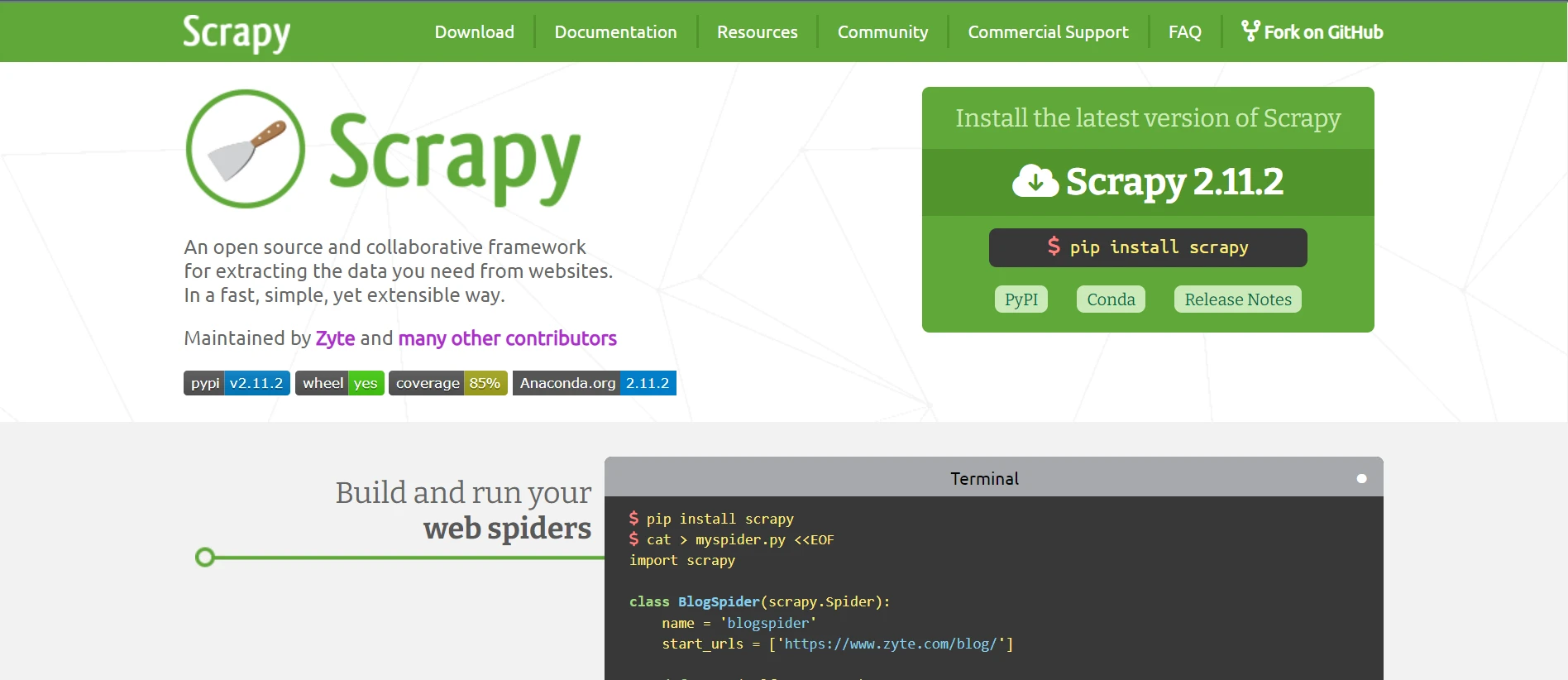
Scrapy에서 사용하는 비동기 아키텍처는 여러 요청을 동시에 처리할 수 있도록 합니다. 이는 특히 복잡한 웹사이트나 대량의 데이터를 처리할 때 효율성을 높이고 웹 스크래핑 속도를 향상시킵니다.
Scrapy는 자동 URL 필터링, 구성 가능한 요청 예약, 통합 robots.txt 지시문 처리와 같은 강력한 Scrapy 크롤링 프로세스 관리 기능을 제공합니다. 크롤링 동작은 개발자가 자체 요구 사항을 충족하고 웹사이트 가이드라인을 준수하도록 조정할 수 있습니다.
Scrapy는 사용자가 XPath 및 CSS 선택자를 사용하여 HTML 페이지 내의 항목을 탐색하고 선택할 수 있도록 합니다. 이러한 적응성 덕분에 개발자는 웹 페이지의 특정 요소나 패턴을 정확하게 타겟팅할 수 있으므로 데이터 추출이 더욱 정밀하고 신뢰할 수 있게 됩니다.
개발자는 Scrapy의 아이템 파이프라인을 사용하여 스크래핑한 데이터를 내보내거나 저장하기 전에 처리할 재사용 가능한 구성 요소를 지정할 수 있습니다. 데이터 정제, 유효성 검사, 변환 및 중복 제거와 같은 작업을 수행함으로써 개발자는 추출된 데이터의 정확성과 일관성을 보장할 수 있습니다.
Scrapy에 사전 설치된 여러 미들웨어 구성 요소는 자동 쿠키 처리, 요청 속도 제한, 사용자 에이전트 변경 및 프록시 변경과 같은 기능을 제공합니다. 이러한 미들웨어 요소는 간단하게 구성하고 맞춤 설정할 수 있어 스크래핑 효율성을 향상시키고 일반적인 문제를 해결할 수 있습니다.
개발자는 모듈식 및 확장 가능한 아키텍처 덕분에 Scrapy의 기능을 더욱 개인화하고 확장할 수 있습니다. 이를 위해 사용자 지정 미들웨어, 확장 기능 및 파이프라인을 생성할 수 있습니다. 스크래피는 적응성이 뛰어나기 때문에 개발자는 기존 프로세스에 쉽게 통합하고 고유한 스크래핑 요구 사항에 맞게 수정할 수 있습니다.
pip를 사용하여 Scrapy를 설치하려면 다음 명령어를 실행하세요.
pip install scrapy귀하의 스파이더를 정의하려면 spiders/ 디렉터리 아래에 새 Python 파일(예: example.py)을 만드십시오. URL에서 정보를 추출하는 기본적인 스파이더의 예시는 다음과 같습니다.
import scrapy

class QuotesSpider(scrapy.Spider):
    # Name of the spider
    name = 'quotes'
    # Starting URL
    start_urls = ['http://quotes.toscrape.com']

    def parse(self, response):
        # Iterate through each quote block in the response
        for quote in response.css('div.quote'):
            # Extract and yield quote details
            yield {
                'text': quote.css('span.text::text').get(),
                'author': quote.css('span small.author::text').get(),
                'tags': quote.css('div.tags a.tag::text').getall(),
            }
        # Identify and follow the next page link
        next_page = response.css('li.next a::attr(href)').get()
        if next_page is not None:
yield response.follow(next_page, self.parse)사용자 에이전트, 다운로드 지연, 파이프라인과 같은 Scrapy 프로젝트 매개 변수를 설정하려면 settings.py 파일을 편집하십시오. 이것은 사용자 에이전트를 변경하고 파이프라인을 작동 가능하게 만드는 방법의 예입니다:
# Obey robots.txt rules
ROBOTSTXT_OBEY = True
# Set user-agent
USER_AGENT = 'Mozilla/5.0 (Windows NT 10.0; Win64; x64) AppleWebKit/537.36 (KHTML, like Gecko) Chrome/58.0.3029.110 Safari/537.3'
# Configure pipelines
ITEM_PIPELINES = {
    'myproject.pipelines.MyPipeline': 300,
}Scrapy와 IronPDF 사용하려면 Scrapy의 강력한 웹 스크래핑 기능과 IronPDF의 동적인 PDF 생성 기능을 결합해야 합니다. 아래에서는 Scrapy 프로젝트를 설정하는 단계를 안내해 드리겠습니다. 이 프로젝트를 통해 웹사이트에서 데이터를 추출하고 IronPDF 사용하여 해당 데이터가 포함된 PDF 문서를 생성할 수 있습니다.
IronPDF 는 C#, VB .NET 및 기타 .NET 언어로 PDF 문서를 프로그래밍 방식으로 생성, 편집 및 변경할 수 있는 강력한 .NET 라이브러리입니다. 이 기능은 개발자에게 고품질 PDF를 동적으로 생성할 수 있는 다양한 기능을 제공하기 때문에 많은 프로그램에서 널리 사용됩니다.
PDF 생성: IronPDF 사용하면 프로그래머는 새 PDF 문서를 생성하거나 태그, 텍스트, 이미지 및 기타 파일 형식과 같은 기존 HTML 요소를 PDF로 변환할 수 있습니다. 이 기능은 보고서, 송장, 영수증 및 기타 문서를 동적으로 생성하는 데 매우 유용합니다.
HTML을 PDF로 변환: IronPDF 개발자가 JavaScript 및 CSS 스타일을 포함한 HTML 문서를 PDF 파일로 간편하게 변환할 수 있도록 지원합니다. 이를 통해 웹 페이지, 동적으로 생성된 콘텐츠 및 HTML 템플릿에서 PDF를 생성할 수 있습니다.
PDF 문서 수정 및 편집: IronPDF 기존 PDF 문서를 수정하고 변경하기 위한 포괄적인 기능을 제공합니다. 개발자는 여러 PDF 파일을 병합하거나, 개별 문서로 분리하거나, 페이지를 삭제하거나, 책갈피, 주석, 워터마크를 추가하는 등 다양한 기능을 활용하여 요구 사항에 맞게 PDF를 사용자 지정할 수 있습니다.
컴퓨터에 Python이 설치되어 있는지 확인한 후, pip를 사용하여 IronPDF 설치하세요.
귀하의 스파이더를 정의하려면 Scrapy 프로젝트의 스파이더 디렉터리(myproject/myproject/spiders)에 새 Python 파일(예: example.py)을 만드십시오. URL에서 인용구를 추출하는 기본적인 스파이더 코드 예시입니다.
import scrapy
from IronPdf import *

class QuotesSpider(scrapy.Spider):
    name = 'quotes'
    # Web page link
    start_urls = ['http://quotes.toscrape.com']

    def parse(self, response):
        quotes = []
        for quote in response.css('div.quote'):
            title = quote.css('span.text::text').get()
            content = quote.css('span small.author::text').get()
            quotes.append((title, content))  # Append quote to list

        # Generate PDF document using IronPDF
        renderer = ChromePdfRenderer()
        pdf = renderer.RenderHtmlAsPdf(self.get_pdf_content(quotes))
        pdf.SaveAs("quotes.pdf")

    def get_pdf_content(self, quotes):
        # Generate HTML content for PDF using extracted quotes
        html_content = "<html><head><title>Quotes</title></head><body>"
        for title, content in quotes:
            html_content += f"<h2>{title}</h2><p>Author: {content}</p>"
        html_content += "</body></html>"
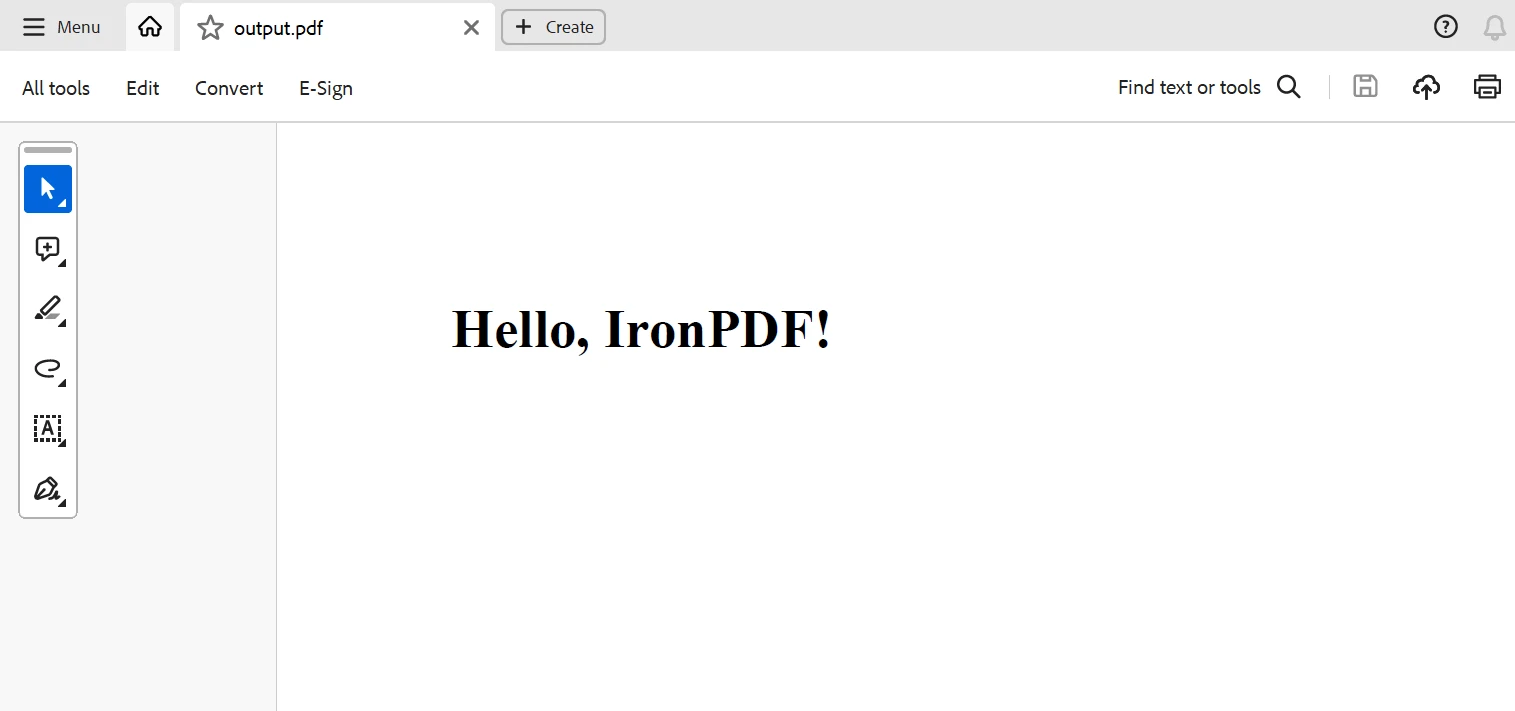
return html_content위의 Scrapy 프로젝트 코드 예제에서는 IronPDF IronPDF 하여 Scrapy로 추출한 데이터를 기반으로 PDF 문서를 생성합니다.
여기서 스파이더의 parse 메소드는 웹페이지에서 인용문을 수집하고 get_pdf_content 함수는 PDF 파일의 HTML 콘텐츠를 만듭니다. 이 HTML 자료는 IronPDF를 사용하여 PDF 문서로 렌더링되고 quotes.pdf로 저장됩니다.
요약하자면, Scrapy와 IronPDF 의 조합은 개발자에게 웹 스크래핑 작업을 자동화하고 PDF 문서를 즉시 생성할 수 있는 강력한 옵션을 제공합니다. IronPDF의 유연한 PDF 생성 기능과 Scrapy의 강력한 웹 크롤링 및 스크래핑 기능이 결합되어 모든 웹 페이지에서 구조화된 데이터를 원활하게 수집하고 추출된 데이터를 전문가 수준의 PDF 보고서, 송장 또는 문서로 변환할 수 있습니다.
Scrapy Spider Python을 활용하면 개발자는 복잡한 인터넷 환경을 효과적으로 탐색하고, 다양한 출처에서 정보를 검색하여 체계적으로 정리할 수 있습니다. Scrapy는 유연한 프레임워크, 비동기 아키텍처, XPath 및 CSS 선택자 지원을 통해 다양한 웹 스크래핑 작업을 관리하는 데 필요한 유연성과 확장성을 제공합니다.
IronPDF 에는 평생 라이선스가 포함되어 있으며, 패키지로 구매할 경우 가격이 상당히 합리적입니다. 패키지는 여러 시스템에 대한 일회성 구매로 $999의 저렴한 가격을 제공합니다. 라이선스 소지자는 연중무휴 24시간 온라인 기술 지원을 받을 수 있습니다. 수수료에 대한 자세한 내용은 웹사이트를 참조해 주십시오. Iron Software의 제품 에 대해 자세히 알아보려면 이 페이지를 방문하세요.

커티스 차우는 칼턴 대학교에서 컴퓨터 과학 학사 학위를 취득했으며, Node.js, TypeScript, JavaScript, React를 전문으로 하는 프론트엔드 개발자입니다. 직관적이고 미적으로 뛰어난 사용자 인터페이스를 만드는 데 열정을 가진 그는 최신 프레임워크를 활용하고, 잘 구성되고 시각적으로 매력적인 매뉴얼을 제작하는 것을 즐깁니다.

IronPDF는 IRON SUITE 의 일부입니다.
10개의 .NET API 제품, 당신의 사무 문서를 위해

PDF 파일을 HTML처럼 빠르게 변환해야 할 때.

