



更新日 2026年4月23日
deepstream io(開発者向けのしくみ)
この記事では、オープンリアルタイムサーバdeepstreamとIronPDFを使用してPDFを生成する方法を学びます。
詳しく読む

ウェブ開発とデータ取得の多様な環境において、Pythonは優れた言語です。 そのシンプルさと強力なライブラリがHTTPリクエストの処理を理想的な選択にしています。 これらのライブラリの中で、PythonのRequestsモジュールは、ウェブサービスとの対話において多用途で使いやすいツールとして際立っています。
この記事では、HTTPリクエストの基本を調べ、RequestsライブラリがPython開発者にそれらを効率的に処理する力を与える方法を探ります。 また、HTTPリクエストをIronPDF for Pythonのようなライブラリと組み合わせて使うことで、PDFの生成と編集が簡単になります。
HTTP(ハイパーテキスト転送プロトコル)は、ワールドワイドウェブ上のデータ通信の基盤です。 それは、クライアント(ウェブブラウザ)とサーバー間でHTMLのようなハイパーテキストの転送を管理するプロトコルです。 HTTPはリクエストとレスポンスのプロトコルとして動作し、クライアントがサーバーにリクエストを送り、サーバーが要求されたリソースで応答します。
HTTPリクエストは通常、いくつかのコンポーネントで構成されます:
PythonのRequestsライブラリは、HTTPリクエストの作成プロセスを簡素化します。 さまざまな種類のリクエストを送信し、レスポンスをスムーズに処理するためのエレガントで直感的なAPIを提供します。
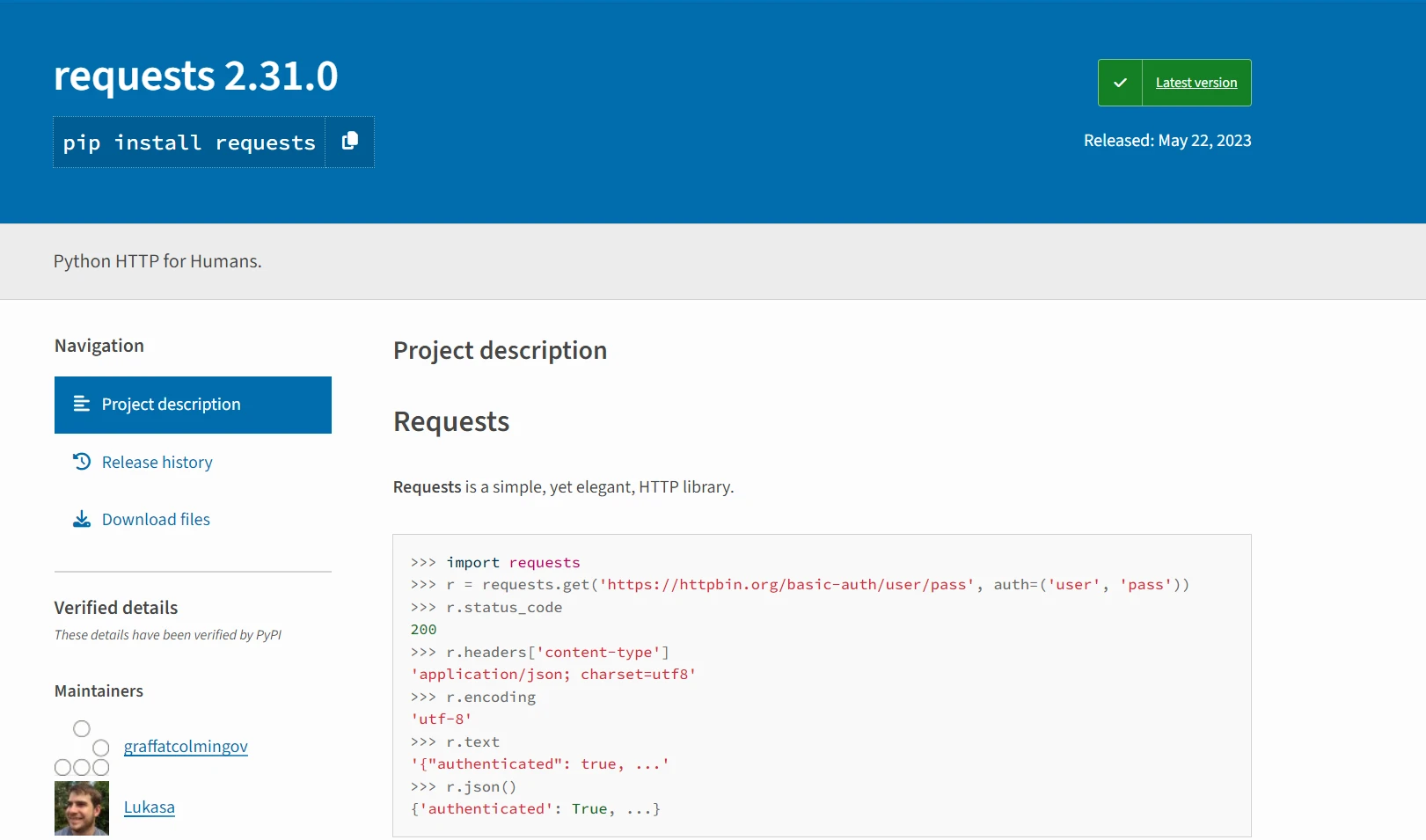
いくつかの基本的な使用例を見ていきましょう。ただし、その前にRequestsモジュールのインストールプロセスを確認しましょう。
Requestsライブラリを使用する前に、インストールされていることを確認してください。 pipを介してインストールできます:
pip install requests指定されたURLに対してGETリクエストを行うには、requests.get()メソッドを使用します。
import requests

# Make a GET request to the URL
response = requests.get('https://api.example.com/data')

# Print the response text (content of the response)
print(response.text)このコードは、指定されたURLhttps://api.example.com/dataにGETリクエストを送り、レスポンスのボディを出力します。
データを含むPOSTリクエストを行うには、requests.post()メソッドを使用してください。
import requests

# Data to send in the POST request
data = {'key': 'value'}

# Make a POST request with data
response = requests.post('https://api.example.com/post', data=data)

# Print the response in JSON format
print(response.json())ここでは、JSONデータをhttps://api.example.com/postにPOSTリクエストで送り、JSONレスポンスデータを出力しています。
HTTPリクエストによって返されるレスポンスオブジェクトは、HTTPヘッダ、ステータスコード、コンテンツなど、レスポンスのさまざまな側面にアクセスするためのさまざまな属性とメソッドを提供します。例えば:
import requests

# Make a GET request
response = requests.get('https://api.example.com/data')

# Print the status code of the response
print(response.status_code)

# Print the response headers
print(response.headers)HTTPリクエストを行う際には、エラーを穏やかに処理することが重要です。 Requestsライブラリは、接続エラーやタイムアウトなどの一般的なエラーに対して例外を上げることでエラーハンドリングを簡素化します。 例えば:
import requests

try:
    # Make a GET request
    response = requests.get('https://api.example.com/data')

    # Raise an exception for HTTP errors
    response.raise_for_status()
except requests.exceptions.HTTPError as err:
    # Print the error message
print(err)Falseに設定します。
import requests

# Make a GET request with SSL verification disabled
response = requests.get('https://api.example.com/data', verify=False)

# Process the response
print(response.text)URLにクエリパラメータを含めるには、paramsパラメータを使用してそれらを追加できます。
import requests

# Define query parameters
params = {'key': 'value', 'param2': 'value2'}

# Make a GET request with query parameters
response = requests.get('https://api.example.com/data', params=params)

# Process the response
print(response.text)この例では、params辞書がクエリパラメータを含んでいます。 GETリクエストを行う際、これらのパラメータは自動的にURLに追加され、https://api.example.com/data?key=value¶m2=value2のようなリクエストURLになります。
実装に入る前に、IronPDFを簡単に理解しましょう。
IronPDF for Pythonは、PDFドキュメントの生成、読み取り、編集、操作に特化した人気のあるPythonライブラリです。 プログラム可能に専門的なPDFを作成するための豊富な機能を提供します。
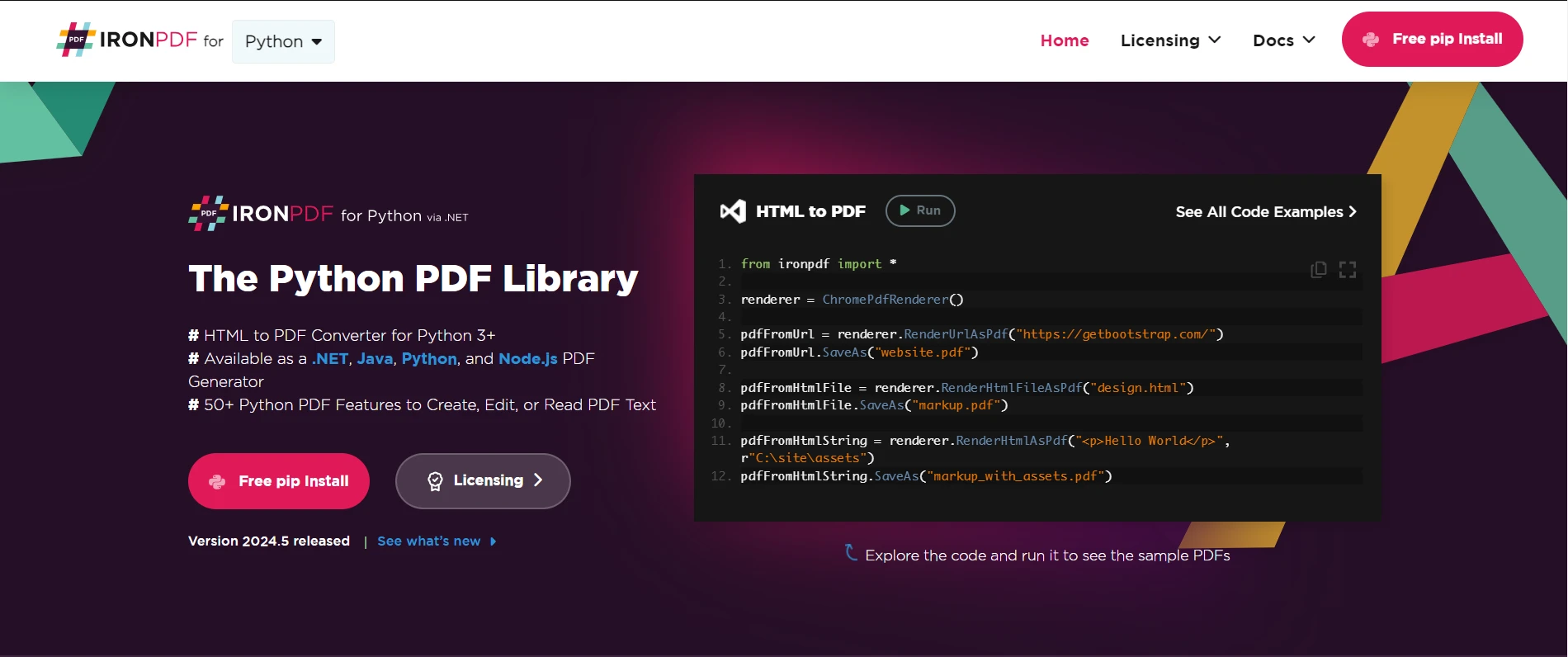
Requestsを介して取得したコンテンツを使用してIronPDFでPDFを生成するには、次の手順に従います:
まず、Python環境にIronPDFがインストールされていることを確認してください。 pipを介してインストールできます:
Requestsライブラリを使用して、PDFに含めたいコンテンツを取得します。 例えば:
import requests

# Make a GET request to fetch data
response = requests.get('https://api.example.com/data')
data = response.textコンテンツを取得したら、IronPDFを使用してPDFを生成します。 ここに基本的な例があります:
from ironpdf import ChromePdfRenderer

# Instantiate Renderer
renderer = ChromePdfRenderer()

# Create a PDF from the data received from requests
pdf = renderer.RenderHtmlAsPdf(data)

# Export to a file
pdf.SaveAs("output.pdf")この例では、dataがRequests経由で取得されたHTMLコンテンツを含んでいます。 IronPDFのRenderHtmlAsPdf()メソッドは、このHTMLコンテンツをPDFドキュメントに変換します。 最後に、PDFはSaveAs()メソッドを使用してファイルに保存されます。
Requestsライブラリのおかげで、Pythonはウェブとのやり取りを簡単にし、開発者がHTTP通信の複雑さではなく、優れたアプリケーションの構築に集中できるようにします。
IronPDFの拡張機能を使用して、PDF生成プロセスをさらに強化できます。PDFの設定、余白、向き、画像、CSS、JavaScriptなどをカスタマイズすることができます。 例えば:
# Set page margins
renderer.RenderingOptions.MarginTop = 40  # millimeters
renderer.RenderingOptions.MarginLeft = 20  # millimeters
renderer.RenderingOptions.MarginRight = 20  # millimeters
renderer.RenderingOptions.MarginBottom = 40  # millimeters

# Example with HTML Assets
# Load external HTML assets: Images, CSS, and JavaScript.
# An optional BasePath 'C:\\site\\assets\\' is set as the file location to load assets from
my_advanced_pdf = renderer.RenderHtmlAsPdf("<img src='icons/iron.png'>", "C:\\site\\assets")
my_advanced_pdf.SaveAs("html-with-assets.pdf")ここでは、ページ余白を設定し、ベースディレクトリから画像を追加してからファイルに保存しています。
IronPDFの機能と能力に関する詳細情報は、ドキュメントページを訪れ、Pythonと統合するためのすぐに使えるコード例をチェックしてください。
PythonのRequestsライブラリは、HTTPリクエストを行うための強力でありながらシンプルなインターフェースを提供します。 APIからデータを取得する場合でも、ウェブサービスと対話する場合でも、ウェブページをスクレイピングする場合でも、Requestsは直感的なAPIと堅牢な機能によってHTTPリクエストプロセスを簡素化します。
PythonのIronPDFとRequestsを組み合わせることで、取得したコンテンツから動的にPDFドキュメントを生成する可能性が広がります。 この記事で説明した手順を追い、IronPDFとRequestsの高度な機能を探索することにより、Python開発者はPDF生成ワークフローを効率化し、特定の要件に合わせて高品質のドキュメントを作成できます。
IronPDFはビジネスに最適です。 $999から始まるIronPDFの無料トライアルを試してみてください。返金保証付きで、ドキュメント管理には安全な選択です。 今すぐIronPDFをダウンロードして、シームレスなPDF統合を体験してください!

Curtis Chauは、カールトン大学でコンピュータサイエンスの学士号を取得し、Node.js、TypeScript、JavaScript、およびReactに精通したフロントエンド開発を専門としています。直感的で美しいユーザーインターフェースを作成することに情熱を持ち、Curtisは現代のフレームワークを用いた開発や、構造の良い視覚的に魅力的なマニュアルの作成を楽しんでいます。



IronPDF はIRONSUITEの一部です
オフィス文書向けの.NET API製品10個

PDFがHTMLのように見える必要があるとき、迅速に。











