



업데이트됨 2026년 4월 23일
deepstream io (개발자를 위한 작동 방식)
이 글에서는 오픈 실시간 서버인 DeepStream과 IronPDF를 사용하여 PDF를 생성하는 방법을 알아보겠습니다.
더 읽어보기

디지털 전환 시대에 강력한 암호화 메커니즘의 중요성은 아무리 강조해도 지나치지 않습니다. 암호화 기술은 데이터가 다양한 네트워크와 시스템을 통과할 때 데이터의 보안과 개인 정보 보호를 보장합니다. PyCryptodome은 암호화 분야에서 두각을 나타내는 Python 라이브러리로, 인증된 암호화 모드(GCM, CCM, EAX, SIV, OCB) 및 최고 수준의 지원을 제공하는 가속 AES 등 안전한 데이터 처리를 용이하게 하는 다양한 기능을 제공합니다. 이 글에서는 PyCryptodome의 최신 공식 버전을 자세히 살펴보고, 그 기능, 사용 사례, 간소화된 설치 과정, 그리고 다양한 응용 분야에서 효과적으로 활용하는 방법을 알아봅니다. 또한 PyCryptodome을 사용하여 IronPDF 라는 별도의 C# 라이브러리로 암호화된 PDF 파일을 생성할 것입니다.
PyCryptodome은 저수준 암호화 기본 요소를 포함하는 독립형 Python 패키지입니다. 이 라이브러리는 기존 PyCrypto 라이브러리를 완벽하게 대체할 수 있도록 설계되었으며, 기존 라이브러리의 여러 한계를 해결하고 기능을 확장합니다. 이 소프트웨어는 광범위한 암호화 알고리즘과 프로토콜을 제공하므로 애플리케이션에 보안 기능을 구현해야 하는 개발자에게 매우 유용한 도구입니다.
PyCryptodome은 자체적으로 모든 기능을 포함하고 있기 때문에 설치 과정이 매우 간단합니다. 다음 명령을 사용하여 Python의 Install-Package 프로그램 pip을 통해 설치할 수 있습니다:
pip install pycryptodomePyCryptodome은 여러 모듈로 구성되어 있으며, 각 모듈은 암호화의 다양한 측면을 다룹니다. 이러한 모듈들을 이해하는 것은 라이브러리를 효과적으로 활용하는 데 매우 중요합니다.
해시 함수는 암호학의 기본 요소로서, 임의의 데이터로부터 고정 크기의 해시 값을 생성하는 방법을 제공합니다. PyCryptodome은 Crypto.Hash 모듈을 통해 다양한 해시 알고리즘을 지원합니다.
from Crypto.Hash import SHA256

# Create a new SHA-256 hash object
hash_object = SHA256.new(data=b'Hello, PyCryptodome!')

# Output the hexadecimal digest of the hash
print(hash_object.hexdigest())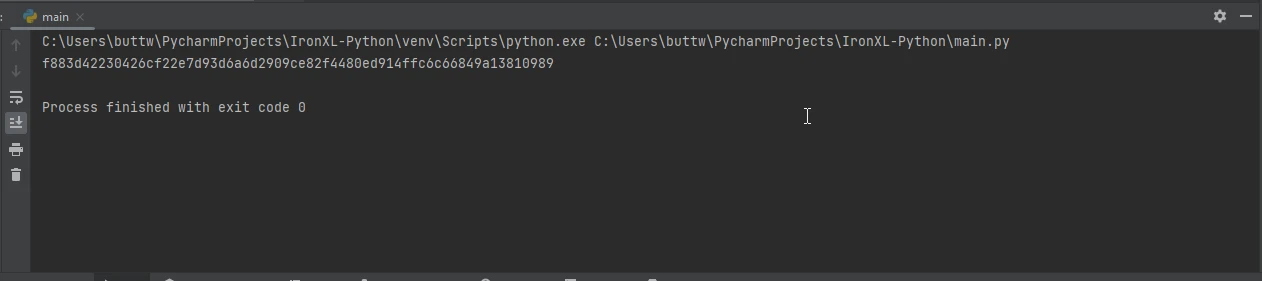
대칭 암호화는 암호화와 복호화에 동일한 키를 사용합니다. PyCryptodome의 Crypto.Cipher 모듈은 AES, DES 등을 포함한 여러 대칭 암호를 지원합니다.
from Crypto.Cipher import AES
from Crypto.Random import get_random_bytes

# Generate a random AES key
key = get_random_bytes(16)  # 16 bytes for AES-128

# Create a new AES cipher in EAX mode for encryption
cipher = AES.new(key, AES.MODE_EAX)
data = b'Secret Message'

# Encrypt the data and get the nonce, ciphertext and tag
nonce = cipher.nonce
ciphertext, tag = cipher.encrypt_and_digest(data)

# Create a new AES cipher in EAX mode for decryption
cipher = AES.new(key, AES.MODE_EAX, nonce=nonce)
plaintext = cipher.decrypt(ciphertext)

# Verify the authenticity of the message
try:
    cipher.verify(tag)
    print("The message is authentic:", plaintext)
except ValueError:
    print("Key incorrect or message corrupted")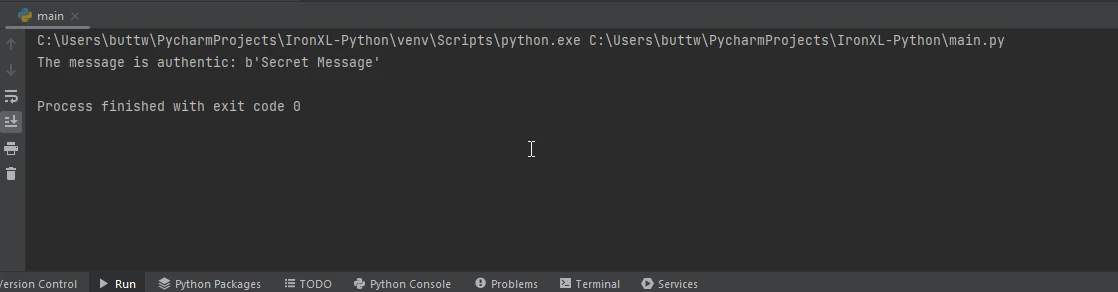
비대칭 암호화는 암호화에 사용되는 공개 키와 복호화에 사용되는 개인 키, 이렇게 두 개의 키를 사용합니다. PyCryptodome의 Crypto.PublicKey 모듈은 RSA, DSA, ECC(타원 곡선 암호화)를 지원합니다.
from Crypto.PublicKey import RSA
from Crypto.Cipher import PKCS1_OAEP

# Generate an RSA key pair
key = RSA.generate(2048)
public_key = key.publickey()

# Encrypt the message using the public key
cipher = PKCS1_OAEP.new(public_key)
ciphertext = cipher.encrypt(b'Secret Message')

# Decrypt the message using the private key
cipher = PKCS1_OAEP.new(key)
plaintext = cipher.decrypt(ciphertext)
print(plaintext)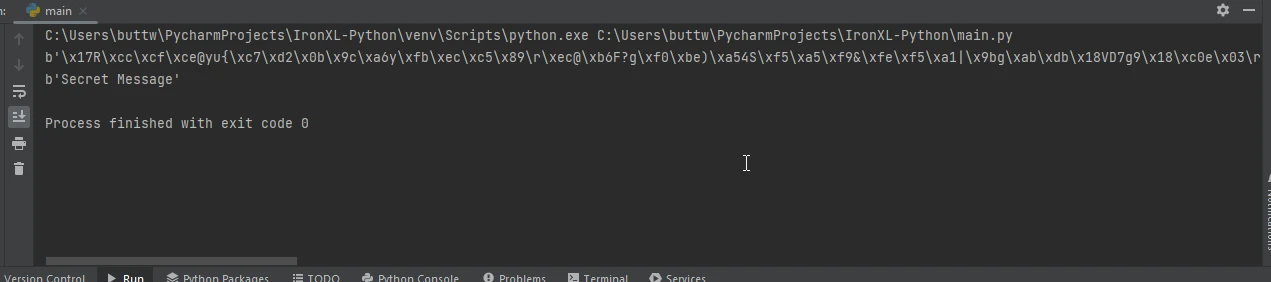
키 유도 함수는 암호 또는 암호문으로부터 암호화 키를 생성합니다. 이는 특히 비밀번호 기반 암호화에 유용합니다. PyCryptodome은 PBKDF2, scrypt 및 기타 키 유도 알고리즘을 지원합니다.
from Crypto.Protocol.KDF import PBKDF2
from Crypto.Random import get_random_bytes

# Define a password and generate a salt
password = b'my secret password'
salt = get_random_bytes(16)

# Derive a key from the password and salt using PBKDF2
key = PBKDF2(password, salt, dkLen=32, count=1000000)
print(key)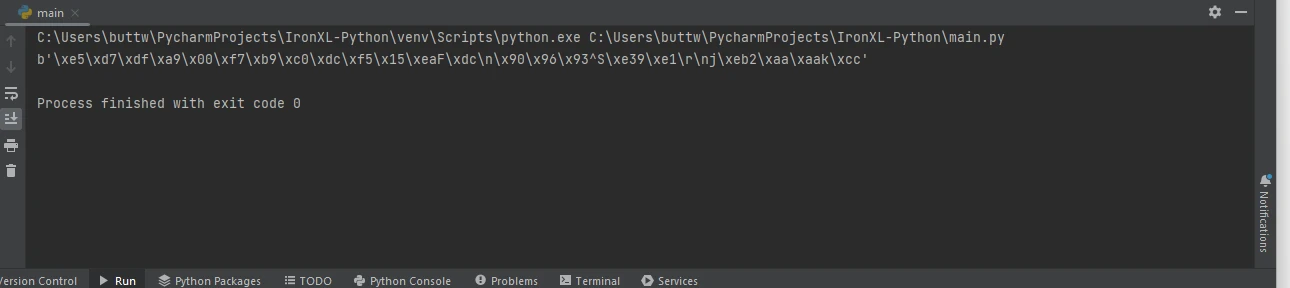
암호 관리자는 PyCryptodome의 키 유도 기능을 활용하여 사용자 암호를 안전하게 저장하고 검색할 수 있습니다. PBKDF2와 같은 강력한 키 유도 알고리즘을 사용하면 개발자는 저장된 암호가 무차별 대입 공격에 강하도록 보장할 수 있습니다.
from Crypto.Protocol.KDF import PBKDF2
from Crypto.Random import get_random_bytes
from Crypto.Cipher import AES

# Derive a strong key from a password
password = b'user_password'
salt = get_random_bytes(16)
key = PBKDF2(password, salt, dkLen=32, count=1000000)

# Encrypt the password before storing
cipher = AES.new(key, AES.MODE_EAX)
stored_password = b'ActualPassword'
nonce = cipher.nonce
ciphertext, tag = cipher.encrypt_and_digest(stored_password)

# Store ciphertext, nonce, salt, and tag securely
password_data = {
    'ciphertext': ciphertext,
    'nonce': nonce,
    'salt': salt,
    'tag': tag
}

# Decrypt the password when needed
key = PBKDF2(password, password_data['salt'], dkLen=32, count=1000000)
cipher = AES.new(key, AES.MODE_EAX, nonce=password_data['nonce'])
plaintext = cipher.decrypt(password_data['ciphertext'])

# Verify the authenticity of the password
try:
    cipher.verify(password_data['tag'])
    print("The stored password is authentic:", plaintext)
except ValueError:
    print("Key incorrect or password corrupted")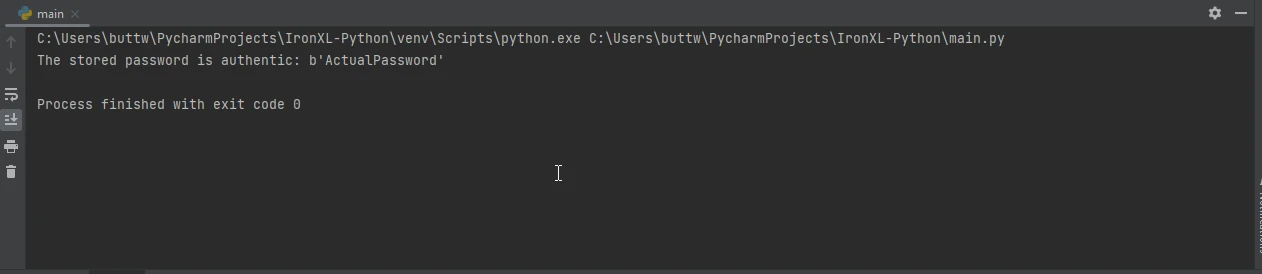
IronPDF 는 개발자가 PDF 문서를 손쉽게 생성, 편집 및 조작할 수 있도록 해주는 강력한 Python용 PDF 생성 라이브러리입니다. 이 프로그램은 HTML을 PDF로 변환하는 것부터 여러 PDF 파일을 병합하는 것까지 다양한 기능을 제공하므로 문서 워크플로 자동화에 이상적인 선택입니다. 강력한 암호화 작업 라이브러리인 PyCryptodome과 함께 사용하면 개발자는 암호화 및 디지털 서명과 같은 보안 기능을 PDF 문서에 추가할 수 있습니다. 이러한 통합은 금융, 법률 또는 기밀 환경과 같이 높은 수준의 보안 및 데이터 무결성이 요구되는 애플리케이션에 특히 유용합니다.
IronPDF를 설치하려면 Python 패키지 관리자 pip를 사용할 수 있습니다. 시작하는 방법은 다음과 같습니다.
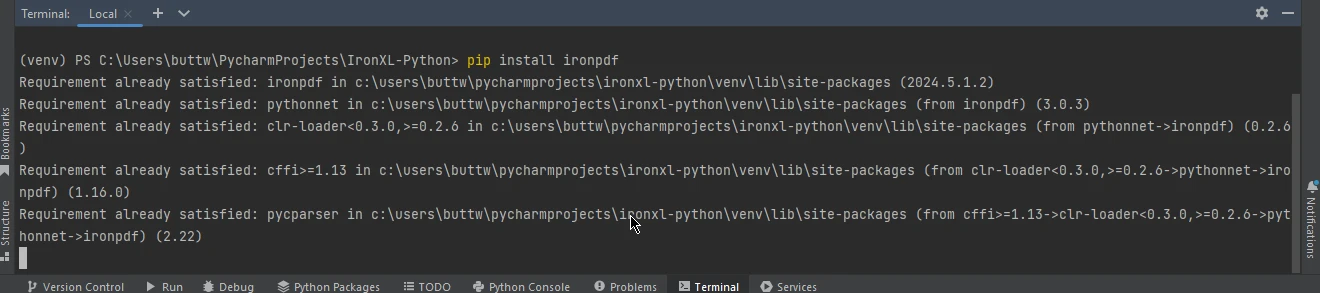
설치가 완료되면 IronPDF 사용하여 PDF를 생성하고 편집할 수 있습니다. 다음은 IronPDF 사용하여 PDF를 생성한 다음 PyCryptodome을 사용하여 암호화하는 방법을 보여주는 간단한 예입니다.
from ironpdf import ChromePdfRenderer
from Crypto.Cipher import AES
from Crypto.Util.Padding import pad
import os

# Create a new PDF renderer
renderer = ChromePdfRenderer()

# Render a URL as a PDF and save it
pdfFromUrl = renderer.RenderUrlAsPdf("https://ironpdf.com/")
pdfFromUrl.SaveAs("output.pdf")

# Function to encrypt a file using AES
def encrypt_file(file_name, key):
    cipher = AES.new(key, AES.MODE_CBC)  # Use AES in CBC mode
    iv = cipher.iv
    with open(file_name, 'rb') as f:
        data = f.read()
    encrypted_data = iv + cipher.encrypt(pad(data, AES.block_size))
    with open(file_name + '.enc', 'wb') as f:
        f.write(encrypted_data)

# Example usage
key = os.urandom(16)  # AES key must be either 16, 24, or 32 bytes long
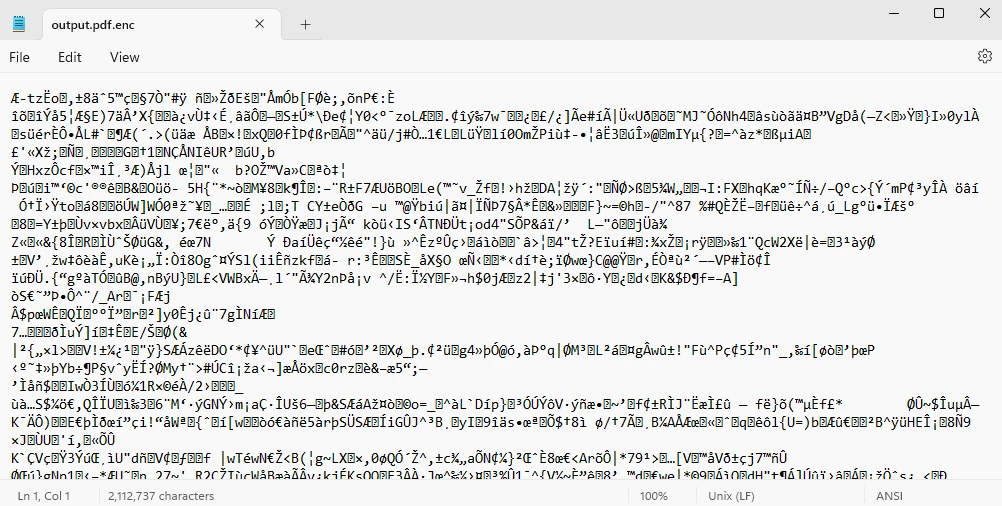
encrypt_file("output.pdf", key)이 스크립트는 IronPDF 사용하여 간단한 PDF를 생성한 다음 PyCryptodome의 AES 암호화를 사용하여 암호화하는 방법을 보여줍니다. 이를 통해 더욱 복잡하고 안전한 PDF 처리 애플리케이션을 구축하기 위한 기반을 제공합니다.
결론적으로, PyCryptodome은 개발자의 암호화 작업을 크게 향상시켜주는 강력하고 다재다능한 Python 라이브러리로, 다양한 알고리즘을 제공하며 IronPDF 와 같은 다른 도구와의 손쉬운 통합을 지원합니다. PyCryptodome은 인증된 암호화 모드, 대칭 및 비대칭 암호화, 해싱, 키 유도 등 포괄적인 기능 세트를 제공하여 강력한 보안 조치가 필요한 최신 애플리케이션의 요구 사항을 충족합니다. 사용 편의성, 능동적인 유지 관리, 그리고 자체적인 기능 덕분에 이 솔루션은 비밀번호 관리부터 안전한 문서 생성 및 암호화에 이르기까지 다양한 시나리오에서 안전한 데이터 처리를 구현하는 데 필수적인 도구이며, 점점 더 디지털화되는 세상에서 데이터 무결성과 기밀성을 보장합니다.
IronPDF 라이선스에 대한 자세한 내용은 IronPDF 라이선스 페이지를 참조하십시오. 더 자세히 알아보려면 HTML을 PDF로 변환하는 방법에 대한 자세한 튜토리얼을 참조하세요.

커티스 차우는 칼턴 대학교에서 컴퓨터 과학 학사 학위를 취득했으며, Node.js, TypeScript, JavaScript, React를 전문으로 하는 프론트엔드 개발자입니다. 직관적이고 미적으로 뛰어난 사용자 인터페이스를 만드는 데 열정을 가진 그는 최신 프레임워크를 활용하고, 잘 구성되고 시각적으로 매력적인 매뉴얼을 제작하는 것을 즐깁니다.



IronPDF는 IRON SUITE 의 일부입니다.
10개의 .NET API 제품, 당신의 사무 문서를 위해











PDF 파일을 HTML처럼 빠르게 변환해야 할 때.

