

최고의 Python용 PDF 리더(무료 및 유료 도구)

This article delves into the best Python libraries for working with PDFs, highlighting their features and how they cater to the specific needs of data scientists, developers, and anyone needing to handle unstructured data sources.
IronPDF - The Leading Python PDF Library
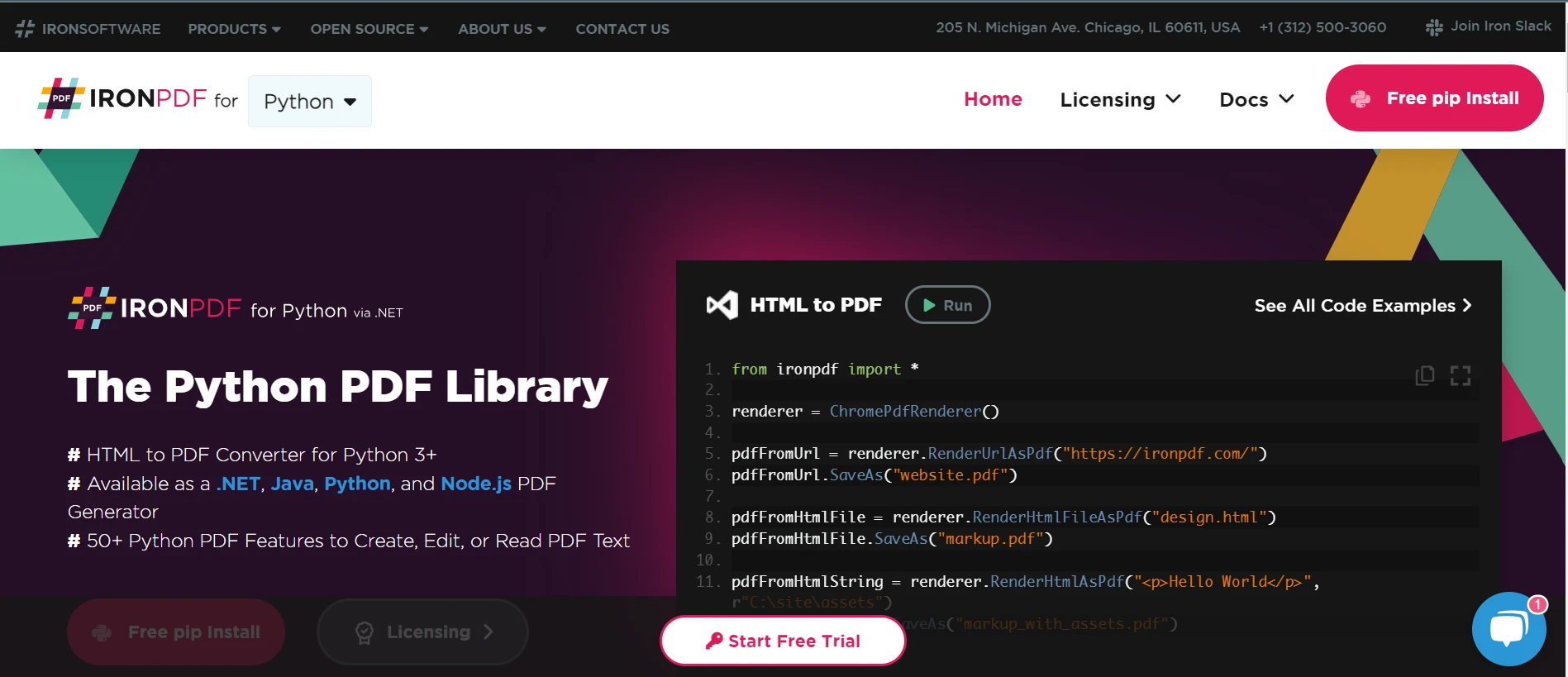
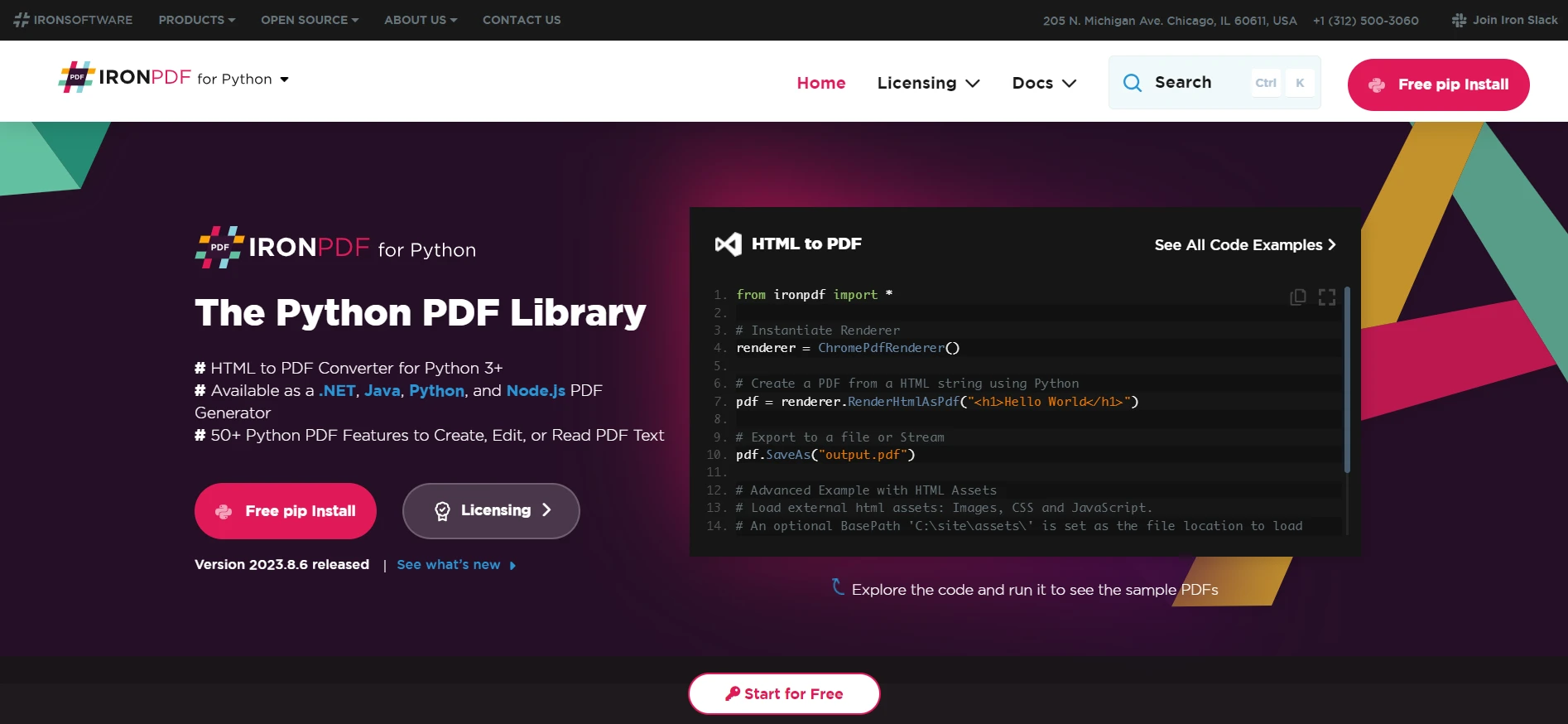 IronPDF for Python
When it comes to manipulating PDF files with Python, IronPDF stands out as a premium choice. It is not a pure Python PDF library, but its capabilities in PDF processing are extensive. It offers an explicit interface to convert PDF documents to other formats. Developers can transform PDF files into images or HTML, allowing a versatile output file to be displayed on web pages or edited in image editors.
IronPDF supports advanced features like text analytics, providing tools for data scientists to extract text and analyze text data. Moreover, it can handle multiple pages within a PDF document, allowing for operations like rotating PDF pages, cropping pages, and even searching for text at an exact location.
The library is also an excellent choice for implementing features like PDF file print functionality into their applications. It ensures a high level of compatibility and performance, making it a go-to solution for professionals who need a reliable and powerful tool.
Pros & Cons
Pros
- Comprehensive PDF manipulation capabilities.
- Allows conversion of PDFs to other formats like images and HTML.
- Advanced features for text extraction and analytics.
- Supports multiple page handling, rotating, and cropping.
Cons
- Not a pure Python library, which might not suit all environments.
- The complex feature set might be overkill for simple tasks.
Pricing
IronPDF for Python offers a tiered licensing model, with the minimum pricing for a Lite license set at $799. This option is ideal for a single developer and permits deployment within one application.
The pricing structure scales up through more inclusive licenses, such as the Plus and Professional, catering to larger teams and multiple applications, and even extends to a Royalty-Free/SaaS/OEM Redistribution license for broad distribution without royalty fees.
Each purchase comes with a year of support and updates, with the option to extend for an additional five years at a separate cost. IronPDF also offers a free trial.
PyPDF2 - A Versatile Tool for PDF Manipulation
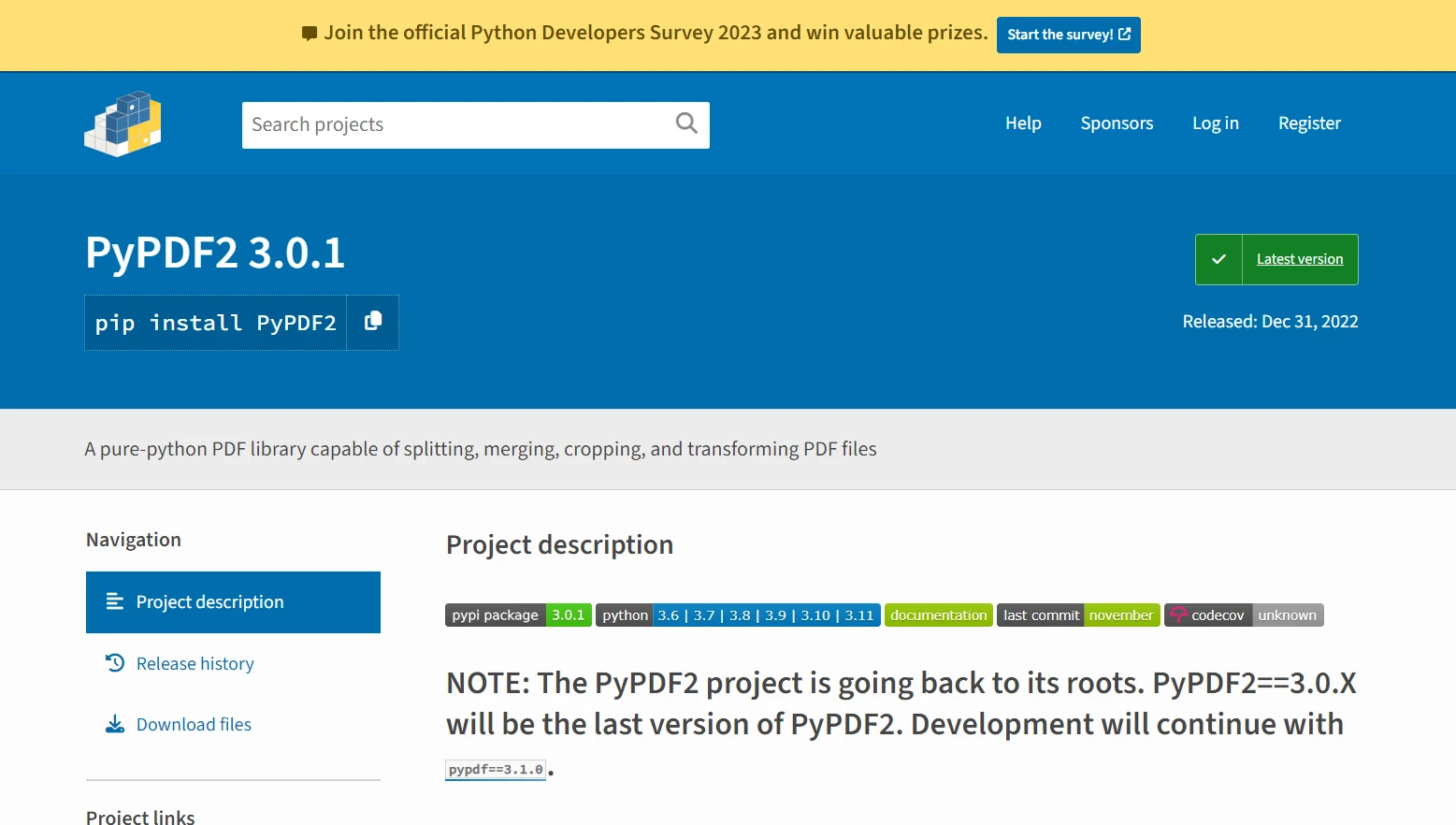 PyPDF2
PyPDF2 is a widely-used Python PDF library that excels in reading and writing PDF files in Python. It offers a straightforward approach to manipulating PDF documents, including merging documents, splitting PDF pages, and rotating PDF pages.
Here's a basic example code snippet demonstrating how to merge two PDF files using PyPDF2:
from PyPDF2 import PdfReader, PdfWriter

# Create a PdfWriter object for output
output = PdfWriter()

# List of PDFs to be merged
input_pdfs = ["file1.pdf", "file2.pdf"]

# Iterate over the list of PDF file paths
for pdf in input_pdfs:
    # Open each PDF file
    reader = PdfReader(pdf)
    # Add all pages from the current PDF to the writer
    for page in range(len(reader.pages)):
        output.add_page(reader.pages[page])

# Finally, write the combined PDF to a new file
with open("merged.pdf", "wb") as output_stream:
    output.write(output_stream)
from PyPDF2 import PdfReader, PdfWriter
# Create a PdfWriter object for output
output = PdfWriter()
# List of PDFs to be merged
input_pdfs = ["file1.pdf", "file2.pdf"]
# Iterate over the list of PDF file paths
for pdf in input_pdfs:
# Open each PDF file
reader = PdfReader(pdf)
# Add all pages from the current PDF to the writer
for page in range(len(reader.pages)):
output.add_page(reader.pages[page])
# Finally, write the combined PDF to a new file
with open("merged.pdf", "wb") as output_stream:
output.write(output_stream)Explanation
- PdfReader: Used to read PDF files.
- PdfWriter: Used to write pages to a new PDF.
- The
forloop iterates over each page from the input files and adds them to the writer. - The final output is saved as
merged.pdf.
PyPDF2 allows developers to easily access page objects and extract text, making it a good choice for basic text analytics tasks.
While it does not provide as extensive a feature set as some other Python PDF libraries for transforming PDF files, its simplicity makes it a great starting point for beginners in the Python programming language or those with simpler PDF processing needs.
Pros & Cons
Pros
- Free and open-source.
- Can split, merge, crop, and transform PDF pages.
- Adds custom data, viewing options, and passwords to PDFs.
- Simple to use with a pure Python implementation.
Cons
- Less extensive feature set compared to some other libraries.
- For AES encryption or decryption, additional dependencies are required.
Pricing
PyPDF2 is free to use as an open-source library under the BSD License. There are no costs associated with using the library itself, although certain advanced features like encrypting or decrypting PDFs with AES will require extra dependencies, which may have their own costs.
PDFMiner - Specialized in Text Extraction
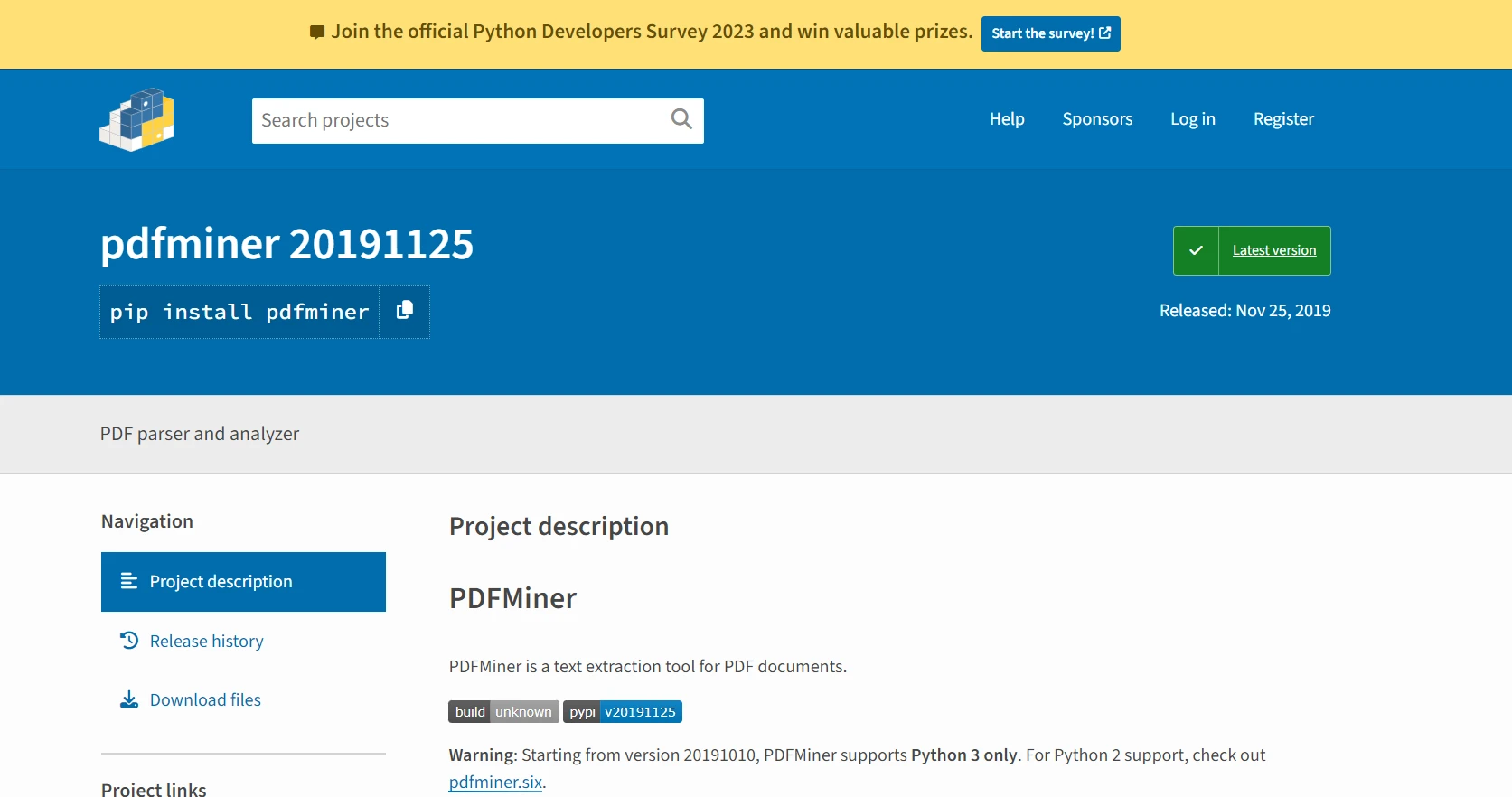 PDFMiner
PDFMiner shines in text extraction and analytics, making it a valuable tool for data scientists and developers looking to analyze unstructured text data. As a pure Python PDF library, it offers detailed control over text formats, allowing users to precisely extract custom data and handle unstructured data sources.
Here is an example demonstrating how to extract text from a PDF using PDFMiner:
from pdfminer.high_level import extract_text

# Specify the path of your PDF file
pdf_path = "example.pdf"

# Extract text from the PDF
text = extract_text(pdf_path)

# Display the extracted text
print(text)
from pdfminer.high_level import extract_text
# Specify the path of your PDF file
pdf_path = "example.pdf"
# Extract text from the PDF
text = extract_text(pdf_path)
# Display the extracted text
print(text)Explanation
- extract_text: A high-level API function in PDFMiner that extracts all text content from a given PDF file.
- The extracted text is printed to the console. This is useful for data processing applications that need to analyze or manipulate the text data extracted.
Its ability to locate the exact location of text within a PDF page makes it particularly useful for applications that require high accuracy in text analytics, such as natural language processing or machine learning. The PDFMiner library can also handle multiple pages and convert PDF documents into other text formats.
Pros & Cons
Pros
- Specializes in text extraction with precise location and layout information.
- Pure Python and supports PDF-1.7 to a large extent.
- Can convert PDFs to other formats such as HTML/XML.
- Supports CJK languages and vertical writing scripts.
- Extensible PDF parser for various purposes.
Cons
- The focus on text extraction means it might lack some manipulation features found in other libraries.
- Only supports Python 3, which may be a limitation for environments using Python 2.
Pricing
PDFMiner is available under the MIT License, a permissive free software license. Like PyPDF2, it is open-source and free to use. There are no fees for utilizing PDFMiner in your projects, making it an economically attractive option for text extraction and analysis tasks.
Conclusion
Selecting the best Python PDF library depends mainly on the specific PDF processing needs. IronPDF is a strong candidate for comprehensive PDF file manipulation, offering many features and powerful text analytics capabilities.
For those who need pure Python PDF libraries that are easy to use, PyPDF2 and PDFMiner are excellent choices, each with their own strengths in handling and extracting text data. For creating complex PDF documents with custom layouts, ReportLab provides the necessary tools.
Whether you are a data scientist looking to extract text from PDF files, a developer aiming to convert PDF files, or you need to manipulate PDF files in any other way, there is a Python library tailored to your needs.
Python continues to support its community with robust libraries, confirming its status as a versatile interpreted language ideal for working with various unstructured data sources.
자주 묻는 질문
Python에서 HTML을 PDF로 변환하는 가장 좋은 방법은 무엇인가요?
IronPDF를 사용하여 Python에서 HTML을 PDF로 변환할 수 있습니다. 이 라이브러리는 HTML 문자열을 변환하는 RenderHtmlAsPdf와 HTML 파일을 위한 RenderHtmlFileAsPdf와 같은 메서드를 제공합니다.
Python을 사용하여 PDF에서 텍스트를 추출하려면 어떻게 해야 하나요?
IronPDF를 사용하면 PDF에서 텍스트를 쉽게 추출할 수 있습니다. 텍스트 추출 기능을 사용하여 PDF 문서 내의 텍스트 데이터에 액세스하고 조작할 수 있습니다.
Python에서 PDF 조작을 위해 IronPDF를 사용하면 어떤 이점이 있나요?
IronPDF는 PDF를 이미지 및 HTML로 변환, 텍스트 추출, 여러 페이지 관리와 같은 고급 기능을 제공하여 Python에서 PDF를 조작할 수 있는 종합적인 솔루션입니다.
IronPDF에 무료 평가판이 있나요?
예, IronPDF는 무료 평가판을 제공하므로 사용자가 구매하기 전에 기능을 살펴볼 수 있습니다.
Python에서 PDF 라이브러리를 사용할 때 흔히 발생하는 문제 해결 팁은 무엇인가요?
올바른 종속성이 설치되어 있는지 확인하고 PDF 파일 경로를 확인합니다. IronPDF의 경우 구체적인 방법과 올바른 사용법은 설명서를 참조하세요.
Python에서 PDF 페이지를 회전하는 데 IronPDF를 사용할 수 있나요?
예, IronPDF는 PDF 페이지를 쉽게 회전할 수 있는 기능을 제공하여 필요에 따라 문서 레이아웃을 조작할 수 있습니다.
IronPDF는 PyPDF2 및 PDFMiner와 같은 다른 PDF 라이브러리와 어떻게 비교하나요?
IronPDF는 HTML 변환 및 고급 텍스트 분석과 같은 보다 광범위한 기능을 제공하는 반면, PyPDF2와 PDFMiner는 오픈 소스이며 각각 기본 조작과 텍스트 추출에 중점을 둡니다.
Python용 PDF 라이브러리를 선택할 때 고려해야 할 사항은 무엇인가요?
고급 기능의 필요성, 사용 편의성, 라이선스 비용, 라이브러리가 순수 Python인지 여부 등 구체적인 요구 사항을 고려하세요. 포괄적인 기능을 원한다면 IronPDF를, 간단한 요구 사항에는 PyPDF2와 PDFMiner를 사용하는 것이 좋습니다.







 무료로 시작하세요
 무료로 시작하세요
 무료 라이브 데모 예약하기



 신용카드나 계정 생성은 필요하지 않습니다.









