

Java Scanner(開發者運作原理)

Java中的Scanner類是java.util套件的一部分,廣泛用於處理使用者輸入。 無論您是初學者學習Java編程,還是經驗豐富的開發人員,了解如何有效使用Scanner都是必不可少的。 該類簡化了從控制台、文件和輸入流等不同來源讀取整數、字串和基本型別資料的功能。
在本文中,我們將深入探討Java Scanner類的工作原理,並通過範例來探索其用法。 我們還將詳細探討Scanner類的使用,並展示如何將其與IronPDF(一個強大的PDF生成程式庫)整合,以根據使用者輸入和各種其他資料來源建立動態PDF文件。
了解Java Scanner類
Java的Scanner類提供了解釋基本資料型別和使用模式匹配的文字的便捷方法。 它可以用來從鍵盤、文件或其他輸入流讀取資料。 通過建立一個新的Scanner物件,開發人員可以輕鬆處理使用者輸入的整數、字串和其他基本型別,而無需復雜的解析機制。
Scanner的常見使用案例
Scanner類的主要用途是使用新的Scanner(System.in)來讀取控制台輸入。 它允許讀取如int、float和boolean這樣的值。 另一個常見情況是從文件或任何其他輸入流讀取資料,Scanner可以用來逐行或逐標記解析文件。
import java.util.Scanner;

public class UserInputExample {
    public static void main(String[] args) {
        Scanner scanner = new Scanner(System.in);

        System.out.print("Enter an integer: ");
        int intValue = scanner.nextInt();  // Reads an integer input

        System.out.print("Enter a float: ");
        float floatValue = scanner.nextFloat();  // Reads a float input

        System.out.print("Enter a boolean: ");
        boolean booleanValue = scanner.nextBoolean();  // Reads a boolean input

        System.out.print("Enter a string: ");
        String stringInput = scanner.next();  // Reads a string input (until the first space)

        // Displaying the entered inputs
        System.out.println("Integer: " + intValue);
        System.out.println("Float: " + floatValue);
        System.out.println("Boolean: " + booleanValue);
        System.out.println("String: " + stringInput);

        scanner.close(); // Closing the scanner resource
    }
}
import java.util.Scanner;
public class UserInputExample {
public static void main(String[] args) {
Scanner scanner = new Scanner(System.in);
System.out.print("Enter an integer: ");
int intValue = scanner.nextInt(); // Reads an integer input
System.out.print("Enter a float: ");
float floatValue = scanner.nextFloat(); // Reads a float input
System.out.print("Enter a boolean: ");
boolean booleanValue = scanner.nextBoolean(); // Reads a boolean input
System.out.print("Enter a string: ");
String stringInput = scanner.next(); // Reads a string input (until the first space)
// Displaying the entered inputs
System.out.println("Integer: " + intValue);
System.out.println("Float: " + floatValue);
System.out.println("Boolean: " + booleanValue);
System.out.println("String: " + stringInput);
scanner.close(); // Closing the scanner resource
}
}這個Java程式演示了如何使用Scanner從控制台讀取不同型別的Java使用者輸入,包括整數值、浮點值、布林值和字串輸入。 以下是上述程式的方法描述:
nextInt():從輸入中讀取一個整數值。nextFloat():從輸入中讀取一個浮點值。nextDouble():從輸入中讀取一個雙精度值。nextBoolean():從輸入中讀取一個布林值。next()方法以字串形式檢索下一個標記。- 為了將整行文字作為字串捕獲,可以使用
nextLine()方法。 nextByte():從輸入中讀取一個位元組值。nextShort():從輸入中讀取一個短整數值。
通過利用這些方法,開發人員可以輕鬆處理由苦執行應
IronPDF for Java 簡介
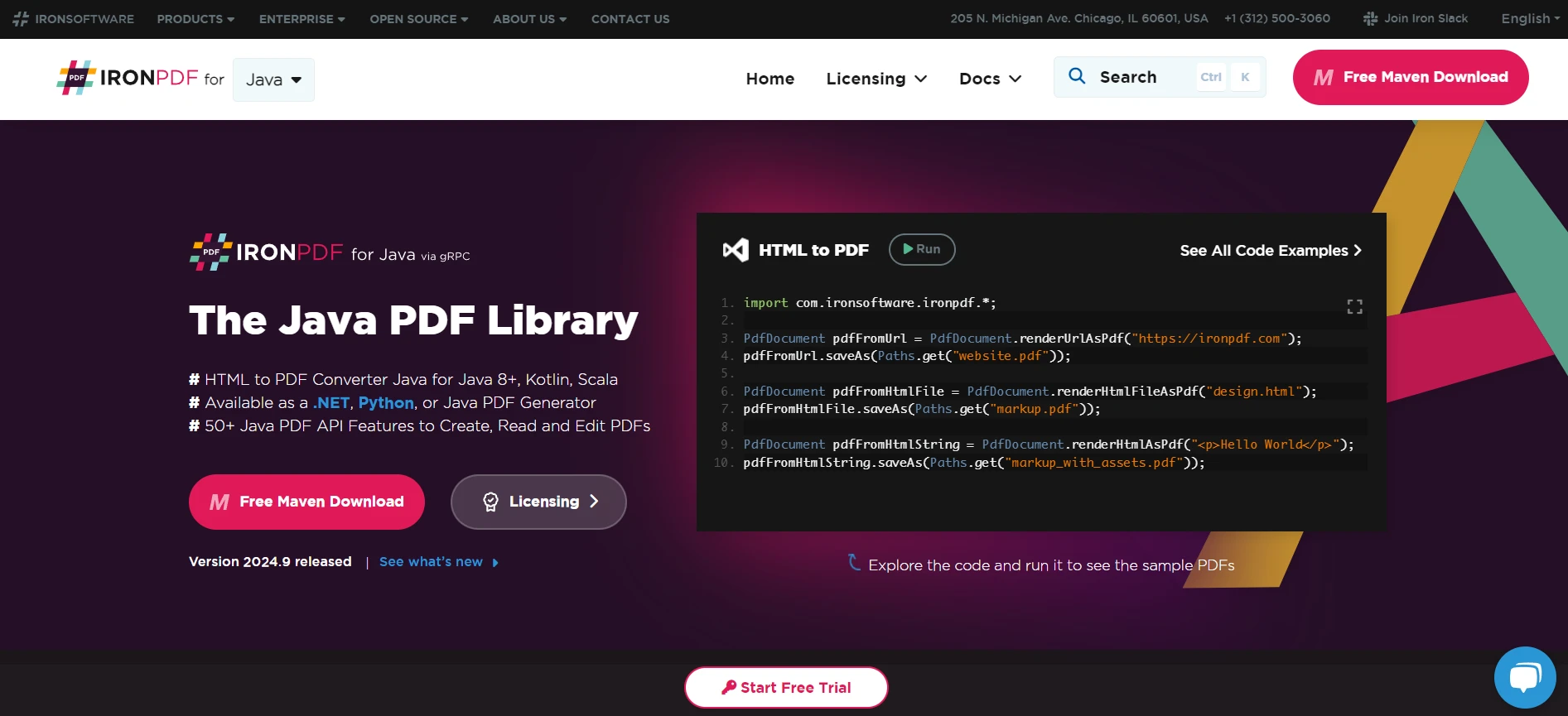
IronPDF是一個強大的Java PDF生成程式庫,使開發人員能夠以編程方式建立、編輯和操作PDF文件。 它與現有的Java應用程式相容良好,並提供了一個簡單的API,用於將HTML內容轉換為PDF、新增頁碼、合併文件等等。 這個程式庫支持多種平台和環境。
IronPDF的主要功能
IronPDF提供了一些特性,使其成為Java中文件操作的首選方案:
- HTML到PDF的轉換:IronPDF允許您將包括CSS和JavaScript的HTML內容轉換為PDF文件。 此功能對於生成動態報告和可列印表單非常有用。
- 新增頁首、頁尾和頁碼:您可以將頁首、頁尾甚至水印新增到您的PDF文件,從而建立專業的報告。
- 合併和拆分PDF:IronPDF提供了將多個PDF文件合併為單一文件或將一個PDF拆分為多個的方法。
這個程式庫與多種平台相容,適合需要PDF生成的應用程式,無論是用於報告、文件或使用者指南。 通過將Java Scanner類與IronPDF結合,您可以建立不僅通過控制台進行使用者交互,還基於使用者輸入和資料生成動態PDF報告的強大Java應用。
步驟指南:從使用者輸入建立PDF
設置IronPDF
要在您的Java專案中使用IronPDF,首先需要將IronPDF程式庫作為依賴項包括在內。 這可以透過將IronPDF套件新增到pom.xml文件中來完成,以用於Maven:
<dependency>
    <groupId>com.ironpdf</groupId>
    <artifactId>ironpdf</artifactId>
    <version>2024.9</version>
</dependency>
<dependency>
<groupId>com.ironpdf</groupId>
<artifactId>ironpdf</artifactId>
<version>2024.9</version>
</dependency>此設定確保所有必要的類和方法在您的Java環境中可用,以便使用IronPDF。 安裝後,確保在您的Java文件中導入相關的程式庫。
使用Scanner收集資料的編碼
Java中的Scanner類用於收集使用者輸入。 建立一個Scanner實例並使用它來捕捉不同型別的輸入,如字串和整數。
import java.util.Scanner;

public class PdfCreator {
    public static void main(String[] args) {
        Scanner scanner = new Scanner(System.in);

        System.out.print("Enter your name: ");
        String name = scanner.nextLine();  // Uses nextLine() to include spaces in input

        System.out.print("Enter your age: ");
        int age = scanner.nextInt();  // Reads an integer input

        // Consumes the remaining line separator left by nextInt()
        scanner.nextLine();

        System.out.print("Enter your occupation: ");
        String occupation = scanner.nextLine();  // Uses nextLine() to include spaces in the occupation input

        scanner.close();  // Closing the scanner to free up resources

        // Generate PDF using IronPDF
        createPdf(name, age, occupation);
    }

    public static void createPdf(String name, int age, String occupation) {
        // PDF creation code will go here using IronPDF
    }
}
import java.util.Scanner;
public class PdfCreator {
public static void main(String[] args) {
Scanner scanner = new Scanner(System.in);
System.out.print("Enter your name: ");
String name = scanner.nextLine(); // Uses nextLine() to include spaces in input
System.out.print("Enter your age: ");
int age = scanner.nextInt(); // Reads an integer input
// Consumes the remaining line separator left by nextInt()
scanner.nextLine();
System.out.print("Enter your occupation: ");
String occupation = scanner.nextLine(); // Uses nextLine() to include spaces in the occupation input
scanner.close(); // Closing the scanner to free up resources
// Generate PDF using IronPDF
createPdf(name, age, occupation);
}
public static void createPdf(String name, int age, String occupation) {
// PDF creation code will go here using IronPDF
}
}此範例程式碼使用Scanner讀取使用者資料,如姓名、年齡和職業,並將其儲存在變數中,這些變數可以稍後傳遞給方法以生成PDF。
生成和保存PDF
一旦捕捉到使用者輸入,您可以使用IronPDF建立PDF。 以下是使用IronPDF建立和保存PDF的範例:
import com.ironpdf.PdfDocument;

public static void createPdf(String name, int age, String occupation) {
    // Create a new PDF document
    PdfDocument pdf = new PdfDocument();

    // Add user input as content in the PDF
    pdf.addHtml("<h1>User Information</h1>");
    pdf.addHtml("<p>Name: " + name + "</p>");
    pdf.addHtml("<p>Age: " + age + "</p>");
    pdf.addHtml("<p>Occupation: " + occupation + "</p>");

    // Save the PDF to a file
    pdf.saveAs("UserDetails.pdf");
}
import com.ironpdf.PdfDocument;
public static void createPdf(String name, int age, String occupation) {
// Create a new PDF document
PdfDocument pdf = new PdfDocument();
// Add user input as content in the PDF
pdf.addHtml("<h1>User Information</h1>");
pdf.addHtml("<p>Name: " + name + "</p>");
pdf.addHtml("<p>Age: " + age + "</p>");
pdf.addHtml("<p>Occupation: " + occupation + "</p>");
// Save the PDF to a file
pdf.saveAs("UserDetails.pdf");
}此程式碼使用IronPDF建立一個新的PDF文件,新增使用者輸入的HTML格式內容,並將其保存為文件。IronPDF通過支持HTML到PDF轉換和多種格式選項來簡化PDF生成,使其成為Java應用程式中與使用者輸入整合的理想選擇。
立即嘗試IronPDF試用
若要開始使用IronPDF,請從網站下載免費試用版。試用版提供幾乎所有功能,僅有一些限制。 提供全面的文件、社群論壇和專業支援,以幫助開發人員無縫整合IronPDF到其專案中。 詳細的指南和教程簡化了學習曲線,並能夠快速實現PDF功能。
結論
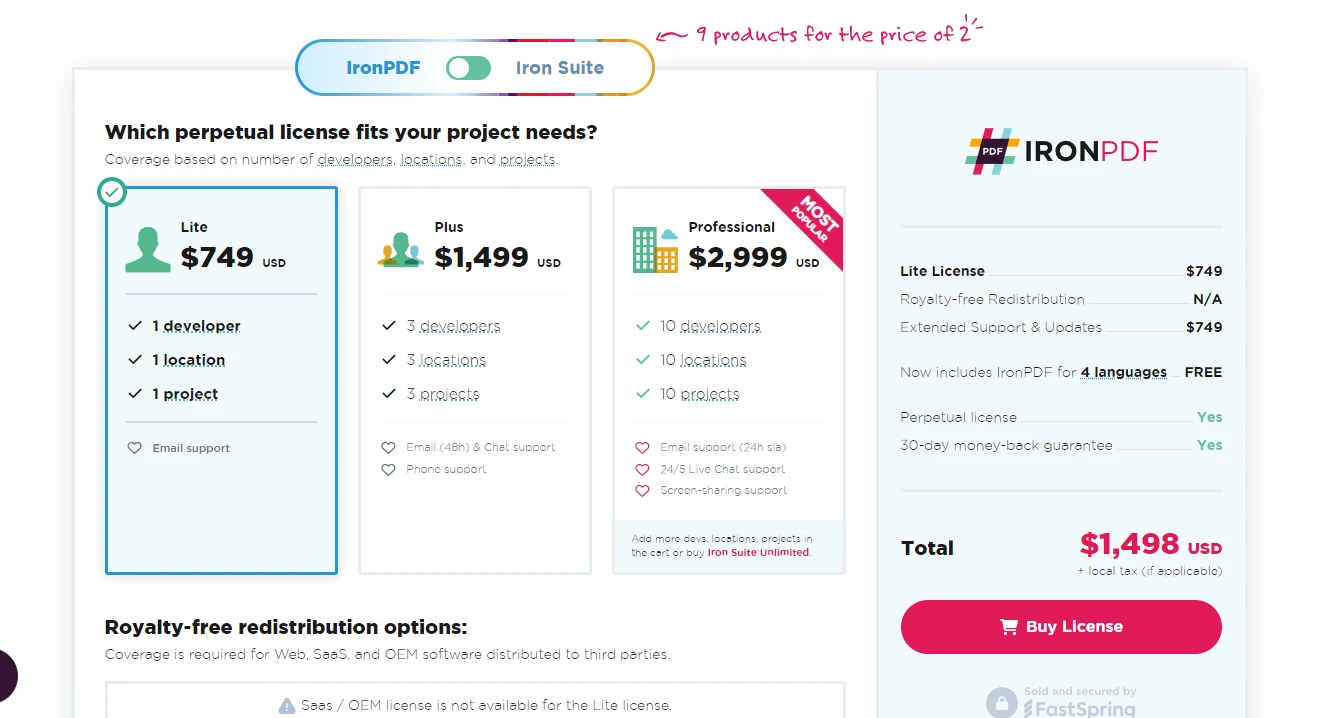
將IronPDF與Java Scanner類整合,可輕鬆地讓開發人員建立動態PDF。 憑藉其強大的一套特性和支援資源,IronPDF是用於增強Java應用程式PDF功能的理想選擇。 您可以開始使用免費試用版,探索其全面的能力。 對於生產用途,IronPDF提供的授權起始於$999,使其成為專業PDF生成需求的經濟有效解決方案。 立即試用IronPDF試用版,看看它如何通過無縫的PDF建立和管理功能提升您的Java專案。







 免費開始
免費開始 免費開始
免費開始 預訂免費直播演示
















