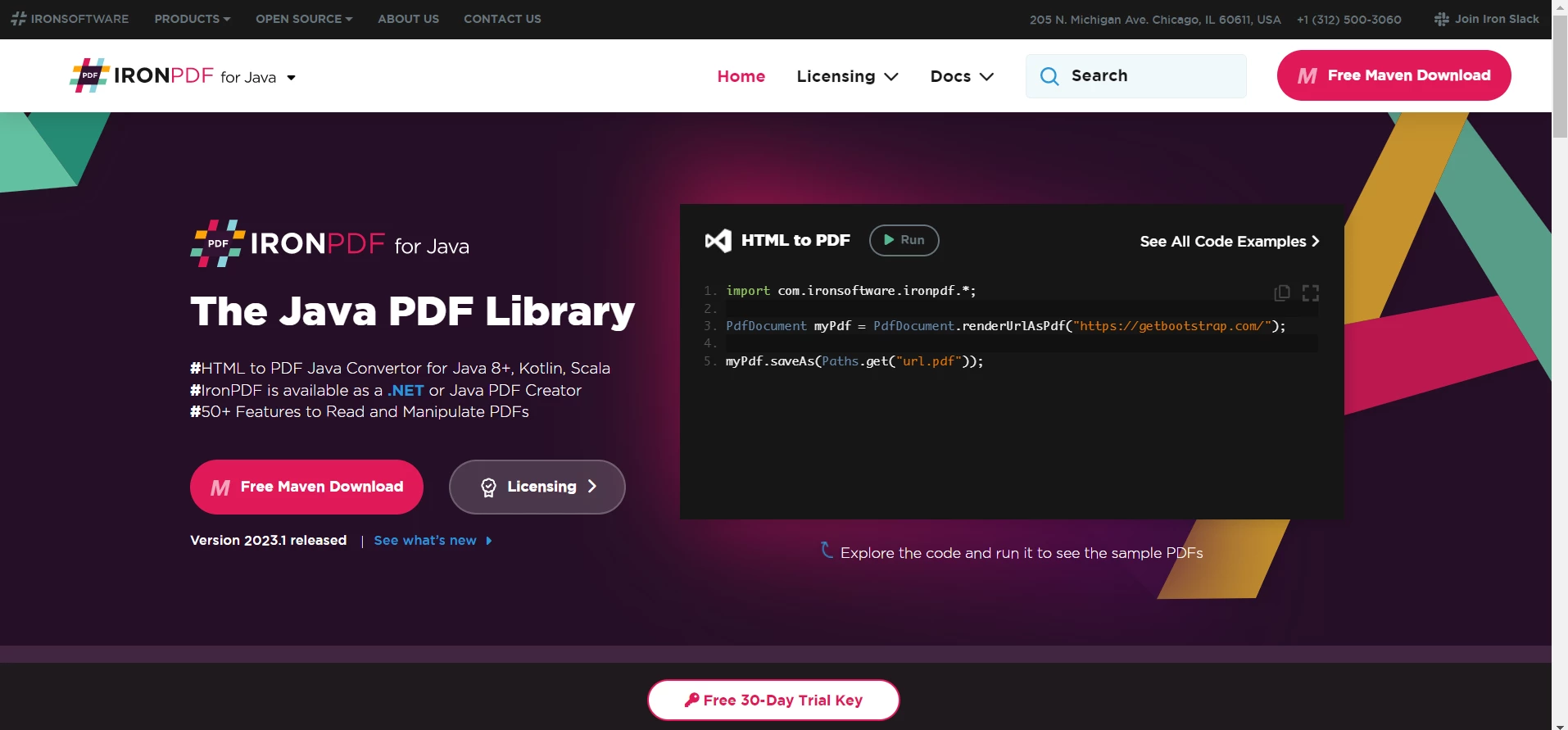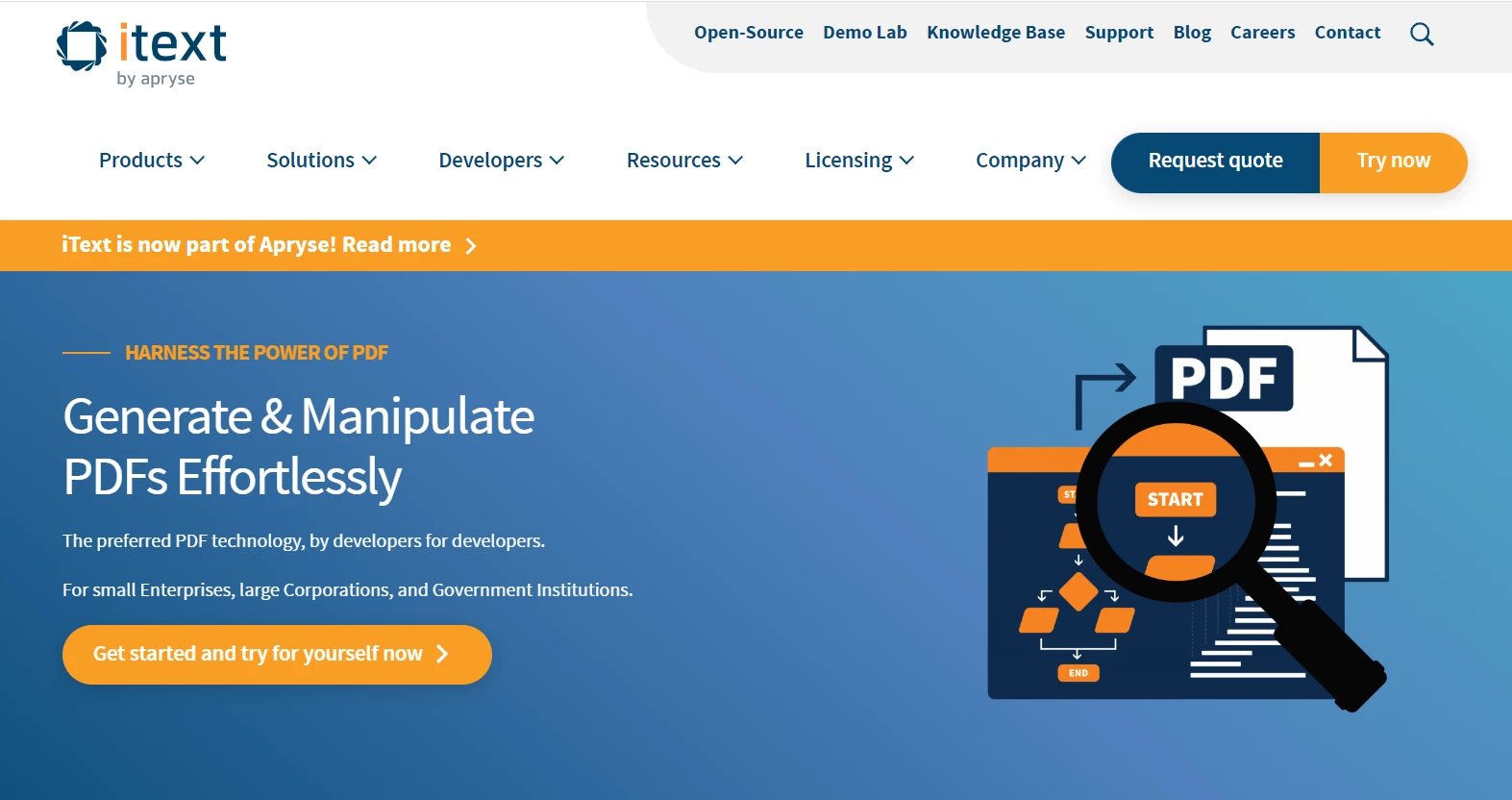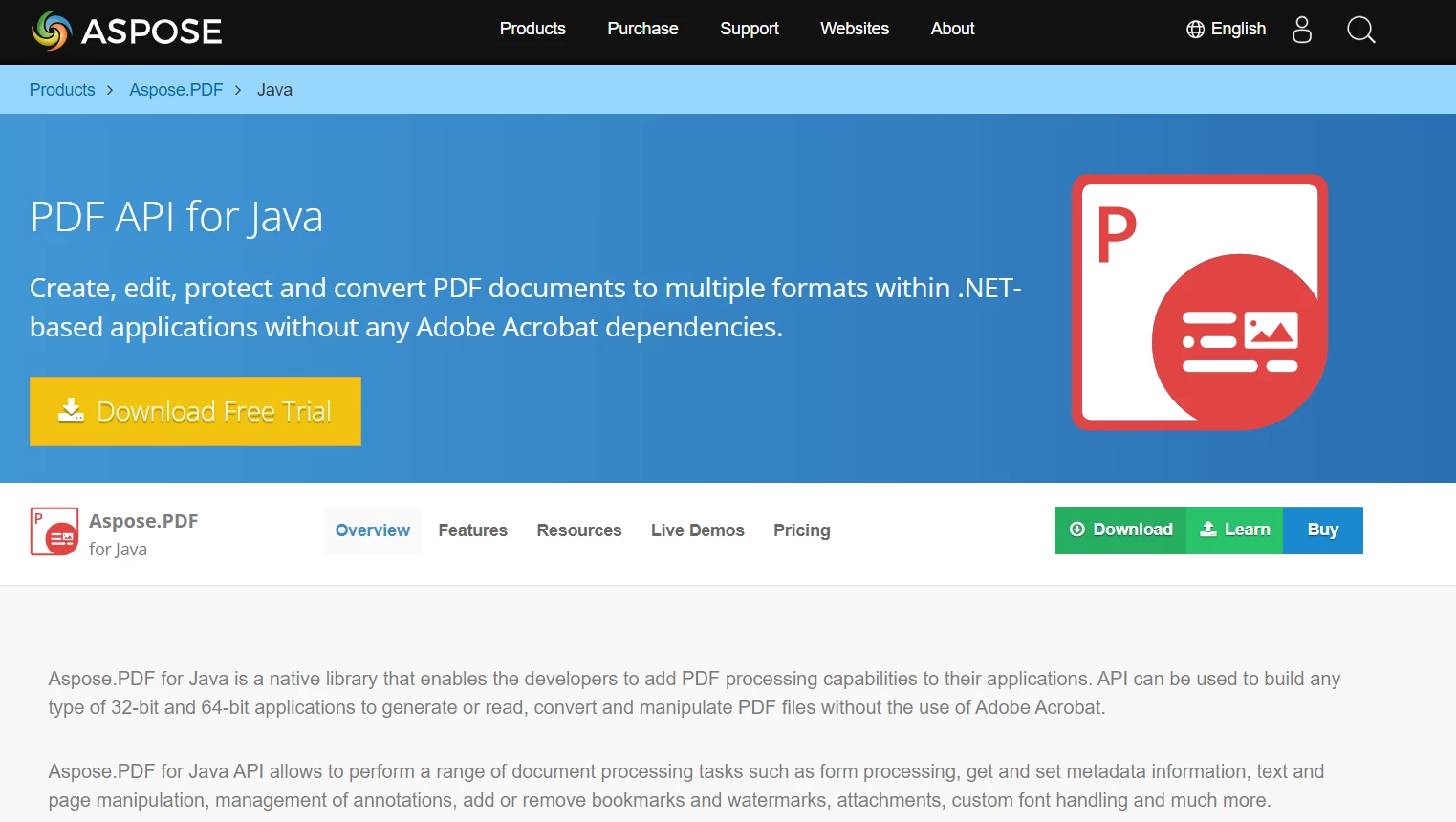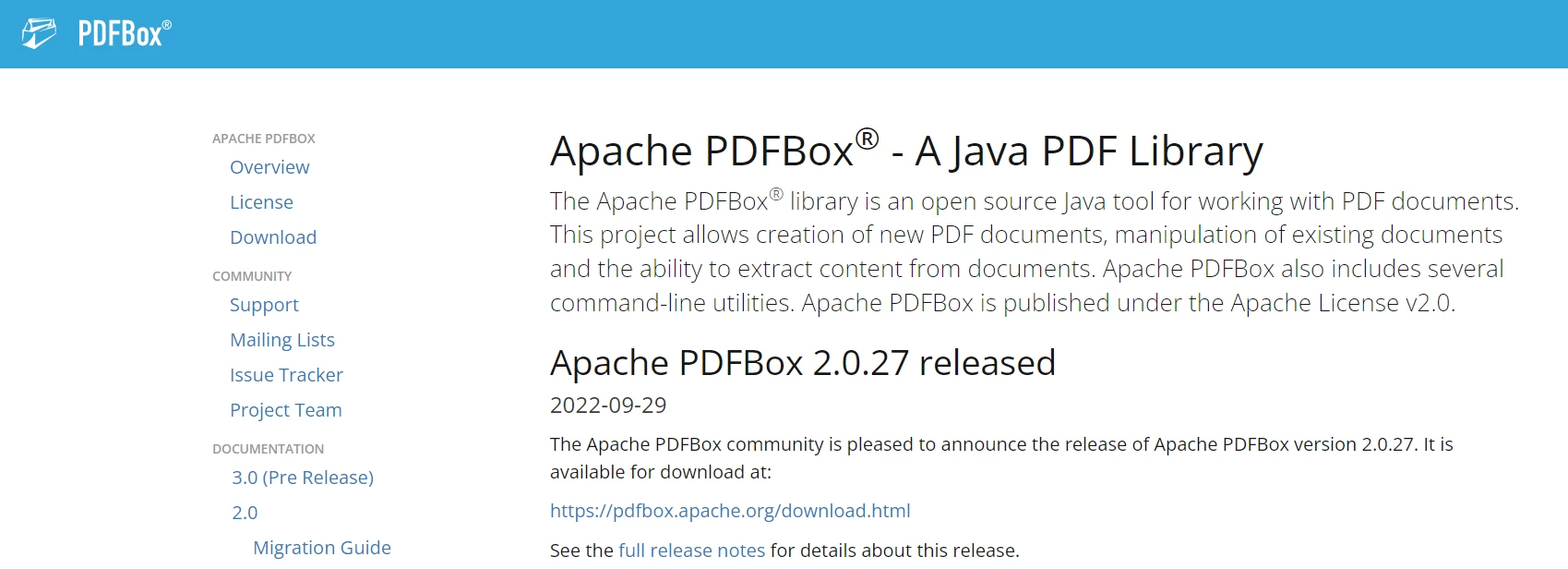
JAVA PDF 도구 Java PDF 라이브러리: 무료 대 유료 커티스 차우 업데이트됨:7월 28, 2025 다운로드 IronPDF 메이븐 다운로드 JAR 다운로드 무료 체험 시작하기 LLM용 사본 LLM용 사본 LLM용 마크다운 형식으로 페이지를 복사하세요 ChatGPT에서 열기 ChatGPT에 이 페이지에 대해 문의하세요 제미니에서 열기 제미니에게 이 페이지에 대해 문의하세요 Grok에서 열기 Grok에게 이 페이지에 대해 문의하세요 혼란 속에서 열기 Perplexity에게 이 페이지에 대해 문의하세요 공유하다 페이스북에 공유하기 트위터에 공유하기 LinkedIn에 공유하기 URL 복사 이메일로 기사 보내기 Java is a widely-used programming language that has become a popular choice for businesses and individuals. PDFs are a standard file format used for exchanging documents. They provide a platform-independent way of sharing information and can be easily viewed and printed. This is where PDF commercial libraries come into play. These libraries allow you to easily create PDFs, modify new files, and read PDF files using Java and command-line utilities. In this article, we will compare four popular Java PDF libraries for creating PDF files: IronPDF Java PDF manipulation library, iTextPDF, Aspose.PDF, and PDFBox. IronPDF: Java PDF Library IronPDF IronPDF for Java is a PDF Java library that enables developers to create, edit, and manipulate PDF documents using the Java programming language. It provides a wide range of features, including the ability to create PDF documents from scratch, merge PDF file types, add text and images to PDFs, extract data from PDFs, and convert HTML to PDF. IronPDF for Java is built on top of the Chromium web browser engine, which enables it to render HTML and CSS to PDF with high fidelity. This means that developers can use the library to convert complex web pages with dynamic content and interactive elements to PDFs. The library is available as a JAR file and can be added as a dependency, which can be easily integrated into a Java project. IronPDF provides extensive documentation and support that includes tutorials for HTML to PDF conversion, API references, and a knowledge base for troubleshooting PDF issues. IronPDF Pros & Cons Pros: Feature-rich: IronPDF provides a wide range of features for creating PDF documents, editing, and manipulating PDF documents as compared to other Java PDF libraries, including support for various PDF standards and the ability to convert HTML to PDF. High-fidelity HTML rendering: IronPDF's use of the Chromium web browser engine enables it to render HTML and CSS to PDF with high fidelity, which can be useful for converting complex web pages to PDF. Available for .NET and Java: IronPDF is available for both .NET and Java developers, making it accessible to a wider range of developers and applications. Extensive documentation and support: IronPDF provides extensive documentation and support to help developers get started with the library and troubleshoot any issues they may encounter. Cons: Commercial Library: IronPDF is a commercial library, which means that it requires a license to use. This can be a potential barrier to entry for developers or organizations with limited budgets. License IronPDF offers a commercial license - check pricing here, which starts at $799 for a single developer license. This license grants the developer the right to use IronPDF in their applications, including Web applications, Desktop applications, and Server-side applications. The license also includes free updates and support for one year. In addition to the commercial license, IronPDF also offers a free trial. This trial allows developers to test out the library and evaluate its HTML to PDF conversion features and capabilities before making a purchase. The trial includes all the features of the commercial license. iTextPDF iTextPDF iTextPDF is a popular open-source Java library that allows developers to create, manipulate, and extract data from PDF documents. It provides a simple and flexible API for generating and manipulating PDF documents, and includes support for text, images, tables, and various other graphical elements. iTextPDF is widely used in enterprise-level applications for generating invoices, reports, and other types of documents that need to be exported in a PDF format. This Java package also supports digital signatures, encryption, and other security features that are essential for applications that require secure PDF documents. The iTextPDF library is available in both free and commercial versions, and it has a large and active community of developers who contribute to its ongoing development and support. iTextPDF Pros & Cons Pros: iTextPDF has excellent support for working with PDF forms, including the ability to fill out forms, extract data, and validate form input. It offers a range of customization options, including the ability to add watermarks, annotations, and bookmarks to PDF documents. Cons: iTextPDF can be complex and challenging to work with, particularly for novice developers. Its extensive range of features means that the library can be somewhat bloated, which may affect performance and memory usage in some cases. Although the library is open source, some advanced features require a commercial license, which may not be suitable for all use cases. Aspose.PDF Aspose.PDF Aspose.PDF for Java is a library that allows developers to create, manipulate, and convert PDF documents in Java applications. It provides a wide range of features and functionalities for working with PDF files, including adding or removing pages, modifying text and images, filling out forms, merging and splitting documents, adding security features, and more. With Aspose.PDF for Java, developers can easily generate PDF files from scratch or modify existing PDF files. The library provides a simple and intuitive standard Java printing API that can be easily integrated into Java applications, and it supports various input and output formats, including HTML, XML, XPS, and many others. Aspose.PDF Pros & Cons Pros: Cross-platform support: Aspose.PDF for Java can be used on different operating systems, including Windows, macOS, and Linux. Regular updates: The library is regularly updated with new features and bug fixes, ensuring that developers always have access to the latest PDF-related functionalities. Good customer support: Aspose provides good customer support through their forums and email. They offer a free trial for developers to try out their library. Cons: Large memory footprint: Aspose.PDF for Java requires a significant amount of memory to process PDF documents as compared to other PDF libraries, which may be a concern for applications running on low-memory systems. Limited support for non-PDF formats: While Aspose.PDF for Java supports various input and output formats, such as HTML and XML, its support for non-PDF formats may be limited compared to other Java libraries such as PDF Clown/PDF Jester. Compatibility issues with older Java versions: Aspose.PDF for Java may not be compatible with older versions of Java, requiring developers to upgrade their Java environment or use a different library. PDFBox PDFBox PDFBox is an open-source Java library used to create, manipulate, and extract content from PDF pages. It provides a range of functionalities for handling PDF file formats, such as creating new PDF documents, modifying existing ones, extracting text and images, adding annotations and bookmarks, merging and splitting PDFs, and encrypting and decrypting PDF documents. PDFBox is built on top of Apache's Portable Document Format (PDF) library, which is written in Java and licensed under Apache License 2.0. PDFBox Pros & Cons Pros: Free and open-source: PDFBox is freely available and open-source, making it accessible to developers with budget constraints. Easy to use: PDFBox has a simple API that is easy to use, even for developers who are new to PDF manipulation. Cons: Performance issues: PDFBox can be slow when processing large PDF files or performing complex operations. Lack of official documentation: Although PDFBox has a helpful community, the library's official documentation can be lacking in some areas. Limited support for PDF 2.0 features: Although PDFBox supports PDF 2.0, its support for some of the new features introduced in PDF 2.0 is limited. Limited support for advanced PDF features Conclusion Each of these Java PDF libraries has its own advantages and disadvantages. IronPDF offers a powerful and easy-to-use API, but it requires a commercial license for extended support and usage. iTextPDF is an open-source Java tool library that is widely used in the industry, but it can be complex to use. Aspose.PDF also offers an easy-to-use API with advanced PDF processing features, but it is relatively expensive compared to other libraries. PDFBox is an open-source library that has good performance, but it can be complex to use for beginners. When choosing a Java PDF library, it is important to consider your specific needs and requirements. If you are looking for a commercial product with a powerful API and advanced features, Aspose.PDF may be a good choice. If you prefer an open-source library with a large user community, iTextPDF or PDFBox may be a better fit. Whichever library you choose, make sure to thoroughly evaluate its features, documentation, and licensing terms before making a decision. Trying to decide between Aspose and IronPDF? This comparison guide gives compelling insights that should help guide your decision. 참고해 주세요Aspose is a registered trademark of its respective owner. This site is not affiliated with, endorsed by, or sponsored by Aspose. All product names, logos, and brands are property of their respective owners. Comparisons are for informational purposes only and reflect publicly available information at the time of writing. 커티스 차우 지금 바로 엔지니어링 팀과 채팅하세요 기술 문서 작성자 커티스 차우는 칼턴 대학교에서 컴퓨터 과학 학사 학위를 취득했으며, Node.js, TypeScript, JavaScript, React를 전문으로 하는 프론트엔드 개발자입니다. 직관적이고 미적으로 뛰어난 사용자 인터페이스를 만드는 데 열정을 가진 그는 최신 프레임워크를 활용하고, 잘 구성되고 시각적으로 매력적인 매뉴얼을 제작하는 것을 즐깁니다. 커티스는 개발 분야 외에도 사물 인터넷(IoT)에 깊은 관심을 가지고 있으며, 하드웨어와 소프트웨어를 통합하는 혁신적인 방법을 연구합니다. 여가 시간에는 게임을 즐기거나 디스코드 봇을 만들면서 기술에 대한 애정과 창의성을 결합합니다. 관련 기사 업데이트됨 6월 22, 2025 Java에서 String.split을 사용하는 방법 Java의 String.split() 메서드는 매개변수로 제공된 문자열 구분 기호에 따라 문자열을 분할하는 데 사용되는 강력한 도구입니다. 이 메서드를 사용할 때 더 읽어보기 업데이트됨 7월 28, 2025 Java의 Math.pow() 이해하기 이 문서에서는 Math.pow() 메서드의 구문과 실제 사용법을 설명하고 그 기능을 강조하기 위한 예시를 제공하여 복잡한 메서드를 이해하는 데 도움이 될 것입니다. 더 읽어보기 업데이트됨 6월 22, 2025 Java에서 Try Catch Block을 사용하는 방법 이 문서에서는 Java의 try-catch 블록의 기본 사항과 구문, 그리고 이 블록이 탄력적이고 오류에 강한 애플리케이션을 구축하는 데 어떻게 기여하는지에 대해 살펴봅니다. 더 읽어보기 Maven에서 SLF4J 사용Java 개발자를 위한 최고의 ...
업데이트됨 6월 22, 2025 Java에서 String.split을 사용하는 방법 Java의 String.split() 메서드는 매개변수로 제공된 문자열 구분 기호에 따라 문자열을 분할하는 데 사용되는 강력한 도구입니다. 이 메서드를 사용할 때 더 읽어보기
업데이트됨 7월 28, 2025 Java의 Math.pow() 이해하기 이 문서에서는 Math.pow() 메서드의 구문과 실제 사용법을 설명하고 그 기능을 강조하기 위한 예시를 제공하여 복잡한 메서드를 이해하는 데 도움이 될 것입니다. 더 읽어보기
업데이트됨 6월 22, 2025 Java에서 Try Catch Block을 사용하는 방법 이 문서에서는 Java의 try-catch 블록의 기본 사항과 구문, 그리고 이 블록이 탄력적이고 오류에 강한 애플리케이션을 구축하는 데 어떻게 기여하는지에 대해 살펴봅니다. 더 읽어보기