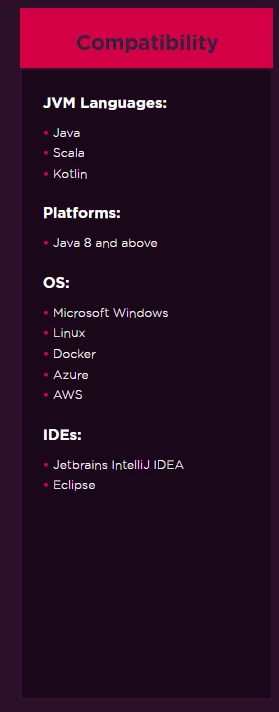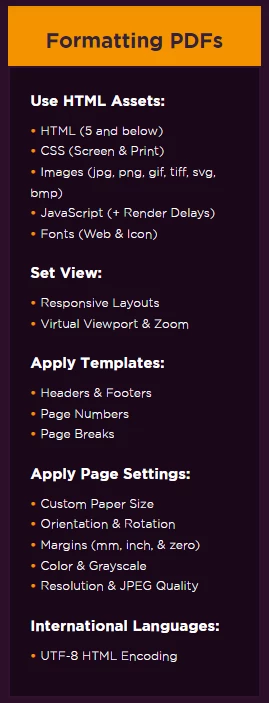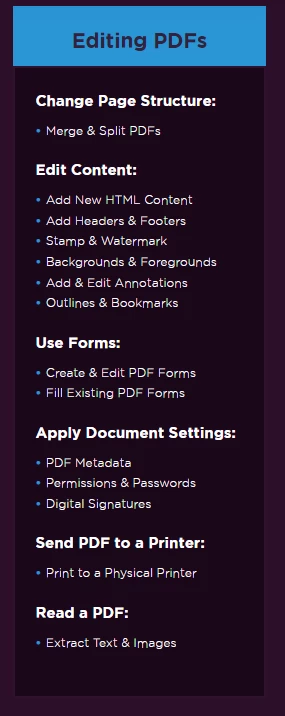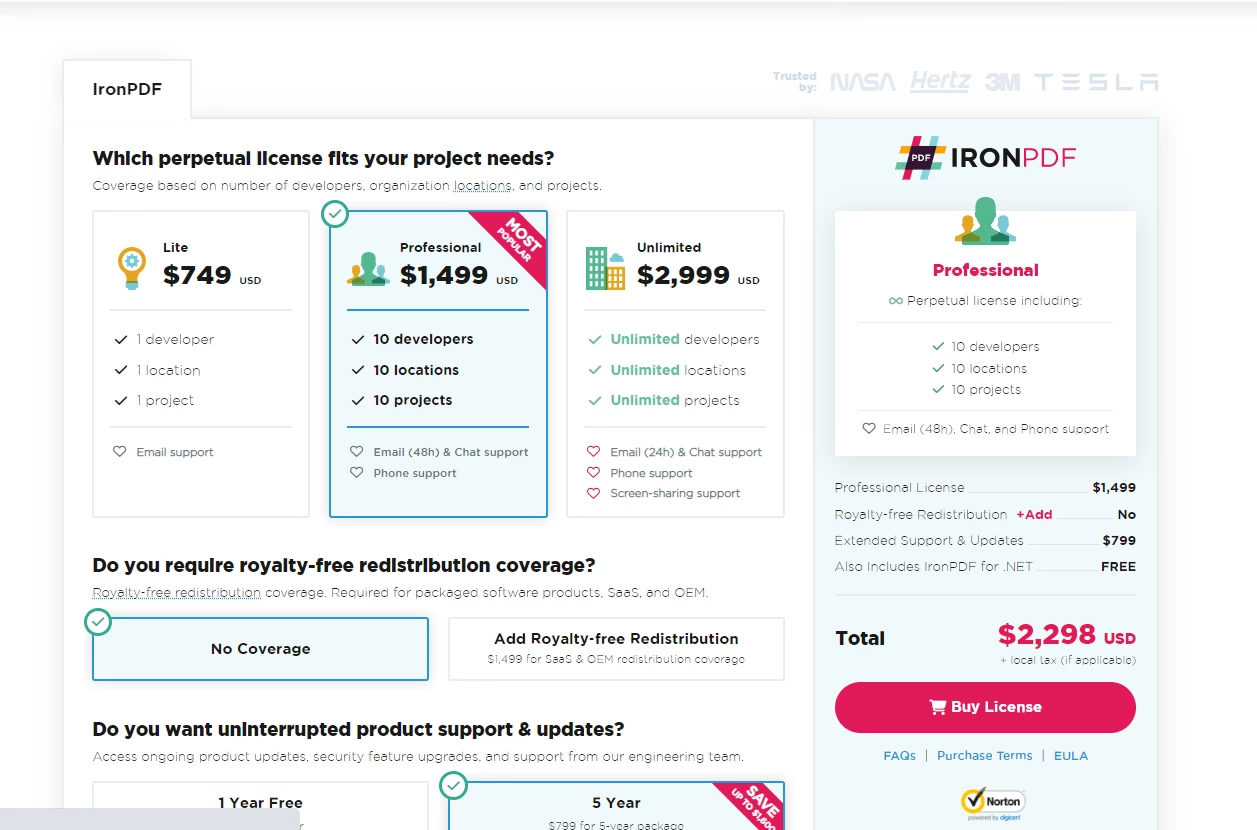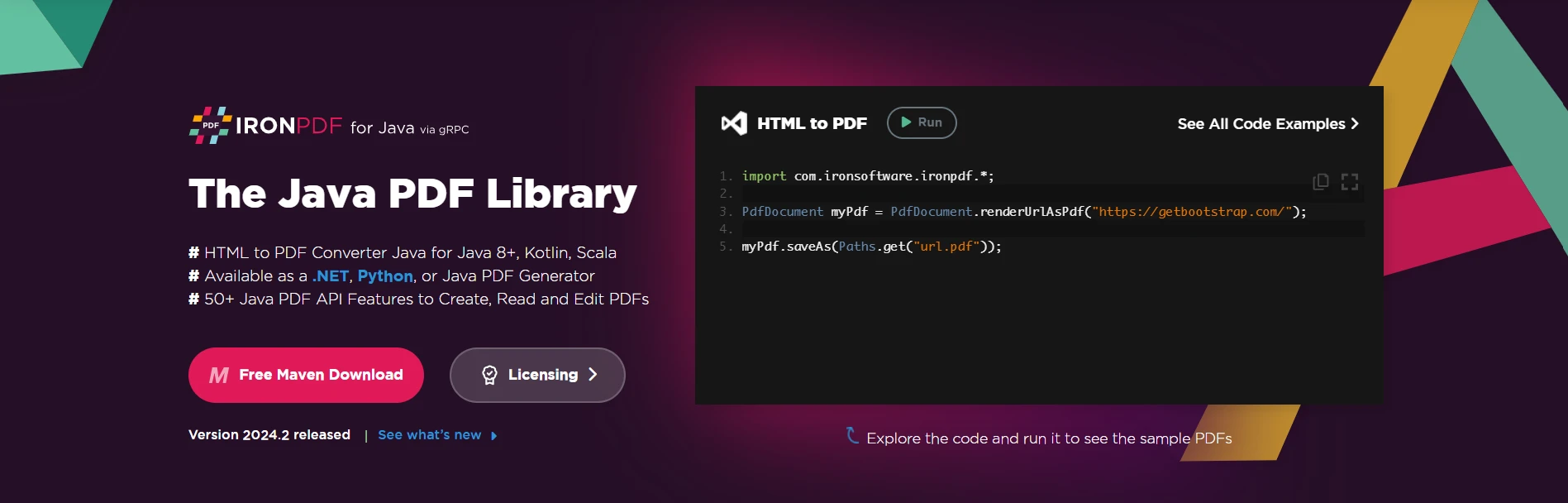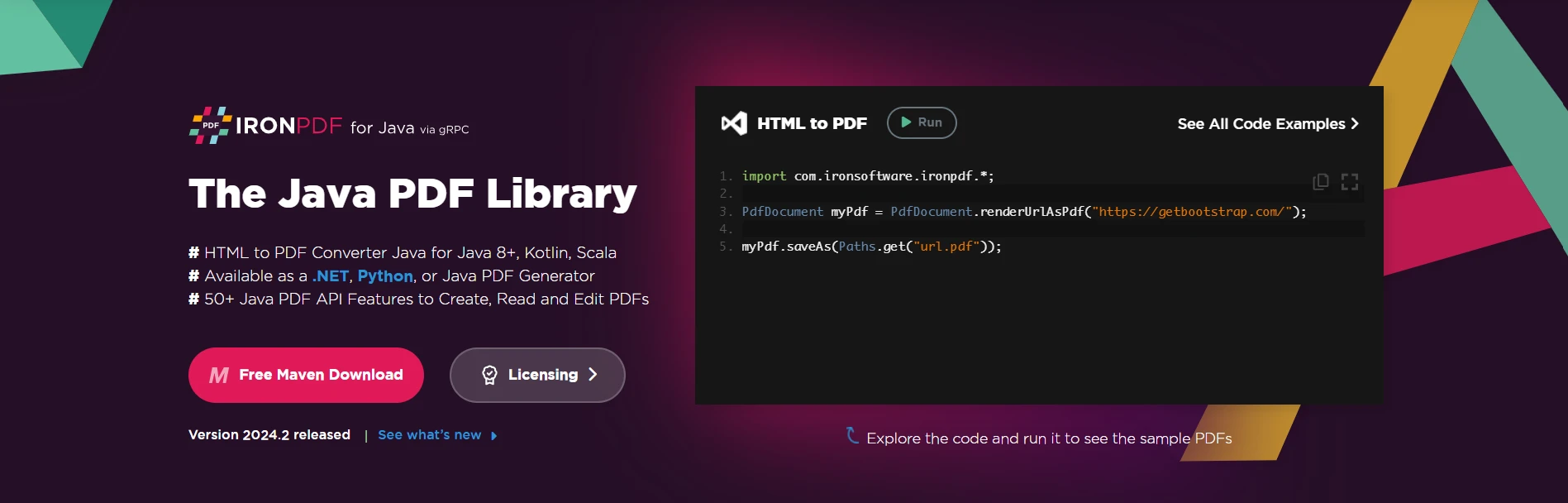
JAVA PDF 도구 Java 개발자를 위한 최고의 PDF 도구 커티스 차우 업데이트됨:6월 22, 2025 다운로드 IronPDF 메이븐 다운로드 JAR 다운로드 무료 체험 시작하기 LLM용 사본 LLM용 사본 LLM용 마크다운 형식으로 페이지를 복사하세요 ChatGPT에서 열기 ChatGPT에 이 페이지에 대해 문의하세요 제미니에서 열기 제미니에게 이 페이지에 대해 문의하세요 Grok에서 열기 Grok에게 이 페이지에 대해 문의하세요 혼란 속에서 열기 Perplexity에게 이 페이지에 대해 문의하세요 공유하다 페이스북에 공유하기 트위터에 공유하기 LinkedIn에 공유하기 URL 복사 이메일로 기사 보내기 IronPDF is a powerful library for generating, formatting, and editing PDFs in Java. It is designed to be compatible with multiple JVM languages including Java, Scala, and Kotlin, and can be used on a range of platforms including Windows, Linux, Docker, Azure, and AWS. IronPDF is supported by popular IDEs such as JetBrains IntelliJ IDEA and Eclipse. IronPDF's Compatibility with Java-based Technologies Generating PDF Files One of IronPDF's key features is its ability to generate PDFs from HTML sources including HTML files, HTML strings, URLs, and images. The library supports converting images to PDF format and vice versa. IronPDF also allows users to apply various settings including base 64 encoding, custom file paths, and custom user agents to make the PDF generation process easier and more flexible. // Import the core package of IronPDF library for Java import com.ironsoftware.ironpdf.*; // Apply your license key to use the library beyond trial usage License.setLicenseKey("YOUR-LICENSE-KEY"); // Set a path for IronPDF to write log files, useful for debugging Settings.setLogPath(Paths.get("IronPdfEngine.log")); // Generate a PDF document by rendering a URL PdfDocument pdf = PdfDocument.renderUrlAsPdf("https://en.wikipedia.org/wiki/PDF"); // Save the generated PDF document to a file pdf.saveAs("url_to_pdf.pdf"); // Import the core package of IronPDF library for Java import com.ironsoftware.ironpdf.*; // Apply your license key to use the library beyond trial usage License.setLicenseKey("YOUR-LICENSE-KEY"); // Set a path for IronPDF to write log files, useful for debugging Settings.setLogPath(Paths.get("IronPdfEngine.log")); // Generate a PDF document by rendering a URL PdfDocument pdf = PdfDocument.renderUrlAsPdf("https://en.wikipedia.org/wiki/PDF"); // Save the generated PDF document to a file pdf.saveAs("url_to_pdf.pdf"); JAVA HTML to PDF Conversion with IronPDF for Java Formatting PDF Files In addition to generating PDFs, IronPDF provides a range of formatting options to make your PDFs look professional and polished. It supports a wide range of HTML assets including HTML (HTML5 and below), CSS (screen & print), images (jpg, png, gif, tiff, SVG, BMP), JavaScript, and fonts (web & icon). The library also offers a virtual viewport and zoom, allowing you to set the view of your PDF exactly as you desire. Formatting PDFs with IronPDF for Java IronPDF provides templates for headers and footers, page numbers, and page breaks to make the formatting process faster and more efficient. Additionally, the library supports defining custom paper size, page orientation adjustments, setting custom margins, color and grayscale, and optimization for resolution and JPEG quality, giving you complete control over the appearance of your PDFs. Editing PDF Files This PDF library is also capable of editing PDFs, allowing you to modify the page structure by merging and splitting PDFs, adding new content, and editing existing content. You can also add headers, footers, stamps, watermarks, backgrounds and foregrounds, and annotations such as comments, as well as outlines and bookmarks. With IronPDF, you can create and fill PDF forms easily, making it a versatile tool for your PDF needs. Editing PDFs with IronPDF for Java It has the ability to set document-level settings including configuring PDF metadata, managing permissions and security with passwords, and applying digital signatures. The library also enables you to send PDFs directly to a printer, making it easy to print your documents. IronPDF supports international languages with UTF-8 HTML encoding, making it possible to generate PDFs in any language. This feature ensures that your PDFs will be properly formatted and readable, no matter the language used. Developer's Hard Work for IronPDF for Java IronPDF is the result of the hard work and dedication of a team of skilled engineers who aimed to create a comprehensive solution for PDF problems in Java. Their goal was to make the process as easy and straightforward as possible, while also providing a robust and versatile feature set to meet the diverse needs of their users. To achieve this, the IronPDF team employed a thorough and methodical approach to development, conducting extensive research and testing to ensure that their product met the highest standards of quality and reliability. Their development process was guided by a focus on user experience, ensuring that their users could accomplish their tasks with ease and efficiency. The engineers also made sure to keep up with the latest trends and advancements in the field of PDF generation and formatting, incorporating the latest technologies and techniques into their products. This has resulted in a product that is constantly evolving and improving, providing its users with a cutting-edge solution that stays ahead of the curve. Conclusion IronPDF is a comprehensive library for generating, formatting, and editing PDFs in Java. Its compatibility with multiple JVM languages, platforms, and IDEs, along with its ability to generate PDFs from various sources, format PDFs with templates and custom settings, and edit PDFs with a range of tools, makes it an excellent choice for anyone looking to create professional and polished PDFs in Java. IronPDF offers multiple licensing options for Java developers starting at just $799. This cost-effective solution is designed to meet the diverse needs of users while being easy and straightforward to use. IronPDF for Java Licensing Options For those who are interested in trying out IronPDF's features and capabilities, the company offers a free trial. This provides an opportunity to test drive the library and ensure it meets all your PDF needs before making a purchase. 커티스 차우 지금 바로 엔지니어링 팀과 채팅하세요 기술 문서 작성자 커티스 차우는 칼턴 대학교에서 컴퓨터 과학 학사 학위를 취득했으며, Node.js, TypeScript, JavaScript, React를 전문으로 하는 프론트엔드 개발자입니다. 직관적이고 미적으로 뛰어난 사용자 인터페이스를 만드는 데 열정을 가진 그는 최신 프레임워크를 활용하고, 잘 구성되고 시각적으로 매력적인 매뉴얼을 제작하는 것을 즐깁니다. 커티스는 개발 분야 외에도 사물 인터넷(IoT)에 깊은 관심을 가지고 있으며, 하드웨어와 소프트웨어를 통합하는 혁신적인 방법을 연구합니다. 여가 시간에는 게임을 즐기거나 디스코드 봇을 만들면서 기술에 대한 애정과 창의성을 결합합니다. 관련 기사 업데이트됨 6월 22, 2025 Java에서 String.split을 사용하는 방법 Java의 String.split() 메서드는 매개변수로 제공된 문자열 구분 기호에 따라 문자열을 분할하는 데 사용되는 강력한 도구입니다. 이 메서드를 사용할 때 더 읽어보기 업데이트됨 7월 28, 2025 Java의 Math.pow() 이해하기 이 문서에서는 Math.pow() 메서드의 구문과 실제 사용법을 설명하고 그 기능을 강조하기 위한 예시를 제공하여 복잡한 메서드를 이해하는 데 도움이 될 것입니다. 더 읽어보기 업데이트됨 6월 22, 2025 Java에서 Try Catch Block을 사용하는 방법 이 문서에서는 Java의 try-catch 블록의 기본 사항과 구문, 그리고 이 블록이 탄력적이고 오류에 강한 애플리케이션을 구축하는 데 어떻게 기여하는지에 대해 살펴봅니다. 더 읽어보기 Java PDF 라이브러리: 무료 대 유료
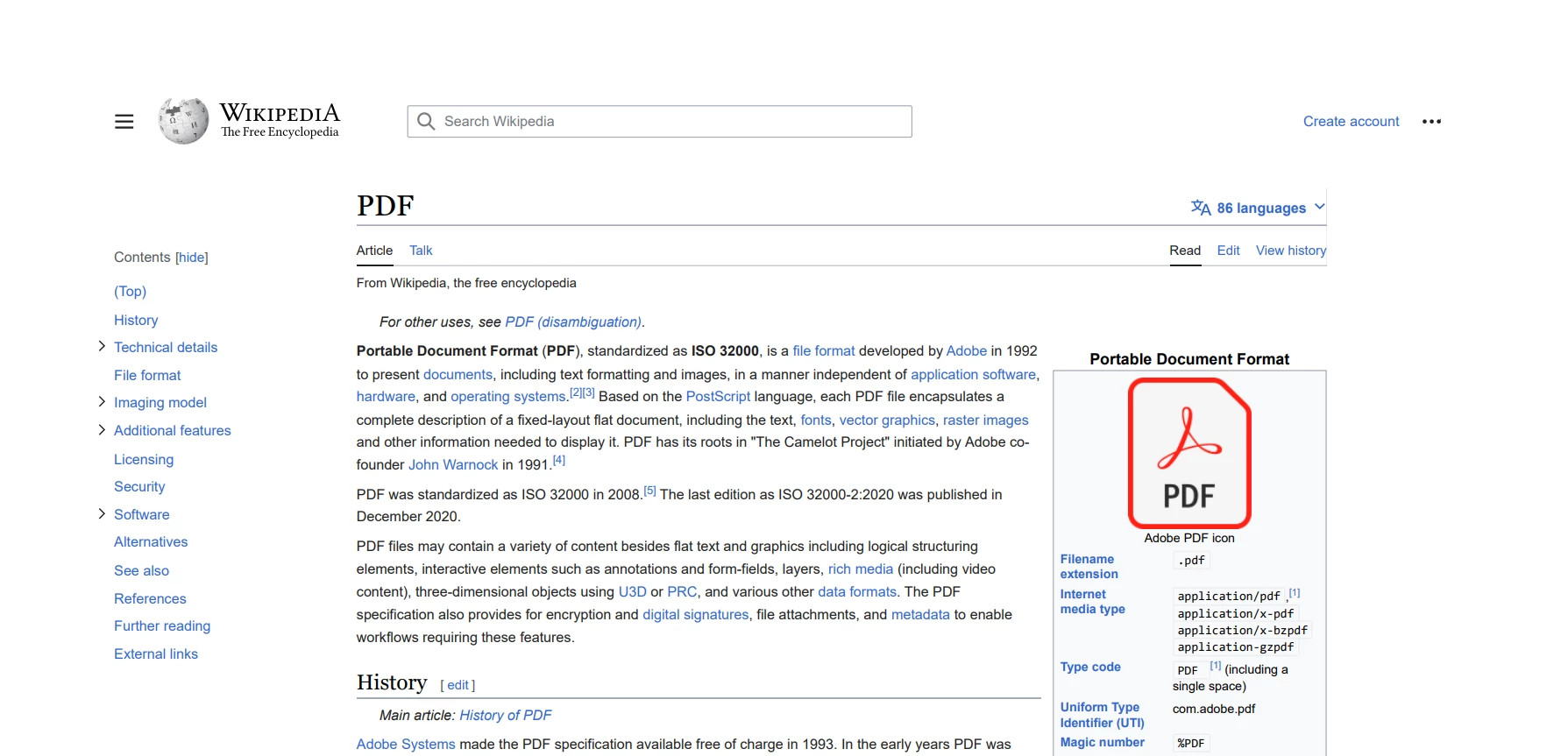
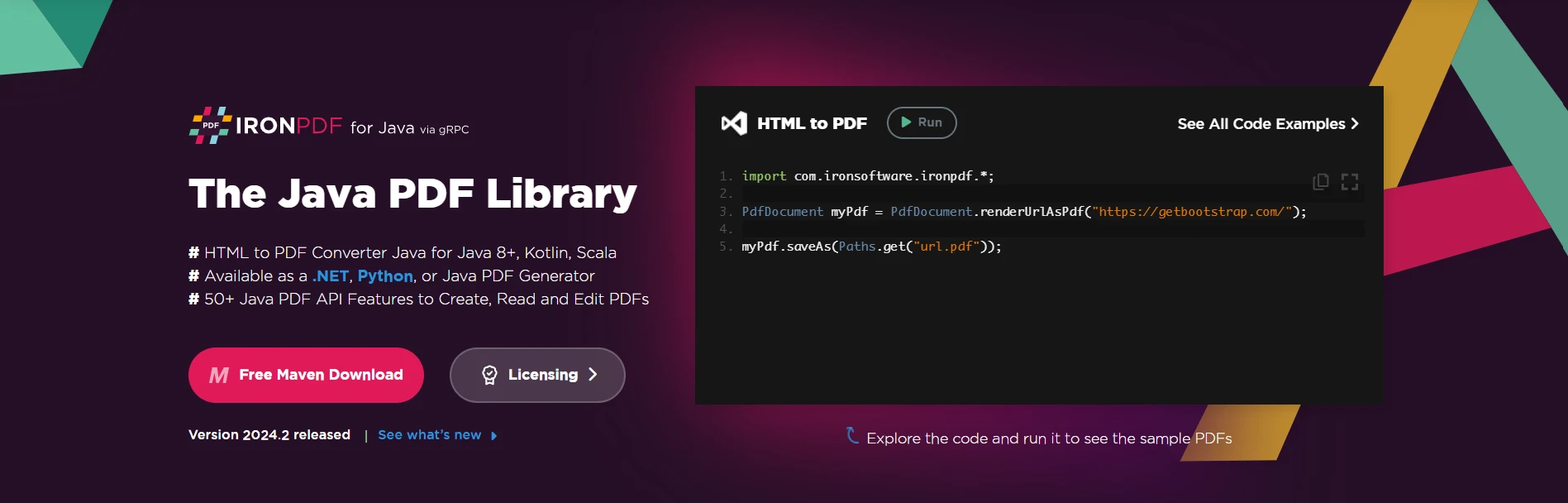
업데이트됨 6월 22, 2025 Java에서 String.split을 사용하는 방법 Java의 String.split() 메서드는 매개변수로 제공된 문자열 구분 기호에 따라 문자열을 분할하는 데 사용되는 강력한 도구입니다. 이 메서드를 사용할 때 더 읽어보기
업데이트됨 7월 28, 2025 Java의 Math.pow() 이해하기 이 문서에서는 Math.pow() 메서드의 구문과 실제 사용법을 설명하고 그 기능을 강조하기 위한 예시를 제공하여 복잡한 메서드를 이해하는 데 도움이 될 것입니다. 더 읽어보기
업데이트됨 6월 22, 2025 Java에서 Try Catch Block을 사용하는 방법 이 문서에서는 Java의 try-catch 블록의 기본 사항과 구문, 그리고 이 블록이 탄력적이고 오류에 강한 애플리케이션을 구축하는 데 어떻게 기여하는지에 대해 살펴봅니다. 더 읽어보기