




更新日 2026年4月23日
Microsoft.Extensions.AIを使用した .NET での LLM 統合の簡素化
AI はソフトウェア開発を変革していますが、.NET への大規模言語モデル (LLM) の統合はこれまで複雑でした。IronPdf.AI を使用して AI 統合をさらに進め、OpenAI を活用した PDF 解析、データ抽出、およびコンテンツの要約を .NET アプリケーションにもたらします。
詳しく読む

C#でのプログラミングは、さまざまなデータ型を扱うことが多くあります。 時々、あるobjectが特定の型かどうかを確認する必要があるか、あるいはその型に変換を試みる必要があります。 as演算子キーワードが役立ちます。 その兄弟演算子であるis演算子は型テストと変換で補助的な役割を果たします。 このチュートリアルでは、この演算子の複雑さとその使用例を探ります。
as演算子の基本C#のas演算子キーワードは、互換性のある参照型やnullable型間で特定の変換を行うために使用される二項演算子です。以下のコードはシンプルなデモを提供します。
// Declare an object that holds a string
object myObj = "Hello, World!";

// Use the 'as' operator to attempt to convert 'myObj' to a string
string myStr = myObj as string;

// myStr will hold the string value "Hello, World!" if the conversion is successful;
// otherwise, it will be null.' Declare an object that holds a string
Dim myObj As Object = "Hello, World!"
' Use the 'as' operator to attempt to convert 'myObj' to a string
Dim myStr As String = TryCast(myObj, String)
' myStr will hold the string value "Hello, World!" if the conversion is successful;
' otherwise, it will be null.上記のコード内で、object型のオブジェクトです(C#のすべての型の基本型)。 コンパイル時の基になる型が不確かです。stringとして扱おうとします。 成功した場合、myStrは文字列の値を保持します。 そうでない場合、nullの値を保持します。
as演算子と明示的なキャストはどちらも似た目的を果たしますが、重要な違いがあります。 明示的キャストが失敗すると、例外がスローされます。 一方、nullの値を返します。 次のコード例でこれを理解しましょう。
object someValue = 12345;
string castResult;

// Using explicit cast
try {
    castResult = (string)someValue; // This will throw an exception since the cast fails.
}
catch(Exception ex) {
    castResult = null; // The result is set to null if an exception is caught.
}

// Using the 'as' operator
string asResult = someValue as string; // No exception, but 'asResult' will be null since the cast fails.Dim someValue As Object = 12345
Dim castResult As String
' Using explicit cast
Try
castResult = DirectCast(someValue, String) ' This will throw an exception since the cast fails.
Catch ex As Exception
castResult = Nothing ' The result is set to null if an exception is caught.
End Try
' Using the 'as' operator
Dim asResult As String = TryCast(someValue, String) ' No exception, but 'asResult' will be null since the cast fails.明らかなように、as演算子を使用することで、ポテンシャルなランタイムエラーを回避できるため安全性が高まることが多いです。
多くの場合、is演算子と併用されます。 falseを返します。
次のコード例はこれを示しています。
object testObject = "This is a string";

// Check if testObject is of type string
if (testObject is string) {
    // If true, convert testObject to string using 'as'
    string result = testObject as string;
    Console.WriteLine(result); // Outputs: This is a string
} else {
    Console.WriteLine("Not a string");
}Dim testObject As Object = "This is a string"
' Check if testObject is of type string
If TypeOf testObject Is String Then
' If true, convert testObject to string using 'as'
Dim result As String = TryCast(testObject, String)
Console.WriteLine(result) ' Outputs: This is a string
Else
Console.WriteLine("Not a string")
End IfC#の後のバージョンでパターンマッチングが導入されたことにより、is演算子は型テストが通過した場合に特定のアクションを実行することもできます。 これにより、as演算子の必要性が減少することがよくあります。
特にnullの値を代入することができません。 しかし、それらをnullableにすることで、nullを割り当てることができます。 as演算子はnullable値型への変換を試みるために使用できます。
// Declare a nullable integer
int? nullableInt = 10;

// Box the nullable int
object objInt = nullableInt;

// Attempt to unbox using 'as' to a nullable int type
int? resultInt = objInt as int?;' Declare a nullable integer
Dim nullableInt? As Integer = 10
' Box the nullable int
Dim objInt As Object = nullableInt
' Attempt to unbox using 'as' to a nullable int type
Dim resultInt? As Integer = CType(objInt, Integer?)as演算子は、関連する参照型間の参照変換とユーザー定義の変換の両方をサポートしています。 ユーザー定義変換は、クラス内の特別な変換メソッドを使用して定義された変換です。
次のコードのユーザー定義変換を考えてください。
class Sample {
    // Define an implicit conversion from Sample to string
    public static implicit operator string(Sample s) {
        return "Converted to String";
    }
}

Sample sampleObject = new Sample();

// Use 'as' to convert 'sampleObject' to string
string conversionResult = sampleObject as string;

// conversionResult will hold "Converted to String"Friend Class Sample
' Define an implicit conversion from Sample to string
Public Shared Widening Operator CType(ByVal s As Sample) As String
Return "Converted to String"
End Operator
End Class
Private sampleObject As New Sample()
' Use 'as' to convert 'sampleObject' to string
Private conversionResult As String = TryCast(sampleObject, String)
' conversionResult will hold "Converted to String"ここでは、ユーザー定義の変換メソッドにより、stringとして扱うことができます。
asが適用されないかas演算子は、値型(nullable値型を扱わない限り)や明示的なメソッドを含むユーザー定義の変換では使用できないことを忘れないでください。
ボックス化は、値型インスタンスをオブジェクト参照に変換するプロセスです。 これはすべての値型が暗黙的にobjectを継承しているため可能です。 値型をボックス化するとき、それをobjectの中に包みます。
ボックス化変換の次のコードを考えてください。
int intValue = 42;

// Box the value type to an object
object boxedValue = intValue;Dim intValue As Integer = 42
' Box the value type to an object
Dim boxedValue As Object = intValueここで、objectにボックス化されています。
アンボックス化はボックス化の逆プロセス、すなわちobjectから値型を抽出することです。 as演算子は、不確かな場合に値型を安全にアンボックスするために使用されます。 ボックス解除が失敗した場合、式の結果はnullになります。
ボックス解除変換の次の例を考えてください。
object obj = 42;

// Attempt to unbox using 'as' to a nullable int type
int? result = obj as int?;Dim obj As Object = 42
' Attempt to unbox using 'as' to a nullable int type
Dim result? As Integer = CType(obj, Integer?)配列は、C#では参照型です。 時には、objectが特定の配列型かどうかを判定しそれに対処する必要があります。 ここでもas演算子が役立ちます。
次のコードを検討してください。
object[] arrayObject = new string[] { "one", "two", "three" };

// Attempt to cast to a string array using 'as'
string[] stringArray = arrayObject as string[];

// stringArray will hold the array of strings if successfulDim arrayObject() As Object = New String() { "one", "two", "three" }
' Attempt to cast to a string array using 'as'
Dim stringArray() As String = TryCast(arrayObject, String())
' stringArray will hold the array of strings if successful上記のコード内で、arrayObjectはオブジェクトの配列ですが、実際には文字列を保持しています。 as演算子を使用して、文字列の配列として安全に扱うことができます。
asとLINQの組み合わせLanguage Integrated Query (LINQ - Microsoft Documentation)は、C#でコレクションをSQLのような方法で照会できる強力な機能です。 時には、コレクション内で混在している型のオブジェクトを取得し、特定の型をフィルタリングしたいことがあります。ここで、as演算子が非常に便利です。
例えば、文字列と整数の両方を含むオブジェクトのリストを考えてみてください。 文字列のみを取得したい場合、LINQとともにas演算子を使用できます。
var mixedList = new List<object> { "Hello", 42, "World", 100 };

// Use LINQ to select only strings from mixedList
var stringValues = mixedList
    .Select(item => item as string)
    .Where(item => item != null)
    .ToList();

// stringValues will contain "Hello" and "World"Dim mixedList = New List(Of Object) From {"Hello", 42, "World", 100}
' Use LINQ to select only strings from mixedList
Dim stringValues = mixedList.Select(Function(item) TryCast(item, String)).Where(Function(item) item IsNot Nothing).ToList()
' stringValues will contain "Hello" and "World"C#開発者向けのIron Suiteソリューションは、PDF操作、Excel処理、光学文字認識(OCR)、バーコード生成と読み取りなどの機能をシームレスに統合できる、C#開発者を強力にサポートするツール群です。 基本的にis演算子についての先ほどの議論のように、これらのツールは開発者が堅牢なアプリケーションを構築する効率を高めるのに重要です。
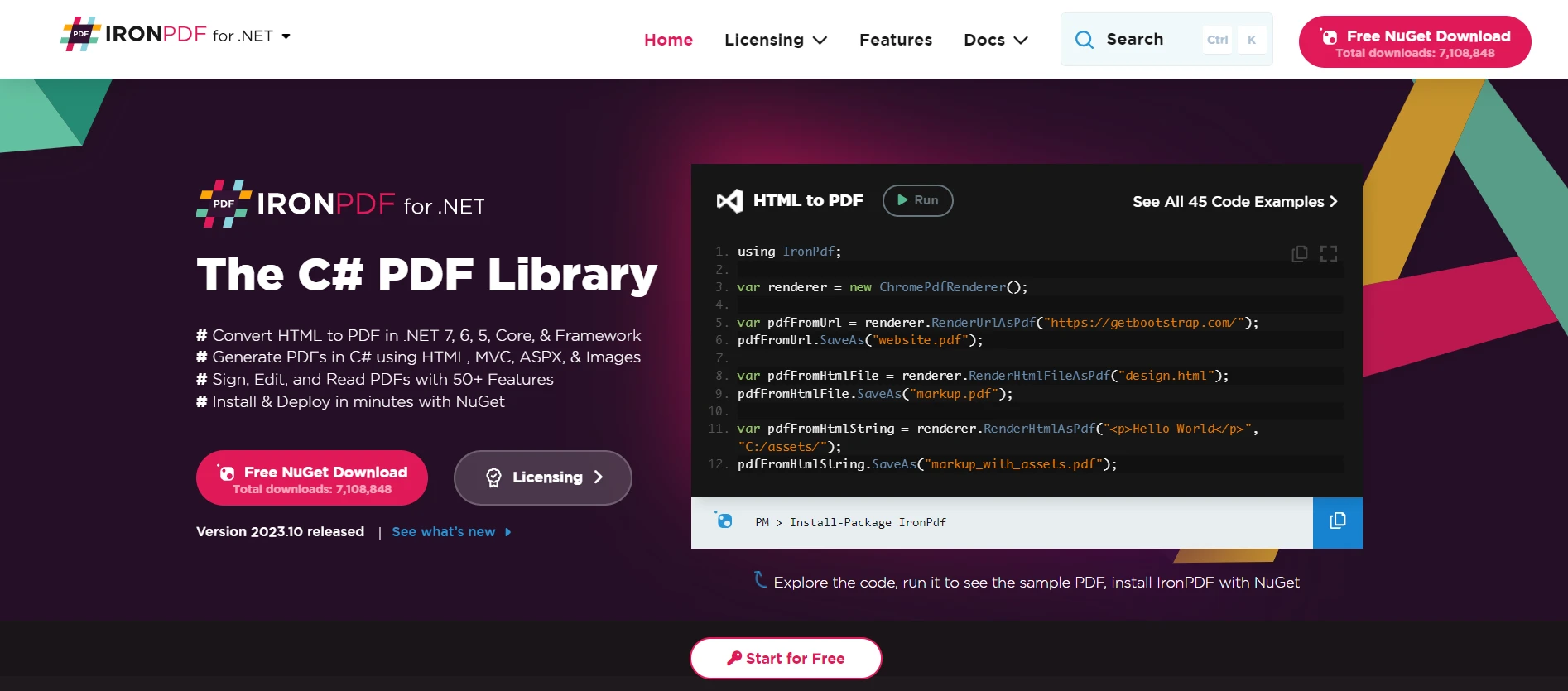
IronPDFは、開発者がC#アプリケーション内でPDFファイルを生成、操作、および読み取ることを可能にします。 このトピックに関連し、参照型にデータが保持されていて、このデータをレポートまたは文書に変換したいと仮定します。 IronPDFはアプリケーションの出力を取得し型変換のようにフォーマットされたPDFドキュメントに変換できます。
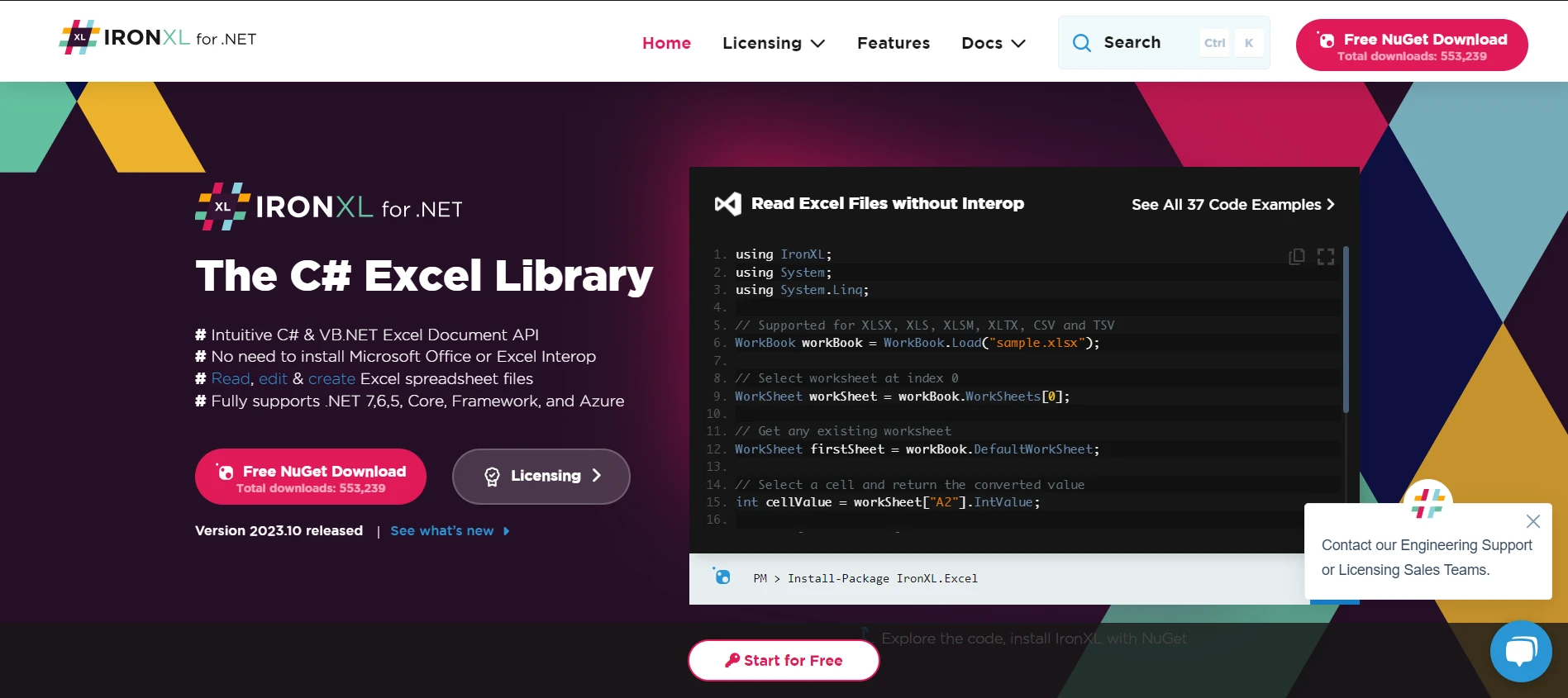
Excelファイルの取り扱いは、多くのソフトウェアアプリケーションで頻繁に必要とされます。 IronXL for Excel Operationsは、開発者がOffice Interopに依存することなくExcelスプレッドシートを読み取り、編集し、作成する能力を提供します。データ構造やデータベースエントリをC#でExcel形式にシームレスに変換するための道具としてIronXLを考えてください。
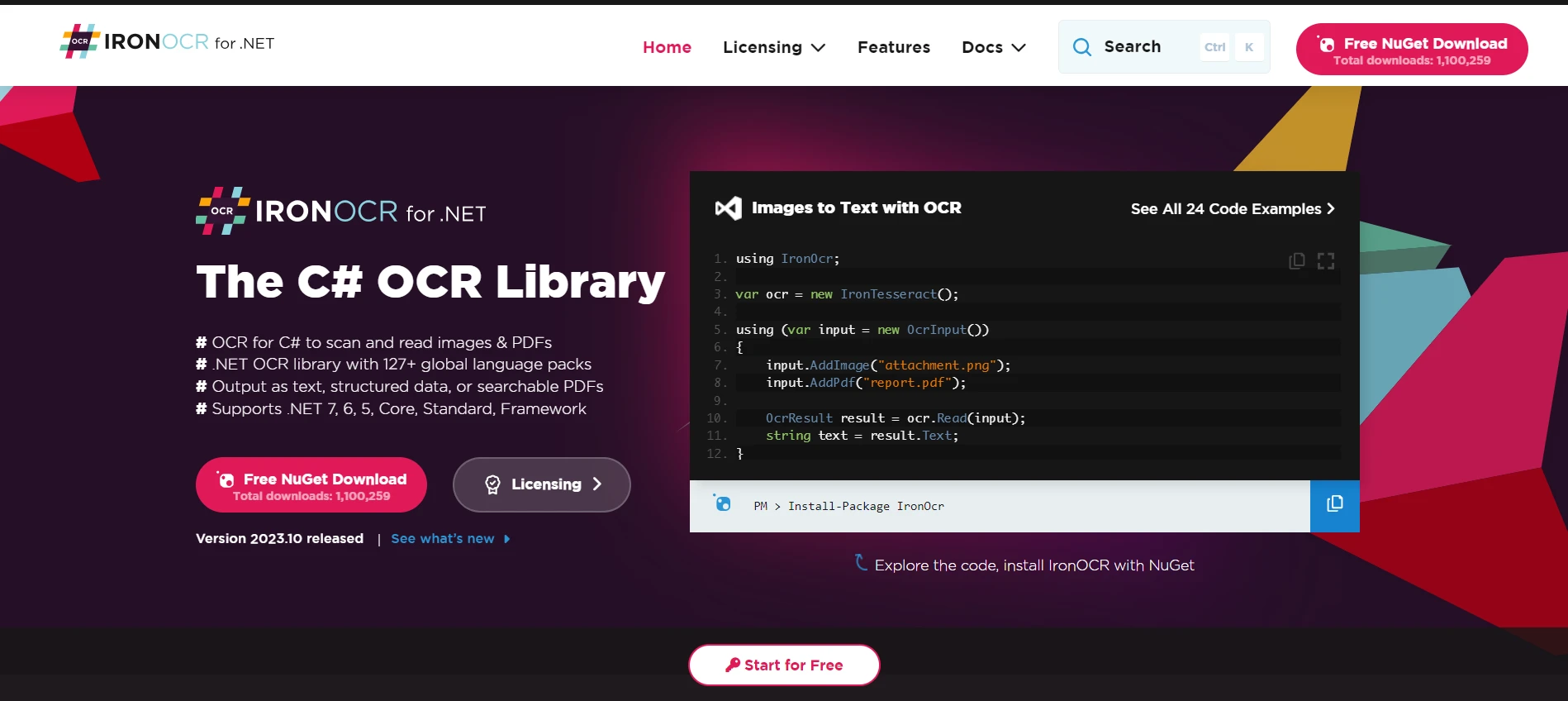
Optical Character Recognition with IronOCRは、画像からテキストを読み取り、解釈することを可能にする光学文字認識ツールです。 これを私たちのチュートリアルに橋渡しすることで、高度な認識機能を使用してstringまたはテキストデータ)に変換することに似ています。
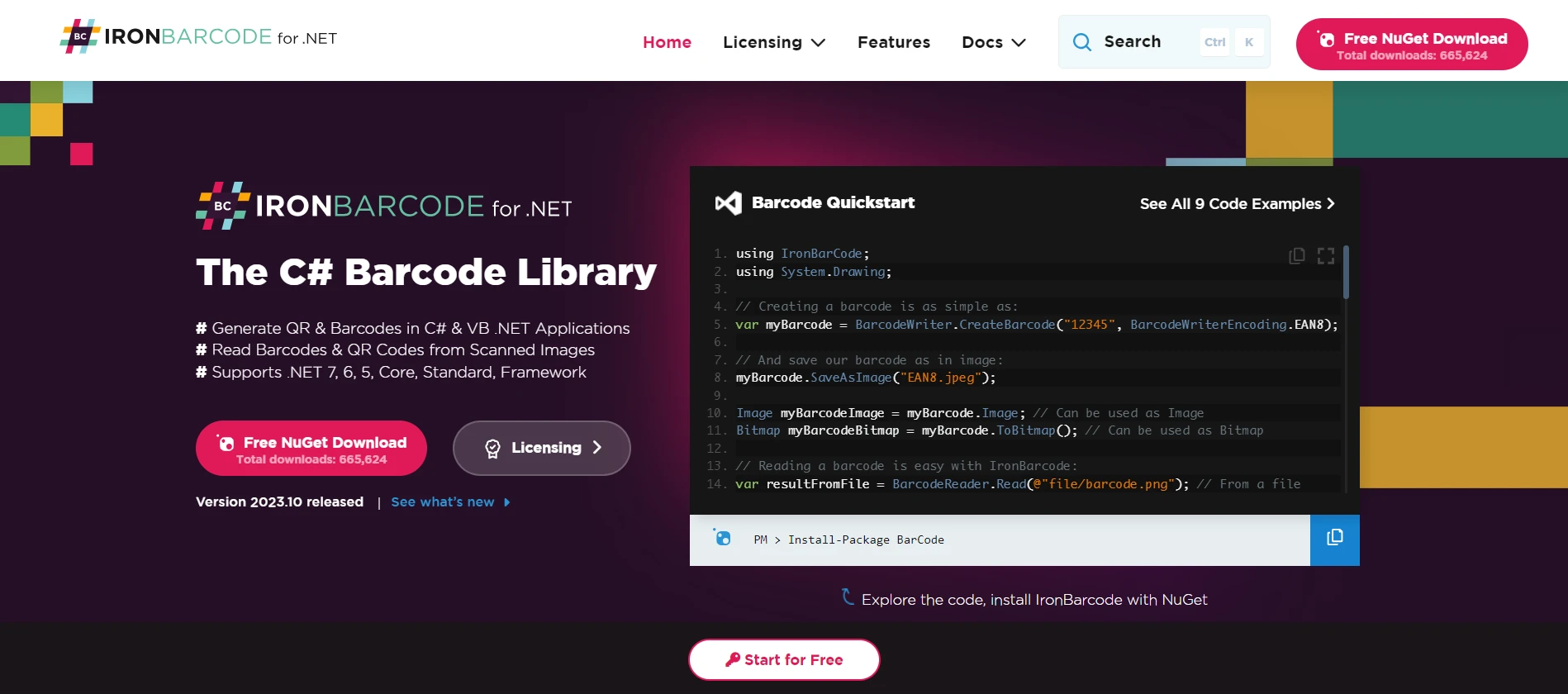
多くの商業アプリケーションにおいて、バーコードの取り扱いは不可欠です。 IronBarcode Tool for Barcode Processingは、C#アプリケーションでバーコードの生成、読み取り、デコードを支援します。 型変換に関する議論に関連して、objectの一形態)を文字列や製品情報のようなより具体的で使用可能なデータ型に変換する道具と見ることができます。
Iron Suite Offeringsの各製品は、特に型変換と型チェックに関連した議論に結びつけられた場合の、C#が提供する柔軟性と力の証です。 これらのツールは、is演算子のように、開発者にデータを効率的に変換および処理する能力を提供します。
これらのツールをプロジェクトに統合することを検討している場合、各製品ライセンスは$999から開始し、各製品がIron Suite Toolsの無料トライアルを提供していることに注意する価値があります。 包括的なソリューションを求める人には、Iron Suiteが魅力的なオファーを提供します: 2つの製品の価格でIron Suiteライセンスを取得することができます。

ジェイコブ・メラーはIron Softwareの最高技術責任者(CTO)であり、C# PDFテクノロジーを開拓する先見的なエンジニアです。Iron Softwareのコアコードベースを支えるオリジナル開発者として、彼は創業以来、会社の製品アーキテクチャを形成し、CEOのCameron Rimingtonとともに、会社をNASA、Tesla、および世界的な政府機関にサービスを提供する50人以上の会社に変えました。1999年にロンドンで最初のソフトウェアビジネスを開業し、2005年に最初 for .NETコンポーネントを作成した後、Microsoftのエコシステム全体で複雑な問題を解決することを専門としました。



IronPDF はIRONSUITEの一部です
オフィス文書向けの.NET API製品10個

PDFがHTMLのように見える必要があるとき、迅速に。












