


C# AS(開發者的工作原理)

使用C#程式設計通常涉及使用不同型別的資料。 有時,我們需要檢查object是否為某種型別或嘗試將其轉換為該型別。 這就是as運算子關鍵字的用武之地。 與其近親一起,is運算子有助於型別測試和轉換。 在本教程中,我們將探索此運算子的複雜性及其使用範例。
瞭解as運算子
as運算子的基礎知識
C#中的as運算子關鍵字是二元運算子,用於在相容的參考型別或可空型別之間執行某些轉換。以下程式碼提供了一個簡單的範例:
// Declare an object that holds a string
object myObj = "Hello, World!";

// Use the 'as' operator to attempt to convert 'myObj' to a string
string myStr = myObj as string;

// myStr will hold the string value "Hello, World!" if the conversion is successful;
// otherwise, it will be null.
// Declare an object that holds a string
object myObj = "Hello, World!";
// Use the 'as' operator to attempt to convert 'myObj' to a string
string myStr = myObj as string;
// myStr will hold the string value "Hello, World!" if the conversion is successful;
// otherwise, it will be null.' Declare an object that holds a string
Dim myObj As Object = "Hello, World!"
' Use the 'as' operator to attempt to convert 'myObj' to a string
Dim myStr As String = TryCast(myObj, String)
' myStr will hold the string value "Hello, World!" if the conversion is successful;
' otherwise, it will be null.在上面的程式碼中,object型別的物件(所有C#型別的基礎型別)。 在編譯時,我們不確定其底層型別。string。 如果成功,myStr將持有字串值。 否則,它將持有null值。
如何與顯式轉換不同?
雖然as運算子和顯式轉換用於類似的目的,但有一個關鍵區別。 如果顯式轉換失敗,則會引發異常。 另一方面,如果null值而不是引發異常。 讓我們通過以下程式碼範例來理解這一點:
object someValue = 12345;
string castResult;

// Using explicit cast
try {
    castResult = (string)someValue; // This will throw an exception since the cast fails.
}
catch(Exception ex) {
    castResult = null; // The result is set to null if an exception is caught.
}

// Using the 'as' operator
string asResult = someValue as string; // No exception, but 'asResult' will be null since the cast fails.
object someValue = 12345;
string castResult;
// Using explicit cast
try {
castResult = (string)someValue; // This will throw an exception since the cast fails.
}
catch(Exception ex) {
castResult = null; // The result is set to null if an exception is caught.
}
// Using the 'as' operator
string asResult = someValue as string; // No exception, but 'asResult' will be null since the cast fails.Dim someValue As Object = 12345
Dim castResult As String
' Using explicit cast
Try
castResult = DirectCast(someValue, String) ' This will throw an exception since the cast fails.
Catch ex As Exception
castResult = Nothing ' The result is set to null if an exception is caught.
End Try
' Using the 'as' operator
Dim asResult As String = TryCast(someValue, String) ' No exception, but 'asResult' will be null since the cast fails.顯然,使用as運算子通常更安全,因為您可以避免潛在的運行時錯誤。
與is運算子的關聯
通常在嘗試進行轉換之前,is運算子一起使用以進行型別測試。 false。
以下程式碼範例說明了這一點:
object testObject = "This is a string";

// Check if testObject is of type string
if (testObject is string) {
    // If true, convert testObject to string using 'as'
    string result = testObject as string;
    Console.WriteLine(result); // Outputs: This is a string
} else {
    Console.WriteLine("Not a string");
}
object testObject = "This is a string";
// Check if testObject is of type string
if (testObject is string) {
// If true, convert testObject to string using 'as'
string result = testObject as string;
Console.WriteLine(result); // Outputs: This is a string
} else {
Console.WriteLine("Not a string");
}Dim testObject As Object = "This is a string"
' Check if testObject is of type string
If TypeOf testObject Is String Then
' If true, convert testObject to string using 'as'
Dim result As String = TryCast(testObject, String)
Console.WriteLine(result) ' Outputs: This is a string
Else
Console.WriteLine("Not a string")
End If隨著C#較新版本引入模式匹配,is運算子還可以在型別測試通過時執行某些操作。 這通常減少對as運算子的使用需求。
更深入的探索:特殊案例和注意事項
可空數值型別轉換
null值。 但是,通過使它們可空,您可以為它們賦值null。 as運算子可用於嘗試轉換為可空數值型別:
// Declare a nullable integer
int? nullableInt = 10;

// Box the nullable int
object objInt = nullableInt;

// Attempt to unbox using 'as' to a nullable int type
int? resultInt = objInt as int?;
// Declare a nullable integer
int? nullableInt = 10;
// Box the nullable int
object objInt = nullableInt;
// Attempt to unbox using 'as' to a nullable int type
int? resultInt = objInt as int?;' Declare a nullable integer
Dim nullableInt? As Integer = 10
' Box the nullable int
Dim objInt As Object = nullableInt
' Attempt to unbox using 'as' to a nullable int type
Dim resultInt? As Integer = CType(objInt, Integer?)參考轉換和使用者定義轉換
as運算子支援參考轉換(在相關參考型別之間)和使用者定義轉換。 使用者定義轉換是使用類中特殊轉換方法定義的轉換。
考慮以下使用者定義轉換的程式碼:
class Sample {
    // Define an implicit conversion from Sample to string
    public static implicit operator string(Sample s) {
        return "Converted to String";
    }
}

Sample sampleObject = new Sample();

// Use 'as' to convert 'sampleObject' to string
string conversionResult = sampleObject as string;

// conversionResult will hold "Converted to String"
class Sample {
// Define an implicit conversion from Sample to string
public static implicit operator string(Sample s) {
return "Converted to String";
}
}
Sample sampleObject = new Sample();
// Use 'as' to convert 'sampleObject' to string
string conversionResult = sampleObject as string;
// conversionResult will hold "Converted to String"Friend Class Sample
' Define an implicit conversion from Sample to string
Public Shared Widening Operator CType(ByVal s As Sample) As String
Return "Converted to String"
End Operator
End Class
Private sampleObject As New Sample()
' Use 'as' to convert 'sampleObject' to string
Private conversionResult As String = TryCast(sampleObject, String)
' conversionResult will hold "Converted to String"在這裡,使用者定義的轉換方法允許string。
當as不適用時
請記住,as運算子不能與數值型別一起使用(除非處理可空數值型別)或涉及顯式方法的使用者定義轉換。
高級場景下的as運算子
使用as進行裝箱和取消裝箱
裝箱是將數值型別實例轉換為物件參考的過程。 這是可能的,因為每個數值型別都會隱含地繼承自object。 當您將數值型別裝箱時,您會將其包裹在object之中。
考慮以下程式碼進行裝箱轉換:
int intValue = 42;

// Box the value type to an object
object boxedValue = intValue;
int intValue = 42;
// Box the value type to an object
object boxedValue = intValue;Dim intValue As Integer = 42
' Box the value type to an object
Dim boxedValue As Object = intValue在這裡,object。
取消裝箱是裝箱的反向過程,即從object提取數值型別。 object是否持有您期望的數值型別時。 如果取消裝箱失敗,則表達式結果將為null。
考慮以下例子用於取消裝箱轉換:
object obj = 42;

// Attempt to unbox using 'as' to a nullable int type
int? result = obj as int?;
object obj = 42;
// Attempt to unbox using 'as' to a nullable int type
int? result = obj as int?;Dim obj As Object = 42
' Attempt to unbox using 'as' to a nullable int type
Dim result? As Integer = CType(obj, Integer?)處理陣列
陣列在C#中是引用型別。 有時候,您可能需要確定object是否為特定型別的陣列,然後進行處理。 as運算子在這裡也可以提供幫助。
考慮以下程式碼:
object[] arrayObject = new string[] { "one", "two", "three" };

// Attempt to cast to a string array using 'as'
string[] stringArray = arrayObject as string[];

// stringArray will hold the array of strings if successful
object[] arrayObject = new string[] { "one", "two", "three" };
// Attempt to cast to a string array using 'as'
string[] stringArray = arrayObject as string[];
// stringArray will hold the array of strings if successfulDim arrayObject() As Object = New String() { "one", "two", "three" }
' Attempt to cast to a string array using 'as'
Dim stringArray() As String = TryCast(arrayObject, String())
' stringArray will hold the array of strings if successful在上面的程式碼中,arrayObject是一個物件陣列,但實際上包含字串。 使用as運算子,您可以安全地嘗試將其視為字串陣列。
將as與LINQ結合使用
語言整合查詢(LINQ - 微軟文件)是C#中的一個強大功能,可讓您以類似SQL的方式對集合進行查詢。 有時候,您可能會在集合中檢索到混合型別的物件並希望篩選出特定型別的物件。在這裡,as運算子可能非常有用。
例如,考慮一個包含字串和整數的物件列表。 如果您僅想檢索字串,可以結合LINQ使用as運算子:
var mixedList = new List<object> { "Hello", 42, "World", 100 };

// Use LINQ to select only strings from mixedList
var stringValues = mixedList
    .Select(item => item as string)
    .Where(item => item != null)
    .ToList();

// stringValues will contain "Hello" and "World"
var mixedList = new List<object> { "Hello", 42, "World", 100 };
// Use LINQ to select only strings from mixedList
var stringValues = mixedList
.Select(item => item as string)
.Where(item => item != null)
.ToList();
// stringValues will contain "Hello" and "World"Dim mixedList = New List(Of Object) From {"Hello", 42, "World", 100}
' Use LINQ to select only strings from mixedList
Dim stringValues = mixedList.Select(Function(item) TryCast(item, String)).Where(Function(item) item IsNot Nothing).ToList()
' stringValues will contain "Hello" and "World"與Iron Suite整合
Iron Suite 解決方案是一套高品質的工具,使C#開發人員能夠無縫整合功能,如PDF操作、Excel處理、光學字元識別(OCR)和條形碼生成及閱讀。 這些工具,如我們早先討論的is運算子一樣,在提高開發人員建立強大應用程式的效率方面至關重要。
IronPDF
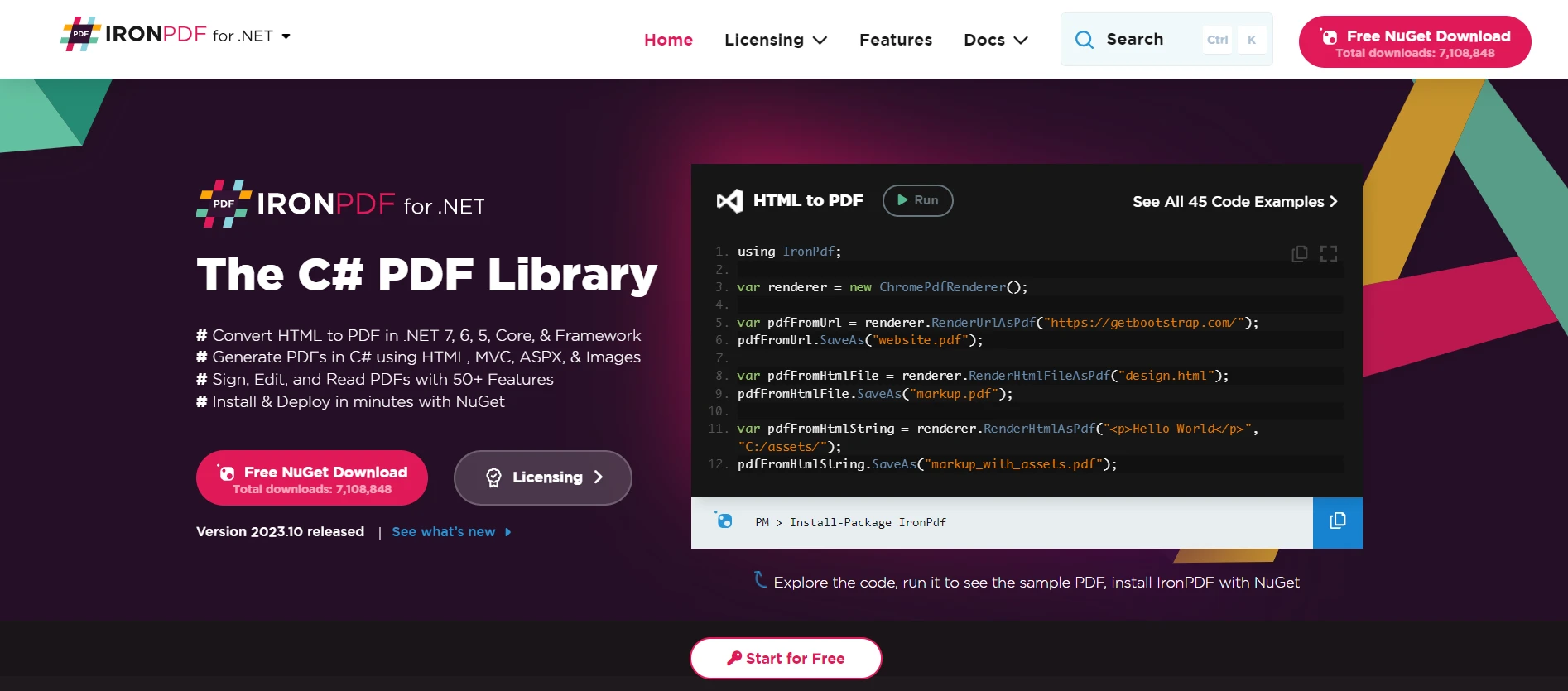
IronPDF允許開發人員在他們的C#應用程式中生成、操作和讀取PDF文件。 考慮到與我們討論主題的相關性,假設您有一個保存一些資料的引用型別,並且您希望將此資料轉換為報告或文件。 IronPDF可以取得您應用程式的輸出,並以類似於型別轉換的方式,將其轉化成格式良好的PDF文件。
IronXL
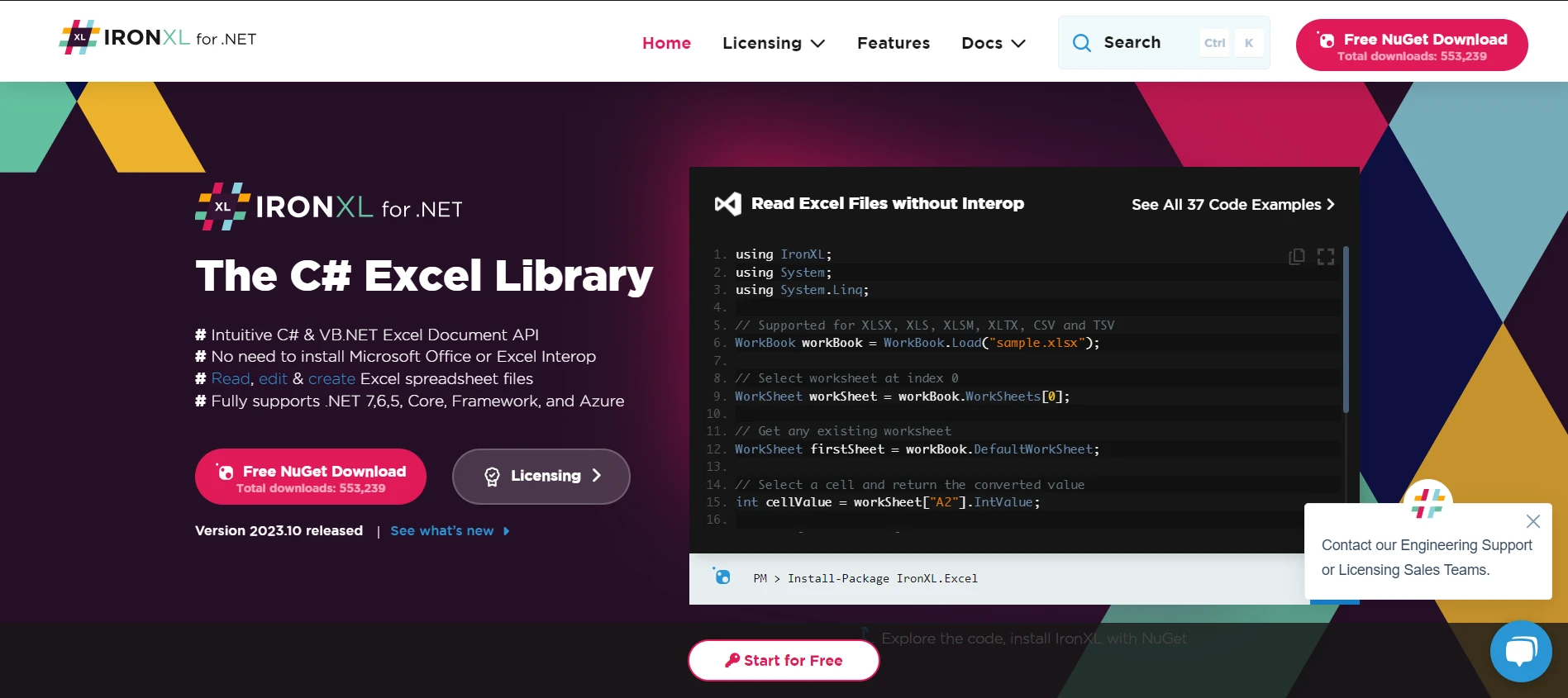
處理Excel文件是許多軟體應用程式中的一項常見需求。 IronXL for Excel Operations為開發人員提供讀取、編輯和建立Excel試算表的能力,無需依賴Office Interop。在我們討論型別轉換的背景下,可以將IronXL視為允許您無縫地將C#中的資料結構或資料庫條目轉換為Excel格式的工具。
IronOCR
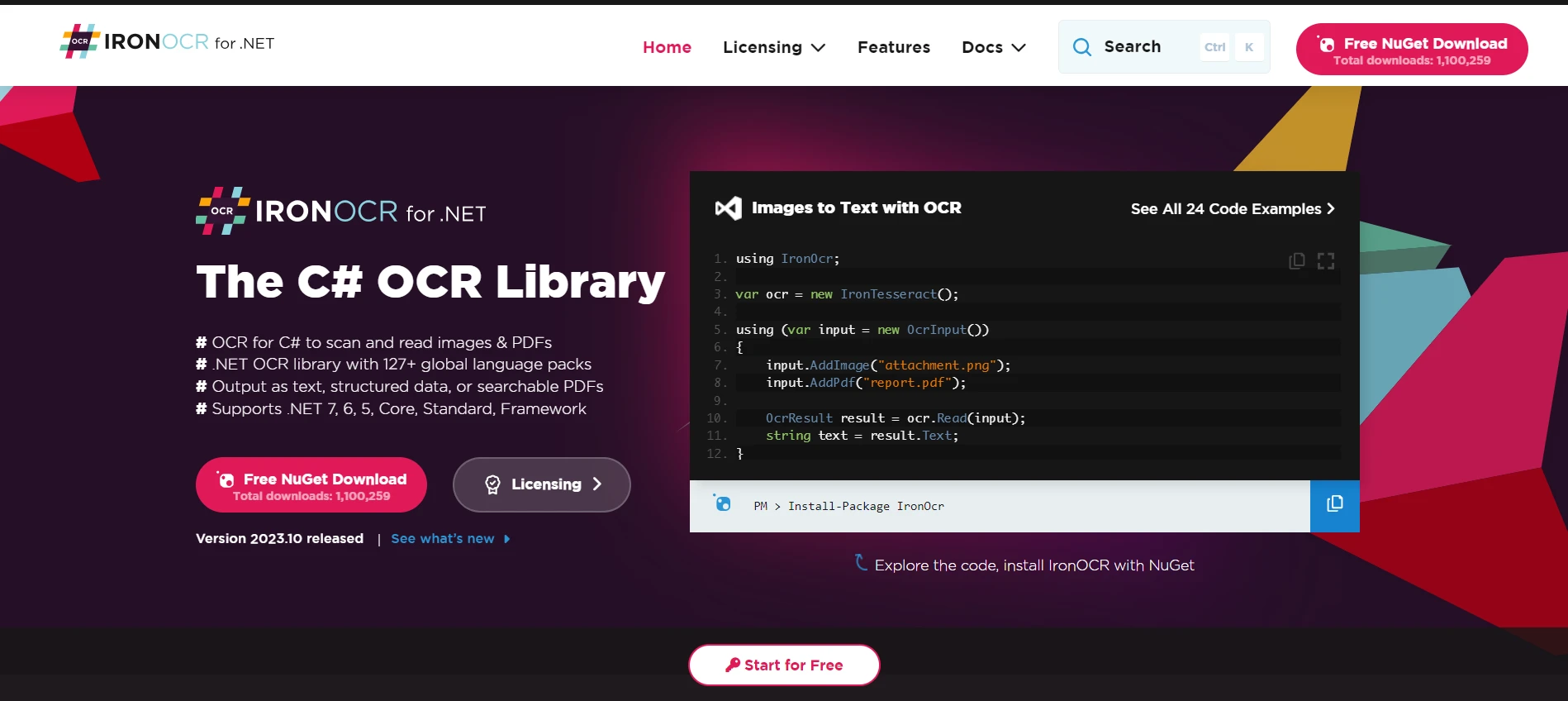
Optical Character Recognition with IronOCR是一種光學字元識別工具,允許開發人員從圖像中讀取和解釋文字。 將此與我們的教程連結起來,這類似於使用高級識別能力將string或文字資料)。
IronBarcode
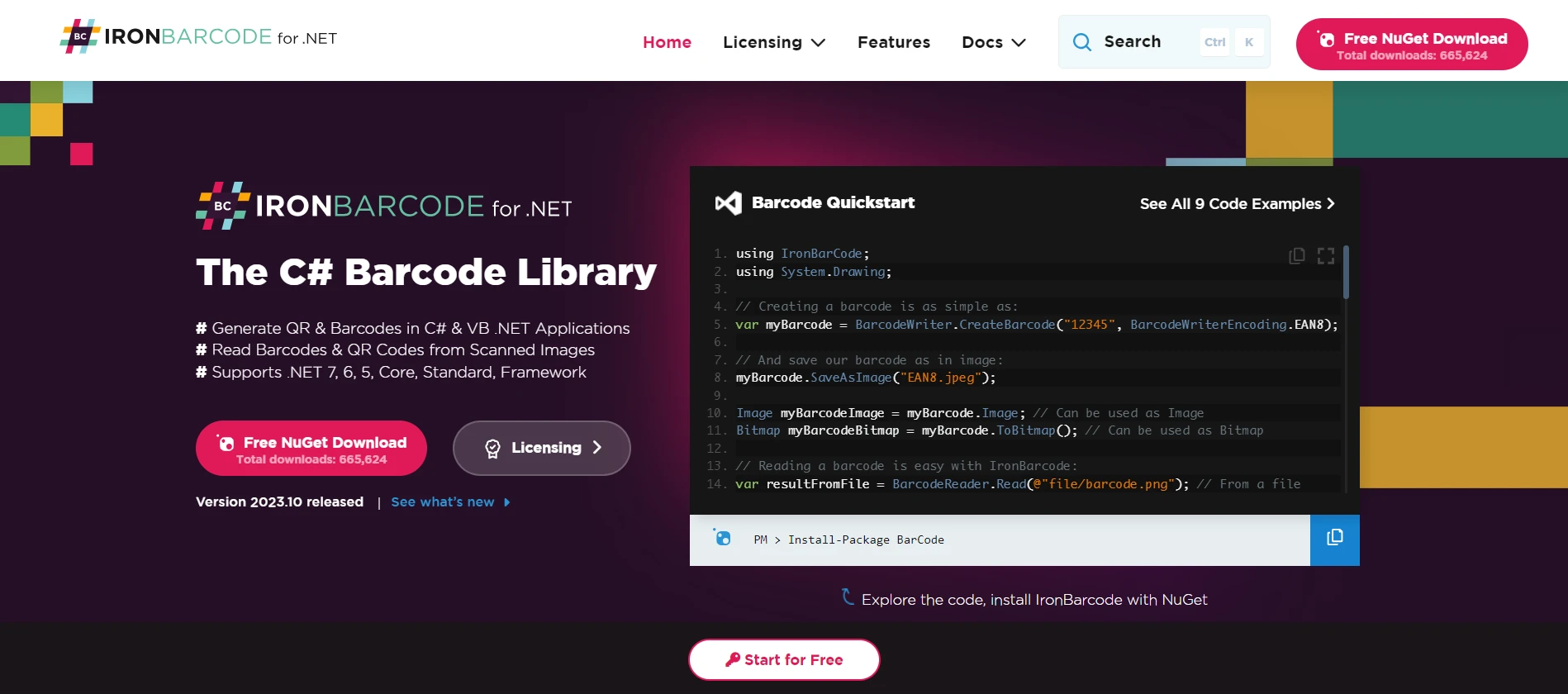
在許多商業應用程式中,處理條形碼是不可或缺的。 IronBarcode Tool for Barcode Processing協助開發人員在C#應用程式中生成、讀取和解碼條形碼。 關於我們在型別轉換上的討論,object)轉換為更具體、可用的資料型別,如字串或產品詳細資料。
結論
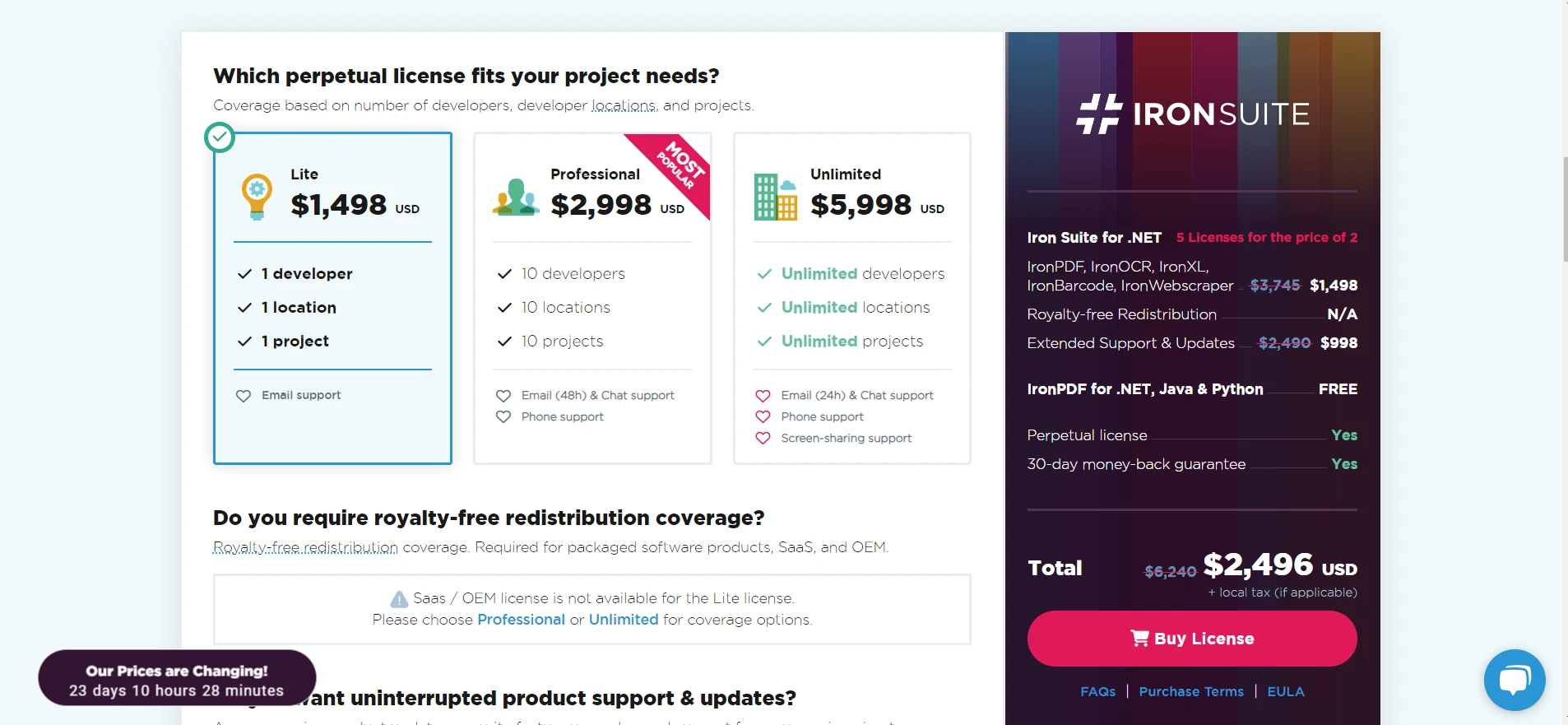
每個Iron Suite 產品都是C#所提供的靈活性和力量的體現,特別是在我們討論型別轉換和型別檢查時。 這些工具,如is運算子一樣,為開發人員提供了有效進行資料轉換和處理的能力。
如果您正在考慮將這些工具整合到您的專案中,值得注意的是,每個產品的授權從$999開始,並且每個產品都提供Iron Suite 工具的免費試用。 對於那些尋求綜合解決方案的人,Iron Suite提供了一個誘人的優惠:您可以以兩個產品的價格來獲得Iron Suite授權。
常見問題
在C#開發中,'as'運算子的作用是什麼?
在C#中,'as'運算子用於在相容的參考型別或可空型別之間執行安全的型別轉換,如果轉換不成功會返回null,從而避免拋出異常。
您如何在C#中安全地處理型別轉換?
您可以使用'as'運算子進行安全的型別轉換,因為當轉換失敗時,它會返回null而不是拋出異常,使其比顯式轉型更安全。
在某些情況下,為什麼'as'運算子比顯式轉型更受青睞?
當您想避免由轉換失敗引起的異常時,首選'as'運算子,因為它返回null,而不是拋出異常,這與顯式轉型不同。
在C#中,'as'運算子如何與可空型別一起工作?
'as'運算子可以與可空型別一起使用,允許安全的轉換,如果物件不能轉換為指定的可空型別,則返回null。
IronPDF如何用於C#中進行文件轉換?
IronPDF使C#開發者能將HTML轉換為PDF,操作PDF內容,並以程式化方式生成PDF文件,從而增強了應用程式中的文件處理能力。
使用Iron Suite對於C#開發者有什麼優勢?
Iron Suite提供像IronPDF、IronXL、IronOCR和IronBarcode的工具,讓開發者能夠有效地處理各種格式的資料轉換和操作。
您如何使用C#從集合中過濾特定型別?
您可以將'as'運算子與LINQ查詢結合使用,從集合中過濾特定型別,以確保從混合物件列表中選擇所需的型別。
在C#中結合使用'is'和'as'運算子的常見情況是什麼?
結合使用'is'和'as'運算子允許您先使用'is'檢查物件的型別,再使用'as'安全地進行轉換,以確保型別安全性並避免異常。










 免費開始
免費開始 免費開始
免費開始 預訂免費直播演示
















