


C# AS (개발자용 작동 방식)

C# 프로그램은 종종 다양한 유형의 데이터를 다룹니다. 때로는 우리는 object이 특정 유형인지를 확인하거나 이를 해당 유형으로 변환하려고 시도해야 합니다. 그때 as 연산자 키워드가 유용합니다. 그와 유사하게, is 연산자는 유형 테스트 및 변환을 돕습니다. 이 튜토리얼에서는 이 연산자의 복잡성과 사용 사례를 탐구합니다.
as 연산자 이해하기
as 연산자의 기본 사항
C#에서 as 연산자 키워드는 호환 가능한 참조 유형이나 nullable 유형 간의 특정 변환을 수행하기 위해 사용되는 이항 연산자입니다. 다음 코드는 간단한 예제를 제공합니다:
// Declare an object that holds a string
object myObj = "Hello, World!";

// Use the 'as' operator to attempt to convert 'myObj' to a string
string myStr = myObj as string;

// myStr will hold the string value "Hello, World!" if the conversion is successful;
// otherwise, it will be null.
// Declare an object that holds a string
object myObj = "Hello, World!";
// Use the 'as' operator to attempt to convert 'myObj' to a string
string myStr = myObj as string;
// myStr will hold the string value "Hello, World!" if the conversion is successful;
// otherwise, it will be null.' Declare an object that holds a string
Dim myObj As Object = "Hello, World!"
' Use the 'as' operator to attempt to convert 'myObj' to a string
Dim myStr As String = TryCast(myObj, String)
' myStr will hold the string value "Hello, World!" if the conversion is successful;
' otherwise, it will be null.위의 코드에서 myObj는 C#의 모든 유형의 기본 유형인 object 타입의 객체입니다. 컴파일 시간에 그 기본 유형이 확실하지 않습니다. as 연산자는 myObj을 string로 취급하려고 시도하는 데 사용됩니다. 성공하면 myStr는 문자열 값을 갖게 됩니다. 그렇지 않으면 null 값을 갖게 됩니다.
명시적 캐스트와 어떻게 다릅니까?
둘 다 as 연산자와 명시적 캐스트가 비슷한 목적을 수행하지만, 중요한 차이가 있습니다. 명시적 캐스트가 실패하면 예외가 발생합니다. 한편, as 연산자가 한 유형에서 다른 유형으로 변환하려는 시도가 실패하면, 연산자는 예외를 발생시키는 대신 null 값을 반환합니다. 다음 코드 예제를 통해 이를 이해해봅시다:
object someValue = 12345;
string castResult;

// Using explicit cast
try {
    castResult = (string)someValue; // This will throw an exception since the cast fails.
}
catch(Exception ex) {
    castResult = null; // The result is set to null if an exception is caught.
}

// Using the 'as' operator
string asResult = someValue as string; // No exception, but 'asResult' will be null since the cast fails.
object someValue = 12345;
string castResult;
// Using explicit cast
try {
castResult = (string)someValue; // This will throw an exception since the cast fails.
}
catch(Exception ex) {
castResult = null; // The result is set to null if an exception is caught.
}
// Using the 'as' operator
string asResult = someValue as string; // No exception, but 'asResult' will be null since the cast fails.Dim someValue As Object = 12345
Dim castResult As String
' Using explicit cast
Try
castResult = DirectCast(someValue, String) ' This will throw an exception since the cast fails.
Catch ex As Exception
castResult = Nothing ' The result is set to null if an exception is caught.
End Try
' Using the 'as' operator
Dim asResult As String = TryCast(someValue, String) ' No exception, but 'asResult' will be null since the cast fails.분명히, as 연산자를 사용하는 것이 잠재적인 런타임 오류를 피할 수 있어 더 안전할 수 있습니다.
is 연산자와의 연결
자주, as 연산자는 변환을 시도하기 전에 유형 테스트를 위해 is 연산자와 함께 사용됩니다. is 연산자는 제공된 객체가 주어진 유형인지 확인하고 그렇다면 true을 반환하며 그렇지 않으면 false을 반환합니다.
다음 코드 예제는 이것을 설명합니다:
object testObject = "This is a string";

// Check if testObject is of type string
if (testObject is string) {
    // If true, convert testObject to string using 'as'
    string result = testObject as string;
    Console.WriteLine(result); // Outputs: This is a string
} else {
    Console.WriteLine("Not a string");
}
object testObject = "This is a string";
// Check if testObject is of type string
if (testObject is string) {
// If true, convert testObject to string using 'as'
string result = testObject as string;
Console.WriteLine(result); // Outputs: This is a string
} else {
Console.WriteLine("Not a string");
}Dim testObject As Object = "This is a string"
' Check if testObject is of type string
If TypeOf testObject Is String Then
' If true, convert testObject to string using 'as'
Dim result As String = TryCast(testObject, String)
Console.WriteLine(result) ' Outputs: This is a string
Else
Console.WriteLine("Not a string")
End IfC#의 최신 버전에서 패턴 매칭이 도입되면서, is 연산자가 유형 테스트가 통과할 경우 특정 작업을 수행할 수도 있습니다. 이는 종종 as 연산자를 사용할 필요성을 줄여줍니다.
깊이 Dive: 특별한 경우와 고려사항
Nullable 값 형식 변환
as 연산자가 매우 유용한 특별한 경우 중 하나는 nullable 값 유형과 관련이 있습니다. 값 유형 (int, double 등)은 null 값을 할당할 수 없습니다. 그러나 nullable로 만들면 null을 할당할 수 있습니다. as 연산자는 nullable 값 유형으로 변환을 시도하는 데 사용될 수 있습니다:
// Declare a nullable integer
int? nullableInt = 10;

// Box the nullable int
object objInt = nullableInt;

// Attempt to unbox using 'as' to a nullable int type
int? resultInt = objInt as int?;
// Declare a nullable integer
int? nullableInt = 10;
// Box the nullable int
object objInt = nullableInt;
// Attempt to unbox using 'as' to a nullable int type
int? resultInt = objInt as int?;' Declare a nullable integer
Dim nullableInt? As Integer = 10
' Box the nullable int
Dim objInt As Object = nullableInt
' Attempt to unbox using 'as' to a nullable int type
Dim resultInt? As Integer = CType(objInt, Integer?)참조 변환 및 사용자 정의 변환
as 연산자는 참조 변환(관련 참조 유형 간)과 사용자가 정의한 변환 둘 다를 지원합니다. 사용자 정의 변환은 클래스에서 특별한 변환 메서드를 사용하여 정의된 변환입니다.
다음 사용자 정의 변환 코드를 고려해 보세요:
class Sample {
    // Define an implicit conversion from Sample to string
    public static implicit operator string(Sample s) {
        return "Converted to String";
    }
}

Sample sampleObject = new Sample();

// Use 'as' to convert 'sampleObject' to string
string conversionResult = sampleObject as string;

// conversionResult will hold "Converted to String"
class Sample {
// Define an implicit conversion from Sample to string
public static implicit operator string(Sample s) {
return "Converted to String";
}
}
Sample sampleObject = new Sample();
// Use 'as' to convert 'sampleObject' to string
string conversionResult = sampleObject as string;
// conversionResult will hold "Converted to String"Friend Class Sample
' Define an implicit conversion from Sample to string
Public Shared Widening Operator CType(ByVal s As Sample) As String
Return "Converted to String"
End Operator
End Class
Private sampleObject As New Sample()
' Use 'as' to convert 'sampleObject' to string
Private conversionResult As String = TryCast(sampleObject, String)
' conversionResult will hold "Converted to String"여기에서 사용자가 정의한 변환 메서드는 Sample 유형의 객체를 string로 취급할 수 있게 합니다.
as가 적용되지 않을 때
as 연산자는 값 유형(또는 nullable 값 유형과 관련이 있는 경우를 제외하고)이나 명시적 메서드를 포함하는 사용자가 정의한 변환과 함께 사용할 수 없다는 것을 기억하십시오.
as 연산자를 사용한 고급 시나리오
as를 사용한 박싱 및 언박싱
박싱은 값 형식 인스턴스를 객체 참조로 변환하는 과정입니다. 모든 값 유형이 object를 암시적으로 상속하기 때문에 가능합니다. 값 유형을 상자화하면, 이를 object 안에 감싸게 됩니다.
다음 코드에서 박싱 변환을 고려해 보세요:
int intValue = 42;

// Box the value type to an object
object boxedValue = intValue;
int intValue = 42;
// Box the value type to an object
object boxedValue = intValue;Dim intValue As Integer = 42
' Box the value type to an object
Dim boxedValue As Object = intValue여기에서 intValue가 object로 상자화됩니다.
언박싱은 상자화의 반대 과정으로, 즉 object에서 값 유형을 추출합니다. as 연산자는 값이 기대하는 값 유형인지 확실하지 않은 경우 특히 값을 안전하게 언박싱하는 데 사용될 수 있습니다. 언박싱이 실패하면, 표현식 결과는 null이 됩니다.
다음 언박싱 변환 예제를 고려해 보세요:
object obj = 42;

// Attempt to unbox using 'as' to a nullable int type
int? result = obj as int?;
object obj = 42;
// Attempt to unbox using 'as' to a nullable int type
int? result = obj as int?;Dim obj As Object = 42
' Attempt to unbox using 'as' to a nullable int type
Dim result? As Integer = CType(obj, Integer?)배열 작업
배열은 C#에서 참조 형식입니다. 때로는 object이 특정 유형의 배열인지 확인한 후 그것을 다뤄야 할 때가 있습니다. as 연산자도 이 경우에 도움을 줄 수 있습니다.
다음 코드를 고려해 보세요:
object[] arrayObject = new string[] { "one", "two", "three" };

// Attempt to cast to a string array using 'as'
string[] stringArray = arrayObject as string[];

// stringArray will hold the array of strings if successful
object[] arrayObject = new string[] { "one", "two", "three" };
// Attempt to cast to a string array using 'as'
string[] stringArray = arrayObject as string[];
// stringArray will hold the array of strings if successfulDim arrayObject() As Object = New String() { "one", "two", "three" }
' Attempt to cast to a string array using 'as'
Dim stringArray() As String = TryCast(arrayObject, String())
' stringArray will hold the array of strings if successful위의 코드에서 arrayObject는 객체의 배열이지만 실제로는 문자열을 포함하고 있습니다. as 연산자를 사용하여 이를 문자열 배열로 안전하게 처리할 수 있습니다.
as와 LINQ 결합하기
Language Integrated Query (LINQ - Microsoft Documentation)는 C#에서 SQL과 유사한 방식으로 콜렉션을 쿼리할 수 있게 해주는 강력한 기능입니다. 때로는 컬렉션에서 혼합 유형의 객체를 검색하고 특정 유형을 걸러내고 싶을 때 as 연산자가 매우 유용할 수 있습니다.
예를 들어, 문자열과 정수를 포함하는 객체 리스트를 고려하십시오. 문자열만 검색하고 싶다면 as 연산자를 LINQ와 함께 사용할 수 있습니다:
var mixedList = new List<object> { "Hello", 42, "World", 100 };

// Use LINQ to select only strings from mixedList
var stringValues = mixedList
    .Select(item => item as string)
    .Where(item => item != null)
    .ToList();

// stringValues will contain "Hello" and "World"
var mixedList = new List<object> { "Hello", 42, "World", 100 };
// Use LINQ to select only strings from mixedList
var stringValues = mixedList
.Select(item => item as string)
.Where(item => item != null)
.ToList();
// stringValues will contain "Hello" and "World"Dim mixedList = New List(Of Object) From {"Hello", 42, "World", 100}
' Use LINQ to select only strings from mixedList
Dim stringValues = mixedList.Select(Function(item) TryCast(item, String)).Where(Function(item) item IsNot Nothing).ToList()
' stringValues will contain "Hello" and "World"Iron Suite와의 통합
C# 개발자를 위한 Iron Suite 솔루션은 PDF 조작, Excel 처리, 광학 문자 인식(OCR), 바코드 생성 및 판독과 같은 기능을 매끄럽게 통합할 수 있게 해주는 고품질 도구 모음입니다. 이러한 도구들은 개발자가 견고한 애플리케이션을 구축할 때 효율성을 높이는 데 중요한 역할을 합니다. 이는 앞서 논의한 as 및 is 연산자와 같습니다.
IronPDF
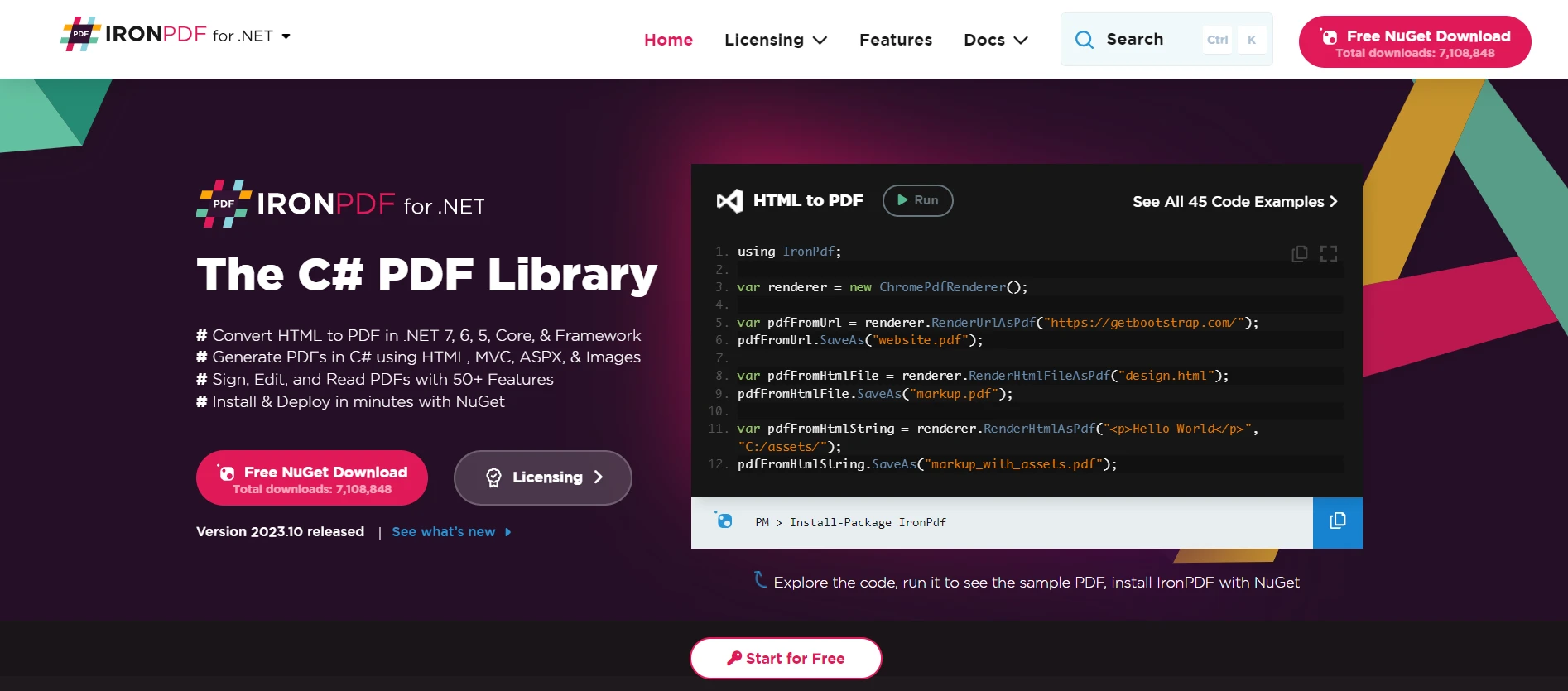
IronPDF는 개발자가 C# 애플리케이션 내에서 PDF 파일을 생성, 조작, 판독할 수 있게 해줍니다. 우리 주제와 관련하여, 예를 들어 일부 데이터를 포함한 참조 유형을 가지고 있으며 이 데이터를 보고서나 문서로 변환하고 싶을 때를 고려해봅니다. IronPDF은 애플리케이션의 출력을, 유형 변환과 유사하게, 잘 형식화된 PDF 문서로 변환할 수 있습니다.
IronXL
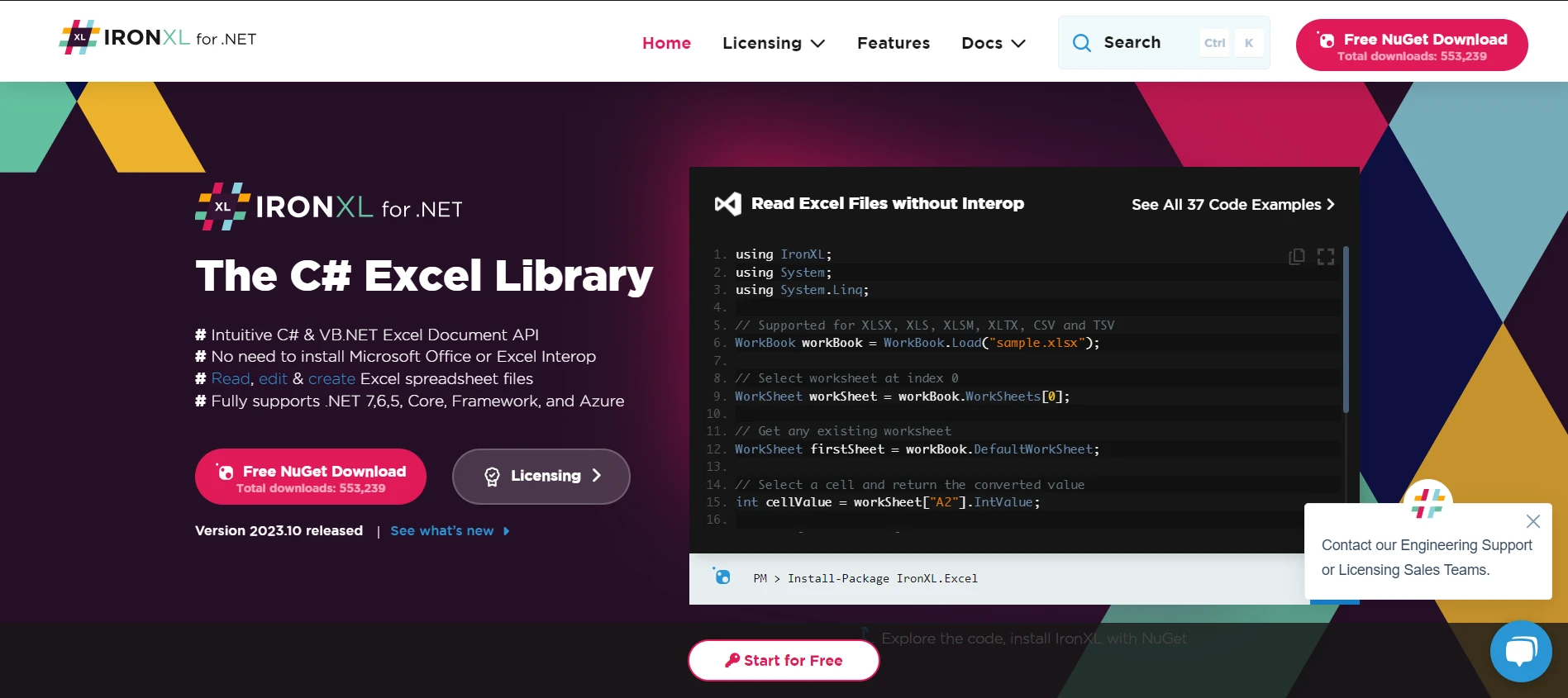
소프트웨어 애플리케이션에서 Excel 파일을 다루는 것은 빈번하게 요구됩니다. IronXL for Excel Operations은 개발자에게 Office Interop에 의존하지 않고 Excel 스프레드시트를 읽고, 편집하고, 생성할 수 있는 기능을 제공합니다. 데이터 구조나 데이터베이스 항목을 C#의 Excel 형식으로 원활하게 변환할 수 있는 도구로 IronXL를 생각해 보세요.
IronOCR
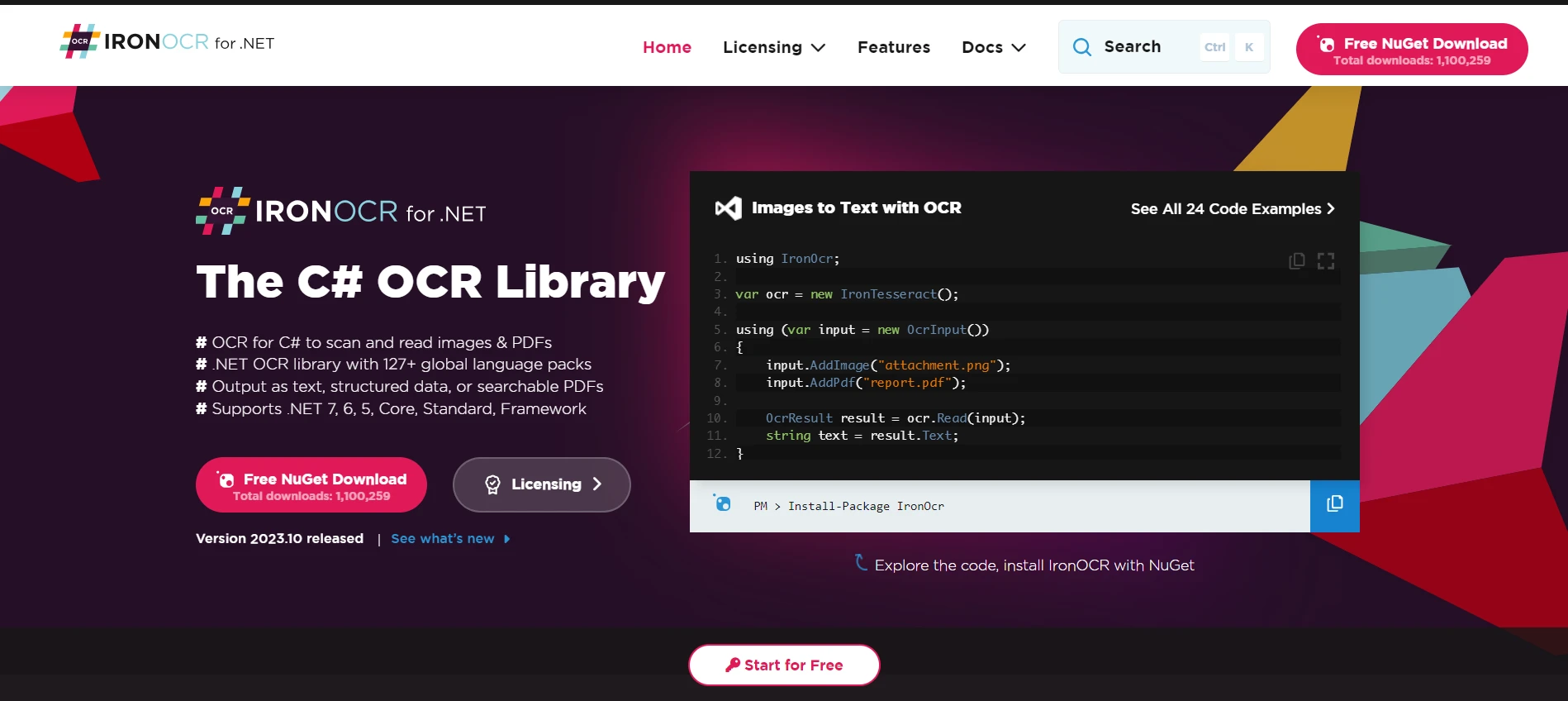
Optical Character Recognition with IronOCR는 개발자가 이미지에서 텍스트를 읽고 해석할 수 있도록 하는 광학 문자 인식 도구입니다. 우리의 튜토리얼에 이를 연결하자면, 이는 고급 인식 기능을 사용하여 object(이 경우 이미지)를 보다 구체적인 유형(string 또는 텍스트 데이터)으로 변환하는 것과 유사합니다.
IronBarcode
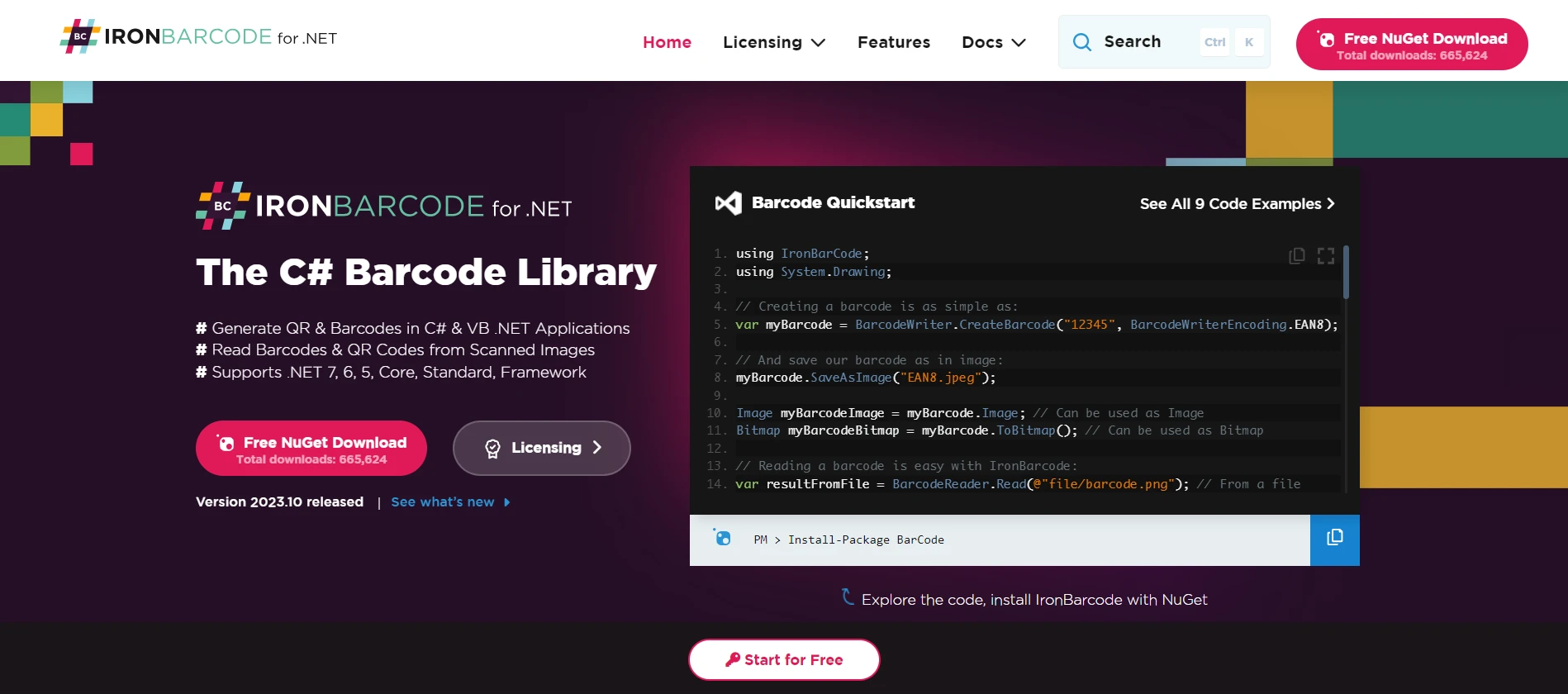
많은 상업 애플리케이션에서 바코드를 관리하는 것은 필수적입니다. IronBarcode Tool for Barcode Processing는 개발자가 C# 애플리케이션에서 바코드를 생성, 읽고, 디코딩하는 데 도움을 줍니다. 우리의 유형 변환에 대한 논의와 관련하여, IronBarcode는 바코드 데이터(일종의 object)를 문자열이나 제품 세부 정보와 같은 보다 구체적이고 사용 가능한 데이터 유형으로 변환하는 도구로 볼 수 있습니다.
결론
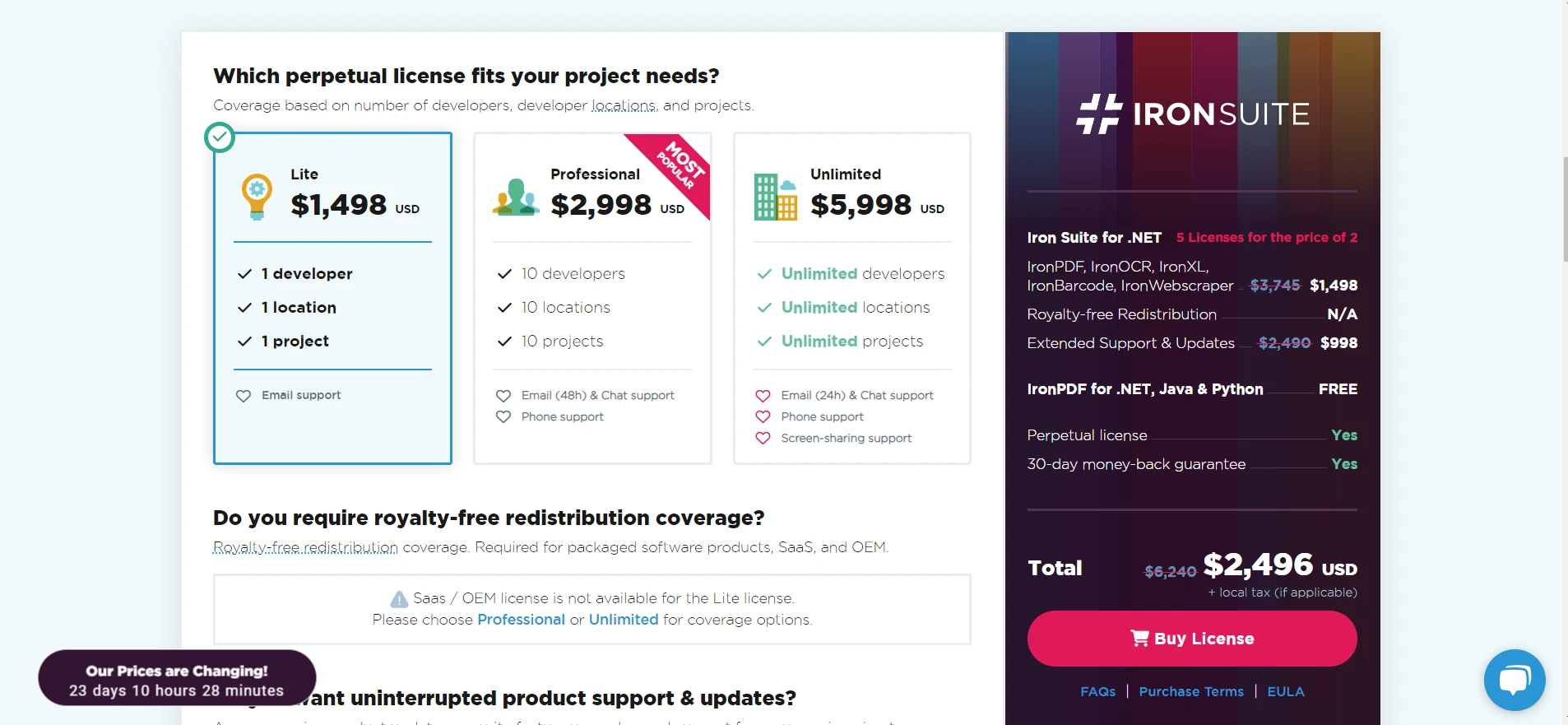
Iron Suite Offerings 내의 각 제품은 형변환 및 형 검토에 대한 논의와 연결하여 C#이 제공하는 유연성과 강력한 기능에 대한 증거입니다. 이러한 도구들은 개발자가 데이터를 효율적으로 변환하고 처리할 수 있는 기능을 제공합니다. 이는 as 및 is 연산자와 같습니다.
프로젝트에 이러한 도구를 통합하는 것을 고려하고 있다면, 각 제품 라이선스가 $999부터 시작하며 모든 제품이 Iron Suite Tools 무료 체험을 제공하고 있다는 점을 주목할 가치가 있습니다. 포괄적인 솔루션을 찾고 있는 분들에게 Iron Suite는 매력적인 제안을 제공합니다: Iron Suite 라이선스를 단 두 개의 제품 가격으로 구매할 수 있습니다.
자주 묻는 질문
C# 개발에서 'as' 연산자의 역할은 무엇인가요?
C#의 'as' 연산자는 호환 가능한 참조 타입 또는 nullable 타입 간의 안전한 타입 변환을 수행하며, 변환이 실패하면 null을 반환하여 예외를 회피합니다.
C#에서 타입 변환을 안전하게 처리할 수 있는 방법은 무엇인가요?
'as' 연산자를 사용하여 안전한 타입 변환을 할 수 있습니다. 이는 변환이 실패할 때 예외를 던지지 않고 null을 반환하기 때문에 명시적 캐스팅보다 안전합니다.
어떤 시나리오에서 'as' 연산자가 명시적 캐스팅보다 선호되나요?
'as' 연산자는 변환 실패로 인한 예외를 피하고자 할 때 선호됩니다. 이는 명시적 캐스팅과 달리 예외를 던지지 않고 null을 반환하기 때문입니다.
C#에서 'as' 연산자가 nullable 타입과 어떻게 작동하나요?
'as' 연산자는 nullable 타입과 함께 사용할 수 있으며, 객체가 지정된 nullable 타입으로 변환될 수 없는 경우 null을 반환하는 안전한 변환을 제공합니다.
C#에서 문서 변환에 IronPDF를 어떻게 사용할 수 있나요?
IronPDF는 C# 개발자가 HTML을 PDF로 변환하고, PDF 콘텐츠를 조작하며, 프로그램적으로 PDF 파일을 생성할 수 있게 하여 애플리케이션 내 문서 처리 기능을 향상시킵니다.
C# 개발자에게 Iron Suite를 사용하는 장점은 무엇인가요?
Iron Suite는 IronPDF, IronXL, IronOCR 및 IronBarcode와 같은 도구를 제공하여 다양한 형식의 데이터 변환 및 조작을 효율적으로 처리할 수 있도록 지원합니다.
C#에서 컬렉션에서 특정 유형을 필터링할 수 있는 방법은 무엇인가요?
'as' 연산자를 LINQ 쿼리와 함께 사용하여 컬렉션에서 특정 유형을 필터링하여 혼합된 객체 목록에서 원하는 유형만 선택할 수 있습니다.
C#에서 'is' 연산자와 'as' 연산자를 결합하는 일반적인 사용 사례는 무엇인가요?
'is' 연산자와 'as' 연산자를 결합하여 객체의 타입을 'is'로 먼저 검사한 후 'as'로 안전하게 변환함으로써 타입 안전성을 보장하고 예외를 피할 수 있습니다.










 무료로 시작하세요
 무료로 시작하세요
 무료 라이브 데모 예약하기





 신용카드나 계정 생성은 필요하지 않습니다.










