

Wkhtmltopdf 없이 Python HTML을 PDF로 변환하기(대체 튜토리얼)

The Adobe Portable Document Format (PDF) is crucial for preserving the quality of visually appealing and text-rich content while transferring documents. Most online PDFs and PDF form filling require specific programs.
Today, major digital publications require interactive PDF forms. Many companies create professional documents and invoices utilizing PDF files with interactive widgets such as radio buttons, list boxes, text fields, scrollable boxes, and drop-down lists.
One could install wkhtmltopdf to convert HTML to PDF. However, in this tutorial, we will explore how users can use the IronPDF for Python library to easily edit, write, or generate any PDF document.
The IronPDF for Python library is proficient at handling PDFs, extracting various types of data besides text, such as images, radio buttons, and list box widgets, and converting them into structured data that's easier to interpret.
1. IronPDF
The IronPDF Python library is a smooth addition to Python programming, providing a wide range of PDF operations and enabling effective processing of PDF data. It integrates well with other frameworks, extending the possibilities for creating graphical user interfaces.
Many developers favor Python for its versatility and ease in creating user-friendly graphical interfaces. Python is dynamic, making adding the IronPDF library a straightforward process that facilitates efficient PDF data handling. Ensure you add a Python path environment variable. IronPDF can be utilized in both Windows and web frameworks in Python.
1.1 IronPDF Features
IronPDF can transform formats such as HTML, HTML5, ASPX, and Razor/MVC View into PDF files. PDFs can also be easily created from HTML pages and images. IronPDF allows us to set custom headers and page sizes for PDF documents.
The IronPDF toolkit supports various tasks, including creating interactive PDFs, facilitating form completion and submission, efficiently merging and dividing PDF files, accurately extracting text and images, thoroughly searching through PDF files, converting PDFs into images, and adjusting font sizes, borders, and background colors while working with them. Converting PDF files is a straightforward task with IronPDF.
2. Creating PDF Files Using IronPDF
You can write PDF files using three different methods:
- Convert HTML to PDF.
- Generate PDFs using a URL.
- Convert an HTML file to a PDF.
The import statement from IronPdf import * is used in all three approaches. Importing it allows you to use the functionalities of the IronPDF library in your code.
from IronPdf import *from IronPdf import *2.1 Convert HTML to PDF
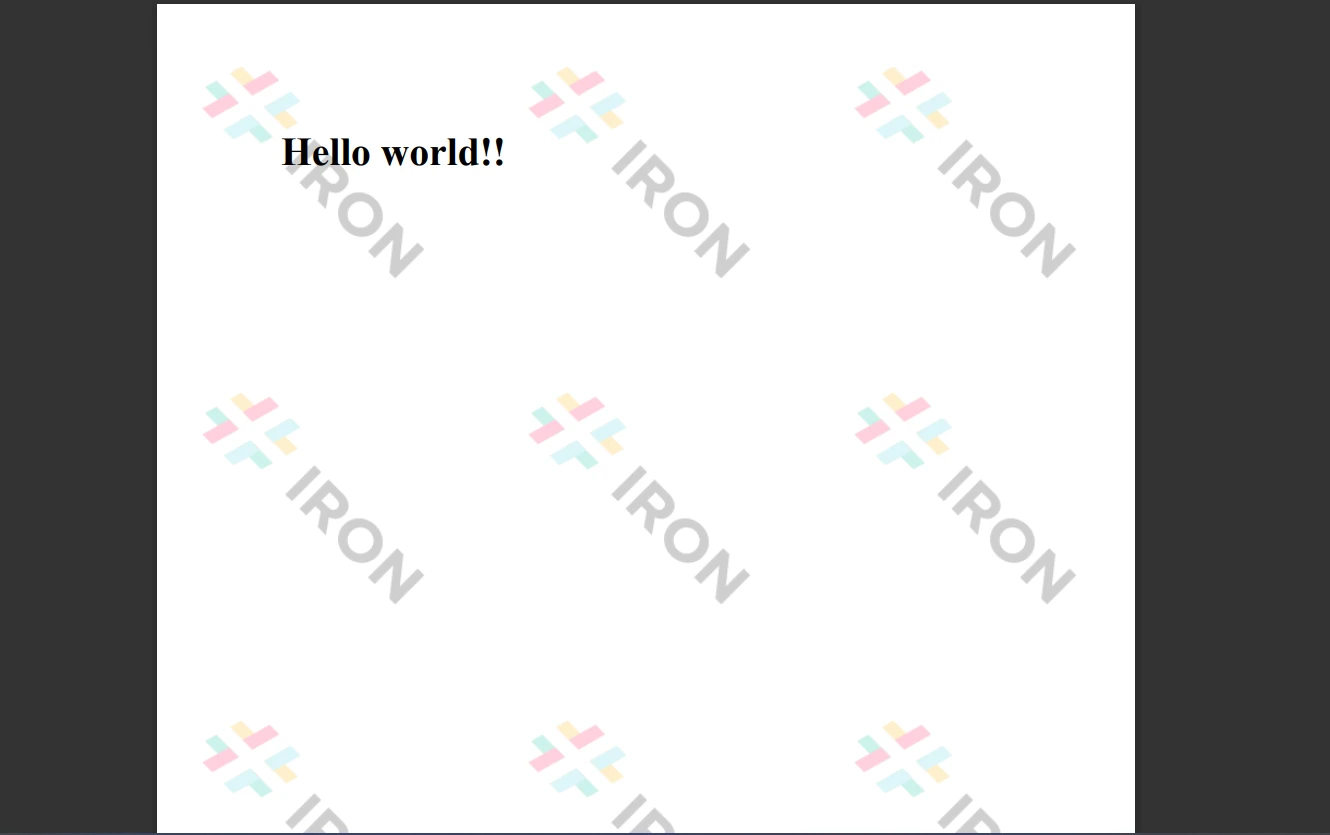
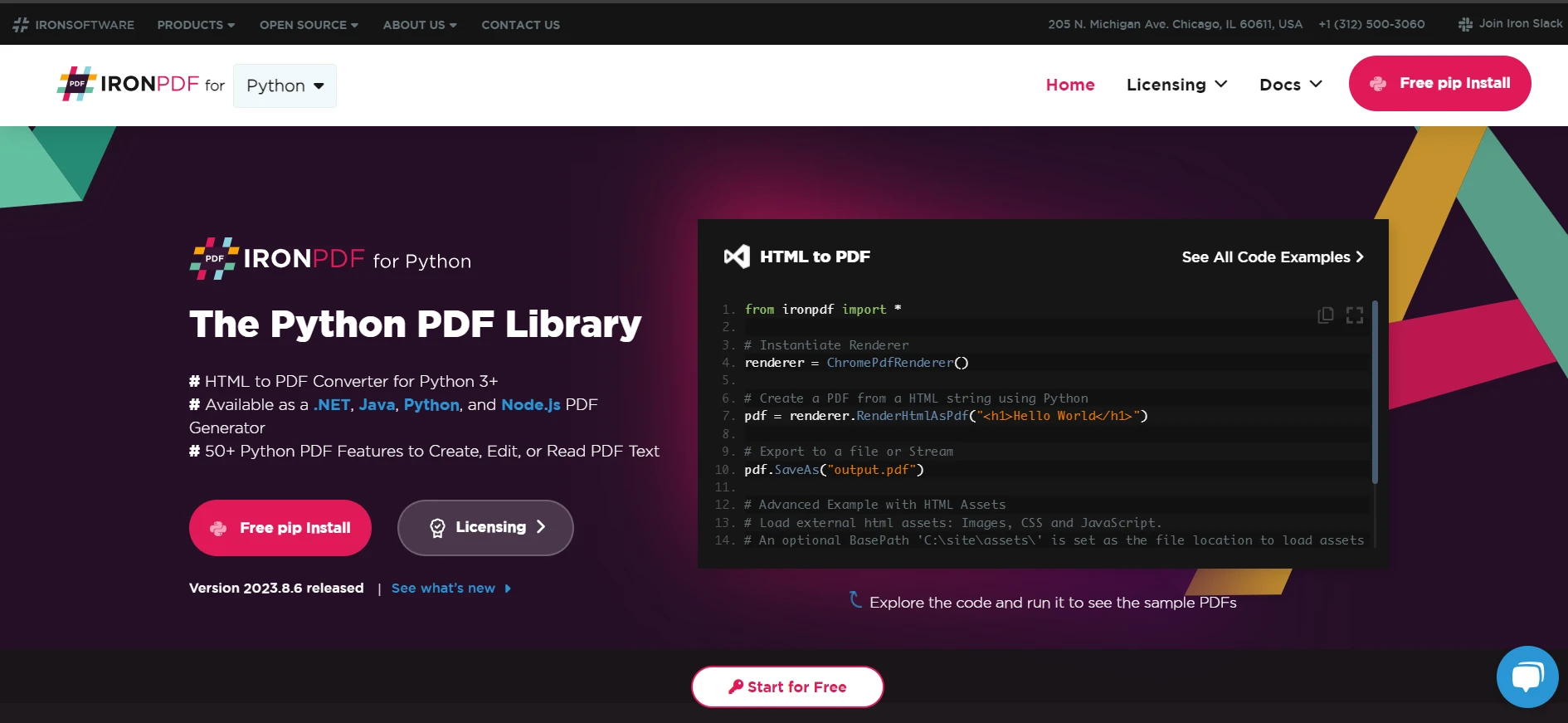
With IronPDF, you can turn HTML strings into PDF documents. Below is an example of converting an HTML string to a PDF document. It demonstrates how to convert any HTML element into a PDF.
from IronPdf import *

# Create a PDF renderer object
renderer = ChromePdfRenderer()

# Render HTML as a PDF and save it
renderer.RenderHtmlAsPdf("<h1>Hello world!!</h1>").SaveAs("sample.pdf")
from IronPdf import *
# Create a PDF renderer object
renderer = ChromePdfRenderer()
# Render HTML as a PDF and save it
renderer.RenderHtmlAsPdf("<h1>Hello world!!</h1>").SaveAs("sample.pdf")The code above utilizes the RenderHtmlAsPdf function to convert HTML into a PDF. It enables the generation of PDF from any HTML content. The generated PDF files can be saved to a designated location using the "SaveAs" method.
2.2 Generate PDFs Using a URL
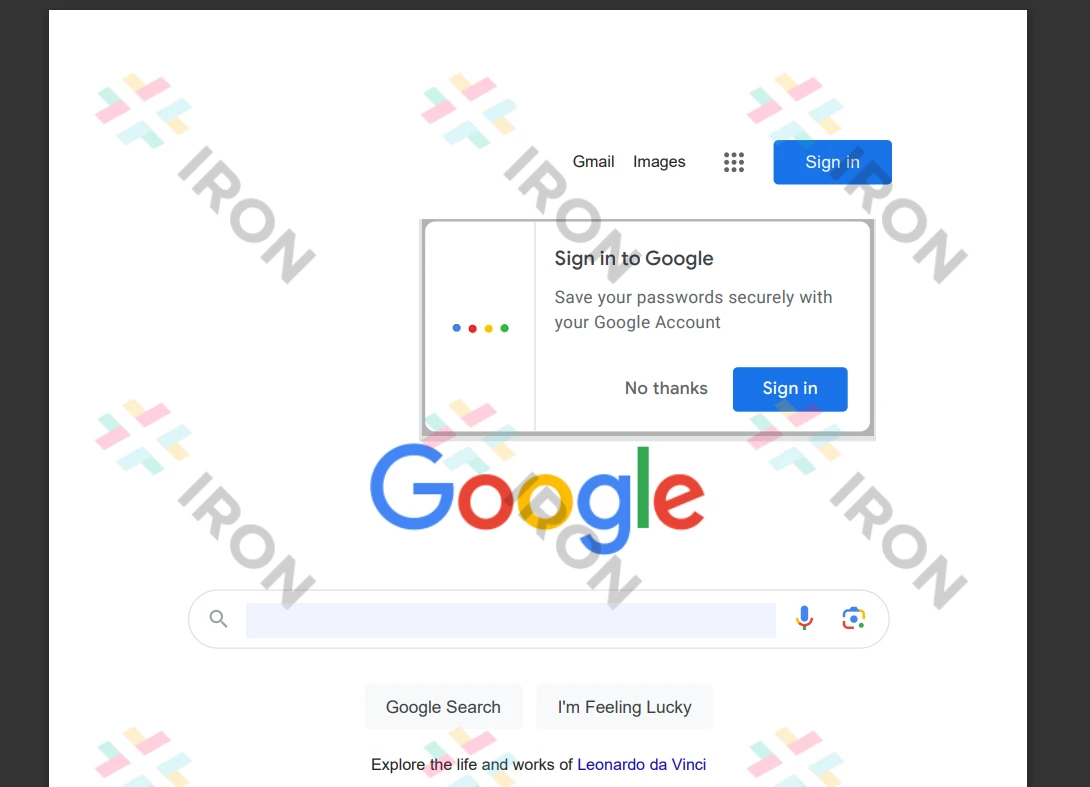
IronPDF allows converting HTML files from URLs into PDFs, simplifying the process of creating PDF documents. IronPDF's built-in Chrome browser functions as a file object to download and process HTML content. The following command demonstrates creating PDF files automatically:
# Create a PDF renderer object
renderer = ChromePdfRenderer()

# Render a webpage as a PDF and save it to a file
renderer.RenderUrlAsPdf("https://www.google.co.in/").SaveAs("sample.pdf")
# Create a PDF renderer object
renderer = ChromePdfRenderer()
# Render a webpage as a PDF and save it to a file
renderer.RenderUrlAsPdf("https://www.google.co.in/").SaveAs("sample.pdf")The code above downloads the HTML content from a URL, renders it as a PDF, and then saves it to a specified location.
2.3 Converting an HTML File to a PDF
Converting HTML pages to PDF documents is straightforward with IronPDF. IronPDF can process HTML files to generate documents, as shown in the example below. It also allows document generation from any HTML element.
# Convert an HTML file to a PDF and save it
renderer.RenderHtmlFileAsPdf("demo.html").SaveAs("sample.pdf")
# Convert an HTML file to a PDF and save it
renderer.RenderHtmlFileAsPdf("demo.html").SaveAs("sample.pdf")The RenderHtmlFileAsPdf method in the example above converts an HTML file into a PDF. It processes the file's HTML content and produces a PDF that is saved to the desired location.
For more information about HTML to PDF conversion, check the link here.
Conclusion
To reduce potential risks and ensure data protection, the IronPDF library provides strong security features. It works across all major browsers and isn't restricted to any specific one. To cater to the diverse needs of developers, IronPDF offers multiple licensing options, including a free developer license and additional development licenses available for purchase.
The $799 Lite bundle comes with a perpetual license, a 30-day money-back guarantee, a year's worth of software maintenance, and upgrade options. During a 30-day watermarked trial period, users can evaluate the product in real-world scenarios. For more details on IronPDF's trial version, pricing, and licensing, please click on the provided link.
자주 묻는 질문
Python에서 HTML을 PDF로 변환하려면 어떻게 해야 하나요?
IronPDF의 Python 라이브러리를 사용하여 HTML 문자열에 대한 RenderHtmlAsPdf 메서드 또는 HTML 파일에 대한 RenderHtmlFileAsPdf 메서드를 활용하여 HTML을 PDF로 변환할 수 있습니다.
Wkhtmltopdf에 비해 IronPDF를 사용하면 어떤 이점이 있나요?
IronPDF는 대화형 PDF 생성, 양식 처리, PDF 병합 및 분할, 데이터 추출 등 HTML을 PDF로 변환하는 것 이상의 확장 기능을 제공하며, 이는 wkhtmltopdf에서는 제공되지 않을 수 있습니다.
IronPDF는 Python 프레임워크와 어떻게 통합되나요?
IronPDF는 다양한 Python 프레임워크와 원활하게 통합되어 그래픽 사용자 인터페이스를 만들 수 있는 유연성을 제공하고 PDF 처리 기능을 향상시킵니다.
IronPDF는 PDF 파일 생성을 위해 어떤 방법을 제공하나요?
IronPDF는 RenderHtmlAsPdf, RenderUrlAsPdf, RenderHtmlFileAsPdf 등의 방법을 사용하여 HTML 문자열, URL 및 HTML 파일에서 PDF 파일을 생성할 수 있습니다.
IronPDF는 웹페이지를 PDF 문서로 변환할 수 있나요?
예, IronPDF는 URL에서 HTML 콘텐츠를 가져와 PDF 문서로 변환하는 RenderUrlAsPdf 메서드를 사용하여 웹페이지를 PDF로 변환할 수 있습니다.
IronPDF는 어떤 라이선스 옵션을 제공하나요?
IronPDF는 무료 개발자 라이선스, 영구 라이선스가 포함된 Lite 번들, 추가 개발 라이선스 구매 등 여러 라이선스 옵션을 제공합니다.
IronPDF는 어떤 보안 기능을 제공하나요?
IronPDF에는 데이터 보호를 보장하고 위험을 최소화하는 강력한 보안 기능이 포함되어 있으며 모든 주요 브라우저와 호환됩니다.
IronPDF에 평가판 기간이 있나요?
IronPDF는 사용자가 실제 애플리케이션에서 기능을 테스트할 수 있도록 30일의 워터마크가 있는 평가판 기간을 제공합니다.
IronPDF로 HTML 파일을 PDF로 변환하려면 어떻게 해야 하나요?
파일의 HTML 콘텐츠를 처리하여 PDF 문서를 출력하는 IronPDF의 RenderHtmlFileAsPdf 메서드를 사용하여 HTML 파일을 PDF로 변환할 수 있습니다.







 무료로 시작하세요
 무료로 시작하세요
 무료 라이브 데모 예약하기



 신용카드나 계정 생성은 필요하지 않습니다.









