




已更新 2026年4月23日
在 .NET 中用 Microsoft.Extensions.AI 簡化 LLM 整合
AI 正在改變軟體開發,但將大型語言模型 (LLM) 整合到 .NET 中一直很複雜。利用 IronPdf.AI 將 AI 整合推向更遠,為 .NET 應用程式帶來由 OpenAI 驅動的 PDF 解析、資料擷取和內容總結。
閱讀更多

在C#中,字串是String類別的物件,該類別提供了多種方法來操作字串,包括各種連接字串的方式。 在深入探討連接技術之前,了解兩個關鍵概念很重要:字串常量和字串變數。 字串常量或字串文字,是一連串直接插入程式碼的字元,如"Hello",用雙引號括起來,常用於字串格式操作。 相較之下,字串變數是一個儲存在變數中的字串,可以在運行時動態修改或使用。
在C#中連接字串最簡單的方法之一是使用+運算子。 這種方法很直接:您只需在兩個字串或字串變數之間放一個+,連接就會發生。 這是一個C#程式的基本範例:
public static void Main()
{
    string hello = "Hello, ";
    string world = "World!";
    // Concatenate the two strings using the + operator
    string greeting = hello + world;
    Console.WriteLine(greeting);
}Public Shared Sub Main()
Dim hello As String = "Hello, "
Dim world As String = "World!"
' Concatenate the two strings using the + operator
Dim greeting As String = hello & world
Console.WriteLine(greeting)
End Sub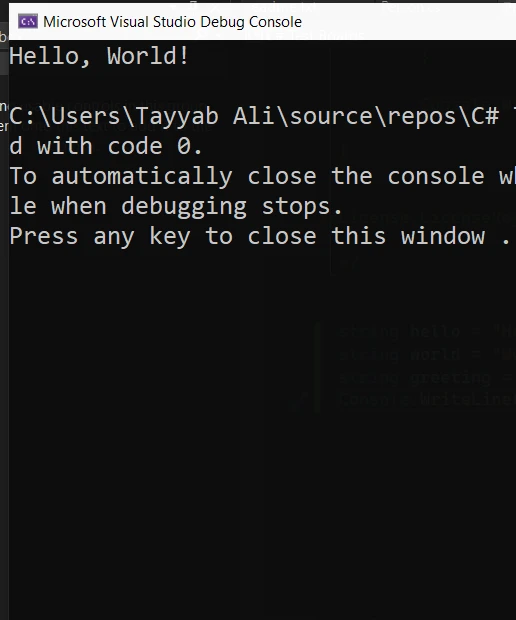
在這個範例中,world變數儲存字串常量。 使用greeting變數中。 顯示的結果將會是"Hello, World!"。
在需要連接多個字串的情況下,String.Concat方法非常有用。 此方法可以接受任意數量的字串參數,並將其連接成一個字串。 以下是如何使用此方法:
public static void Main()
{
    string firstName = "Iron";
    string lastName = "Developer";
    // Concatenate using String.Concat
    string fullName = String.Concat(firstName, " ", lastName);
    Console.WriteLine(fullName);
}Public Shared Sub Main()
Dim firstName As String = "Iron"
Dim lastName As String = "Developer"
' Concatenate using String.Concat
Dim fullName As String = String.Concat(firstName, " ", lastName)
Console.WriteLine(fullName)
End Sub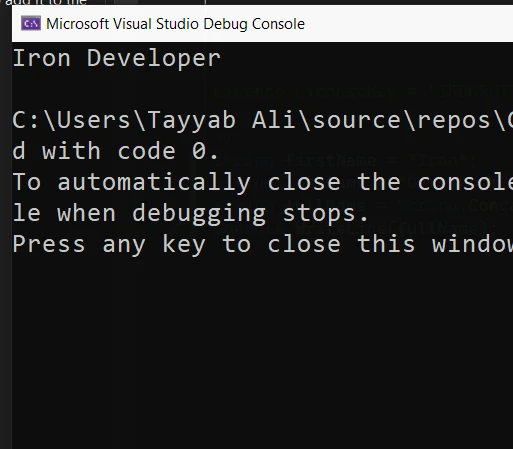
此程式碼片段展示了如何使用firstName, 一個當作字串的空格,和lastName。 輸出將會是"Iron Developer"。
String類別中另一個強大的連接字串方法是String.Join。 此方法不僅能連接字串,還允許您指定一個分隔符來放在每個字串之間。 這對於使用一致的分隔符連接多個字串非常有用:
public static void Main()
{
    string[] words = { "Hello", "World", "from", "C#" };
    // Use String.Join to join strings with a space as a delimiter
    string sentence = String.Join(" ", words);
    Console.WriteLine(sentence);
}Public Shared Sub Main()
Dim words() As String = { "Hello", "World", "from", "C#" }
' Use String.Join to join strings with a space as a delimiter
Dim sentence As String = String.Join(" ", words)
Console.WriteLine(sentence)
End Sub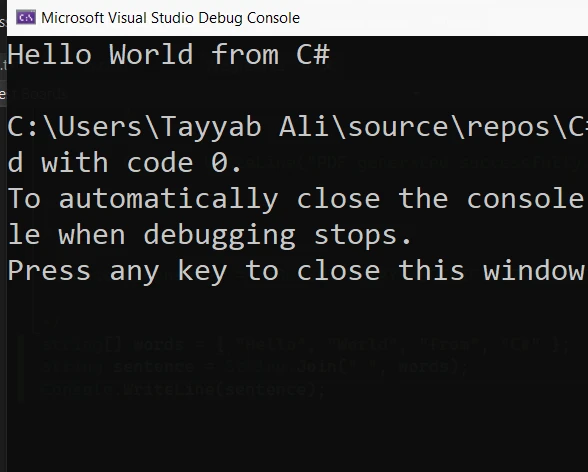
在上述源程式碼中,String.Join接受兩個參數:分隔符" " 和字串單詞的陣列。 它將words的每個元素連接成一個字串,以空格分隔,結果是輸出"Hello World from C#"。
IronPDF 是一個C#程式庫,幫助在.NET框架中處理PDF。 它可以從HTML、CSS、JavaScript和高準確性的圖像中建立PDF。 IronPDF使用Chrome的渲染引擎來確保您的PDF外觀與您轉換的網頁內容完全一致,具有準確的佈局和設計。 它易於設置,並在各種.NET應用中有效,包括ASP.NET和MVC。 您還可以通過新增文字、圖像或使用密碼和數位簽章來強化PDF。 IronPDF可以高效地處理繁重的工作負荷,使其適合於高需求環境。
以下是一個在C#中使用IronPDF將兩個HTML字串連接成一個PDF文件的簡單範例。 以下程式碼範例假設您已在您的.NET項目中安裝了IronPDF程式庫。
using IronPdf;

public class PDFGenerator
{
    public static void Main()
    {
        // Set the IronPDF license key
        License.LicenseKey = "License-Key";

        // Create an instance of the ChromePdfRenderer class
        var renderer = new ChromePdfRenderer();

        // Define two HTML strings
        string htmlString1 = "<p>This is the first part of the document.</p>";
        string htmlString2 = "<p>This is the second part of the document.</p>";

        // Concatenate the HTML strings
        string concatenatedHtml = htmlString1 + htmlString2;

        // Generate PDF from the concatenated HTML string
        var pdfDocument = renderer.RenderHtmlAsPdf(concatenatedHtml);

        // Save the PDF to a file
        pdfDocument.SaveAs("ConcatenatedDocument.pdf");
    }
}Imports IronPdf
Public Class PDFGenerator
Public Shared Sub Main()
' Set the IronPDF license key
License.LicenseKey = "License-Key"
' Create an instance of the ChromePdfRenderer class
Dim renderer As New ChromePdfRenderer()
' Define two HTML strings
Dim htmlString1 As String = "<p>This is the first part of the document.</p>"
Dim htmlString2 As String = "<p>This is the second part of the document.</p>"
' Concatenate the HTML strings
Dim concatenatedHtml As String = htmlString1 & htmlString2
' Generate PDF from the concatenated HTML string
Dim pdfDocument = renderer.RenderHtmlAsPdf(concatenatedHtml)
' Save the PDF to a file
pdfDocument.SaveAs("ConcatenatedDocument.pdf")
End Sub
End Class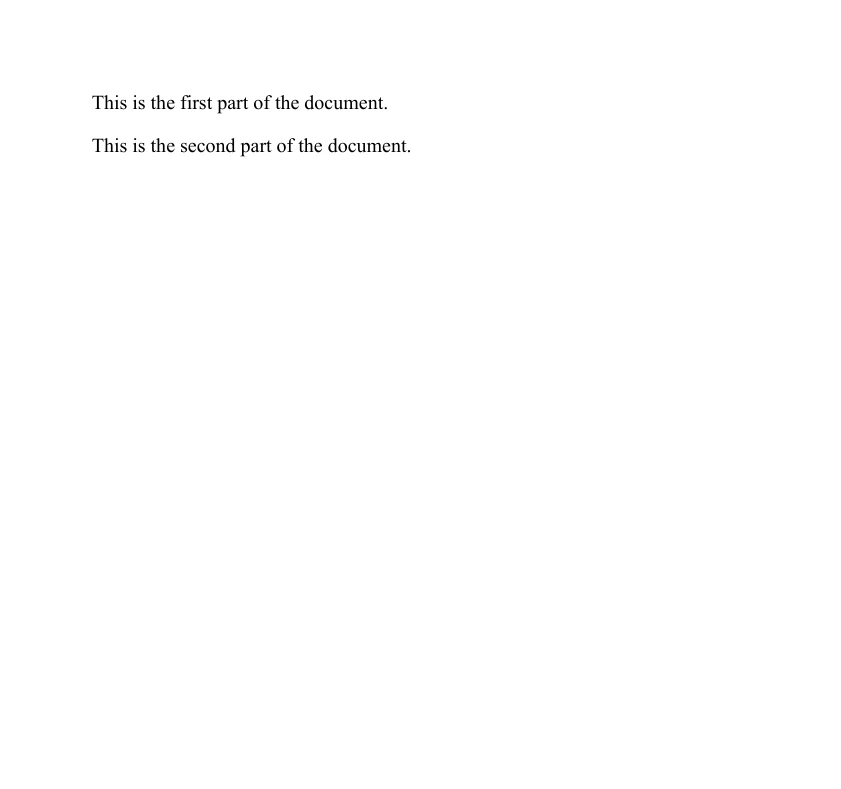
這是一個基本的範例,讓您開始從HTML內容連接並使用IronPDF生成PDF。 您可以通過新增更複雜的HTML、CSS來拓展這一點,以進行樣式設定,並處理更高階的PDF功能如新增頁面或安全設置。
本教程涵蓋了在C#中進行字串連接的基本方法,每種方法根據您的程式碼特定需求各具實用性。 我們看到了使用String.Join方法來新增分隔符的字串連接。 理解這些技術對於有效處理以字串操作為重的程式碼至關重要。
無論您是在處理兩個字串還是連接多個字串,C#提供了強大的解決方案,確保滿足您對字串連接的需求。
此外,我們展示了如何將C#中的字串連接操作與IronPDF結合,來將HTML字串轉換為PDF文件並與IronPDF進行結合。 IronPDF還提供詳盡的開發者文件和用於PDF建立的程式碼範例,幫助開發者利用其龐大的功能。
IronPDF提供了可下載的試用版本以供商業使用,授權費率起步價格久十分親民。 要了解更多關於IronPDF的各種功能,請存取他們的Iron Software官方網站。

Jacob Mellor是Iron Software的首席技術官,一位在C# PDF技術上開創先河的遠見工程師。作為Iron Software核心程式碼庫的原開發者,他從創立以來就一直在塑造公司的產品架構,與首席執行官Cameron Rimington一起將公司轉變為服務於NASA、特斯拉和全球政府公司的50多名人員的公司。



IronPDF 是 IRONSUITE 的一部分
10 款適用於辦公室文件的 .NET API 產品

當您需要您的PDF看起來像HTML一樣快速。


