已更新 2026年4月21日
Java 引用傳遞(開發者運作原理)
在 Java 程式語言中,參數傳遞始終是值傳遞。當處理物件時,引用變數是按值傳遞的
閱讀更多

在Java程式中,操作字串是各種應用程式的一個基本方面。 將字串轉換為一致的大小寫,例如小寫字元或大寫字母的能力,通常是必不可少的。 Java字串toLowerCase()方法提供了一種簡單而有效的方法來實現這種轉換。
本文將幫助您探索toLowerCase()的複雜性——其語法、實際應用和範例——以賦予Java開發者掌握字串類轉換的能力。
Java中的String類中的toLowerCase方法是一個用來區分字元大小寫的多功能工具。 無論是應用於整個字串還是具有指定預設區域設定的特定字元,該方法確保在管理大寫字母時的彈性和精確度。
toLowerCase()方法是java.lang.String類的一部分,使其對所有Java字串物件都可用。 其語法很簡單:
public String toLowerCase() // Converts all characters to lowercase它不需要參數,該方法返回一個新的字串,其中所有字元都被轉換為小寫字母。 它不會修改原始字串; 而是生成一個新的字串,其中的字元轉換為小寫。
toLowerCase()的一個常見用途是進行不區分大小寫的字串比較。 通過將兩個字串都轉換為小寫,開發者可以在比較時避免因字母大小寫不同而造成的誤差。
String str = "Hello";
String str2 = "hello";
if (str.toLowerCase().equals(str2.toLowerCase())) {
    System.out.println("The strings are equal (case-insensitive).");
} else {
    System.out.println("The strings are not equal.");
}在處理使用者輸入時,規範化大小寫確保處理的一致性。 例如,在驗證電子郵件地址或使用者名時,在儲存或比較之前,將其轉換為小寫可以防止意外的不一致。
String userInput = "UsErNaMe@eXample.com";
String normalizedInput = userInput.toLowerCase();
// Store or compare normalizedInputtoLowerCase()方法在搜尋或篩選字串時很有價值,尤其是在不需要區分大小寫時。 例如篩選檔案名列表,而不考慮字母大小寫:
import java.util.Arrays;
import java.util.List;

List<String> filenames = Arrays.asList("Document.txt", "Image.jpg", "Data.csv");
String searchTerm = "image";
for (String filename : filenames) {
    if (filename.toLowerCase().contains(searchTerm.toLowerCase())) {
        System.out.println("Found: " + filename);
    }
}String originalString = "Hello World!";
String lowercaseString = originalString.toLowerCase();
System.out.println("Original: " + originalString);
System.out.println("Lowercase: " + lowercaseString);此範例只是將字串中的任何大寫字母轉換為小寫。
Original: Hello World!
Lowercase: hello world!String input1 = "Java";
String input2 = "java";
if (input1.toLowerCase().equals(input2.toLowerCase())) {
System.out.println("The strings are equal (case-insensitive).");
} else {
System.out.println("The strings are not equal.");
}該方法將兩個字串都轉換為小寫後進行比較,顯示它們在原始大小寫下是相等的。
The strings are equal (case-insensitive).String userInput = "UsErInPut";
String normalizedInput = userInput.toLowerCase();
System.out.println("Original Input: " + userInput);
System.out.println("Normalized Input: " + normalizedInput);此範例突出顯示了通過將輸入轉換為小寫如何解決大小寫不一致的問題,例如在比較使用者名或密碼時。
Original Input: UsErInPut
Normalized Input: userinput探索IronPDF for Java是一個強大的Java程式庫,旨在簡化PDF文件的建立、操作和管理。 無論您是在渲染HTML到PDF、轉換現有檔案,還是執行高級PDF操作,IronPDF都能簡化這一過程,使來自不同領域的開發者輕鬆使用。
IronPDF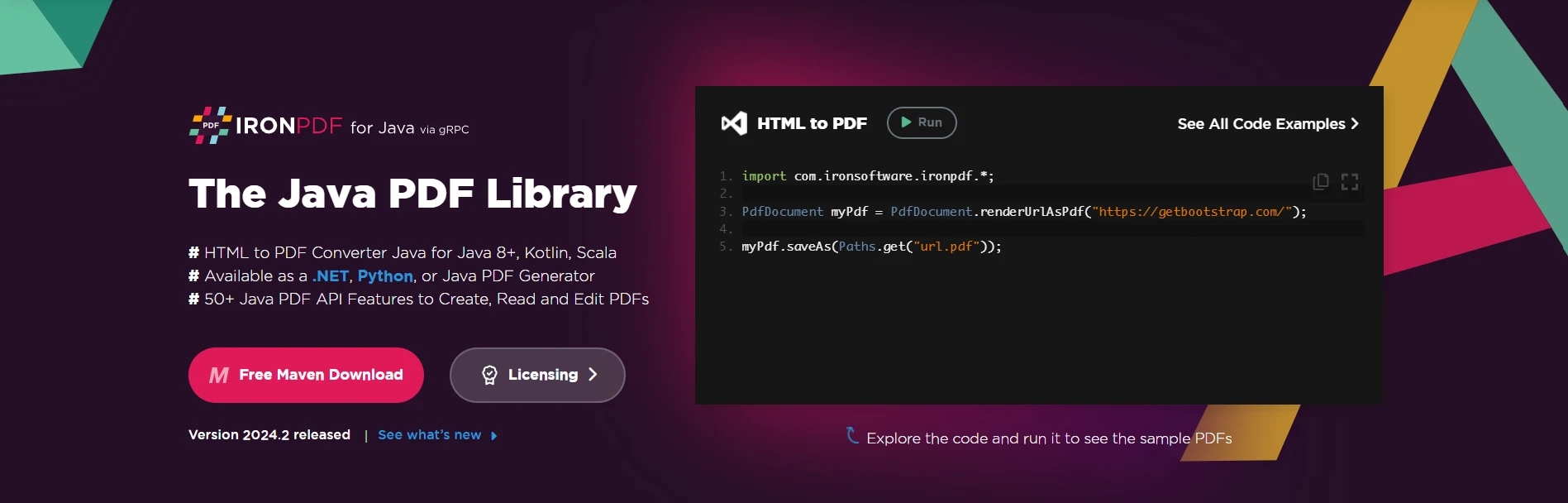
使用IronPDF,開發者可以利用各種功能來增強與PDF相關的任務,例如文字提取、圖像嵌入和精確的格式化。 它提供了一套全面的工具來滿足不同的需求,使其成為涉及PDF處理的Java應用程式的寶貴資產。
要在您的Java專案中使用IronPDF,您需要在專案配置中將其定義為依賴項。 以下步驟演示了如何使用Maven來實現這一點。
將以下依賴項新增到您的pom.xml檔中:
<dependencies>
    <!-- Add IronPDF Java. Use the latest version in the version tag. -->
    <dependency>
        <groupId>com.ironsoftware</groupId>
        <artifactId>ironpdf</artifactId>
        <version>20xx.xx.xxxx</version>
    </dependency>
    <!-- Adds the slf4j logger which IronPDF Java uses. -->
    <dependency>
        <groupId>org.slf4j</groupId>
        <artifactId>slf4j-simple</artifactId>
        <version>2.0.3</version>
    </dependency>
</dependencies>或者,您可以從IronPDF下載Sonatype手動下載JAR文件。
這裡有一個簡單的範例,演示如何使用IronPDF從Java中的HTML字串生成PDF文件:
import com.ironsoftware.ironpdf.*;
import java.io.IOException;

public class IronPDFExample {
    public static void main(String[] args) {
    // Create a PDF document from an HTML string
        PdfDocument myPdf = PdfDocument.renderHtmlAsPdf("<h1>Hello, IronPDF!</h1>");
        try {
            // Save the PdfDocument to a file
            myPdf.saveAs("output.pdf");
            System.out.println("PDF created successfully.");
        } catch (IOException e) {
            System.err.println("Error saving PDF: " + e.getMessage());
        }
    }
}程式碼從HTML字串生成一個PDF。 輸出顯示PDF成功建立。
IronPDF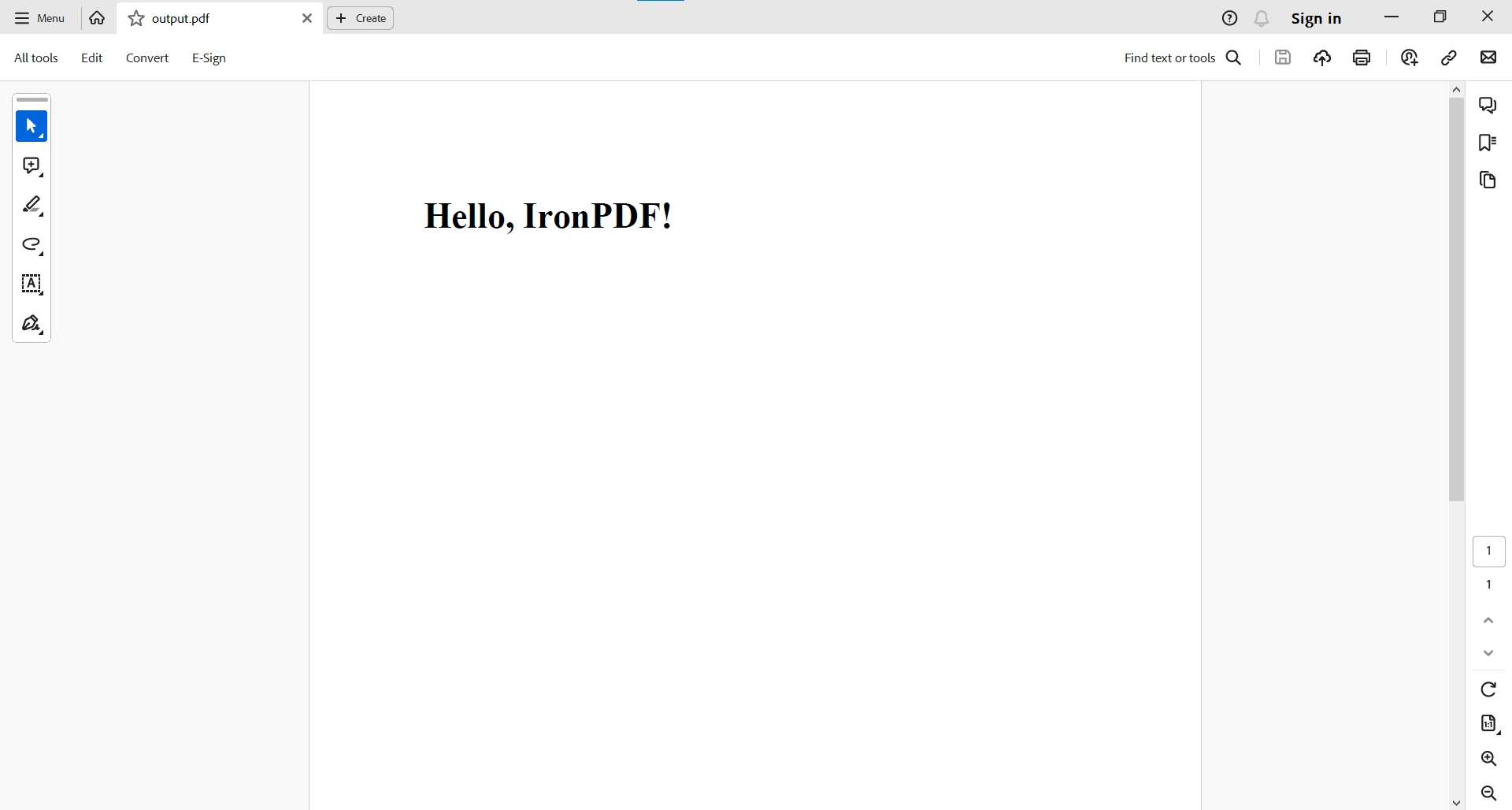
對於更複雜的PDF任務,您可以存取這些Java範例IronPDF。
字串操作(例如toLowerCase())是許多程式設計任務的基礎,讓開發者可以有效地操作和規範化文字。 好消息是,IronPDF可以無縫整合標準Java字串操作。
這裡有一個簡單的範例,演示如何將toLowerCase()與IronPDF結合使用:
import com.ironsoftware.ironpdf.*;

public class IronPDFExample {
    public static void main(String[] args) {
        try {
    // Create a PDF document from HTML
            PdfDocument pdfDocument = PdfDocument.renderHtmlAsPdf("<h1>IronPDF Example</h1>");
            // Extract text from the PDF and convert to lowercase
            String extractedText = pdfDocument.extractAllText().toLowerCase();
            // Create a new PDF with the lowercase text
            PdfDocument pdf = PdfDocument.renderHtmlAsPdf(extractedText);
            // Save the newly created PDF
            pdf.saveAs("ironpdf_example.pdf");
            System.out.println("PDF processed and saved with lowercase text.");
        } catch (Exception e) {
            System.err.println("An unexpected exception occurred: " + e.getMessage());
        }
    }
}在此範例中,我們使用IronPDF將HTML渲染為PDF,從PDF中提取文字,然後應用toLowerCase()以規範化文字。 然後我們再次以小寫字元保存該文件。 這種相容性在於IronPDF操作於PDF相關功能,而標準Java字串操作(包括toLowerCase())可以無縫地整合到工作流程中。
IronPDF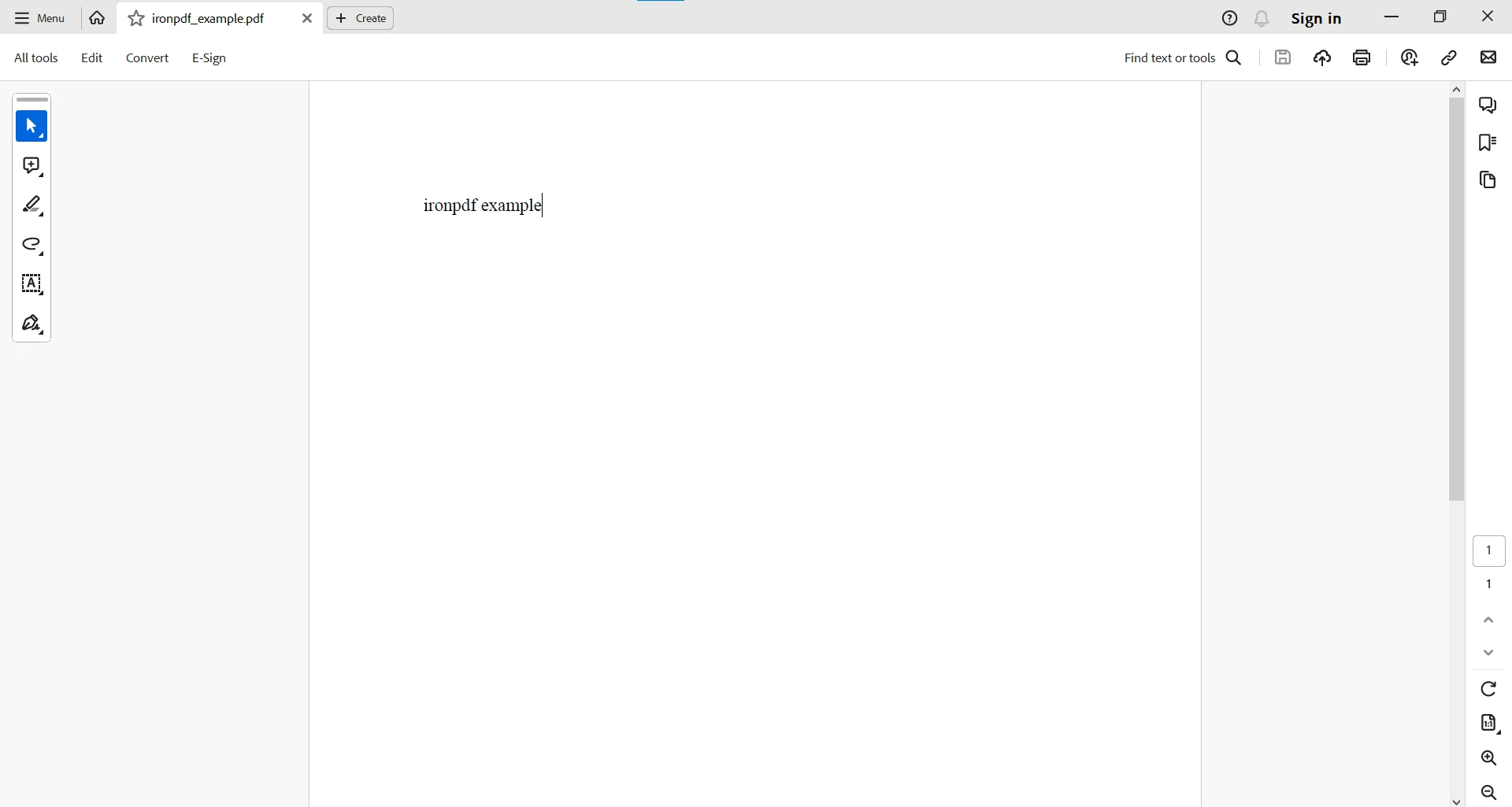
Java中的toLowerCase()方法提供了一個多功能的字串轉換解決方案,讓開發者能夠簡化字串操作的各個方面。 無論是進行不區分大小寫的比較、輸入規範化,還是搜索和篩選操作,掌握toLowerCase()可以提高Java應用程式的靈活性和穩健性。 將此方法新增到您的程式編碼工具中,讓您能夠建立更高效且使用者友好的軟體,確保字串處理的一致性並改善整體使用者體驗。
IronPDF for Java是一個可靠的夥伴,為開發者在他們的應用程式中處理與PDF相關的任務。 如前所述,IronPDF與標準Java字串操作(例如toLowerCase())的相容性,讓開發者在處理PDF時可以應用熟悉的技術。 這種互操作性確保了開發者可以充分利用Java的字串操作功能,並與IronPDF創造一個和諧的環境,以高效且有效地在Java應用中處理PDF。
欲了解有關與PDF相關任務的更多資訊,請參閱IronPDF文件。
IronPDF可以免費用於開發目的,需要授權以幫助開發者在做出明智決定之前測試其完整功能。 從下載IronPDF for Java並試用一下。

Curtis Chau擁有Carleton大學的電腦科學學士學位,專精於前端開發,擁有Node.js、TypeScript、JavaScript和React的專業知識。Curtis熱衷於建立直觀且美觀的使用者介面,喜愛使用現代框架並建立結構良好、視覺吸引力的手冊。

IronPDF 是 IRONSUITE 的一部分
10 款適用於辦公室文件的 .NET API 產品

當您需要您的PDF看起來像HTML一樣快速。