푸터 콘텐츠로 바로가기
IRONPDF 사용

How to Add Images to PDF in VB .NET

1. Introduction

Adobe's Portable Document Format (PDF) is widely used in various industries for tasks such as creating invoices. Developers also use the PDF format to produce documents that meet client specifications. Libraries have simplified the process of creating PDFs, and when selecting a library for a project, consider features like build, read, and convert capabilities.

2. IronPDF Features

IronPDF is a robust PDF SDK framework that facilitates the creation, reading, and editing of PDF documents. It converts HTML to PDF using the Chrome engine and supports various web components like Xamarin, Blazor, Unity, HoloLens apps, and more. It works with both online applications and traditional Windows Applications. IronPDF allows for the creation of aesthetically pleasing PDFs using HTML5, JavaScript, CSS, and images, and includes a powerful HTML-to-PDF converter.

3. Create PDF Documents from Images

IronPDF makes it easy to create PDFs from images.

' Create a PDF document from a single image file
Dim pdfdoc = ImageToPdfConverter.ImageToPdf("test.png").SaveAs("Resultimage.pdf")

By using the ImageToPdfConverter class, it is easy to use without creating any object for the class. The ImageToPdf method accepts the filename and path as a parameter and converts the given PNG file into the desired PDF. Finally, the SaveAs method saves the generated PDF file in the desired location.

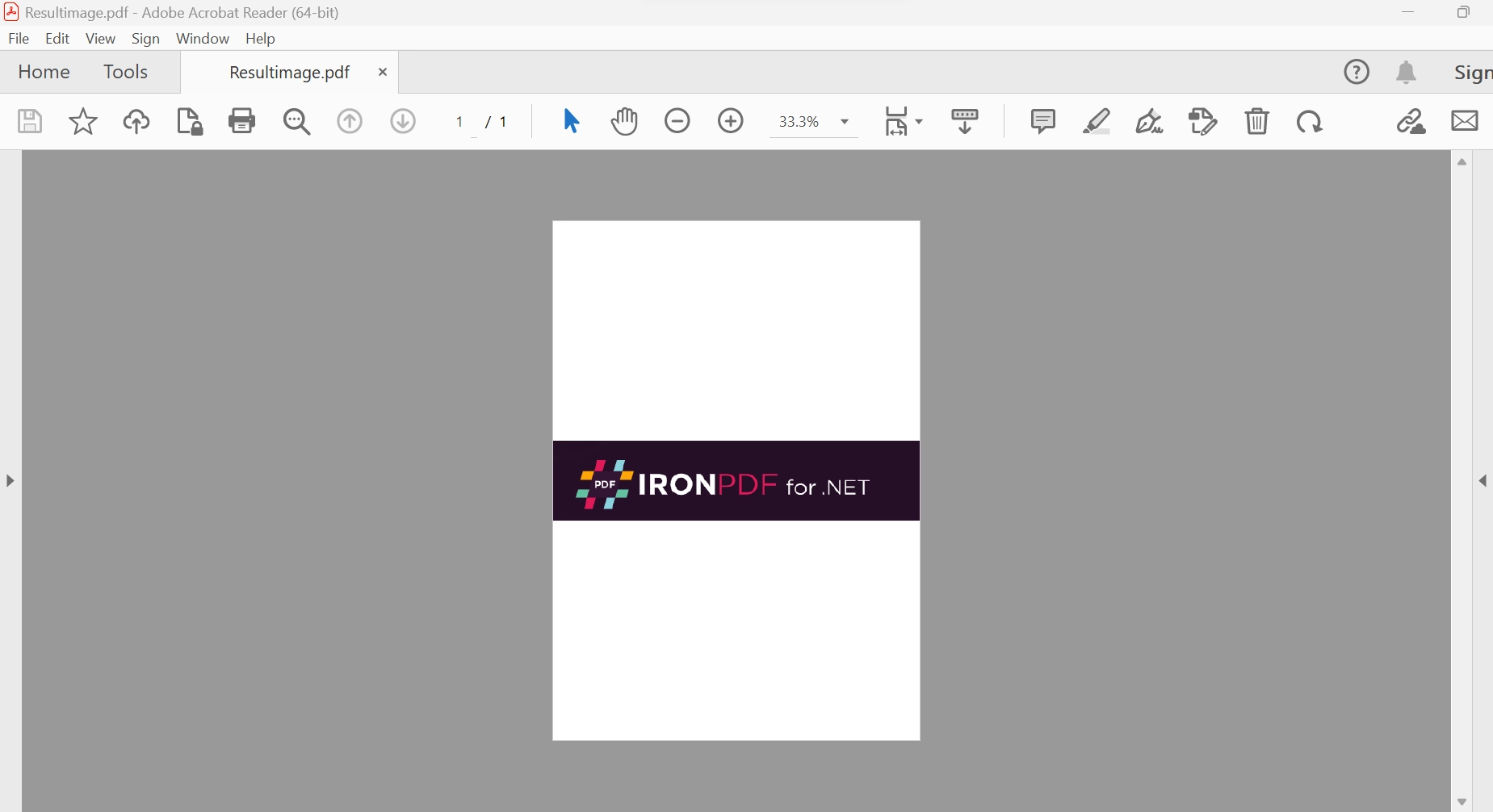
The below image shows the result of the above code.

How to Add Images to PDF in VB .NET, Figure 1: The PDF file output The PDF file output

This next example creates a PDF document from a list of images.

' Create a PDF document from a list of image files
Dim lstimages As List(Of String) = New List(Of String)
lstimages.Add("test.png")
lstimages.Add("demo.png")
Dim pdfdoc = ImageToPdfConverter.ImageToPdf(lstimages).SaveAs("Resultimage.pdf")
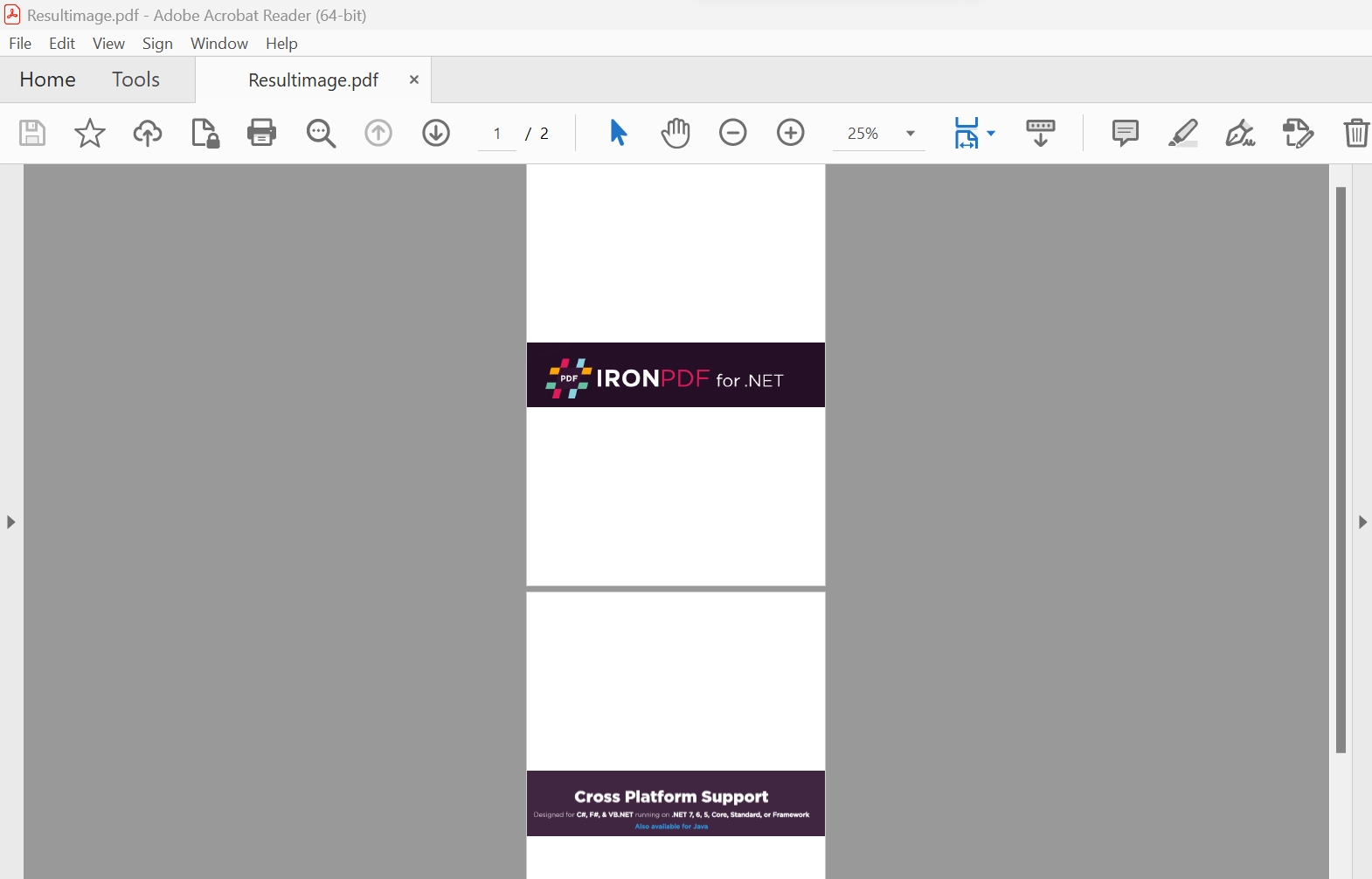
How to Add Images to PDF in VB .NET, Figure 2: The PDF file from two images The PDF file from two images

4. Create PDF Documents from Bitmap image objects

Several bitmap image objects can be converted to PDF files with just a few lines of code.

' Convert a single Bitmap image object to a PDF file
Imports System.Drawing
Imports IronPdf

Dim image As Bitmap = Bitmap.FromFile("test.png")
Dim pdfDoc = ImageToPdfConverter.ImageToPdf(image).SaveAs("Resultimage.pdf")

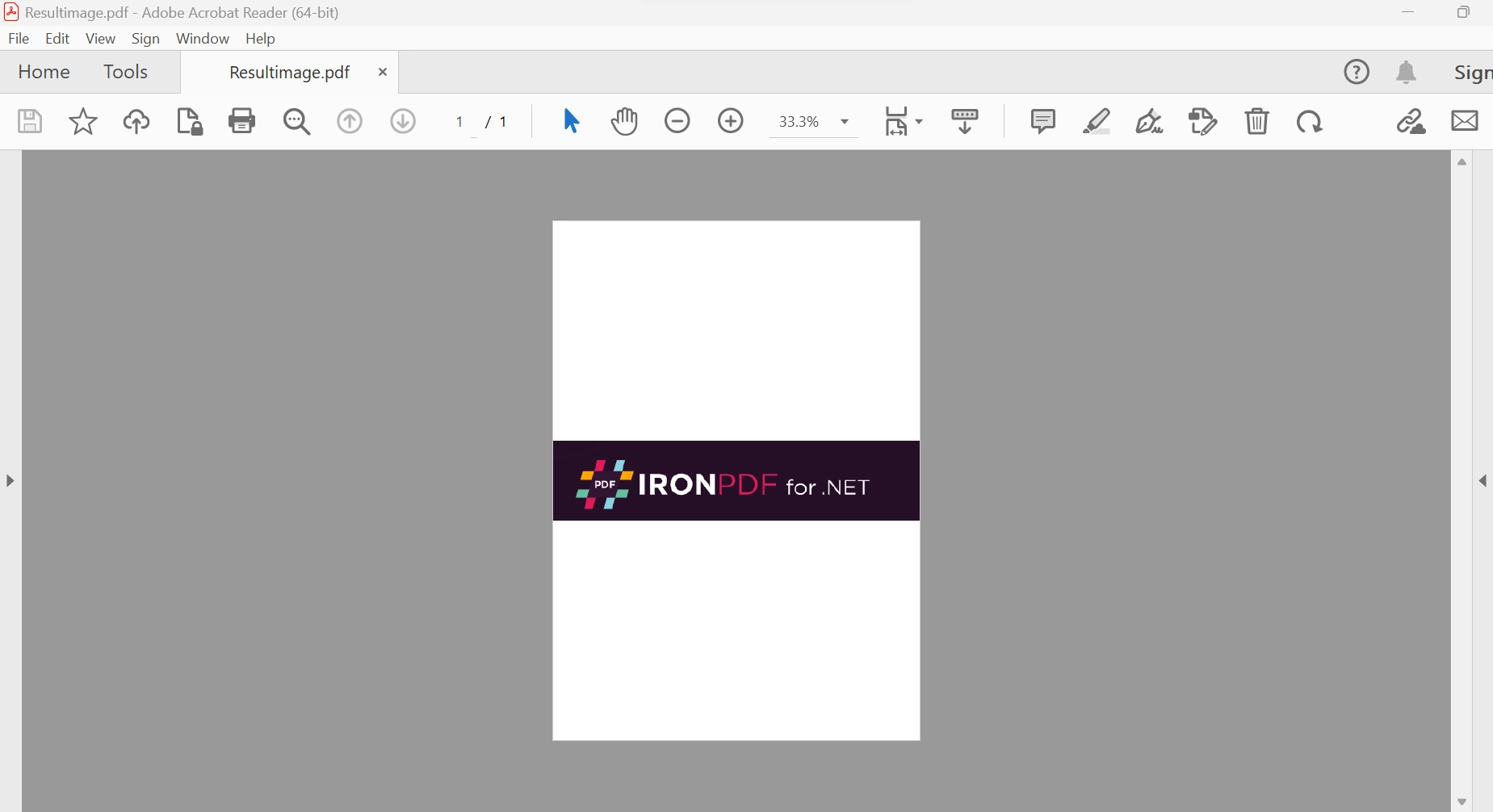
In the above example, a Bitmap object is created from the PNG file and used as a medium format to convert to a PDF file.

How to Add Images to PDF in VB .NET, Figure 3: Generate a PDF file from a PNG image Generate a PDF file from a PNG image

It is also possible to combine a collection (or List) of Bitmap objects into a single PDF:

' Combine multiple Bitmap objects into a single PDF document
Dim lstImages As List(Of IronSoftware.Drawing.AnyBitmap) = New List(Of IronSoftware.Drawing.AnyBitmap)
lstImages.Add(Bitmap.FromFile("test.png"))
lstImages.Add(Bitmap.FromFile("demo.png"))
Dim pdfDoc = ImageToPdfConverter.ImageToPdf(lstImages).SaveAs("Resultimage.pdf")
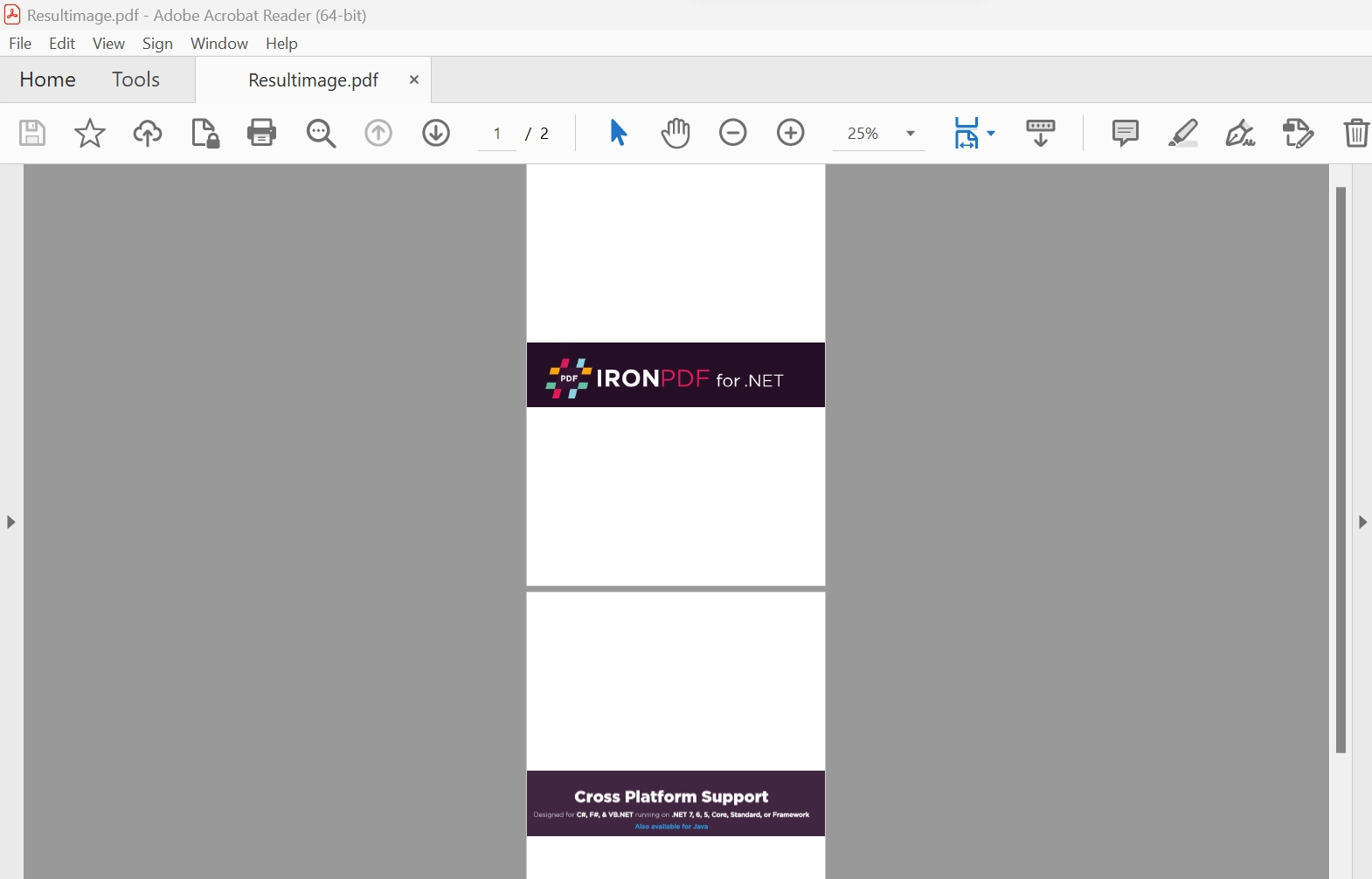
How to Add Images to PDF in VB .NET, Figure 4: Combine multiple Bitmap files to generate a PDF file Combine multiple Bitmap files to generate a PDF file

Configure the behavior of the above method calls using a ChromePdfRenderOptions object to enhance the visual aspect of the output PDF file. Options that can be configured include the position of the image, header and footer formatting, page title, page size, and many others.

More information about adding images to PDFs using IronPDF, along with other information, can be found in the IronPDF Documentation.

5. Conclusion

The IronPDF library provides a free license for development and a variety of licenses are available for purchase for use in a production environment, depending on the developer's needs. The Lite package costs $799 upfront and has no ongoing expenses. The licenses come with a perpetual license, a year of product support, upgrades, and options for SaaS and OEM redistribution. They are one-time investments that can be utilized for production, staging, and development.

IronPDF also provides extra time-limited free licenses. In addition, IronPDF offers free licenses that prevent redistribution. To view IronPDF's complete pricing and licensing details, please visit the IronPDF Licensing Details.

자주 묻는 질문

VB.NET을 사용하여 PDF 문서에 이미지를 삽입하려면 어떻게 해야 하나요?

IronPDF를 사용하여 VB.NET의 PDF 문서에 이미지를 삽입하려면 ImageToPdfConverter 클래스를 사용하면 됩니다. 예를 들어, ImageToPdfConverter.ImageToPdf("image.png").SaveAs("output.pdf") 메서드는 이미지 파일에서 PDF를 생성합니다.

VB.NET에서 PDF 변환을 위해 지원되는 이미지 형식은 무엇인가요?

IronPDF는 PNG, JPEG, BMP, GIF 등 PDF로 변환할 수 있는 다양한 이미지 형식을 지원합니다. 이러한 이미지 파일은 ImageToPdfConverter를 사용하여 PDF로 변환할 수 있습니다.

VB.NET을 사용하여 이미지를 추가할 때 PDF의 모양을 사용자 지정할 수 있나요?

예, IronPDF에서는 ChromePdfRenderOptions를 사용하여 이미지 위치, 머리글, 바닥글, 페이지 크기 등 PDF 출력을 사용자 정의할 수 있습니다.

여러 이미지를 하나의 PDF 문서로 결합할 수 있나요?

예, IronPDF를 사용하면 이미지 목록을 ImageToPdfConverter에 제공하고 출력물을 하나의 PDF 파일로 저장하여 여러 이미지를 단일 PDF 문서로 결합할 수 있습니다.

비트맵 개체를 사용하여 VB.NET에서 PDF를 만들려면 어떻게 해야 하나요?

IronPDF는 PDF 생성에 비트맵 개체를 직접 사용할 수 있도록 지원합니다. 비트맵 이미지를 ImageToPdfConverter에 전달하여 PDF 파일을 생성하는 방식으로 변환할 수 있습니다.

IronPDF 라이선스에는 어떤 옵션이 있나요?

IronPDF는 무료 개발 라이선스와 영구 사용, 제품 지원 및 업그레이드가 포함된 다양한 프로덕션 라이선스를 제공합니다. 라이선스 옵션에는 SaaS 및 OEM 재배포도 포함됩니다.

IronPDF는 PDF에서 대화형 요소를 허용하나요?

예, IronPDF는 PDF 문서에 양식 및 주석과 같은 대화형 요소를 추가하여 PDF의 기능을 향상시킬 수 있습니다.

IronPDF는 HTML에서 PDF로 변환을 어떻게 처리하나요?

IronPDF는 Chrome 엔진을 사용하여 HTML을 PDF로 변환하는 작업을 처리하므로 HTML5, JavaScript 및 CSS를 미적으로 만족스러운 PDF로 렌더링할 때 높은 충실도를 보장합니다.

IronPDF와 호환되는 플랫폼은 무엇인가요?

IronPDF는 Xamarin, Blazor, Unity, HoloLens 앱을 비롯한 다양한 플랫폼과 호환되므로 다양한 개발 환경에서 다용도로 사용할 수 있습니다.

IronPDF는 .NET 10과 완벽하게 호환되며, VB.NET에서 이미지를 추가할 때 어떤 이점이 있나요?

예, IronPDF는 .NET 10과 완벽하게 호환되며 .NET 10 프로젝트에서 C# 및 VB.NET을 지원합니다. 이러한 호환성은 이미지 또는 대용량 이미지 파일로 작업할 때 성능, 메모리 사용량 및 툴링 개선을 가져오고 특별한 구성 없이도 최신 .NET API와 통합됩니다.

커티스 차우
기술 문서 작성자

커티스 차우는 칼턴 대학교에서 컴퓨터 과학 학사 학위를 취득했으며, Node.js, TypeScript, JavaScript, React를 전문으로 하는 프론트엔드 개발자입니다. 직관적이고 미적으로 뛰어난 사용자 인터페이스를 만드는 데 열정을 가진 그는 최신 프레임워크를 활용하고, 잘 구성되고 시각적으로 매력적인 매뉴얼을 제작하는 것을 즐깁니다.


커티스는 개발 분야 외에도 사물 인터넷(IoT)에 깊은 관심을 가지고 있으며, 하드웨어와 소프트웨어를 통합하는 혁신적인 방법을 연구합니다. 여가 시간에는 게임을 즐기거나 디스코드 봇을 만들면서 기술에 대한 애정과 창의성을 결합합니다.