




已更新 2026年4月23日
在 .NET 中用 Microsoft.Extensions.AI 簡化 LLM 整合
AI 正在改變軟體開發,但將大型語言模型 (LLM) 整合到 .NET 中一直很複雜。利用 IronPdf.AI 將 AI 整合推向更遠,為 .NET 應用程式帶來由 OpenAI 驅動的 PDF 解析、資料擷取和內容總結。
閱讀更多

命名慣例 是一套規則和指導方針,開發人員遵循這些規則為變數、方法、類別和其他實體命名,以保持一致性。 一致的命名不僅提高了程式碼的可讀性,還有助於其他開發人員理解和維護您的程式碼。 下面,我們將逐步講解C#命名慣例,專注於實際使用和範例。 讓我們直接深入命名慣例,稍後文章中將討論 IronPDF程式庫。
類別名稱應遵循帕斯卡命名法。 這意味著名稱中的每個字首字母大寫,沒有底線或空格。 介面名稱也應遵循帕斯卡命名法,但開頭加上前綴I。 例如:
public class Customer
{
    public decimal Balance { get; set; }
}

public interface ICustomer
{
    decimal GetBalance();
}Public Class Customer
Public Property Balance() As Decimal
End Class
Public Interface ICustomer
Function GetBalance() As Decimal
End Interface注意類別名稱 Customer 和介面名稱 ICustomer 都遵循帕斯卡命名法。 I 前綴清楚表示 ICustomer 型別為介面。
方法名稱也使用帕斯卡命名法。 每個方法名稱應以大寫字母開頭,隨後的每個字也應以大寫字母開頭。 這是方法定義的一個例子:
public decimal CalculateInterest(decimal principal, decimal rate)
{
    return principal * rate;
}Public Function CalculateInterest(ByVal principal As Decimal, ByVal rate As Decimal) As Decimal
Return principal * rate
End Function對於入口點方法,static void Main(),約定相同——使用帕斯卡命名法為方法名稱。
像方法名稱一樣,屬性名稱也使用帕斯卡命名法。 屬性名稱應明確描述它們所代表的內容:
public DateTime DateOpened { get; set; }
public decimal Reserves { get; set; }Public Property DateOpened() As DateTime
Public Property Reserves() As Decimal區域變數和方法參數應使用駝峰命名法。 這意味著第一個字以小寫開頭,後續的字以大寫字母開頭,沒有空格或底線。 這與帕斯卡命名法不同之處在於第一個字母未大寫。
public void SelectCustomer(string customerName)
{
    var selectedCustomer = FindCustomer(customerName);
}Public Sub SelectCustomer(ByVal customerName As String)
Dim selectedCustomer = FindCustomer(customerName)
End Sub在本例中,區域變數 selectedCustomer 遵循駝峰命名法,方法參數 customerName 也是駝峰命名法。
方法參數的名稱應具描述性,並遵循駝峰命名法。 這提高了程式碼的可讀性,幫助開發人員理解每個參數代表什麼。
public void AddCustomer(string customerName, DateTime dateOpened)
{
    // Add customer logic
}Public Sub AddCustomer(ByVal customerName As String, ByVal dateOpened As DateTime)
' Add customer logic
End Sub類別中的靜態成員,如靜態欄位、常數和方法,也遵循特定的命名慣例。
對於靜態欄位,命名慣例是使用駝峰命名法,但加上底線前綴。 這使它們與其他欄位有所不同。
private static int _totalCustomers;Private Shared _totalCustomers As Integer常數通常使用全大寫字母命名,單詞之間用底線分隔,以提高可讀性。 例如:
public const int MAX_CUSTOMERS = 100;Public Const MAX_CUSTOMERS As Integer = 100事件處理程式方法名稱應描述它們處理的事件,通常使用 On 前綴加上事件名稱。 事件處理程式方法的參數通常包括物件 sender 和事件參數。
private void OnCustomerAdded(object sender, EventArgs e)
{
    // Event handling logic
}Private Sub OnCustomerAdded(ByVal sender As Object, ByVal e As EventArgs)
' Event handling logic
End Sub在此情況下,參數被命名為 sender 和 e。 遵循這種命名慣例使您的事件處理程式符合行業標準。
私有欄位應遵循駝峰命名法,但加上底線前綴。 這有助於將它們與區域變數和方法參數區分開來。
private string _customerName;Private _customerName As Stringusing 物件初始化器 時,您可以在建立類別實例時直接為屬性分配值:
var seattleCustomer = new Customer
{
    Balance = 1000,
    DateOpened = DateTime.Now
};Dim seattleCustomer = New Customer With {
.Balance = 1000,
.DateOpened = DateTime.Now
}在此例子中,屬性名稱 Balance 和 DateOpened 使用帕斯卡命名法,符合屬性的命名慣例。
在處理例外時,方法名稱仍然應遵循帕斯卡命名法。 例外類別名稱也應該使用帕斯卡命名法且以Exception結尾。 例如:
public void ProcessTransaction()
{
    try
    {
        // Transaction logic
    }
    catch (InvalidOperationException ex)
    {
        // Handle exception
    }
}Public Sub ProcessTransaction()
Try
' Transaction logic
Catch ex As InvalidOperationException
' Handle exception
End Try
End Sub始終確保您的 方法定義具有有意義的名稱和適當的回傳型別。回傳型別應從方法簽名中清楚可見。 這是個例子:
public decimal CalculateTotalBalance()
{
    return _totalCustomers * balancePerCustomer;
}Public Function CalculateTotalBalance() As Decimal
Return _totalCustomers * balancePerCustomer
End Function在此例子中,方法名稱 CalculateTotalBalance 具有描述性且遵循帕斯卡命名法。
在C#中,常數名稱應全大寫字母,單詞之間用底線分隔。 這讓常數從其他變數中脫穎而出。 這是個例子:
public const double PI = 3.14159;Public Const PI As Double = 3.14159這種慣例適用於不同型別,確保常數名稱在程式碼中是一致且易於識別的。
C# 也有 編碼慣例 用於 換行 和 大括號。 在C#中,每個開頭的 大括號 { 應與其所屬語句位於同一行,而結尾的 大括號 } 應位於新的一行,與相應的語句對齊。 這是個例子:
public void AddCustomer(string customerName)
{
    if (!string.IsNullOrEmpty(customerName))
    {
        _customerName = customerName;
    }
}Public Sub AddCustomer(ByVal customerName As String)
If Not String.IsNullOrEmpty(customerName) Then
_customerName = customerName
End If
End Sub使用正確的格式使程式碼更易於閱讀和理解。
在現代C#開發中,不建議使用匈牙利命名法,即變數名稱以資料型別為前綴(例如,字串用strName,整數用intCount)。 相反,使用有意義的名稱來描述變數的用途而非其資料型別:
public string CustomerName { get; set; }
public int OrderCount { get; set; }Public Property CustomerName() As String
Public Property OrderCount() As Integer這種方法使程式碼更清晰且更易於維護。
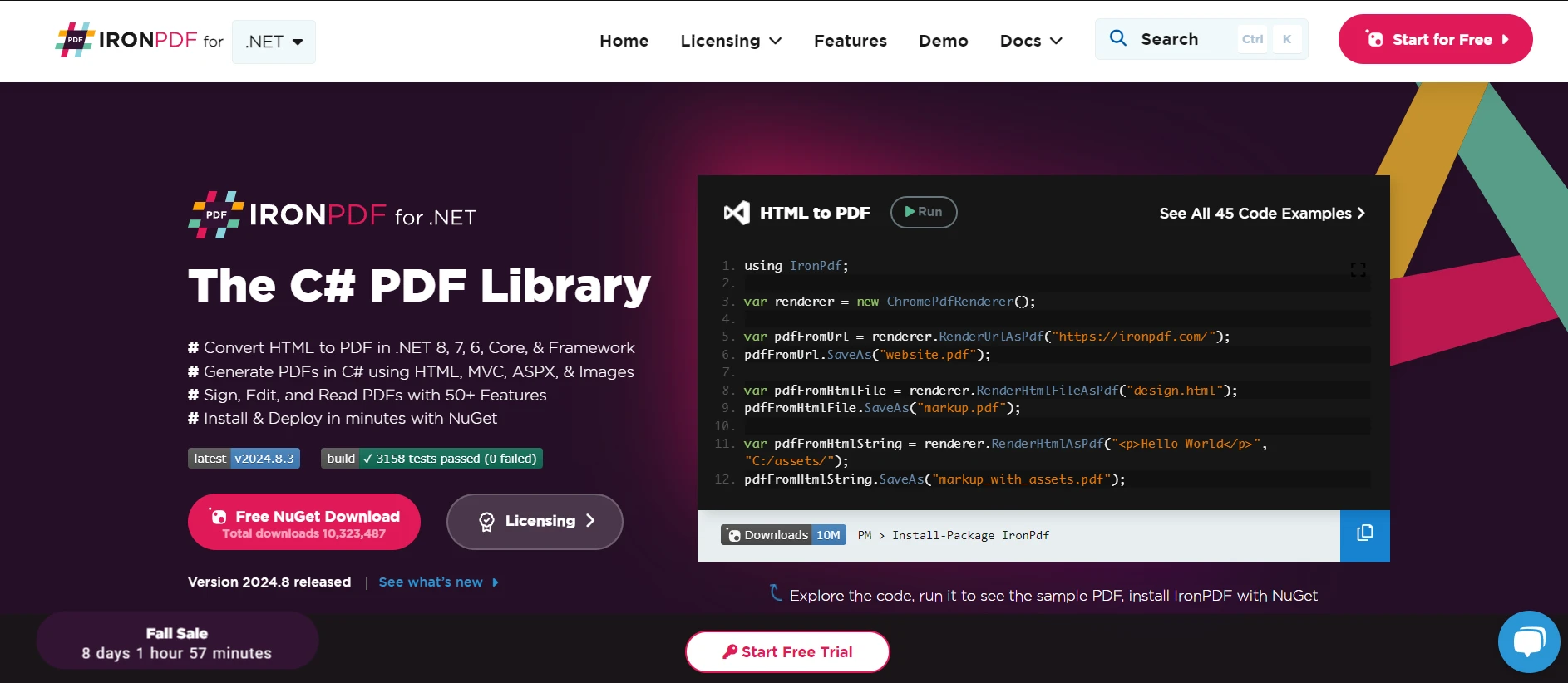
當將 IronPDF 整合到您的C#專案中時,保持程式碼乾淨易讀很重要,請遵循命名慣例。 IronPDF允許您在您的C#應用程式中從HTML內容生成PDF。 在此過程中,重要的是按照命名慣例為您的類別、方法和變數命名以保持一致性。 以下是一個使用IronPDF實現命名慣例的簡單範例,以提高程式碼的可讀性,同時遵循這些命名慣例:
using IronPdf;

public class PdfReportGenerator
{
    private readonly string _htmlContent;
    private readonly string _filePath;

    public PdfReportGenerator(string htmlContent, string filePath)
    {
        _htmlContent = htmlContent;
        _filePath = filePath;
    }

    public void GenerateReport()
    {
        var pdfRenderer = new ChromePdfRenderer();
        PdfDocument pdfDocument = pdfRenderer.RenderHtmlAsPdf(_htmlContent);
        pdfDocument.SaveAs(_filePath);
    }
}

public static class Program
{
    public static void Main()
    {
        var htmlContent = "<h1>Monthly Report</h1><p>Generated using IronPDF.</p>";
        var filePath = @"C:\Reports\MonthlyReport.pdf";
        PdfReportGenerator reportGenerator = new PdfReportGenerator(htmlContent, filePath);
        reportGenerator.GenerateReport();
    }
}Imports IronPdf
Public Class PdfReportGenerator
Private ReadOnly _htmlContent As String
Private ReadOnly _filePath As String
Public Sub New(ByVal htmlContent As String, ByVal filePath As String)
_htmlContent = htmlContent
_filePath = filePath
End Sub
Public Sub GenerateReport()
Dim pdfRenderer = New ChromePdfRenderer()
Dim pdfDocument As PdfDocument = pdfRenderer.RenderHtmlAsPdf(_htmlContent)
pdfDocument.SaveAs(_filePath)
End Sub
End Class
Public Module Program
Public Sub Main()
Dim htmlContent = "<h1>Monthly Report</h1><p>Generated using IronPDF.</p>"
Dim filePath = "C:\Reports\MonthlyReport.pdf"
Dim reportGenerator As New PdfReportGenerator(htmlContent, filePath)
reportGenerator.GenerateReport()
End Sub
End Module遵循這些命名慣例,您的程式碼在使用IronPDF生成報告時保持專業、有組織且易於閱讀。
通過遵循這些C#命名慣例,您可以確保您的程式碼乾淨、易讀且易於維護。 無論是在類別名稱中使用帕斯卡命名法、區域變數中使用駝峰命名法,還是在私有欄位中使用底線前綴,這些慣例幫助建立了一致的程式碼庫。
使用IronPDF,您可以跳入並探索其所有功能,並享有免費試用。 這次試用讓您可以親身實驗,看看它如何完美地整合到您的工作流程中。 當您準備好下一步時,授權費用從僅 $999 開始。

Jacob Mellor是Iron Software的首席技術官,一位在C# PDF技術上開創先河的遠見工程師。作為Iron Software核心程式碼庫的原開發者,他從創立以來就一直在塑造公司的產品架構,與首席執行官Cameron Rimington一起將公司轉變為服務於NASA、特斯拉和全球政府公司的50多名人員的公司。



IronPDF 是 IRONSUITE 的一部分
10 款適用於辦公室文件的 .NET API 產品

當您需要您的PDF看起來像HTML一樣快速。












