




已更新 2026年4月23日
在 .NET 中用 Microsoft.Extensions.AI 簡化 LLM 整合
AI 正在改變軟體開發,但將大型語言模型 (LLM) 整合到 .NET 中一直很複雜。利用 IronPdf.AI 將 AI 整合推向更遠,為 .NET 應用程式帶來由 OpenAI 驅動的 PDF 解析、資料擷取和內容總結。
閱讀更多

在廣泛的 C# 程式設計環境中,有一個多功能工具為您的程式編碼體驗帶來動態和互動的維度——C# REPL(讀-算-輸出迴圈)。 支援 IntelliSense 的跨平台命令行工具CSharpRepl也可以在 GitHub 上作為 C# 解決方案找到。
在本文中,我們將探討 C# 中的 REPL,揭示其功能、使用案例以及它如何改變您在 C# 中的實驗、學習和迭代方式。
REPL,通常發音為 "repple",代表讀-算-輸出迴圈。這是一個互動式程式設計環境,允許您逐行輸入 C# 語法完整的陳述句程式碼,實時評估並立即獲得反饋。 其語法高亮功能使其在查看 .NET 全域工具以控制台環境執行 C# 時更具吸引力。 傳統上,編寫和運行 C# 程式碼涉及建立專案、編譯和執行。 REPL 通過提供一種快速的迭代方式來測試單一或多行程式碼片段,簡化了這一過程。
C# REPL 提供了一個互動式 shell,您可以在其中輸入 C# 表達式或陳述句,系統會立即評估並執行它們。 這種及時的反饋迴圈在試驗想法、測試小程式碼片段或快速學習 C# 概念時,價值非凡。
欲安裝 CSharpRepl 命令行 .NET 工具,請在命令提示字元中鍵入以下命令:
dotnet tool install -g csharprepl安裝完成後,使用以下命令進入:
csharprepl您將看到一個提示符(>),表示您已經在 C# REPL 環境中,可以開始實驗。
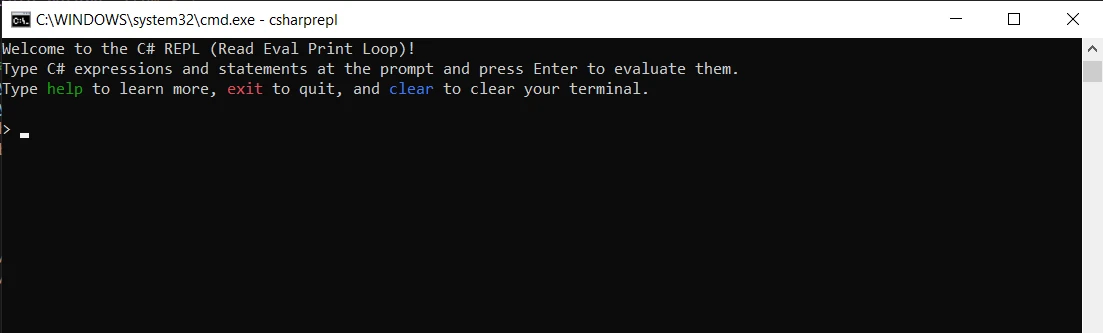
或者,您也可以在 Microsoft Visual Studio 中使用內建的 C# Interactive shell 作為 C# REPL。 打開 Visual Studio,從"查看"選項卡中選擇"其他窗口"->"C# Interactive"。它將會在底部開啟 C# REPL 作為控制台 shell。
讓我們通過一個基本例子探討 C# REPL 的簡單性和威力:
> int sum = 5 + 7; // Declare and initialize a variable to hold the sum.
> sum              // Retrieve and display the value of 'sum'.
> Integer sum = 5 + 7 ' Declare and initialize a variable to hold the sum.
'INSTANT VB TODO TASK: The following line uses invalid syntax:
'> sum ' Retrieve and display the value of 'sum'.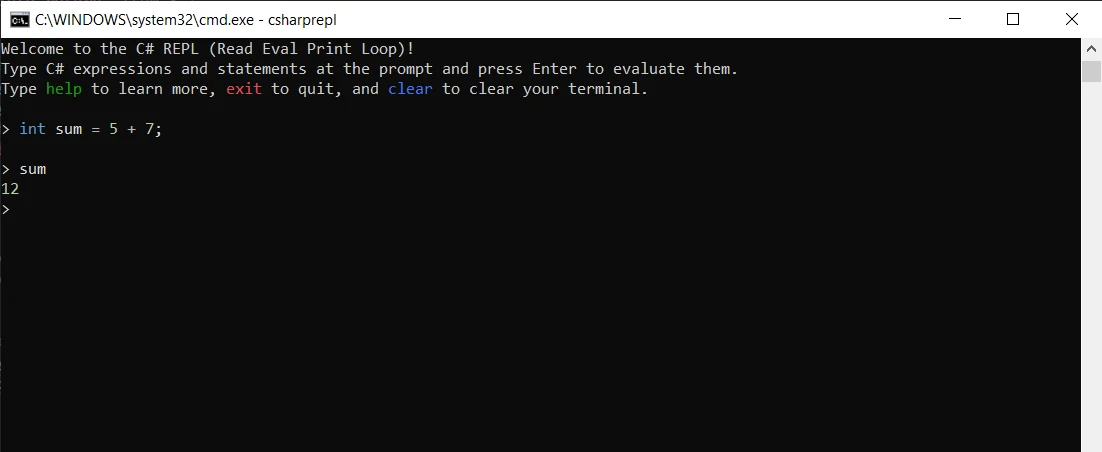
在這兩行程式碼中,我們宣告了一個變數sum,並將其賦值為加法運算的結果。 按下 Enter 後,REPL 立即顯示sum的值,這是 12。這種即時性允許您試驗程式碼,觀察結果並相應地調整。
C# REPL 在迭代學習和原型開發方面表現出色。 無論是探索語言功能、測試算法,還是嘗試新程式庫,REPL 都提供了一個低摩擦的環境。 您可以互動地構建和完善程式碼,而不需要完整的專案設置。
> for (int i = 0; i < 5; i++)
> {
>     Console.WriteLine($"Hello, C# REPL! Iteration {i}");
> }'INSTANT VB TODO TASK: The following line could not be converted:
> for(Integer i = 0; i < 5; i++) >
If True Then
> Console.WriteLine($"Hello, C# REPL! Iteration {i}")
'INSTANT VB TODO TASK: The following line uses invalid syntax:
'> }在此範例中,我們使用迴圈為每次迭代列印資訊。 即時反饋允許您臨時調整迴圈或試驗不同的陳述句。
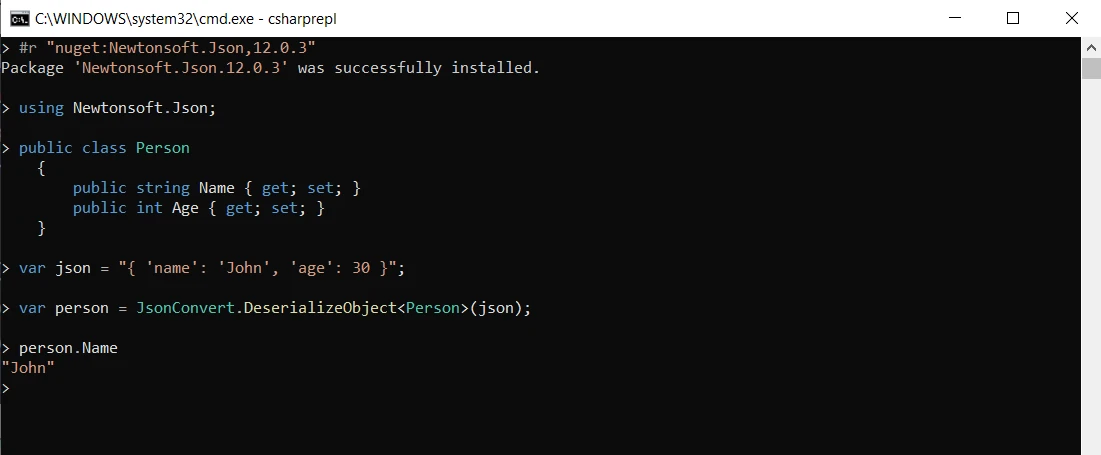
C# REPL 支援從互動環境中直接引用外部程式庫和 NuGet 套件。 這項功能開啟了一個探索和測試第三方功能的世界,而不需要完整的專案設置。這可以從下面的程式碼中看到:
> #r "nuget:Newtonsoft.Json,12.0.3" // Reference the Newtonsoft.Json package.
> using Newtonsoft.Json;             // Use it to handle JSON serialization.
> public class Person
  {
      public string Name { get; set; }
      public int Age { get; set; }
  }
> var json = "{ 'name': 'John', 'age': 30 }"; // JSON string to deserialize.
> var person = JsonConvert.DeserializeObject<Person>(json); // Deserialize.
> person.Name // Access and display 'Name'.Private > #r "nuget:Newtonsoft.Json,12.0.3" > using Newtonsoft.Json ' Use it to handle JSON serialization.
> Public Class Person
Public Property Name() As String
Public Property Age() As Integer
End Class
Private > var json = "{ 'name': 'John', 'age': 30 }" ' JSON string to deserialize.
Private > var person = JsonConvert.DeserializeObject(Of Person)(json) ' Deserialize.
'INSTANT VB TODO TASK: The following line uses invalid syntax:
'> person.Name ' Access and display 'Name'.在此片段中,我們引用了 Newtonsoft.Json NuGet 套件,解反序列化一個 JSON 字串,並存取生成物件的Name屬性。
C# REPL 不僅僅是用於編寫程式碼; 它還是一個寶貴的互動式除錯工具。 您可以試驗不同的表達式,以了解它們的行為、識別問題並在動態環境中進行故障排除。
> int[] numbers = { 1, 2, 3, 4, 5 };         // Define an array of integers.
> numbers.Where(n => n % 2 == 0).Sum()       // Filter even numbers, then sum.
> Integer() numbers = { 1, 2, 3, 4, 5 } ' Define an array of integers.
'INSTANT VB TODO TASK: The following line uses invalid syntax:
'> numbers.Where(n => n % 2 == 0).Sum() ' Filter even numbers, then sum.這裡,我們使用 LINQ 表達式來過濾偶數並計算其總和。 REPL 的互動性允許我們檢查中間結果並完善查詢。
IronPDF for .NET Core 作為一個強大的 C# 程式庫,旨在簡化處理 PDF 的複雜性。 無論是生成發票、報告還是其他文件,IronPDF 都能讓您在 C# 應用程式中輕鬆地將 HTML 內容轉換為專業且精美的 PDF。
要將 IronPDF 整合到您的 C# 專案中,請開始安裝 IronPDF NuGet 套件。 在您的套餐管理控制台中執行以下命令:
或者,您可以在 NuGet Package Manager 中找到"IronPDF",然後繼續進行安裝。
using IronPDF 建立 PDF 是一個簡化的過程。 考慮以下的源程式碼範例:
var htmlContent = "<html><body><h1>Hello, IronPDF!</h1></body></html>"; // HTML to convert to PDF.
// Create a new PDF document using IronPdf.
var pdfDocument = new IronPdf.ChromePdfRenderer();                        // Create a PDF renderer instance.
pdfDocument.RenderHtmlAsPdf(htmlContent).SaveAs("GeneratedDocument.pdf"); // Render HTML to PDF and save it.Dim htmlContent = "<html><body><h1>Hello, IronPDF!</h1></body></html>" ' HTML to convert to PDF.
' Create a new PDF document using IronPdf.
Dim pdfDocument = New IronPdf.ChromePdfRenderer() ' Create a PDF renderer instance.
pdfDocument.RenderHtmlAsPdf(htmlContent).SaveAs("GeneratedDocument.pdf") ' Render HTML to PDF and save it.在此範例中,IronPDF 用於將 HTML 內容渲染成 PDF 文件,然後保存到指定的路徑變數中。
現在,讓我們探討是否能將一個用於互動式編碼和快速實驗的工具 C# REPL 與 IronPDF 無縫整合。
考慮一個情景,您希望使用 C# REPL 動態生成 PDF 內容。 雖然 C# REPL 主要在互動式程式碼執行中表現出色,但由於其強調即時反饋和簡單性,可能不是無縫使用 IronPDF 的理想環境。
但您仍然可以利用這兩個工具的優勢,利用 C# REPL 快速原型開發、試驗 IronPDF 功能並驗證想法。 一旦您從 NuGet Package Manager 安裝了 IronPDF,您可以直接在 C# REPL 中引用IronPdf.dll文件。 以下是一個簡單的程式碼範例,從 HTML 字串"Hello World"生成一個 PDF:
> #r "your\full\path\to\IronPdf.dll"                            // Reference IronPdf library.
> var pdf = new ChromePdfRenderer();                            // Create PDF renderer.
> License.LicenseKey = "YOUR-LICENSE-KEY-HERE";                 // Set license key if necessary.
> pdf.RenderHtmlAsPdf("<h1>Hello World</h1>").SaveAs("Test.pdf"); // Render and save PDF.Imports Microsoft.VisualBasic
> #r "your" & vbFormFeed & "ull\path" & vbTab & "o\IronPdf.dll" > var pdf = New ChromePdfRenderer() ' Create PDF renderer.
> License.LicenseKey = "YOUR-LICENSE-KEY-HERE" ' Set license key if necessary.
> pdf.RenderHtmlAsPdf("<h1>Hello World</h1>").SaveAs("Test.pdf") ' Render and save PDF.輸出是一個名為'Test.pdf'的 PDF,其內容為'Hello World':
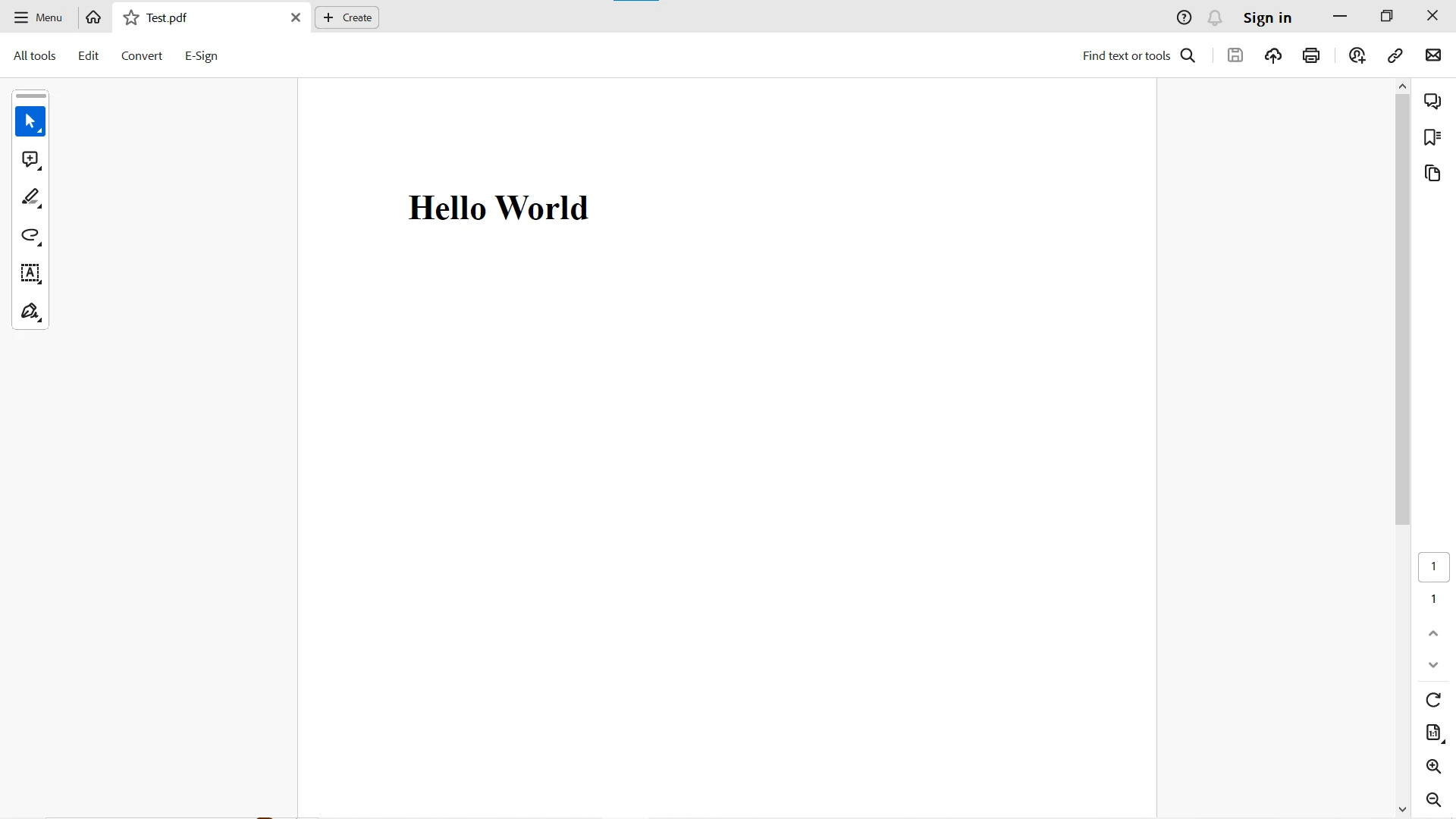
要使用 IronPDF 在 C# REPL 中嘗試更多具有更詳細輸出的程式碼範例,請存取IronPDF 文件 頁面。
總結來說,C# REPL 是一個動態的程式設計操練場,為您的 C# 程式設計體驗增添了新的維度。 其互動性有助於探索、快速原型開發和迭代學習。 無論您是初學者在嘗試語言功能,還是經驗豐富的開發者在測試想法,C# REPL 為您的程式設計冒險提供了一個即時且動態的環境。
IronPDF 和 C# REPL 是 C# 開發者工具包中的強大工具。 IronPDF 透過其功能豐富的程式庫簡化了 PDF 生成的過程,而 C# REPL 則提供了一個互動和即時的程式編碼環境。 C# REPL 與 IronPDF 的協同功能還讓您能夠詳細體現環境的多功能性。
利用 C# REPL 的簡單和力量來增強您的程式編碼工作流程。 無論您是在 REPL 中進行原型設計,還是使用 IronPDF 建立複雜的 PDF,這一動態組合使您能夠以創意和效率來應對 C# 開發的複雜性。

Jacob Mellor是Iron Software的首席技術官,一位在C# PDF技術上開創先河的遠見工程師。作為Iron Software核心程式碼庫的原開發者,他從創立以來就一直在塑造公司的產品架構,與首席執行官Cameron Rimington一起將公司轉變為服務於NASA、特斯拉和全球政府公司的50多名人員的公司。



IronPDF 是 IRONSUITE 的一部分
10 款適用於辦公室文件的 .NET API 產品

當您需要您的PDF看起來像HTML一樣快速。












