




已更新 2026年4月23日
在 .NET 中用 Microsoft.Extensions.AI 簡化 LLM 整合
AI 正在改變軟體開發,但將大型語言模型 (LLM) 整合到 .NET 中一直很複雜。利用 IronPdf.AI 將 AI 整合推向更遠,為 .NET 應用程式帶來由 OpenAI 驅動的 PDF 解析、資料擷取和內容總結。
閱讀更多

在程式設計領域中,迴圈作為不可或缺的結構,根據指定的條件促成程式碼塊的重複執行。 在C#中,雖然有多種迴圈型別,但'while'迴圈以其簡便和多功能性脫穎而出。 憑藉其簡單的語法和強大的能力,'while'迴圈使開發人員能夠在指定條件或迭代語句為真時重複執行程式碼。
這本綜合指南深入探討了C# 'while'迴圈的細微差別,提供詳細的解釋、實際的程式碼範例和最佳實踐,幫助開發人員掌握這一基礎結構。 它還討論了如何在C#中使用while關鍵字來建立使用IronPDF的PDF報告資料。
從本質上講,C# 'while'迴圈重複執行一段程式碼,只要指定的條件或迭代值為真。 'while'迴圈語句的語法如下:
// while loop
while (condition)
{
    // Code block to execute
}' while loop
Do While condition
' Code block to execute
Loop在此,condition代表確定迴圈是否應繼續迭代的布林表達式或迴圈變數。 只要condition為真,'while'迴圈括弧內的程式碼塊將反覆執行。 一旦condition為假,迴圈終止,程式和控制流程移至'while'迴圈後的語句。
讓我們通過實際的例子來說明在不同情況下如何使用'while'迴圈。
// Countdown Timer Example
int count = 5;

// Loop while count is greater than 0
while (count > 0)
{
    Console.WriteLine($"Countdown: {count}");
    count--; // Decrement count
}

Console.WriteLine("Blastoff!");' Countdown Timer Example
Dim count As Integer = 5
' Loop while count is greater than 0
Do While count > 0
Console.WriteLine($"Countdown: {count}")
count -= 1 ' Decrement count
Loop
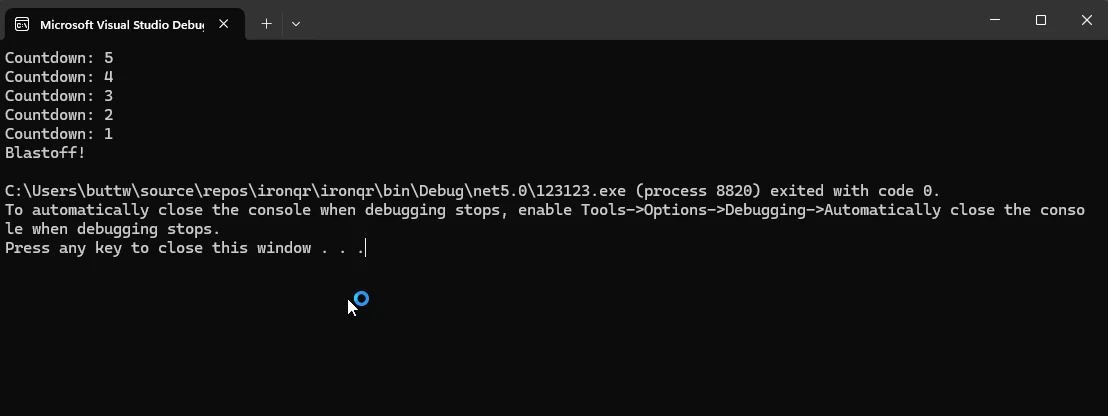
Console.WriteLine("Blastoff!")在這個例子中,'while'迴圈將迭代,只要count減1,並列印倒計時值。 一旦count變為0,迴圈終止,並顯示"發射!"。
// User Input Validation Example
string userInput;

// Infinite loop until a valid input is received
while (true)
{
    Console.Write("Enter a positive number: ");
    userInput = Console.ReadLine();

    // Try to parse input and check if it's a positive number
    if (int.TryParse(userInput, out int number) && number > 0)
    {
        Console.WriteLine($"You entered: {number}");
        break; // Exit loop if valid input
    }
    else
    {
        Console.WriteLine("Invalid input. Please try again.");
    }
}' User Input Validation Example
Dim userInput As String
' Infinite loop until a valid input is received
Do
Console.Write("Enter a positive number: ")
userInput = Console.ReadLine()
' Try to parse input and check if it's a positive number
Dim number As Integer
If Integer.TryParse(userInput, number) AndAlso number > 0 Then
Console.WriteLine($"You entered: {number}")
Exit Do ' Exit loop if valid input
Else
Console.WriteLine("Invalid input. Please try again.")
End If
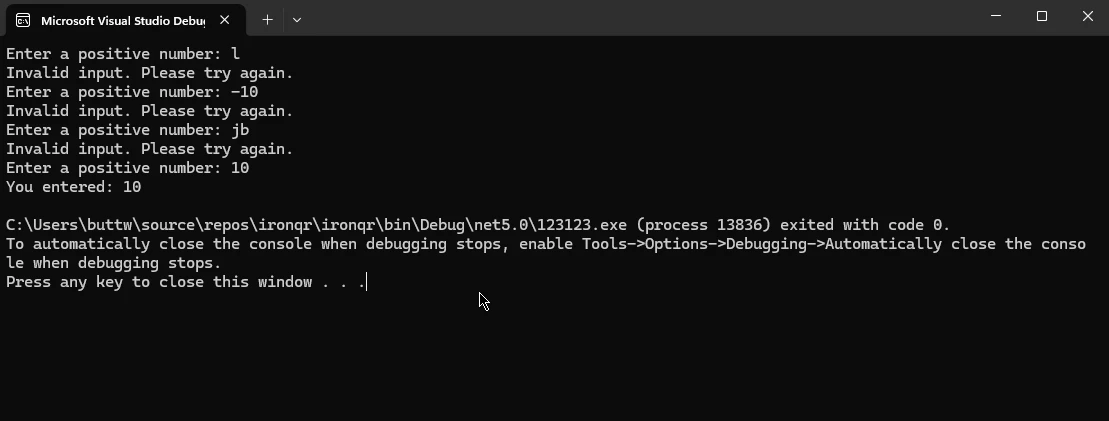
Loop在這個例子中,'while'迴圈將無限期地持續下去,直到使用者輸入有效的正數。 它提示使用者輸入資料,驗證輸入,如果輸入為有效正數則跳出迴圈。
// Generating Fibonacci Series Example
int a = 0, b = 1, nextTerm;

Console.WriteLine("Fibonacci Series:");

// Compute Fibonacci numbers up to 1000
while (a <= 1000)
{
    Console.WriteLine(a); // Print current Fibonacci number
    nextTerm = a + b; // Calculate next term
    a = b; // Update a to the next term
    b = nextTerm; // Update b to nextTerm
}' Generating Fibonacci Series Example
Dim a As Integer = 0, b As Integer = 1, nextTerm As Integer
Console.WriteLine("Fibonacci Series:")
' Compute Fibonacci numbers up to 1000
Do While a <= 1000
Console.WriteLine(a) ' Print current Fibonacci number
nextTerm = a + b ' Calculate next term
a = b ' Update a to the next term
b = nextTerm ' Update b to nextTerm
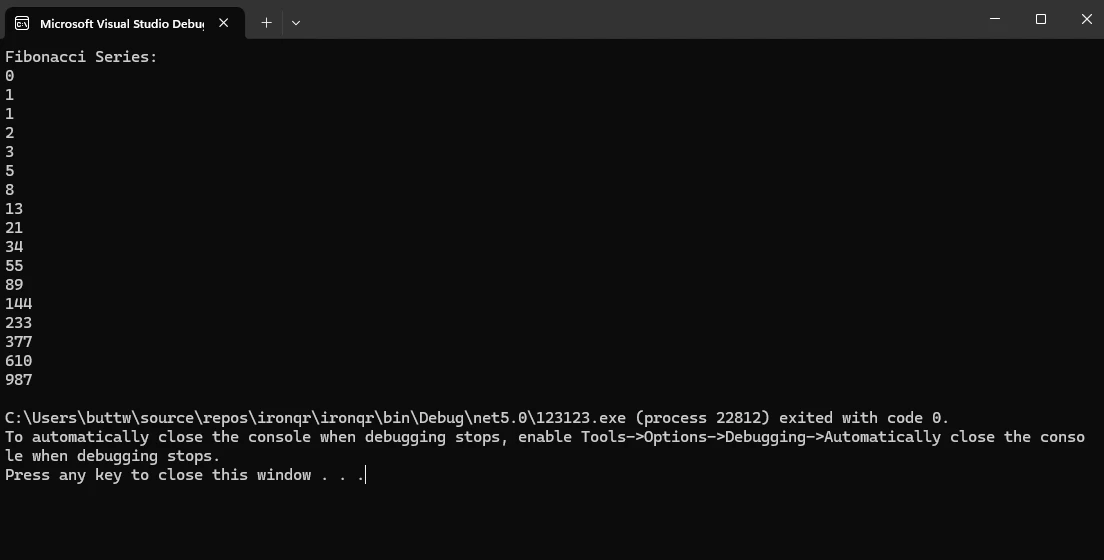
Loop這段程式碼片段生成費波那契數列,最大值為1000,使用'while'迴圈。它初始化兩個變數a超過1000。
'while'迴圈提供了靈活性和便利性,但必須遵循最佳實踐以確保高效和便於維護的程式碼:
continue語句可能有用,但過度使用會導致程式碼混亂且難以閱讀。 如果頻繁使用continue,則考慮其他方法或重構複雜的迴圈。IronPDF作為C#開發領域的基石解決方案,為開發者提供了一個強大的工具包,可在其應用程式中無縫生成、編輯和操作PDF文件。 依賴其直觀的API和豐富的功能集,IronPDF旨在讓開發者輕鬆地將PDF功能整合到其C#專案中,從而解鎖文件生成、報告和內容分發等多種可能性。
IronPDF可以輕鬆地透過NuGet套件管理器主控台安裝。 只需運行以下命令即可安裝IronPDF:
讓我們考慮一個例子,在其中我們使用'while'迴圈來動態填入資料,並使用IronPDF生成PDF報告。
using IronPdf;
using System;

class Program
{
    static void Main(string[] args)
    {
        // Initialize PDF Renderer
        var pdfRenderer = new ChromePdfRenderer();

        // Initialize HTML content
        string htmlContent = "<h1>Dynamic Data Report</h1><ul>";

        // Generate dynamic data using a while loop
        int count = 1;
        while (count <= 10)
        {
            htmlContent += $"<li>Data Point {count}</li>";
            count++;
        }
        htmlContent += "</ul>";

        // Render HTML content as PDF
        var pdfOutput = pdfRenderer.RenderHtmlAsPdf(htmlContent);

        // Save PDF to file
        var outputPath = "Dynamic_Data_Report.pdf";
        pdfOutput.SaveAs(outputPath);

        // Display success message
        Console.WriteLine($"PDF report generated successfully: {outputPath}");
    }
}Imports IronPdf
Imports System
Friend Class Program
Shared Sub Main(ByVal args() As String)
' Initialize PDF Renderer
Dim pdfRenderer = New ChromePdfRenderer()
' Initialize HTML content
Dim htmlContent As String = "<h1>Dynamic Data Report</h1><ul>"
' Generate dynamic data using a while loop
Dim count As Integer = 1
Do While count <= 10
htmlContent &= $"<li>Data Point {count}</li>"
count += 1
Loop
htmlContent &= "</ul>"
' Render HTML content as PDF
Dim pdfOutput = pdfRenderer.RenderHtmlAsPdf(htmlContent)
' Save PDF to file
Dim outputPath = "Dynamic_Data_Report.pdf"
pdfOutput.SaveAs(outputPath)
' Display success message
Console.WriteLine($"PDF report generated successfully: {outputPath}")
End Sub
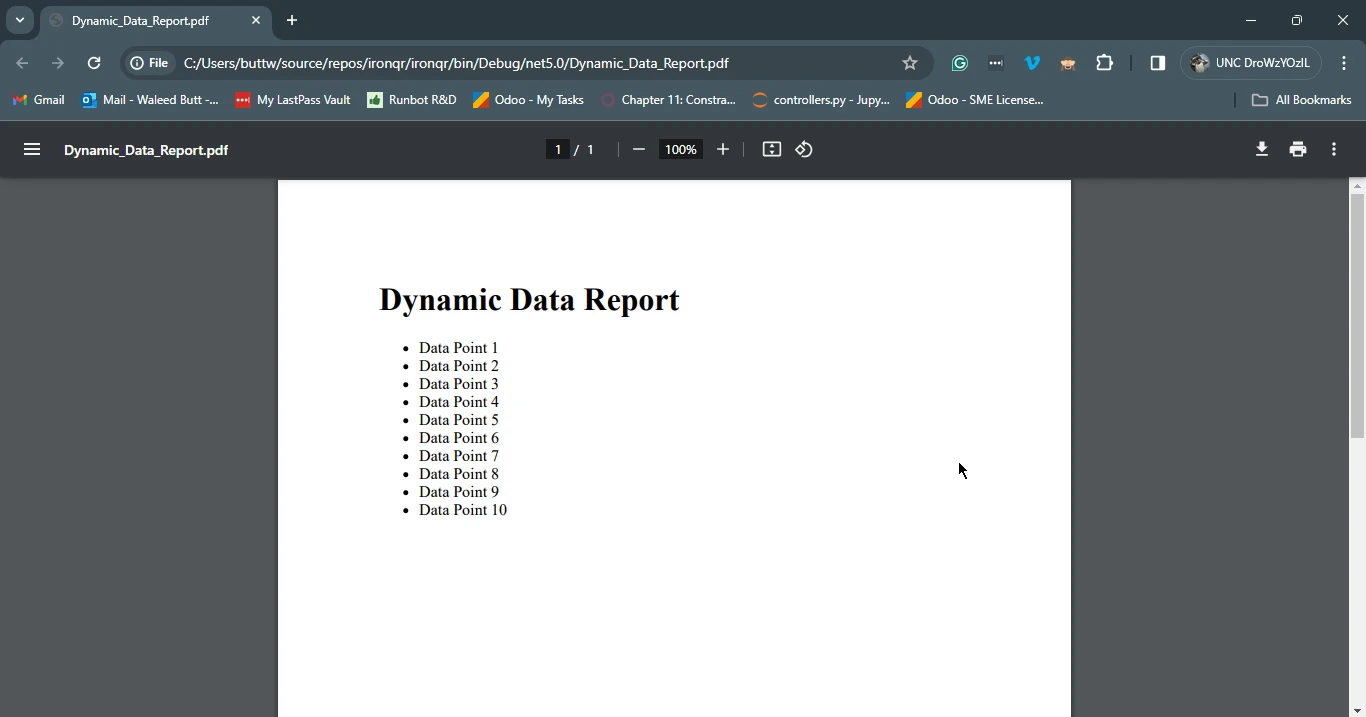
End Class在此範例中,我們初始化一個包含標題和無序列表的HTML字串,然後使用'while'語句動態生成具有遞增資料點的列表項。 使用IronPDF的ChromePdfRenderer渲染HTML內容為PDF,並將生成的PDF報告保存到名為"Dynamic_Data_Report.pdf"的文件中。 這演示了如何將'while'迴圈無縫整合到IronPDF中,以便在C#應用程式中生成動態且可自定義的PDF文件。
總之,'while'迴圈是C#程式設計中的一個基本結構,為開發人員提供了一種基於指定條件以迭代方式執行程式碼的靈活而強大的機制。 通過理解'while'迴圈的語法、用法和最佳實踐,開發人員可以有效地利用此結構來應對多樣的程式設計挑戰。 從簡單的倒數計時器到複雜的資料處理任務,'while'迴圈使開發人員能夠編寫高效而易於維護的程式碼。
此外,當與IronPDF等工具結合時,'while'迴圈可用於生成動態且視覺吸引力的PDF文件,增強C#應用程式的功能。 隨著開發者不斷探索C#程式設計的可能性,掌握'while'迴圈對於構建健壯且可擴展的軟體解決方案仍然至關重要。
今天可以在IronPDF文件頁面上找到IronPDF的文件內容。

Jacob Mellor是Iron Software的首席技術官,一位在C# PDF技術上開創先河的遠見工程師。作為Iron Software核心程式碼庫的原開發者,他從創立以來就一直在塑造公司的產品架構,與首席執行官Cameron Rimington一起將公司轉變為服務於NASA、特斯拉和全球政府公司的50多名人員的公司。



IronPDF 是 IRONSUITE 的一部分
10 款適用於辦公室文件的 .NET API 產品

當您需要您的PDF看起來像HTML一樣快速。












