


SignalR C#(開發者的工作原理)

現代網頁依賴互動性和即時反饋而繁榮。 在構建響應式應用程式時,即時網路功能是必須的。這就是SignalR大放異彩的地方。 ASP.NET Core SignalR 是一個程式庫,它讓在您的應用程式中新增即時網路功能比您想像的更簡單。
在本教程中,我們將開始探索SignalR的基礎和細節。 讓我們深入研究吧!
ASP.NET Core中SignalR的介紹
ASP.NET Core SignalR 提供了一個API,允許使用WebSockets和其他技術(例如伺服器推送事件)建立即時網路功能。 這不僅限於ASP.NET Core。 您可以將SignalR用於各種客戶端,例如瀏覽器或移動應用程式,確保連接的客戶端即時更新。
設置您的開發環境
要開始,您需要:
- ASP.NET Core SDK
- Visual Studio
構建SignalR Hub
SignalR的核心圍繞著SignalR hub,這是一個供客戶端和伺服器交互的中心點。
建立一個新的ASP.NET Core專案。 現在,新增一個類並命名為ChatHub。 這將作為我們的SignalR hub。
using Microsoft.AspNetCore.SignalR;
using System.Threading.Tasks;

// Define a SignalR Hub class named ChatHub
public class ChatHub : Hub
{
    // Asynchronous method to send messages
    public async Task SendMessage(string user, string message)
    {
        // Send a message to all connected clients
        await Clients.All.SendAsync("ReceiveMessage", user, message);
    }
}
using Microsoft.AspNetCore.SignalR;
using System.Threading.Tasks;
// Define a SignalR Hub class named ChatHub
public class ChatHub : Hub
{
// Asynchronous method to send messages
public async Task SendMessage(string user, string message)
{
// Send a message to all connected clients
await Clients.All.SendAsync("ReceiveMessage", user, message);
}
}Imports Microsoft.AspNetCore.SignalR
Imports System.Threading.Tasks
' Define a SignalR Hub class named ChatHub
Public Class ChatHub
Inherits Hub
' Asynchronous method to send messages
Public Async Function SendMessage(ByVal user As String, ByVal message As String) As Task
' Send a message to all connected clients
Await Clients.All.SendAsync("ReceiveMessage", user, message)
End Function
End Class在Startup類中,讓我們整合我們的hub。
public class Startup
{
    // Configure services and add SignalR
    public void ConfigureServices(IServiceCollection services)
    {
        services.AddSignalR(); // Add SignalR services
    }

    // Configure the app to use SignalR and map the hub
    public void Configure(IApplicationBuilder app, IWebHostEnvironment env)
    {
        // Setup endpoint to route to ChatHub
        app.UseEndpoints(endpoints =>
        {
            endpoints.MapHub<ChatHub>("/chatHub");
        });
    }
}
public class Startup
{
// Configure services and add SignalR
public void ConfigureServices(IServiceCollection services)
{
services.AddSignalR(); // Add SignalR services
}
// Configure the app to use SignalR and map the hub
public void Configure(IApplicationBuilder app, IWebHostEnvironment env)
{
// Setup endpoint to route to ChatHub
app.UseEndpoints(endpoints =>
{
endpoints.MapHub<ChatHub>("/chatHub");
});
}
}Public Class Startup
' Configure services and add SignalR
Public Sub ConfigureServices(ByVal services As IServiceCollection)
services.AddSignalR() ' Add SignalR services
End Sub
' Configure the app to use SignalR and map the hub
Public Sub Configure(ByVal app As IApplicationBuilder, ByVal env As IWebHostEnvironment)
' Setup endpoint to route to ChatHub
app.UseEndpoints(Sub(endpoints)
endpoints.MapHub(Of ChatHub)("/chatHub")
End Sub)
End Sub
End Class客戶端實現
SignalR是多功能的。雖然本教程重點介紹 ASP.NET Core 和 JavaScript 客戶端程式庫,但SignalR支援各種客戶端,從.NET到Java。
使用SignalR客戶端程式庫
SignalR 客戶端程式庫讓您的客戶端程式碼可以直接與伺服器端連接和通信。對於我們的範例,讓我們使用JavaScript。
首先,新增SignalR JavaScript 客戶端程式庫:
<script src="https://cdn.jsdelivr.net/npm/@microsoft/signalr@3.1.8/dist/browser/signalr.js"></script><script src="https://cdn.jsdelivr.net/npm/@microsoft/signalr@3.1.8/dist/browser/signalr.js"></script>現在,您可以連接到hub:
// Create a connection to the SignalR hub
const connection = new signalR.HubConnectionBuilder()
    .withUrl("/chatHub") // The hub URL
    .build();

// Start the connection
connection.start().catch(err => console.error(err.toString()));

// Setup a listener for receiving messages
connection.on("ReceiveMessage", (user, message) => {
    console.log(`${user} says: ${message}`);
});
// Create a connection to the SignalR hub
const connection = new signalR.HubConnectionBuilder()
.withUrl("/chatHub") // The hub URL
.build();
// Start the connection
connection.start().catch(err => console.error(err.toString()));
// Setup a listener for receiving messages
connection.on("ReceiveMessage", (user, message) => {
console.log(`${user} says: ${message}`);
});這個簡單的客戶端程式碼連接到hub並監聽任何廣播的消息。
即時功能實現
發送消息
使用我們早期的客戶端和伺服器端程式碼片段,發送消息非常簡單。 伺服器和客戶端都可以發起通信。
從伺服器端:
// Send a message from the server to all connected clients
await Clients.All.SendAsync("ReceiveMessage", "Server", "Hello from server!");
// Send a message from the server to all connected clients
await Clients.All.SendAsync("ReceiveMessage", "Server", "Hello from server!");' Send a message from the server to all connected clients
Await Clients.All.SendAsync("ReceiveMessage", "Server", "Hello from server!")從客戶端:
// Send a message from the client to the server
connection.send("SendMessage", "Client", "Hello from client!")
    .catch(err => console.error(err.toString()));
// Send a message from the client to the server
connection.send("SendMessage", "Client", "Hello from client!")
.catch(err => console.error(err.toString()));高級即時通信
ASP.NET Core SignalR 提供高級的即時通信功能:
- 分組連接: 將連接的客戶端分段,將消息廣播到特定的段。
- 處理連接中斷:自動管理客戶端連接和斷開連接。
- 二進制協議:SignalR預設使用基於文字的協議,但也支援二進制協議。
使用Azure SignalR服務的SignalR
為擴展即時功能,整合Azure SignalR服務。 這種全管理的服務支援大量同時連接,適合高需求應用。
整合Azure SignalR服務:
- Install the Azure SignalR SDK.
- 使用Azure Service Bus作為后板支援。
- 調整
Startup類以使用Azure SignalR。
public class Startup
{
    public void ConfigureServices(IServiceCollection services)
    {
        // Add Azure SignalR services
        services.AddSignalR().AddAzureSignalR();
    }

    public void Configure(IApplicationBuilder app, IWebHostEnvironment env)
    {
        // Use Azure SignalR and map hub with routes
        app.UseAzureSignalR(routes =>
        {
            routes.MapHub<ChatHub>("/chatHub");
        });
    }
}
public class Startup
{
public void ConfigureServices(IServiceCollection services)
{
// Add Azure SignalR services
services.AddSignalR().AddAzureSignalR();
}
public void Configure(IApplicationBuilder app, IWebHostEnvironment env)
{
// Use Azure SignalR and map hub with routes
app.UseAzureSignalR(routes =>
{
routes.MapHub<ChatHub>("/chatHub");
});
}
}Public Class Startup
Public Sub ConfigureServices(ByVal services As IServiceCollection)
' Add Azure SignalR services
services.AddSignalR().AddAzureSignalR()
End Sub
Public Sub Configure(ByVal app As IApplicationBuilder, ByVal env As IWebHostEnvironment)
' Use Azure SignalR and map hub with routes
app.UseAzureSignalR(Sub(routes)
routes.MapHub(Of ChatHub)("/chatHub")
End Sub)
End Sub
End ClassIron Suite利用高級.NET工具增強SignalR功能
雖然ASP.NET Core SignalR為即時網路功能提供了出色的基礎,但開發者通常尋求工具來增強整體體驗和功能。 這時Iron Software套件程式庫登場了。
Iron Suite是高級.NET程式庫的套件,專為讓您的ASP.NET Core應用程式(包括使用SignalR的應用程式)增強效能。 這個套件中的每個產品都有獨特的功能,確保一個更豐富的應用程式體驗。 讓我們深入了解這些產品的內容:
IronPDF
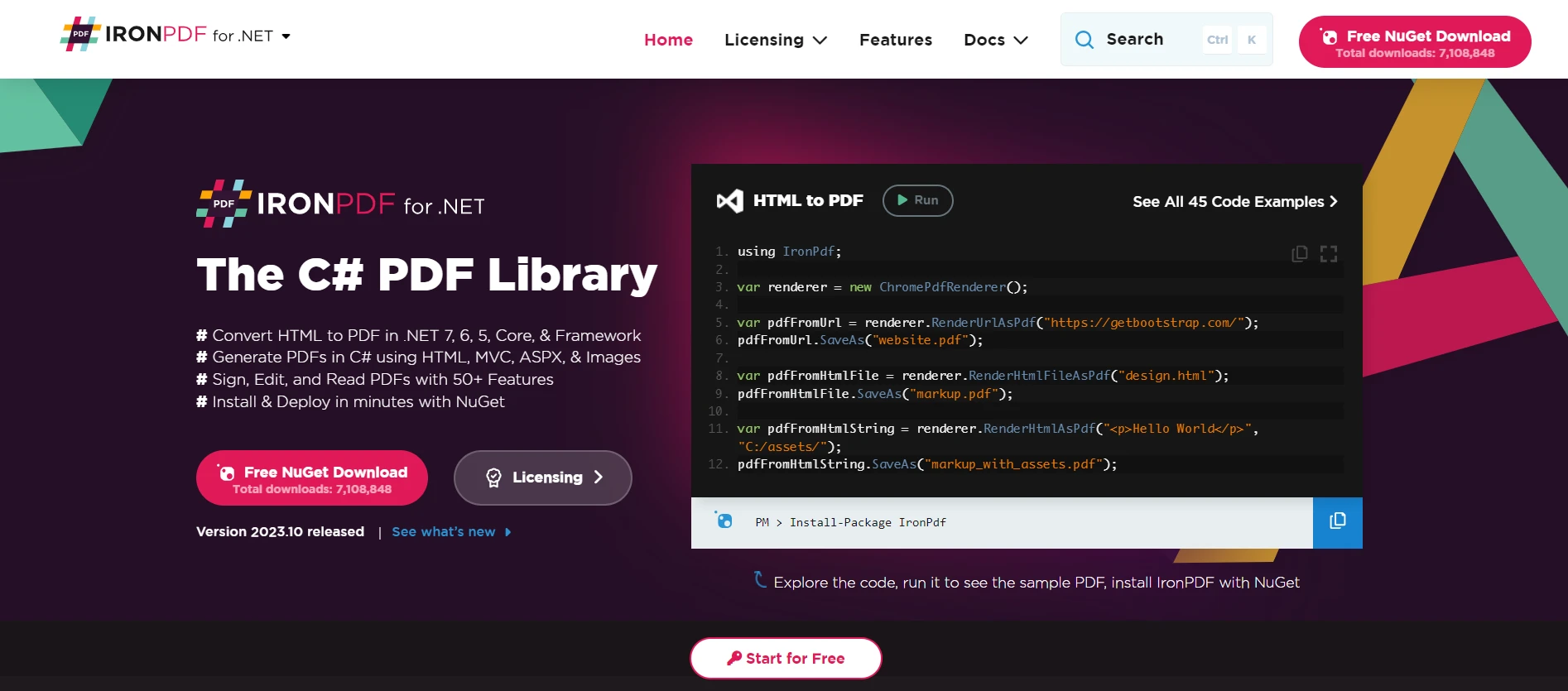
了解更多關於IronPDF的功能 使您可以在.NET應用程式中生成、編輯和閱讀PDF文件。 想像一個場景,團隊在共同協作文件過程中實時進行更改,文件可以即時轉換為PDF,並無縫推送更新給所有連接的客戶端。 SignalR的即時功能與IronPDF的功能結合,可能會革新協作工具。
IronPDF將HTML、URL和整個網頁轉換成豐富的PDF文件,就像原始文件一樣。 它非常適合節省線上報告、發票或您想要保留的任何基於網頁的資訊。您是否想將HTML轉換為PDF? 今天就試試IronPDF吧!
using IronPdf;

class Program
{
    static void Main(string[] args)
    {
        var renderer = new ChromePdfRenderer();

        // 1. Convert HTML String to PDF
        var htmlContent = "<h1>Hello, IronPDF!</h1><p>This is a PDF from an HTML string.</p>";
        var pdfFromHtmlString = renderer.RenderHtmlAsPdf(htmlContent);
        pdfFromHtmlString.SaveAs("HTMLStringToPDF.pdf");

        // 2. Convert HTML File to PDF
        var htmlFilePath = "path_to_your_html_file.html"; // Specify the path to your HTML file
        var pdfFromHtmlFile = renderer.RenderHtmlFileAsPdf(htmlFilePath);
        pdfFromHtmlFile.SaveAs("HTMLFileToPDF.pdf");

        // 3. Convert URL to PDF
        var url = "http://ironpdf.com"; // Specify the URL
        var pdfFromUrl = renderer.RenderUrlAsPdf(url);
        pdfFromUrl.SaveAs("URLToPDF.pdf");
    }
}
using IronPdf;
class Program
{
static void Main(string[] args)
{
var renderer = new ChromePdfRenderer();
// 1. Convert HTML String to PDF
var htmlContent = "<h1>Hello, IronPDF!</h1><p>This is a PDF from an HTML string.</p>";
var pdfFromHtmlString = renderer.RenderHtmlAsPdf(htmlContent);
pdfFromHtmlString.SaveAs("HTMLStringToPDF.pdf");
// 2. Convert HTML File to PDF
var htmlFilePath = "path_to_your_html_file.html"; // Specify the path to your HTML file
var pdfFromHtmlFile = renderer.RenderHtmlFileAsPdf(htmlFilePath);
pdfFromHtmlFile.SaveAs("HTMLFileToPDF.pdf");
// 3. Convert URL to PDF
var url = "http://ironpdf.com"; // Specify the URL
var pdfFromUrl = renderer.RenderUrlAsPdf(url);
pdfFromUrl.SaveAs("URLToPDF.pdf");
}
}Imports IronPdf
Friend Class Program
Shared Sub Main(ByVal args() As String)
Dim renderer = New ChromePdfRenderer()
' 1. Convert HTML String to PDF
Dim htmlContent = "<h1>Hello, IronPDF!</h1><p>This is a PDF from an HTML string.</p>"
Dim pdfFromHtmlString = renderer.RenderHtmlAsPdf(htmlContent)
pdfFromHtmlString.SaveAs("HTMLStringToPDF.pdf")
' 2. Convert HTML File to PDF
Dim htmlFilePath = "path_to_your_html_file.html" ' Specify the path to your HTML file
Dim pdfFromHtmlFile = renderer.RenderHtmlFileAsPdf(htmlFilePath)
pdfFromHtmlFile.SaveAs("HTMLFileToPDF.pdf")
' 3. Convert URL to PDF
Dim url = "http://ironpdf.com" ' Specify the URL
Dim pdfFromUrl = renderer.RenderUrlAsPdf(url)
pdfFromUrl.SaveAs("URLToPDF.pdf")
End Sub
End ClassIronXL
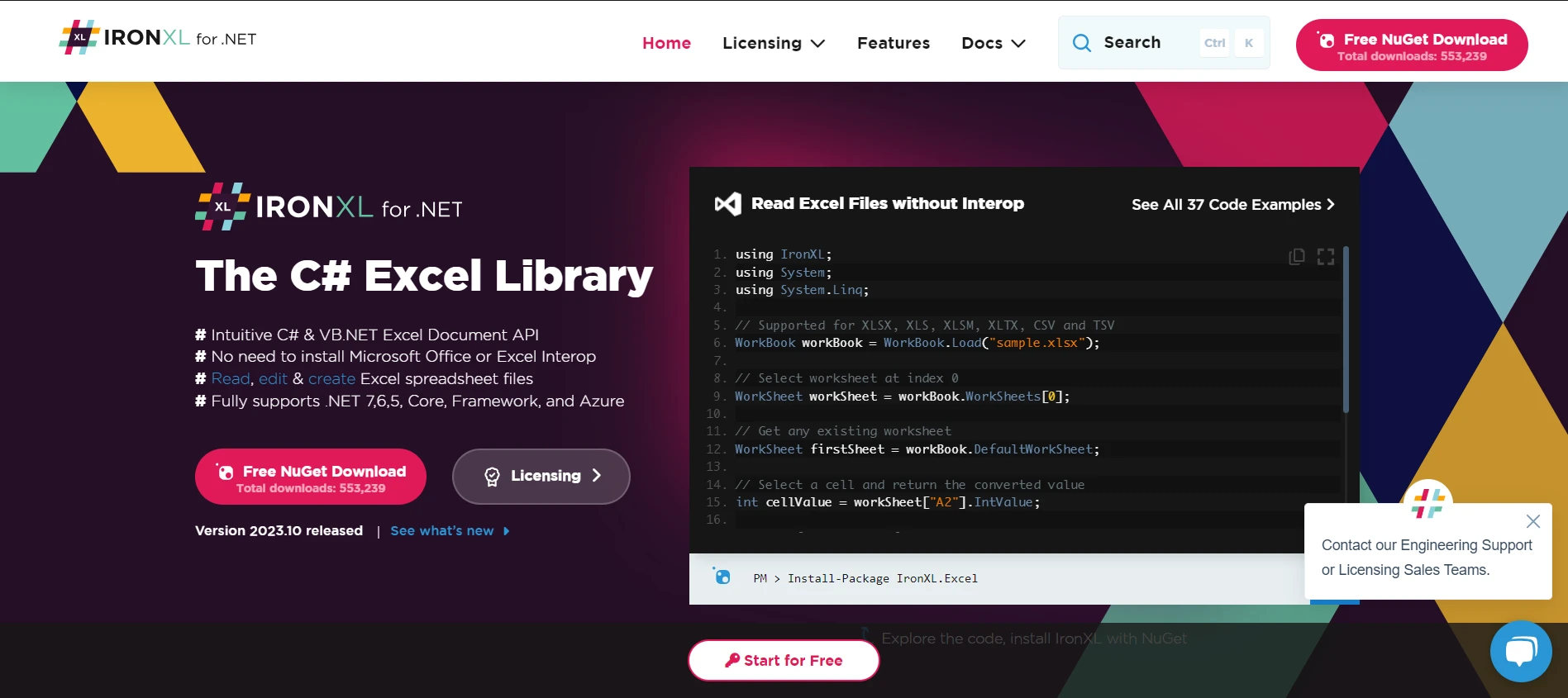
當談到處理Excel電子表格時,探索IronXL功能是一個領先者。 在商業環境中,電子表格起著至關重要的作用。 結合SignalR和IronXL意味著財務團隊可以在預算表上進行實時工作,見證變化的發生。 想像一個場景,來自不同部門的資料輸入流入中央Excel表格,並向所有利益相關者提供實時更新。 這個組合實現了即時通信和動態電子表格管理的融合。
IronOCR
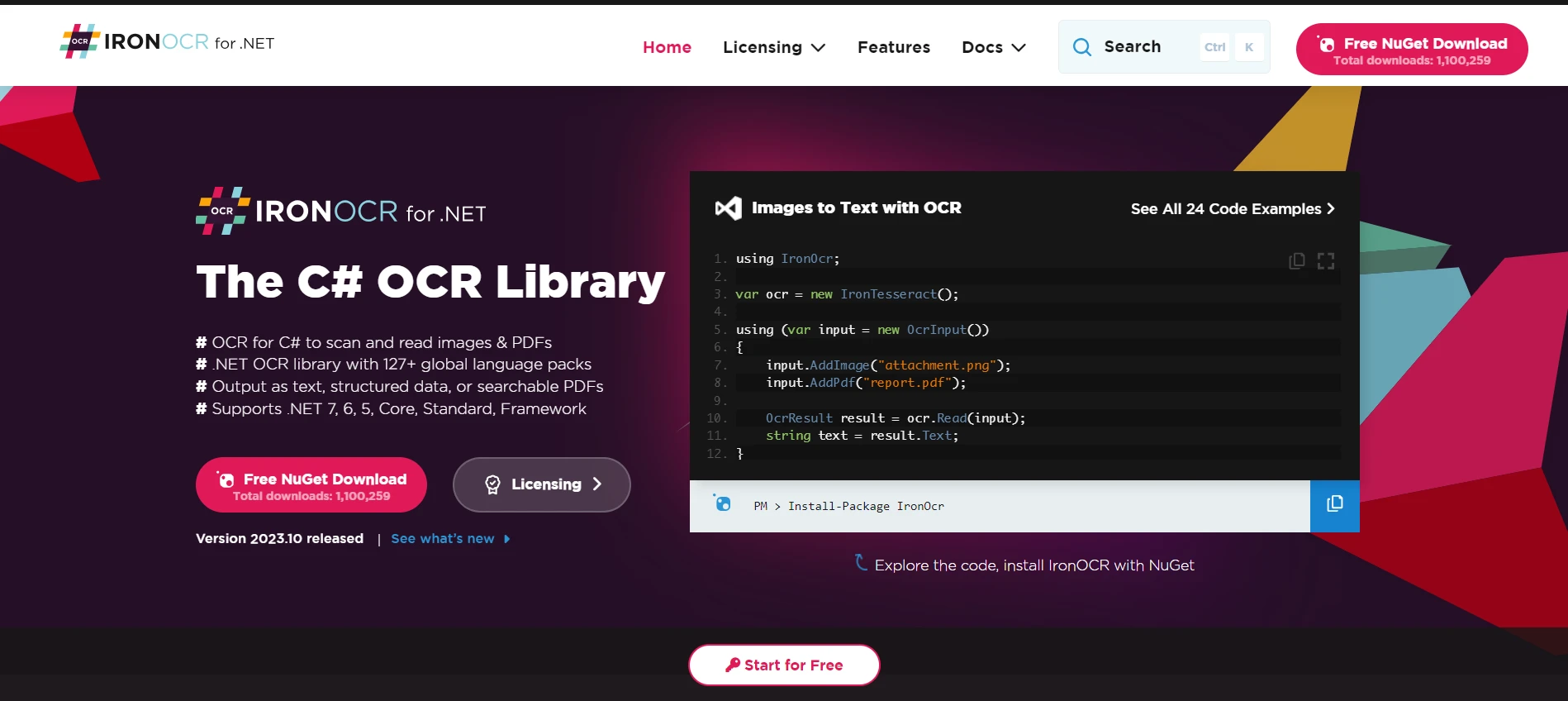
光學字元識別(OCR)已成為現代應用程式的主要技術。 IronOCR操作演示使.NET開發者能夠從圖像和文件中提取文字。 將這與SignalR的即時功能配對可以改變局勢。 考慮一個使用者上傳包含文字資料的圖像的平台。 SignalR可以在IronOCR處理完圖像後即時通知使用者,使資料提取互動且瞬間完成。
IronBarcode
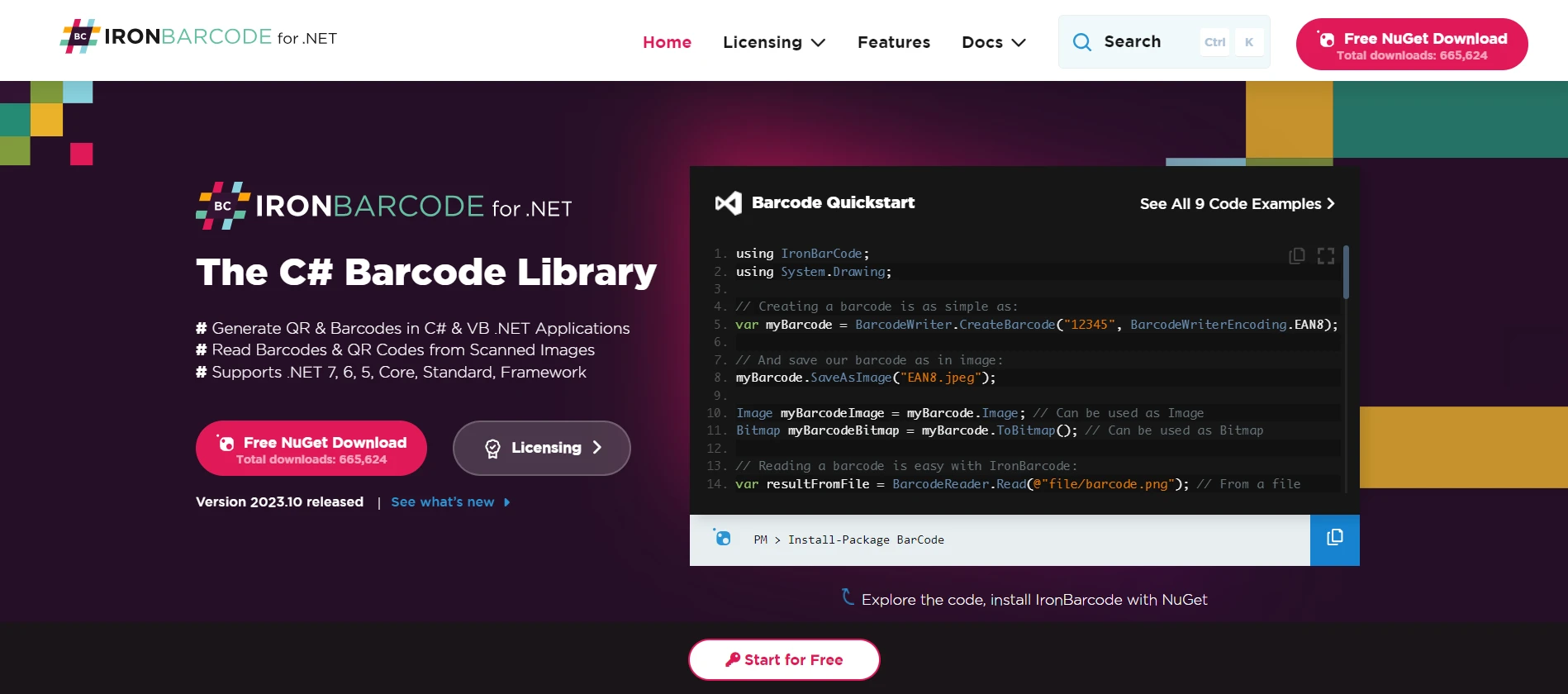
條形編碼在庫存管理、票務系統等方面是不可或缺的。 發現IronBarcode的功能 簡化了條形碼的建立和識讀過程。 現在,考慮在一個倉庫管理系統中將其與SignalR整合。 當物品被掃描時,庫存即時更新,通知連接的客戶端庫存水平,確保順利的物流操作。
結論
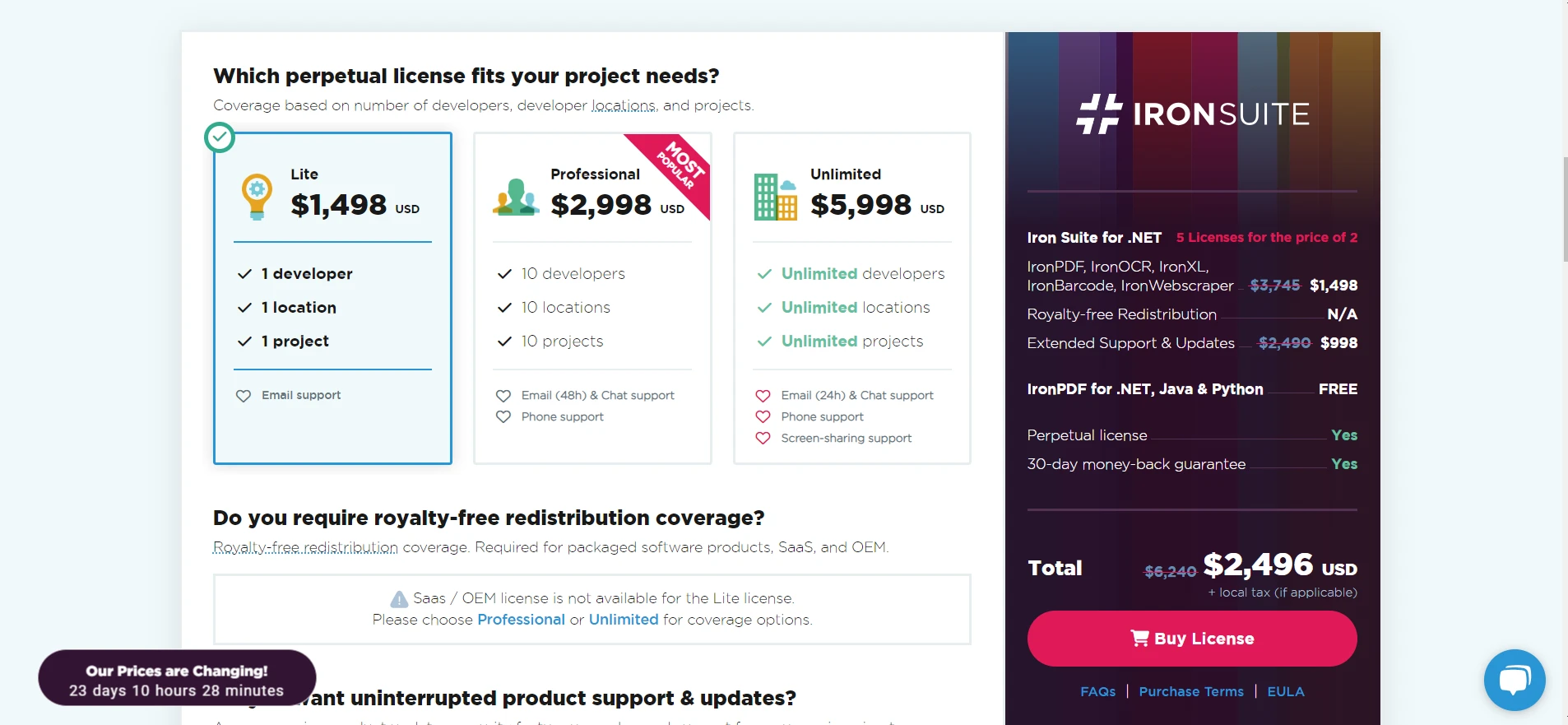
ASP.NET Core SignalR與Iron Suite強大工具的結合,為開發者和最終使用者提供了一種升級的體驗。 即時網路功能不僅僅關乎溝通,而是一種改變,當與像Iron Suite這樣的資源搭配時,可以重新定義互動應用程式。
值得注意的是Iron Suite提供的價值主張。每個產品授權從$999開始,為開發者提供一套高級功能。 然而,如果您不確定立即承諾,還可以每款產品都寬容提供免費試用Iron Software產品。 這讓您可以在做出決定前試駕這些功能。
而且,如果您正在考慮整合多個工具,那麼有一個好消息:您可以購買整個Iron Suite以增加價值,僅需支付兩個產品的價格! 這不僅確保您獲得最大的價值,還使您配備了一套全面的工具包來革新您的ASP.NET Core SignalR應用程式。
常見問題
什麼是SignalR?它如何增強網頁應用程式?
SignalR是ASP.NET Core中的一個程式庫,為應用程式新增即時網頁功能,使伺服器與客戶端之間能夠即時通信。這通過允許即時更新和反饋來實現互動和響應的網頁應用程式。
我如何在我的C#應用程式中設置SignalR?
要在C#應用程式中設置SignalR,您需要安裝ASP.NET Core SDK,並使用Visual Studio進行開發。在Startup類中新增SignalR服務,並將集線器映射到端點以建立伺服器-客戶端通信。
SignalR Hub在即時通信中扮演什麼角色?
SignalR Hub作為一個中央元件,促進伺服器和已連接客戶端之間的通信。它使能即時發送和接收消息,是SignalR功能的核心部分。
我如何在SignalR中處理即時消息?
在SignalR中,可以通過建立伺服器端集線器和客戶端腳本來管理即時消息。客戶端JavaScript建立到集線器的連接,並通過connection.on和connection.send等方法處理發送和接收消息。
SignalR的一些高級功能是什麼?
SignalR提供高級功能,如分組連接以分段通信、優雅地處理客戶端斷開連接,以及支持二進位協定以增強即時通信能力。
Azure SignalR服務如何幫助擴展應用程式?
Azure SignalR服務允許應用程式通過支持大量的同時連接來擴展。這涉及安裝Azure SignalR SDK並配置Startup類以利用Azure的基礎設施來實現可擴展的即時通信。
如何在SignalR應用程式中使用IronPDF來生成PDF?
IronPDF可以在SignalR應用程式中通過轉換HTML內容來生成PDF文件。IronPDF的RenderHtmlAsPdf方法允許無縫的PDF生成,這可以與SignalR中的即時更新整合。
IronXL為SignalR應用程式帶來哪些好處?
IronXL增強了SignalR應用程式,允許Excel文件操作。它使您能夠在您的應用程式中建立、讀取和修改Excel文件,提供資料處理能力與即時功能相結合。
IronOCR能否整合到SignalR應用程式中進行文字識別?
是的,IronOCR可以整合到SignalR應用程式中來執行光學字元識別(OCR)。這允許從圖像中即時提取文字,為應用程式提供動態文字識別功能。
在SignalR應用程式中使用IronBarcode的潛力是什麼?
IronBarcode可以在SignalR應用程式中即時生成和讀取條碼。這種功能對於需要動態條碼處理和即時資料處理的應用程式非常有益。










 免費開始
免費開始 免費開始
免費開始 預訂免費直播演示
















