



已更新 2026年4月23日
deepstream io(開發人員的工作原理)
在這篇文章中,我們將學習如何使用開放即時伺服器 deepstream 和 IronPDF 生成 PDF。
閱讀更多

Python因其簡單和易讀性而廣受讚譽,使其成為開發人員在網頁爬蟲和與API互動中的熱門選擇。促成這類互動的關鍵程式庫之一即是Python Requests 程式庫。 Requests 是Python的一個HTTP請求程式庫,可讓您直接發送HTTP請求。 在本文中,我們將深入探討Python Requests 程式庫的特性,實際範例其使用,並介紹IronPDF,展示其如何與Requests 結合以從網頁資料建立和操作PDF。
Requests 程式庫介紹Python Requests 程式庫旨在使HTTP請求更簡單且更人性化。 它將請求的複雜性抽象為簡單的API,以便您可以專注於與網頁上的服務和資料互動。 不論您需要抓取網頁、與REST API互動、禁用SSL憑證驗證,或發送資料到伺服器,Requests 程式庫都能滿足您的需求。
Requests要開始使用Requests,您需要安裝它。 可以使用pip進行安裝:
pip install requests這是一個簡單範例,說明如何使用Requests 抓取網頁:
import requests

# Send a GET request to the specified URL
response = requests.get('https://www.example.com')

# Print the status code of the response (e.g., 200 for success)
print(response.status_code)

# Print the HTML content of the page
print(response.text)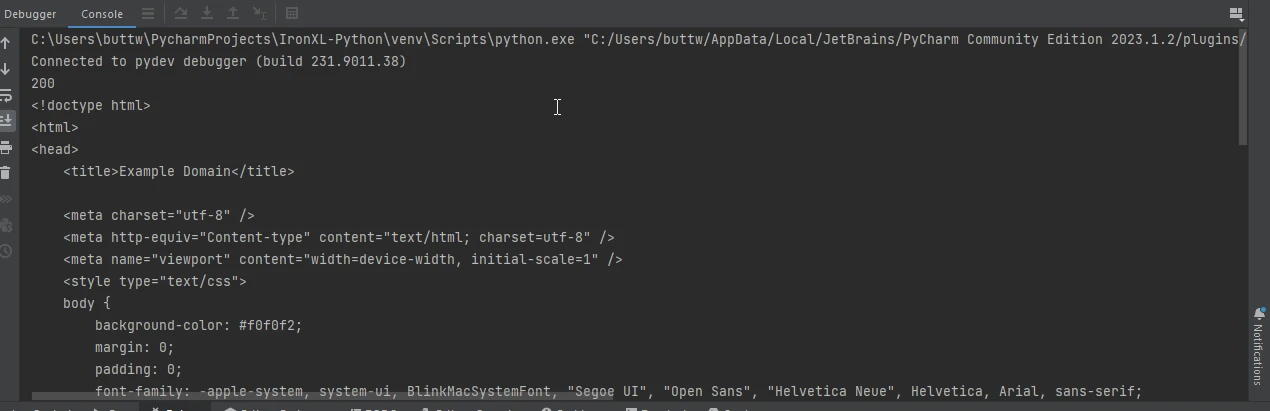
通常,您需要將參數傳遞給URL。 Python Requests 模組使這變得簡單,使用params 關鍵字:
import requests

# Define the parameters to be sent in the URL
params = {'key1': 'value1', 'key2': 'value2'}

# Send a GET request with parameters
response = requests.get('https://www.example.com', params=params)

# Print the full URL including the parameters
print(response.url)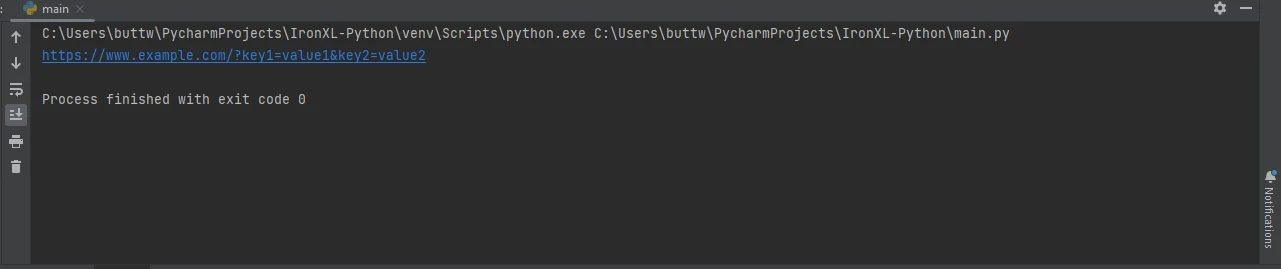
與API互動通常涉及JSON資料。 Requests 使這變得簡單,內建JSON支持:
import requests

# Send a GET request to retrieve JSON data
response = requests.get('https://jsonplaceholder.typicode.com/todos/1')

# Convert the JSON response to a Python dictionary
data = response.json()

# Print the JSON data
print(data)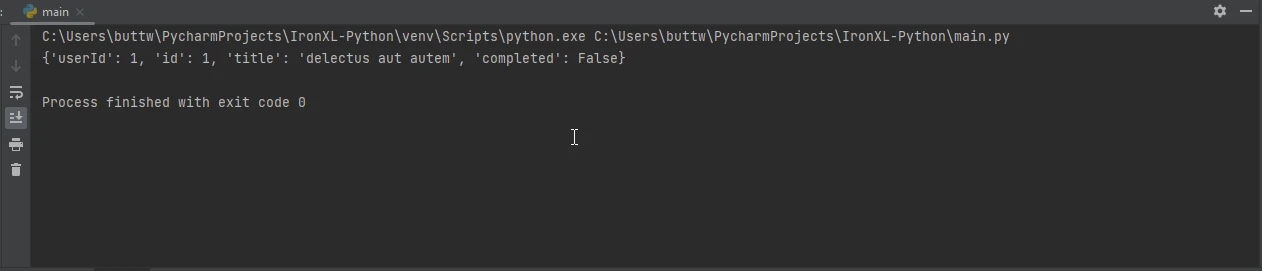
Headers對HTTP請求至關重要。 您可以這樣新增自定義headers到您的請求中:
import requests

# Define custom headers
headers = {'User-Agent': 'my-app/0.0.1'}

# Send a GET request with custom headers
response = requests.get('https://www.example.com', headers=headers)

# Print the response text
print(response.text)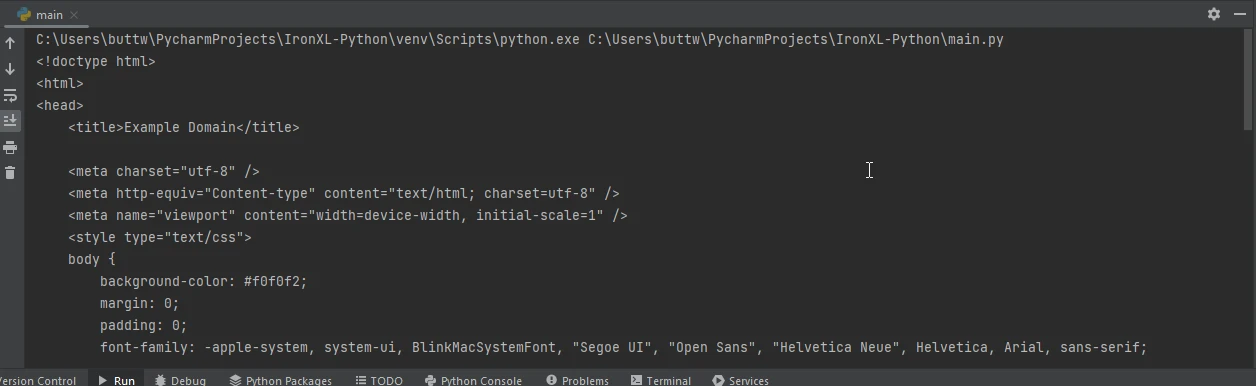
Requests 也支持文件上傳。 以下是如何上傳文件的範例:
import requests

# Define the files to be uploaded
files = {'file': open('report.txt', 'rb')}

# Send a POST request with the file
response = requests.post('https://www.example.com/upload', files=files)

# Print the status code of the response
print(response.status_code)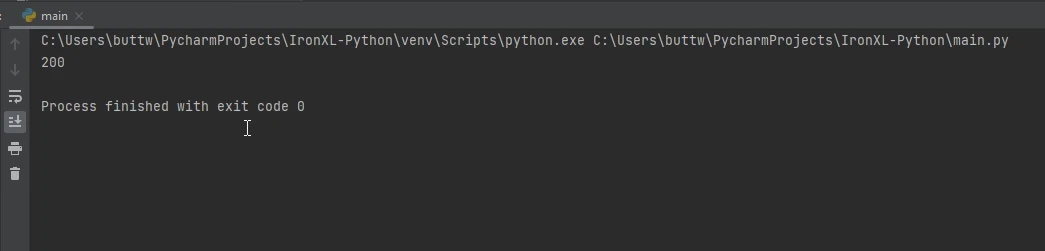
IronPDF是一個多功能的PDF生成程式庫,可用於在Python應用程式中建立、編輯和操作PDF。 當您需要從HTML內容生成PDF時,它特別有用,使其成為建立報告、發票或其他需要以便攜格式分發的文件的好工具。
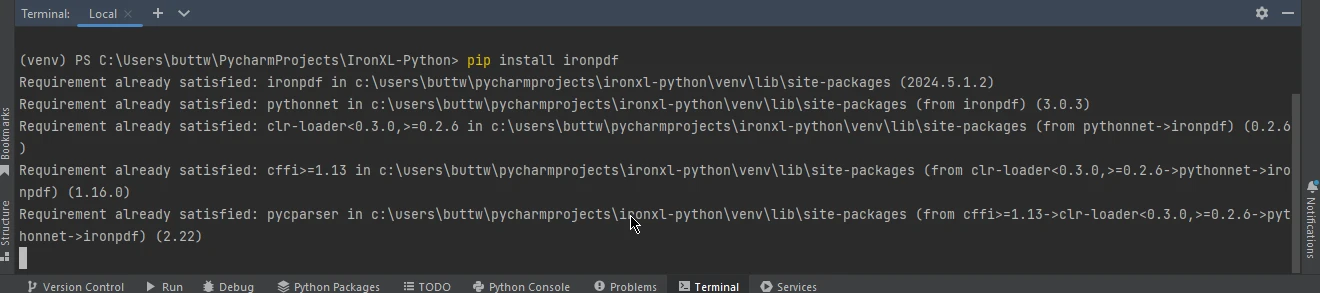
要安裝IronPDF,請使用pip:
Requests 結合使用結合Requests 和IronPDF可以讓您從網頁中抓取資料並直接將其轉換為PDF文件。 這對於從網頁資料建立報告或將網頁保存為PDF特別有用。
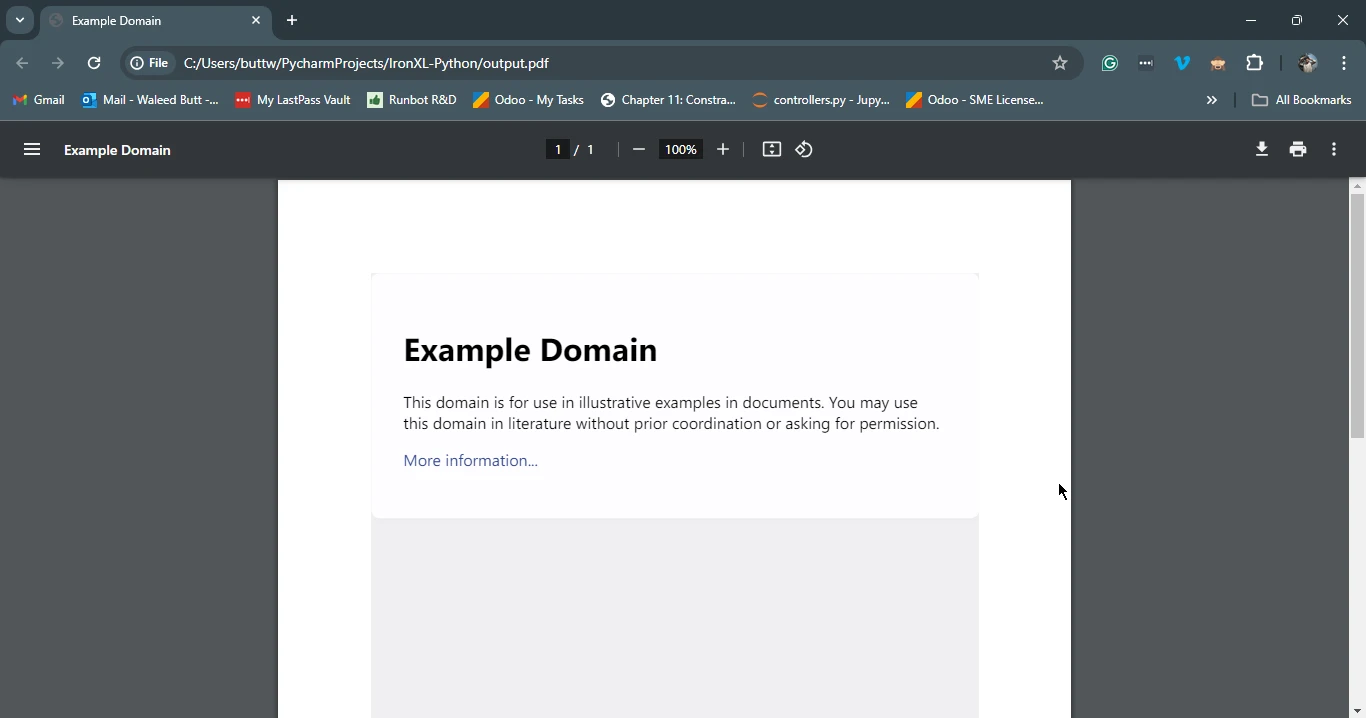
以下是一個使用Requests 抓取網頁,然後使用IronPDF將其保存為PDF的範例:
import requests
from ironpdf import ChromePdfRenderer

# Fetch a web page
url = 'https://www.example.com'
response = requests.get(url)

if response.status_code == 200:
    # Extract the HTML content from the response
    html_content = response.text

    # Initialize the PDF renderer
    renderer = ChromePdfRenderer()

    # Render the HTML content as a PDF
    pdf = renderer.RenderHtmlAsPdf(html_content)

    # Save the generated PDF to a file
    pdf.save('output.pdf')
    print('PDF created successfully')
else:
    # Print an error message if the request was not successful
print(f'Failed to retrieve the webpage. Status code: {response.status_code}')此腳本首先使用Requests抓取指定URL的HTML內容。 然後它使用IronPDF將這個響應物件的HTML內容轉換為PDF,並將生成的PDF保存到文件中。
Requests 程式庫是任何需要與Web API交互的Python開發人員的必備工具。其簡單性和易用性使其成為發送HTTP請求的首選。 當與IronPDF結合使用時,它打開了更多的可能性,允許您從網頁中抓取資料並將其轉換為專業品質的PDF文件。 無論您是在建立報告、發票還是歸檔網頁內容,Requests 和IronPDF的結合為您的PDF生成需求提供了強大的解決方案。
關於IronPDF授權的進一步資訊,請參閱IronPDF授權頁。 您也可以探索我們的詳細教程,了解更多關於HTML轉PDF轉換的見解。

Curtis Chau擁有Carleton大學的電腦科學學士學位,專精於前端開發,擁有Node.js、TypeScript、JavaScript和React的專業知識。Curtis熱衷於建立直觀且美觀的使用者介面,喜愛使用現代框架並建立結構良好、視覺吸引力的手冊。



IronPDF 是 IRONSUITE 的一部分
10 款適用於辦公室文件的 .NET API 產品

當您需要您的PDF看起來像HTML一樣快速。











