
Rendering Fixes in IronPdf.UpdatedChrome

Some HTML and CSS features render incorrectly under the standard IronPdf package because it ships an older Chromium engine. The IronPdf.UpdatedChrome package carries a newer engine that fixes several of these cases by design.
The standard IronPdf package bundles CEF engine version 109 for compatibility with older Windows Servers. IronPdf.UpdatedChrome bundles CEF engine version 131, giving more reliable pixel-perfect output than Chrome browser print preview. If your output looks wrong only on modern CSS, the engine version is the likely cause.
Solution
Switch the dependency to IronPdf.UpdatedChrome and re-render. The cases below are resolved by the newer engine with no code changes.
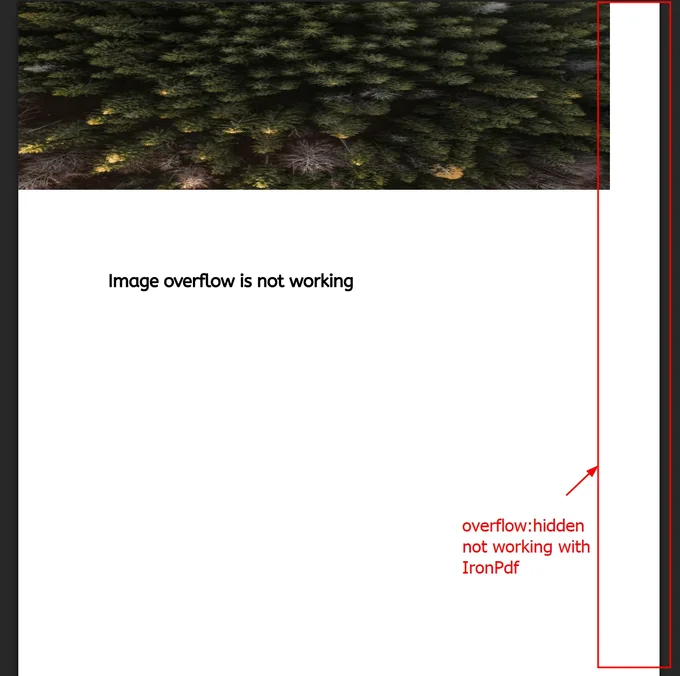
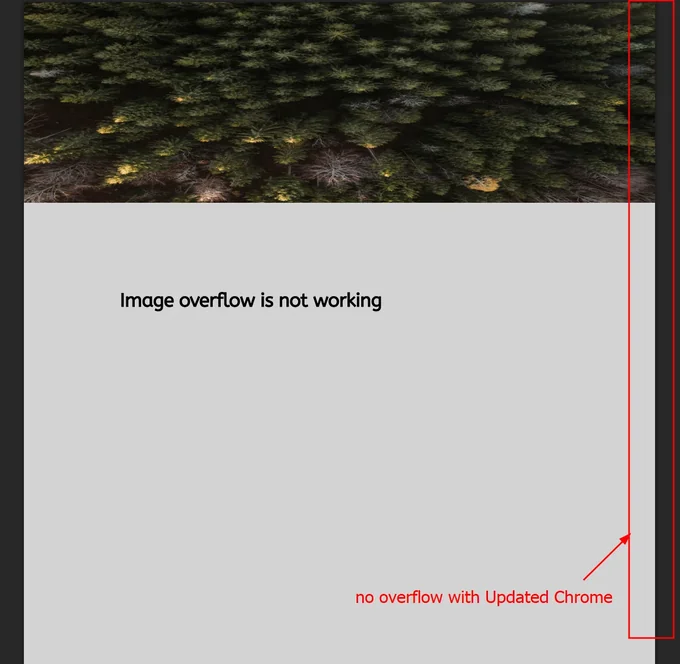
1. CSS overflow: hidden
Content clipped by overflow: hidden renders as expected under the updated engine, where the standard package fails to honor the rule.
2. Custom Line Height and Paper Size
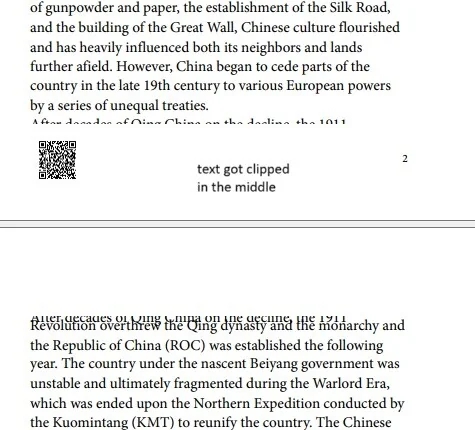
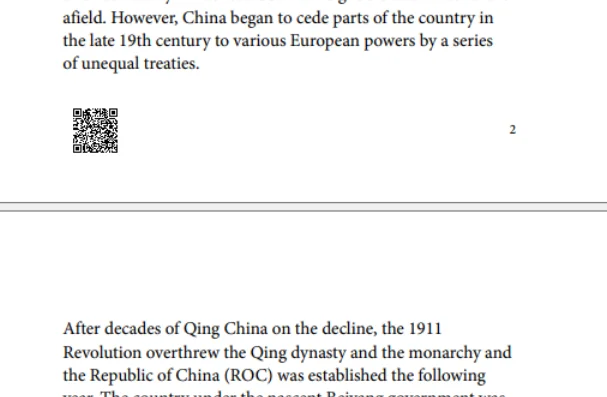
A layout using line-height: 129% on a custom 6 x 9 inch paper size places text correctly under IronPdf.UpdatedChrome. Text position is adjusted to match the intended design.
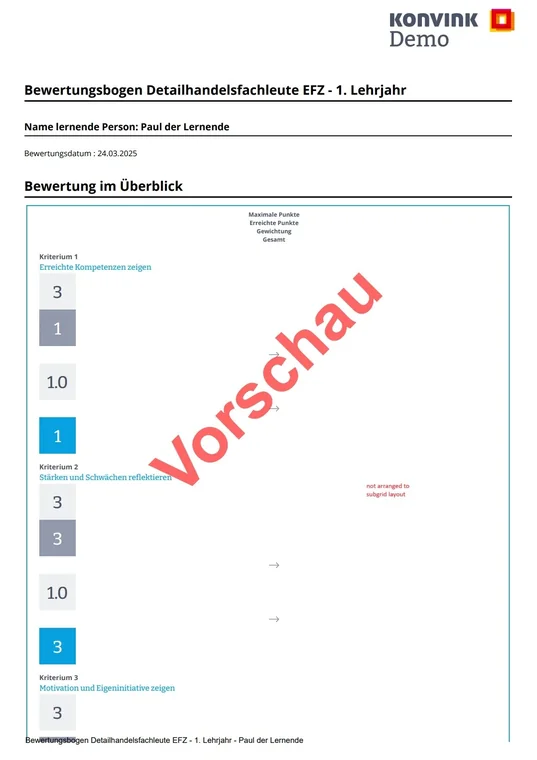
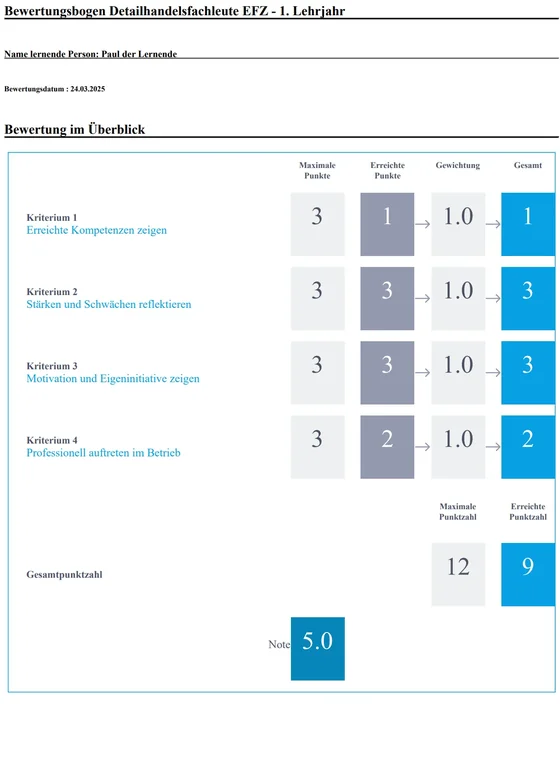
3. Grid Layout with subgrid
<div style="display: grid; grid-template-columns: 1fr 1fr 1fr">
<div style="display:grid; grid-template-columns: subgrid; grid-column: 1/4">The updated engine resolves the inner grid to subgrid as expected. The older engine in the standard package does not support this layout correctly.

Curtis Chau holds a Bachelor’s degree in Computer Science (Carleton University) and specializes in front-end development with expertise in Node.js, TypeScript, JavaScript, and React. Passionate about crafting intuitive and aesthetically pleasing user interfaces, Curtis enjoys working with modern frameworks and creating well-structured, visually appealing manuals.













