
MaxHeight vs UseMarginsOnHeaderAndFooter

When you render a PDF with headers and footers, two properties commonly get conflated: MaxHeight and UseMarginsOnHeaderAndFooter. They control different things, and mixing them up leads to clipped content or unexpected overlaps. Here is what each one does and when to reach for it.
MaxHeight
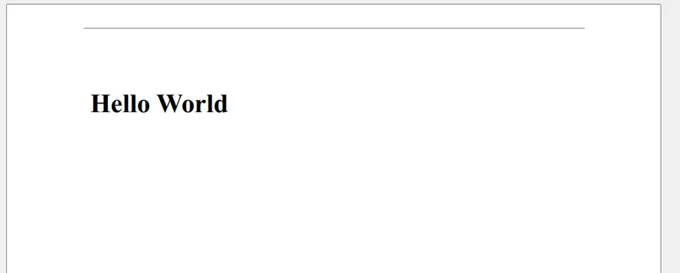
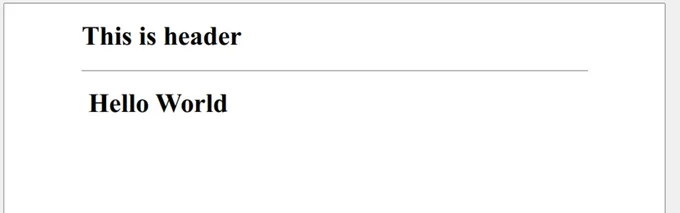
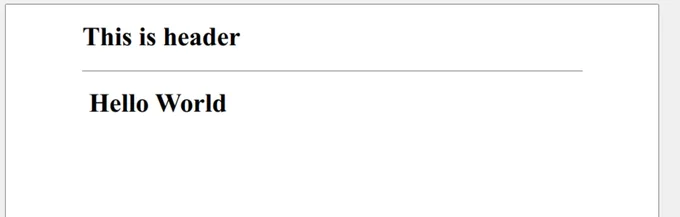
MaxHeight sets the maximum height allocated to the header or footer section in the rendered PDF. By default, IronPDF adjusts this height dynamically so all header or footer content fits.
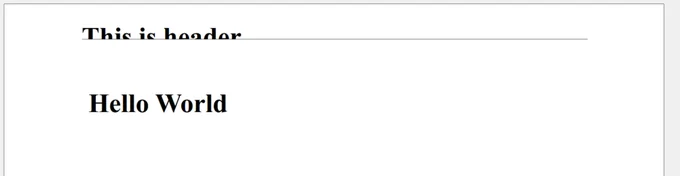
Manually lowering MaxHeight clips or hides any content that exceeds the value you set. Going the other way, an oversized value does not enlarge the visible header or footer; IronPDF falls back to its default sizing to keep the layout stable.
UseMarginsOnHeaderAndFooter
Headers and footers have their own layout handling, separate from the content margins set through ChromePdfRenderOptions. For precise spacing, define margins directly in the HTML of the Header or Footer object:
var renderer = new ChromePdfRenderer();
renderer.RenderingOptions.HtmlHeader = new HtmlHeaderFooter()
{
    HtmlFragment = @"<div style=""margin-top: 20px; margin-right: 40px; margin-bottom: 10px; margin-left: 30px; background-color: lightblue;"">
   This is Header
  </div>",
  DrawDividerLine = true,
  MaxHeight = 30
};
var pdf = renderer.RenderHtmlAsPdf("<h1>Hello World</h1>");Styling the header inside its own HtmlFragment keeps spacing predictable, since the margins live with the content they apply to.
The UseMarginsOnHeaderAndFooter property extends the main content margins (such as left and right) to the header and footer sections. Use it carefully: applying vertical margins (top and bottom) this way often produces overlapping content and other surprises.
- Recommended: Apply it only for left and right margin alignment when you need it, or pair it with the
AddHtmlHeaders()andAddHtmlFooters()methods whenUseMargins.Allis required. - Avoid: Using it for top and bottom margins unless you have tested the resulting layout.

Curtis Chau holds a Bachelor’s degree in Computer Science (Carleton University) and specializes in front-end development with expertise in Node.js, TypeScript, JavaScript, and React. Passionate about crafting intuitive and aesthetically pleasing user interfaces, Curtis enjoys working with modern frameworks and creating well-structured, visually appealing manuals.













